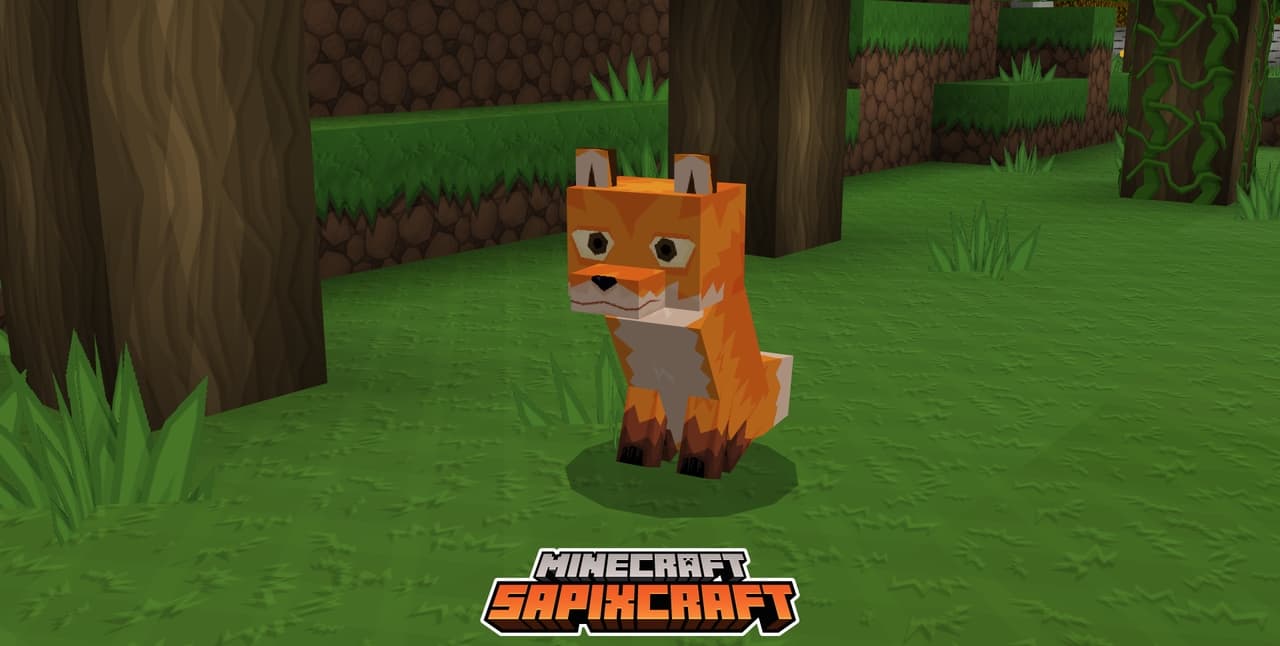
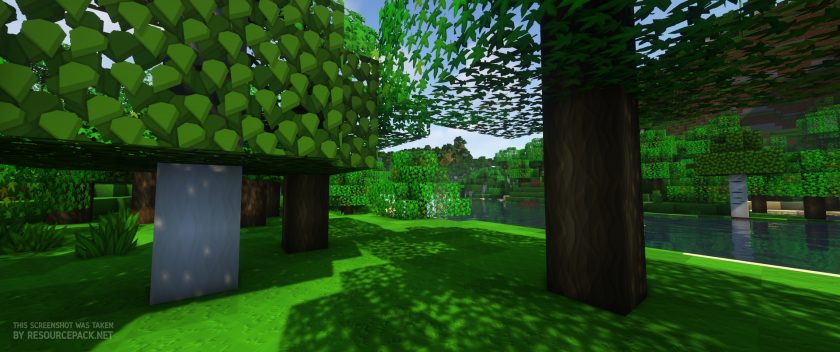
SapixCraft is a resource pack created by Sapix. This texture pack is perfect for the type of player that wants to witness Minecraft in an unbelievable way like never before. It’s a resource pack which the community has been waiting for a long time and there is a good reason for that. The interesting thing is that it is still under development and is actively being updated for new versions of minecraft. It just looks amazing. What about the textures itself? It’s a minimalist style texture pack. Which means that there won’t be a lot of significant changes compared to the regular feel of Minecraft. However, this doesn’t mean that there isn’t anything special. The thing that makes this resource pack special is the incredible textures that are nothing like the other texture packs that are out there. So far everything sounds good, right? Well, there’s a catch.
Featured video:
SapixCraft resource pack has a resolution of x512. That’s crazy when you consider that the default Minecraft texture pack has a resolution of x16. And yeah, you’ll definitely see and feel one of the greatest resource packs ever made. Can you imagine how good Minecraft is going to look? All that means is that you’ll definitely need a pretty good PC. And by pretty good PC I mean really good PC. Don’t get discouraged because there is some good news. Sapix has taken into consideration the fact that not everyone will be able to run this masterpiece of a texture pack. And he developed other lower resolution options that way everyone can try it. As for future plans, he’s thinking of adding connected textures which will contribute even more to the beauty of SapixCraft. Now, when it comes to bugs and glitches, they very rarely occur, so don’t even worry about it and enjoy!
SapixCraft should be compatible with all of these Minecraft versions: 26.1 - 1.21.11 - 1.21.10 - 1.21.9 - 1.21.8 - 1.21.7 - 1.21.6 - 1.21.5 - 1.21.4 - 1.21.3 - 1.21.2 - 1.21.1 - 1.21 - 1.20.6 - 1.20.5 - 1.20.4 - 1.20.3 - 1.20.2 - 1.20.1 - 1.20 - 1.19.4 - 1.19.3 - 1.19.2 - 1.19.1 - 1.19 - 1.18.2 - 1.18.1 - 1.18 - 1.17.1 - 1.17 - 1.16.5 - 1.16.4 - 1.16.3 - 1.16.2 - 1.16.1 - 1.16 - 1.15.2 - 1.15.1 - 1.15 - 1.14.4 - 1.14.3 - 1.14.2 - 1.14 - 1.13.2 - 1.13.1 - 1.13 - 1.12.2 - 1.12 - 1.11.2 - 1.11 - 1.10.2 - 1.10 - 1.9.4 - 1.9 - 1.8.9 - 1.8.8 - 1.8.1 - 1.8.6 - 1.8 - Bedrock Edition - PE
SapixCraft — Video & Screenshots
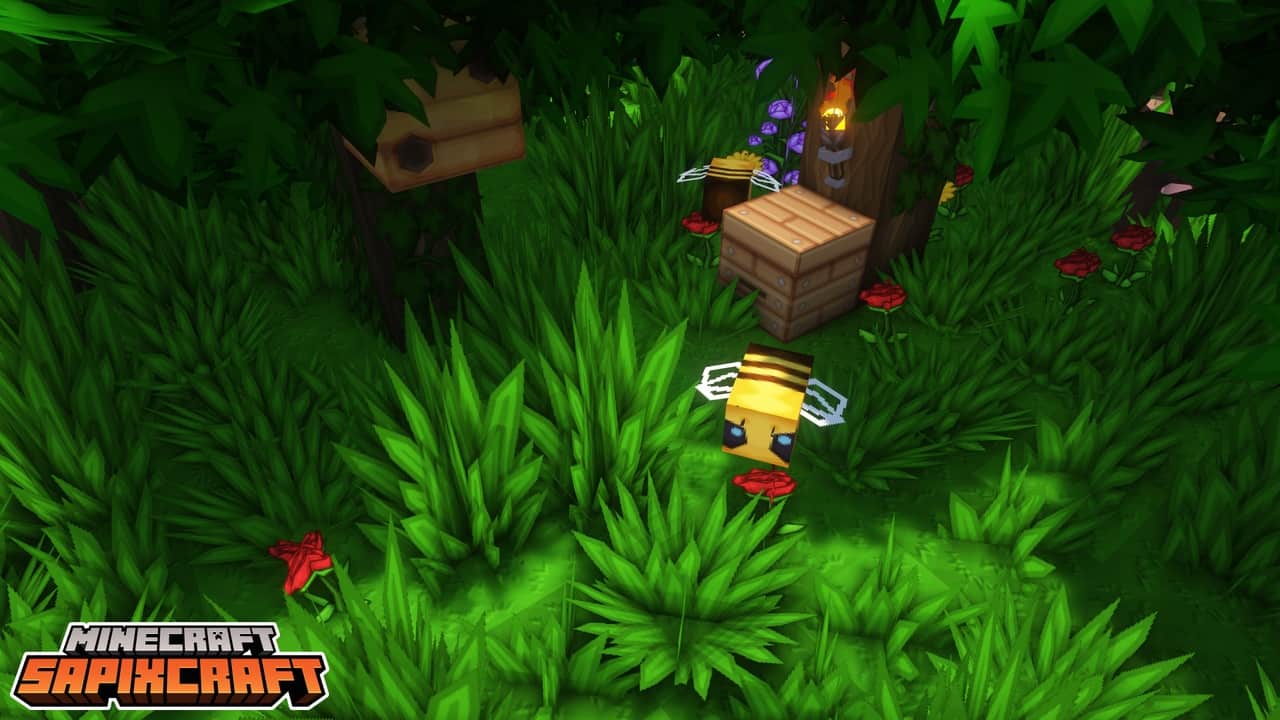
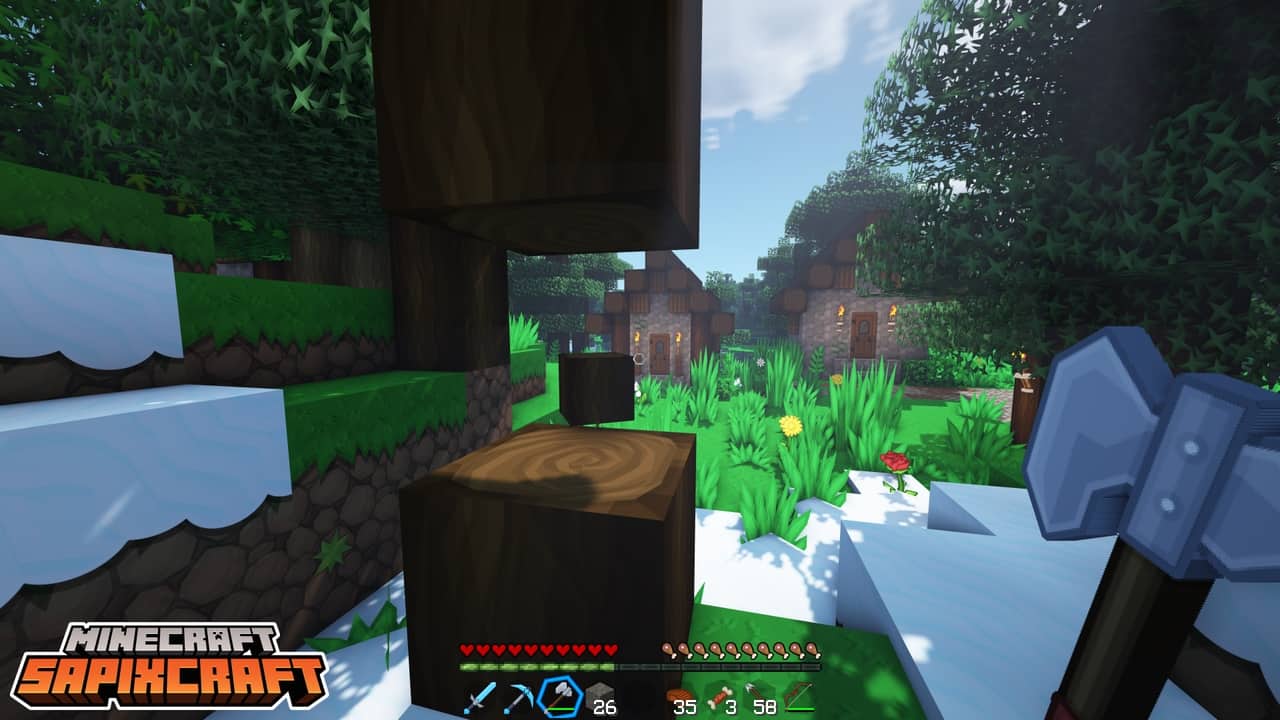
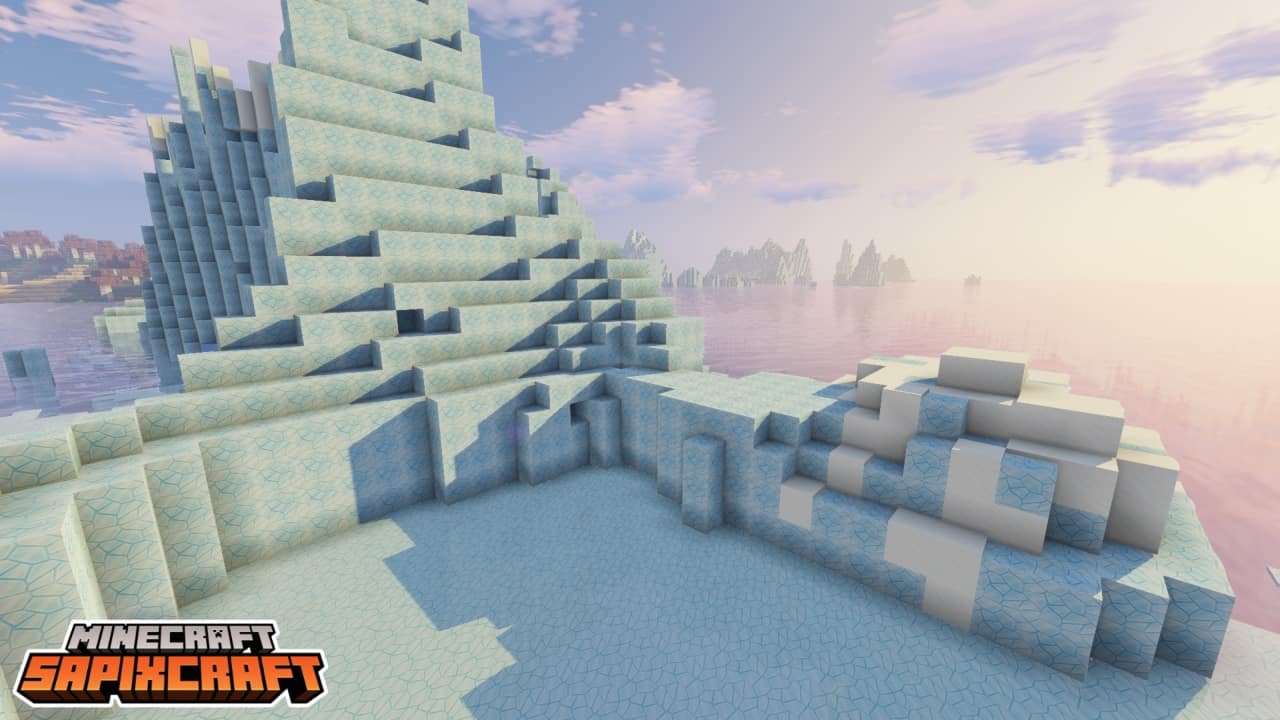
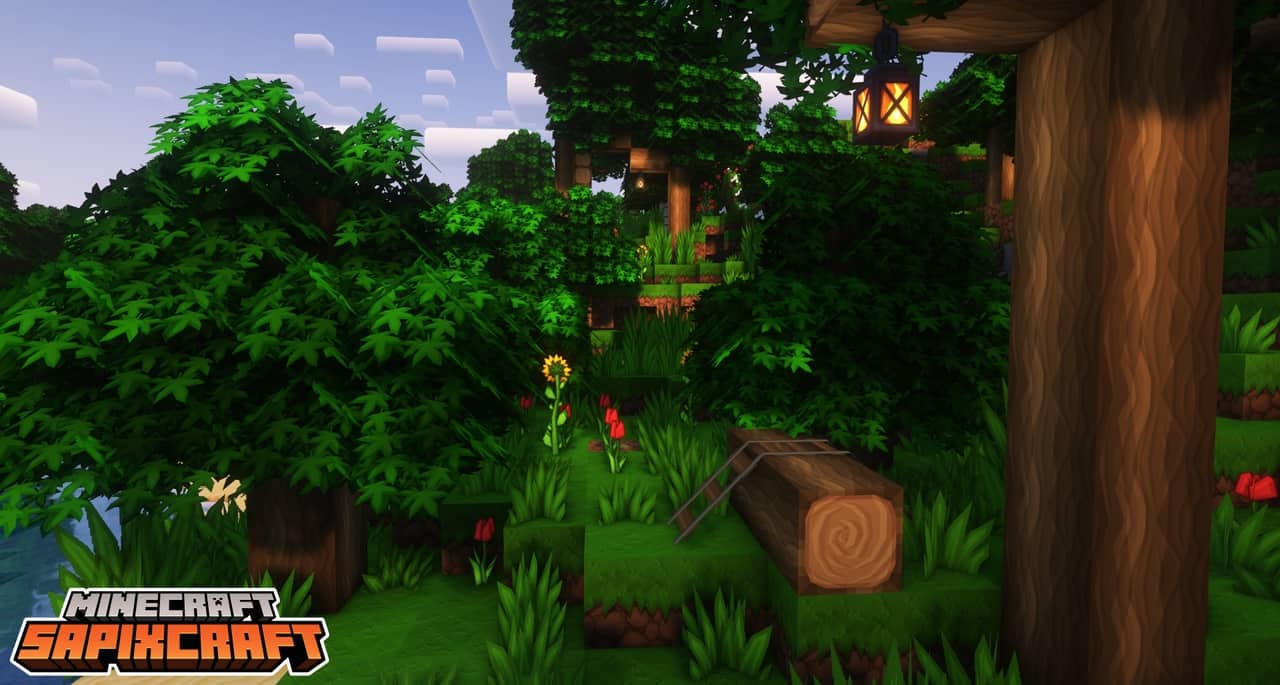
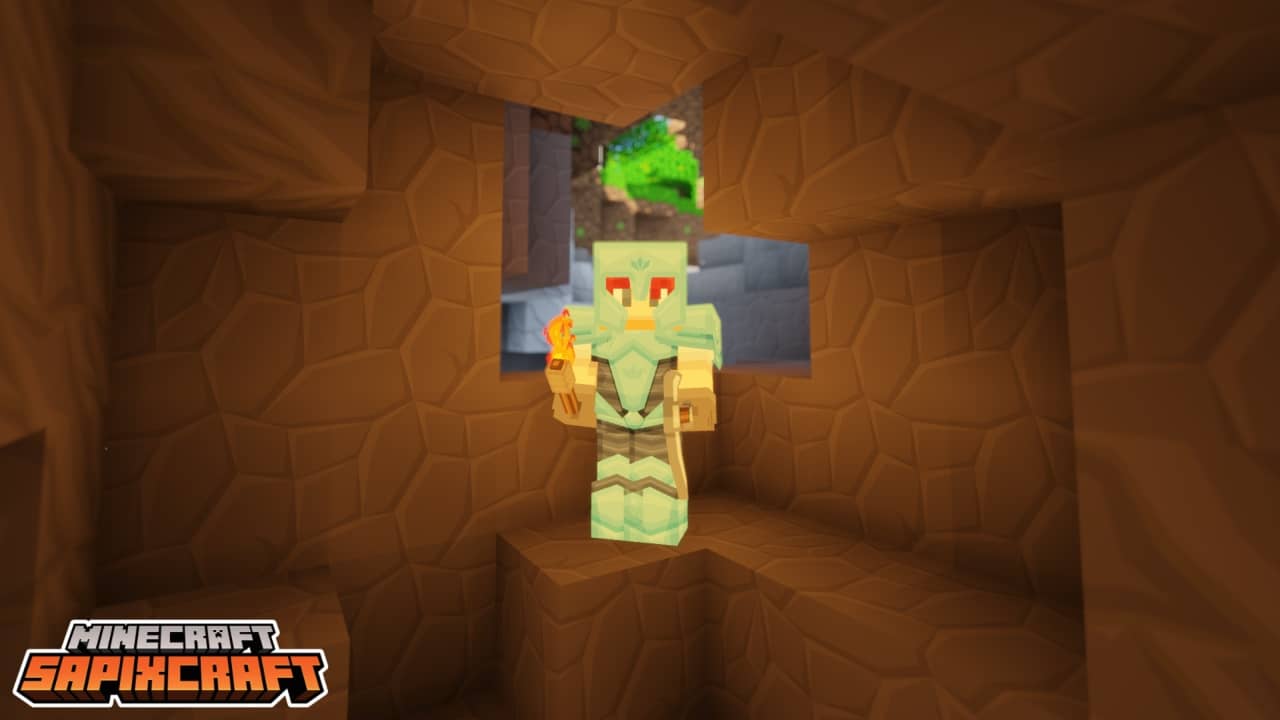
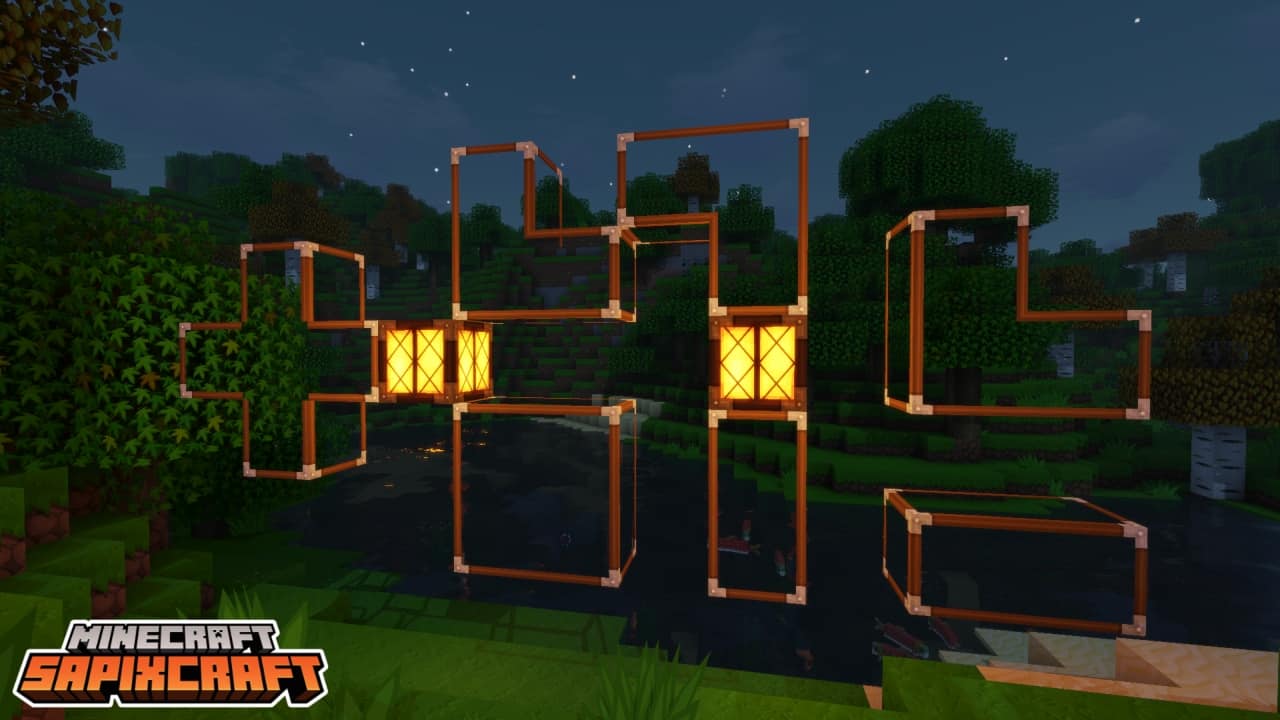
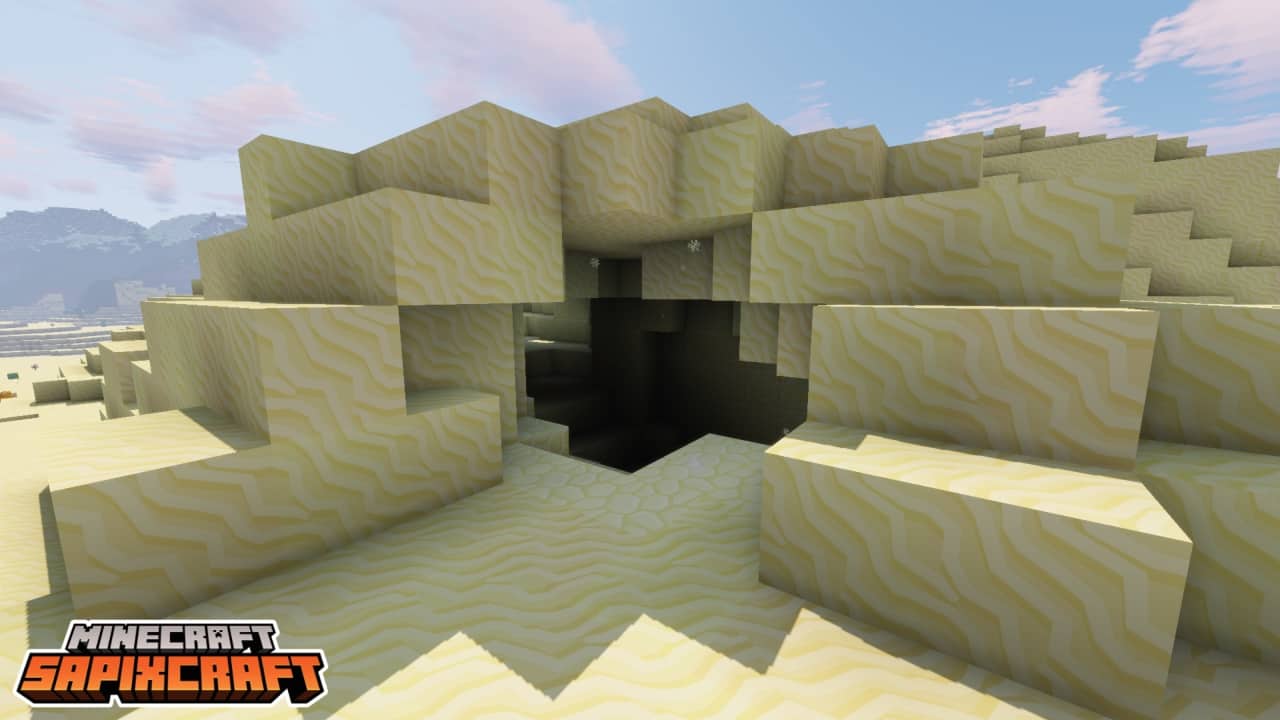
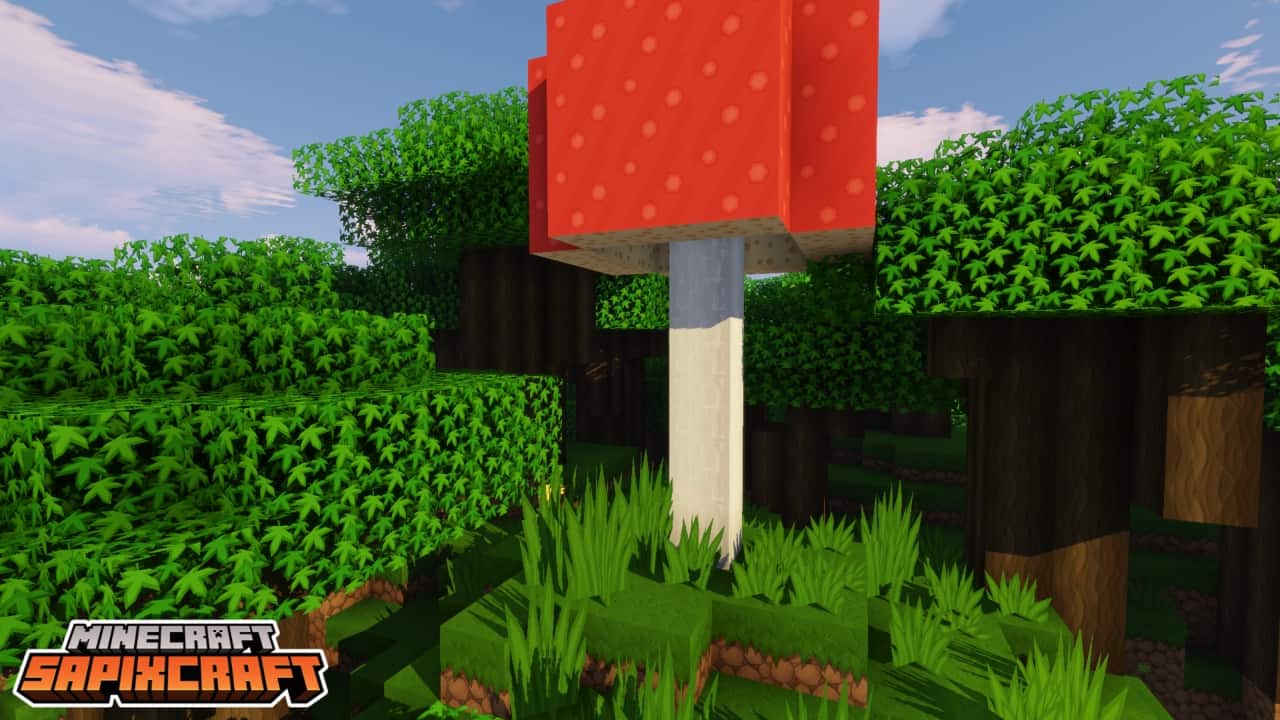
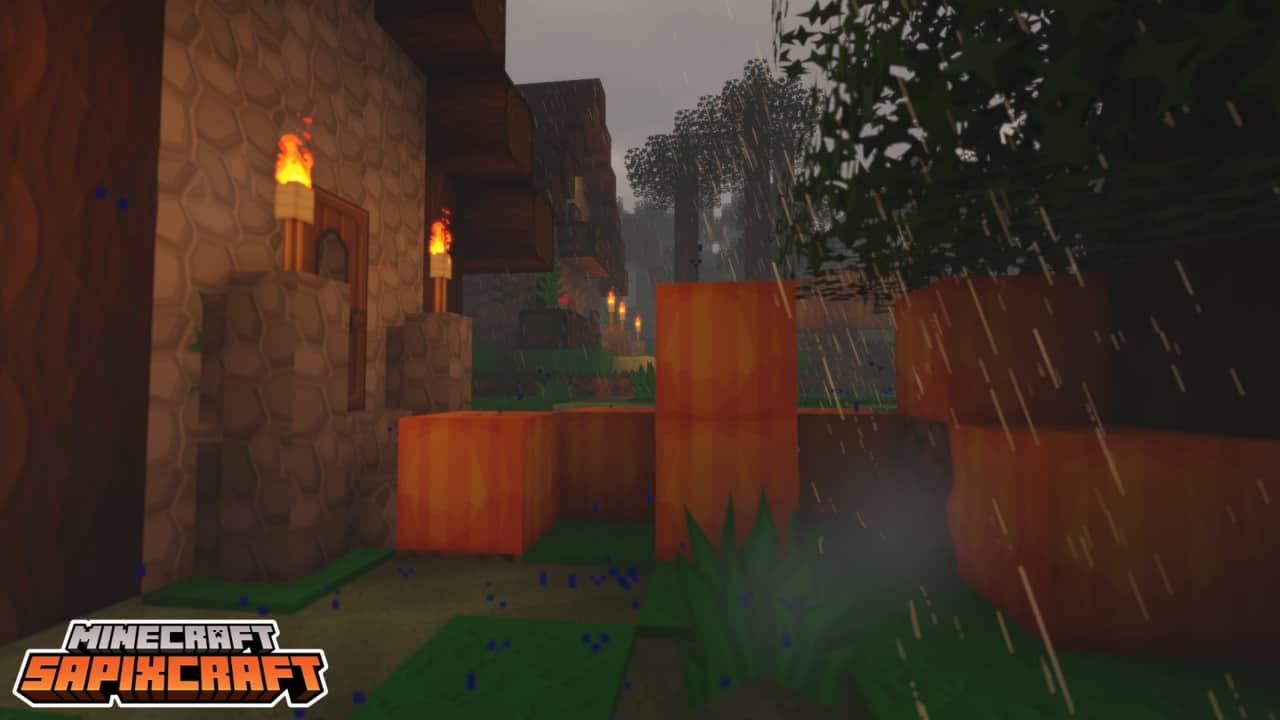
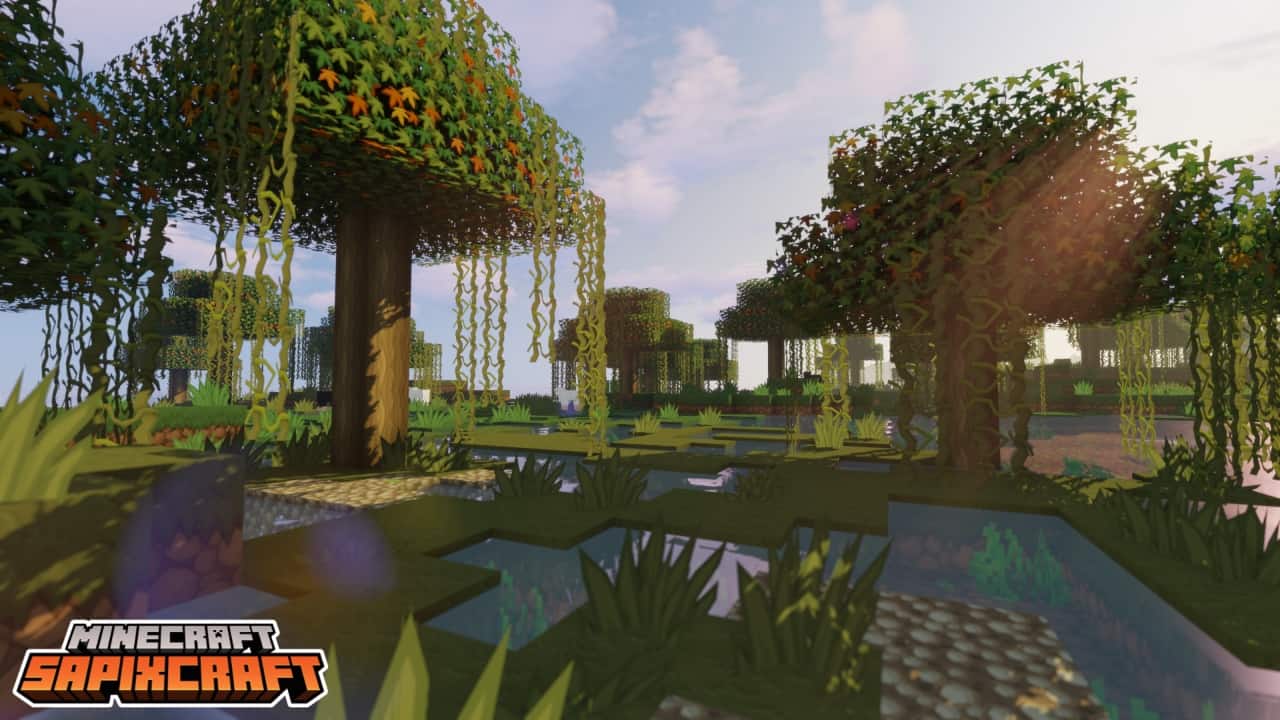

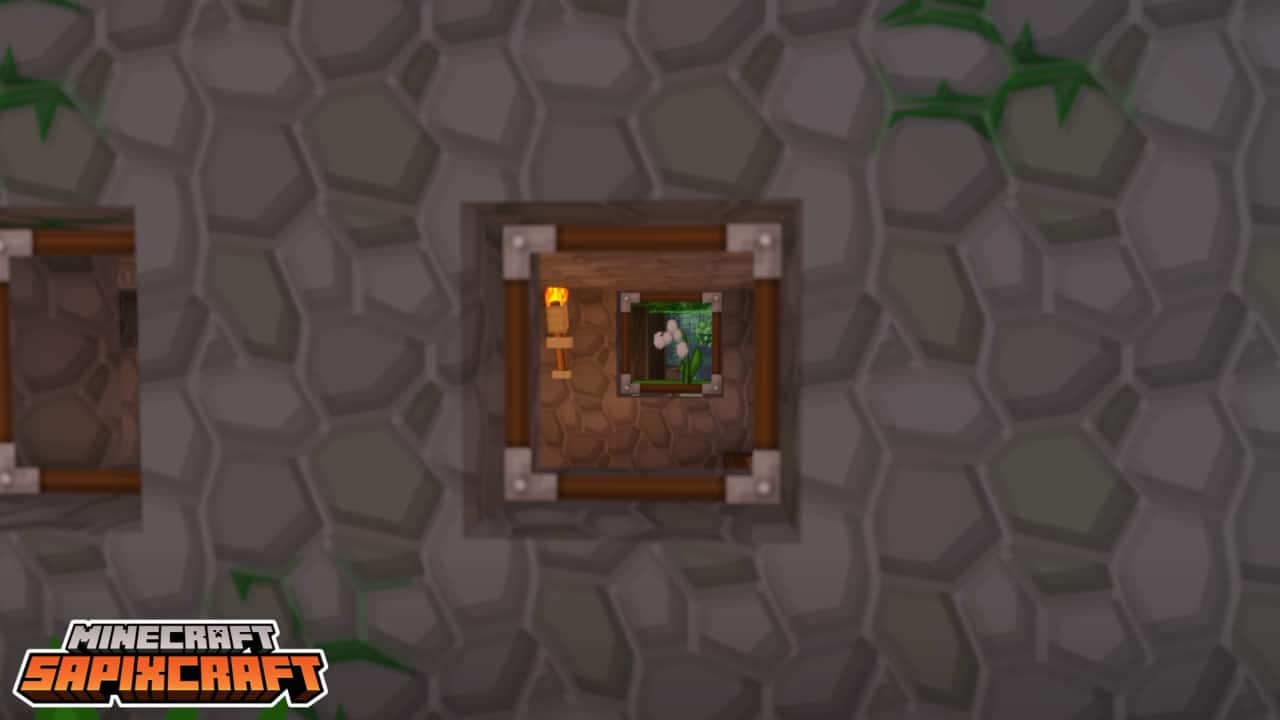
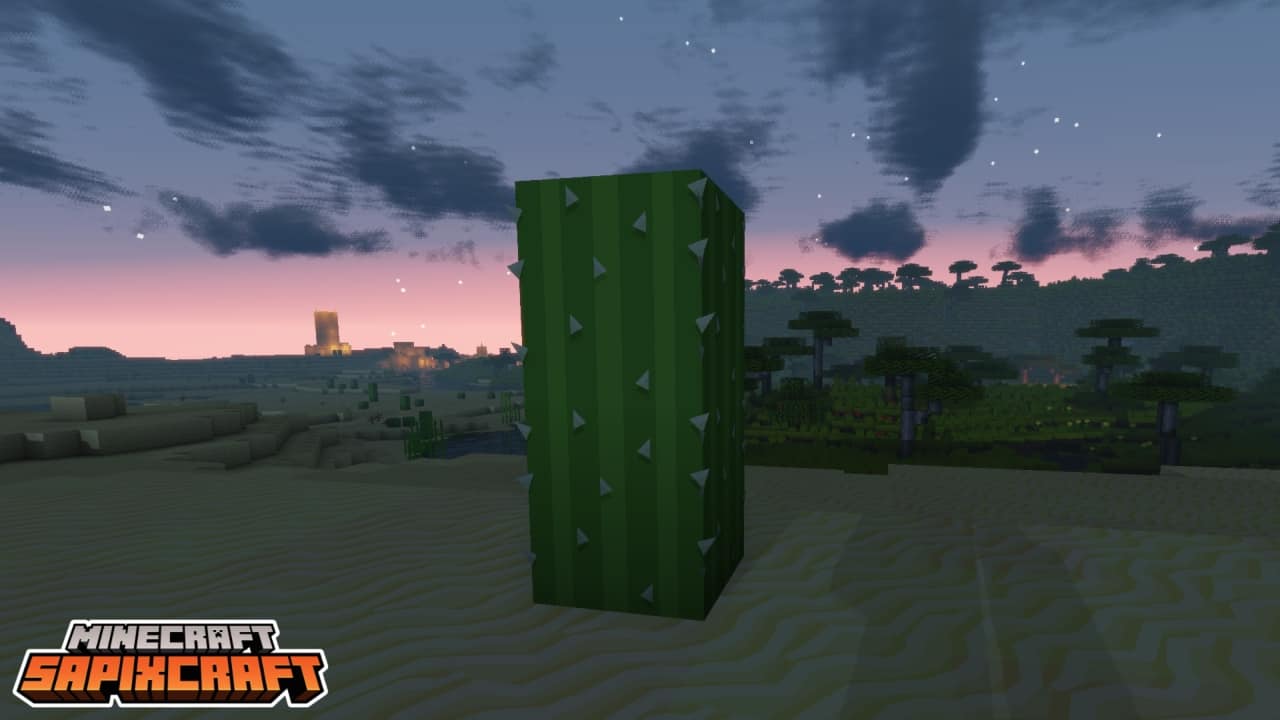

How to install SapixCraft Resource Pack:
- Most resource packs require Optifine, so be sure to download and install it. – general recommended step for all packs, Optifine is also needed for most shaders
- Download the SapixCraft texture pack for Minecraft from the download section below. – if there are many different versions, just choose the one you like, is compatible with your version/edition of Minecraft, the one you think your computer can handle in terms of performance.
- Launch the game client through the Minecraft launcher.
- On the main menu, click "Options".
- On the options menu, click "Resource Packs...".
- Click on "Open Resource Pack Folder". – folder titled "resourcepacks" will pop up
- Move the .zip file you downloaded in the first step to the newly opened "resourcepacks" folder.
- Click "Done".
- Click on "Resource Packs..." again.
- Your pack should have appeared in the left window, just hover over it and click on the arrow pointing to the right.
QUICK TIP: Sometimes, when activating a pack, the game may say that the pack is made for a newer or older version of Minecraft. This is just a warning, it does not affect your gameplay in anyway, and you can still activate and enjoy the pack by simply clicking the "Yes" button when prompted.
- Click "Done" again.
- The pack has now been successfully loaded and ready to be used in your world!
SapixCraft - Comparison Slider #1 Without shaders
Comparison slider #1 for those who want to compare vanilla Minecraft without any texture packs installed (on the left) with Minecraft using this particular texture pack (on the right).
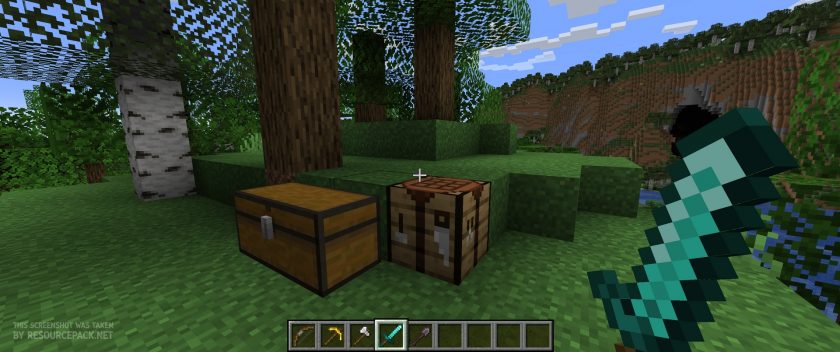 Vanilla
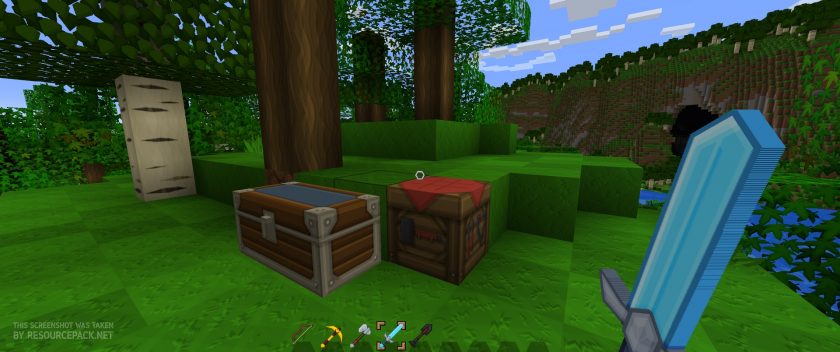 SapixCraft
SapixCraft - Comparison Slider #2 With Complementary Shaders
Comparison slider #2 for those who want to compare vanilla Minecraft without any texture packs installed (on the left) with Minecraft using this particular texture pack (on the right).
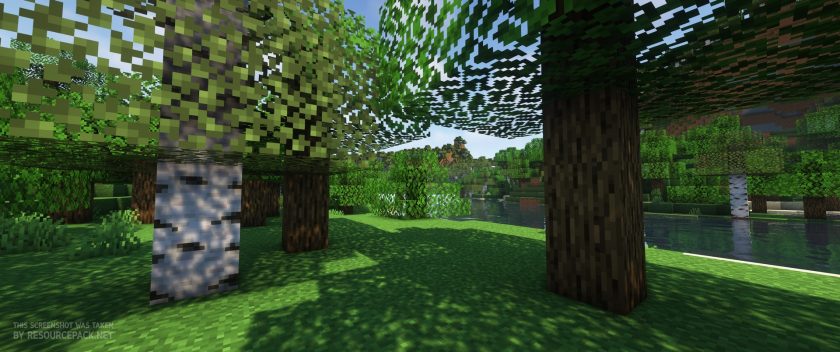 Vanilla (Complementary Shaders)
 SapixCraft (Complementary Shaders)
SapixCraft Texture Pack Download
- We do not modify or edit any resource packs. All resource packs, shaders and tools found on this website are linked directly to official sources rather than hosted on our own servers. We provide only the official download links from the original creators to ensure that your files are safe and secure.
- These official links are updated manually and may occasionally stop working when a new version is released. We work hard to keep everything current so that you have a smooth experience. Please let us know in the comments if you find a link that no longer works.
- Minecraft is a trademark of Mojang Studios and has no official connection to this website. Our goal is simply to share the best creations from the community with other players.
- Please consider leaving a comment or voting for your favorite packs. This feedback helps authors improve their projects over time. You can also support the creators directly by visiting the official links located below the download section.
Bedrock Edition:
Get SapixCraft for Bedrock Edition here – SapixCraft is available on the Marketplace for 990 Minecoins.
Java Edition:
Download SapixCraft Resource Pack from Official Website
Add-ons:
SapixCraft Colossal items Add-on
Curseforge: download starts automatically after a few seconds;
Mediafire: click the big blue button with the text "DOWNLOAD";
Google Drive: in the top right corner you will see a small download icon (down arrow), click it and the download should start;

5,036 votes
Look.. 5036 users have already liked this pack. Give a diamond if you like it too!


vaz
Costs money for a replica pack? Nah.
Deez
This is clearly plagiarism of Sphax’s PureBD which has been around for like 10 years at least. Its blatantly obvious. Expecially when you look at the author’s name “Sapix” with an “S” in the beginning “P” in the middle and “X” at the end. I haven’t played MC ina long time and came on here to get some packs, and I literally thought this was BD craft when I first saw it. Plagiarism. You can even tell he took BD craft and just tweaked it.
AstriaTheFox
The links for the 1.12.x versions are broken.
catt
when you turn off ad blockers to down load, your links redirect people to download a web browser they don’t want. fix this, as it is malware and will give your site a bad name.
Admin
All links we post are official links provided by the original authors. We never re-upload packs so if you have any link related issues, you should contact the developers directly. There is a link to the discord, where you can contact the authors. But we just checked and everything works fine for us: the bedrock link redirects to the official minecraft marketplace page where you can get the pack for coins, the java version redirects to the official sapixcraft website where you have to select the version and resolution and a direct download link will be generated. We haven’t noticed any problems.
Mirza
sit how download
pack is very good
Alina
the texture fails to be loaded into the game (1.16.5).
James
download the lower resolution one
Ben
download button on website does not work even after turning off the adblocker to get past the trashy adblock prevention
Admin
You should contact the official resource pack author about this. We cannot help you in this situation.
Coffee
Great resource pack! Although villagers need a new texture to match the aesthetic!
cyucumber
this is almost a 1:1 copy of BDcraft, don’t understand what it’s doing at the top of the popular page
Kye
I’ve played both, BD craft isn’t nearly as compatible with additional packs as Sapix.
They’re similar styles but different, and Sapix is actually much more compatible and friendly to additional pack than BD.
RPDTyrant
Crashes for me, even when I bumped down to 128 :(
Bagel
Recommended shader pack? or is there a version that doesn’t need a shader?