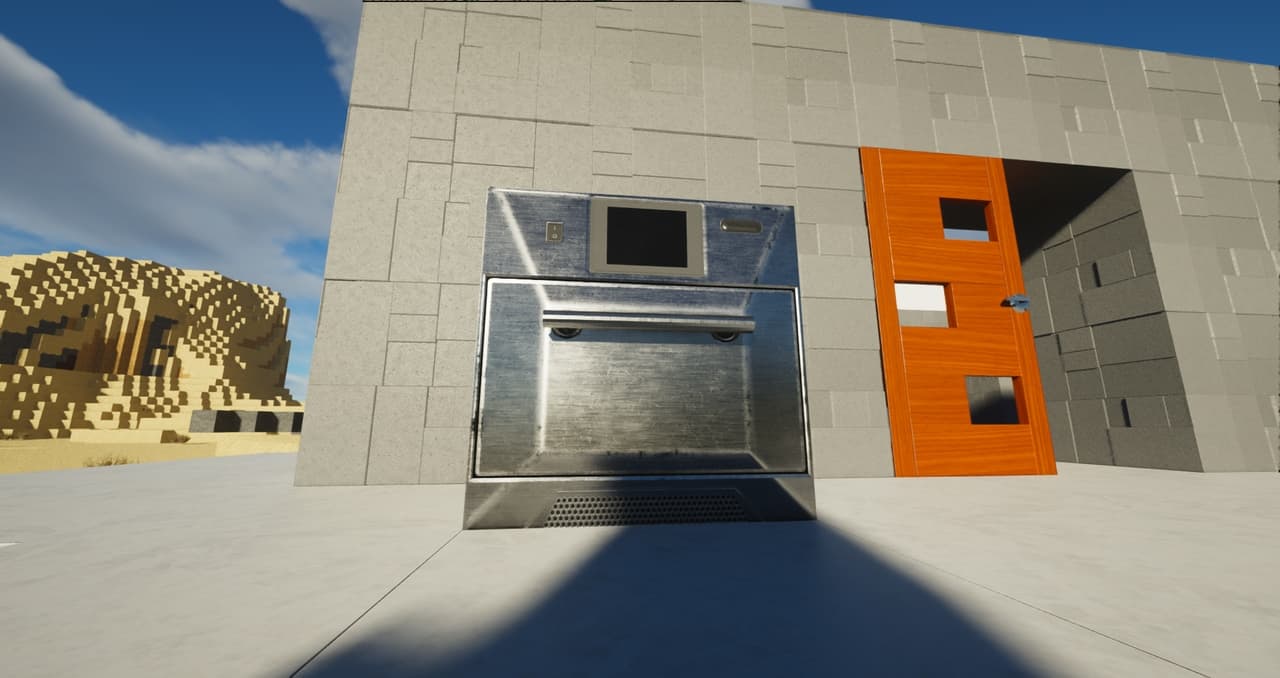
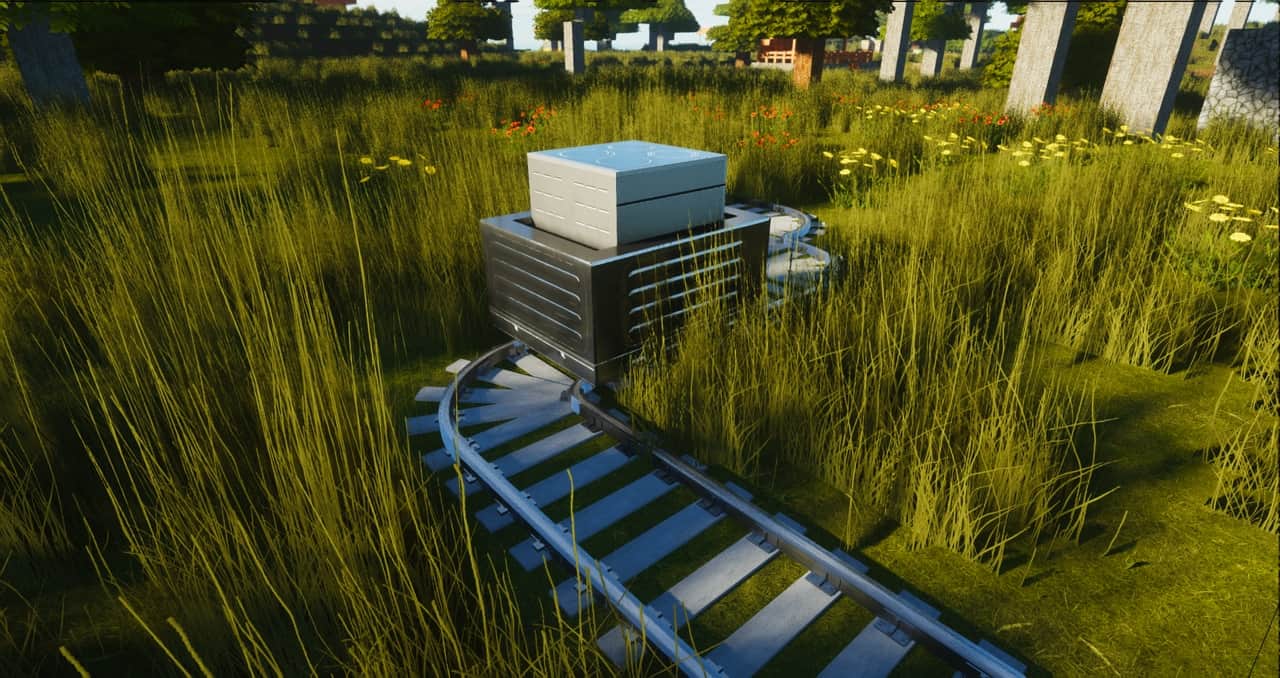
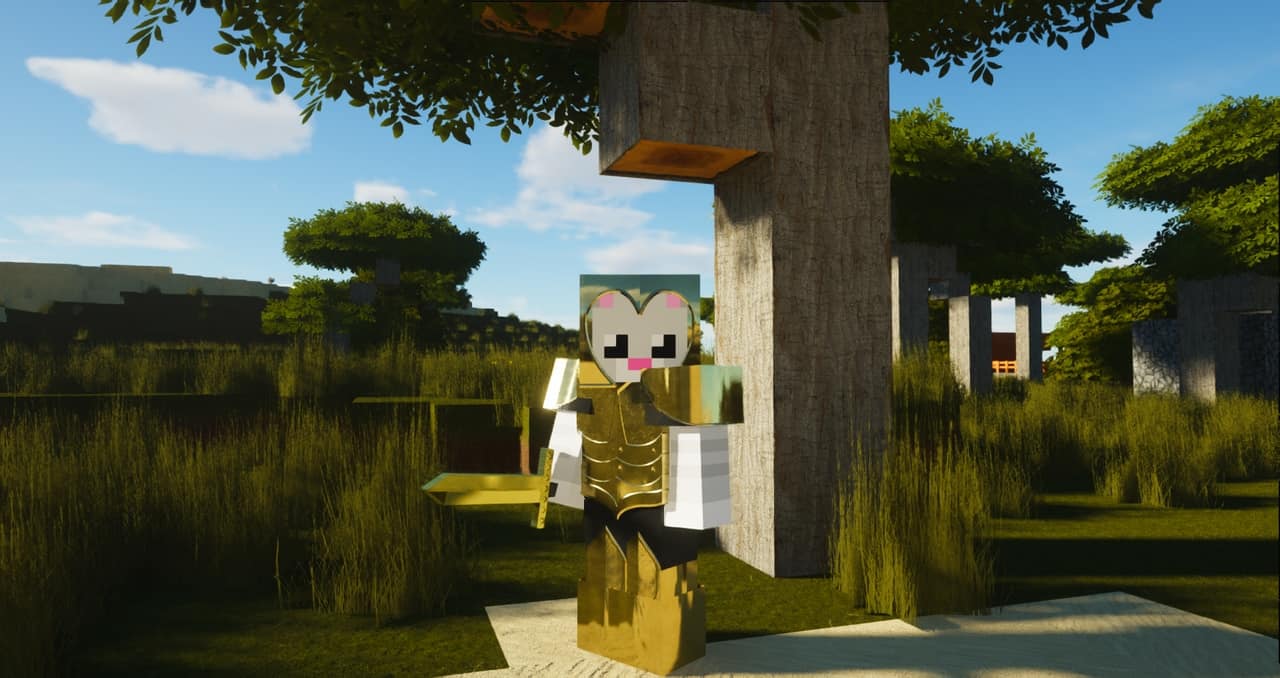
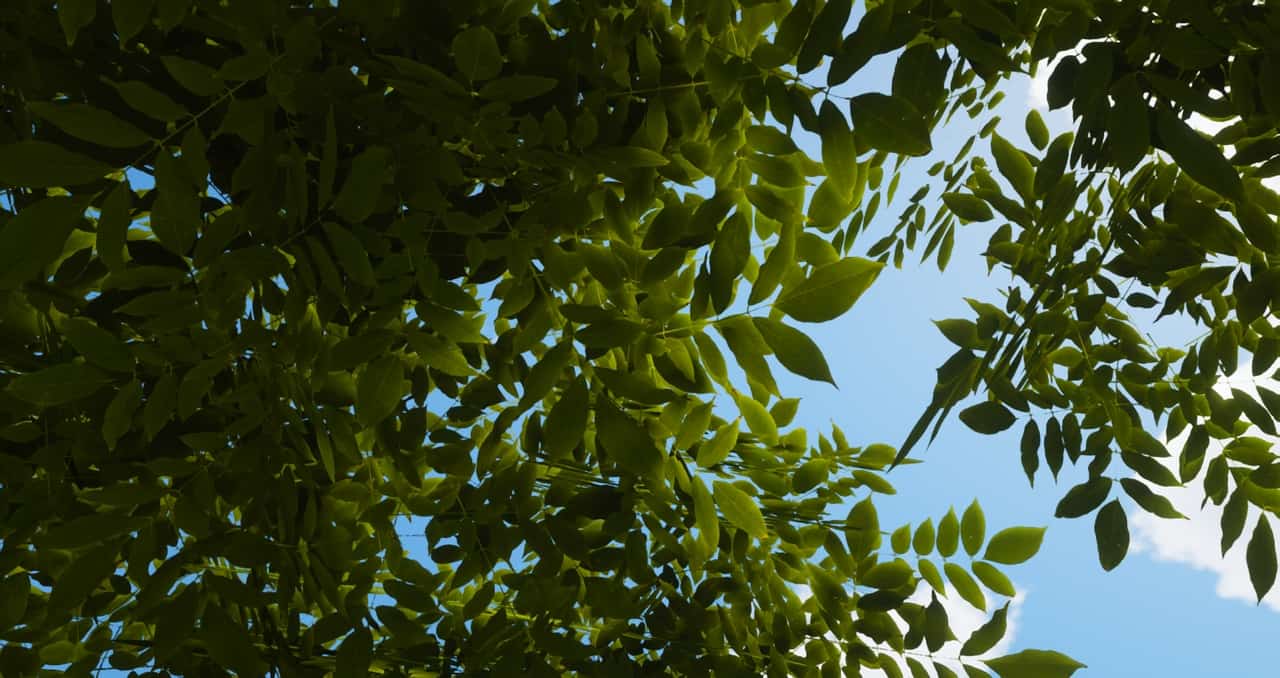
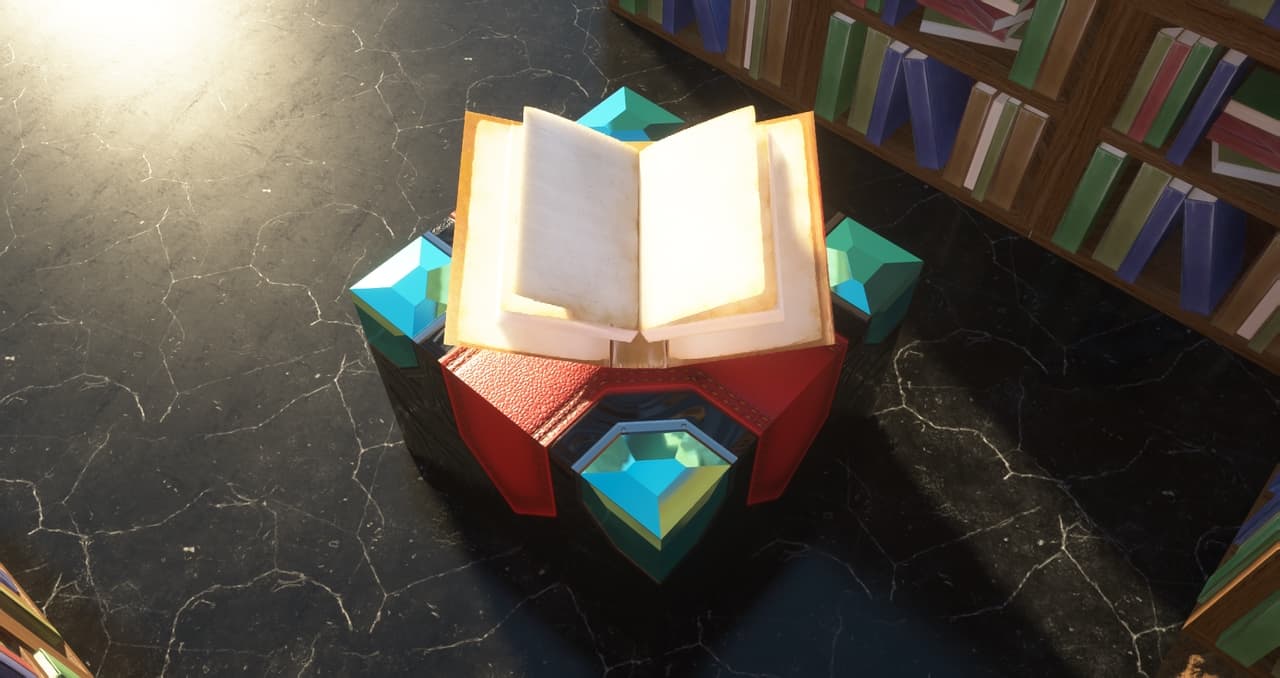
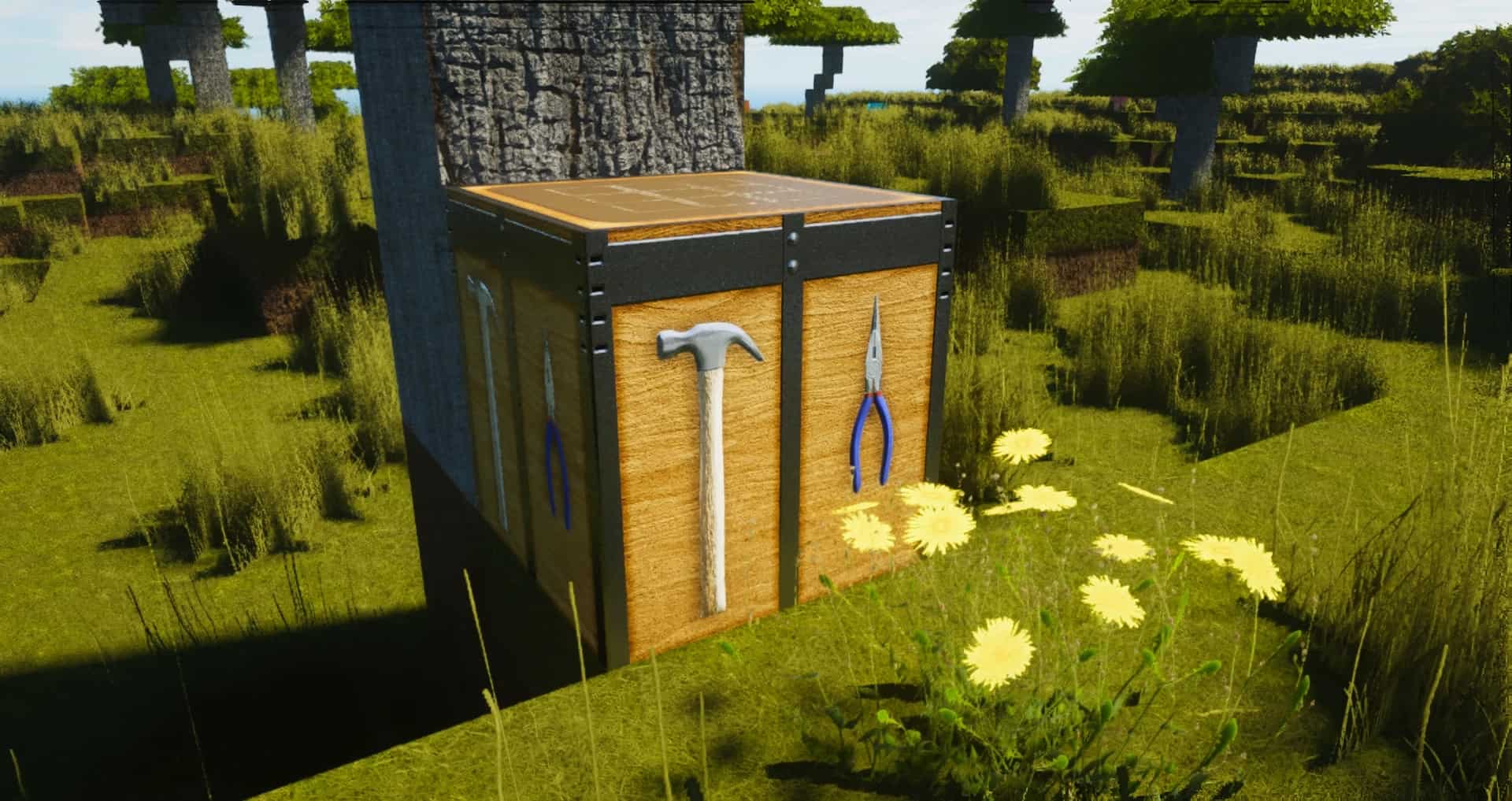
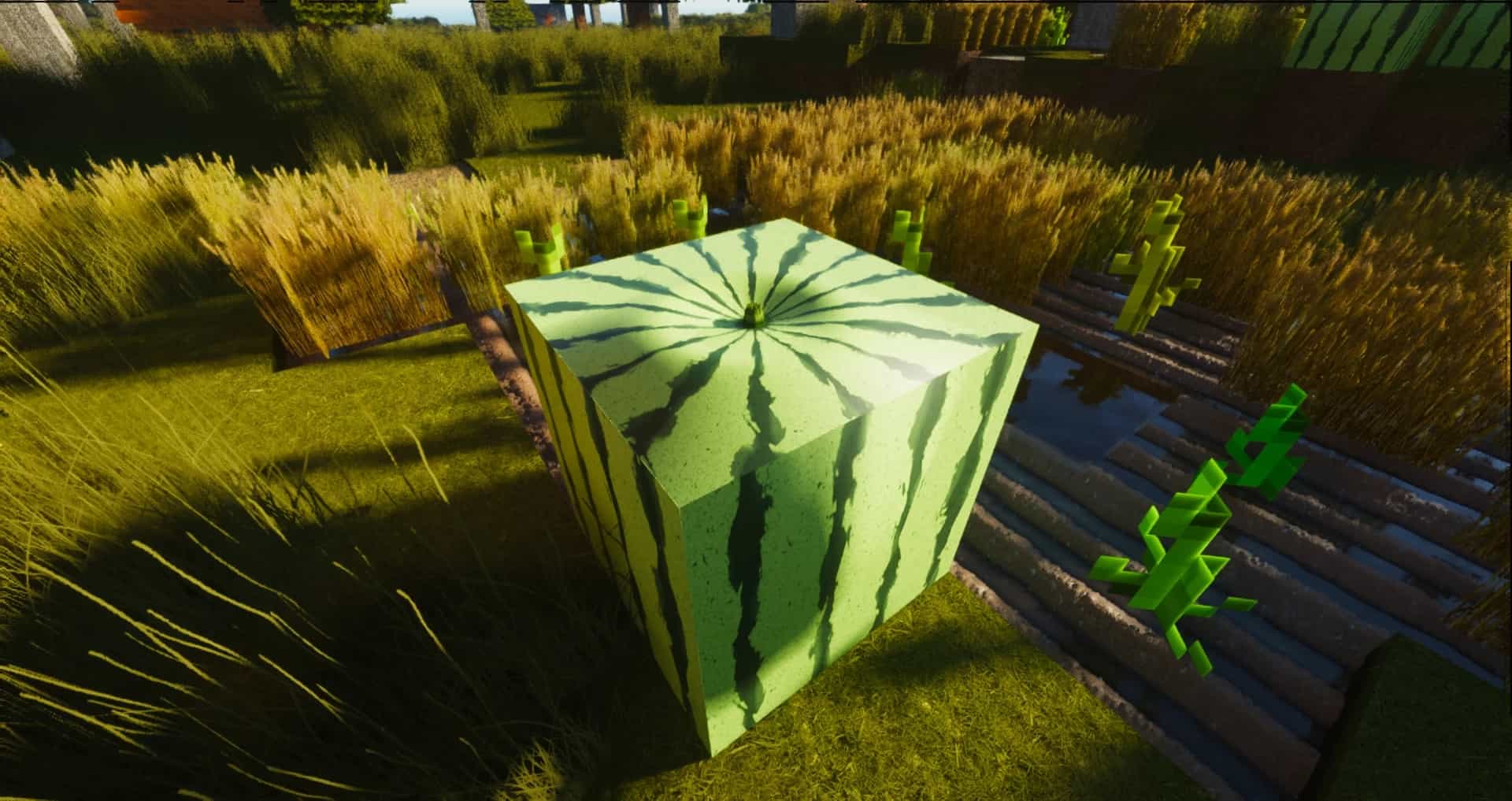
One of the best resource packs that one can find for the newer versions of Minecraft is ModernArch Realism. Sometimes, one can be unimpressed after downloading one of the countless free resource packs. ModernArch resource pack, on the other hand, is not likely to disappoint you. What sets ModernArch apart from most other texture packs is that it uses real images to replace cartoonish and blocky minecraft textures. Actual photographs of stone, wood, and brick are used to give the game a photorealistic look. Designed by popular minecraft content creator PackMinecraft, the new resource pack was built with realism instead of improved cartoonish graphics in mind. While this is not the first realism-focused Minecraft resource pack to be released, it is widely considered to be better than many other alternatives. A lot of resource packs make the graphics excessively colorful, the ModernArch pack, on the other hand, uses more subdued colors.
Featured video:
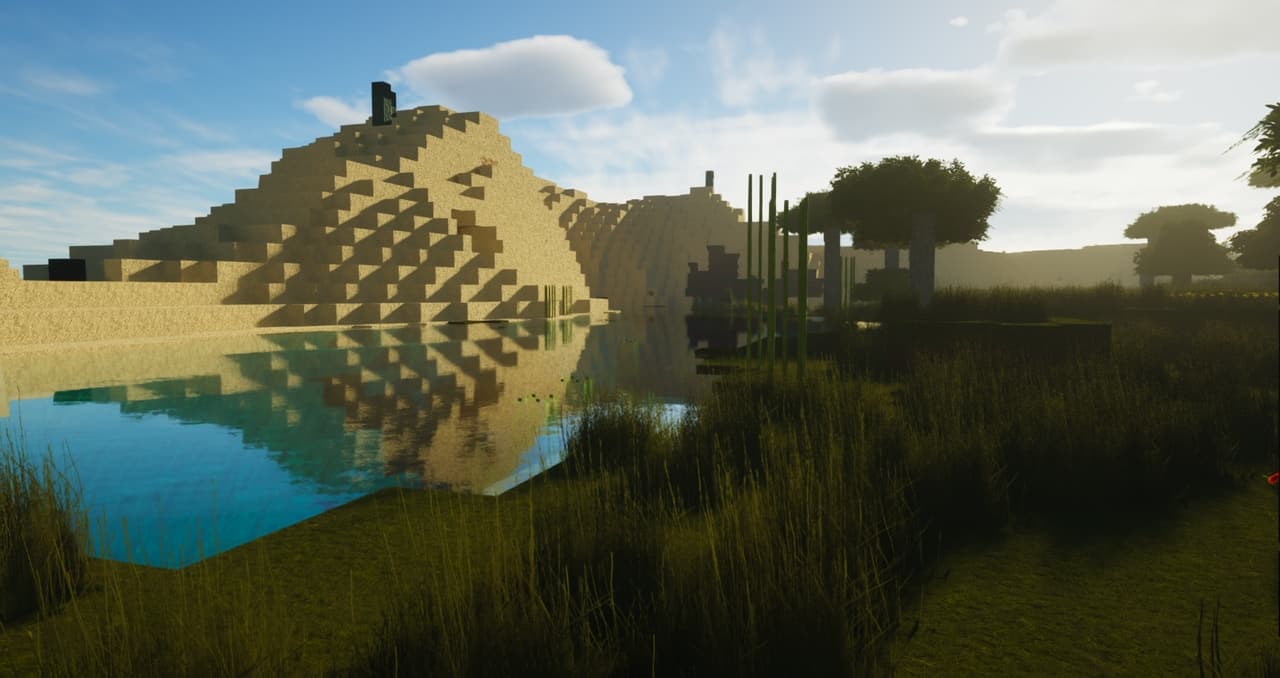
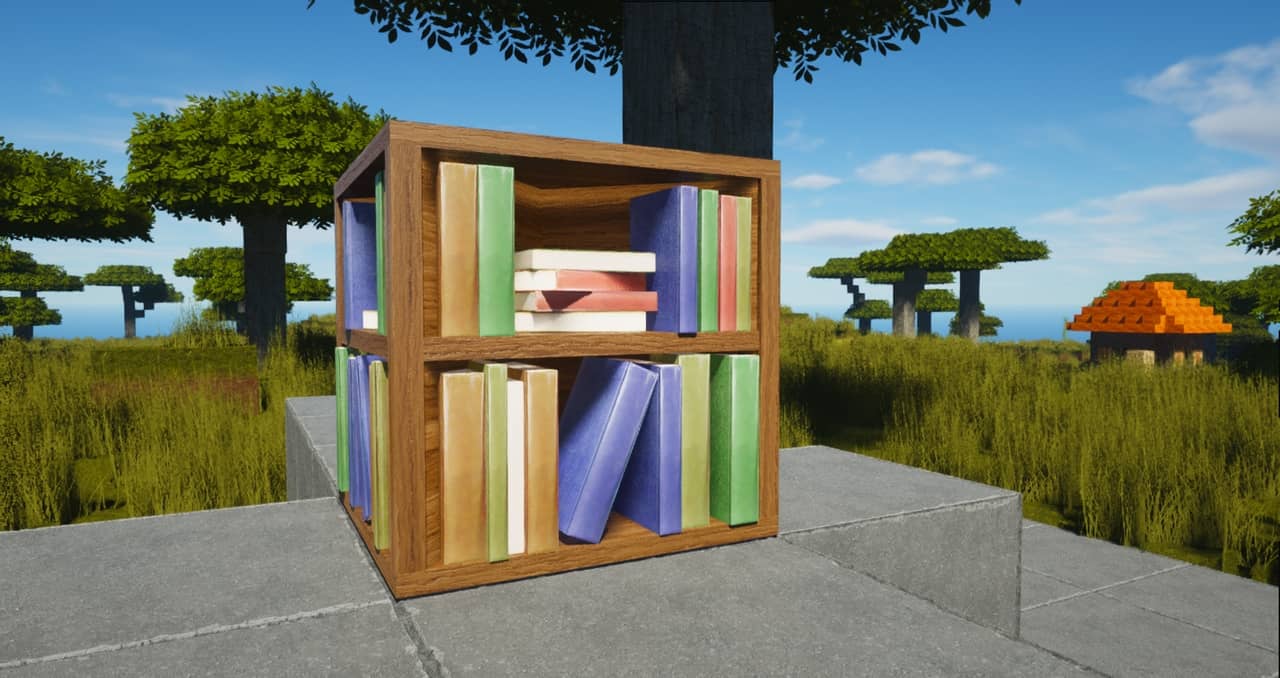
The new textures give the buildings plenty of depth and look better than either the minimalist default graphics or the graphics of other new resource packs. What is also noticeable is the quality of the lighting effects. The lighting effects firmly stand out and are enough to recommend ModernArch over the alternatives. Certainly, the graphics look best if the textures are used in their full 512×512 resolution. However, it is also possible to use the resource pack with a resolution as low as 128×128 to make the graphics usable on lower-end computers. As is the case for other high-end resource packs, one can run into frame rate issues if the full resolution is used without sufficiently powerful hardware. For the new graphics to work as well as possible, one has to use shaders. The creator recommends that you download the SEUS shader that works well with the ModernArch. The pack at the current point in time is free for 128x version, 512x and 1024x resolutions are supported by donations.
ModernArch R should be compatible with all of these Minecraft versions: 26.1 - 1.21.11 - 1.21.10 - 1.21.9 - 1.21.8 - 1.21.7 - 1.21.6 - 1.21.5 - 1.21.4 - 1.21.3 - 1.21.2 - 1.21.1 - 1.21 - 1.20.6 - 1.20.5 - 1.20.4 - 1.20.3 - 1.20.2 - 1.20.1 - 1.20 - 1.19.4 - 1.19.3 - 1.19.2 - 1.19.1 - 1.19 - 1.18.2 - 1.18.1 - 1.18 - 1.17.1 - 1.17 - 1.16.5 - 1.16.4 - 1.16.3 - 1.16.2 - 1.16.1 - 1.16 - 1.15.2 - 1.15.1 - 1.15 - 1.14.4 - 1.14.3 - 1.14.2 - 1.14
ModernArch R — Video & Screenshots
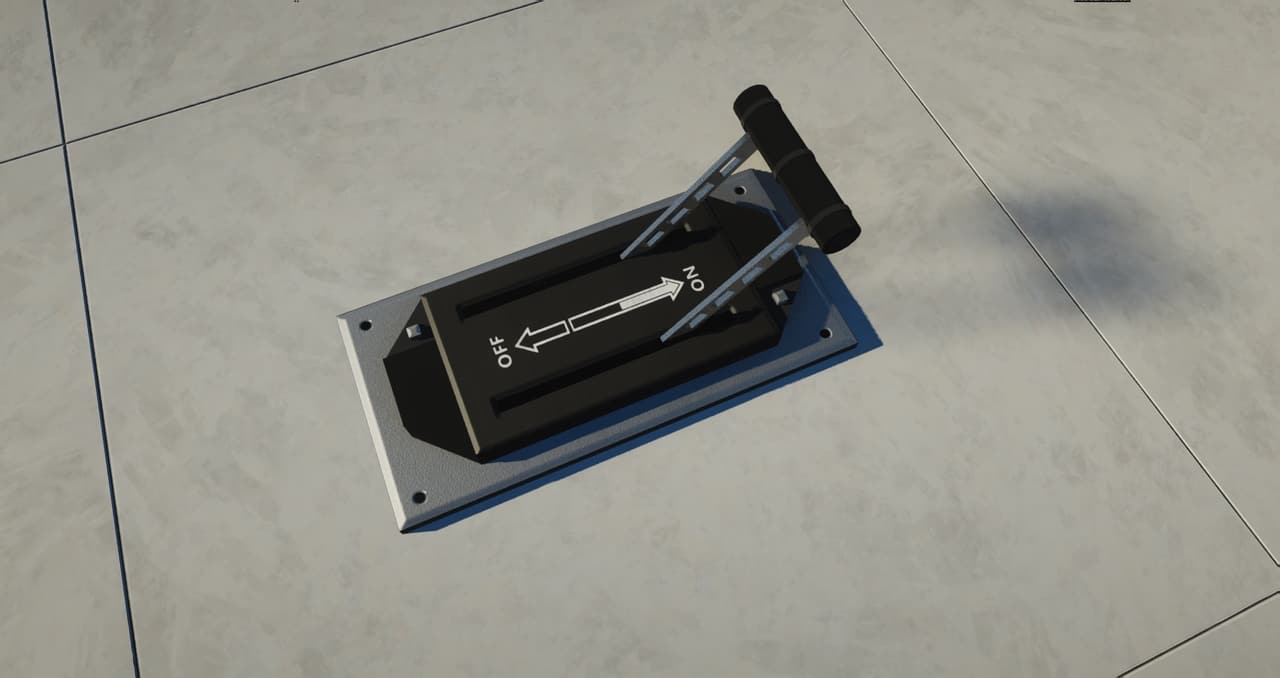
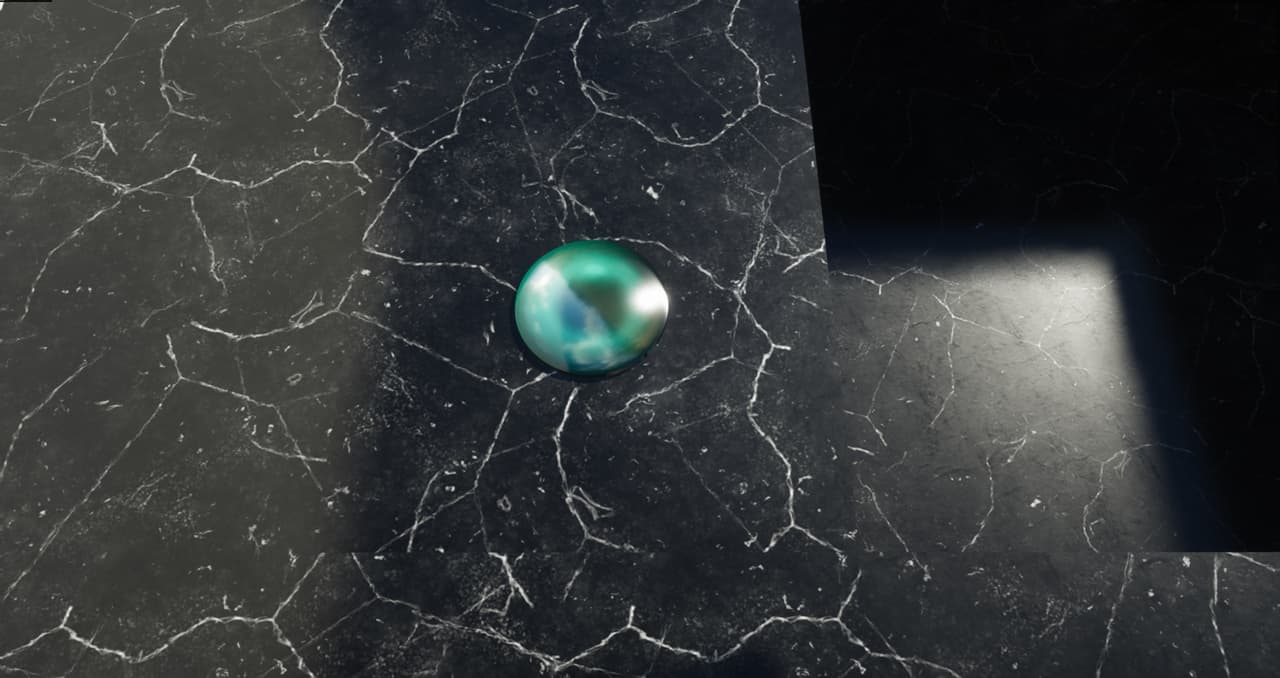
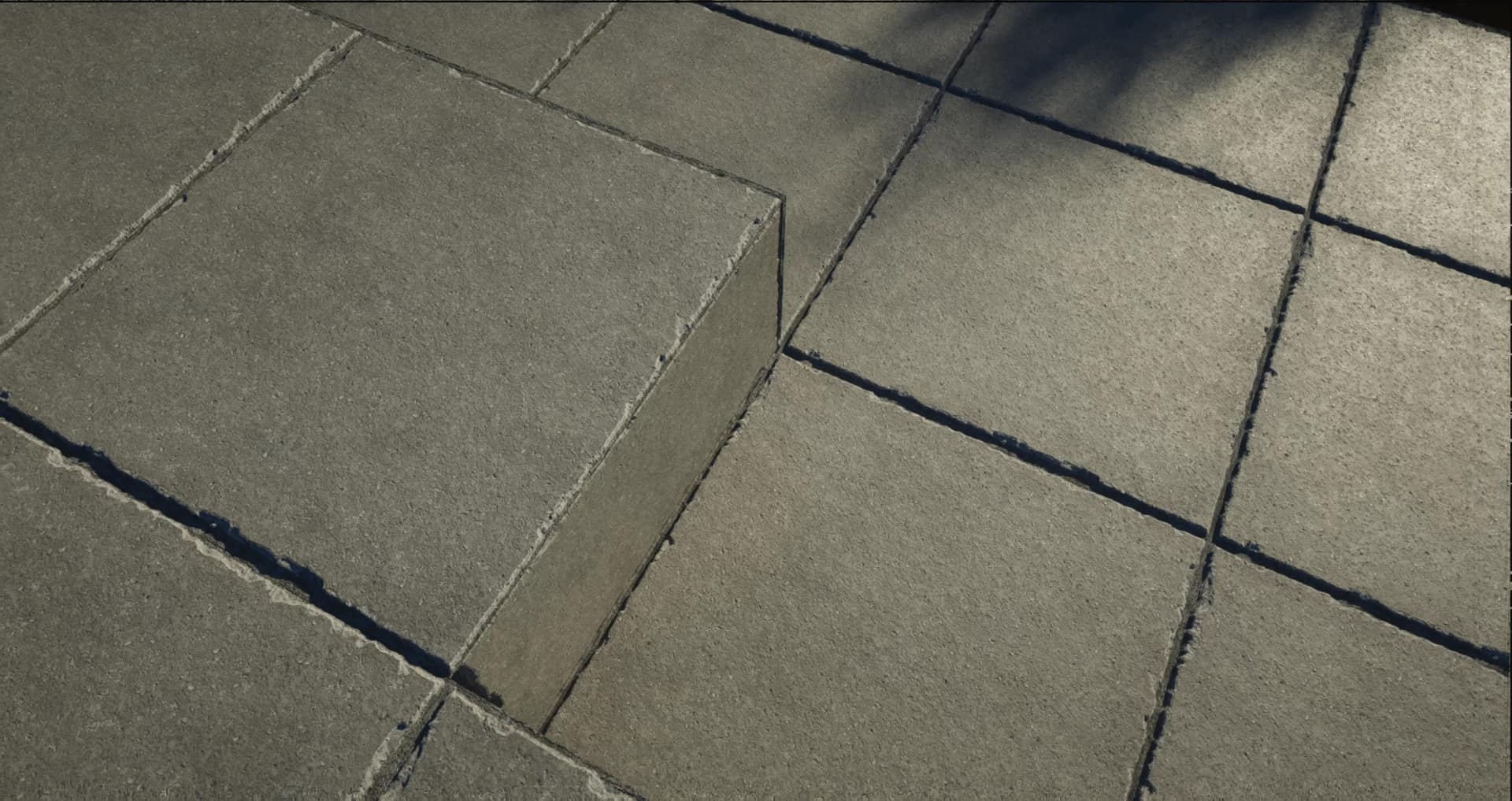
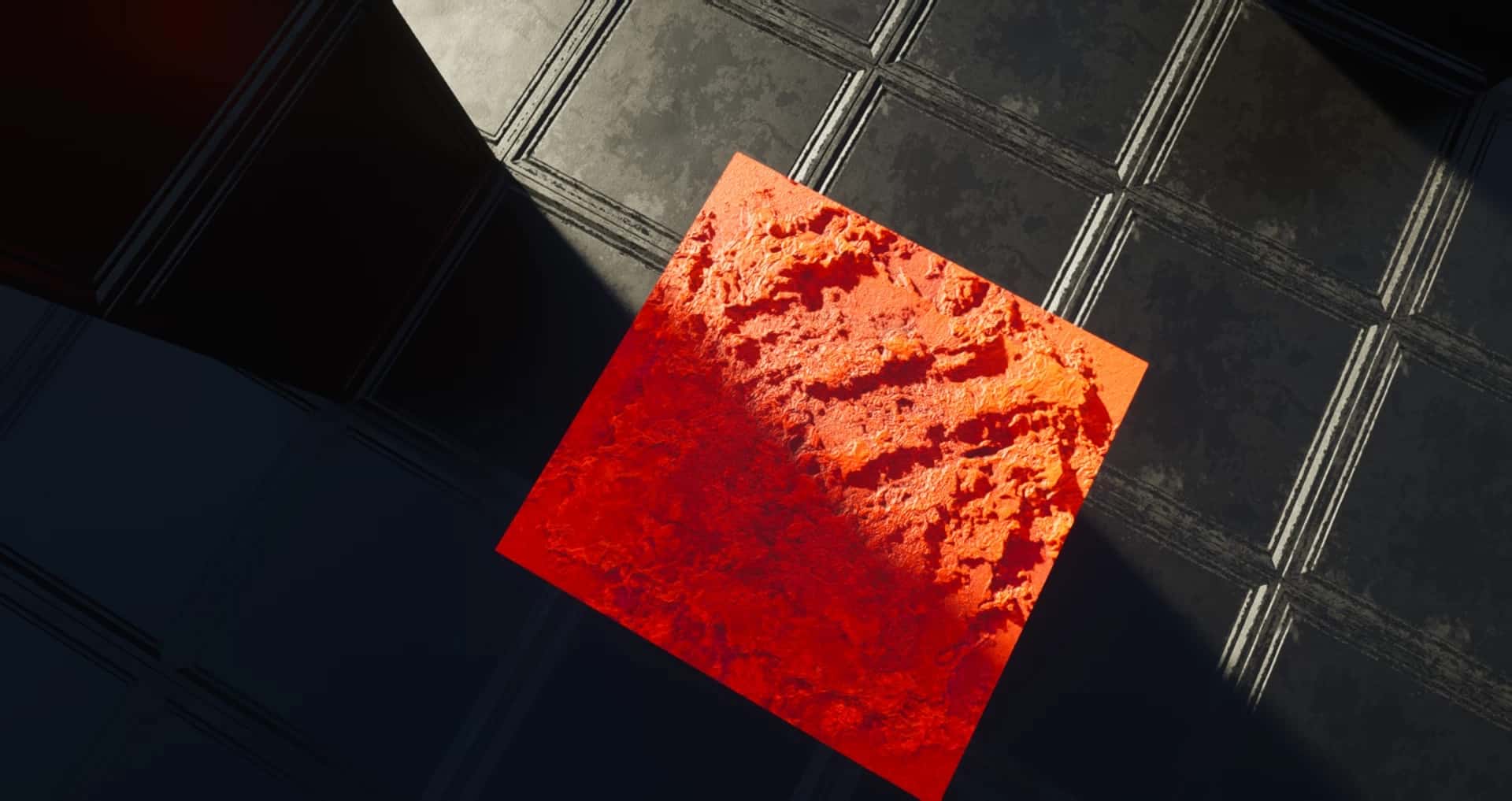
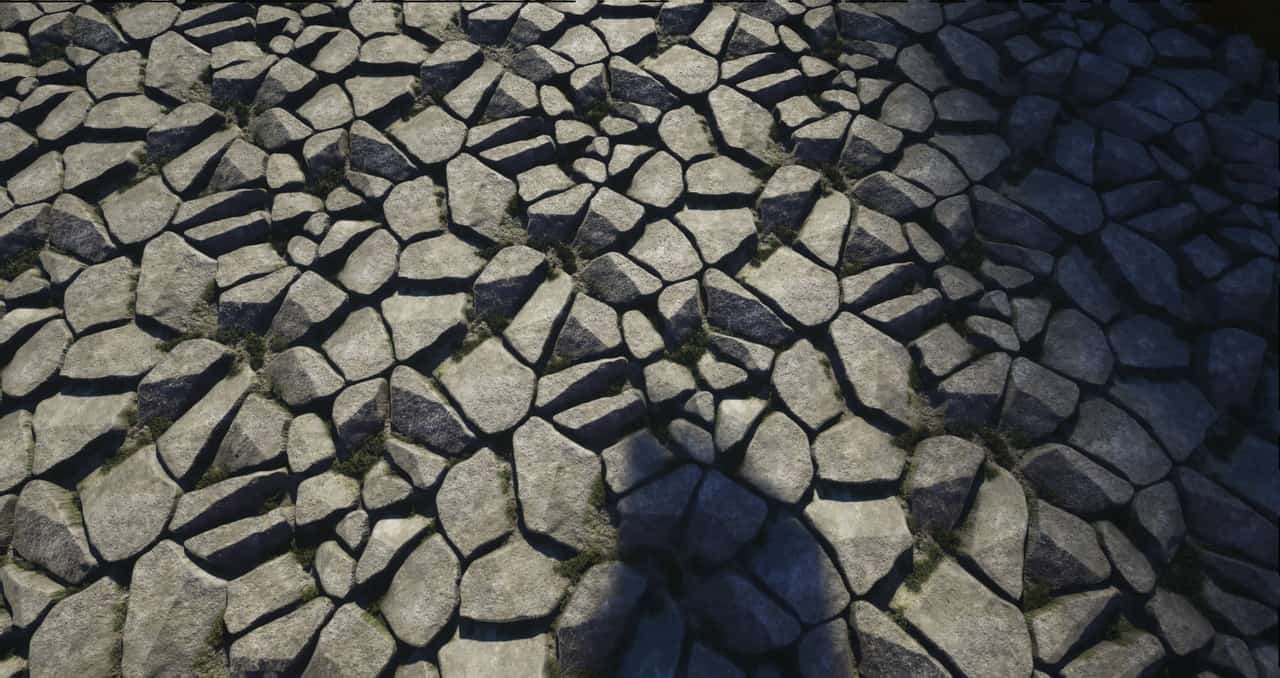
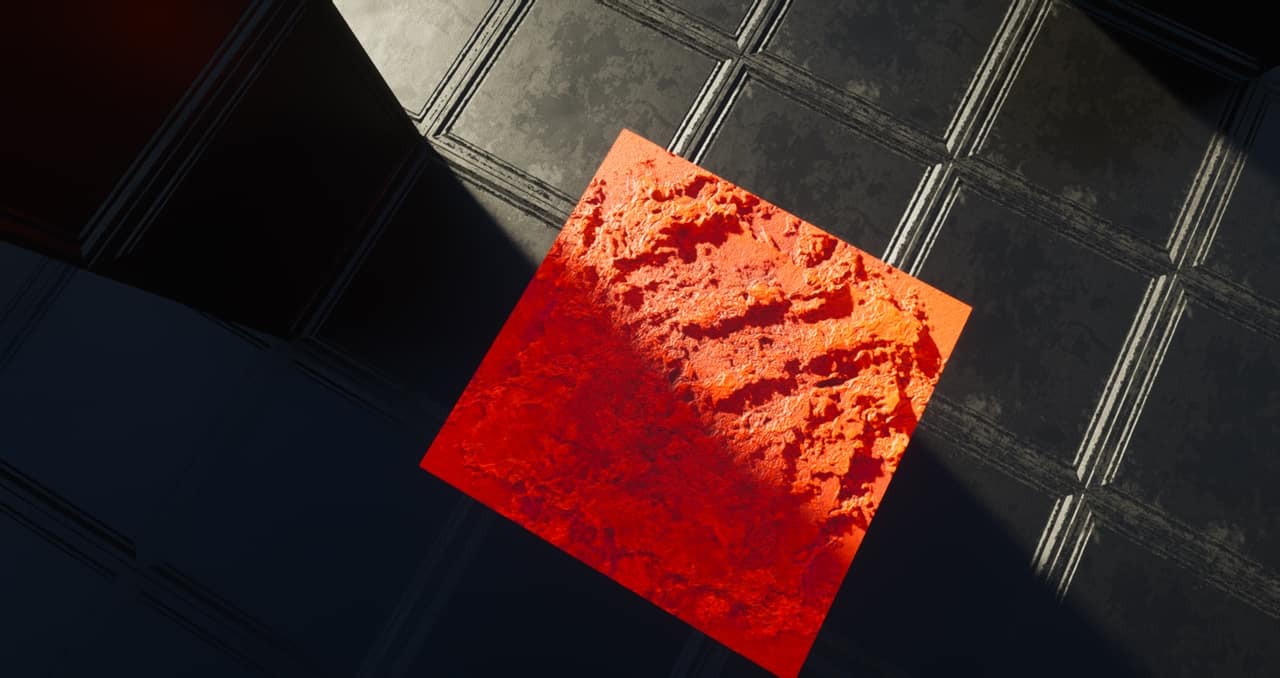
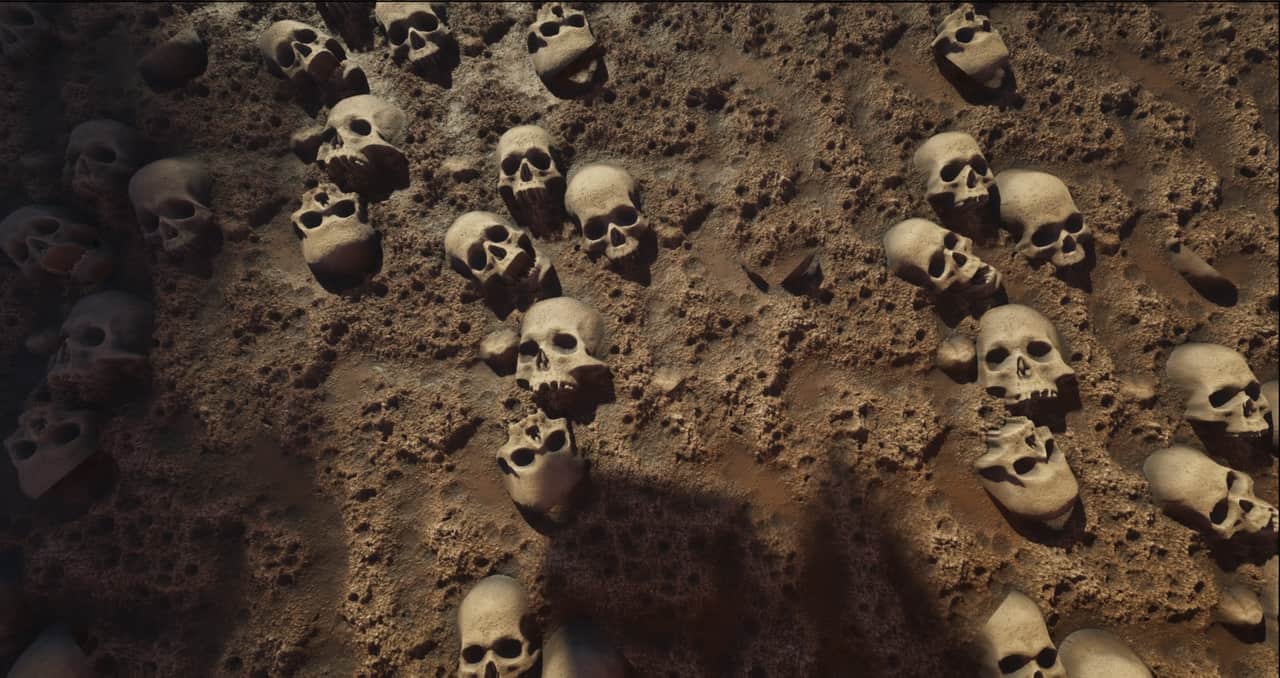
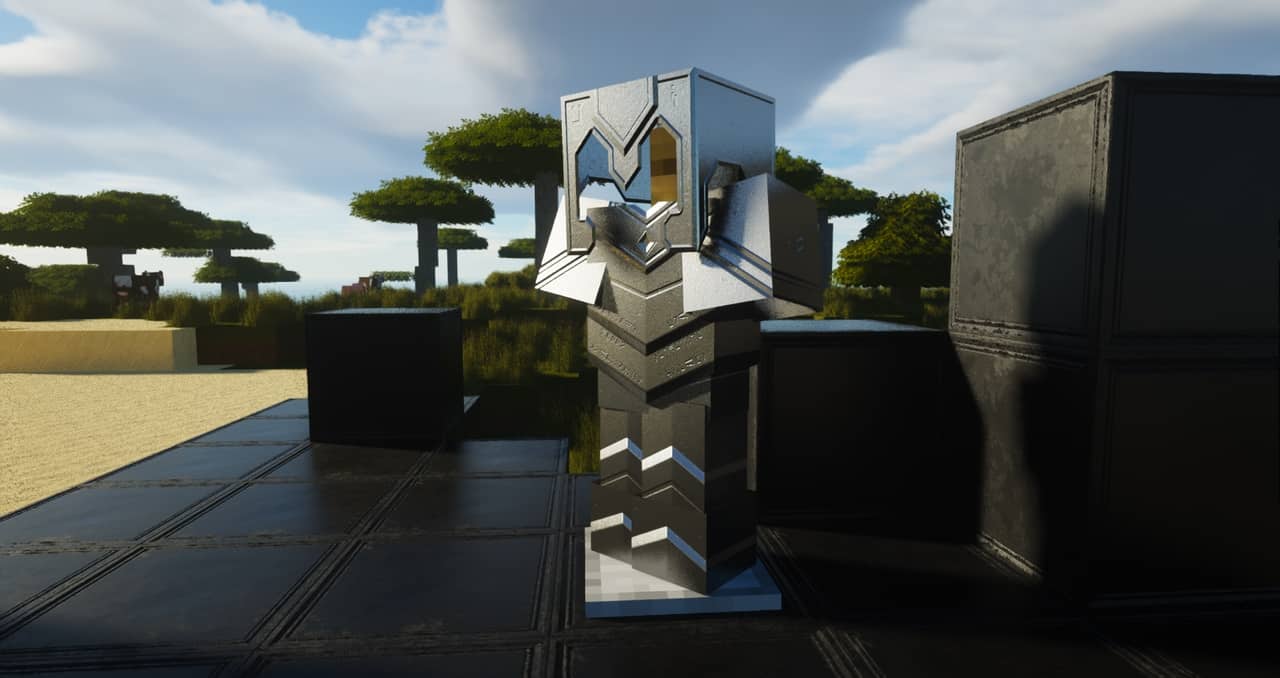


How to install ModernArch R Resource Pack:
- Most resource packs require Optifine, so be sure to download and install it. – general recommended step for all packs, Optifine is also needed for most shaders
- Download the ModernArch R texture pack for Minecraft from the download section below. – if there are many different versions, just choose the one you like, is compatible with your version/edition of Minecraft, the one you think your computer can handle in terms of performance.
- Launch the game client through the Minecraft launcher.
- On the main menu, click "Options".
- On the options menu, click "Resource Packs...".
- Click on "Open Resource Pack Folder". – folder titled "resourcepacks" will pop up
- Move the .zip file you downloaded in the first step to the newly opened "resourcepacks" folder.
- Click "Done".
- Click on "Resource Packs..." again.
- Your pack should have appeared in the left window, just hover over it and click on the arrow pointing to the right.
QUICK TIP: Sometimes, when activating a pack, the game may say that the pack is made for a newer or older version of Minecraft. This is just a warning, it does not affect your gameplay in anyway, and you can still activate and enjoy the pack by simply clicking the "Yes" button when prompted.
- Click "Done" again.
- The pack has now been successfully loaded and ready to be used in your world!
Recommended shaders:
Important information:
- PBR texture maps will only work with shaders installed. Don’t forget to set the resource pack resolution in the shader settings to 1024×1024 to avoid problems.
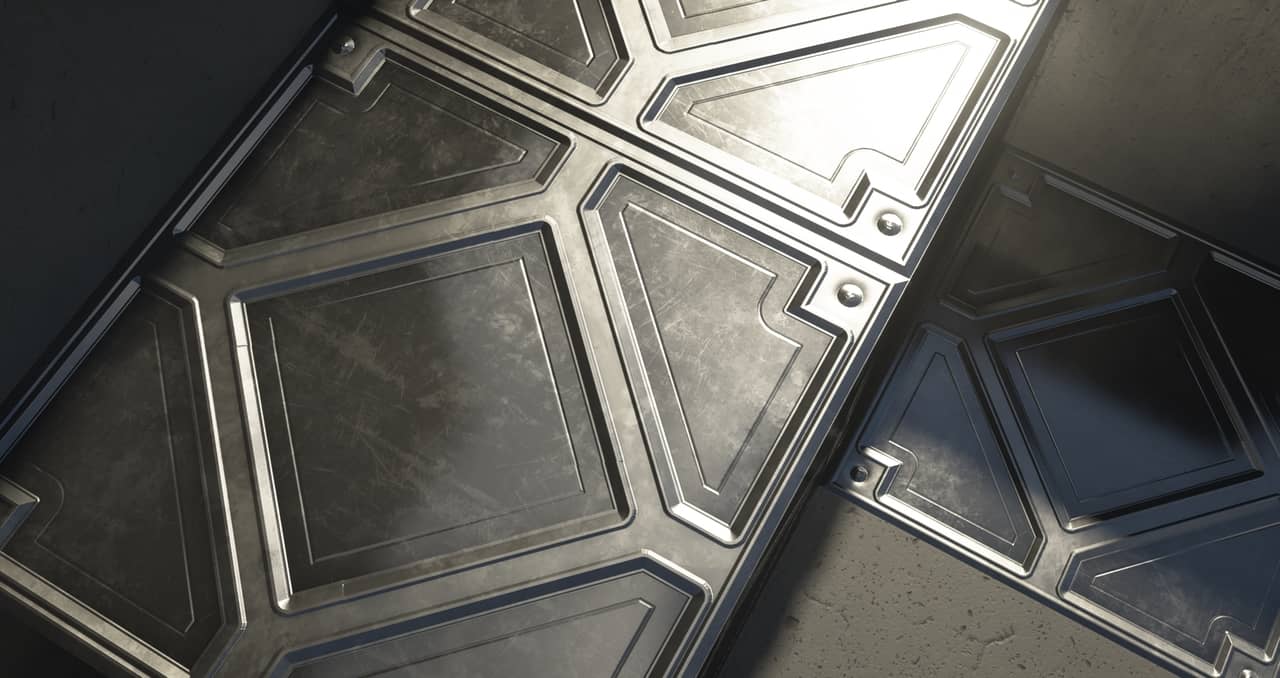
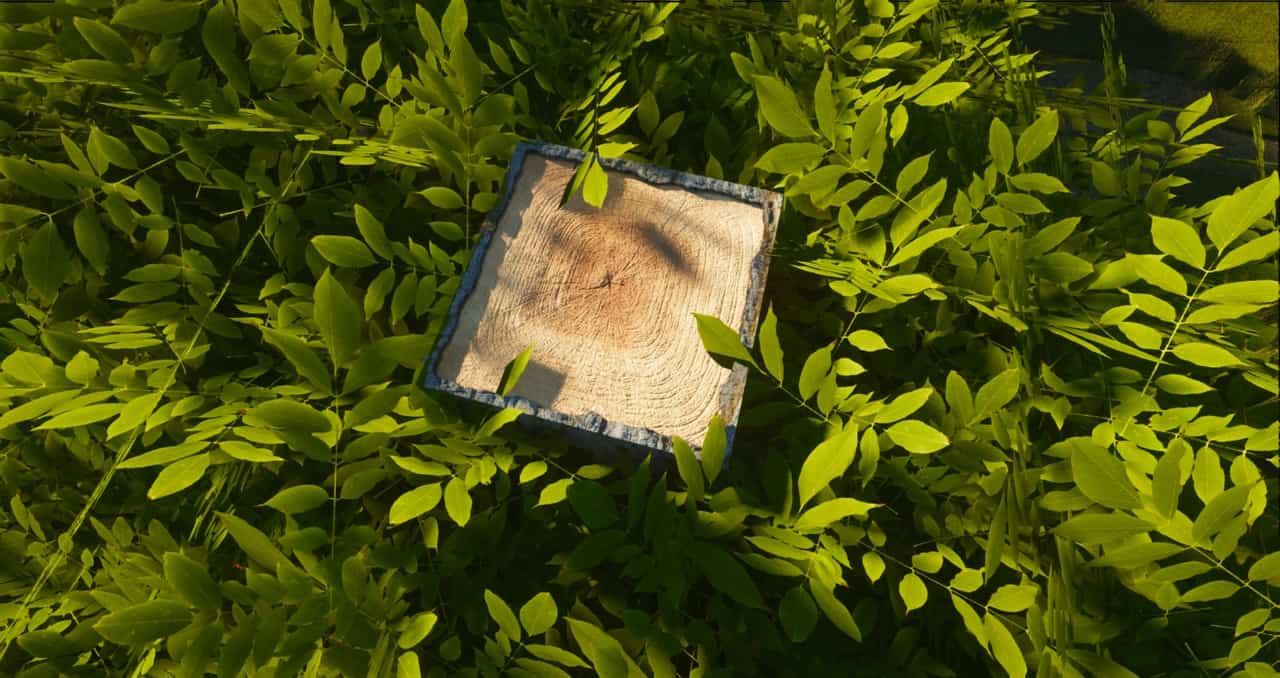
- Screenshots and videos were taken with ModernArch 1024x and SEUS PTGI E12.
- The pack is still under development and may contain many default/vanilla textures.
ModernArch R Texture Pack Download
- We do not modify or edit any resource packs. All resource packs, shaders and tools found on this website are linked directly to official sources rather than hosted on our own servers. We provide only the official download links from the original creators to ensure that your files are safe and secure.
- These official links are updated manually and may occasionally stop working when a new version is released. We work hard to keep everything current so that you have a smooth experience. Please let us know in the comments if you find a link that no longer works.
- Minecraft is a trademark of Mojang Studios and has no official connection to this website. Our goal is simply to share the best creations from the community with other players.
- Please consider leaving a comment or voting for your favorite packs. This feedback helps authors improve their projects over time. You can also support the creators directly by visiting the official links located below the download section.
Java Edition:
[128x] [1.21.x – 1.20.2] Download ModernArch R Resource Pack – absolutely free;
[256x] [1.21.x – 1.14.x] Download ModernArch R Resource Pack – for Patrons only;
[512x] [1.21.x – 1.14.x] Download ModernArch R Resource Pack – for Patrons only;
[1024x] [1.21.x – 1.14.x] Download ModernArch R Resource Pack – for Patrons only;
Curseforge: download starts automatically after a few seconds;
Mediafire: click the big blue button with the text "DOWNLOAD";
Google Drive: in the top right corner you will see a small download icon (down arrow), click it and the download should start;

7,751 votes
Look.. 7751 users have already liked this pack. Give a diamond if you like it too!


Nat
Is it compatible with Paladium?
Bob
Deepslate/Cobbled deepslate textures are incomplete and don’t render properly. Nice work though, overall it looks really nice. looking forward to using when completed.
Lina
Are the premium versions completed? I dont want to spend money if theres some vanilla items haha
Eve
Are there still vanilla items? I want to know before I spend money too lol
Admin
So why don’t you try the free version 128x first and see if you like the pack at all?
rhoda
really cool
Chatterbox
One of the best resource packs I’ve ever used. Get one of the high res versions from Patreon if your pc is decent. These blocks are insanely detailed. Hopefully some of the new blocks and items from 1.18.1 get updated soon. Always funny looking at a 16×16 block next to a 512 block haha.
Manda Moos
Super awesome pack except the fact that some of the blocks are not included i.e. polished andesite and mossy & cracked stone bricks that I have ran into so far!
Bruh
So cool
FreakeMighty
So, I had a problem with this texture pack and it having 8x by 8x pixel blocks from more then 10m away from me and textures not loading properly. This happen when I was Just changing settings in Minecraft. I had a lot of trouble figuring out what caused it and why it was happening. Anisotropic Filtering was this very cause on to why this was happening. I don’t know why but this texture pack hate that setting so make sure it is set to OFF before playing this texture pack. Also there is multiple textures that aren’t fully done correctly, for example the deepslate. is had one side that is just the regular 16x by 16x default Minecraft texture. Hope this helps anyone who was in the same predicament as me!
FreakeMighty
After awhile of playing with it on I was messing with my shaders settings and out of no where any block beyond a 10×10 around me were like 8 pixels. i haven’t found a fix for this yet. I’ve re-installed the texture pack multiple times and I’ve also reset my shaders back to the default settings. Idk what else to try.
Abena
For some reason pumpkins don’t show up for me? They are just black blocks. What’s wrong with it
Ahmad Husein
It looks so good, awesome. but what minimum pc specification required to run minecraft with this shader
lrenrut
You forgot to do mossy and cracked stone bricks
Please do
craftywitch1990
unfortunately, only the 1.17 version is free. the backward-compatible versions are only available on Patreon.
Paul Maskell
I love the look of this texture pack and would love to download it, but I don’t want to mess around with Patreon.
Is it not possible to make a donation via Paypal? I’m sure this would attract a lot more people to get it.
Thanks.
Chatterbox
It’s just like paypal, but different.
Patron is garb
I cannot get the paid versions of any of the packs on this site. Can you, maybe some day consider paypal!? Im not going to screw with patron for another hour just to give you 10 dollars, when its easy af with paypal. Paypal > any other service.
Mette-Margrethe Nielsen
im sorry but it disgusts me its to realistic
Batusai-x
you didn’t have to comment. just move on buddy
Twinkle
Downloaded the 128x to try for MC version 1.16.4 but the download says its just 1.17 ..Not 1.15 – 1.17. So wont work with my version. Such a shame, looks brilliant. :( Is there a specific one for 1.16.4 ? Anyone else having this issue or have i done something wrong maybe.? I placed it in the resource pack folder and i have seus. The pack is in red which makes sence as i dont have 1.17.
Admin
Just ignore the incompatibility message and click yes / ok.
DaBlox
Update it. Its free!!!
Pro yetx
pro
Areolata
I have been using your vine models since MC1.14 but discovered a few days ago that the models do not work with the 1.18 experimental snapshot. All other custom modeling I use is working just fine with the snapshot. I played around and tried a couple other custom vine models from other packs and get the same results. Obviously the way vines are created has changed with the new version. It appears as if the classic block models/textures are no longer used. Just FYI.
Katalic
I love it !
The furnace as amazing as it is, is it possible to make a small alternative where a furnace isn’t a stove?
In gameplay it makes me feel I HAVE to make a very modernized house, because to me, it doesn’t fit well in gameplay without other mods that add to modern living-styled gameplay, then when I do build that style, I struggle finding the specific blocks that would compliment it.
It is a beautiful stove (so any downloader or whoever reading this, I don’t think it should discourage–it’s amazing still) and I adore the materials, but I just miss the classic furnace look, and personally that’s what holds me back from using your resource pack as a go-to.
The overworld is perfect, the way stone looks and bricks are jaw-dropping, it’s my favorite I’ve found, in my opinion it surpasses a lot of the other realistic texture packs that are currently out there.
Also for people who struggle with FPS, try using Iris/Sodium (Idk if I should leave a link there, pretty sure that’s an easy way to get this comment removed) though the website has “/IrisShaders/Iris” in the URL (to check if it’s the original website, it could change too) if you’re worried about virus’s. It works really well, and you can use shaders & fabric mods with it. Their website clarifies some problems with certain shaders, so some will not work.
For higher resolution stuff >128 with shaders it’ll likely still be rough for a lower-end PC, but it could still be worth a try. If you cannot run the 128 version smoothly, the higher resolutions probably won’t work for you.
Steve
my pc broke
Mbenkzz
lol
Sven Reinold
I play with a 1060 and ir gets like 300 fps when i don’t move. Massive frame drops down to 11 fps when i look around. And looking at a house crashes the game. Without SEUS shader. 128px version.
NewbieNoober
How come I can’t find 1.16.5 but can download the latest? And 256x was free, did ya’ll update it to only membership?
Admin
We don’t really understand what you are talking about? This pack is 1.16.x compatible, it was never free for 256x, only 128x was free.
alan
is kill my pc
Stark
Ima cook something while playing
Baba
Wow 💯💯💯💯🤩🤩
Yellow
I want to cook some pancakes,then i come here it will be useful.