Complementary Shaders is the perfect shader pack to improve Minecraft’s graphics and performance. If you ever played Minecraft for more than five minutes, you know the game is incredibly fun – but a little bit lackluster in the graphics department. Fortunately for all Minecraft lovers out there, this shader pack is here to change that. That’s not to say you should expect a complete, 3D graphics overhaul. When you’re playing Minecraft, you’re not exactly in it because of realistic textures. That’s not what Complementary Shaders is here to change. Instead, this shaders improves a little bit of everything, while still maintaining its essence. Complementary Shaders is an off-shoot of another popular shader pack called BSL Shader. If you liked that pack, you’re going to love this one. This shaders takes the best out of BSL Shader and improves the rest. You can install it if you want to experience better graphics, gameplay, compatibility, and more.
Featured video:
It’ll help you improve an already-great game like Minecraft is. Although it improves a little bit of everything, it will not ruin your performance. This shader pack is specially designed to keep everything running smoothly. Simply put, it just works. Not only that, but it’ll also fix compatibility issues that you might have with other shader packs. This Complementary Shaders pack always has the player in mind. With Complementary Shaders, you’ll realize Minecraft will run rather fast and better than with most other shader packs. No matter what GPU or drivers you have, this shader pack will make your game smoother compared to other shaders. Keep in mind this is a one-of-a-kind shaderpack. You can’t install it like the other ones. Make sure you pay attention to the installation guide before you do anything. Check and double-check it. Then, enjoy everything that Complementary Shaders has in store for you!
Complementary Unbound should be compatible with all of these Minecraft versions: 1.21.11 - 1.21.10 - 1.21.9 - 1.21.8 - 1.21.7 - 1.21.6 - 1.21.5 - 1.21.4 - 1.21.3 - 1.21.2 - 1.21.1 - 1.21 - 1.20.6 - 1.20.5 - 1.20.4 - 1.20.3 - 1.20.2 - 1.20.1 - 1.20 - 1.19.4 - 1.19.3 - 1.19.2 - 1.19.1 - 1.19 - 1.18.2 - 1.18.1 - 1.18 - 1.17.1 - 1.17 - 1.16.5 - 1.16.4 - 1.16.3 - 1.16.2 - 1.16.1 - 1.16 - 1.15.2 - 1.15.1 - 1.15 - 1.14.4 - 1.14.3 - 1.14.2 - 1.14 - 1.13.2 - 1.13.1 - 1.13 - 1.12.2 - 1.12 - 1.11.2 - 1.11 - 1.10.2 - 1.10 - 1.9.4 - 1.9 - 1.8.9 - 1.8.8 - 1.8.6 - 1.8.1 - 1.8
Complementary Unbound — Video & Screenshots
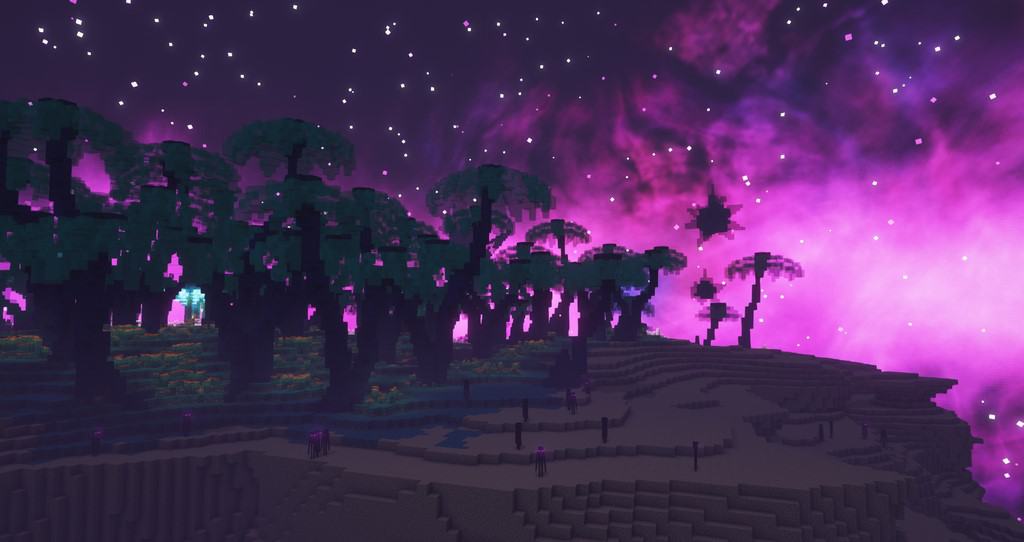
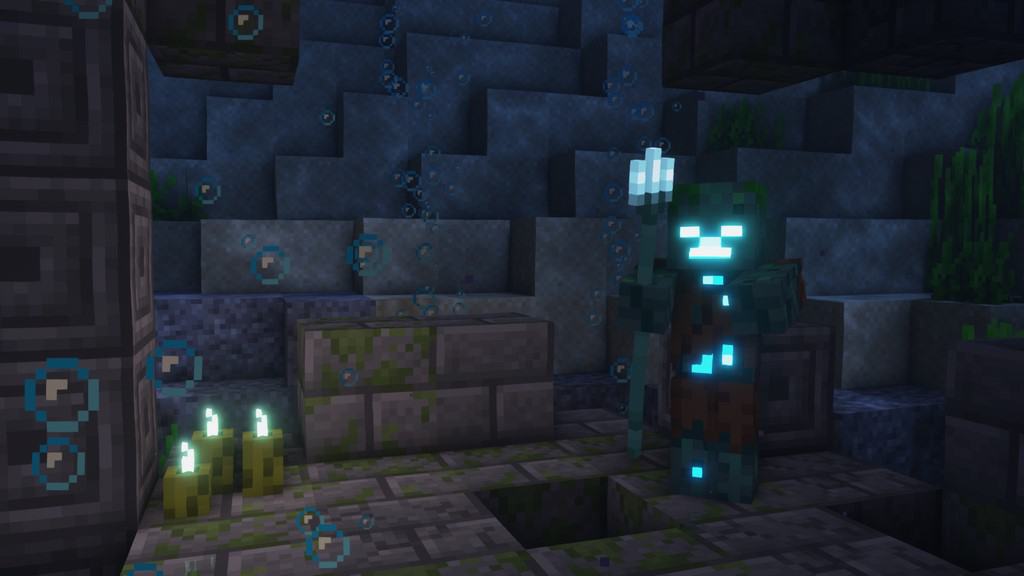

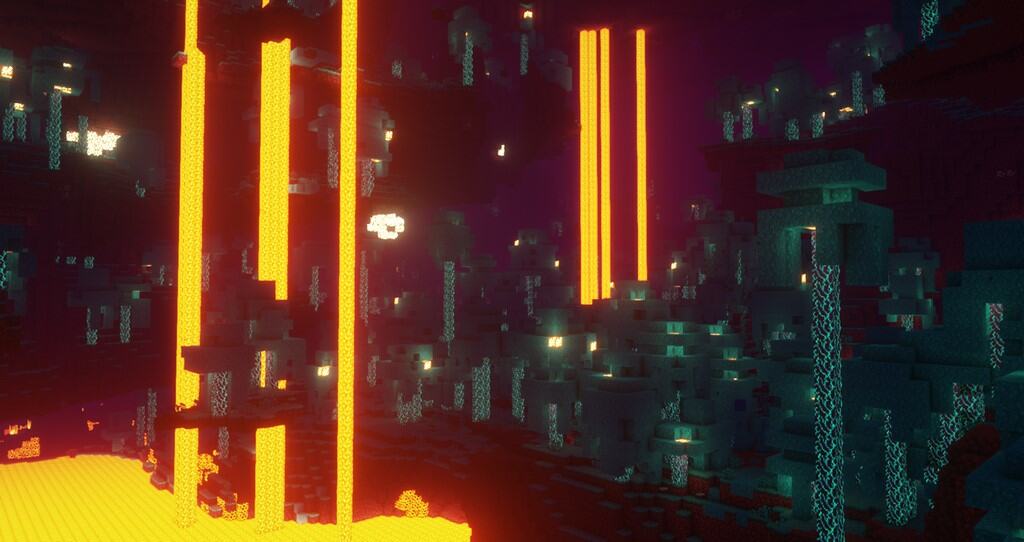
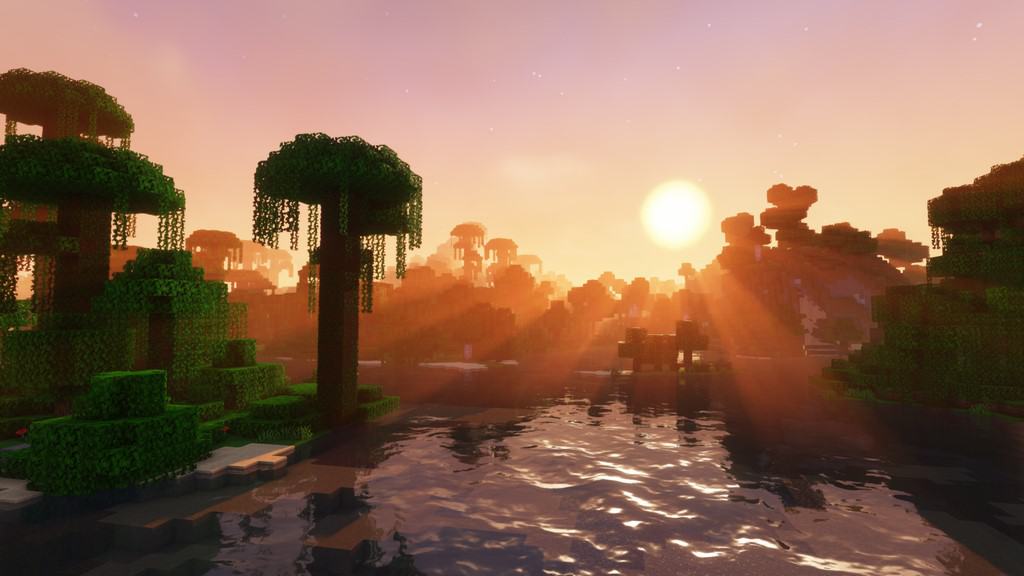
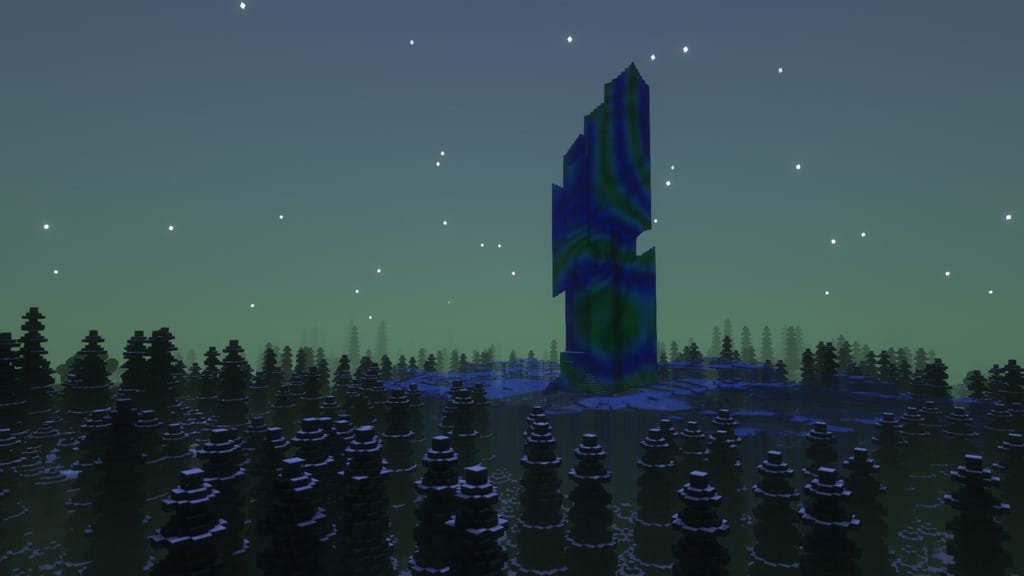
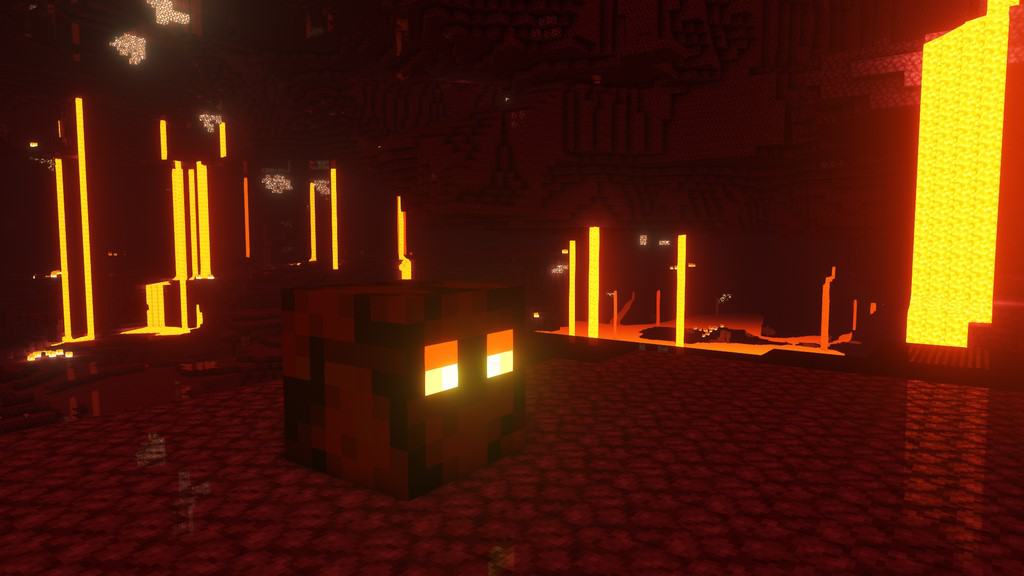
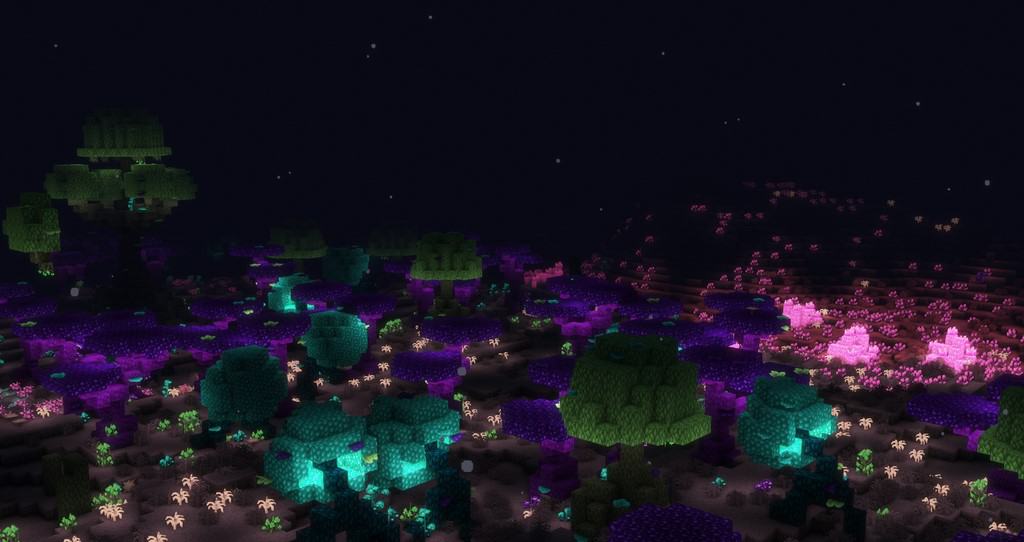
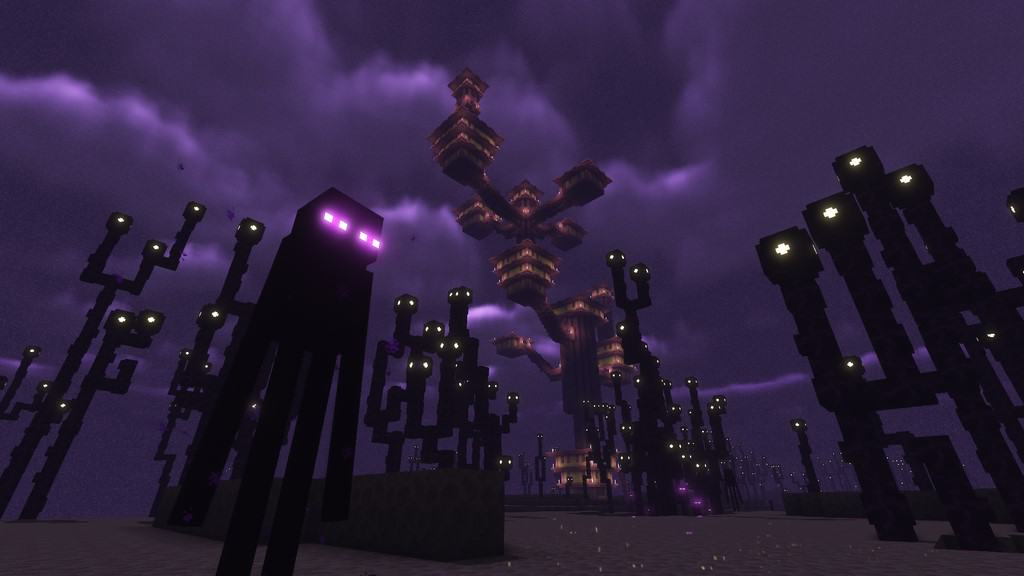

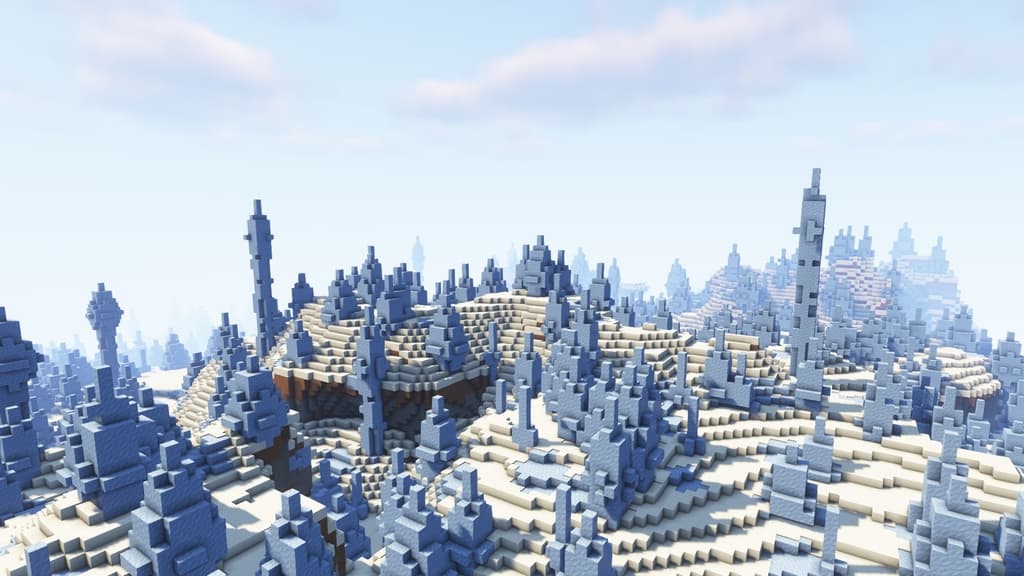
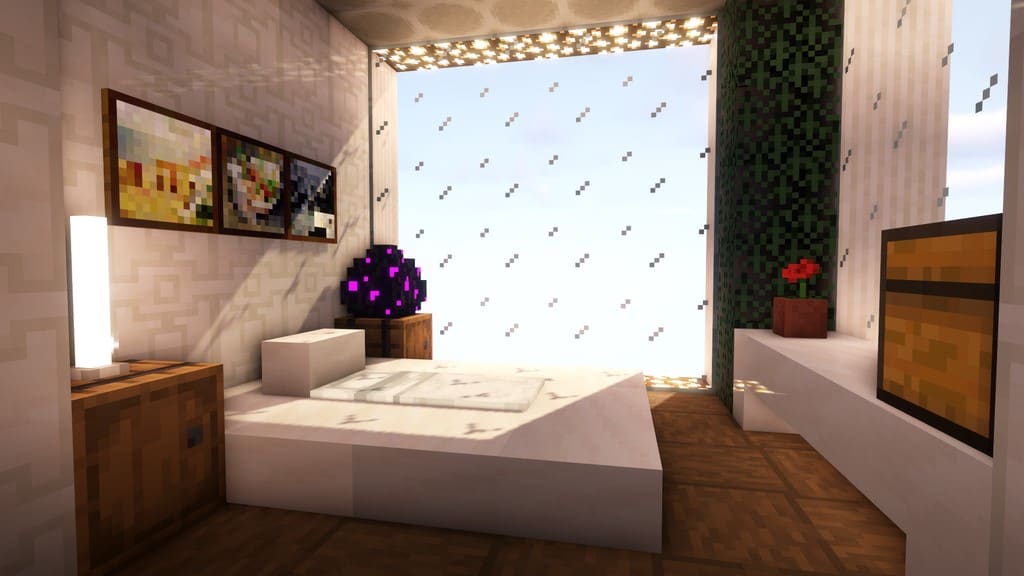
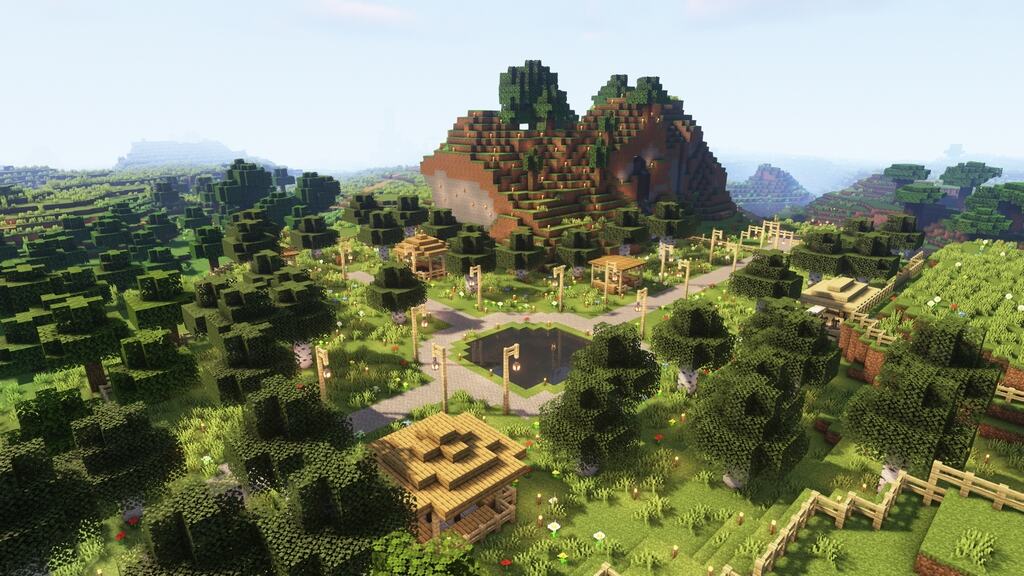
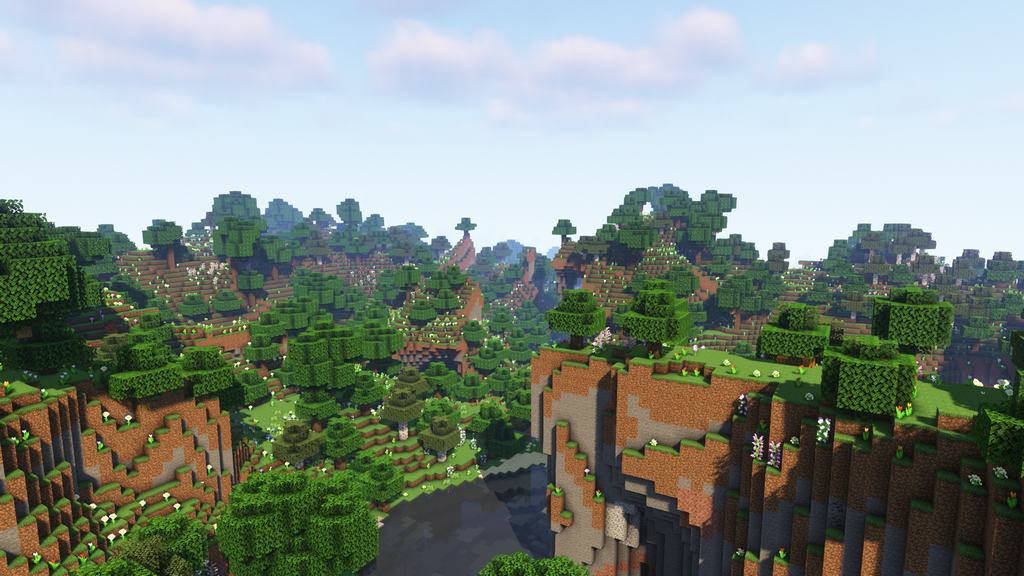
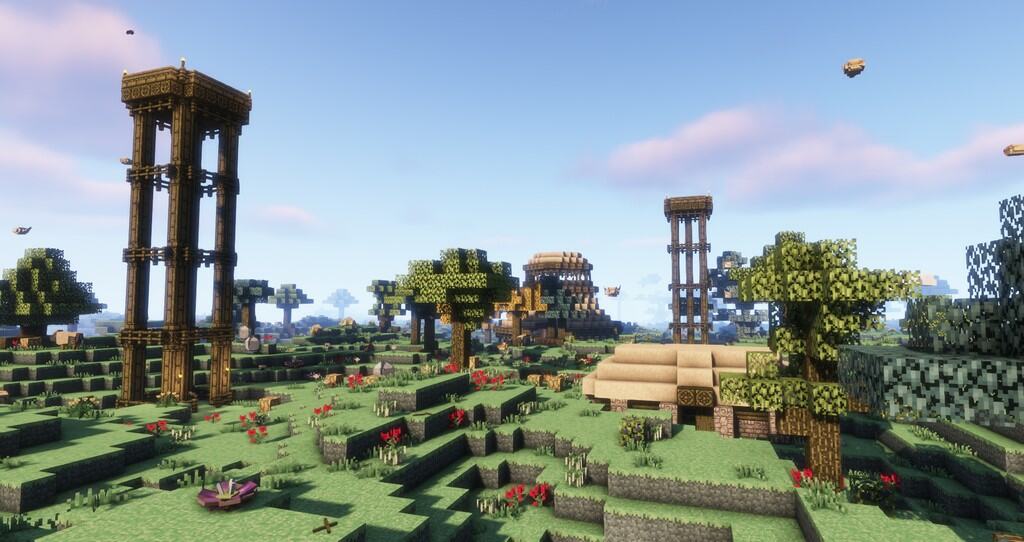
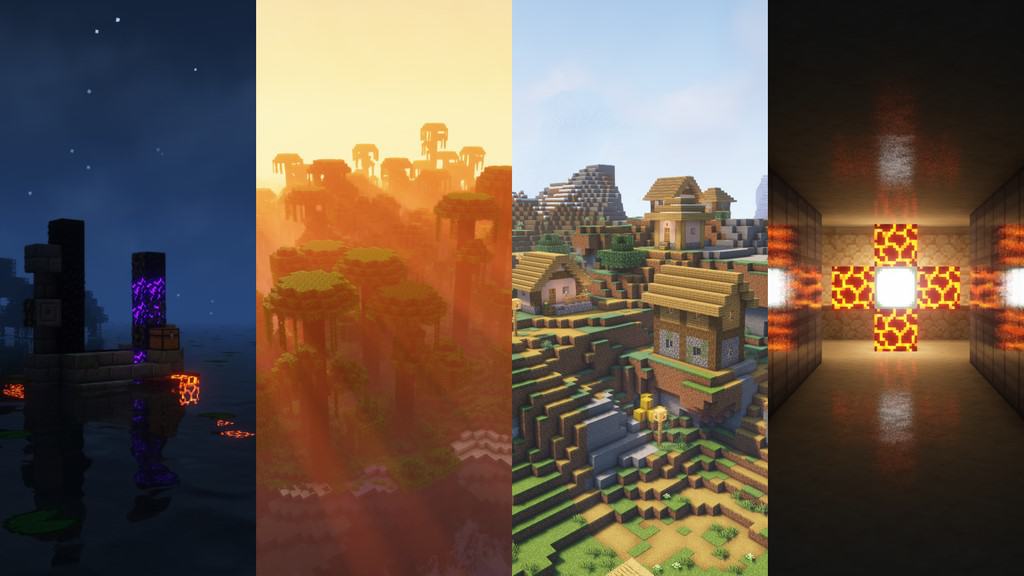
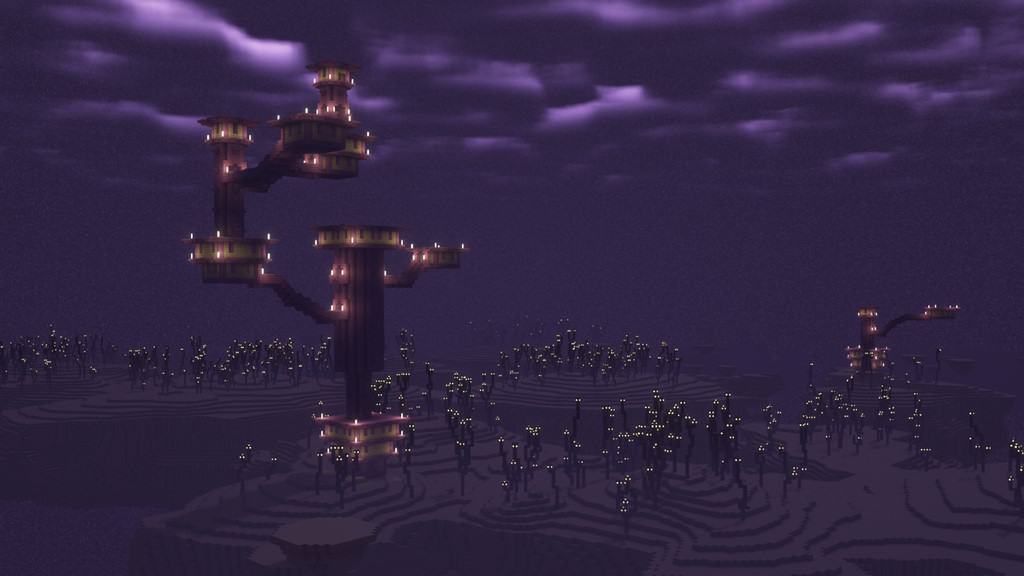
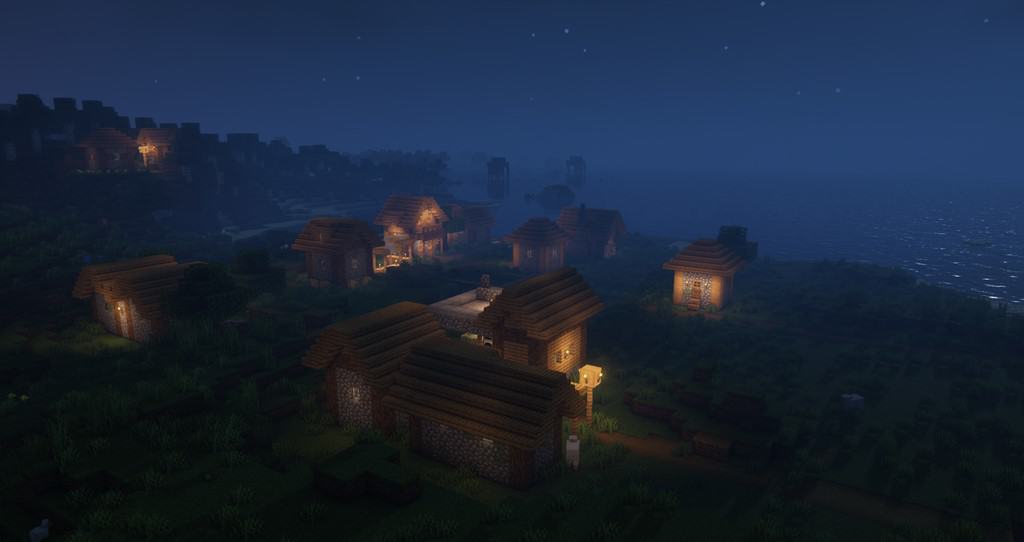
How to install Complementary Shaders:
- Download and install Minecraft.
- Open Minecraft launcher and setup your game profile for the Minecraft version you want to run. – in the top menu, select the “Installations” tab, click “New installation”, under the “Version” dropdown, select your preferred Minecraft version and click “Create”.
- Download and install Optifine or Iris. – we recommend Iris, it’s a bit more optimized;
- Open Minecraft launcher and select the newly created Optifine or Iris profile. – if in step 3 you chose to install optifine it will have an optifine profile, if iris it will have an iris profile;
- Download the Complementary shader pack from the download section below.
- Launch Minecraft.
- For Optifine: Go to
Options > Video Settings > Shadersand click “Shaders Folder” to open shaderpacks folder.
For Iris: Go toOptions > Video Settings > Shader packsand click “Open Shader Pack Folder” to open shaderpacks folder. - Put the Complementary shader pack (.zip file) downloaded in step 5 into the .minecraft\shaderpacks folder you opened in step 7.
- In the game, select Complementary Shaders from the list and click “Done”.
Complementary Unbound - Comparison Slider #1 day
Comparison slider #1 for those who want to compare vanilla Minecraft without any shaders installed (on the left) with Minecraft using this particular shader pack (on the right).
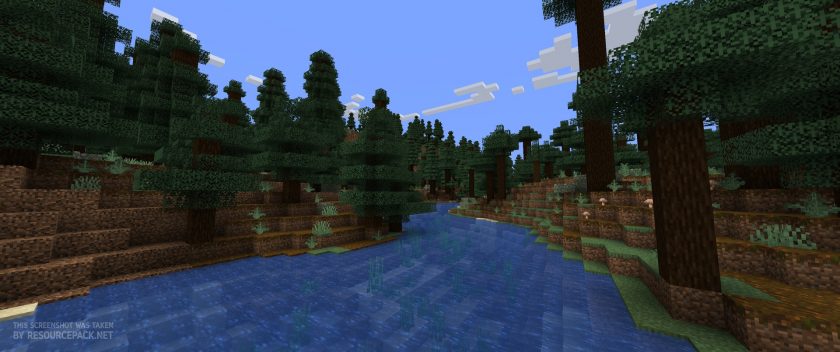 Vanilla
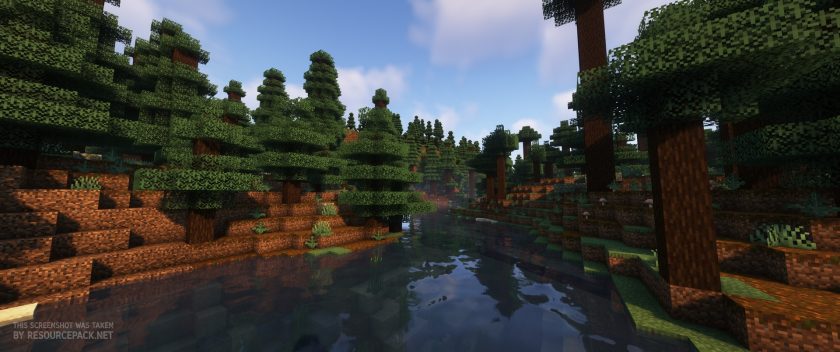 Complementary Shaders
Complementary Unbound - Comparison Slider #2 night
Comparison slider #2 for those who want to compare vanilla Minecraft without any shaders installed (on the left) with Minecraft using this particular shader pack (on the right).
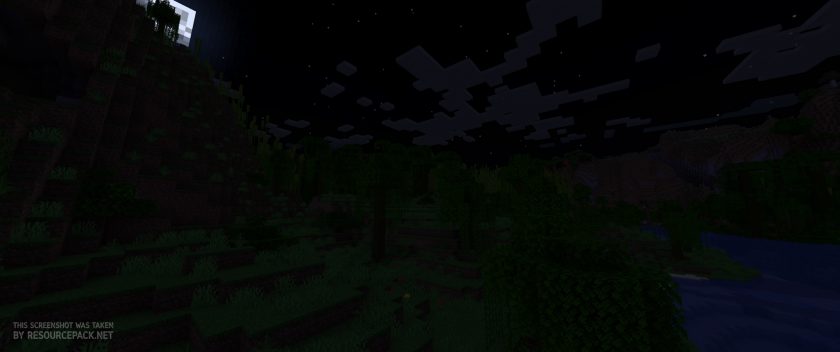 Vanilla
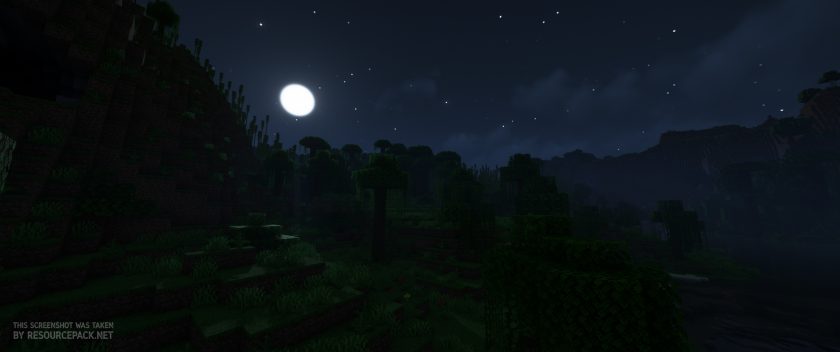 Complementary Shaders
Complementary Unbound - Comparison Slider #3 day
Comparison slider #3 for those who want to compare vanilla Minecraft without any shaders installed (on the left) with Minecraft using this particular shader pack (on the right).
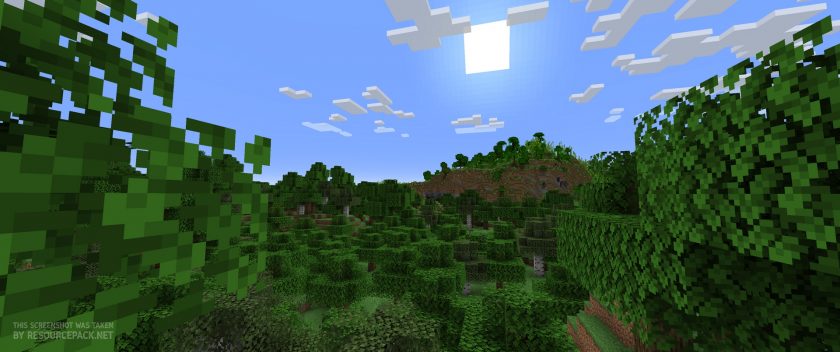 Vanilla
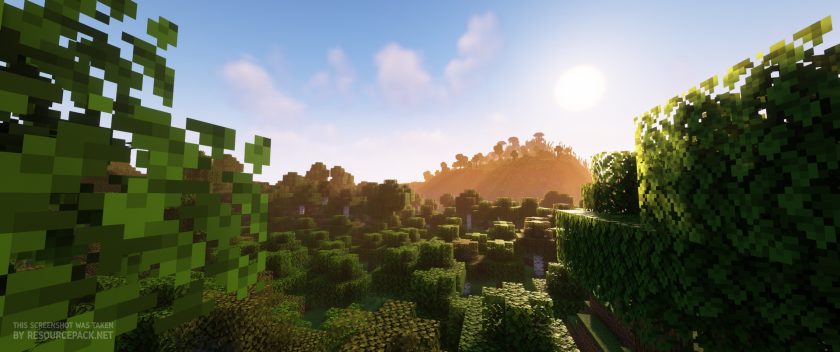 Complementary Shaders
Complementary Unbound Shader Pack Download
- We do not modify or edit any resource packs. All resource packs, shaders and tools found on this website are linked directly to official sources rather than hosted on our own servers. We provide only the official download links from the original creators to ensure that your files are safe and secure.
- These official links are updated manually and may occasionally stop working when a new version is released. We work hard to keep everything current so that you have a smooth experience. Please let us know in the comments if you find a link that no longer works.
- Minecraft is a trademark of Mojang Studios and has no official connection to this website. Our goal is simply to share the best creations from the community with other players.
- Please consider leaving a comment or voting for your favorite packs. This feedback helps authors improve their projects over time. You can also support the creators directly by visiting the official links located below the download section.
Java Edition:
[1.21.x – 1.7.x] Download Complementary Unbound Shaders
Curseforge: download starts automatically after a few seconds;
Mediafire: click the big blue button with the text "DOWNLOAD";
Google Drive: in the top right corner you will see a small download icon (down arrow), click it and the download should start;

7,656 votes
Look.. 7656 users have already liked this shader pack. Give a diamond if you like it too!


KreatorB
I was wondering if anyone has run into the following issue of shadows bobbing when bobbing is on and/or jumping?
I am using Windows 11 and the latest forge version for optifine.
If you have a fix please share!
total
Well when I tried to get Optifine or Iris I couldent open the fil with java tm se binary blah lbah IDK WHY i tried searching for it and I tried a few times but IT NEVER LET ME OPEN IT WITH THAT! it would only open with like notepad or something…
Liam
You don’t want to open the file, instead you want to find the shader file in your downloads folder – open Minecraft, then find in minecraft settings where it says “Shaders”. Make sure minecraft isn’t Fullscreen because you can drag and drop the Shader file from your download folder right into the spot that asks which shader to use.
Hope that helped :)
Kyle
I have a problem with downloading java, my computer wont download it, anybody help me bc im getting so upset abt this :/
Tristan Williams
Is it available for bedrock?
Admin
No, this is java edition shader pack.
Admiral Oink
Getting around 70fps with default settings 20 render distance but the second I look at water it drops to 50 and scales down to about 20fps the closer I get to the water is this a problem with the shader pack, optifine, or 1.19? or something else.
wavy stuff
i had an issue with some stuff not waving in open areas with “do waving in closed areas” toggled to OFF. i just leave the option on so it’s not that big of a deal. but this seems to have no effect on lush cave items except leaves, nether vines, and lanterns. is this yet to be implemented or possibly an issue with optifine?
(also would you ever consider making the spore blossom particles emissive? :3)
Crisspp56
It seems to not work for me when i load up this shader.
I use sodium and iris but when i put it on the pack it doesnt let me click on it/activate it
any tips?
Admin
Most likely, at the very top of the list of shaders in the game, there is a first line that should say something like enable or disable shader support. Just turn it on and the shader list will become active and you will be able to select the shaders supported by the iris.
Ghost
I can’t insert it in shader pack thingy? Is that normal?
Blue
it’s because it’s a resourcepack
Admin
Complementary Shaders is not a resource pack.
honza
so where should i put it?
honza
when i go to video settings, i dont have any shaders button.
Admin
Optifine or Iris installed?
John Doe
Issues with the first few letters of players being glitched when using with Lunar Client
CRazy06
can you turn off the glowing ores?
Faris
yes in shader Settings
DIO
Why would you want that
scaf
Packing causing lag on OF 1.19?
MercyGG
The shader is seriously broken on 1.19 but the fault is on Optifine’s side rather than shader itself. It has a ton of configurable features and doesn’t hit the performance that much like SEUS or Continuum.
Hyp3r
Cant seem to work on 1.19 ?
torenty
i really like it but does this have godrays like sildurs?
Nobody
I really Like this shader, The lighting and all of that stuff. Its Just Really good.
RioStarlin
Oh like this shader very much I love this shader more than sildur and BSL.
I am using this shader for my YouTube videos like Minecraft builds nice 🙂👍👍👍👍👍 💕
diimi
this pack is not working
Admin
From our side it works flawlessly. Just saying… this is a shader pack, not a resource pack.
sneapky
good
qweqw
good
Tiziano
Whats the Name of the Texture-Pack on the first imgage?
Ujjwal_kapoor
A very nice good very very super shaders
Wijdet10
How do i enable POM
oSecret
Anyone know why my chests would be glowing? I think it’s making me lag.. Away from my house I have 100+fps but at my house I have 20.. TIA
That one guy who’s not cool
cool it works
1
i want to use it on my BE minecraft!
Idk
Me too Does anyone have any suggestions for good BE shaders if so that would be amazing 😻 /(‘-‘)\