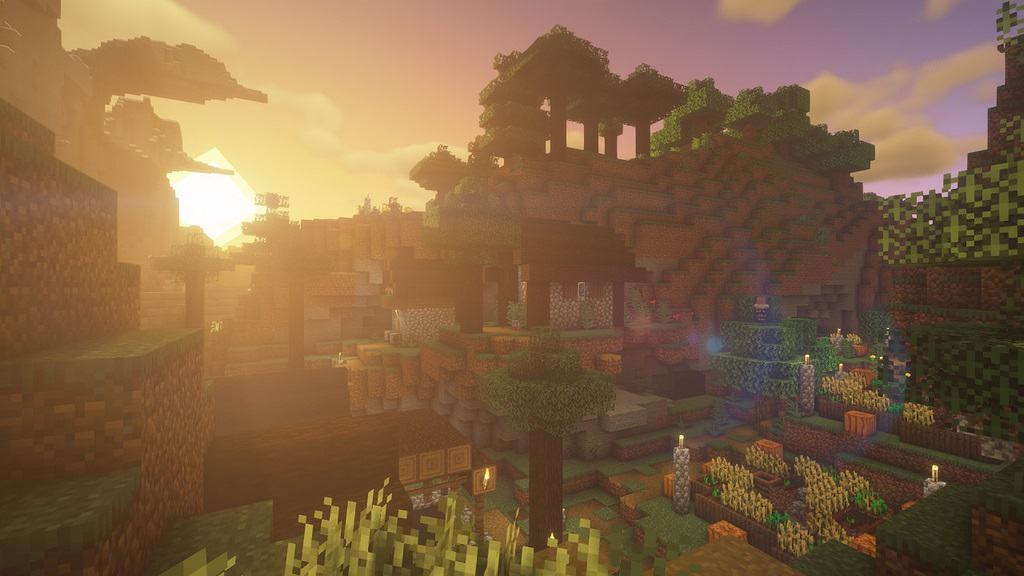
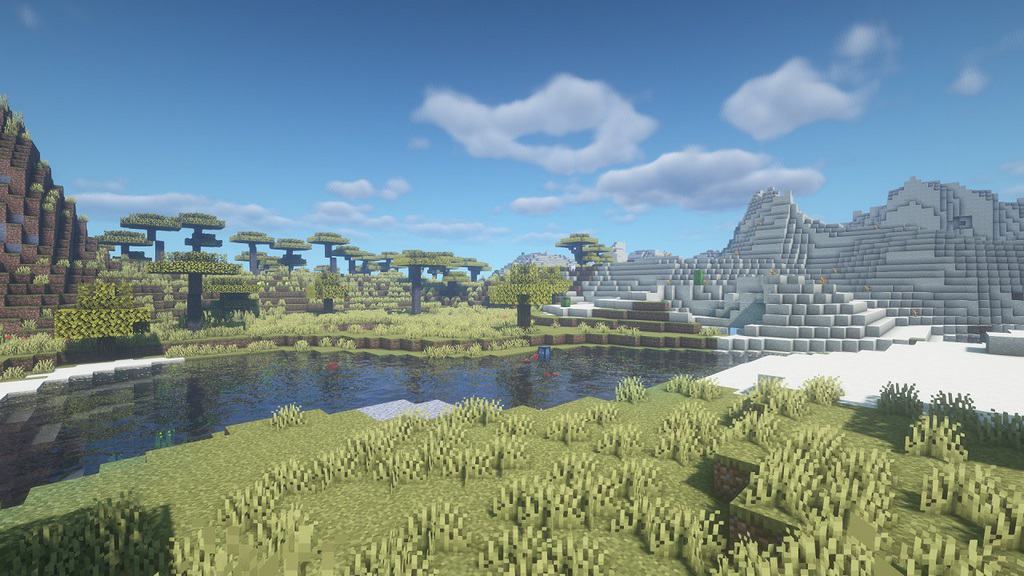
Any player of the popular game Minecraft would have to admit that the standard lighting effects leave a lot to be desired when it comes to realism. While realistic graphics are not a part of the world design in the game, the smooth lighting and graphic effects, even when set to their highest level, aren’t exactly the best they could be. The graphics could use just a touch of realism to add to the game’s atmosphere, and its overall aesthetic appeal. When it comes to embellishing the graphics of the game, shaders are the way to go. Especially the BSL Shaders. This shader pack stands out for its unique features as a pack designed specifically for Minecraft: Java Edition. Its features include real-time shadows, volumetric light, ambient occlusion, customizable clouds and water, bloom, etc., in order to add a sense of realism to the environment of the game.
Featured video:
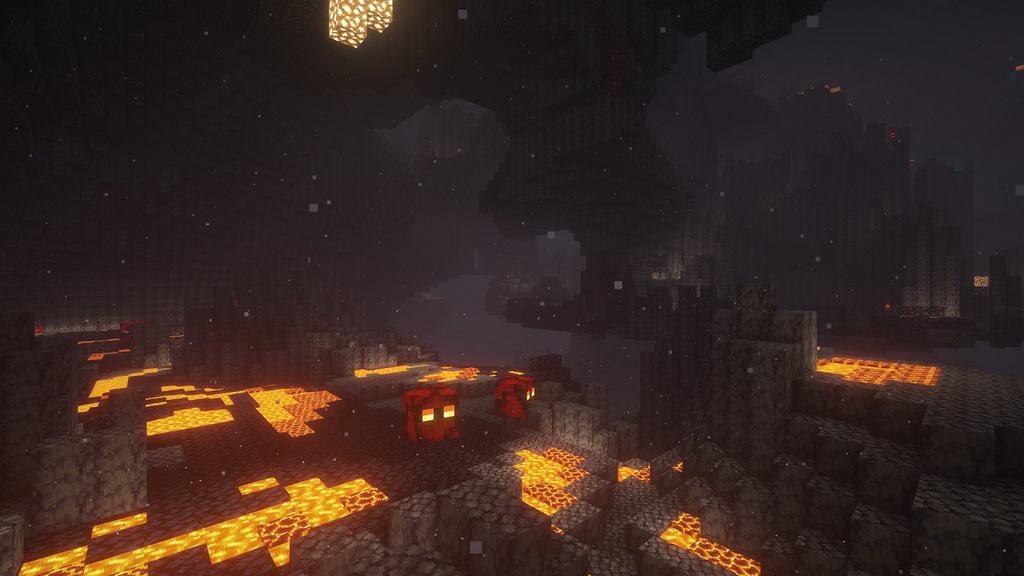
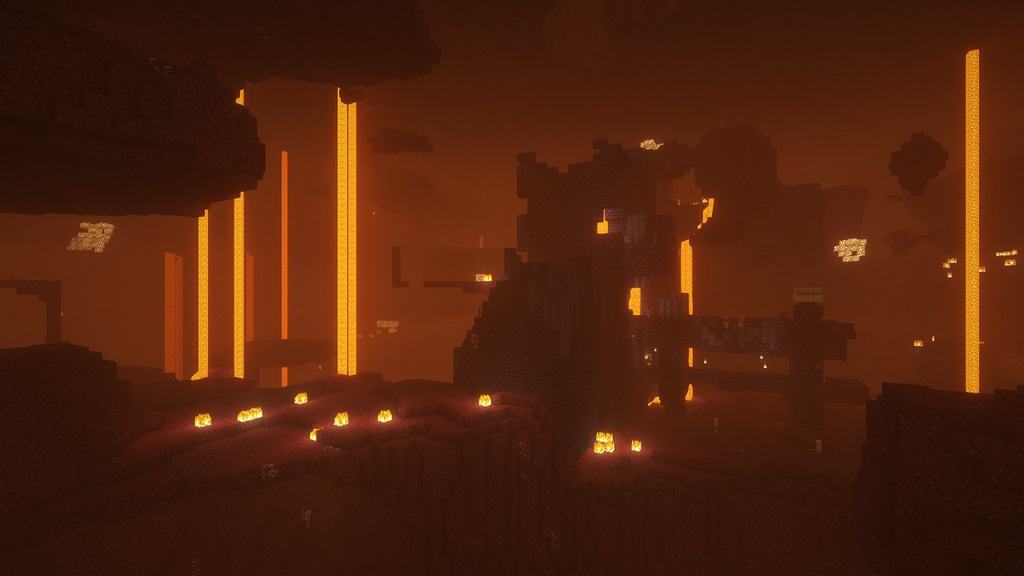
There are also additional effects available, like motion blur, world curvature, depth of field, specular and normal mapping, and celshading, just to name a few examples. There are no perceivable glitches or bugs throughout the shader pack. The colors come with a boost and saturation alteration, which adds to the atmosphere, particularly for the Nether; the bright, eye-catching colors mixed with the shadows create a very visually pleasing experience. That being said, the BSL Shaders requires a lot of additional resources to your PC and it is not designed for low-spec PC’s. But, as this pack is, quite possibly, the best way to embellish the graphics of your game, it’s well worth any additional installations. To ensure you get the highest quality visuals, BSL Shaders requires Optifine. If you do not already have this mod installed, you will need to do so in order to get the very best experience from this shader pack.
BSL Shaders should be compatible with all of these Minecraft versions: 1.21.11 - 1.21.10 - 1.21.9 - 1.21.8 - 1.21.7 - 1.21.6 - 1.21.5 - 1.21.4 - 1.21.3 - 1.21.2 - 1.21.1 - 1.21 - 1.20.6 - 1.20.5 - 1.20.4 - 1.20.3 - 1.20.2 - 1.20.1 - 1.20 - 1.19.4 - 1.19.3 - 1.19.2 - 1.19.1 - 1.19 - 1.18.2 - 1.18.1 - 1.18 - 1.17.1 - 1.17 - 1.16.5 - 1.16.4 - 1.16.3 - 1.16.2 - 1.16.1 - 1.16 - 1.15.2 - 1.15.1 - 1.15 - 1.14.4 - 1.14.3 - 1.14.2 - 1.14 - 1.13.2 - 1.13.1 - 1.13 - 1.12.2 - 1.12 - 1.11.2 - 1.11 - 1.10.2 - 1.10 - 1.9.4 - 1.9 - 1.8.9 - 1.8.8 - 1.8.6 - 1.8.1 - 1.8 - 1.7.10 - 1.7.9 - 1.7.4 - 1.7
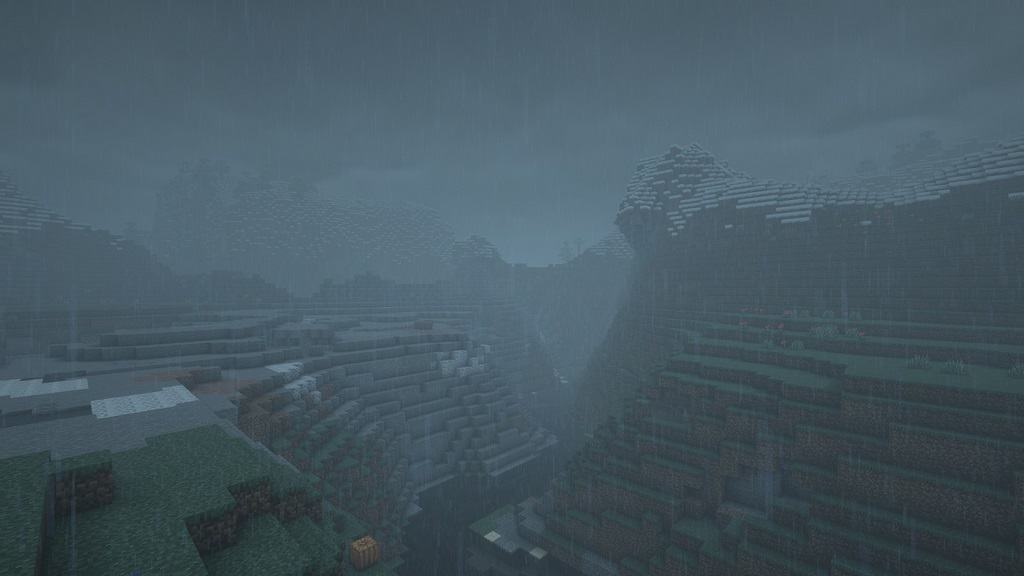
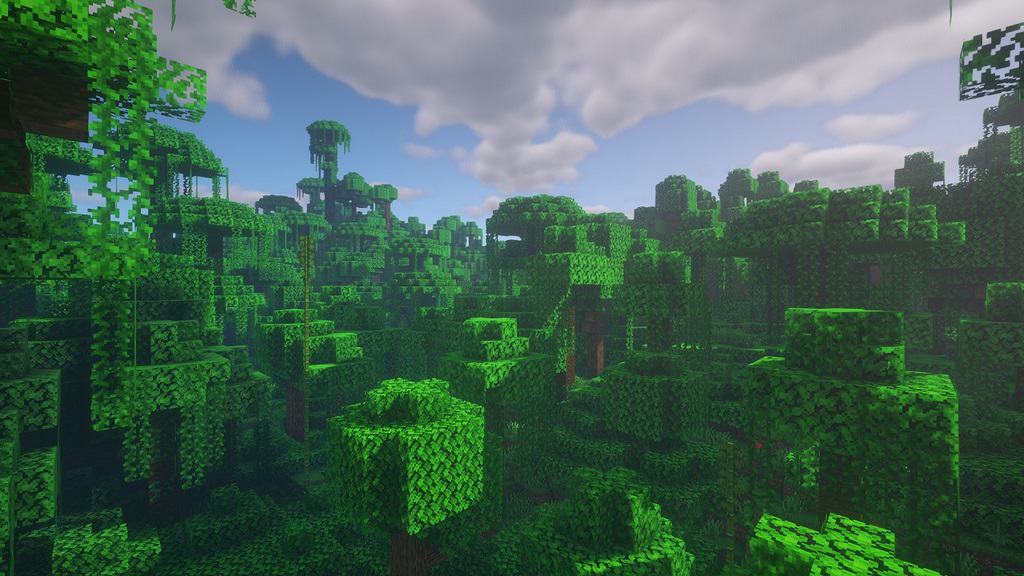
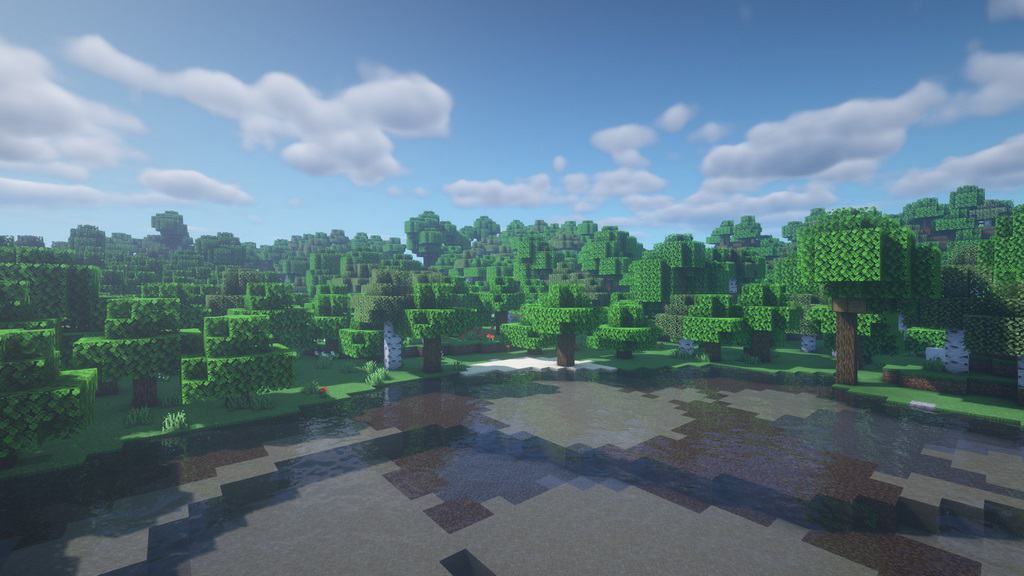
BSL Shaders — Screenshots

How to install BSL Shaders:
- Download and install Minecraft.
- Open Minecraft launcher and setup your game profile for the Minecraft version you want to run. – in the top menu, select the “Installations” tab, click “New installation”, under the “Version” dropdown, select your preferred Minecraft version and click “Create”.
- Download and install Optifine or Iris. – we recommend Iris, it’s a bit more optimized;
- Open Minecraft launcher and select the newly created Optifine or Iris profile. – if in step 3 you chose to install optifine it will have an optifine profile, if iris it will have an iris profile;
- Download the BSL shader pack from the download section below.
- Launch Minecraft.
- For Optifine: Go to
Options > Video Settings > Shadersand click “Shaders Folder” to open shaderpacks folder.
For Iris: Go toOptions > Video Settings > Shader packsand click “Open Shader Pack Folder” to open shaderpacks folder. - Put the BSL shader pack (.zip file) downloaded in step 5 into the .minecraft\shaderpacks folder you opened in step 7.
- In the game, select BSL Shaders from the list and click “Done”.
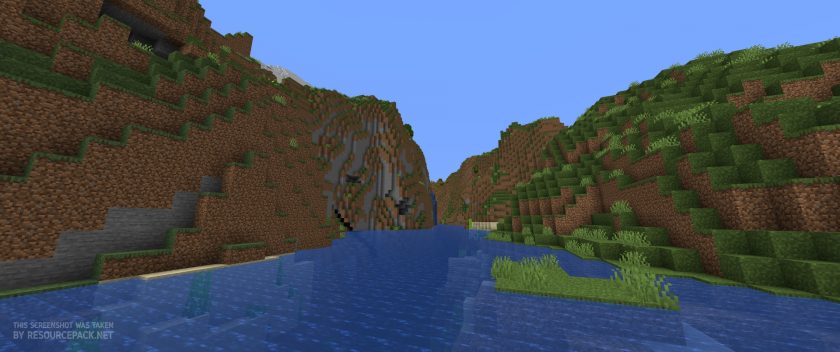
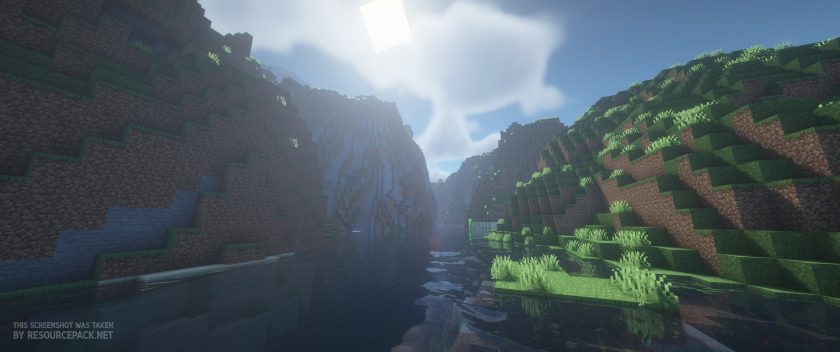
BSL Shaders - Comparison Slider #1 day
Comparison slider #1 for those who want to compare vanilla Minecraft without any shaders installed (on the left) with Minecraft using this particular shader pack (on the right).
 Vanilla
 BSL Shaders
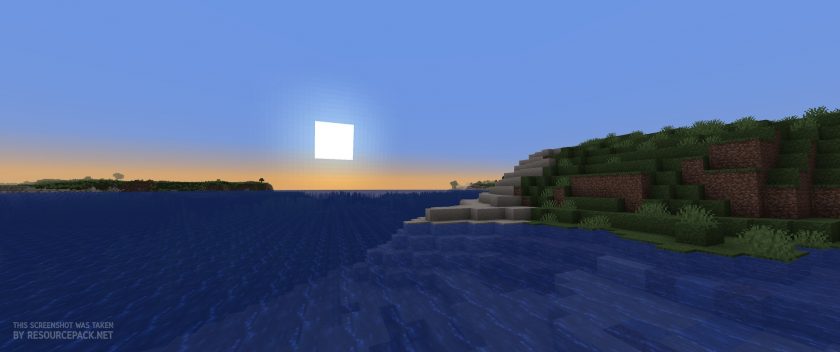
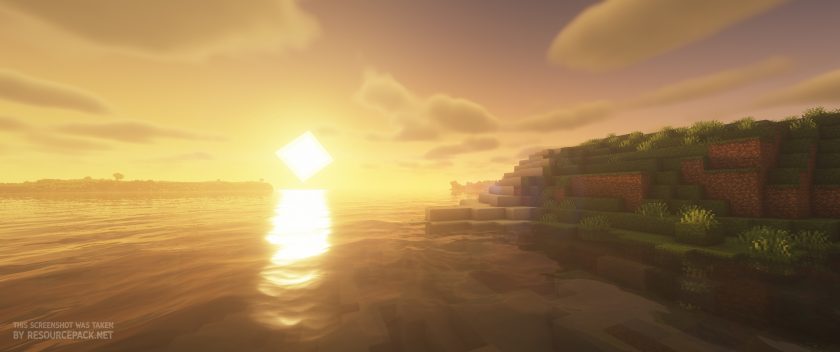
BSL Shaders - Comparison Slider #2 sunset
Comparison slider #2 for those who want to compare vanilla Minecraft without any shaders installed (on the left) with Minecraft using this particular shader pack (on the right).
 Vanilla
 BSL Shaders
BSL Shaders Shader Pack Download
- We do not modify or edit any resource packs. All resource packs, shaders and tools found on this website are linked directly to official sources rather than hosted on our own servers. We provide only the official download links from the original creators to ensure that your files are safe and secure.
- These official links are updated manually and may occasionally stop working when a new version is released. We work hard to keep everything current so that you have a smooth experience. Please let us know in the comments if you find a link that no longer works.
- Minecraft is a trademark of Mojang Studios and has no official connection to this website. Our goal is simply to share the best creations from the community with other players.
- Please consider leaving a comment or voting for your favorite packs. This feedback helps authors improve their projects over time. You can also support the creators directly by visiting the official links located below the download section.
Java Edition:
[1.21.x – 1.7.x] Download BSL Shaders
Curseforge: download starts automatically after a few seconds;
Mediafire: click the big blue button with the text "DOWNLOAD";
Google Drive: in the top right corner you will see a small download icon (down arrow), click it and the download should start;

14,296 votes
Look.. 14296 users have already liked this shader pack. Give a diamond if you like it too!


e
does vivecraft work with this?
ca
does it work on mincraft edu?
That would make it fun!
some random south park fan
unfortunately it doesn’t work on any versions of minecraft bedrock (including edu)
stickman
i have optifine but when i add shader to minecraft nothing happens
ASSASSIN
you go to video settings ten shader Packs (make sure you don’t have fantastic Garaphics on) then click bsl shaders and then optimize on the right then click done.
2f
Beautiful rtx
jooo
I can not find the 7. I don’t have in video settings the shaders, what I can do?
Admin
Install optifine. We highly recommend carefully reading the installation instructions on this page.
Bun
Can you play on your phone?
Admin
No, it is only compatible with the Java edition of Minecraft.
gergo20140408
is so good ty
Dukhan chouhan
Best textures pack
cali
its pretty laggy on mine any suggstions on how to fix that? or is that just how it be for me
Admin
Well, shaders are resource intensive. If you have a weak hardware device, you will not be able to run shaders with decent fps.
Al
Is this the way to install these BSL Shaders for the iOS?
Joemama
Bro its Java edition
Turtle
Does it work on mcpe
Admin
Nobody here said it was compatible with mcpe. Most shaders don’t. BSL Shaders only works with optifine, which is a Java-only tool/mod.
Chloie
It says that it’s already downloaded but when I click on it it’s just a blank space
Farahan
Minecraft
Pog
minecraft
jjr342
Please do the new versions of this Shaders
yes
the shader is amazing , cant belive its free
Starboyxp
WOW
Zeevo
Is it possible for me to to reduce the light pollution as it gives a fog to the world, like the brightness is too high.
K0iiyo
Best shaders
Mik
It doesn’t work for me! I added it but it doesn’t show up! :(
penguinboyXD
Same
Admin
Please read the installation instructions on this page and make sure you have optifine installed.
Ege Ulaş Aslankara
Its not working
Yukuai
I used these for a long time, but now it show me a really annoying glitch where the sun flares become “lines” that can be seen through blocks … how can I fix this?
Maestro
Im having the same problem have you found a way to fix it yet?
me
It doesn’t work on 1.19 for me.
Navratan
Best shader BSL
Evan
Are there any resource packs that you would recommend us to use along with the BSL Shaders?
mp
i like vanila PBR.. its basically the same but adds metal effects too metal blocks and the lighting is pretty awesome in conjunction with the shader
Alex
Brixel
Breloom
I wanted to know if there was a way to fix this:
I have used BSL Shaders for a while now and still cant seem to fix this thing where sea grass at the very top of the water block (The first block that the water covers) makes the shaders water feature not work and its just patches of the vanilla water mixed with the shaders water and it really bugs me. Is there a way to fix this?
Serena
I’m having the same glitch.. did you ever find a fix? :(
Sam Adriana
It’s really really good shader packs
:)
this is amazing my fav of all time it makes everything look so good and there is so much customization
Squilliam
looks great but have black spots in the clouds