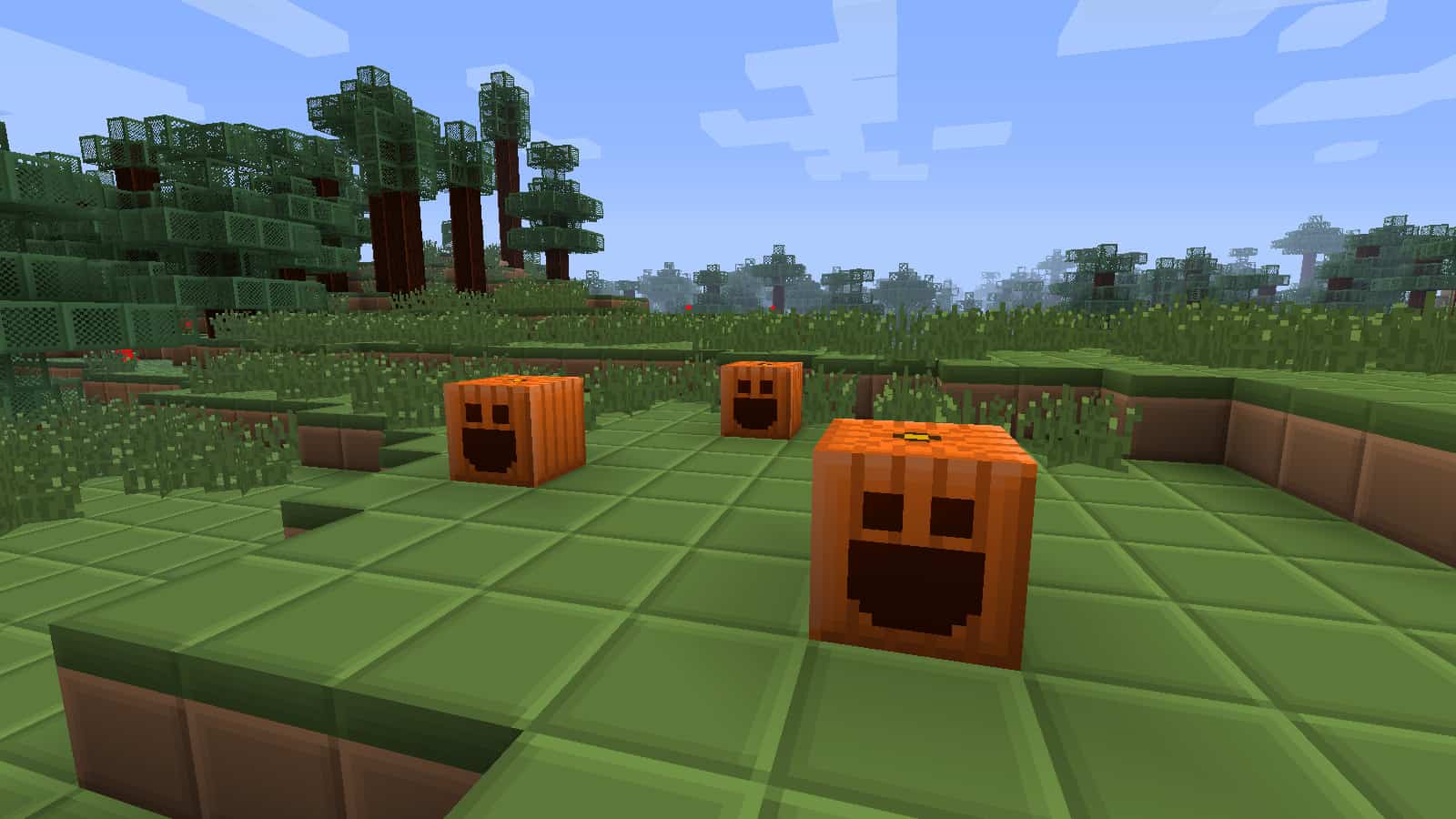
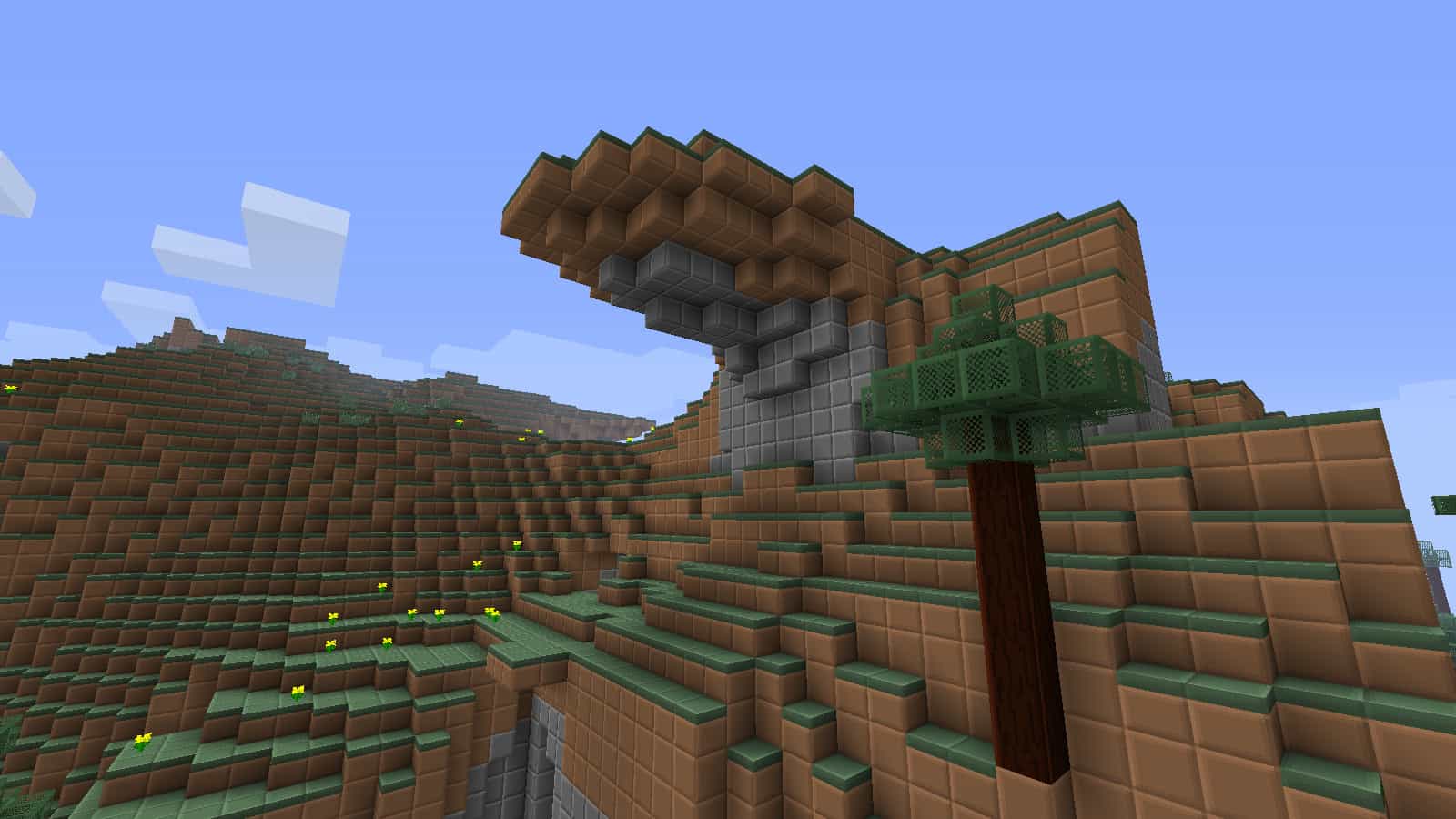
Simplicity and high performance are the middle names of the BoxCraft resource pack. You could guess from its name that it doesn’t change too much of the vanilla game’s details, since the textures retain their boxy, pixelated look. Unlike a lot of the resource packs out there that completely transform the look and feel of Minecraft – while also requiring ridiculously strong hardware to run properly – this one tries to squeeze the last FPS out of your PC. Even though it might not introduce anything exceptional to the game, BoxCraft is one of the most unique packs that you can find out there. The developer, MillCzarr, focused on removing the unnecessary details out of the original textures. This might seem strange, as they’re already quite pixelated and low-detail. However, BoxCraft actually amplifies the look through the use of connected textures. Also, the color palette is reduced to the bare minimum so that everything can look quite uniform. For example, a grass block combines single shades of brown and green, cobblestone uses a variation of gray, and wood implements various hues of brown depending on the type of tree. Besides looking quite appealing, this will also help you recognize certain types of blocks from further away. A quite unique approach is taken for the tree leaves. Whereas in the original game they vary based on the fast or fancy graphics setting, BoxCraft keeps them the same regardless. They are semi-transparent, with a green frame and a mesh-like center. This allows it to blend in perfectly with the rest of the environment, especially grass, flowers, and stone. Items such as chests, furnaces, and others are also polished to give them a more homogenous appearance. Glass is also made completely transparent without its little specks. Once you load up the world, you’ll also notice that liquids have been modified. While they can’t be boxified per se, lava and water are much clearer and more uniform than before. Ores are revamped as well, and they’re in a form where you can easily differentiate between them. They have a stone-like foundation with four squares on each side colored as the corresponding ore.
Featured video:
This makes mining much more enjoyable and completely transforms the atmosphere while you’re out looking for them. Also, once you craft an ore block, you’ll notice that it has a different shine to it since it’s also been changed to better fit the box theme. You might think that the removal of certain details makes the game bland and unappealing. However, BoxCraft manages to pull off this better than almost any other similar resource pack. The game becomes brighter, smoother, and even makes for prettier builds compared to the original. It’s hard to compare it to any other approach since MillCzarr is arguably the first one to make this type of resource pack. The boxy look isn’t only limited to the blocks, though. Particles are almost completely changed as well. Explosions, rainfall, fire, and others will appear in the form of a cube to fit the theme of the pack. The pack dates as far back as 2011, which means it had plenty of time to get polished. Its original developer stopped updating BoxCraft, but it was continued by AahzChi in the same fashion as before. He retained the grid-like appearance even for the newer versions and added plenty of details that can be hard to notice if you’re just roaming around the world. You could say it adds a whole new objective to the game – trying to find as many hidden improvements and changes as possible. As far as any prerequisites go, BoxCraft texture pack requires neither Optifine nor MCPatcher to run properly. There is just a single resolution offered for BoxCraft – 16×16. This is the same as the original vanilla textures, but that’s to be expected since the pack’s focus is on performance and simplicity. It’s going to run on virtually any machine regardless of its specs, and you can expect a significant FPS increase once you load up the pack. If you want to further boost the performance, you can use Optifine alongside it. However, it’s worth giving BoxCraft a shot – even if you’re not on the hunt for added FPS.
BoxCraft should be compatible with all of these Minecraft versions: 1.9.4 - 1.9 - 1.8.9 - 1.8.8 - 1.8.1 - 1.8.6 - 1.8 - 1.7.10 - 1.7.9 - 1.7.4 - 1.7 - 1.6.4 - 1.6.2
BoxCraft — Screenshots
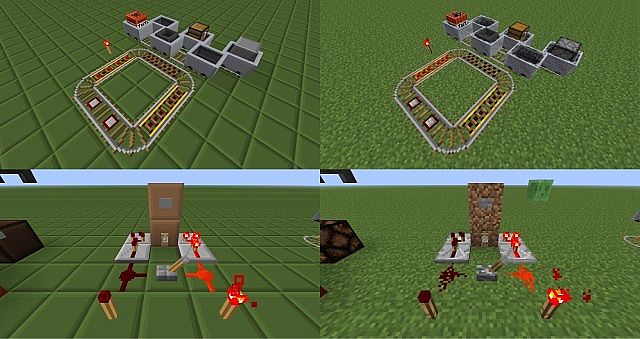
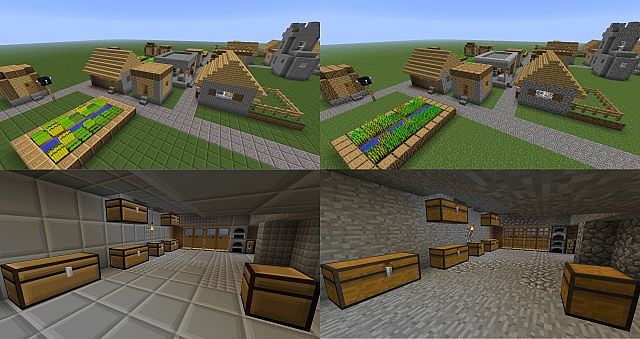
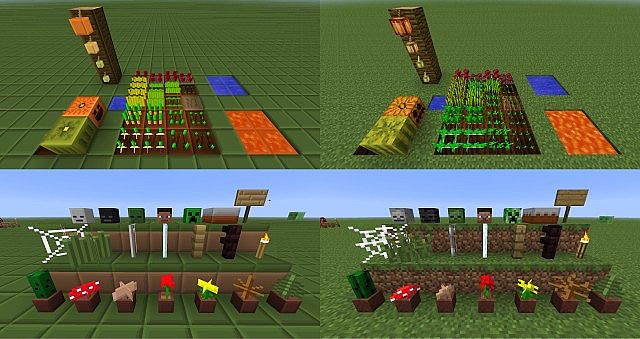
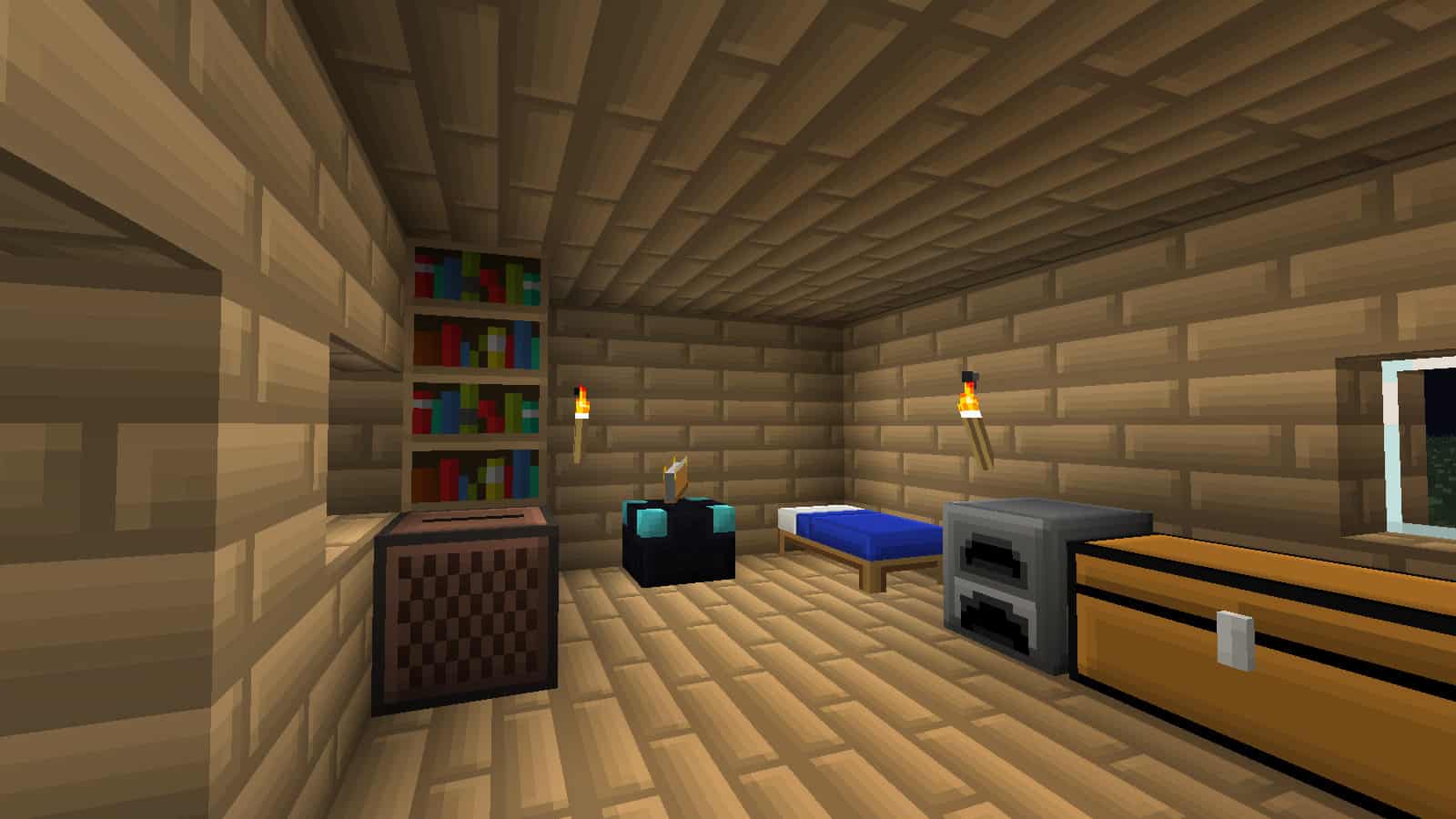
How to install BoxCraft Resource Pack:
- Most resource packs require Optifine, so be sure to download and install it. – general recommended step for all packs, Optifine is also needed for most shaders
- Download the BoxCraft texture pack for Minecraft from the download section below. – if there are many different versions, just choose the one you like, is compatible with your version/edition of Minecraft, the one you think your computer can handle in terms of performance.
- Launch the game client through the Minecraft launcher.
- On the main menu, click "Options".
- On the options menu, click "Resource Packs...".
- Click on "Open Resource Pack Folder". – folder titled "resourcepacks" will pop up
- Move the .zip file you downloaded in the first step to the newly opened "resourcepacks" folder.
- Click "Done".
- Click on "Resource Packs..." again.
- Your pack should have appeared in the left window, just hover over it and click on the arrow pointing to the right.
QUICK TIP: Sometimes, when activating a pack, the game may say that the pack is made for a newer or older version of Minecraft. This is just a warning, it does not affect your gameplay in anyway, and you can still activate and enjoy the pack by simply clicking the "Yes" button when prompted.
- Click "Done" again.
- The pack has now been successfully loaded and ready to be used in your world!
BoxCraft Texture Pack Download
- We do not modify or edit any resource packs. All resource packs, shaders and tools found on this website are linked directly to official sources rather than hosted on our own servers. We provide only the official download links from the original creators to ensure that your files are safe and secure.
- These official links are updated manually and may occasionally stop working when a new version is released. We work hard to keep everything current so that you have a smooth experience. Please let us know in the comments if you find a link that no longer works.
- Minecraft is a trademark of Mojang Studios and has no official connection to this website. Our goal is simply to share the best creations from the community with other players.
- Please consider leaving a comment or voting for your favorite packs. This feedback helps authors improve their projects over time. You can also support the creators directly by visiting the official links located below the download section.
Java Edition:
[16x] [1.9.x] Download BoxCraft Resource Pack
[16x] [1.8.x] Download BoxCraft Resource Pack
[16x] [1.7.x – 1.6.x] Download BoxCraft Resource Pack
[16x] [1.5.x] Download BoxCraft Resource Pack
[16x] [1.4.x] Download BoxCraft Resource Pack
Curseforge: download starts automatically after a few seconds;
Mediafire: click the big blue button with the text "DOWNLOAD";
Google Drive: in the top right corner you will see a small download icon (down arrow), click it and the download should start;

36 votes
Look.. 36 users have already liked this pack. Give a diamond if you like it too!


Leave a reply
10 comments
Links in comments are not allowed. Comments containing links will be removed.
Before commenting that the resource pack crashed your game, google your crash log. This is usually a graphic card driver issue.