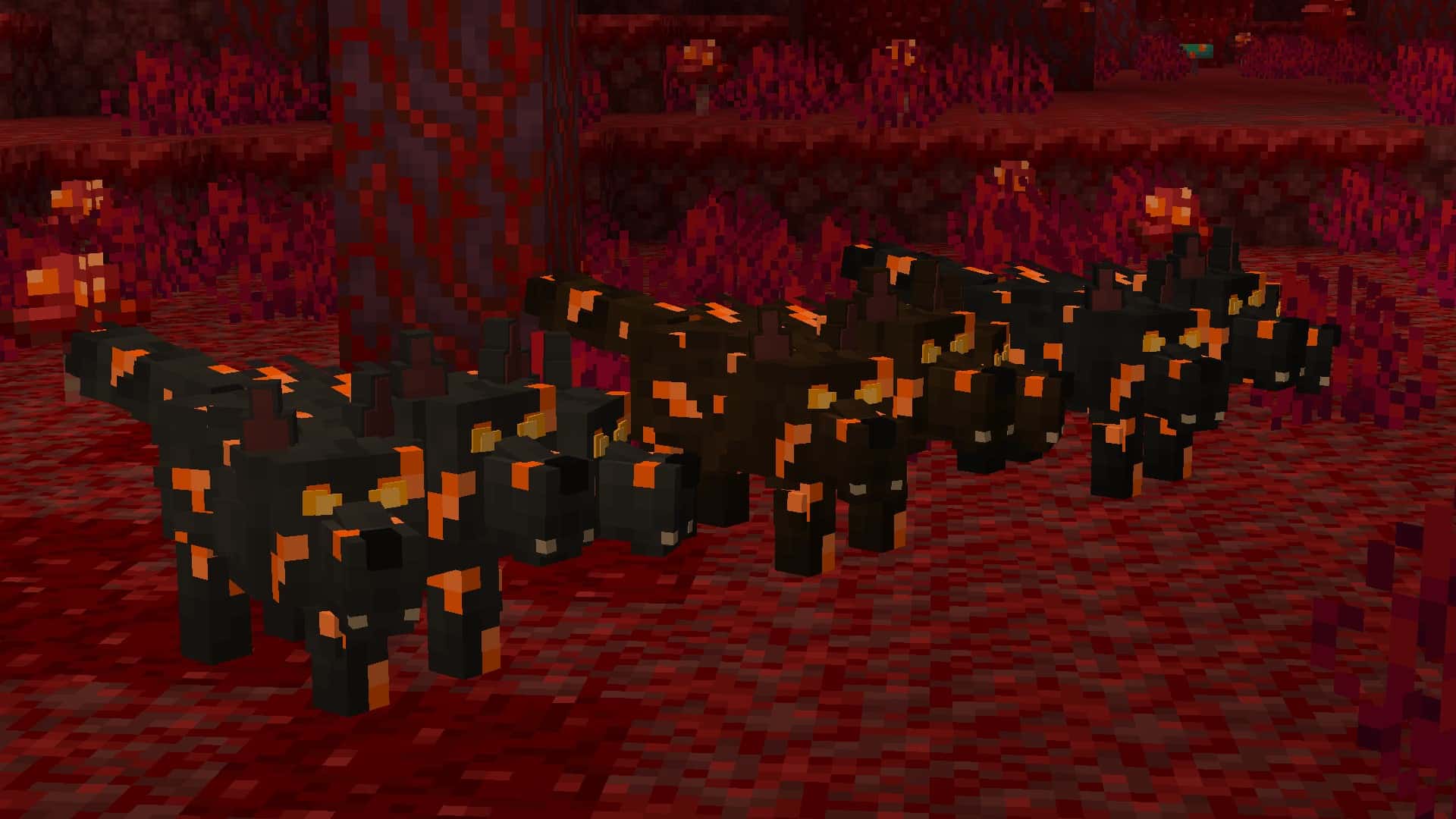
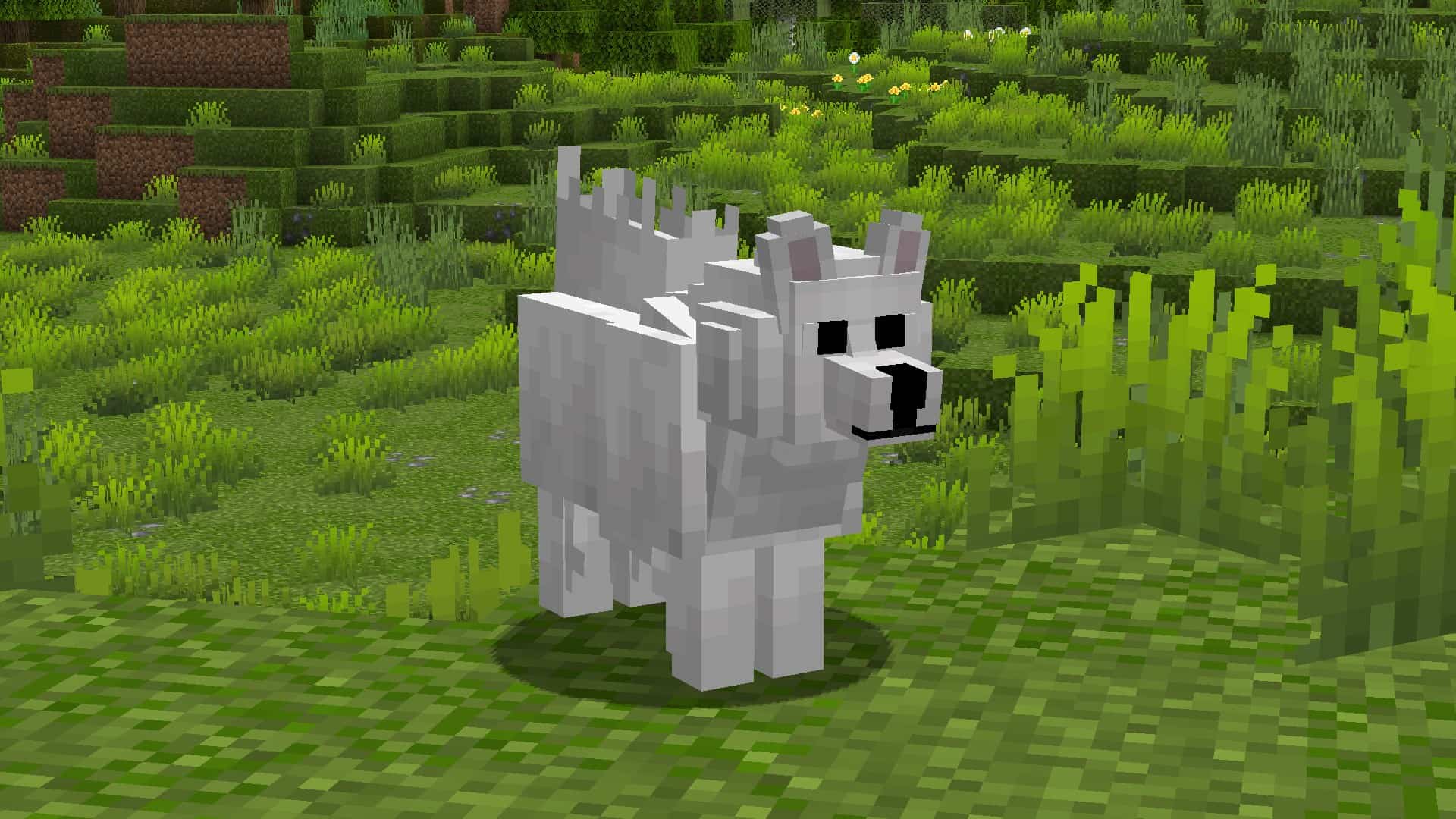
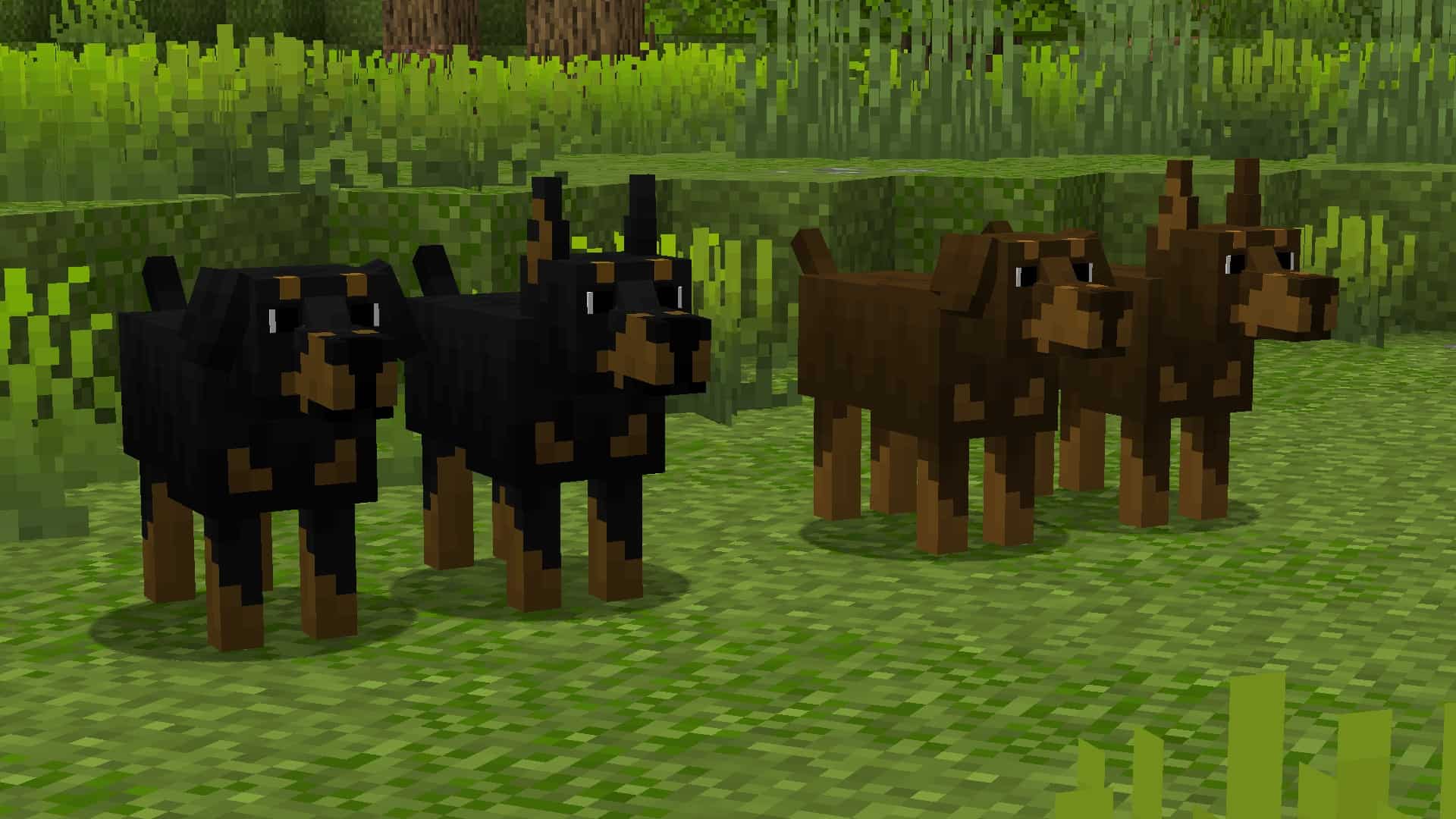
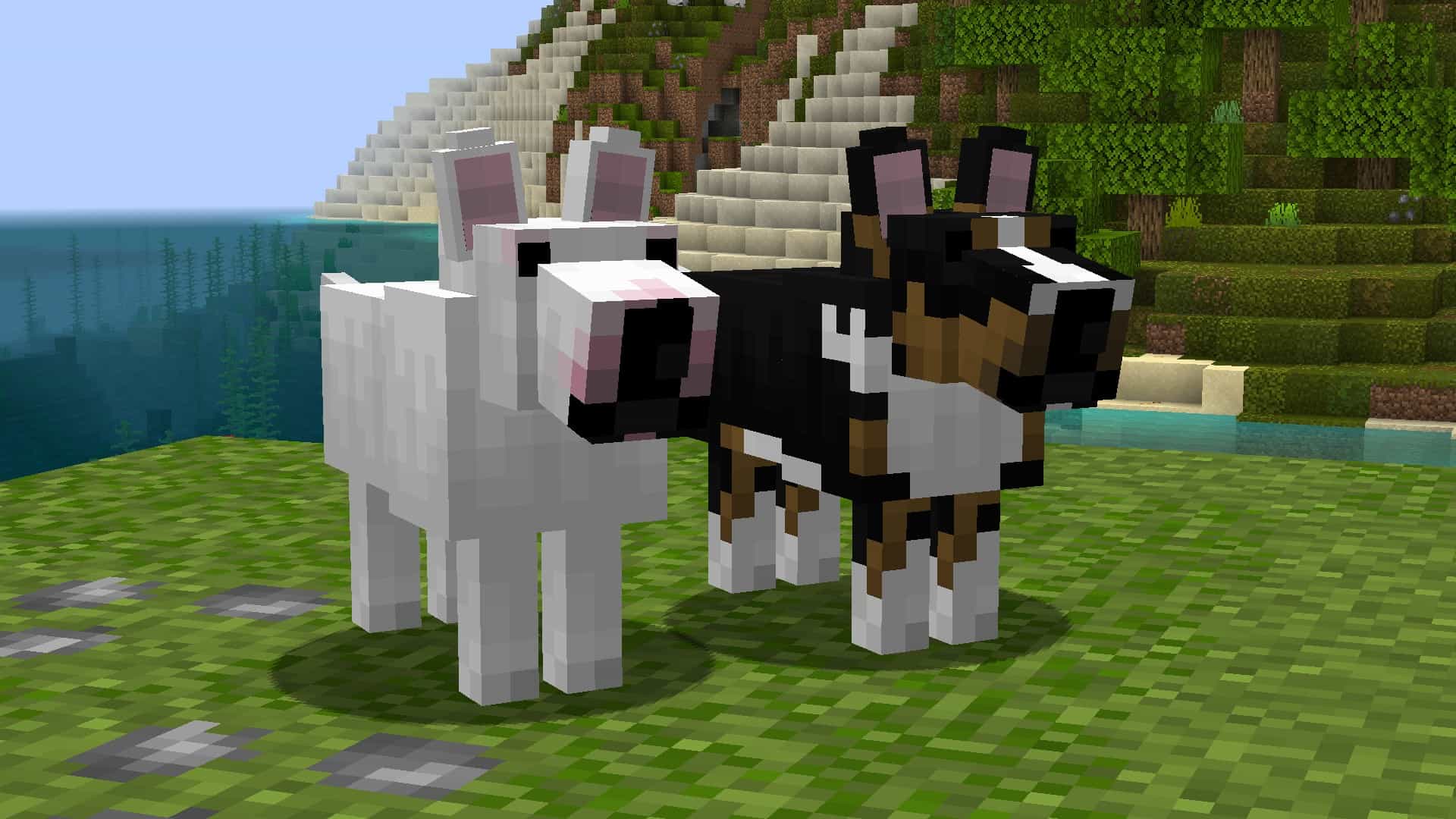
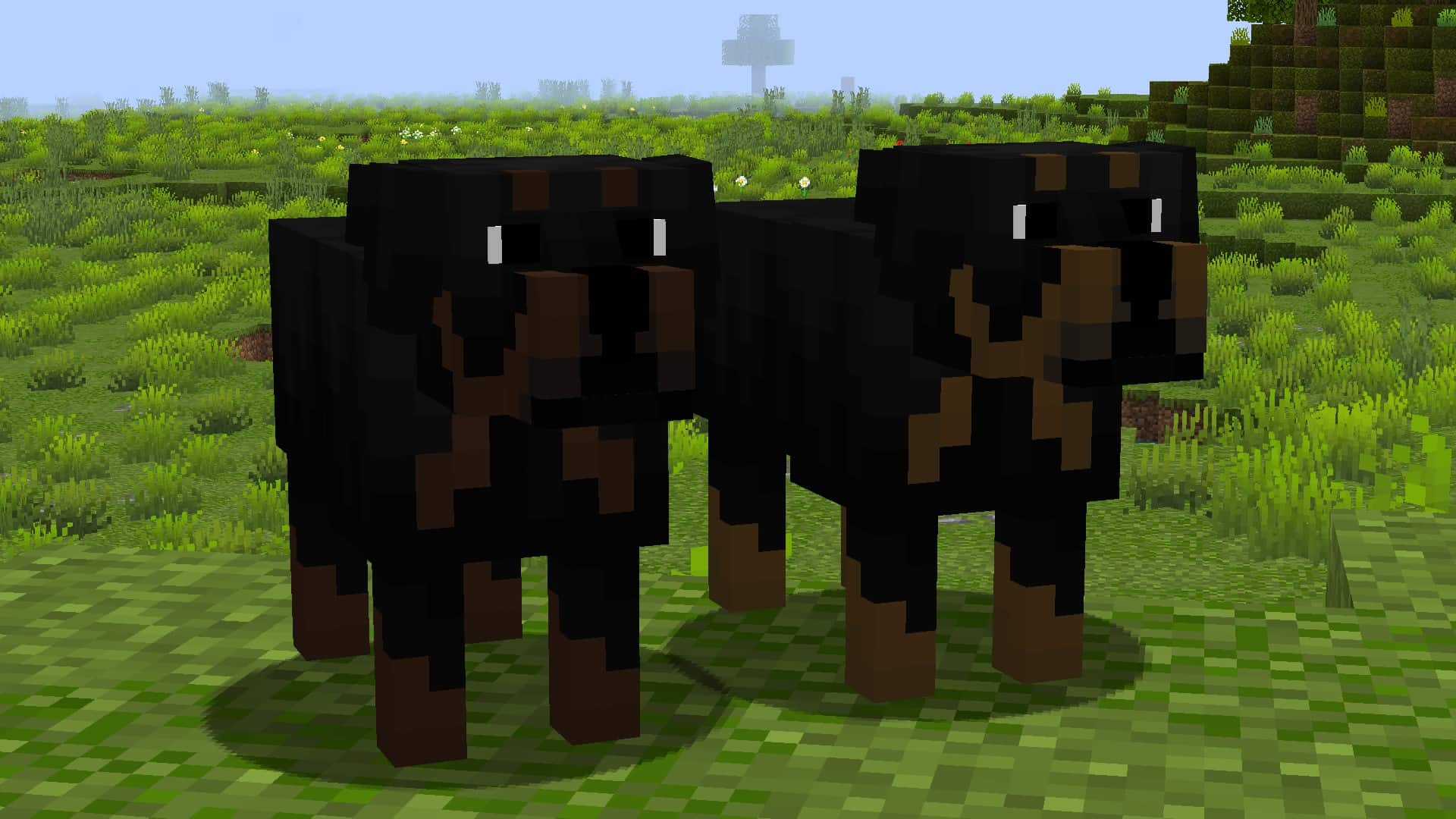
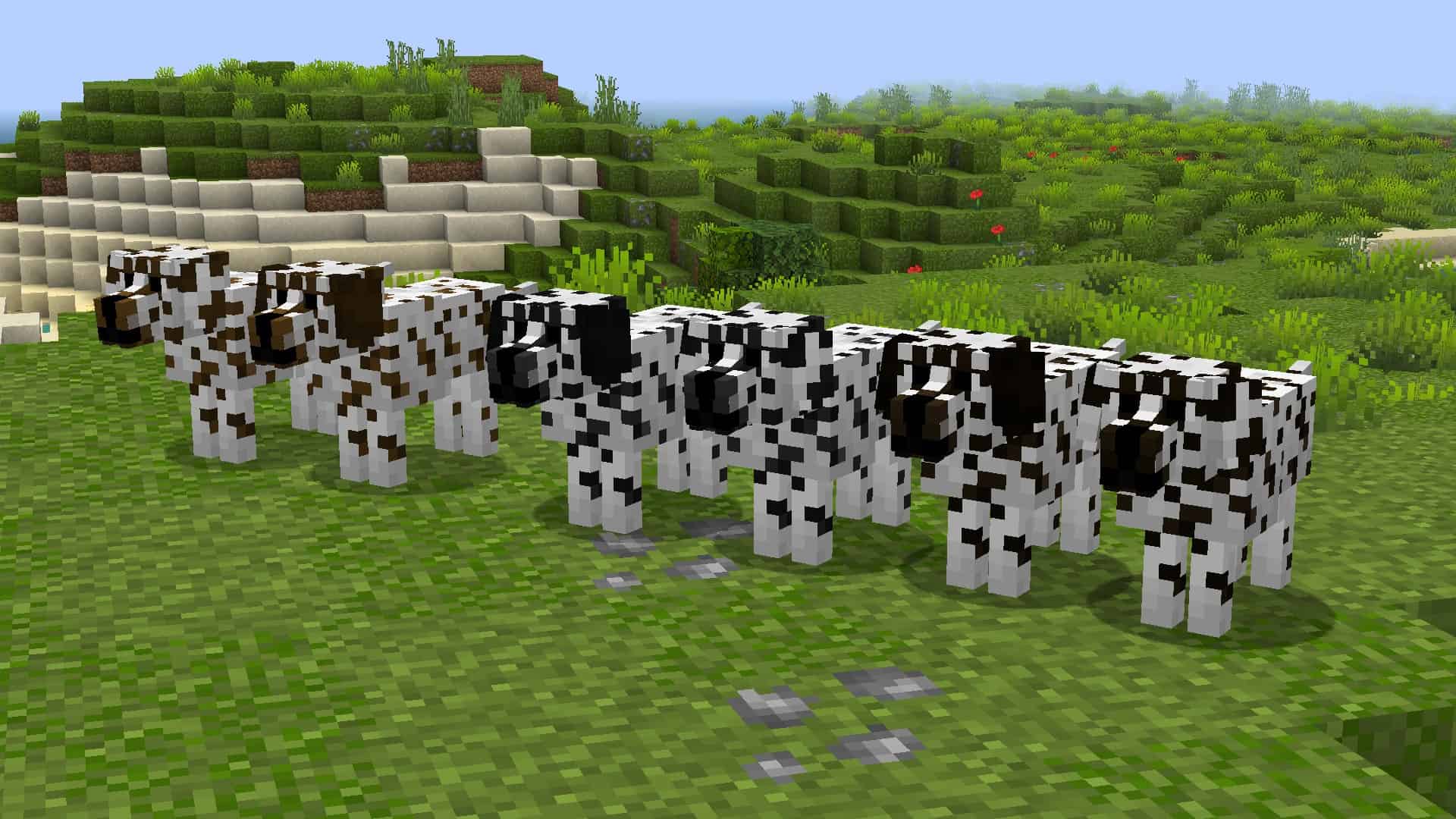
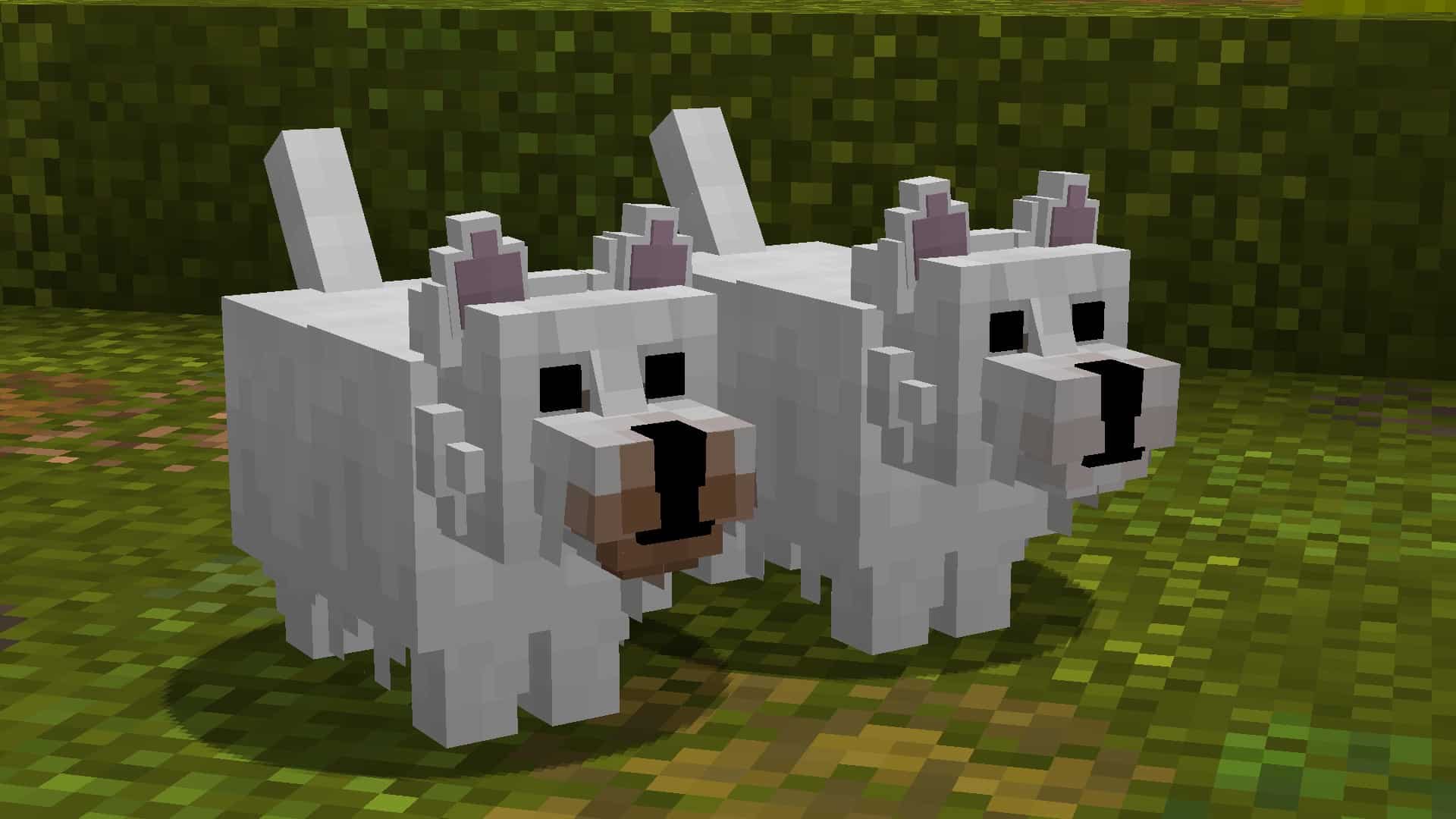
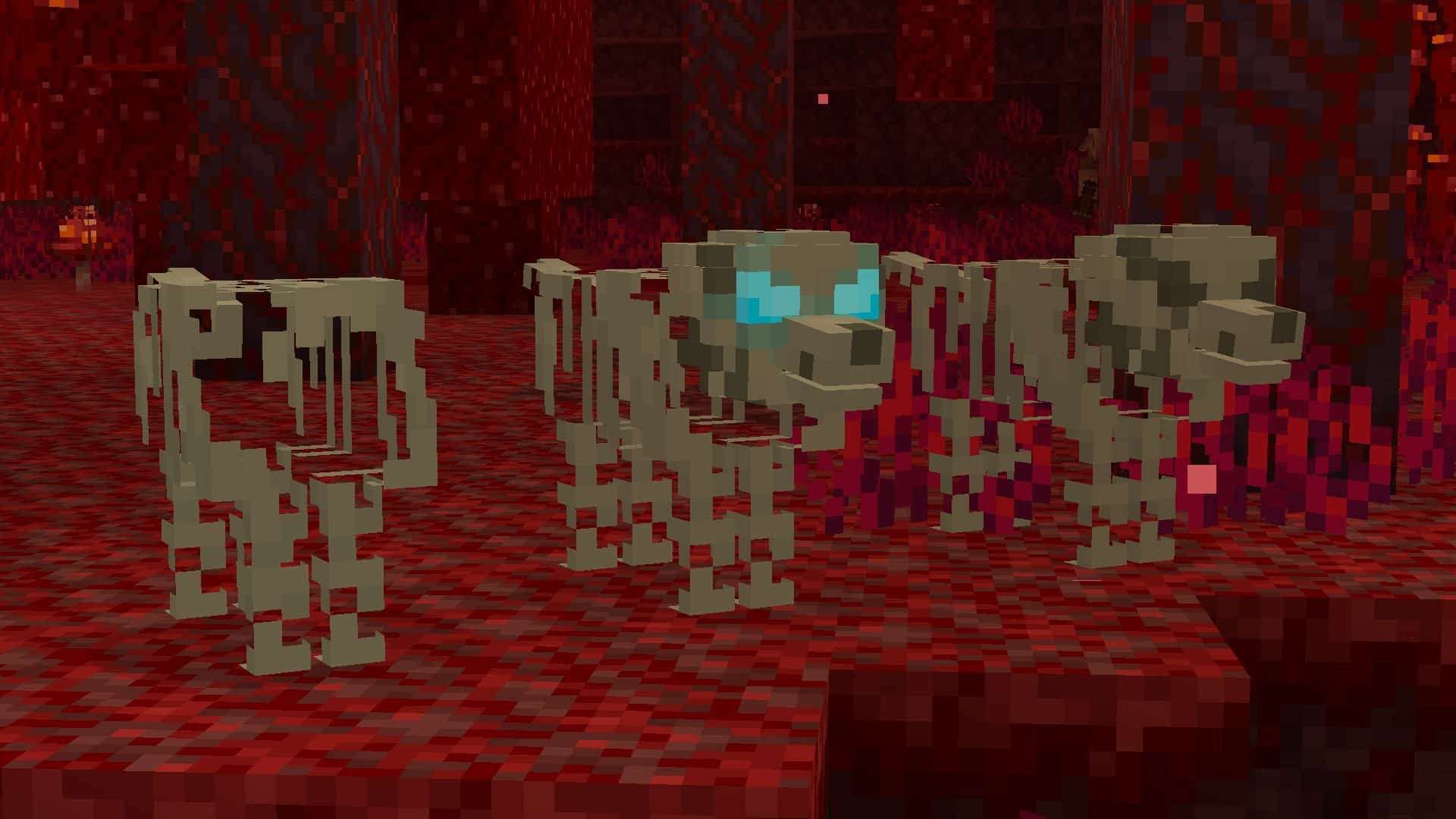
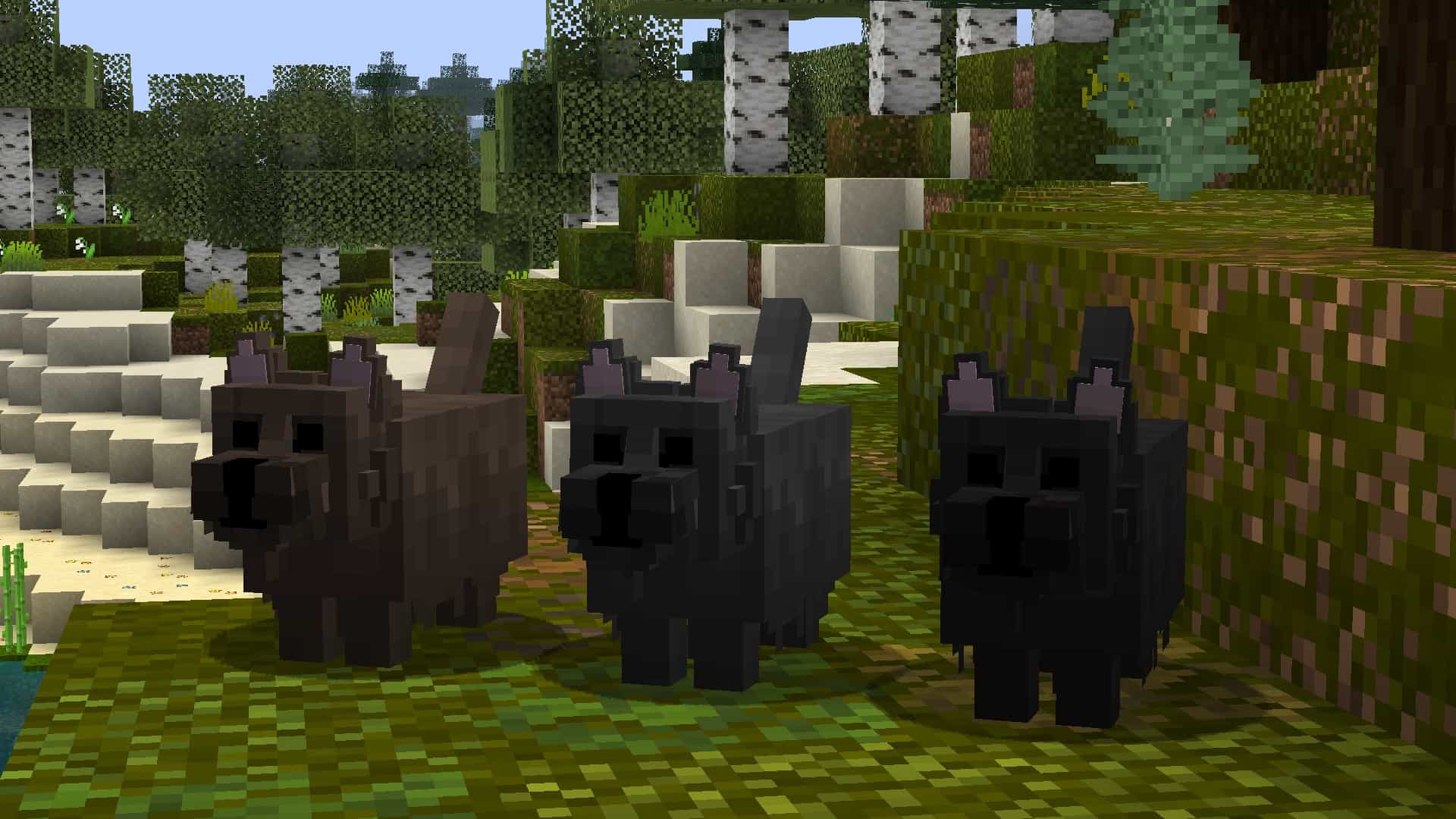
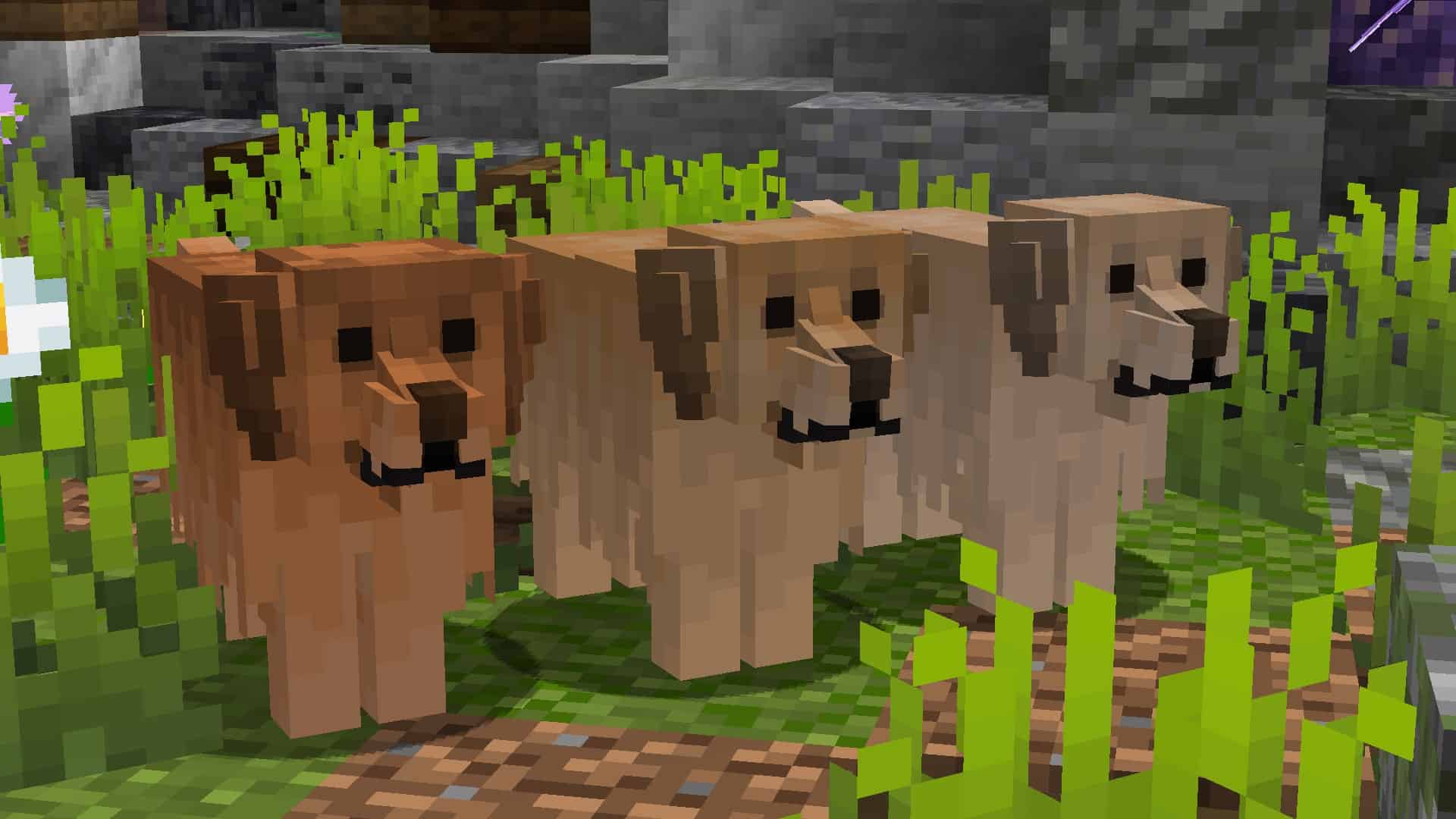
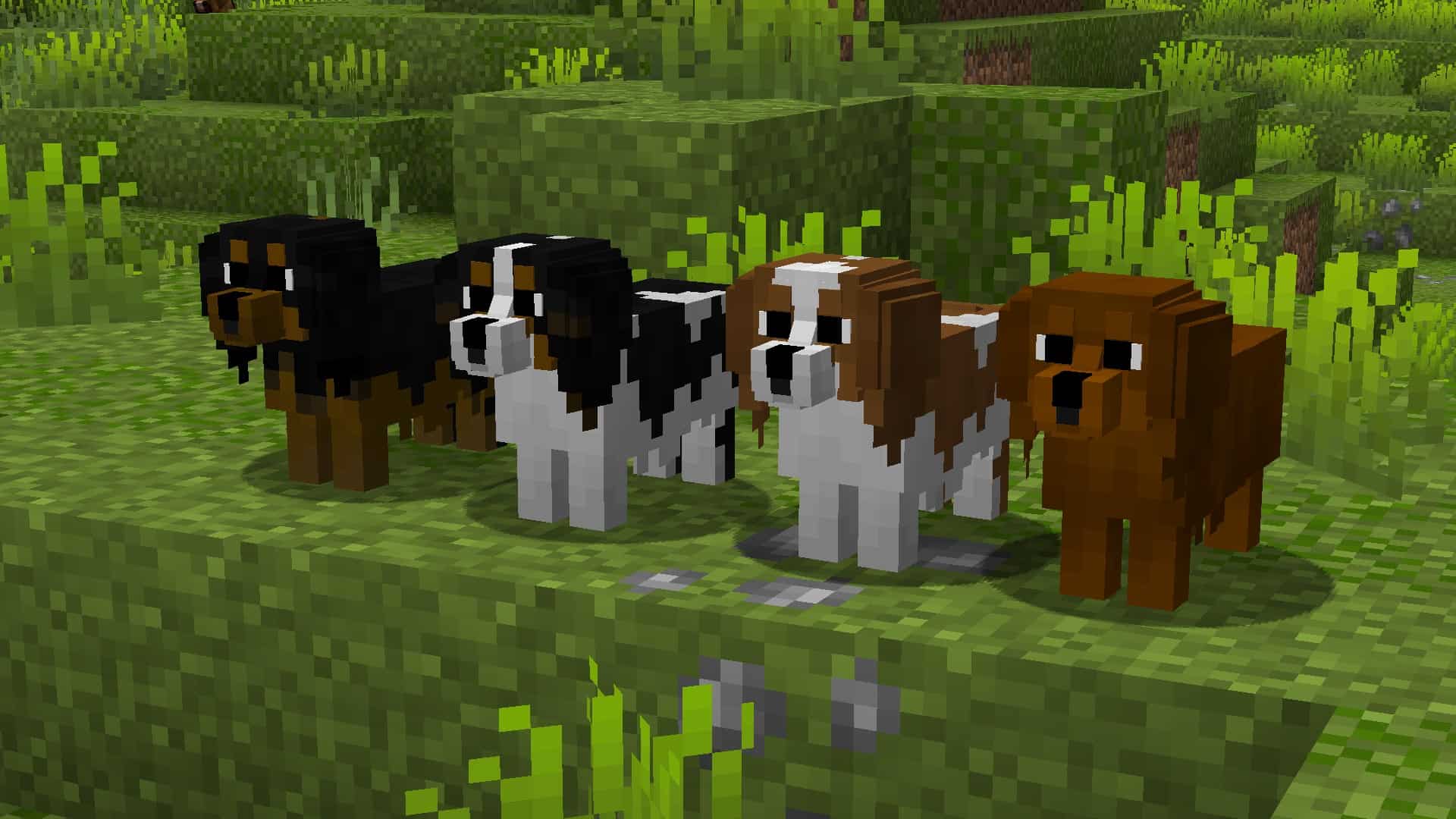
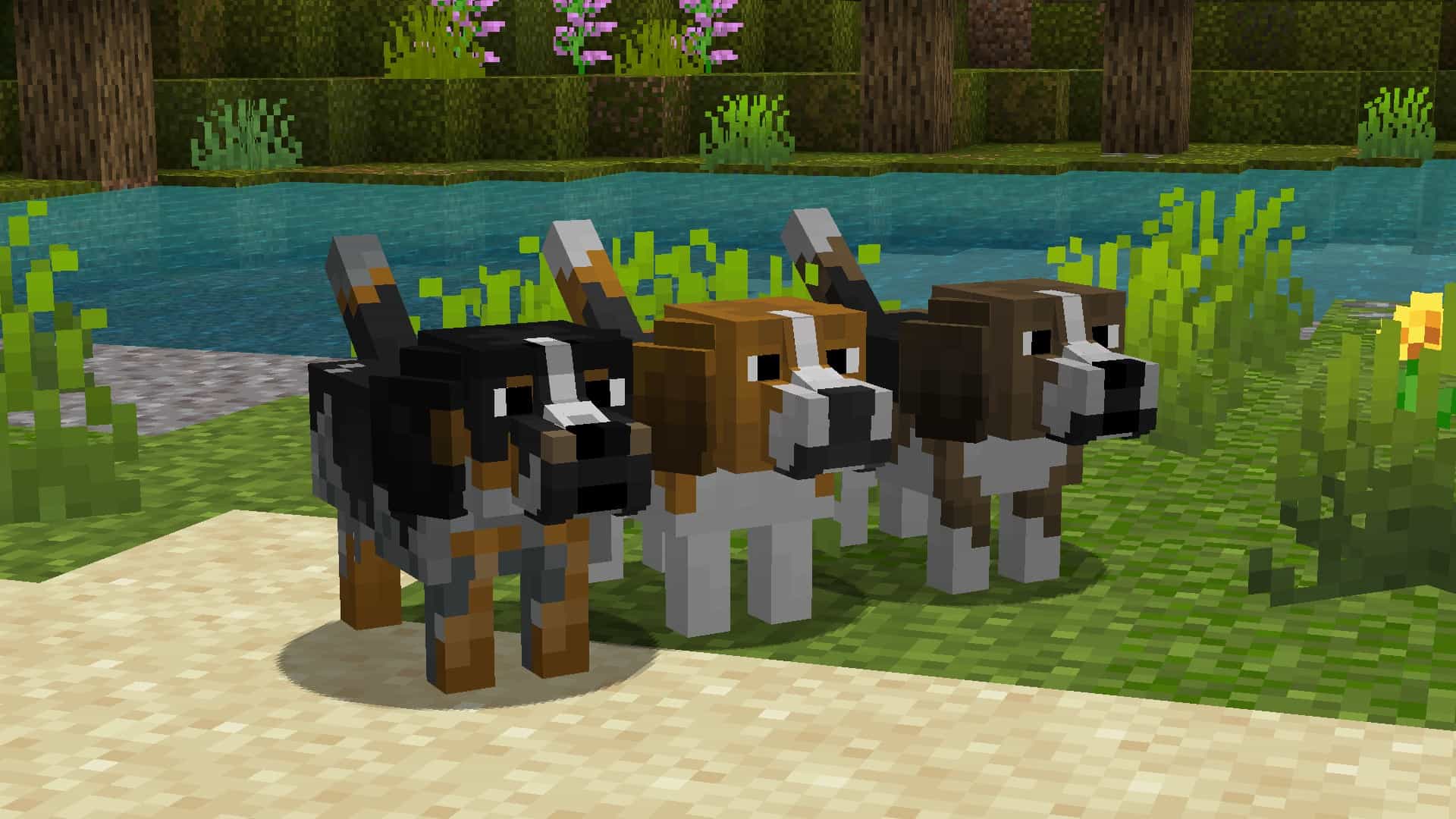
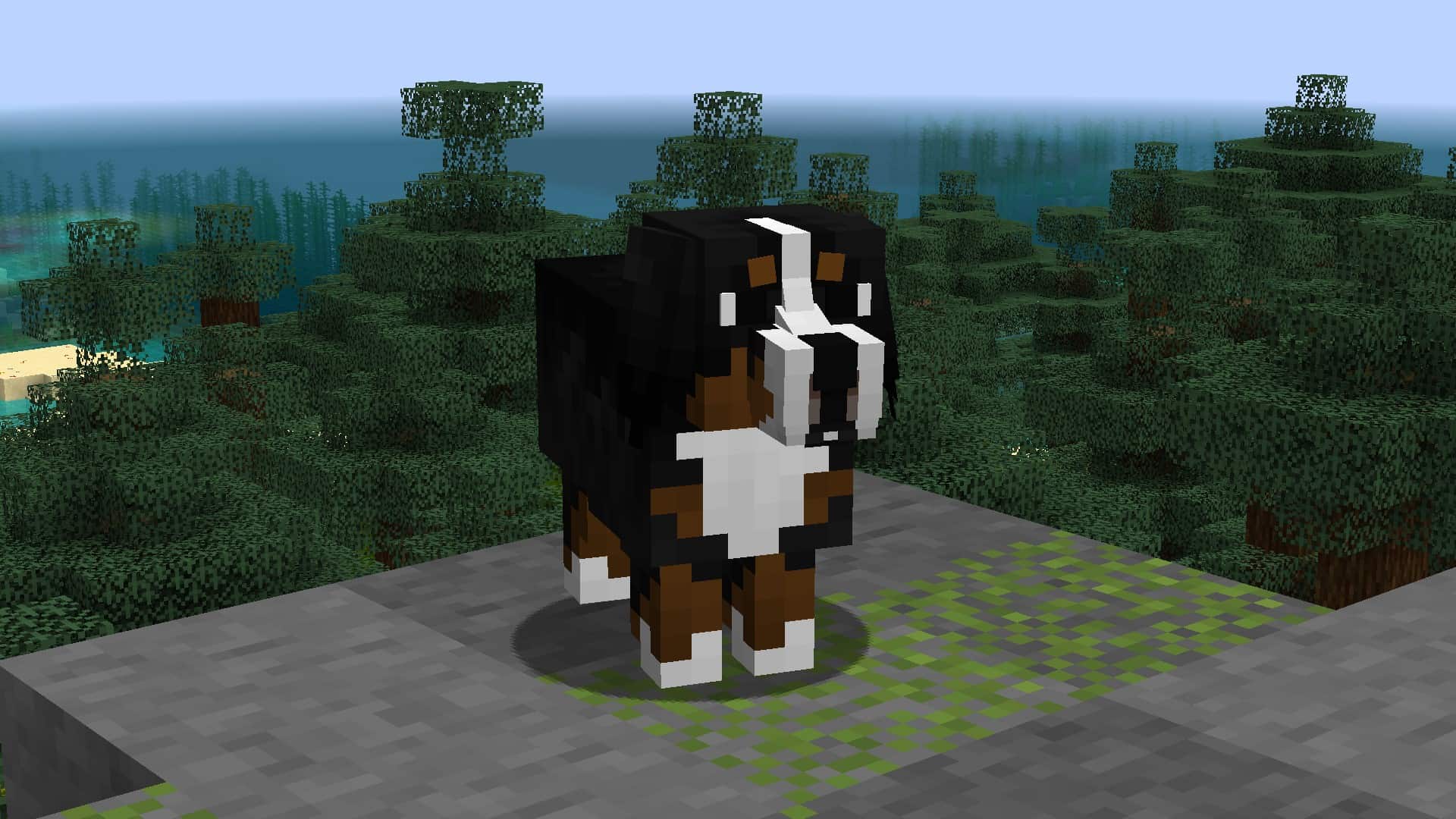
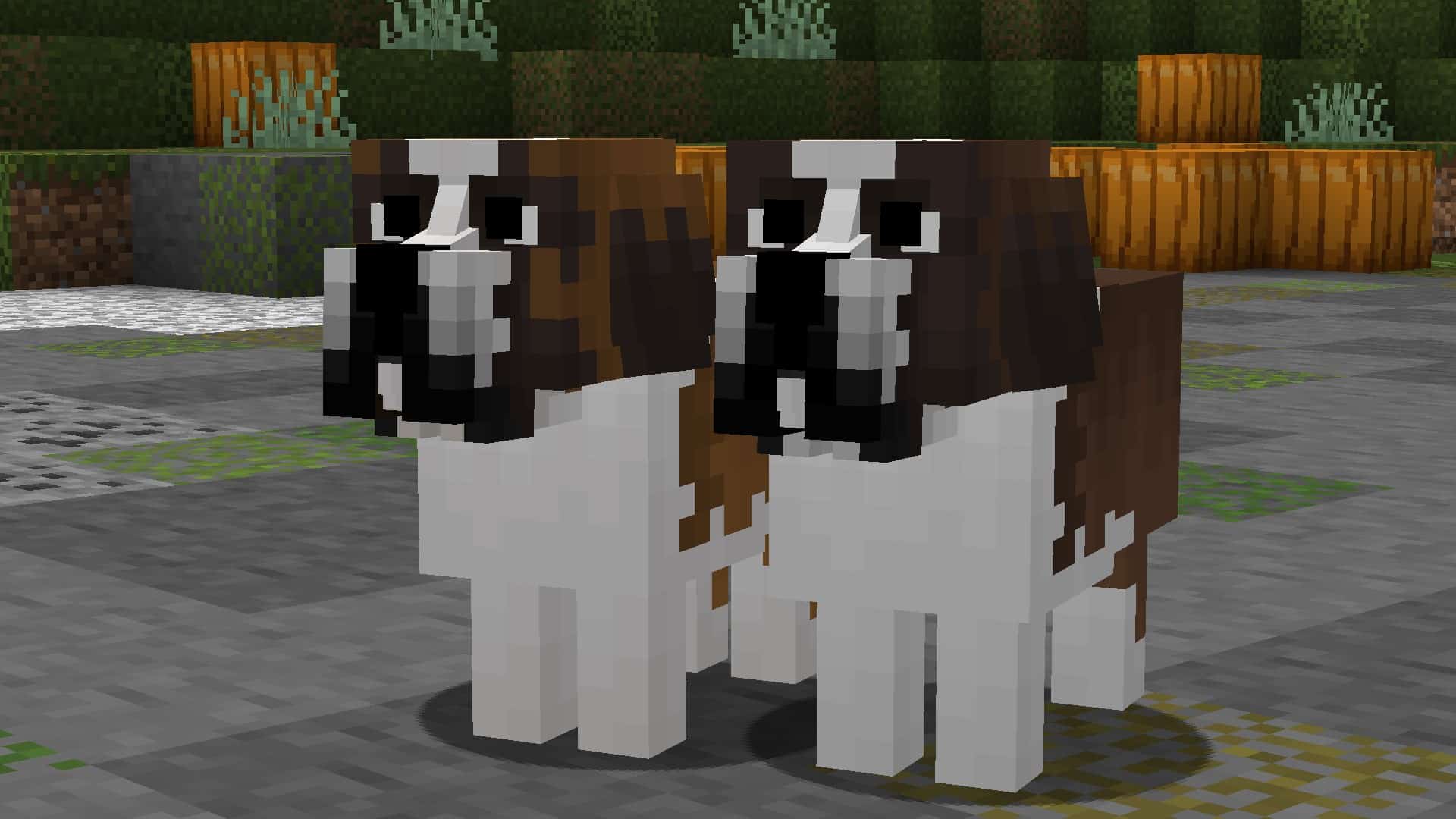
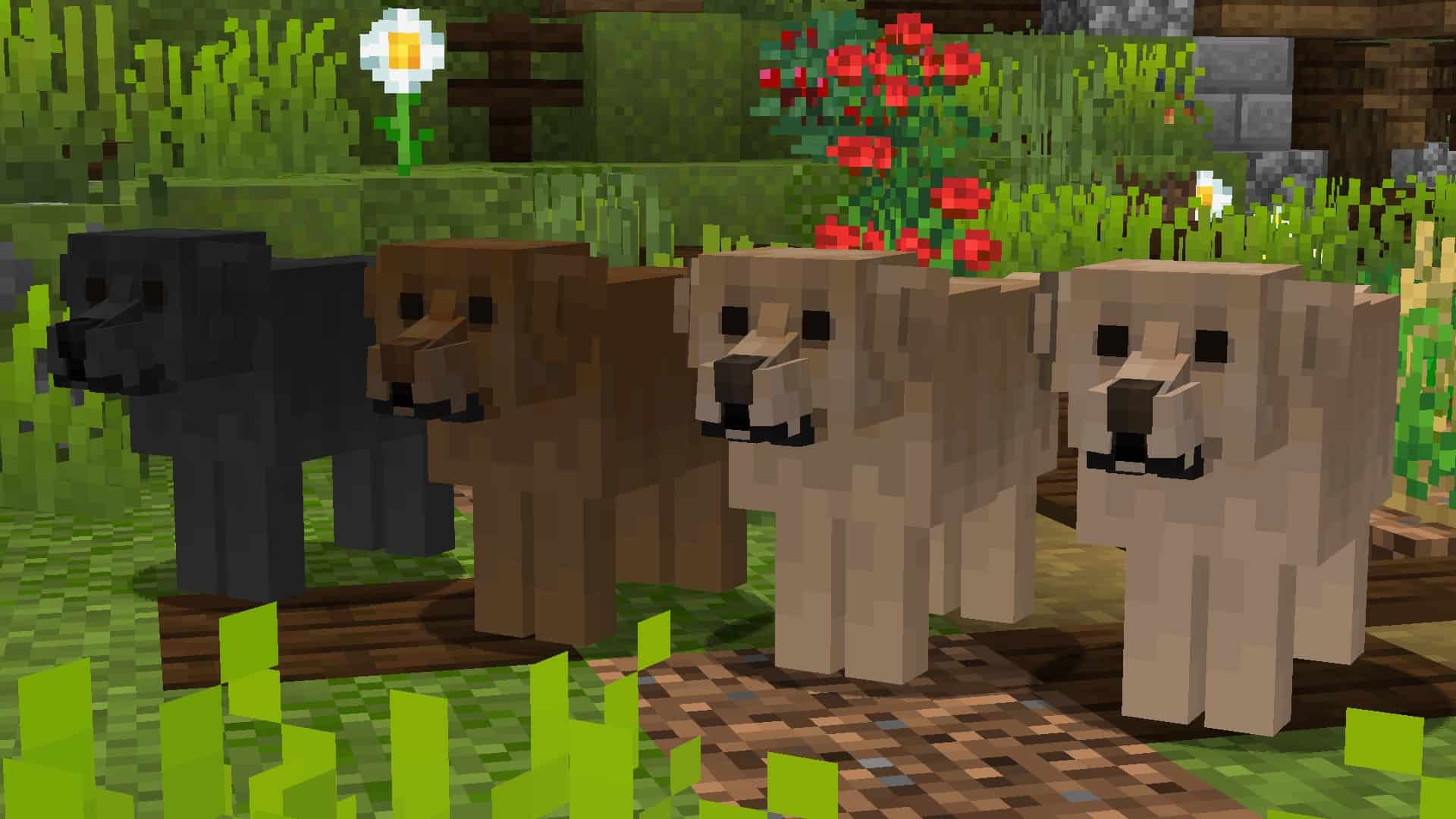
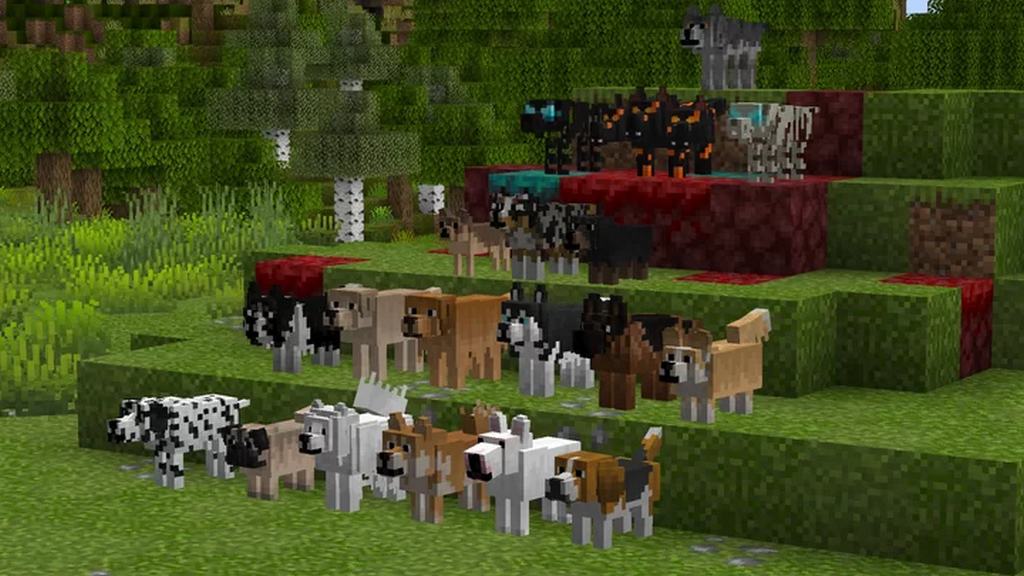
At the time of writing this, the Better Dogs resource pack has been out for less than a month. However, it has received an incredible amount of praise from the community in this short time and already has more than 18,000 downloads. As more players realize how unique and extraordinary this texture pack is, we fully expect this number to increase exponentially. While most resource packs that you find in the Minecraft world make changes to the already existing game blocks and items, the Better Dogs resource pack takes things to a whole other level. This pack changes the wolves’ textures in the game and adds many more dog breeds that come in many different colors. Keep in mind, this is a resource pack, not a mod. This means it is easily installed, the same way you would usually install any other Minecraft resource pack. This pack is going to let you get a specific type of dog while you are playing Minecraft.
Featured video:
And the steps are simple. First, you are going to tame a wolf. This newly tamed wolf will turn into a random dog. In some cases, it will remain a wolf when tamed. If you want a specific breed of dog, you can change the dogs breed, and name it using name tags. To do this, the name tag must include one of the words on the “supported name tags list,” which you can find lower down on this page. The Better Dog resource pack comes in 16×16 resolution, which means you aren’t going to have to worry about performance drops. While this resource pack is made to work on virtually any device, it does require optifine to work regardless of the hardware capabilities. You may get a message asking if you are sure that you wish to load the pack as it was created for a newer or older version of Minecraft, click yes and the pack will load correctly. To ensure that this resource pack works the way you expect it to, enable custom entity models and random entities in Minecraft’s settings.
Better Dogs should be compatible with all of these Minecraft versions: 1.21.7 - 1.21.6 - 1.21.5 - 1.21.4 - 1.21.3 - 1.21.2 - 1.21.1 - 1.21 - 1.20.6 - 1.20.5 - 1.20.4 - 1.20.3 - 1.20.2 - 1.20.1 - 1.20 - 1.19.4 - 1.19.3 - 1.19.2 - 1.19.1 - 1.19 - 1.18.2 - 1.18.1 - 1.18 - 1.17.1 - 1.17 - 1.16.5 - 1.16.4 - 1.16.3 - 1.16.2 - 1.16.1 - 1.16 - 1.15.2 - 1.15.1 - 1.15 - 1.14.4 - 1.14.3 - 1.14.2 - 1.14 - 1.13.2 - 1.13.1 - 1.13 - 1.12.2 - 1.12 - 1.11.2 - 1.11 - 1.10.2 - 1.10 - 1.9.4 - 1.9 - 1.8.9 - 1.8.8 - 1.8.1 - 1.8.6 - 1.8
Better Dogs — Screenshots
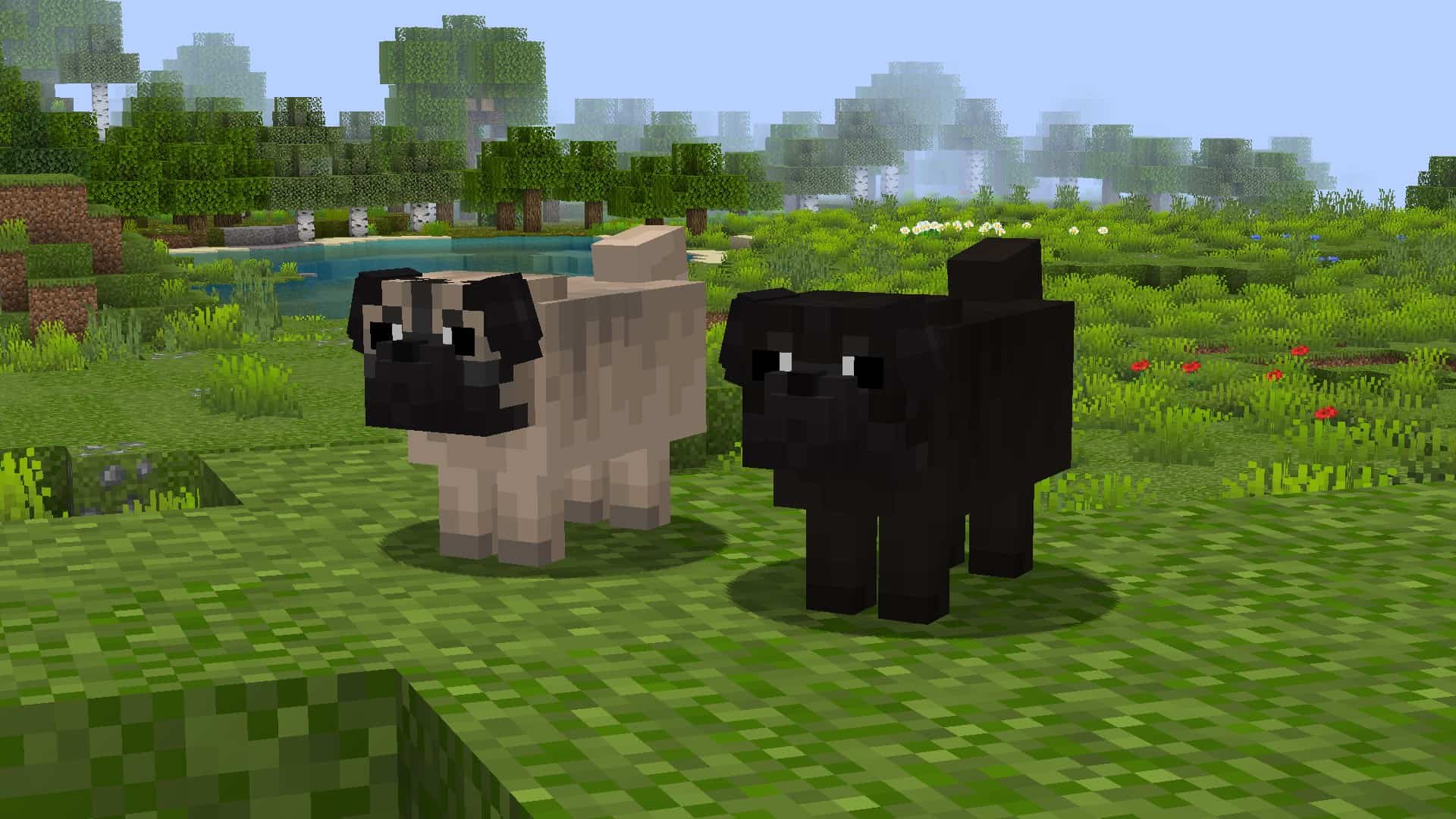
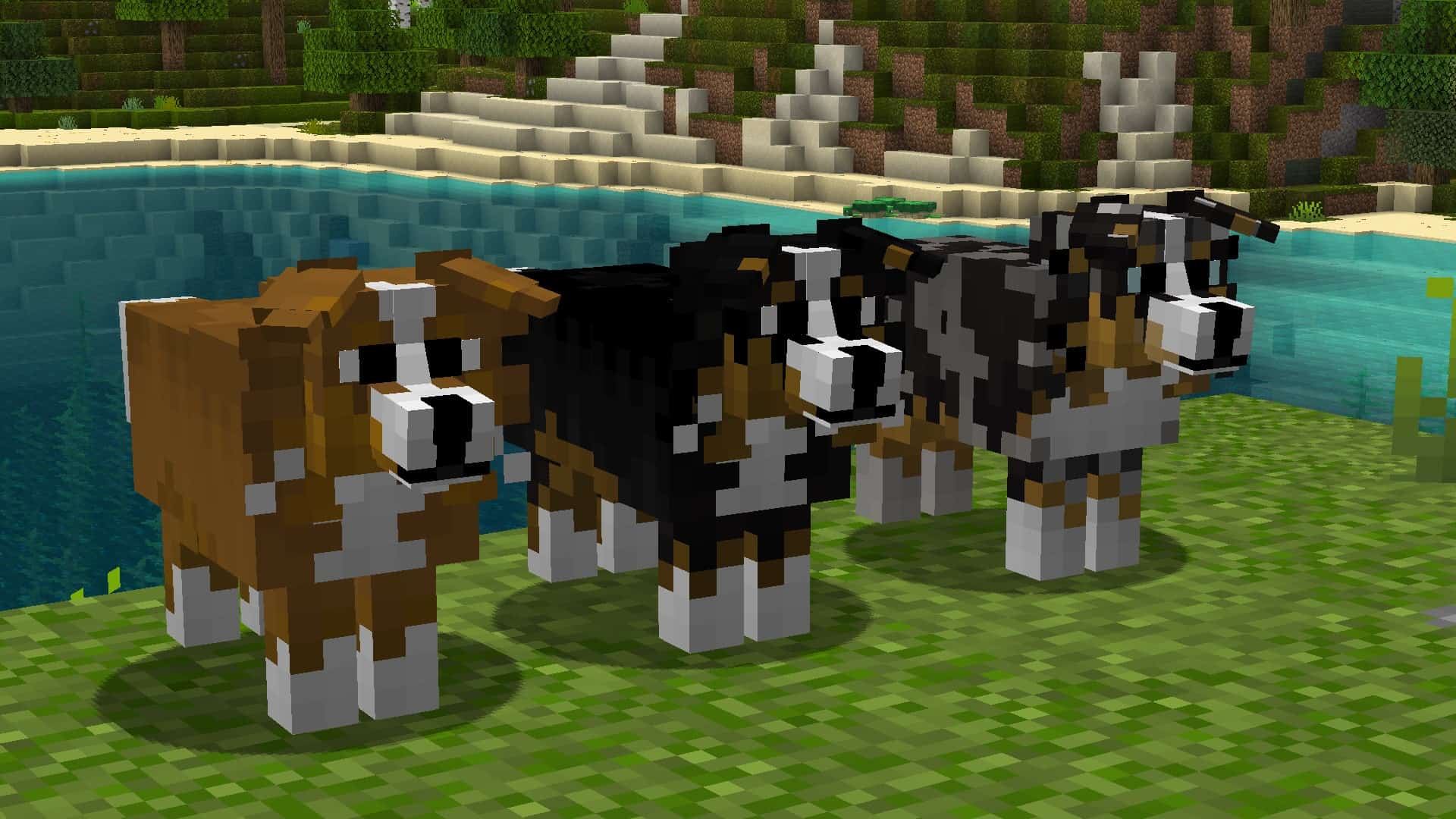
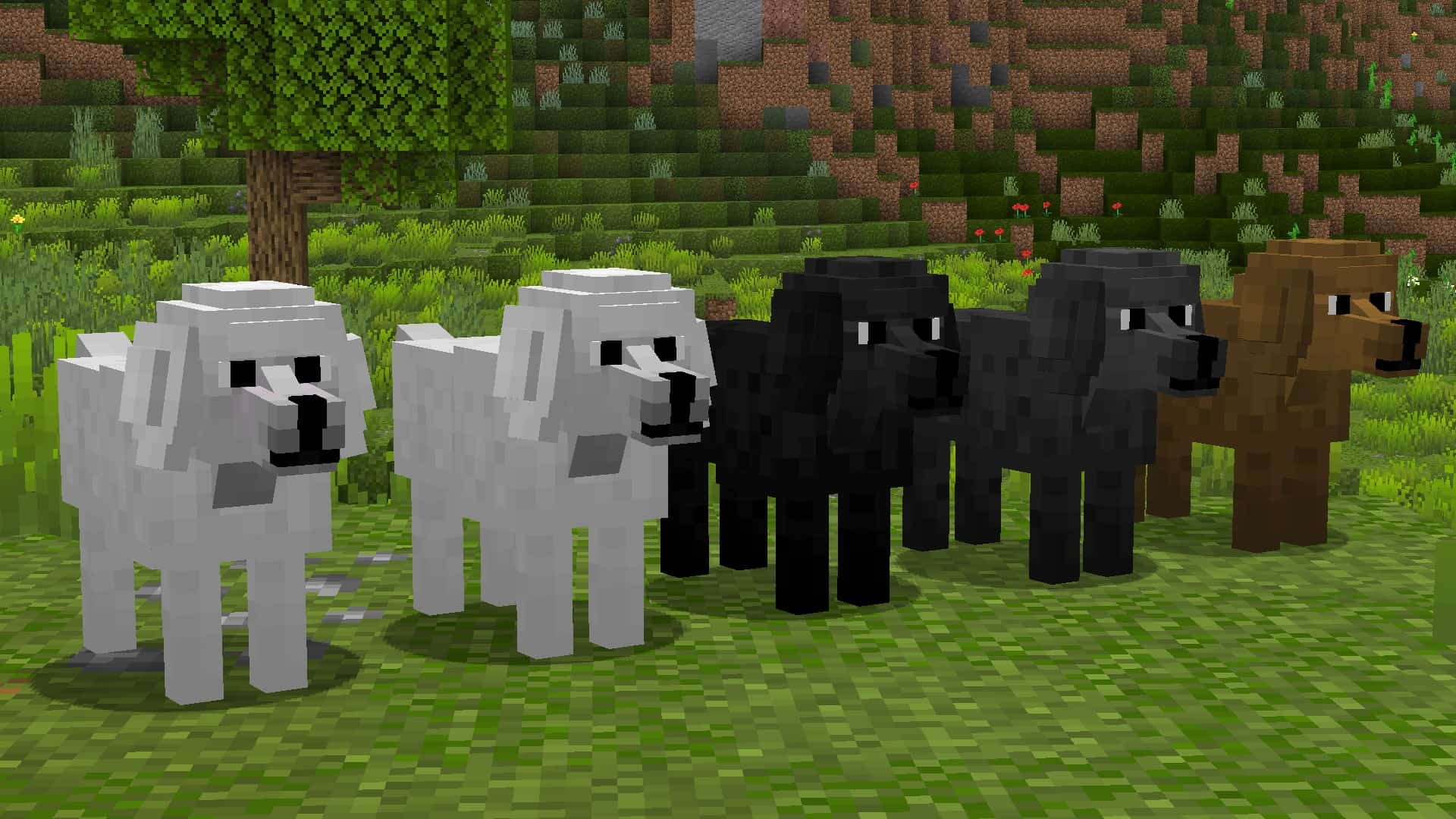
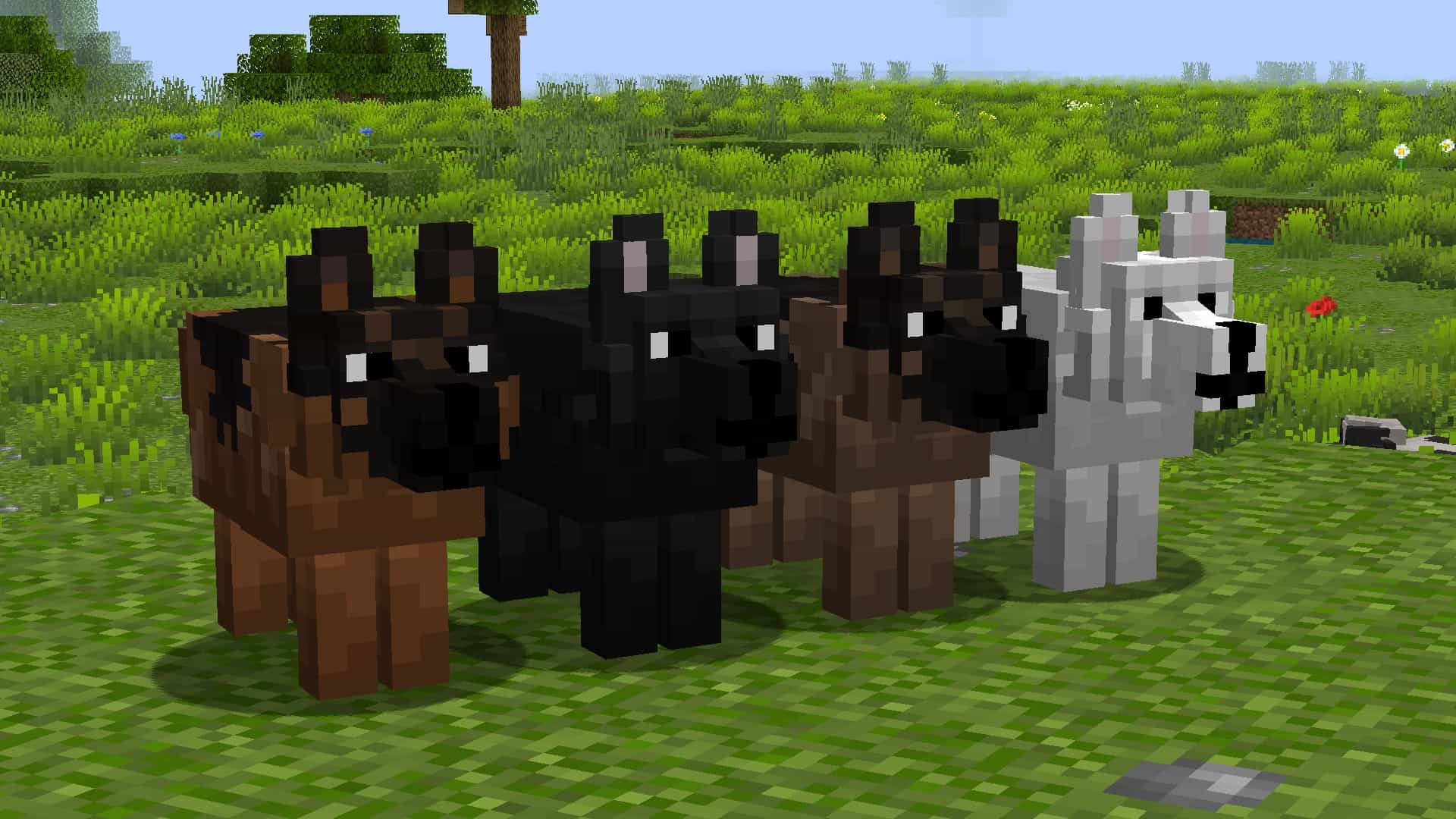
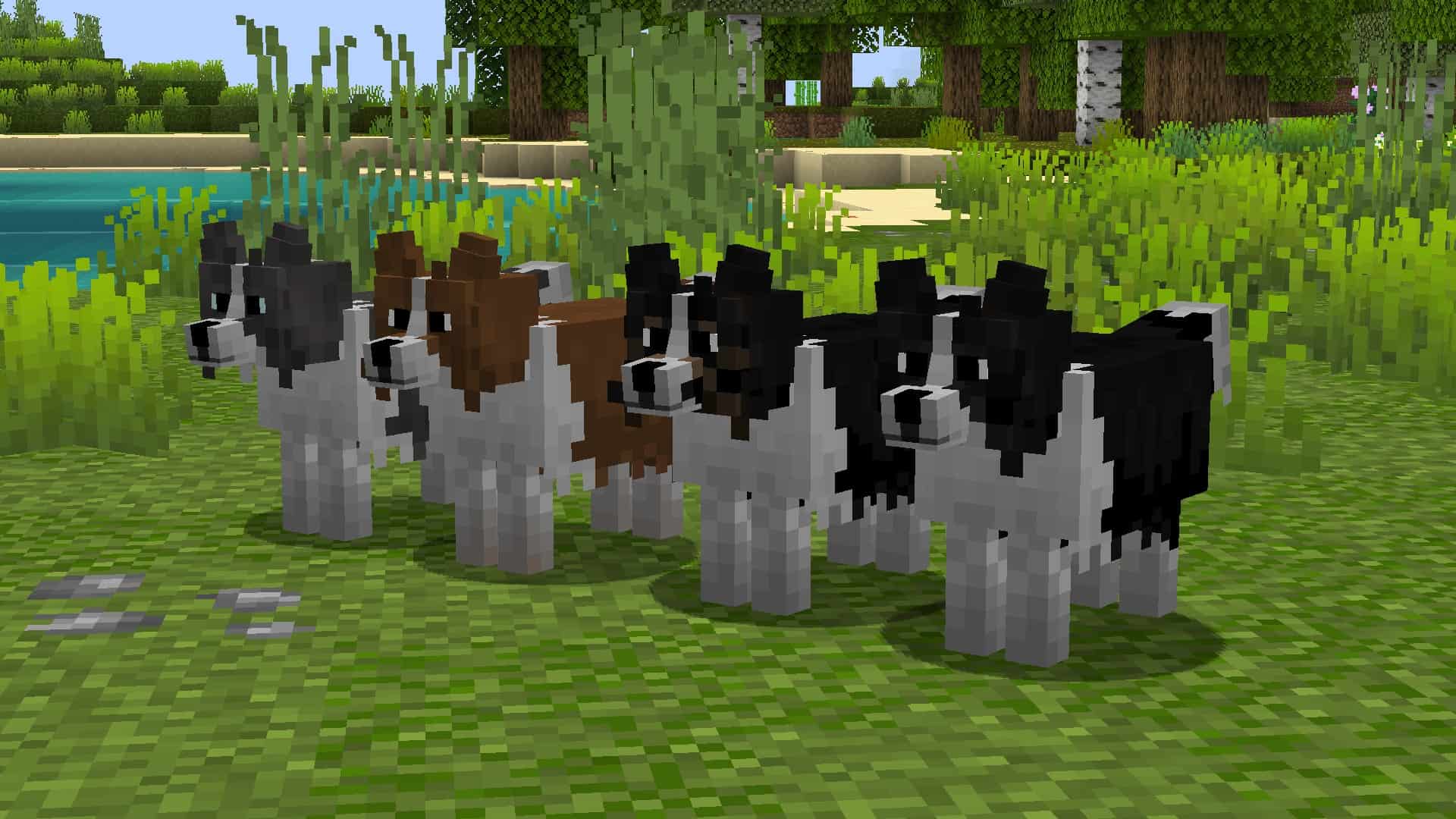
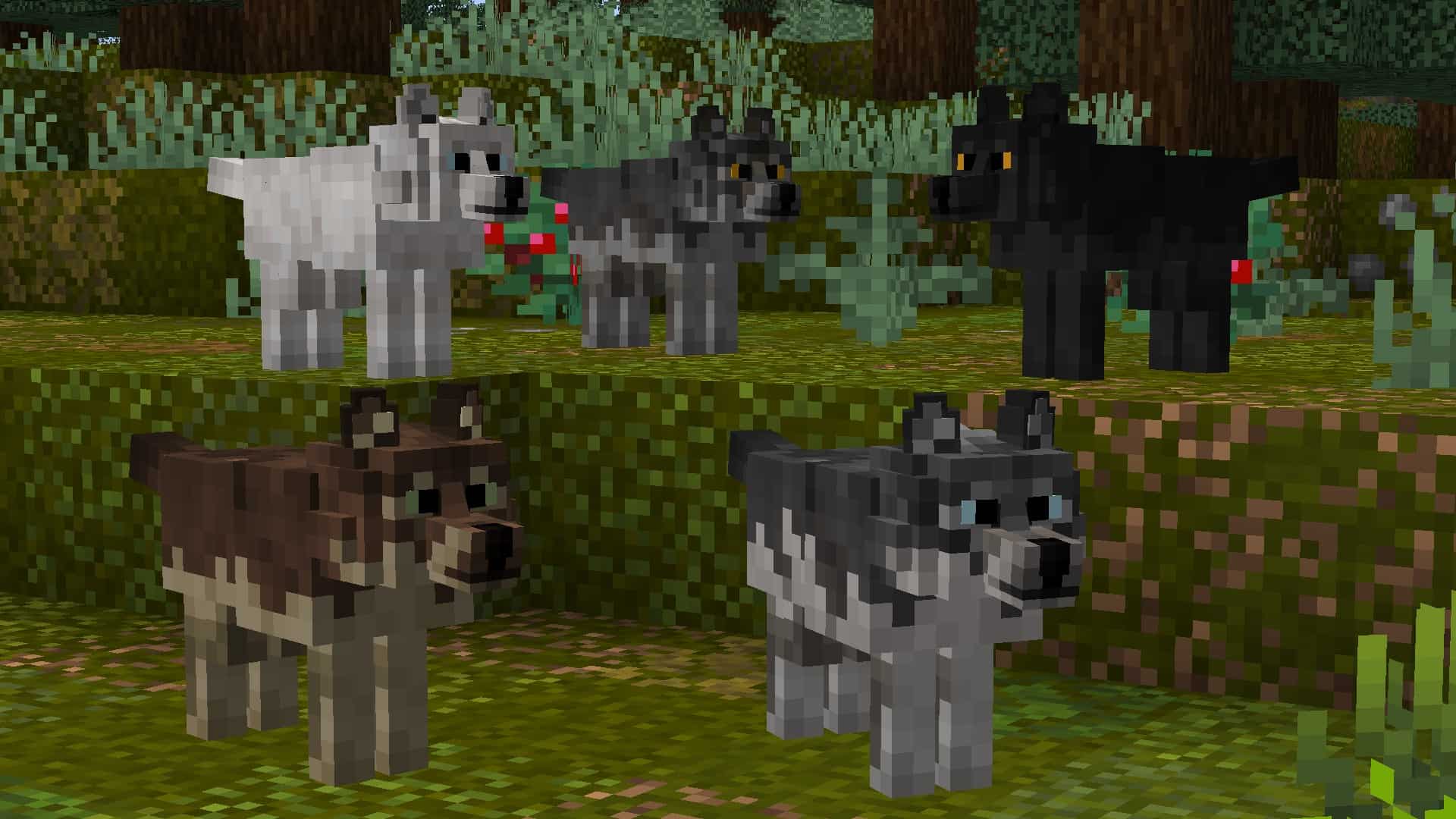
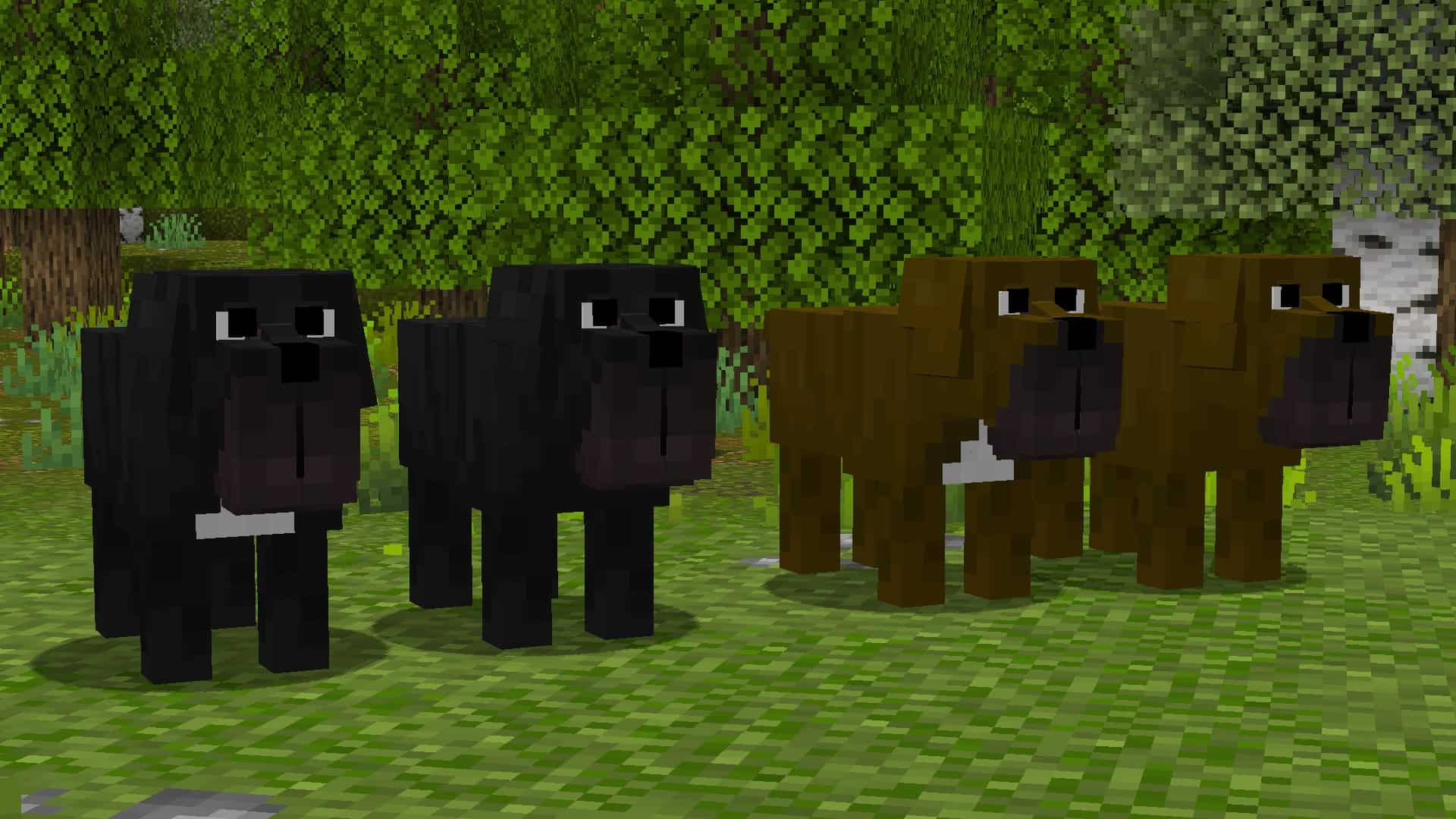

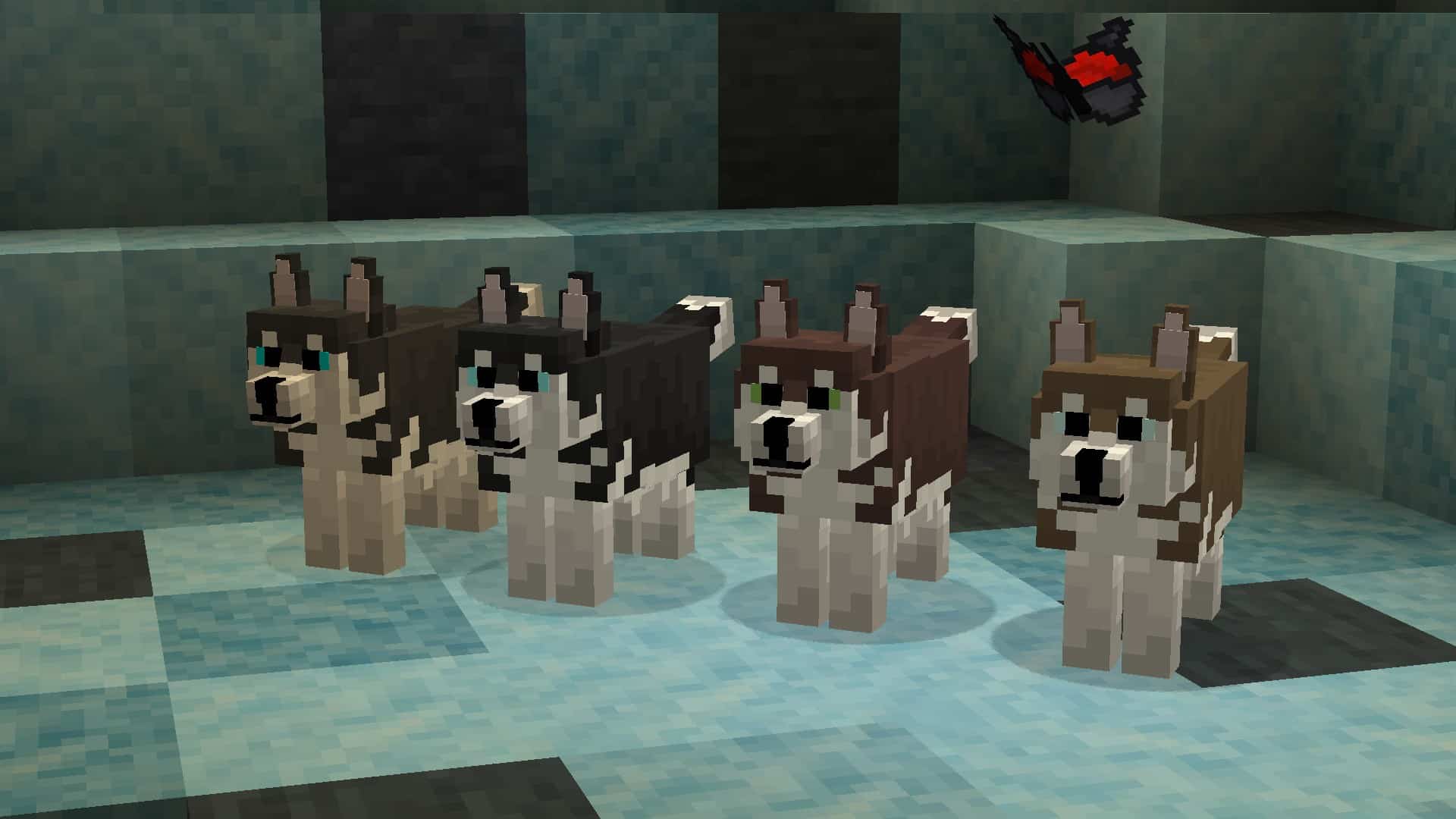
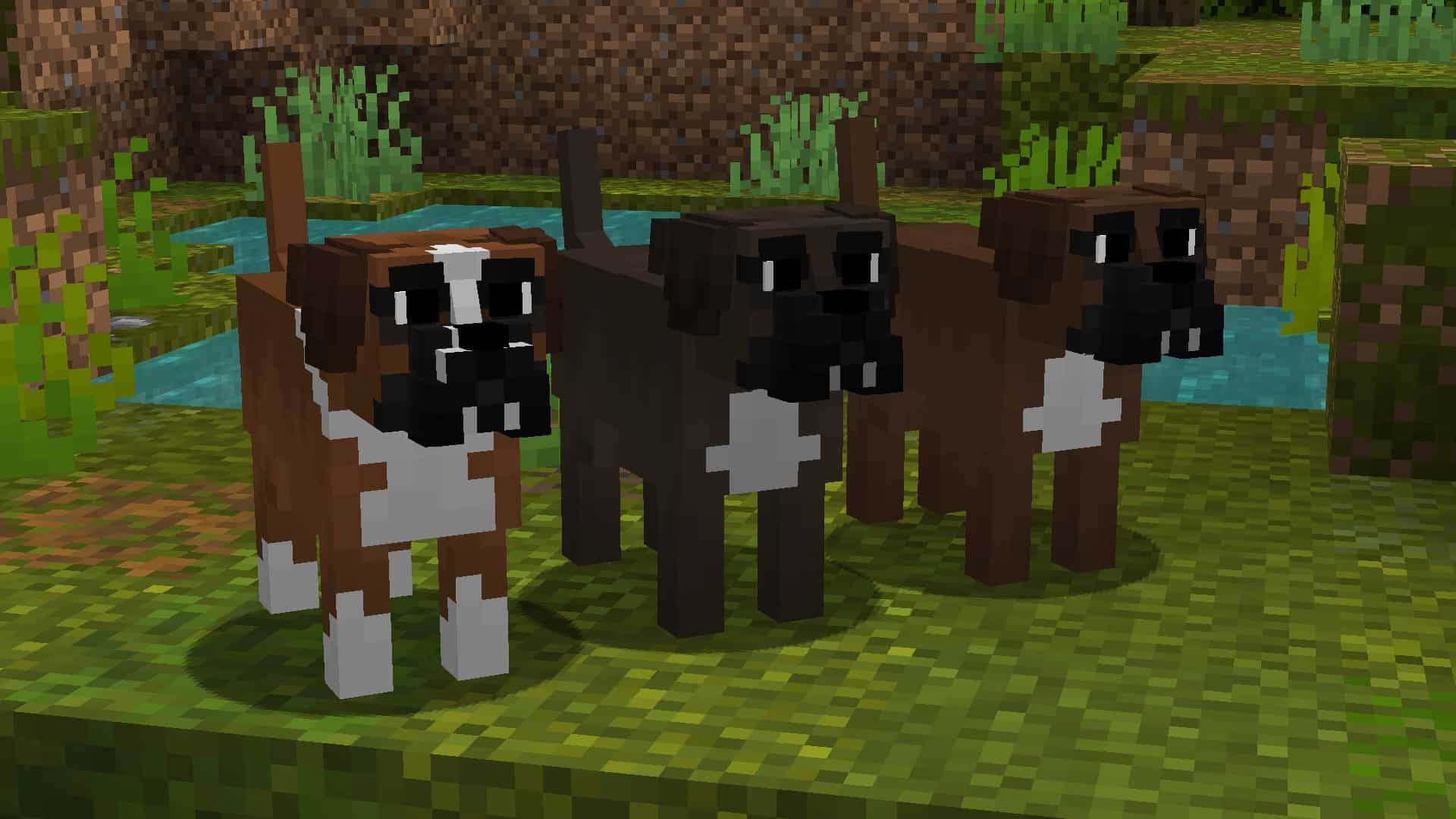

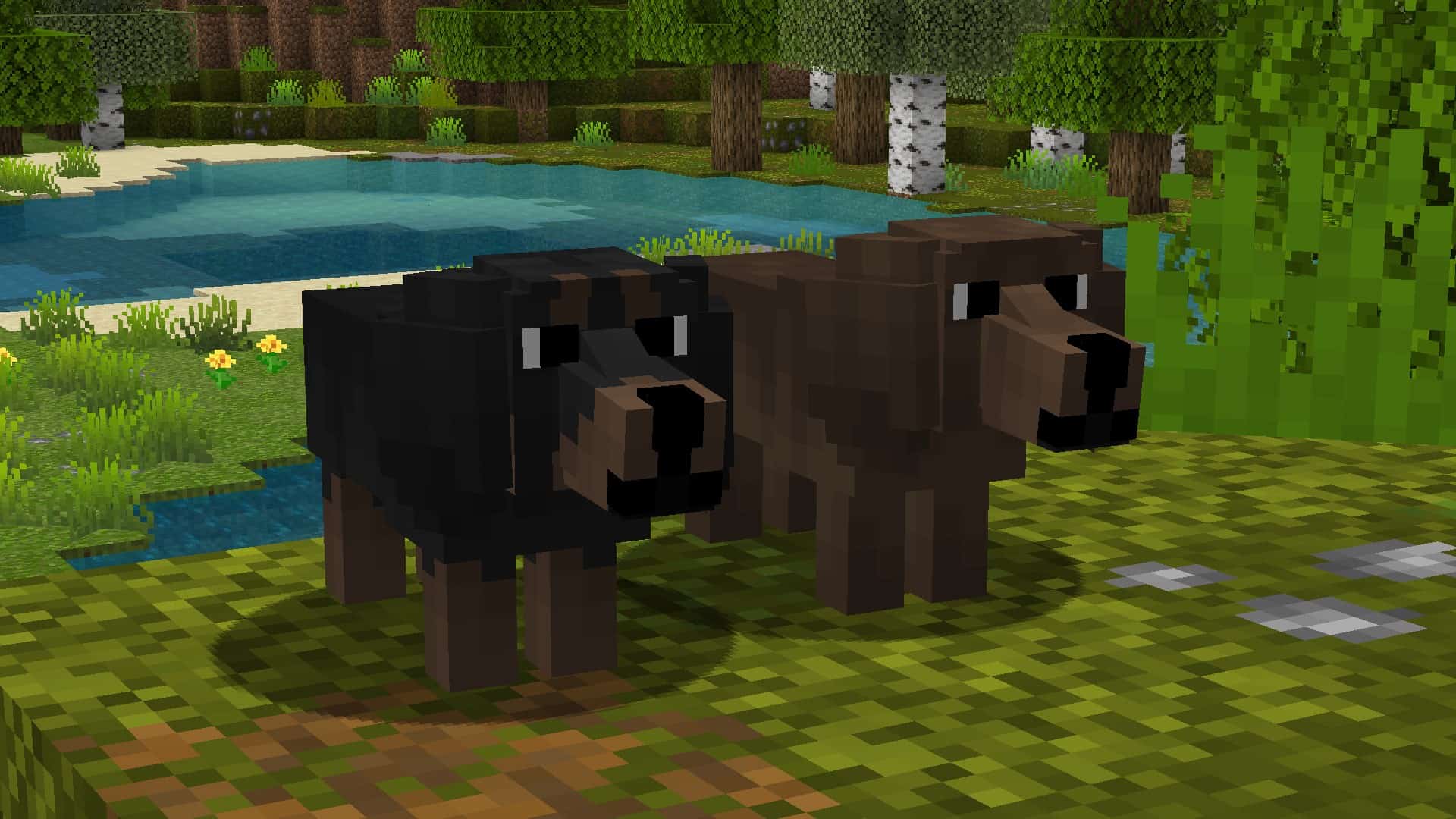
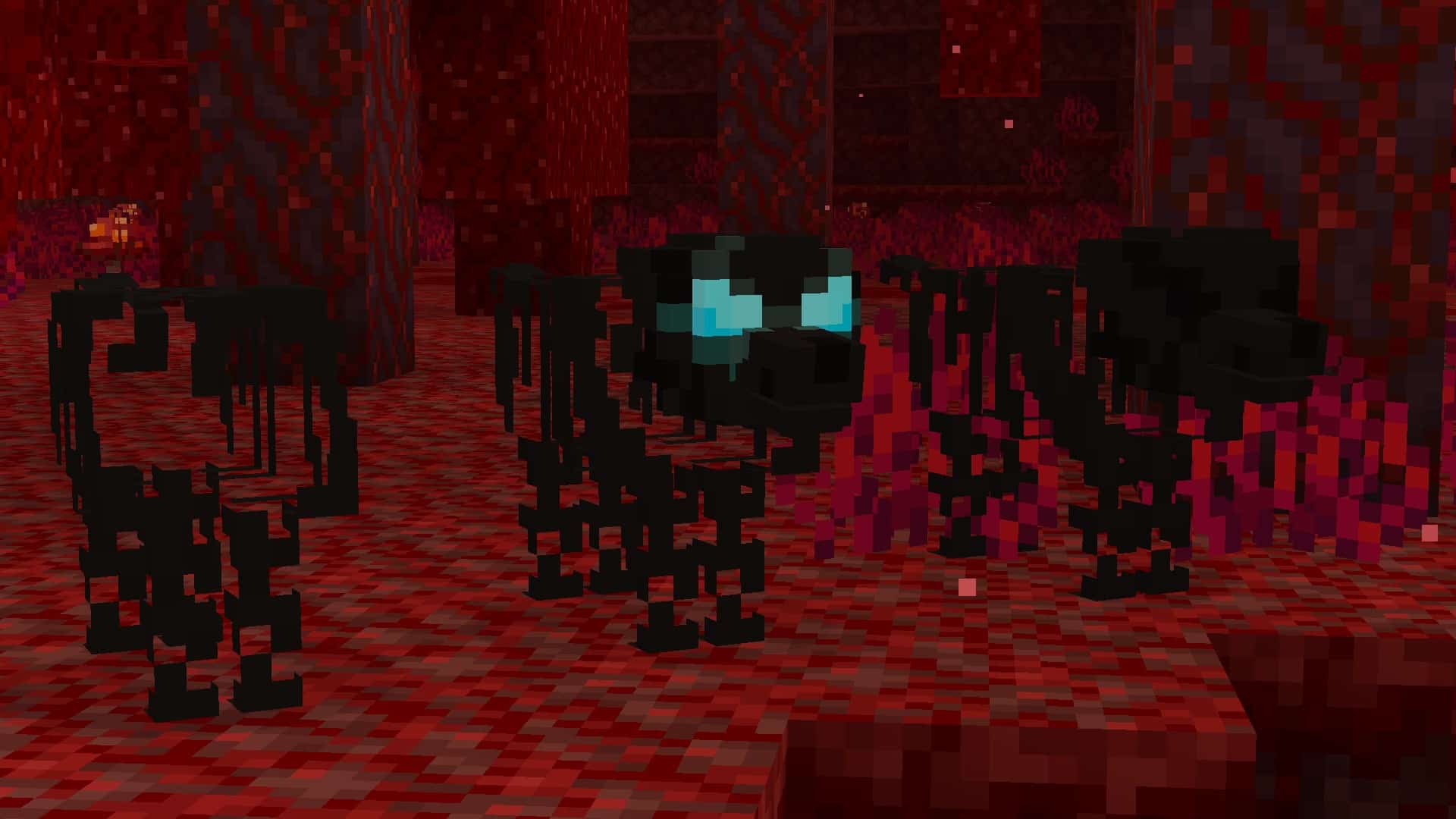
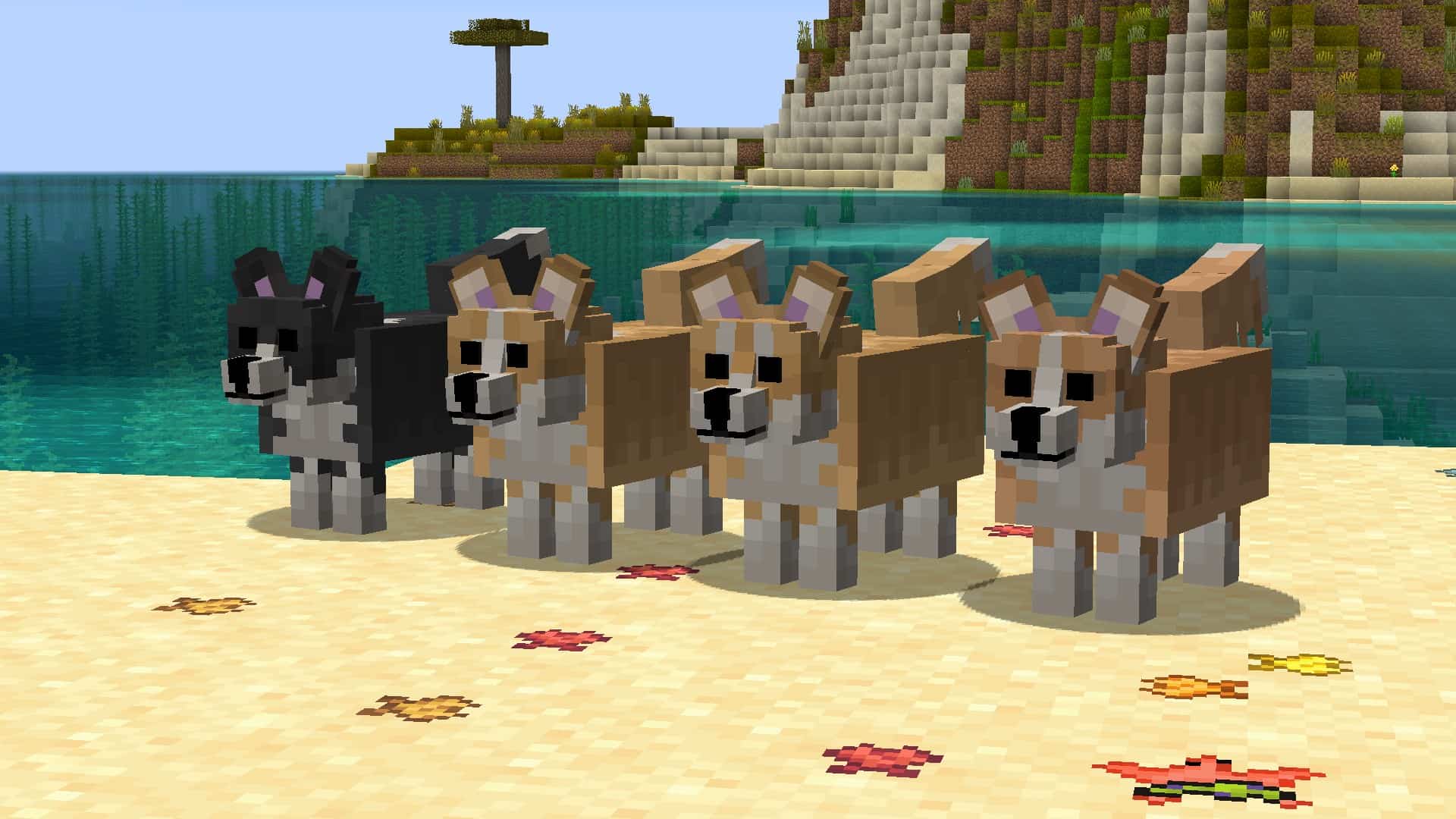


How to install Better Dogs Resource Pack:
- Most resource packs require Optifine, so be sure to download and install it. – general recommended step for all packs, Optifine is also needed for most shaders
- Download the Better Dogs texture pack for Minecraft from the download section below. – if there are many different versions, just choose the one you like, is compatible with your version/edition of Minecraft, the one you think your computer can handle in terms of performance.
- Launch the game client through the Minecraft launcher.
- On the main menu, click "Options".
- On the options menu, click "Resource Packs...".
- Click on "Open Resource Pack Folder". – folder titled "resourcepacks" will pop up
- Move the .zip file you downloaded in the first step to the newly opened "resourcepacks" folder.
- Click "Done".
- Click on "Resource Packs..." again.
- Your pack should have appeared in the left window, just hover over it and click on the arrow pointing to the right.
QUICK TIP: Sometimes, when activating a pack, the game may say that the pack is made for a newer or older version of Minecraft. This is just a warning, it does not affect your gameplay in anyway, and you can still activate and enjoy the pack by simply clicking the "Yes" button when prompted.
- Click "Done" again.
- The pack has now been successfully loaded and ready to be used in your world!
Supported name tags:

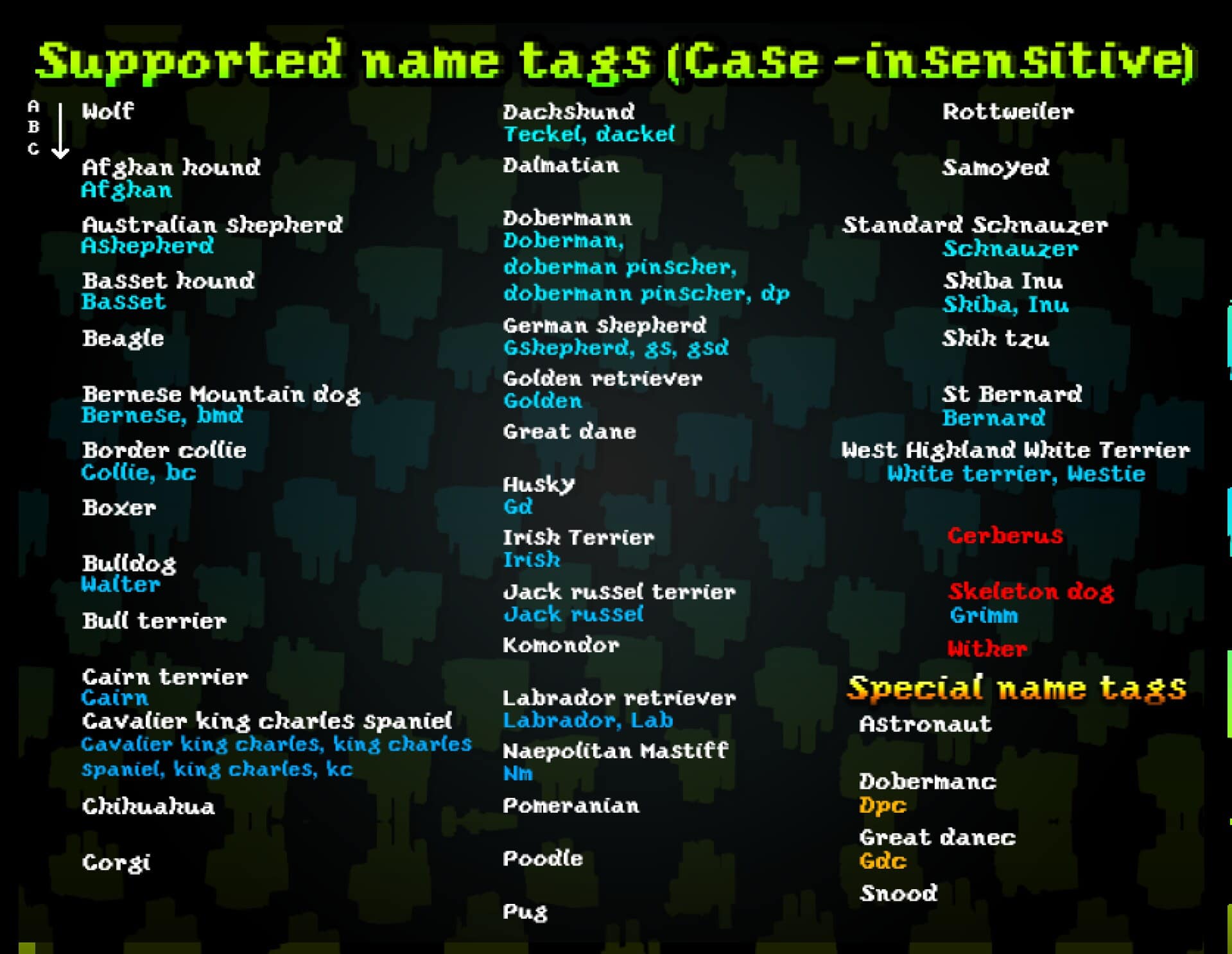
Better Dogs Texture Pack Download
- We do not modify or edit any resource packs. All resource packs, shaders and tools found on this website are linked directly to official sources rather than hosted on our own servers. We provide only the official download links from the original creators to ensure that your files are safe and secure.
- These official links are updated manually and may occasionally stop working when a new version is released. We work hard to keep everything current so that you have a smooth experience. Please let us know in the comments if you find a link that no longer works.
- Minecraft is a trademark of Mojang Studios and has no official connection to this website. Our goal is simply to share the best creations from the community with other players.
- Please consider leaving a comment or voting for your favorite packs. This feedback helps authors improve their projects over time. You can also support the creators directly by visiting the official links located below the download section.
Java Edition:
[16x] [1.21.x – 1.8.x] Download Better Dogs Resource Pack
Seperate versions (Java Edition):
Special versions (Java Edition):
Curseforge: download starts automatically after a few seconds;
Mediafire: click the big blue button with the text "DOWNLOAD";
Google Drive: in the top right corner you will see a small download icon (down arrow), click it and the download should start;

1,254 votes
Look.. 1254 users have already liked this pack. Give a diamond if you like it too!


Noahbs04
Performance issues
When I use this resource pack my performance drops heavily. Even with no shaders or recourse packs enabled my frame are still quite low. Normally with no shaders or recourse packs I have 500 frames but then the frames drop to 123 when the dog pack is enabled. Any reason why its so heavy on the frames
ant
it only has wolves and they dont work when u name them. i have optifine
Tcp
you need to make sure custum models is turned on
Jooon
super cute
foxy2007b
very nice but i dont understand how to get dogs i only have the wolfs
EmFox
right click with a bone on the wolf (often more than once) till he has a red collar.
Skye
I have optifine and they are beautiful models but when i try to use the name tag thing it dose nothing i tried everything please help me.
Braj7313
not working for me the dog is invisible
MinecraftResourseReviewer
samething happened to me
bean
that happened to me too
floof
same thing to me
Tcp
Make it so custom models are on
rob7h2o
same
Senna
Does this resourcepack clash with shaders or mods? I have optifine and tried using this resourcepack yesterday, but the dogs looked very glitched out. I turned the custom & random entity settings off and on again, which fixed the wolves, but the tamed dogs still look strange.
I also tried turning off all my other resourcepacks, but it didn’t fix the problem. Could anyone offer me any tips on how else I could fix this? I have Optifine installed, so that shouldn’t be the problem..
Sam
Can you still name the dogs names also?
moon
Is there any way to get a doberman/great dane with pointed ears without using a nametag? I’ve been spawning them in forever and none of the dobermans/danes I’ve seen have pointed ears, and I want to name it something else than dpc/gdc
katie
i spawned some and they were like stick figures
emma
you need to have Optifine, if not it’s not gonna work.
hi
I dont now how to do any of this
oh i have education minecraft
does it still work on education minecraft?
ed
naming the dogs isnt changing them, anyone know any fixes?
Admin
You need Optifine.
ed
i have optifine
Riley
when I spawn the wolf it looks really good but when I tame it a bunch of lines from the hell hound comes up and mind you I have shaders on in the back and stuff like that I just really can’t find out why this doesn’t work
Admin
Because you need optfine.
This pack does not work without optfine.
Senna
I have the same problem! It’s quite a strange look. Did you manage to make it work in the end?
I have Optifine, shaders and a few mods (which don’t change dogs btw) running, so I’m wondering if the shaders & mods are the problem :(
_sangwoos_ashes
it is really really cutw and good!
i like that!!!!!
mr man
this is the best thing
tourmaline teath
The variety of canine is absurd and cute and what are all these pets doing running around in the forest i love it
Greek
It would be great if there was a choice to put the doberman’s ears up and pointed. It would mean a lot to me because my brother had a dog and it meant a lot to all of us and she had her ears up.
dora
when i spawn a wolf it just looks like a bunch of lines. i tried everything i think about but it just comes out as a bunch of lines, help please?
kat
I had the same issue but it turns out the pack needs optifine to work (it worked for me when i put optifine) also check the version of the game :)
Chris
How do I turn on custom entity models with OptiFine?
Monster
Are you planning on adding other dog breeds like the boxer or schnauzer?
Nora
Whenever I take a dog bred in the Nether out, it turns into a new dog, even if it’s not Cerberus, Wither, or Skeleton. Is this meant to happen?
I also have a name suggestion to get Cerberus, Hades.
Croy
For some reason whenever i spawn a wolf it just looks like a bunch of lines. not a wolf at all. am i doing something wrong?
sarah
i belive you have to download optifine
MyVy
How do you change the dog breeds there is not description that tell you how
Admin
There is. Read the second paragraph of the pack description on this page.
Triton
Why do my frames die when I have 10+ dogs of different variety?
Dec
It made the wolf all glitchy
Admin
Be sure to install Optifine.
Hanchico
i like dogs
Potato Corgi
Me too!