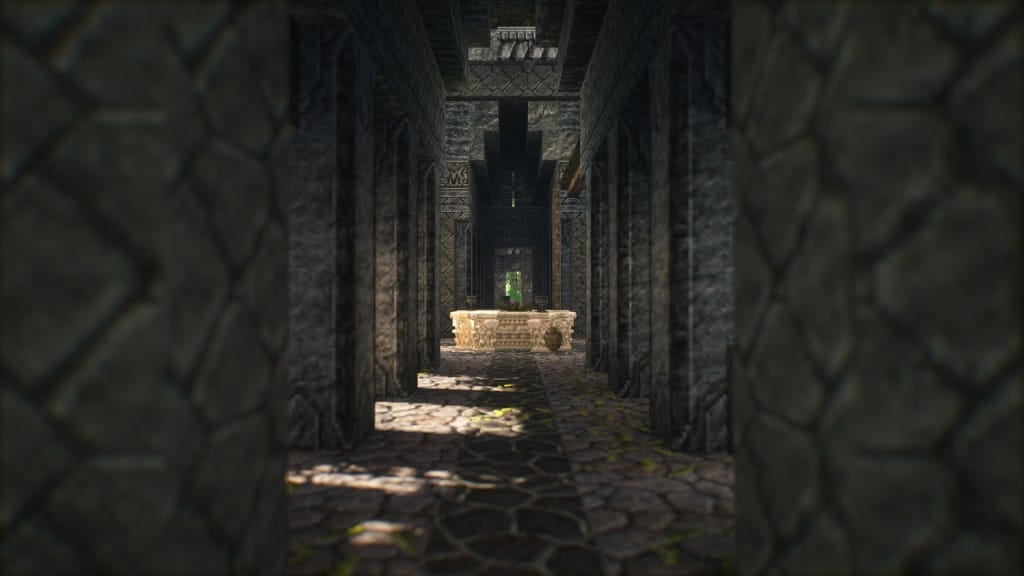
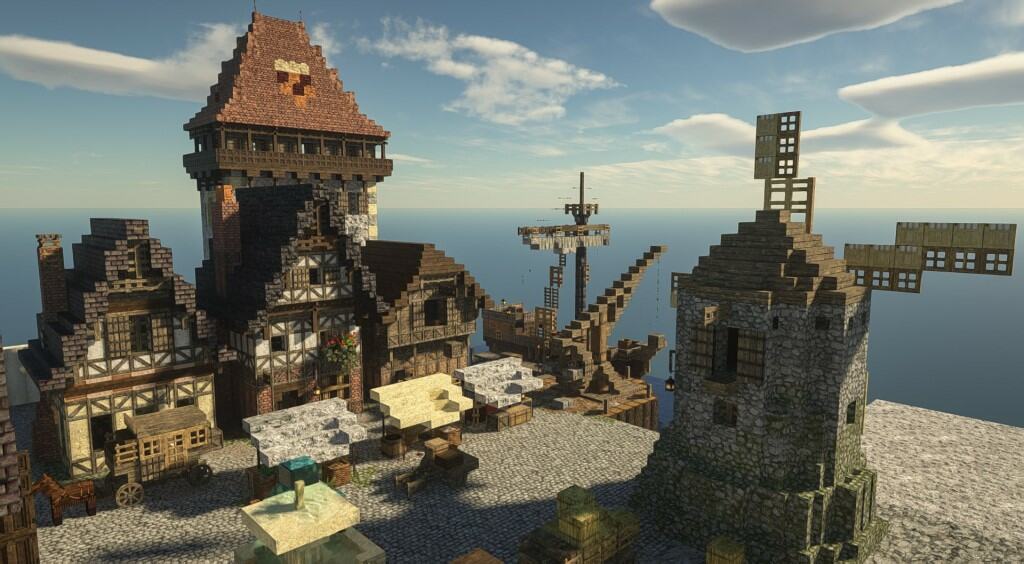
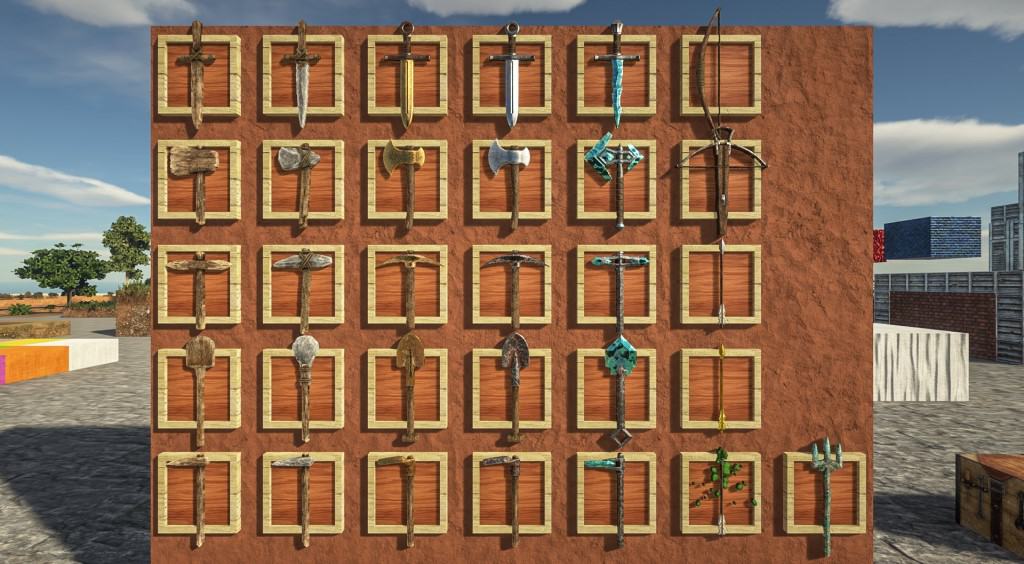
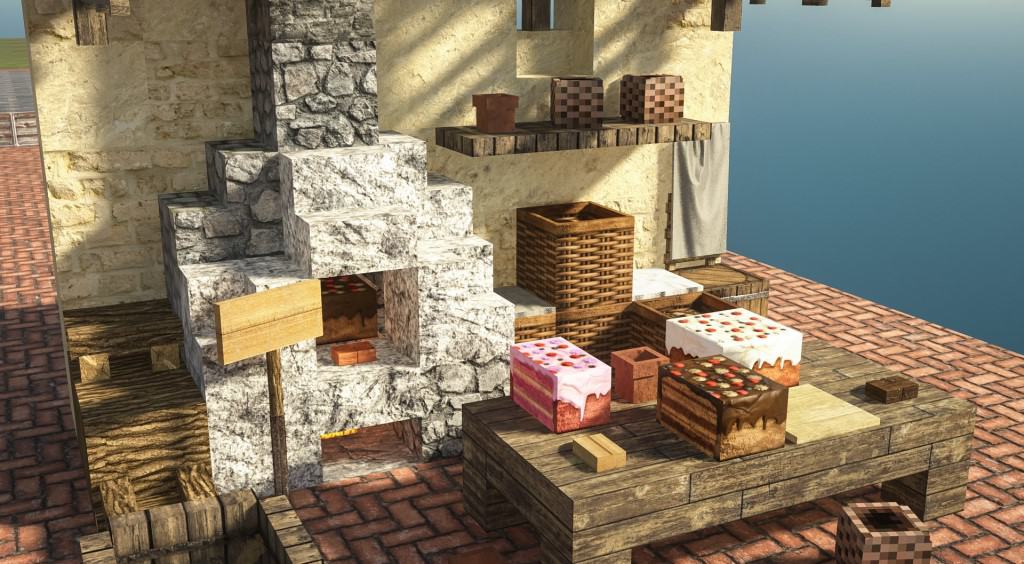
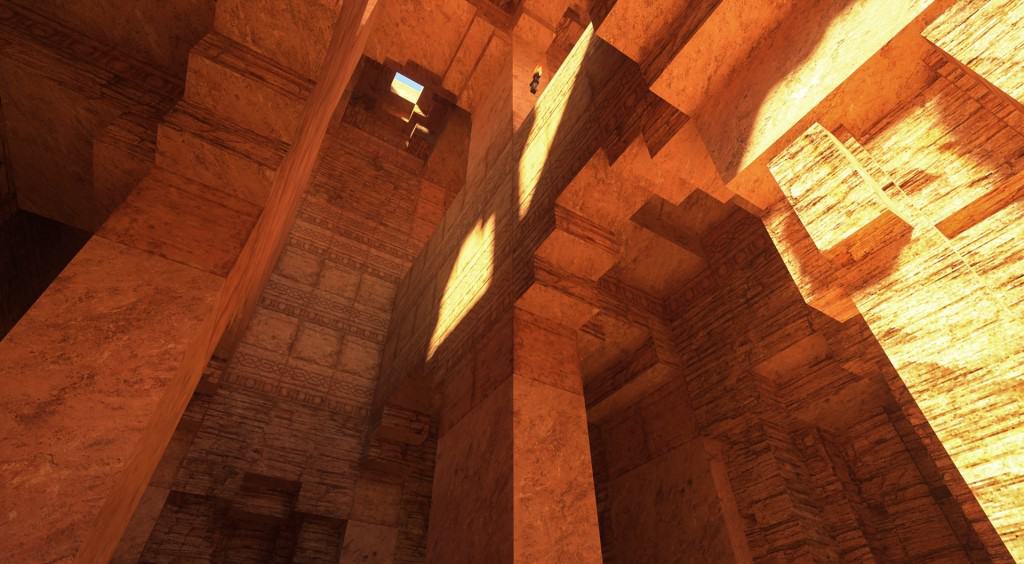
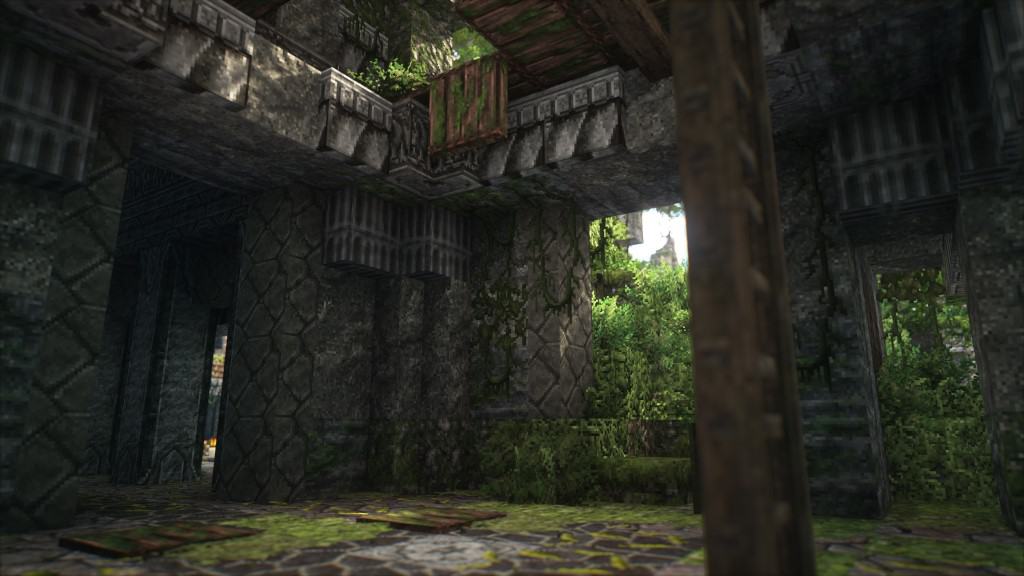
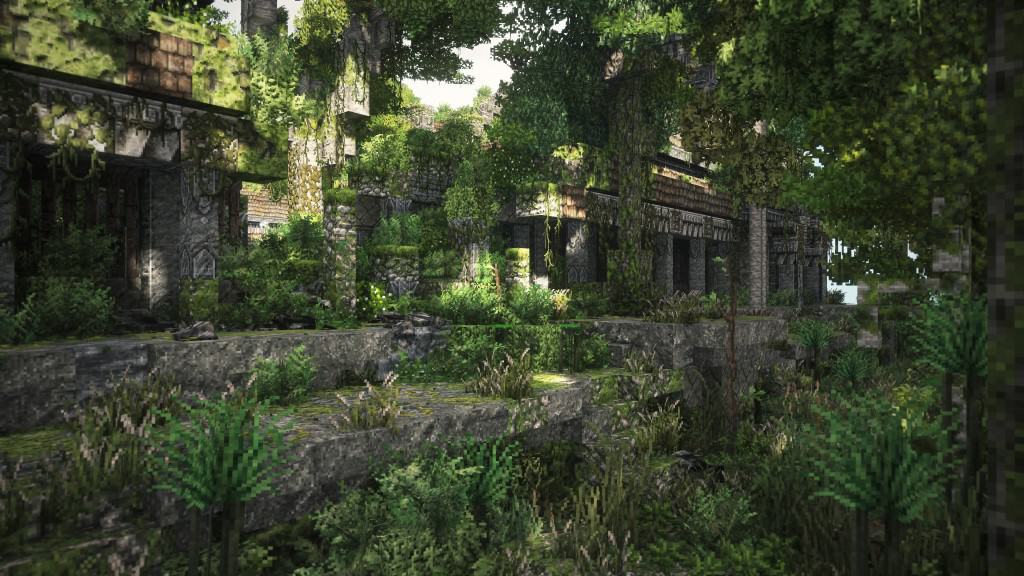
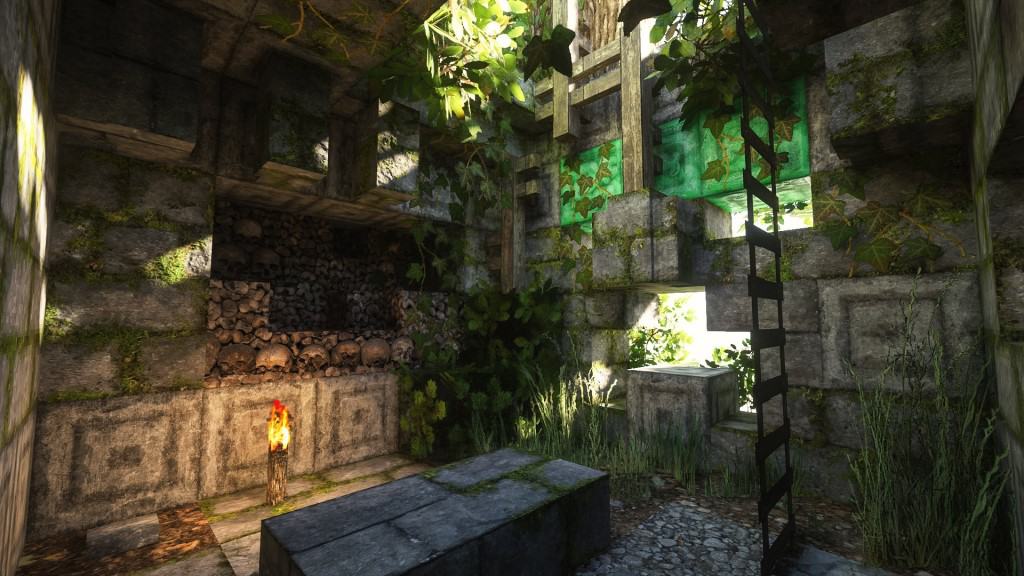
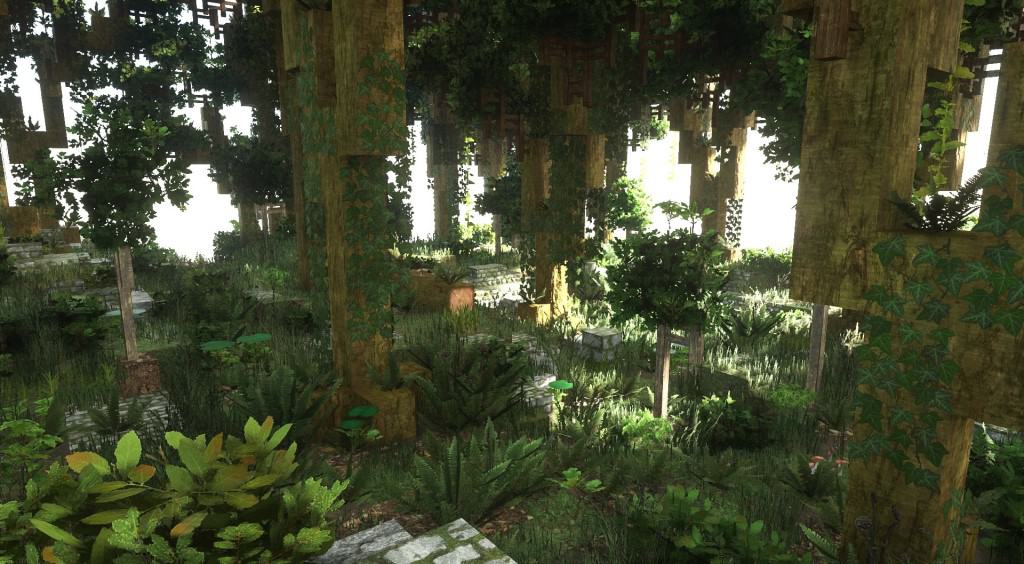
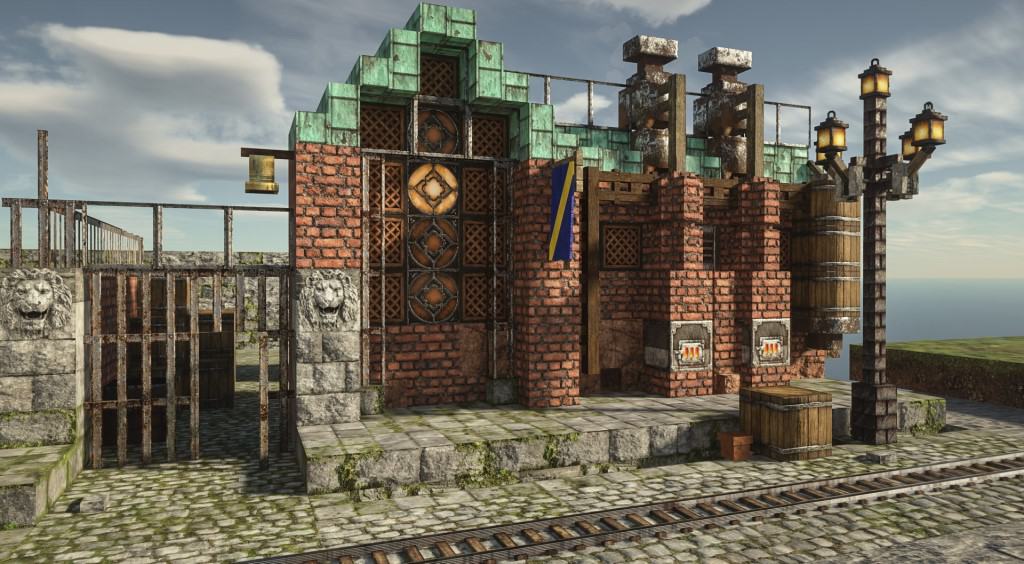
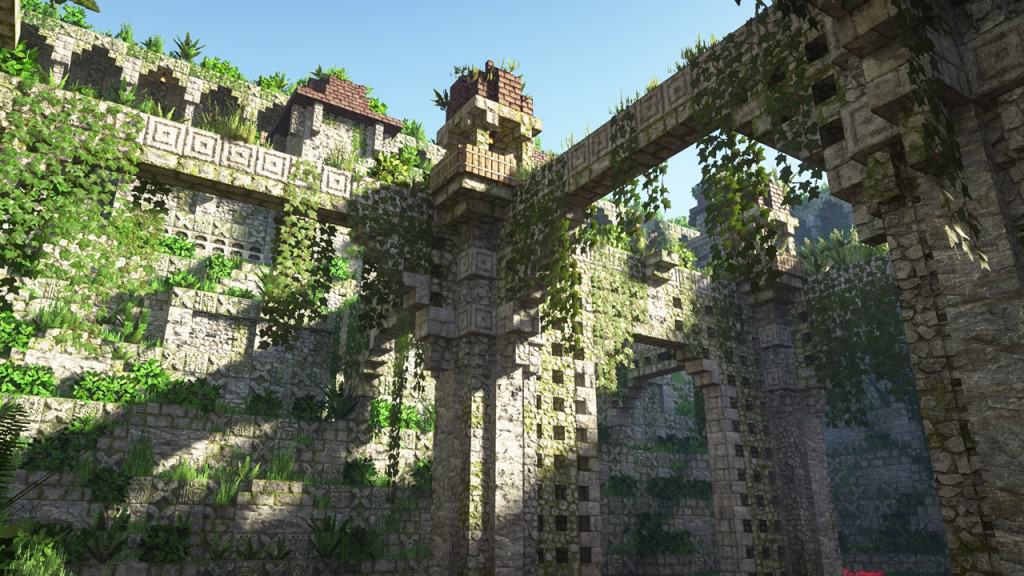
Very few resource packs manage to achieve what the Patrix resource pack achieves. The pack completely changes the visuals within vanilla Minecraft, making it an almost unrecognizable game with stunning graphics. The photorealism of the textures and the added details to the 3D models in the game bring Minecraft closer to modern-day games. It is a refreshing look that should be welcomed by all Minecraft players who are looking for a brand new experience, superior in every way. Certainly, there are similar resource packs that boast photo-realistic textures. Patrix takes one step further as it is not just a fresh coat of paint but an almost triple A game. What sets Patrix apart is the level of detail of every single block and texture in the game. All aspects of Minecraft were redone to deliver a cohesive and consistent experience. Out from the get-go, it is easy to notice that the 3D models of most blocks and assets in the game were improved. Some models had their blocks reduced in size to increase the number of polygons in certain objects. This method adds even more details to objects such as trees, mobs, ladders, plants, furniture, etc. Weapons and certain items are almost unrecognizable due to the increased resolution and detailed textures. The texture in the Patrix texture pack adds even more details on top of the many improvements. Having a higher resolution allows for more details to be cramped in the same texture. The colors of the textures have also been tweaked so that they are more vibrant and easy to distinguish. It simply makes everything look much more crisp and detailed. According to the developer of Patrix, many of the textures were derived from free stock textures, collected from different websites. Through cropping, editing, and mixing, the textures were adapted to be suitable for use in Minecraft.
Featured video:
Other textures were made by the developer with the use of procedural texturing. To ensure that the game does not look too different, the developer used procedural color-matching so that the new textures have similar colors to the default textures. This makes it possible to use Patrix with existing maps without making them look weird. Using various tools to automate some of the work allowed Patrix to introduce photo-realistic textures for the entire game. Most resource packs usually replace around 30% to 50% of the textures in Minecraft. The Patrix resource pack is recommended to be used with Optifine HD. It uses some of the features in Optifine to make certain things work. For example, some blocks have multiple different textures and this feature only works with Optifine. This feature makes it possible to create more varied environments. Lighting also plays an important role. Patrix requires SEUS PTGI shader pack that can be installed like any other shader pack. The Patrix texture pack only works with SEUS PTGI as other shaders do not have the features required by Patrix. Shadows now look much crisper with the aid of the shader pack and the higher resolution of ingame textures. The resource pack is available in 3 different resolutions. It has a 32x, 128x, and a 256x version. The 256x resolution version of the Patrix resource pack is very demanding in terms of resources and even the modern computers may encounter difficulties running it. Players that are experiencing extreme frame rate drops are recommended to use the 128x version. The developer also created a 32x low-resolution version which is still better than vanilla Minecraft that uses 16x textures. One thing to note is that Patrix is getting constant updates from the developer. To fund his efforts to improve the resource pack, a Patreon page was created which grants access to the 128x and 256x versions of the resource pack to all paying members. It also comes with additional perks such as Patreon-only dev updates and early previews. The 32x version of the resource pack is available for free to anyone.
Patrix should be compatible with all of these Minecraft versions: 1.21.11 - 1.21.10 - 1.21.9 - 1.21.8 - 1.21.7 - 1.21.6 - 1.21.5 - 1.21.4 - 1.21.3 - 1.21.2 - 1.21.1 - 1.21 - 1.20.6 - 1.20.5 - 1.20.4 - 1.20.3 - 1.20.2 - 1.20.1 - 1.20 - 1.19.4 - 1.19.3 - 1.19.2 - 1.19.1 - 1.19 - 1.18.2 - 1.18.1 - 1.18 - 1.17.1 - 1.17 - 1.16.5 - 1.16.4 - 1.16.3 - 1.16.2 - 1.16.1 - 1.16 - 1.15.2 - 1.15.1 - 1.15
Patrix — Screenshots
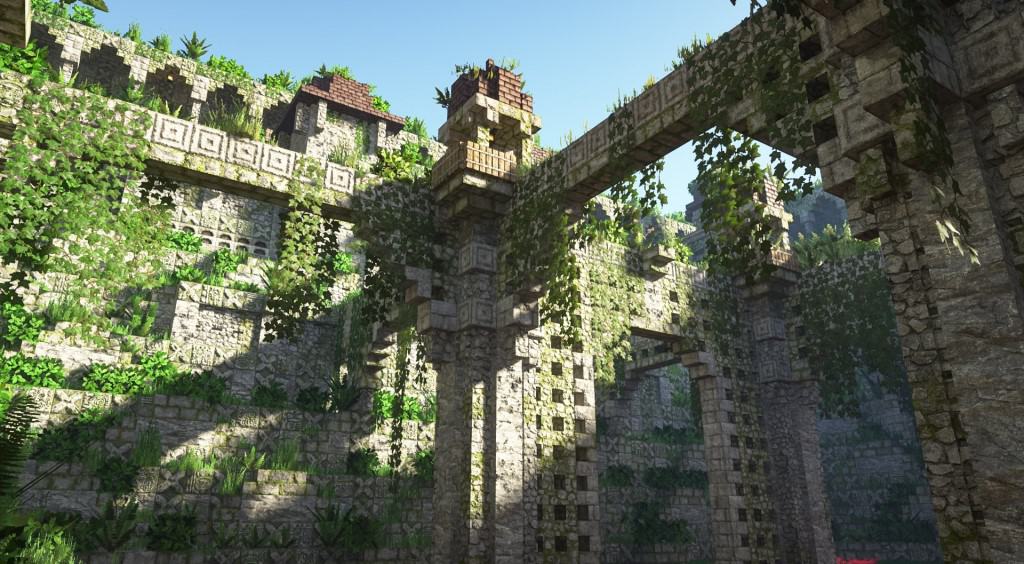
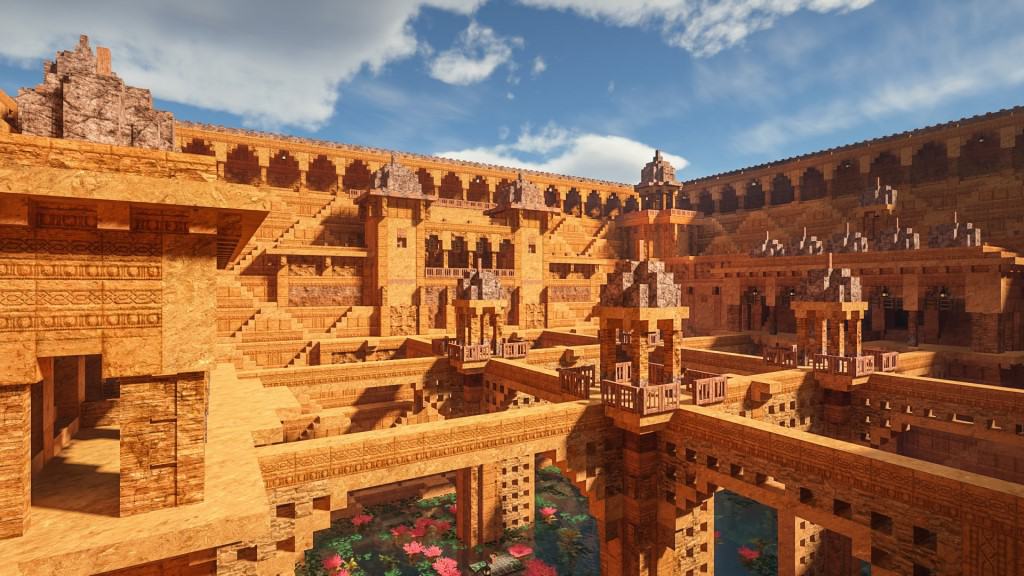
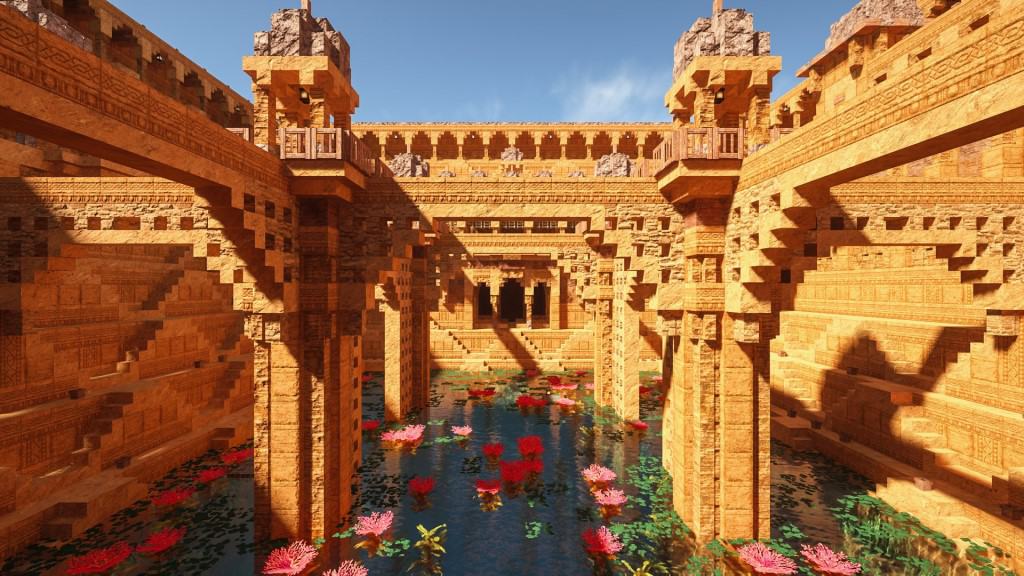
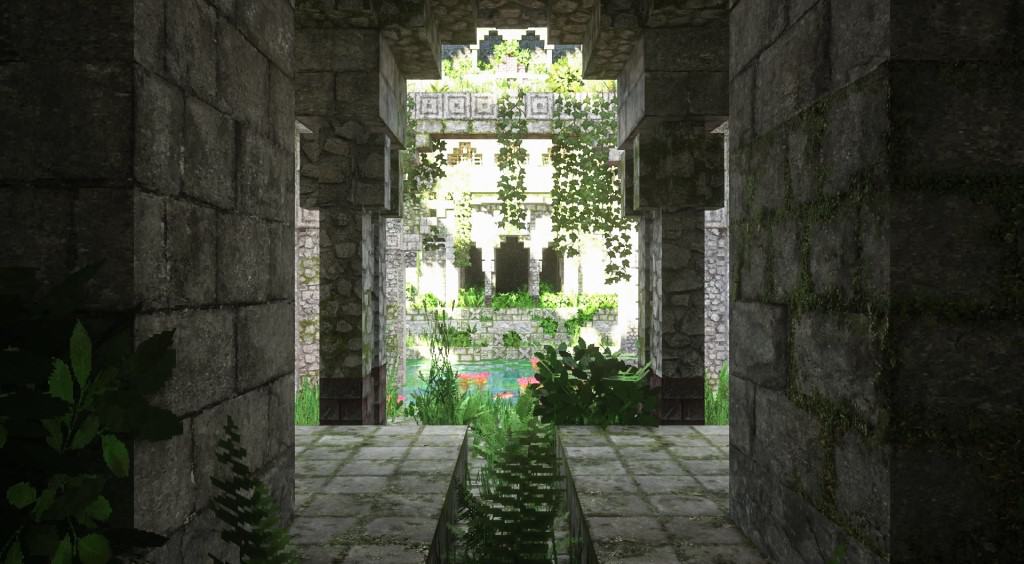
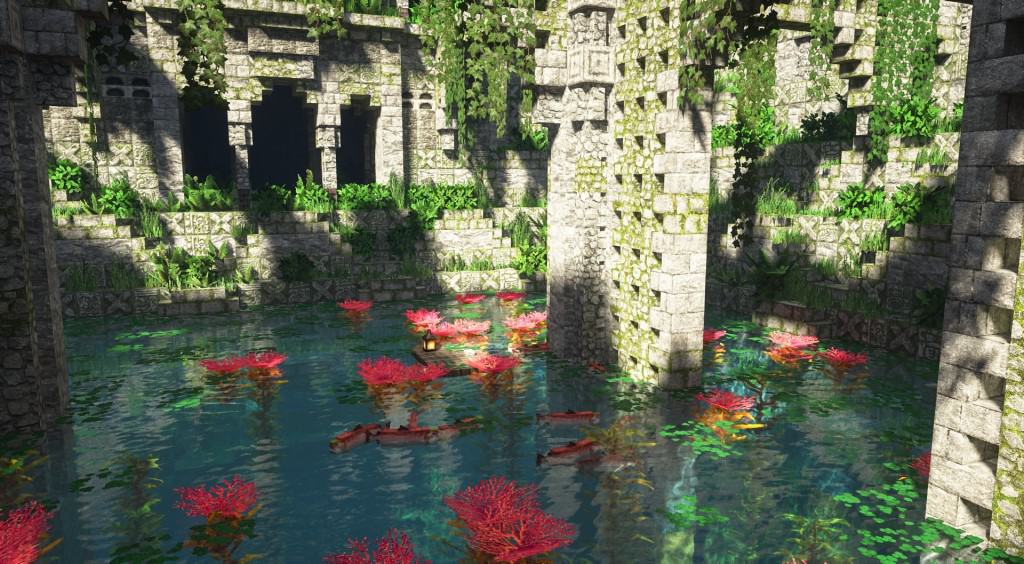
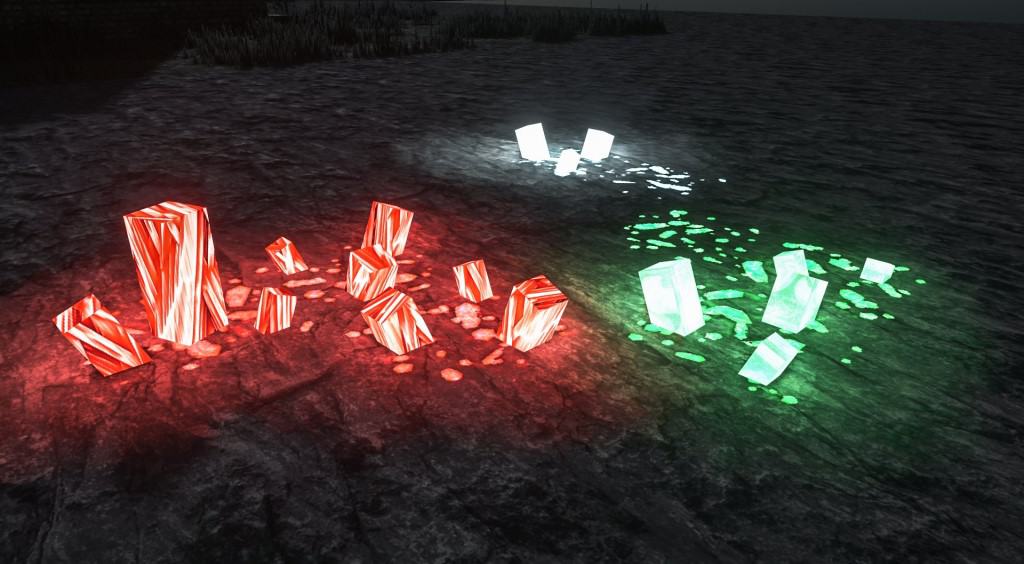

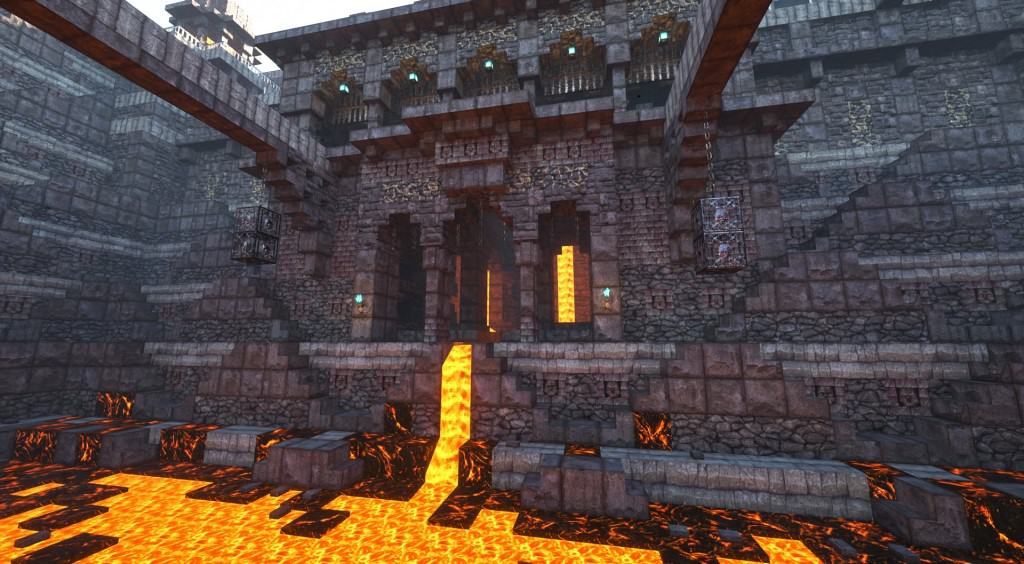
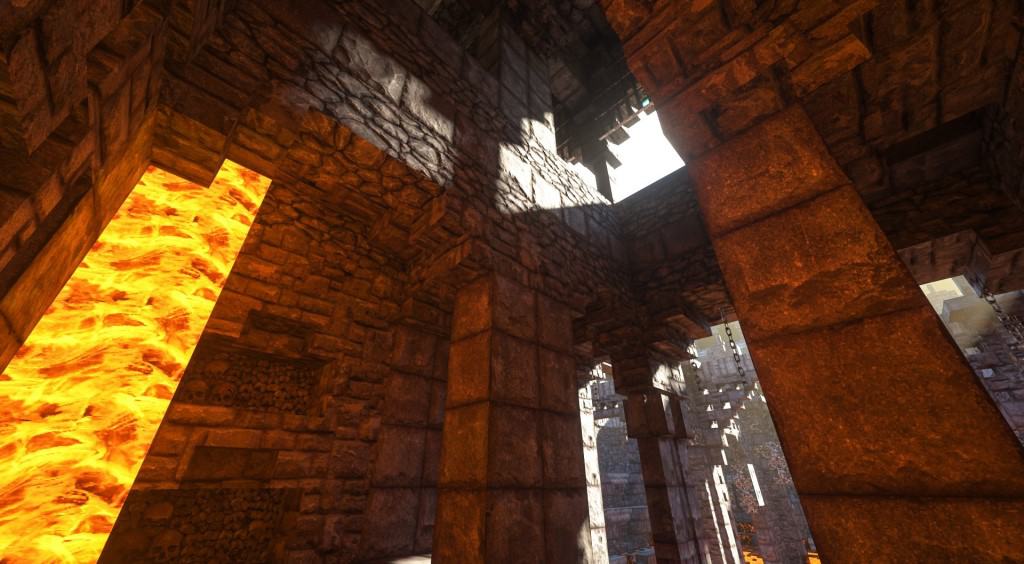
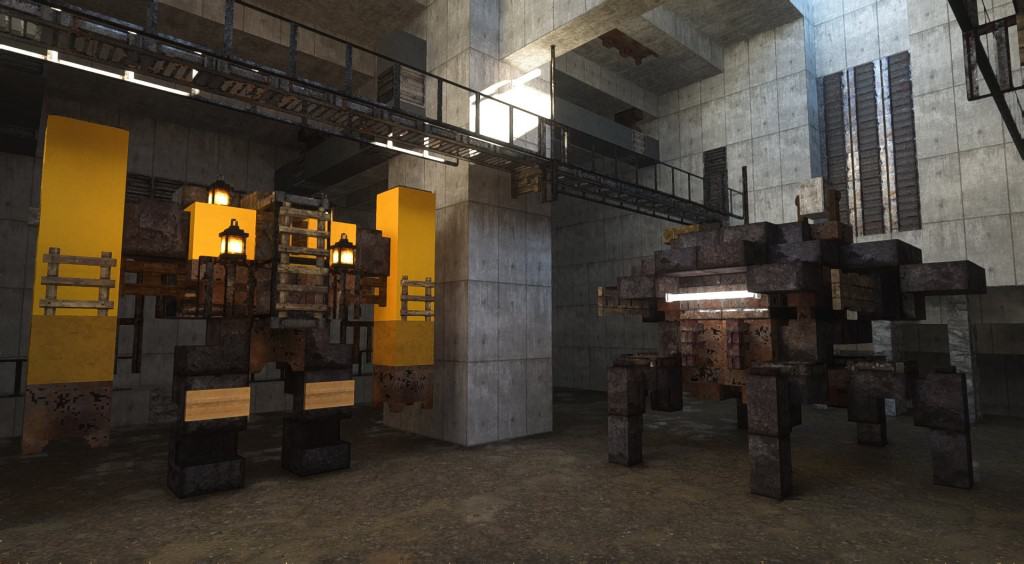
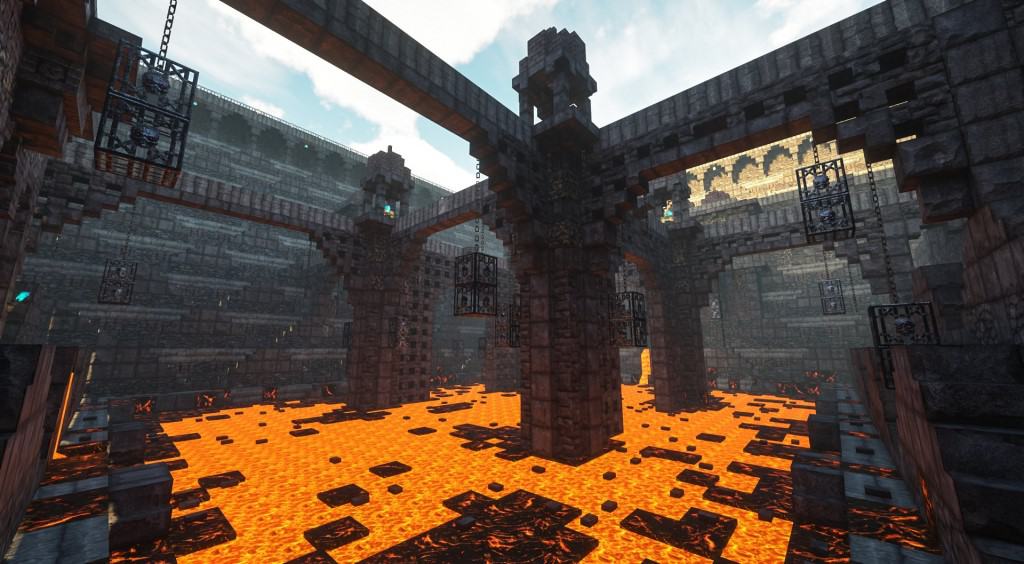
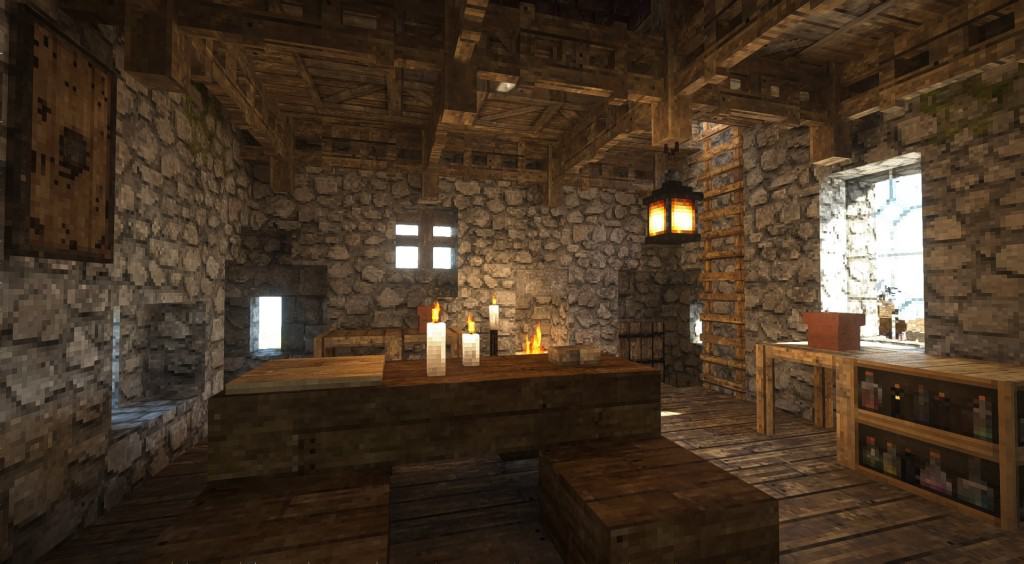
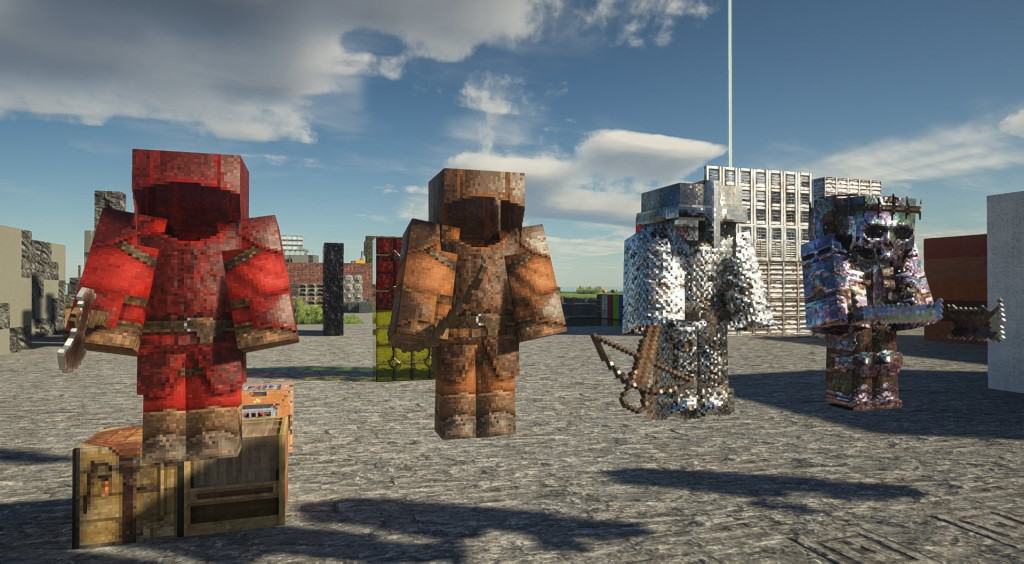


How to install Patrix Resource Pack:
- Most resource packs require Optifine, so be sure to download and install it. – general recommended step for all packs, Optifine is also needed for most shaders
- Download the Patrix texture pack for Minecraft from the download section below. – if there are many different versions, just choose the one you like, is compatible with your version/edition of Minecraft, the one you think your computer can handle in terms of performance.
- Launch the game client through the Minecraft launcher.
- On the main menu, click "Options".
- On the options menu, click "Resource Packs...".
- Click on "Open Resource Pack Folder". – folder titled "resourcepacks" will pop up
- Move the .zip file you downloaded in the first step to the newly opened "resourcepacks" folder.
- Click "Done".
- Click on "Resource Packs..." again.
- Your pack should have appeared in the left window, just hover over it and click on the arrow pointing to the right.
QUICK TIP: Sometimes, when activating a pack, the game may say that the pack is made for a newer or older version of Minecraft. This is just a warning, it does not affect your gameplay in anyway, and you can still activate and enjoy the pack by simply clicking the "Yes" button when prompted.
- Click "Done" again.
- The pack has now been successfully loaded and ready to be used in your world!
Important:
The download section will contain several links, usually you just need to get the main pack, but you can install add-ons on top of the basic/main pack if you wish.
- Basic: all required essential vanilla textures.
- Addon: optional extra custom textures that fits vanilla gameplay.
- Bonus: optional extra custom textures that doesn’t fit vanilla gameplay.
- Models: optional extra custom models, works with any res versions.
Recommended shaders:
- SEUS PTGI – pathtrace version of Sonic Ether’s Unbelievable Shader;
Recommended settings:
NOTE: These settings must be set correctly, otherwise there may be problems with textures. The custom mob models and animations won’t work correctly.
For optifine:
- “Quality Settings > Connected Textures” to Fancy
- “Quality Settings > Natural Textures” to Off
- “Quality Settings > Custom Colors” to On
- “Quality Settings > Custom Entity Models” to On
- “Quality Settings > Random Entities” to On
- “Quality Settings > Anisotropic Filtering” to Off
- “Detail Settings > Alternate Blocks” to On
- “Detail Settings > Trees” to Smart or Fancy
- “Performance Settings > Smart Animations” to On
- “Shaders > Shader Options” and enable any LabPBR format emissive/sub-surface-scattering options
For Fabric / Iris-based mods users, please install:
- Fabric
- Fabric API
- Iris 1.3 (and beyond)
- Indium
- Continuity 2.0.1
- Colormatic
- an Iris-supported shaderpack and enable any LabPBR format emissive/sub-surface-scattering options
Patrix Texture Pack Download
- We do not modify or edit any resource packs. All resource packs, shaders and tools found on this website are linked directly to official sources rather than hosted on our own servers. We provide only the official download links from the original creators to ensure that your files are safe and secure.
- These official links are updated manually and may occasionally stop working when a new version is released. We work hard to keep everything current so that you have a smooth experience. Please let us know in the comments if you find a link that no longer works.
- Minecraft is a trademark of Mojang Studios and has no official connection to this website. Our goal is simply to share the best creations from the community with other players.
- Please consider leaving a comment or voting for your favorite packs. This feedback helps authors improve their projects over time. You can also support the creators directly by visiting the official links located below the download section.
Java Edition:
[32x] [1.21.x] Download Patrix Resource Pack – absolutely free;
[32x] [1.20.6 – 1.20.2] Download Patrix Resource Pack – absolutely free;
[32x] [1.20.1 – 1.20] Download Patrix Resource Pack – absolutely free;
[32x] [1.19.x] Download Patrix Resource Pack – absolutely free;
[128x] [1.21.x – 1.15.x] Download Patrix Resource Pack – for Patrons only;
[256x] [1.21.x – 1.15.x] Download Patrix Resource Pack – for Patrons only;
Add-ons (Java Edition):
Contains optional extra features that fits vanilla gameplay. Check the included “features list” text file inside to see detailed descriptions of what this pack adds and how to use the features.
[32x] [1.21.x] Patrix Addon – absolutely free;
[32x] [1.20.6 – 1.20.2] Patrix Addon – absolutely free;
[32x] [1.20.1 – 1.20] Patrix Addon – absolutely free;
[32x] [1.19.x] Patrix Addon – absolutely free;
[128x – 256x] [1.21.x – 1.15.x] Patrix Add-on – for Patrons only;
Bonus (Java Edition):
Contains optional extra features that doesn’t fit vanilla gameplay. Check the included “features list” text file inside to see detailed descriptions of what this pack adds and how to use the features.
[32x] [1.21.x] Patrix Bonus – absolutely free;
[32x] [1.20.6 – 1.20.2] Patrix Bonus – absolutely free;
[32x] [1.20.1 – 1.20] Patrix Bonus – absolutely free;
[32x] [1.19.x] Patrix Bonus – absolutely free;
[128x – 256x] [1.20.x – 1.15.x] Patrix Bonus – for Patrons only;
Models (Java Edition):
Contains optional extra custom models. Check the included “features list” text file inside to see detailed descriptions of what this pack adds and how to use the features.
[32x] [1.21.x] Patrix Models – absolutely free;
[32x] [1.20.6 – 1.20.2] Patrix Models – absolutely free;
[32x] [1.20.1 – 1.20] Patrix Models – absolutely free;
[32x] [1.19.x] Patrix Models – absolutely free;
[128x – 256x] [1.20.x – 1.15.x] Patrix Models – for Patrons only;
Curseforge: download starts automatically after a few seconds;
Mediafire: click the big blue button with the text "DOWNLOAD";
Google Drive: in the top right corner you will see a small download icon (down arrow), click it and the download should start;

2,376 votes
Look.. 2376 users have already liked this pack. Give a diamond if you like it too!


Darkness
I’m trying to use the petrified oak slab, but it create a five tile plus sign of absolute darkness for some reason. Help?
Eric Brodeur
Any chance you could convert this into a .mcpack for the bedrock edition? I have an RTX 3070 so I could used it with ray tracing.
Nate
In one of the screenshots it shows 3D ores. Is that in the base resource pack of how do I get them? They also seem to be glowing. I have BSL v8.2.02 as my shader and I have the 32x add on, 32x model and 32x basic packs loaded.
Nate
SEUS Renewed 1.01 is the active shader, my b
arcadeblood
Seus shaders are recommended. There should be option in shader to turn it off.
GeoGenesis
Is there a possible way to load the textures in ATM 7 Modpack without the grasstexture saying “enable texture connection” ?
ATM 7 is unable to load with optifine only with rubidium,oculus,rubidium_extras.
Please help
arcadeblood
that’s is literally telling you what you should do. Optifine has that option, just turn it on.
Ethan
is the 64 version free or no?
Optical Bit
There is no 64x version.
BRYCE
How do I get this to work on Xbox One S?
(I have been trying to get this to work on Xbox One.)
Could Patrix make a Version to Sell or give on Xbox One?
BRYCE
Also would really like the Special Shaders that goes with it!
Thank you for any help or understanding!
p.s. I would love this on Xbox One.
Admin
This pack only works with Optifine, which only works with the java edition of minecraft.
Luke
i’m getting unloaded textures on doors, not too sure whats causing the issue
AUSTIN
cool but tool textures don’t work there all pixelated
beebop
It’s a shame it only works properly with optifine. Tried different combinations with iris+sodium and/or fabric.
Most of the stuff worked fine, but bees are missing textures.
Game and mods 19.2, Patrix x32.
Admin
Well, it focuses on the features of optifine, so it makes sense that it works best with optifine.
beebop
Yeah, I mean it seems quite usable without it though. It probably has some other issues, but the only one I noticed so far are bees, so it is very close to being compatible from my very superficial understanding.
Odjob77
My favourite texture pack, the 128x is gorgeous, the only issue is I play with ATM 8 and optifine is not compatible, so there are a lot of features I don’t get anymore, plus the “enable connected textures” on the grass.
Nevertheless, the best textures pack out there.
Glass-shark
The pack looks wonderful, a small problem though. Whenever I place a coloured concrete block, a coloured concrete powder block or a coloured wool block it always shows up as white. Is there anyway I can fix that?
MikeM
Could be your Shader, if you use one. I ran into that problem myself.
Damian
i love this pack however it doesnt work well with mods like immersive engineering ( water wheel is invisible ), some blocks like candles are invisible as well and sometimes bees become half transparent
Nekyo
how do i install the 256x patrix resource pack?
Optical Bit
Support his Patreon. Same for 128x.
MikeM
It took me a good week or two to figure this out, but in order to get the FULL functionality of this pack plus it’s two addons packs, (minus the Bonus on) they need to be loaded into the game in a specific order in the Resource Packs menu. From the top down, have them go Addon -> Models -> Basic. I’m not sure if the placement of the Addon and Models packs are interchangeable, I just found out they need to be ABOVE the Basic pack, in order for everything to work. This entire time I had the Basic pack above the Addon, and I swear Bees never spawned from their hives at all. The moment I moved the Addon pack above the Basic, not only did they spawn again, but I also noticed a new overlay texture on dirt and grass blocks that appeared as well.
Admin
Not only for Patrix, but for all Minecraft resource packs, if you install an add-on – it should always be on top of the currently active packs.
MikeM
This pack is absolutely GORGEOUS and I’m so happy I found and tried it. 32x is perfect and the world looks so much more natural and rustic yet it’s not trying too hard to be a dark theme. I was using Faithful but now this is my new favorite. Sure there are still unaltered things like Cats and Trader Llamas etc, but that’s just fine.
Sawka
The problem is I can’t download the pack since I need to buy premium even tho i placed all the files from the link to my resource packs and it didn’t work.
Admin
You can always use the 32x version if you like, it’s completely free. Are you sure you are using the Java version of Minecraft?
arma
thats mediafire’s problem , not yours
Schpalrbo
ok so im trying to place layered textures but i doesnt function, overgrowth always changes everything
Lina
Are the premium versions up-to-date? I mean, are there vanilla items?
Jeff
can you use anything but media fire ? it says I need more bandwidth can you PLEASE uploaded it google or mega
Setek
its a shame I cant get this on Bedrock. Would love this on Bedrock. PLEASE make it so Bedrock can utilise it.
scczmxfd
Good
Plutonium239
What do I do with all the separate files I had to download? Anyone have any instructions?
Felinator42
Just put them all in at once (In Minecraft, acitvate them all) and it should be fine
Tandel
Good pack for screenshots, but I don’t like it for normal gameplay, since the pack is way too noisy and hurt my eyes after a few minutes.
Nobeliums
Great pack. On the 32x version, however, some items like the crafting table and iron trapdoors, aren’t fully textured and look like they are reflections. Is there a fix for this? I changed all the settings to the recommended ones (with the exception of raytracing since I do not have that options). Any help would be appreciated as I was considering purchasing the higher resolutions but this glitch puts me off from doing so.
Neudi
got a little problem here … I am not getting any effects of installing the recommended SEUS shader with this resource pack. Anyone got an explanation?
Selecting the resource pack gives me the Vanilla textures with SEUS shader quality .. not quite what it looks like on these screenshots here.
I downloaded the SEUS PTGI HRR 3 shader and Patrix_1.18_32x_basic resource pack.
Visualisator
I had the same issue… Try Kappa Shader with the Patrix basic
kiwi
hey does sildur’s shader also work for this as well or should i run the recommended shader?