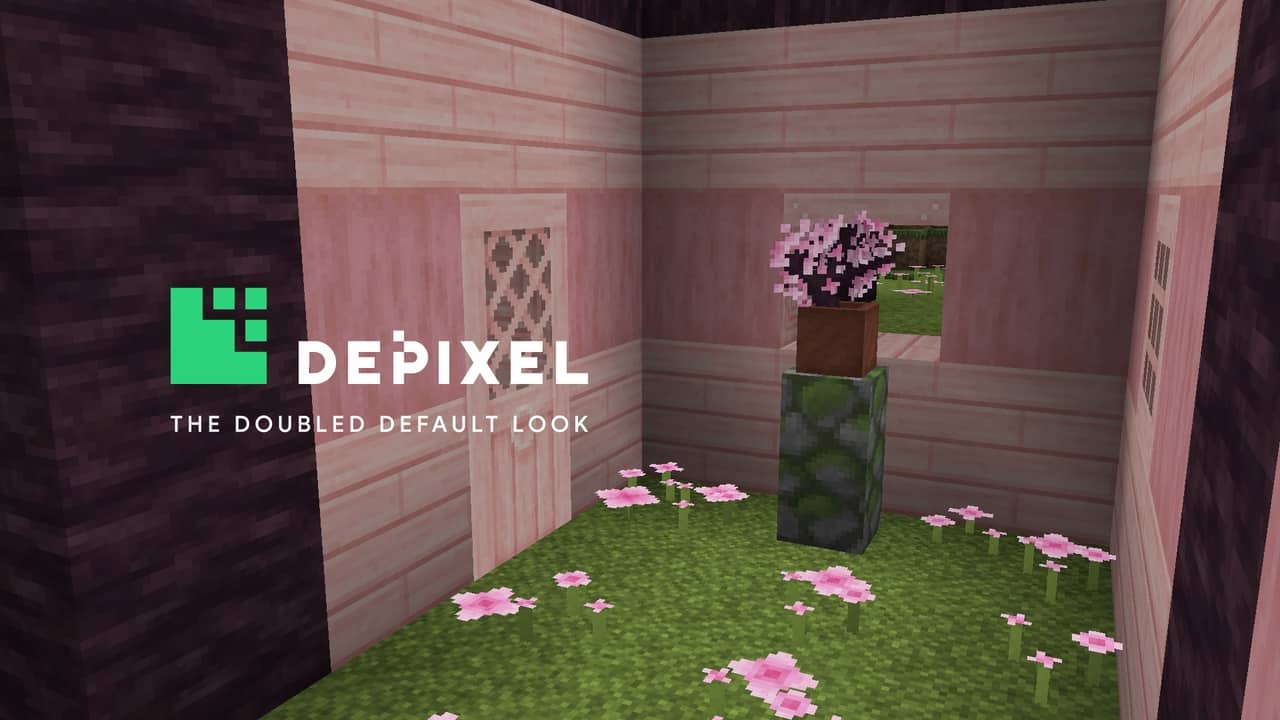
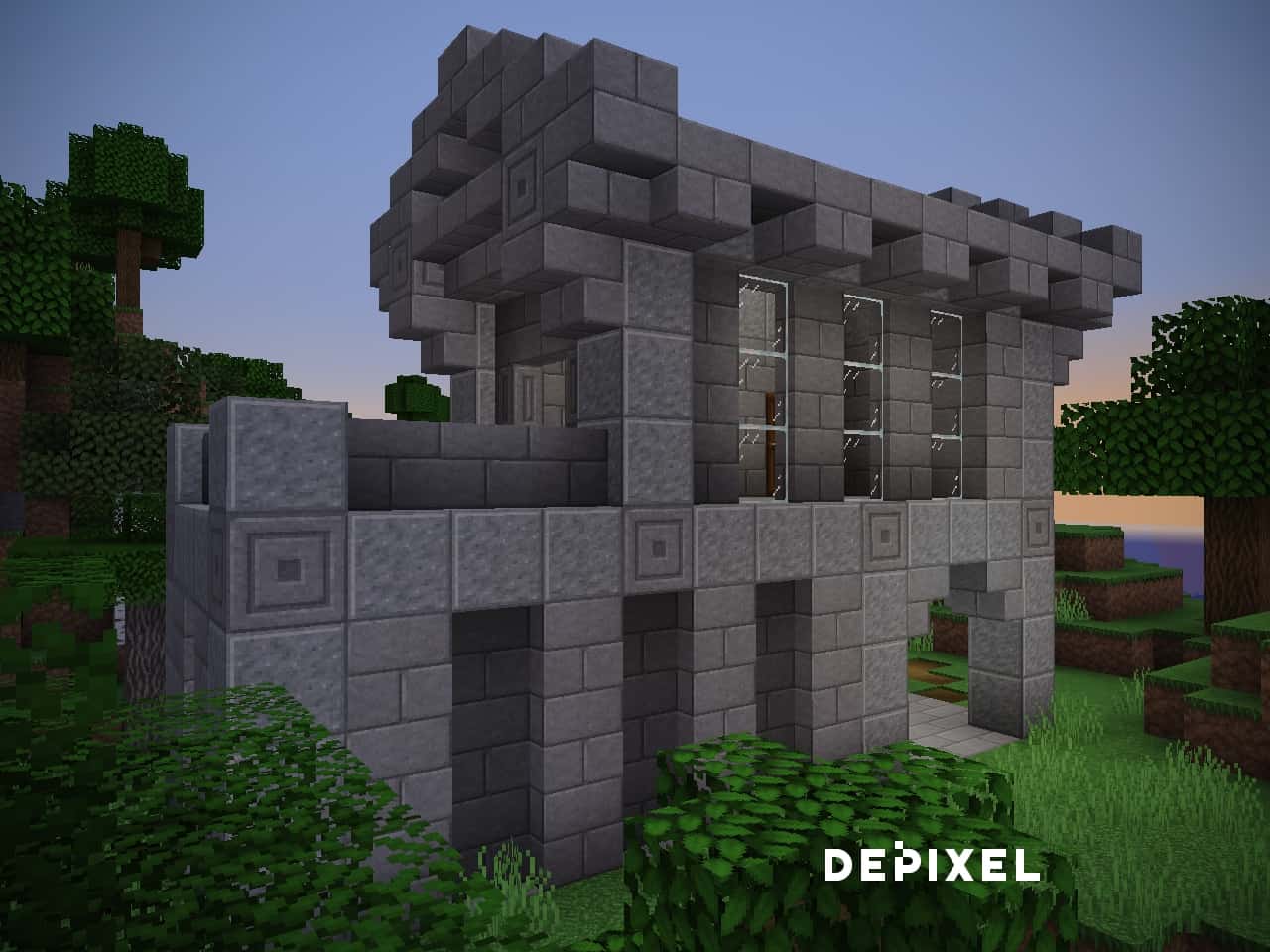
The Depixel resource pack is one of the most comprehensive projects for Minecraft as far as textures are concerned. Whereas many packs start very ambitiously only to decline later on, Depixel goes even beyond its base features. Previously known as Default 32×32, this pack took its inspiration from the very successful and famous Faithful resource pack, albeit with a much higher level of innovation and creativity. The developer’s main goal in creating Depixel was to retain as much of the vanilla experience as possible while also enhancing and bringing it to another level. This resource pack doesn’t try to reinvent the wheel or bring some shiny new features which is exactly why it’s so appealing to the wider audience. Once you load up the game with this pack enabled, you’ll immediately notice that everything seems much smoother. Forget about the noisy, grainy textures that stabbed your eyes during regular gameplay. Grass, stone, ores and other familiar blocks have all been modified to look more uniform. The connected textures (optifine required) provide a seamless appearance that you’ll grow to love. As far as other changes go, the armor has been completely transformed. Each individual piece is much shinier than before, and wearing a complete set gives the player a more appealing look. The mobs become more menacing – especially the skeletons – with their bared teeth and dark eyes. All of these adjustments work together to make your Minecraft experience more interesting and entertaining. Now we come to the true gem of Depixel texture pack: the add-ons. These are mini-packs that alter various aspects of the game, complementing the original resource pack. Since the developer put in a lot of work to make Depixel as polished as possible, it’s expected that some of these additional features come at a price. However, these extras are very cheap at just a couple of bucks, and the supporters get access to several exclusive pieces of content that can further enhance the game. These add-ons include:
Featured video:
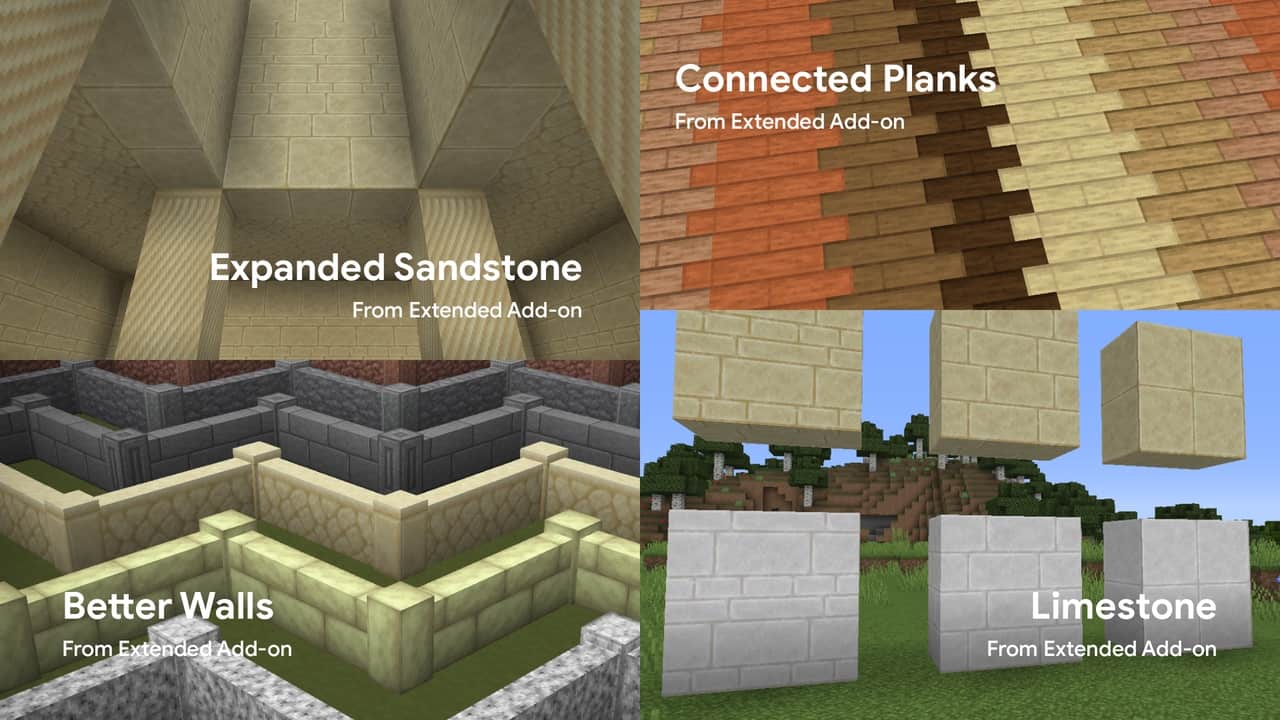
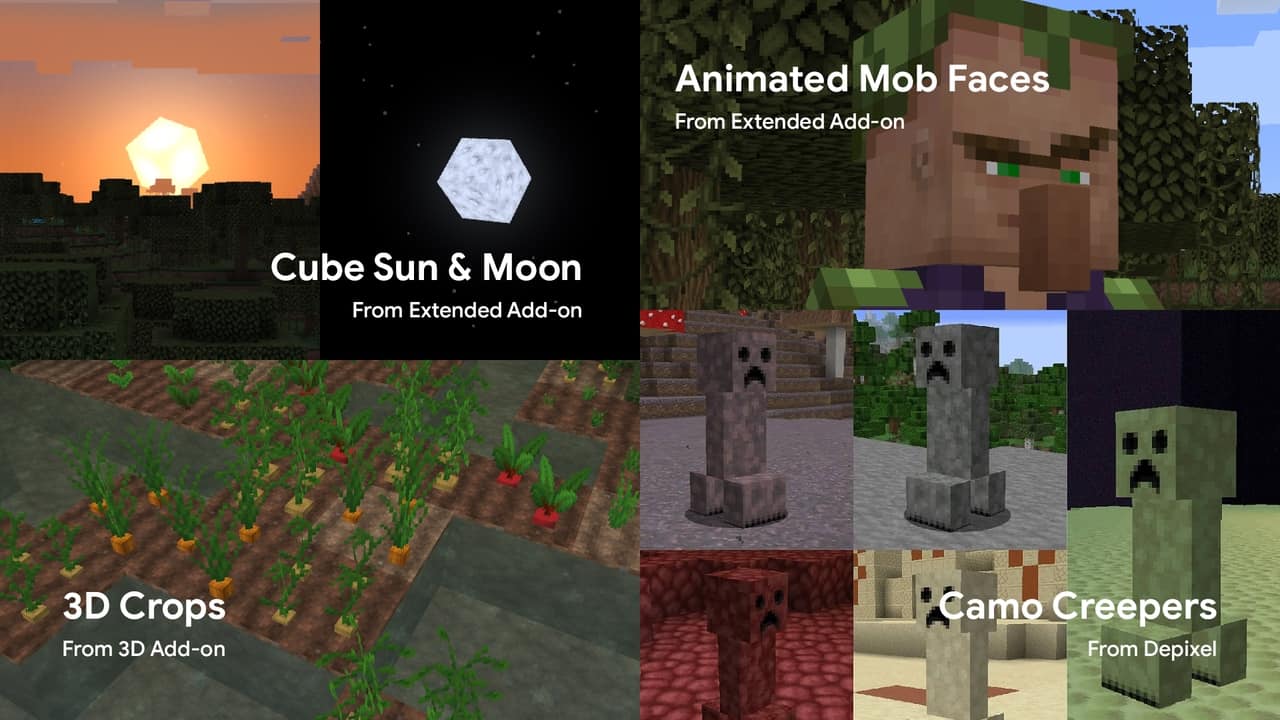
- EXTENDED ADD-ON – This is one of the best on the list with a wide range of custom textures included, with the most impressive ones being the tools. All of the different tiers – wood, stone, gold, iron, diamond, and netherite – have a different appearance. There are dozens of additional features, and it’s clear that a lot of time and effort was put into this extended add-on. Some more changes are improved lava, realistic rain, animated faces for mobs, an amethyst sword custom item, etc.
- 3D ADD-ON – One of the free add-ons, the 3D models add some more depth to the blocks. For example, a cobblestone could have irregular patterns and protruding rocks, providing a life-like representation.
- PVP ADD-ON – If you like to engage in multiplayer combat, this is the one to try out. The PvP add-on makes fire less obstructive, alters GUI to be clear and transparent, and even changes diamond gear to a red color palette.
- ALPHA ADD-ON – For the veteran players that want to relive the nostalgia of the early alpha Minecraft days. The only thing that’s changed in this add-on is the foliage color – bright green grass and leaves have been reintroduced.
Besides this massive add-on support, Depixel is available for both Minecraft Java and Minecraft Bedrock. The Bedrock version has a couple of smaller add-ons too – better glass, better grass, and bordered ores. The basic releases for both versions are free and available on the official website. The resource pack has its own Discord community where you can share your suggestions, ideas, or issues. If you like to test out stuff before it’s officially released, Depixel has a weekly snapshot support so you can try it out on the newest Minecraft versions. Regarding performance, it doesn’t get much better than the 32×32 resolution that Depixel is designed in. This is just double the size of the vanilla Minecraft textures, and the visual difference that you get is incomparable. While the standalone pack doesn’t seem to require Optifine, many of the features that add-ons introduce do. For this reason, it’s better to be safe and install it before running the game with Depixel. Some people even claim to have gotten an FPS improvement compared to the original textures. Whatever the truth may be, you should really try out this masterpiece for yourself.
Depixel should be compatible with all of these Minecraft versions: 1.20.1 - 1.20 - 1.19.4 - 1.19.3 - 1.19.2 - 1.19.1 - 1.19 - 1.18.2 - 1.18.1 - 1.18 - 1.17.1 - 1.17 - 1.16.5 - 1.16.4 - 1.16.3 - 1.16.2 - 1.16.1 - 1.16 - 1.15.2 - 1.15.1 - 1.15 - 1.14.4 - 1.14.3 - 1.14.2 - 1.14 - 1.13.2 - 1.13.1 - 1.13 - 1.12.2 - 1.12 - 1.11.2 - 1.11 - 1.10.2 - 1.10 - 1.9.4 - 1.9 - 1.8.9 - 1.8.8 - 1.8.1 - 1.8.6 - 1.8 - Bedrock Edition - PE
Depixel — Screenshots


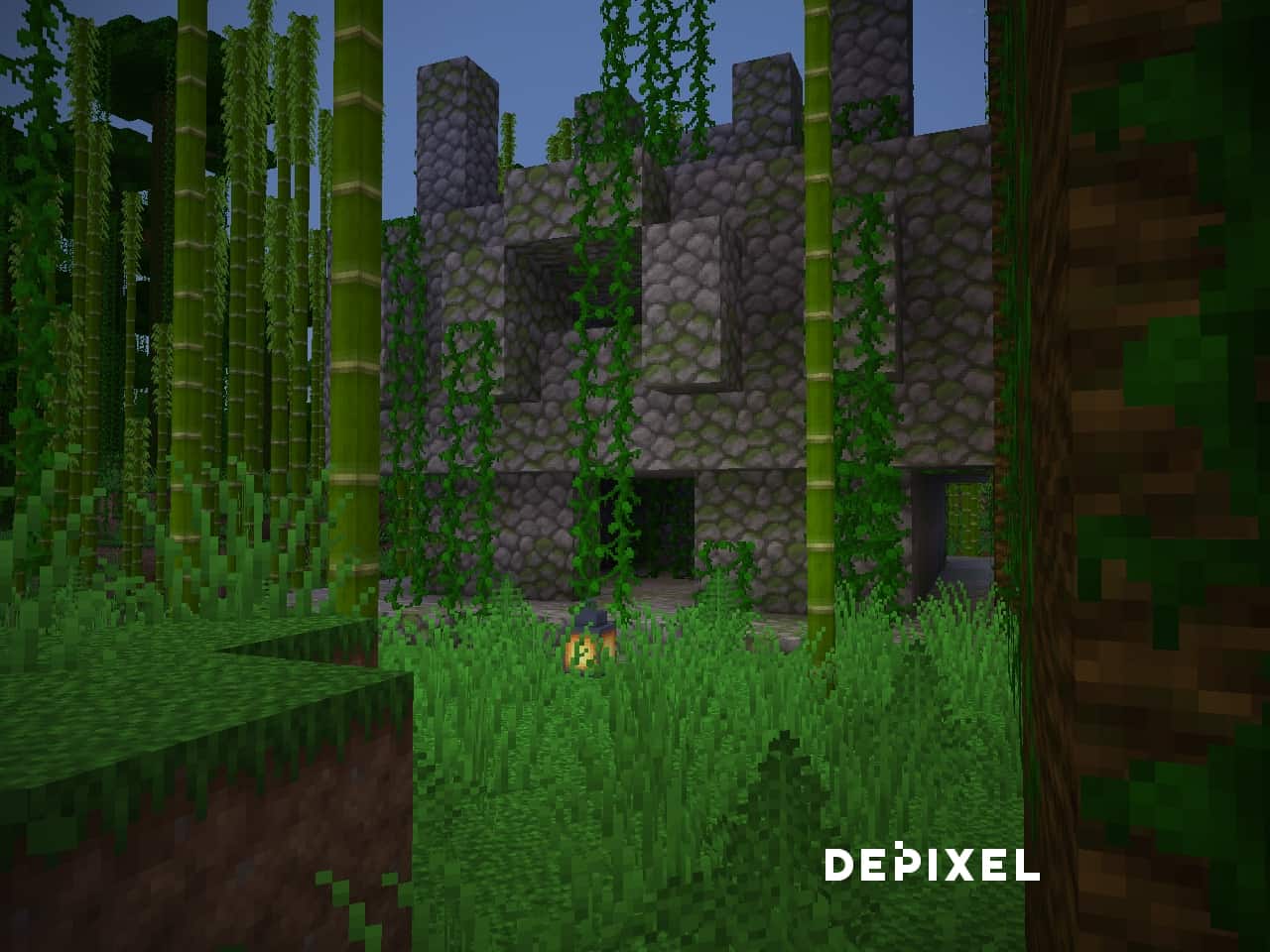
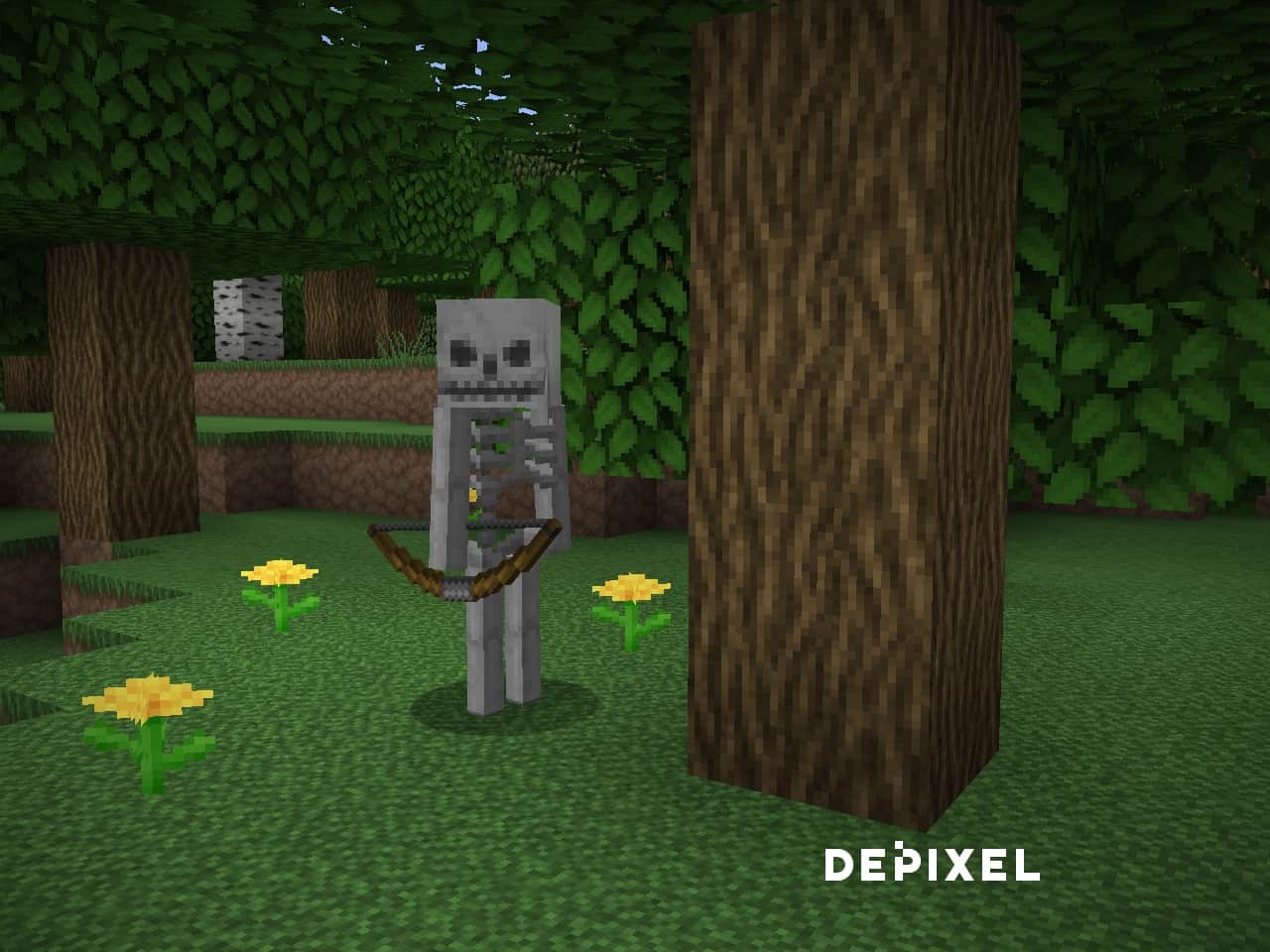
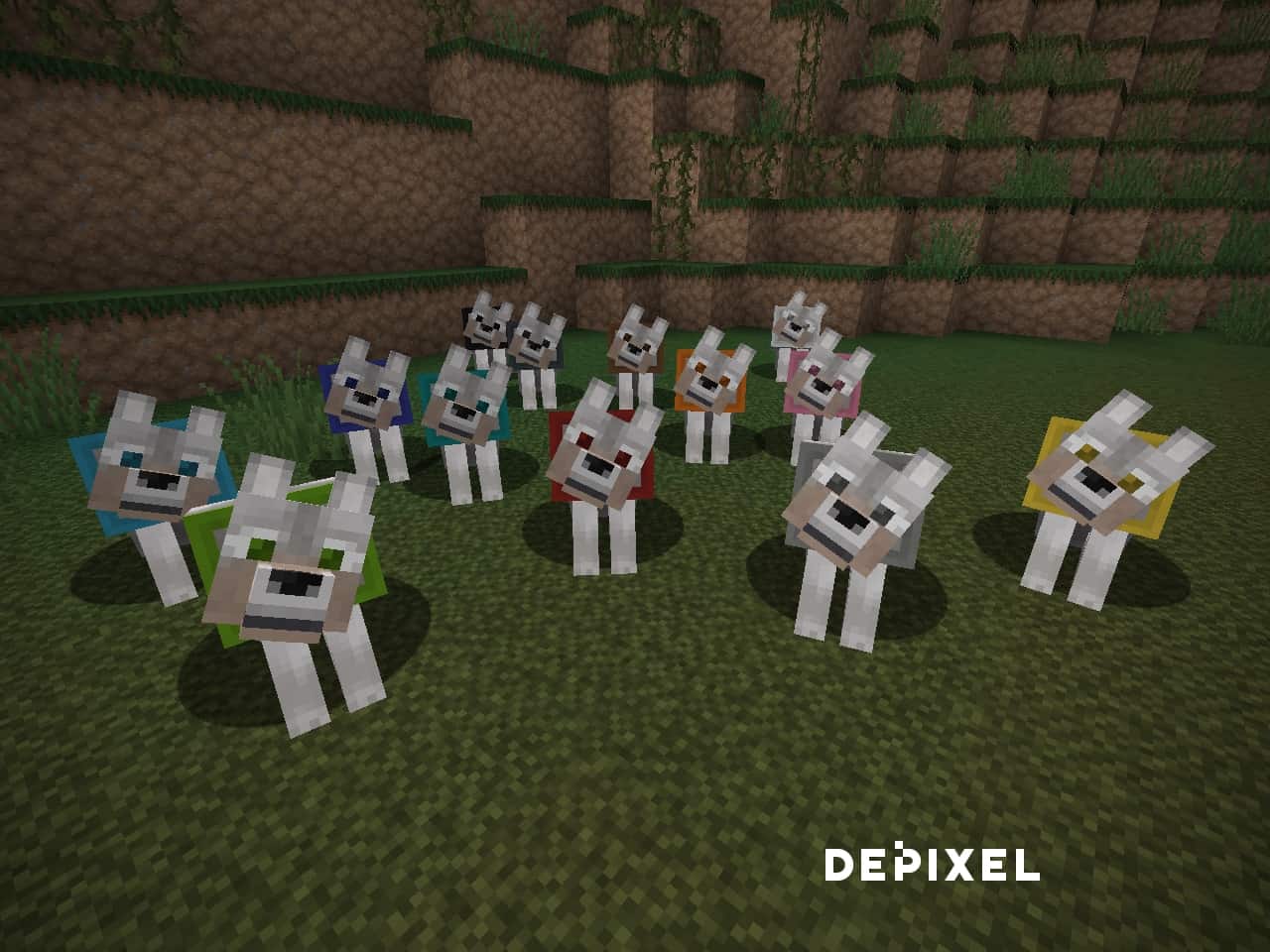
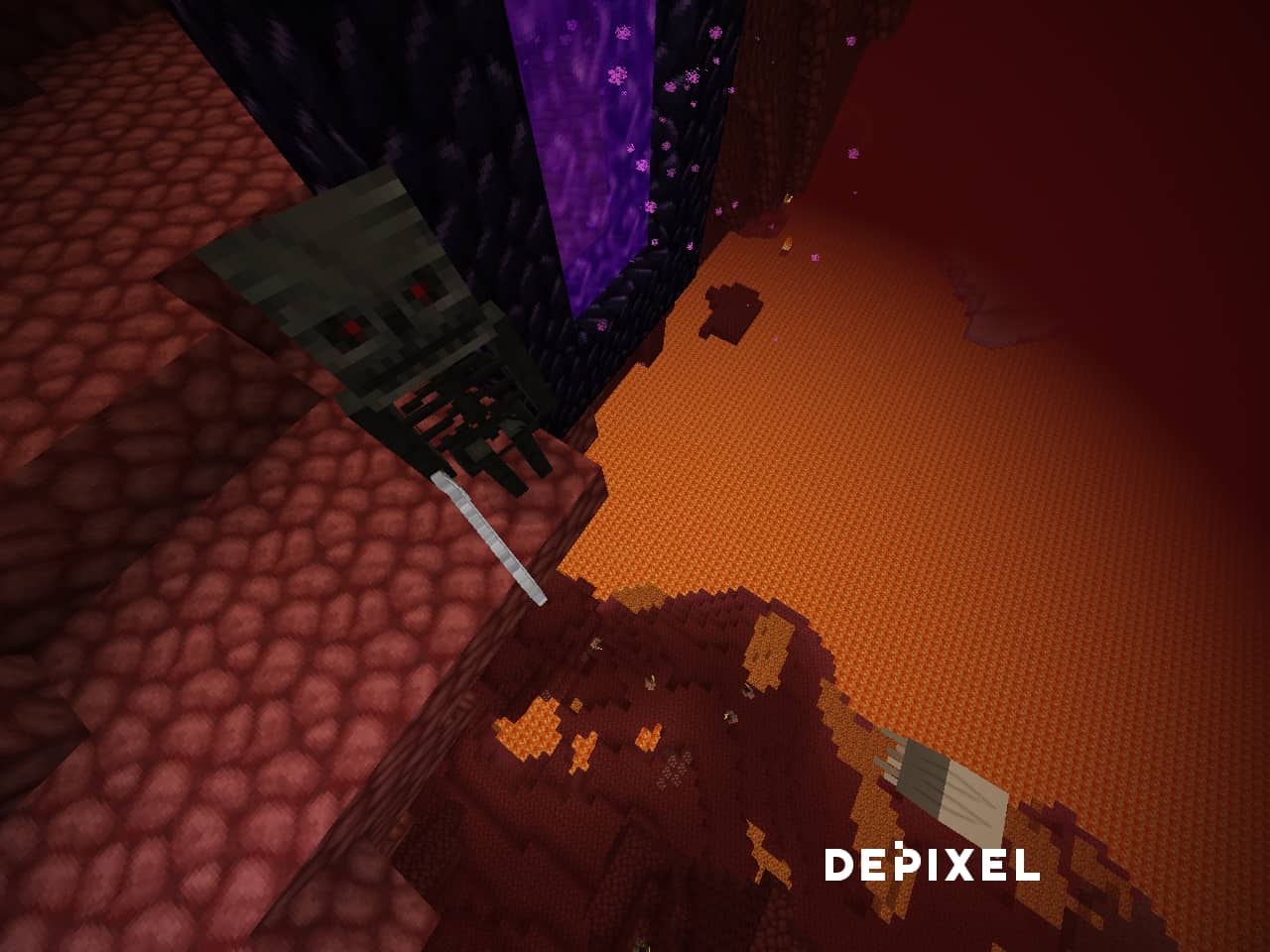
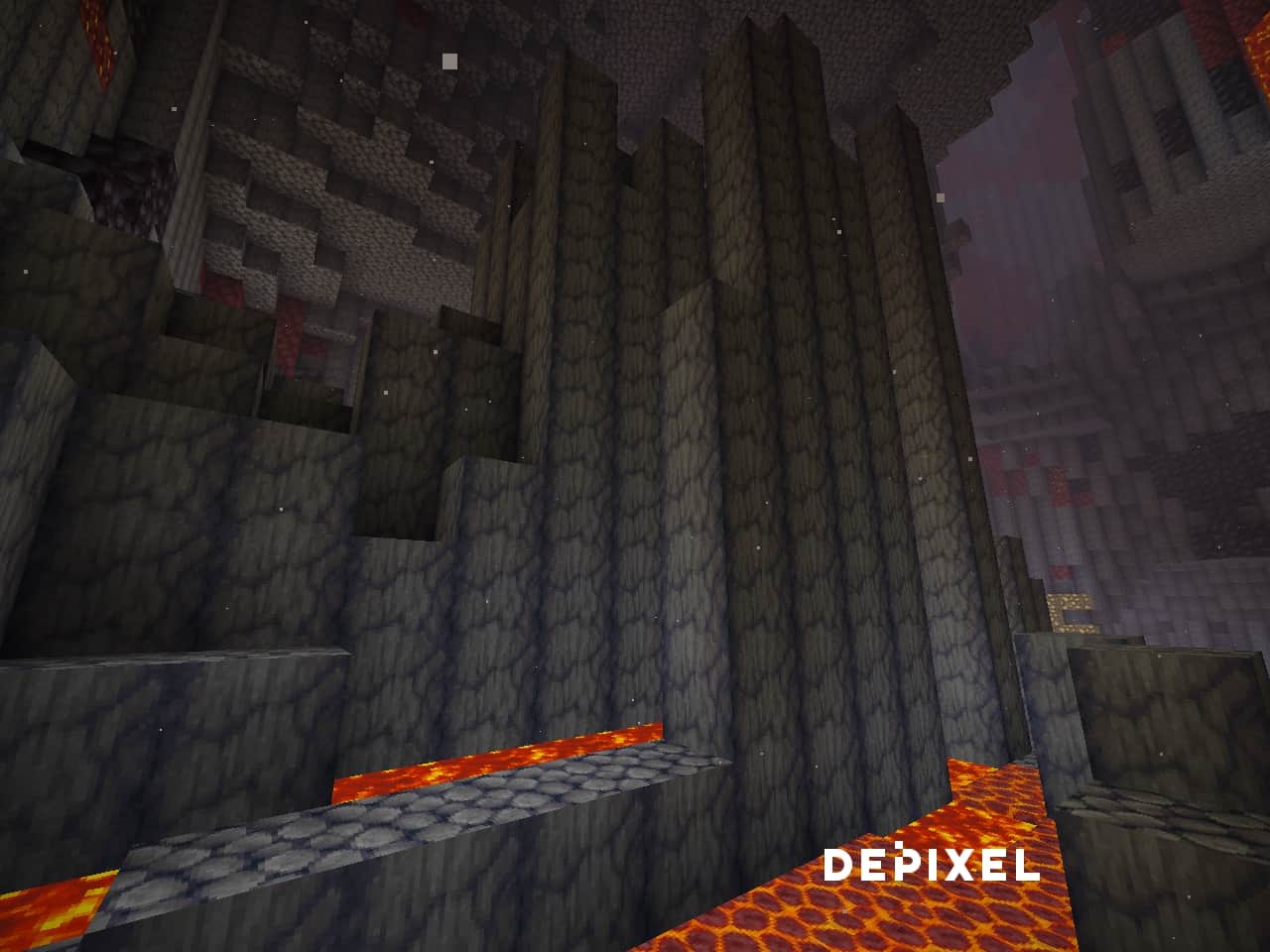
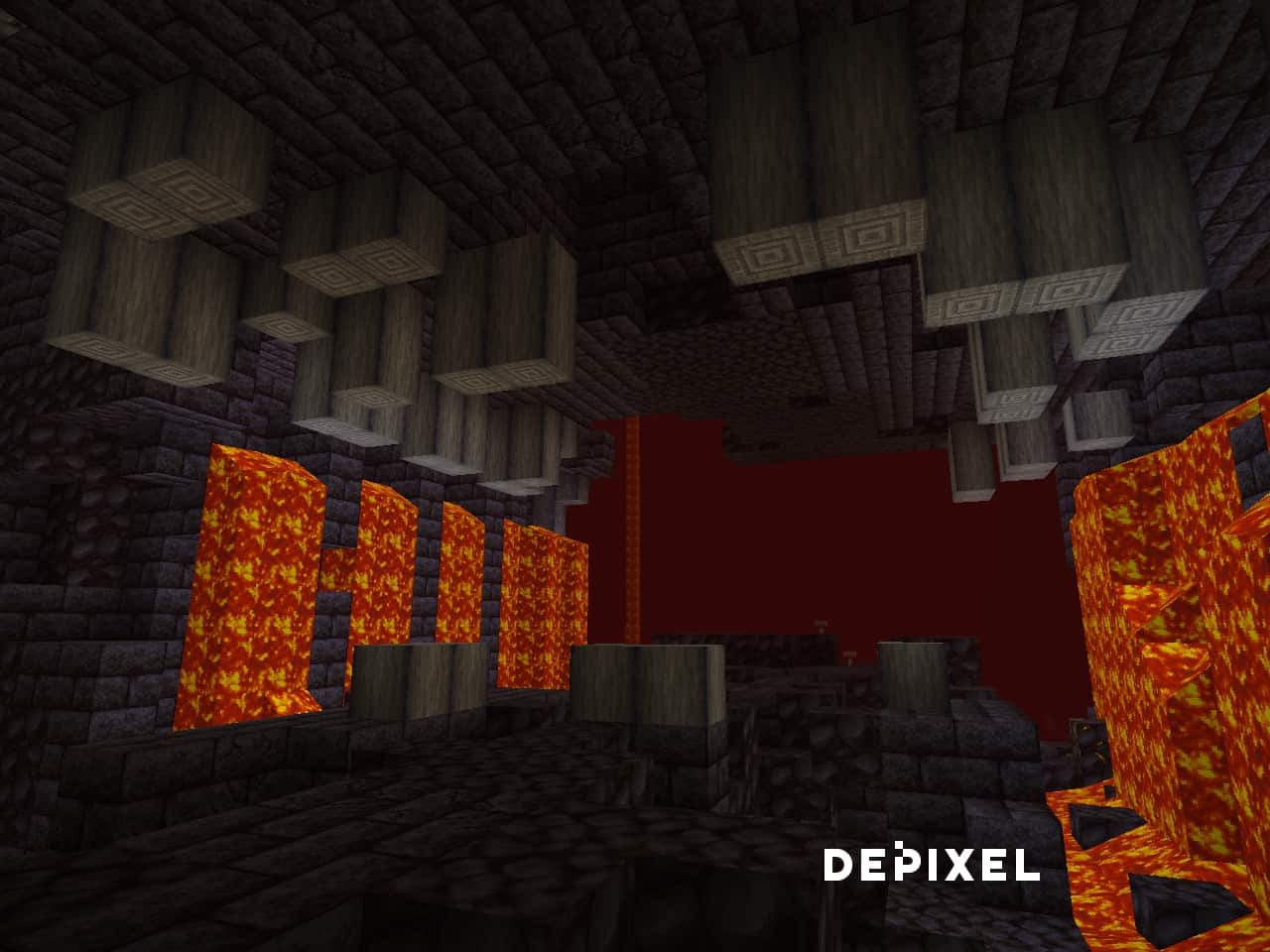
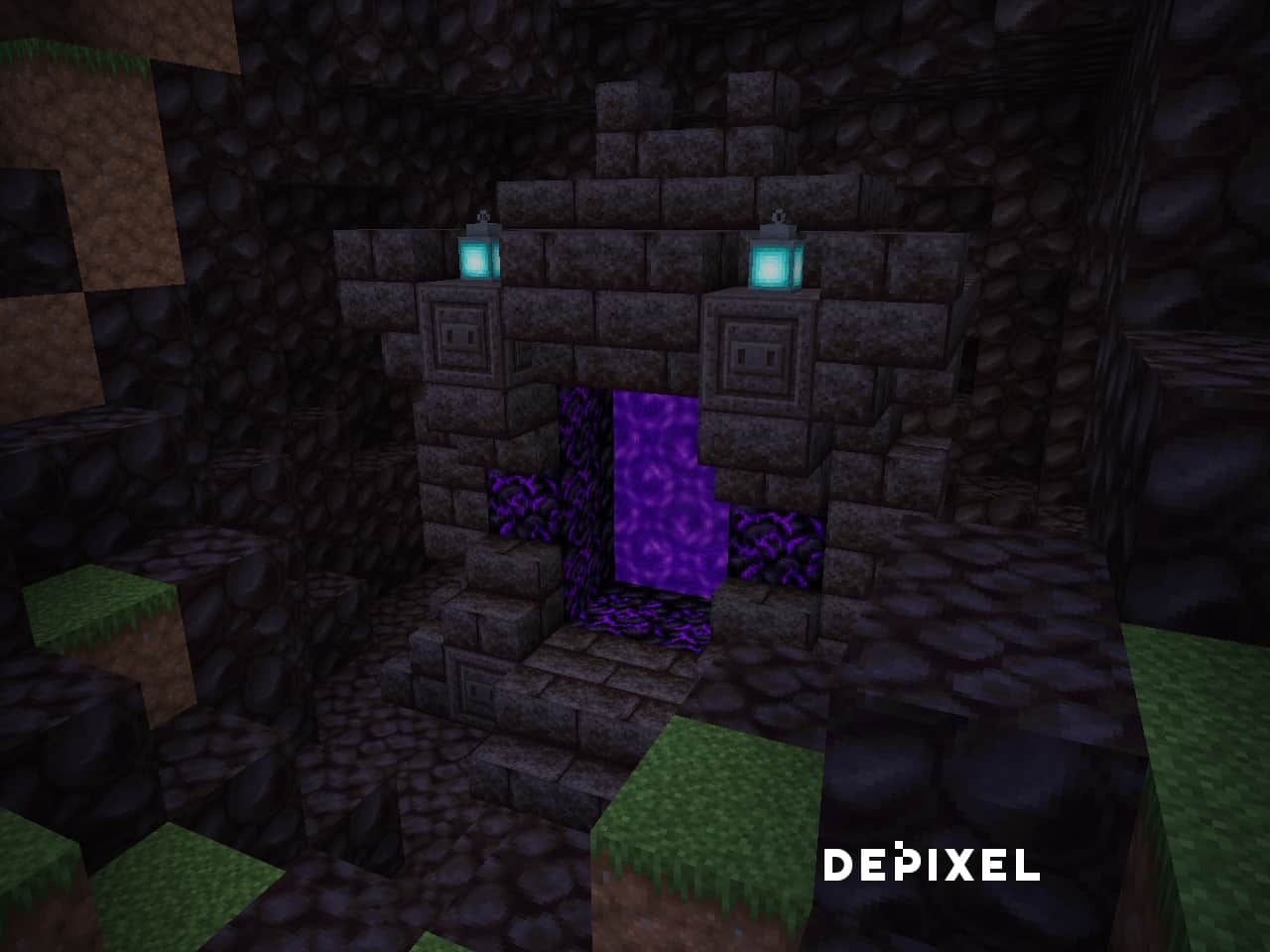
How to install Depixel Resource Pack:
- Most resource packs require Optifine, so be sure to download and install it. – general recommended step for all packs, Optifine is also needed for most shaders
- Download the Depixel texture pack for Minecraft from the download section below. – if there are many different versions, just choose the one you like, is compatible with your version/edition of Minecraft, the one you think your computer can handle in terms of performance.
- Launch the game client through the Minecraft launcher.
- On the main menu, click "Options".
- On the options menu, click "Resource Packs...".
- Click on "Open Resource Pack Folder". – folder titled "resourcepacks" will pop up
- Move the .zip file you downloaded in the first step to the newly opened "resourcepacks" folder.
- Click "Done".
- Click on "Resource Packs..." again.
- Your pack should have appeared in the left window, just hover over it and click on the arrow pointing to the right.
QUICK TIP: Sometimes, when activating a pack, the game may say that the pack is made for a newer or older version of Minecraft. This is just a warning, it does not affect your gameplay in anyway, and you can still activate and enjoy the pack by simply clicking the "Yes" button when prompted.
- Click "Done" again.
- The pack has now been successfully loaded and ready to be used in your world!
Depixel - Comparison Slider #1 without shaders
Comparison slider #1 for those who want to compare vanilla Minecraft without any texture packs installed (on the left) with Minecraft using this particular texture pack (on the right).
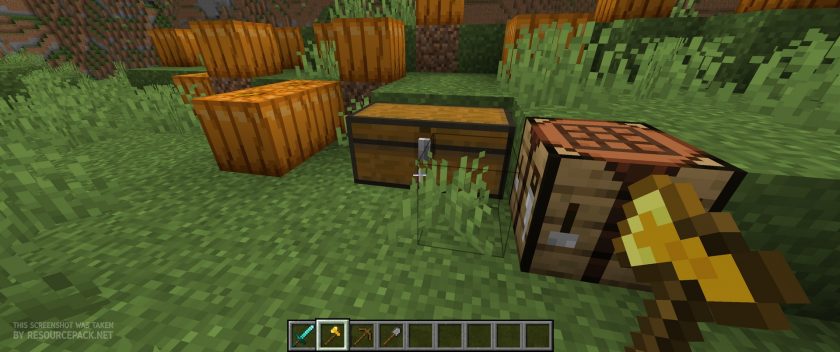 Vanilla
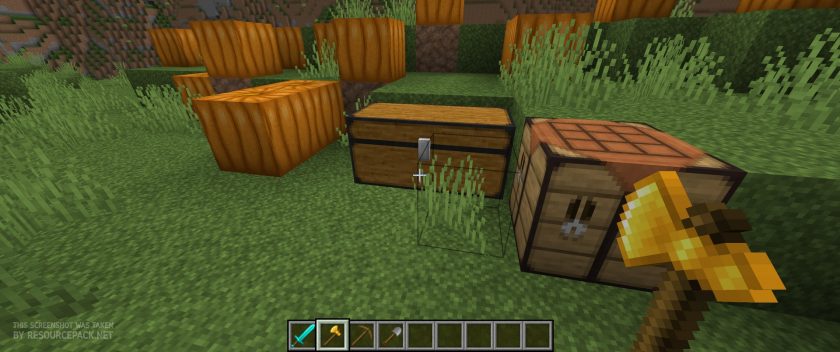 Depixel
Depixel - Comparison Slider #2 with Complementary Reimagined shaders
Comparison slider #2 for those who want to compare vanilla Minecraft without any texture packs installed (on the left) with Minecraft using this particular texture pack (on the right).
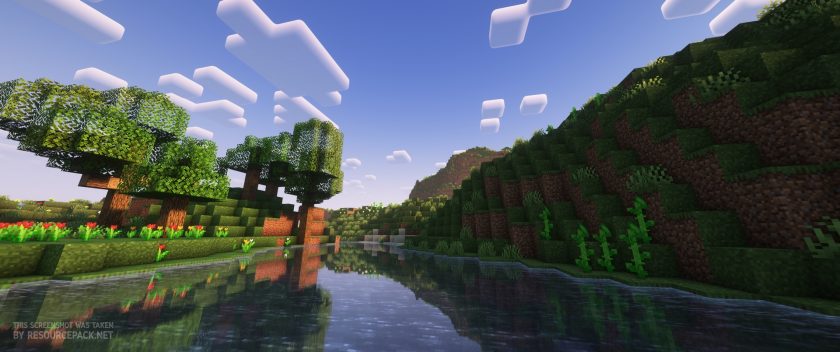 Vanilla (Complementary Reimagined)
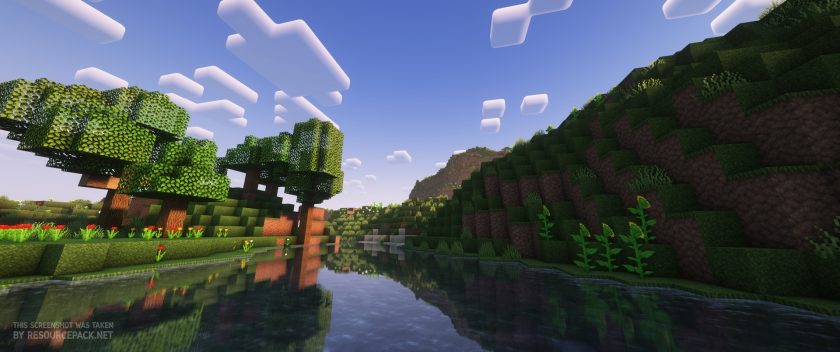 Depixel (Complementary Reimagined)
Depixel Texture Pack Download
- We do not modify or edit any resource packs. All resource packs, shaders and tools found on this website are linked directly to official sources rather than hosted on our own servers. We provide only the official download links from the original creators to ensure that your files are safe and secure.
- These official links are updated manually and may occasionally stop working when a new version is released. We work hard to keep everything current so that you have a smooth experience. Please let us know in the comments if you find a link that no longer works.
- Minecraft is a trademark of Mojang Studios and has no official connection to this website. Our goal is simply to share the best creations from the community with other players.
- Please consider leaving a comment or voting for your favorite packs. This feedback helps authors improve their projects over time. You can also support the creators directly by visiting the official links located below the download section.
Bedrock Edition:
Download Depixel Bedrock Lite Edition Resource Pack – lite version, absolutely free, contains only blocks and items;
Download Depixel Bedrock Full Edition Resource Pack – full version, for Patrons only, complete experience;
Java Edition:
[32x] [1.20.x] Download Depixel Resource Pack – 1.20 is currently in early access and is only available to Patrons, will become free once fully completed and released;
[32x] [1.19.x – 1.15.x] Download Depixel Resource Pack
[32x] [1.19.x – 1.15.x] Download Depixel Resource Pack – a mirror link in case the above doesn’t work;
[32x] [1.14.x – 1.12.x] Download Depixel Resource Pack
[32x] [1.11.x – 1.8.x] Download Depixel Resource Pack
Add-ons – Java Edition:
Add-ons – Bedrock Edition:
Curseforge: download starts automatically after a few seconds;
Mediafire: click the big blue button with the text "DOWNLOAD";
Google Drive: in the top right corner you will see a small download icon (down arrow), click it and the download should start;

1,903 votes
Look.. 1903 users have already liked this pack. Give a diamond if you like it too!


Kate Awesome
1.21 version please?
mads
the animals are ugly asf everything else is nice
dusko
why does every pink texture pack have to be a pixel pack
sup
this is amazing omg
Fat retard
I’ve never seen worse looking mobs, but other than that it’s good.
Kell
Thanks for the netherite & critical pvp
But pls change the resource pack of the tools, for it become better
Ngô Xuân Năng
I think the details in this texture pack are so complex. What do u think?
DeadWaffle23
I love the pack don’t get me wrong, love the textures, but there is still classic minecraft textures on the raw ores and certain 1.17 blocks such as tuff and others. please fix!!!
Yeetus
Good pack. Only problem I’ve encountered is the lack of textures for the new 1.17 blocks (even though the pack says 1.17.X)
ramensar
there are some textures that have yet to be fixed like the top of deepslate, raw ore items, but aside from that it is a great pack.
Nico_thePRO
its like so cool i used it everyday
Rodri
it is not compatible with version 1.17 of the game, you should not state otherwise
Angus
this is true I tried it
Logan
Yes it is
AstroBug
Casual Question, Why Do You Have The Crucible From Doom 2016-Eternal?
SoberDog
the top texture of anicient debris is not included exsisting in this texture pack. but the texturepack is good anyway
TheMan
How would I edit the pack so that creeper textures don’t change base on biome? I only want the regular creeper.
bowie
1.8 version doesnt work :/
Jogi
Hey, any chance this pack will get a x64 version? Would also support on patreon as this is my all time fav texture pack. :)
Voxol
One of the highest quality texture packs I have seen since after 1.9 update.
All I can say is if you want to update the ores to the new textures please make a different version with the older ore designs are the 1.17 ores look horrid.
Kaimi
may i add depixel to my texture pack
babababoye
yyooooo its so smooth man it looks so good