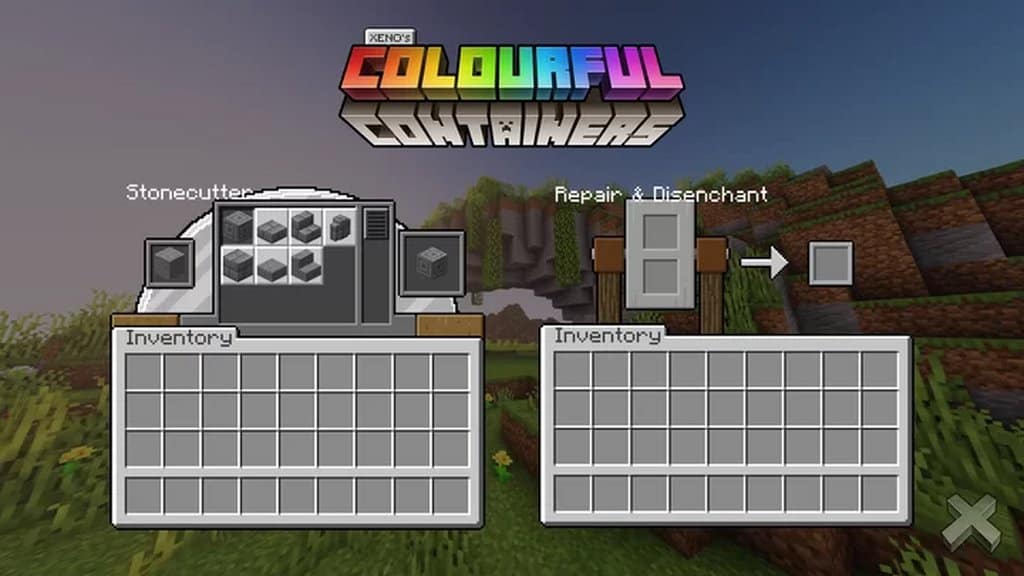
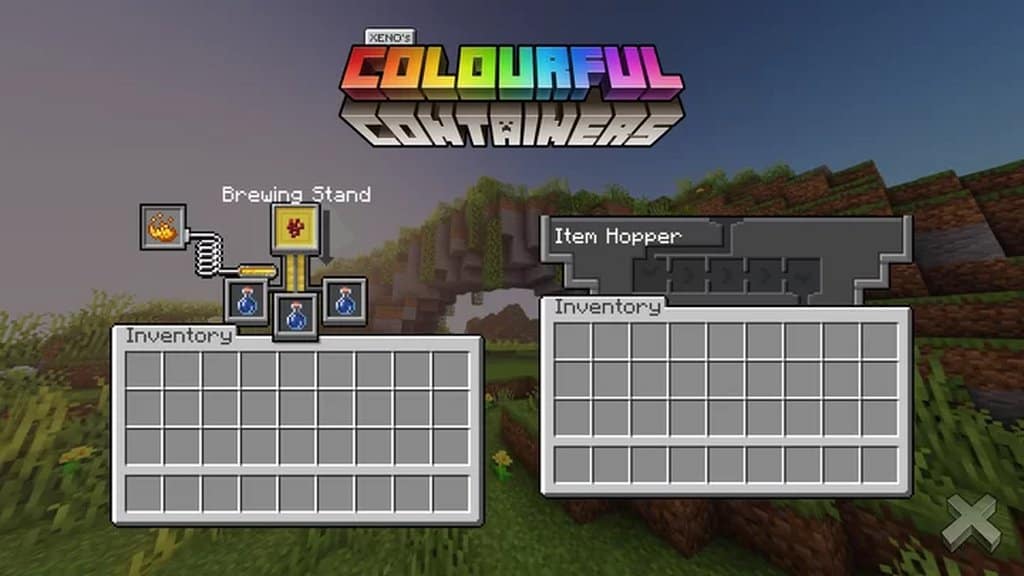
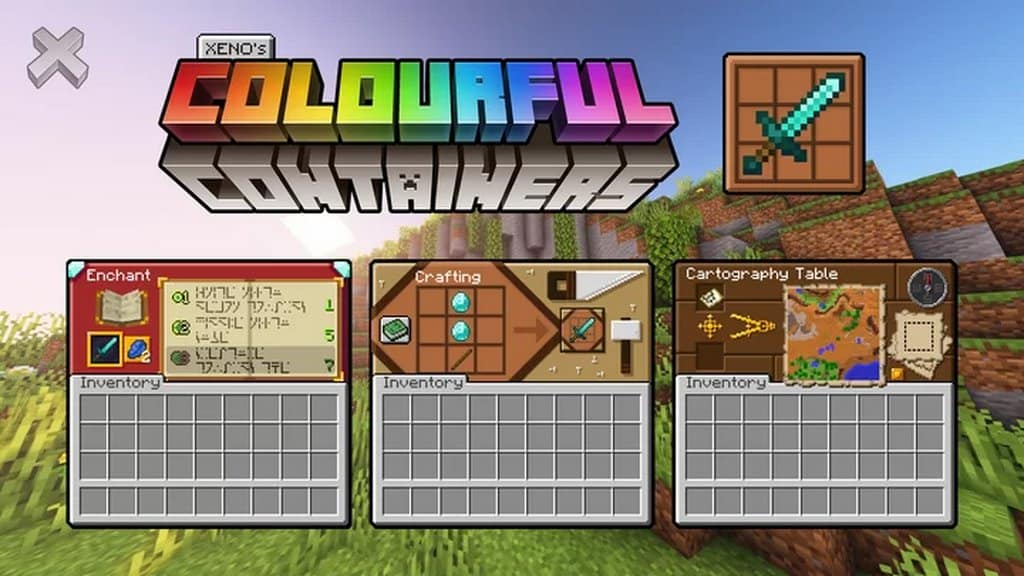
We all know our fair share of resource packs that modify the game’s graphics and textures – there are countless of them online right now for you to try. But what about modifying something that will be a big part of your screen most of the time, even though it is often overlooked? That’s what Colourful Containers GUI resource pack is here to do – it will change your Minecraft’s user-interface and make the game look more appealing at the right time. Minecraft’s vanilla GUI looks dull and isn’t a sight to see. It most definitely needs freshening up. More importantly, it looks like it crashes onto the game, it doesn’t blend in. Those mistakes and other poor design choices are fixed when you decide to install Colourful Containers GUI. This resource pack will take care of all containers’ GUI, such as chests, enchanting tables, furnaces, you name it.
Featured video:
This is the go-to resource pack for both new and veteran players who want to add a little change to Minecraft, but not a complete and total graphic overhaul. Colourful Containers GUI will modify a little bit of the game, and create a big change for the better. This resource pack has one goal in mind, to create the perfect in-game interface. That way, the game will look great, even when you are browsing through different containers. Even though it might not be much, it makes Minecraft an even more colorful and pleasant experience. Colourful Containers GUI uses the standard 16×16 resolution. Keep in mind this resource pack will only modify a little part of the game, so you will probably have no issues whatsoever if you decide to install it – as long as you can run vanilla Minecraft already. You won’t have to worry about framerate issues because of heavy textures, all you have to do is take a look at your newly-found interfaces – that will look amazing!
Colourful Containers GUI should be compatible with all of these Minecraft versions: 1.21.11 - 1.21.10 - 1.21.9 - 1.21.8 - 1.21.7 - 1.21.6 - 1.21.5 - 1.21.4 - 1.21.3 - 1.21.2 - 1.21.1 - 1.21 - 1.20.6 - 1.20.5 - 1.20.4 - 1.20.3 - 1.20.2 - 1.20.1 - 1.20 - 1.19.4 - 1.19.3 - 1.19.2 - 1.19.1 - 1.19 - 1.18.2 - 1.18.1 - 1.18 - 1.17.1 - 1.17 - 1.16.5 - 1.16.4 - 1.16.3 - 1.16.2 - 1.16.1 - 1.16 - 1.15.2 - 1.15.1 - 1.15 - 1.14.4 - 1.14.3 - 1.14.2 - 1.14 - Bedrock Edition - PE
Colourful Containers GUI — Screenshots
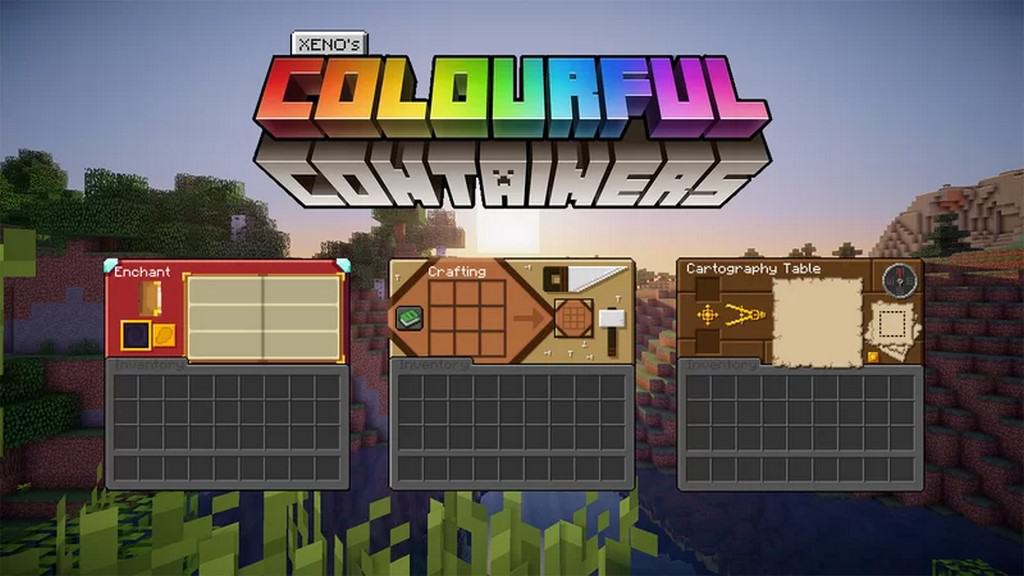
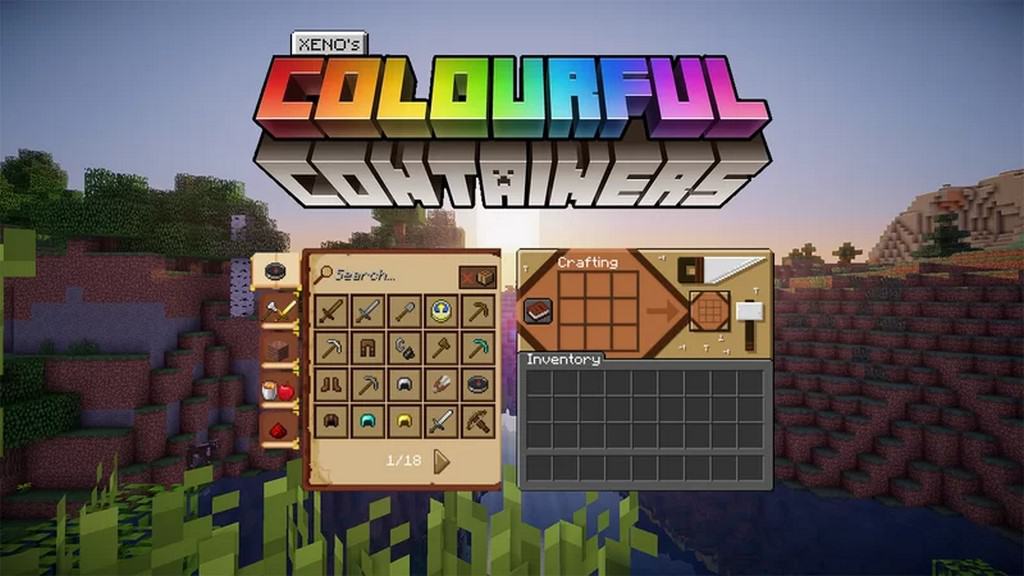
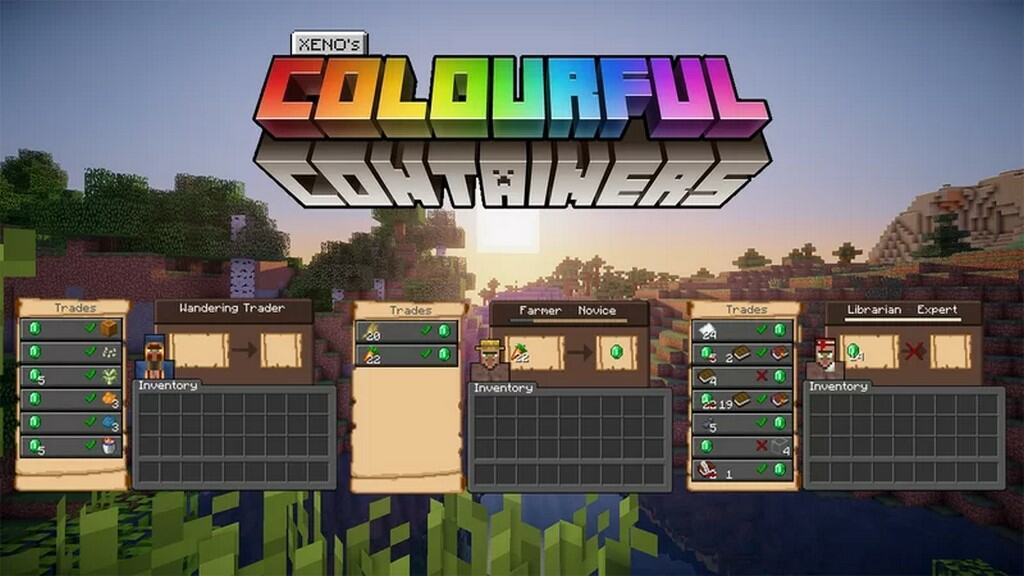
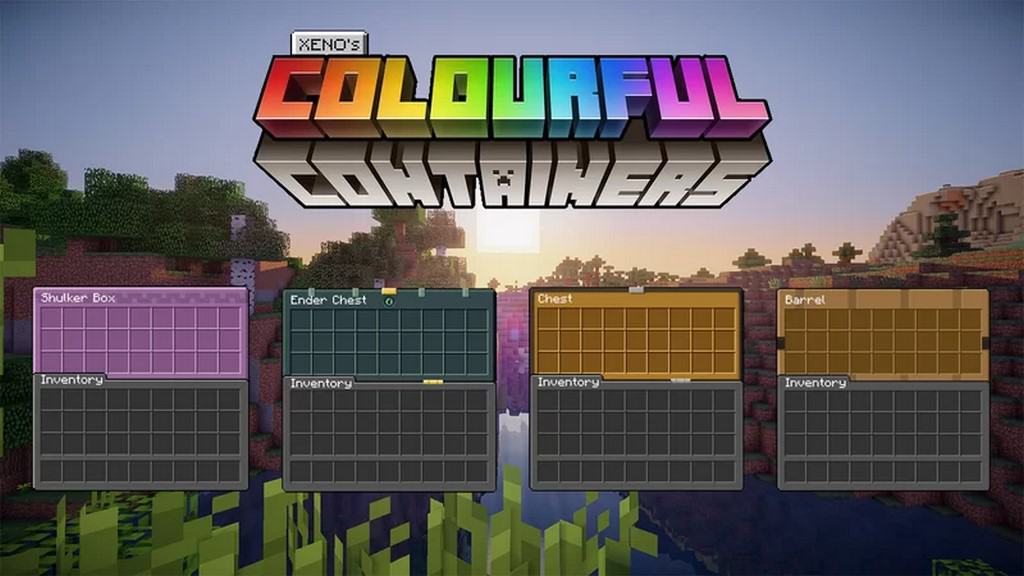

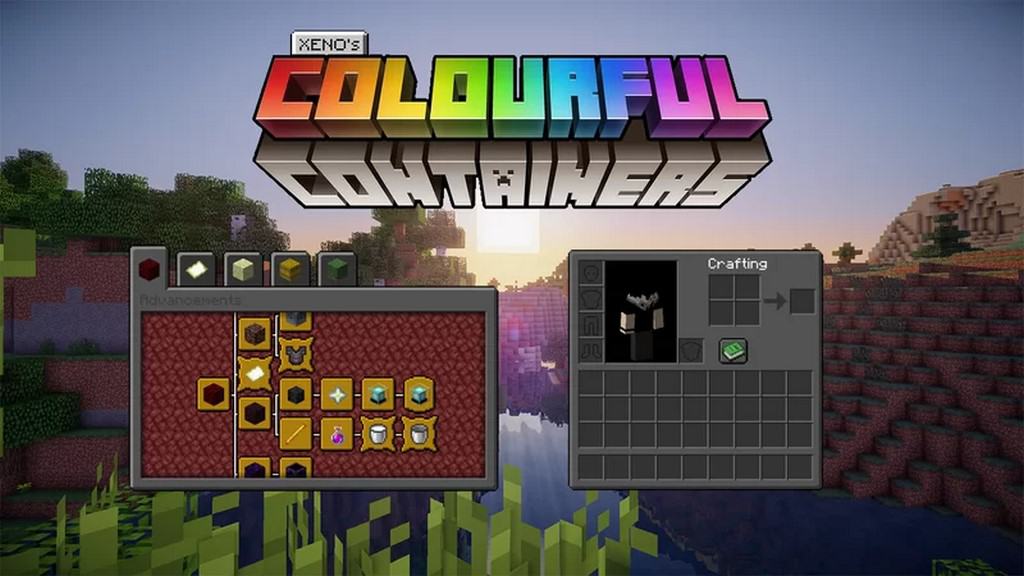
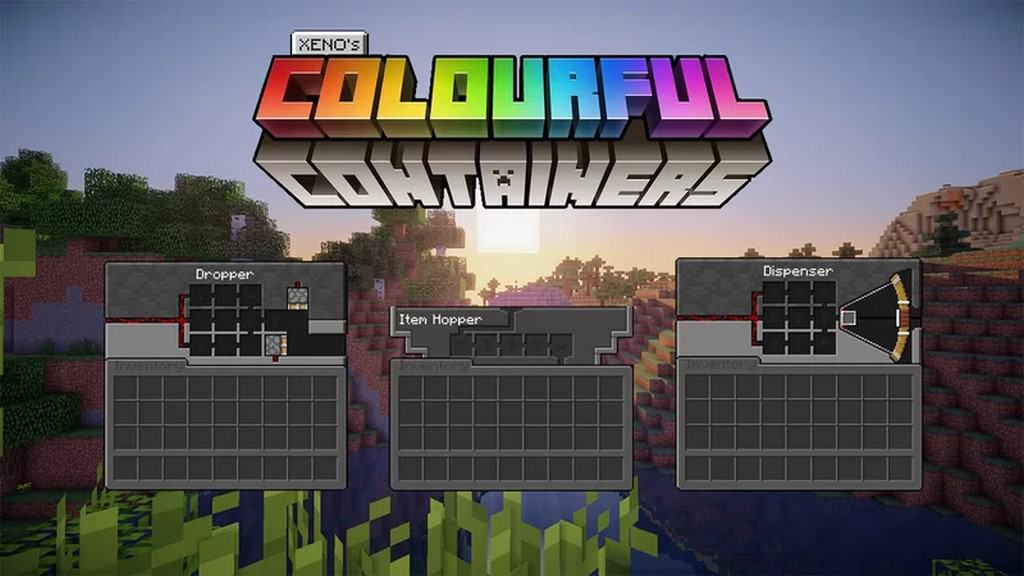
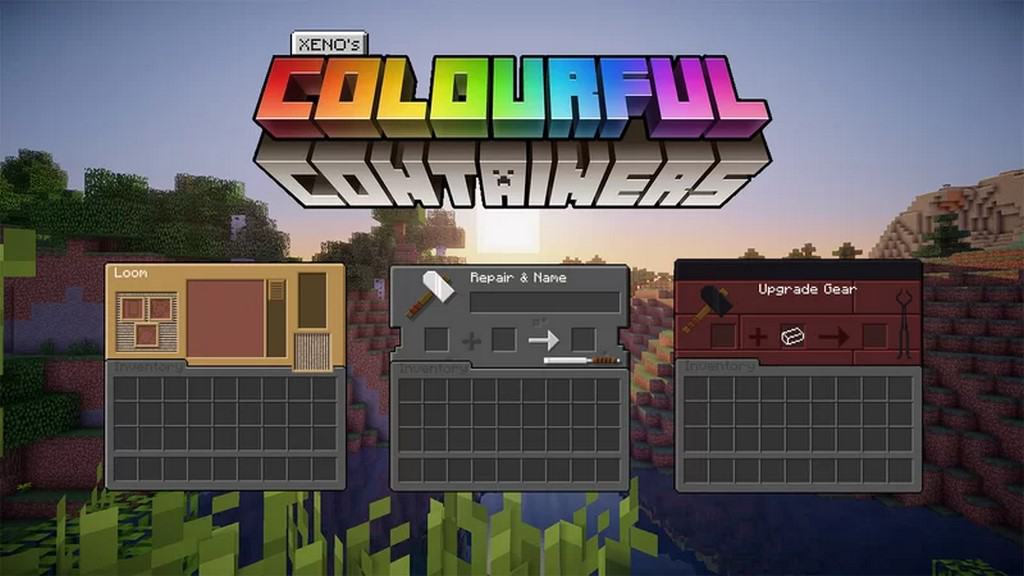
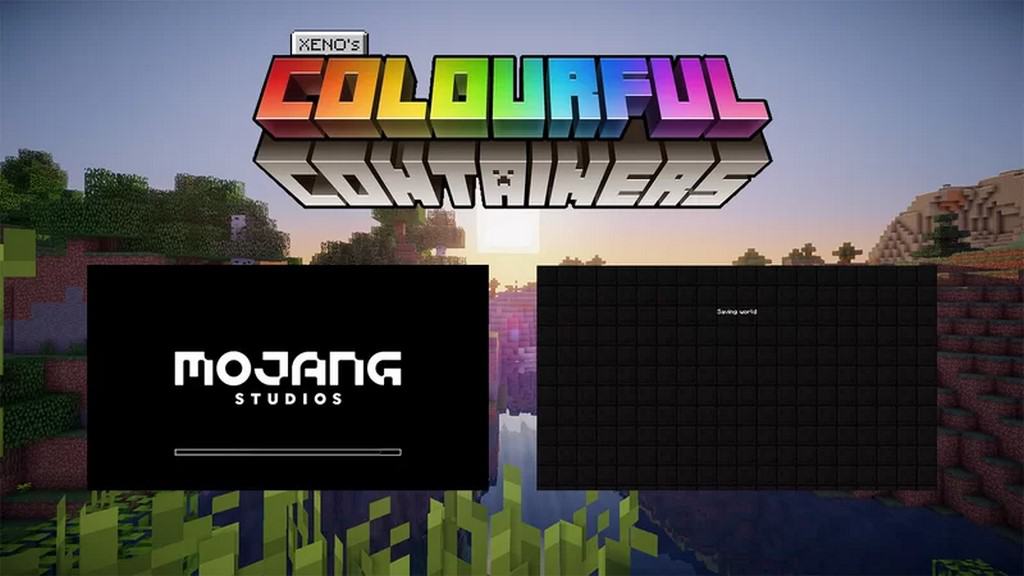
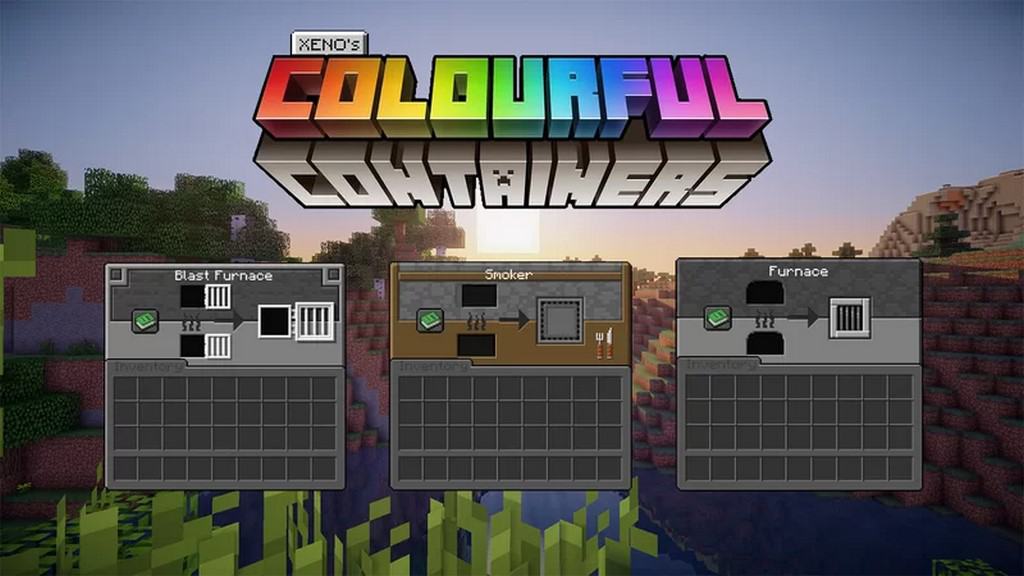
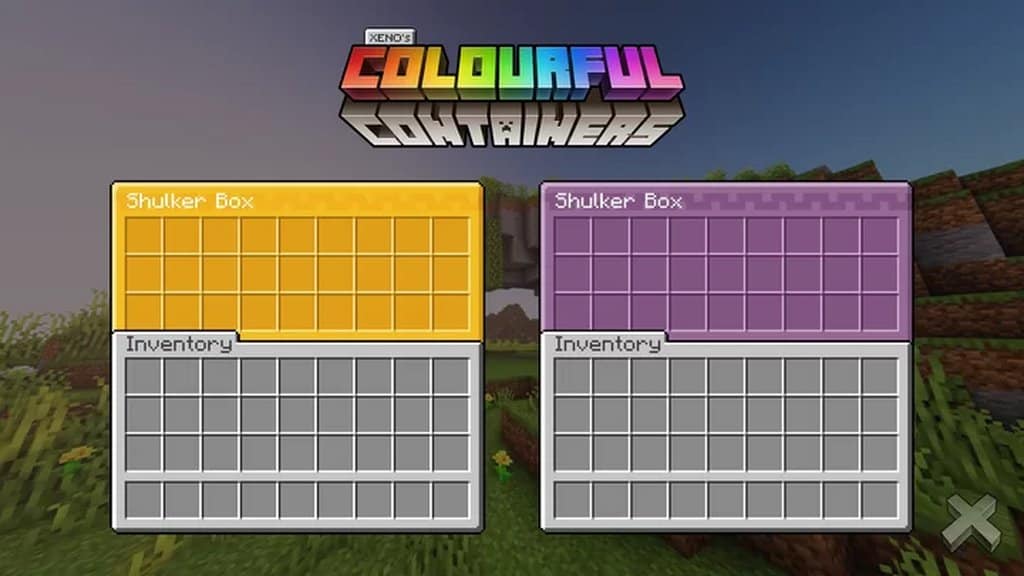
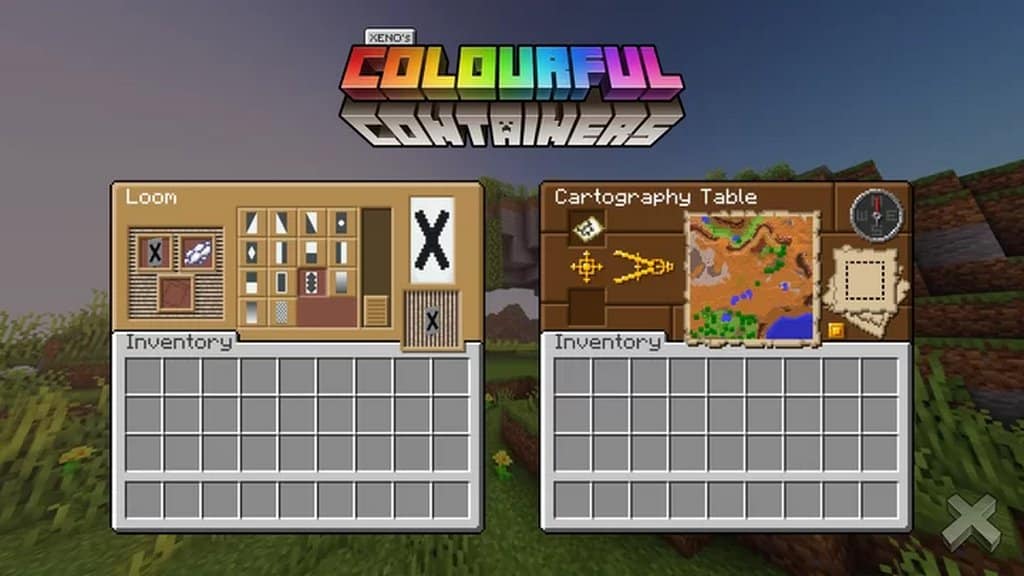
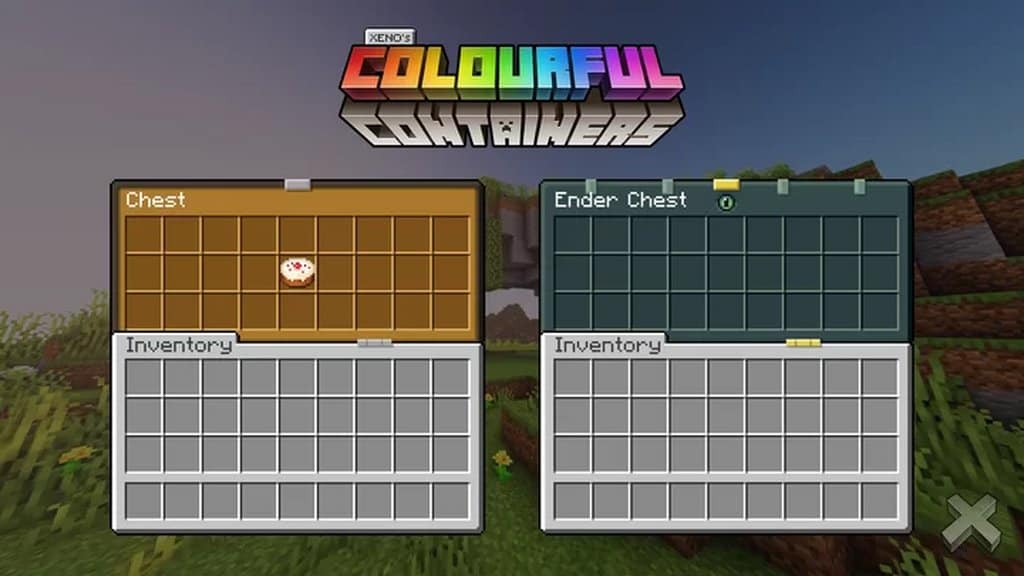
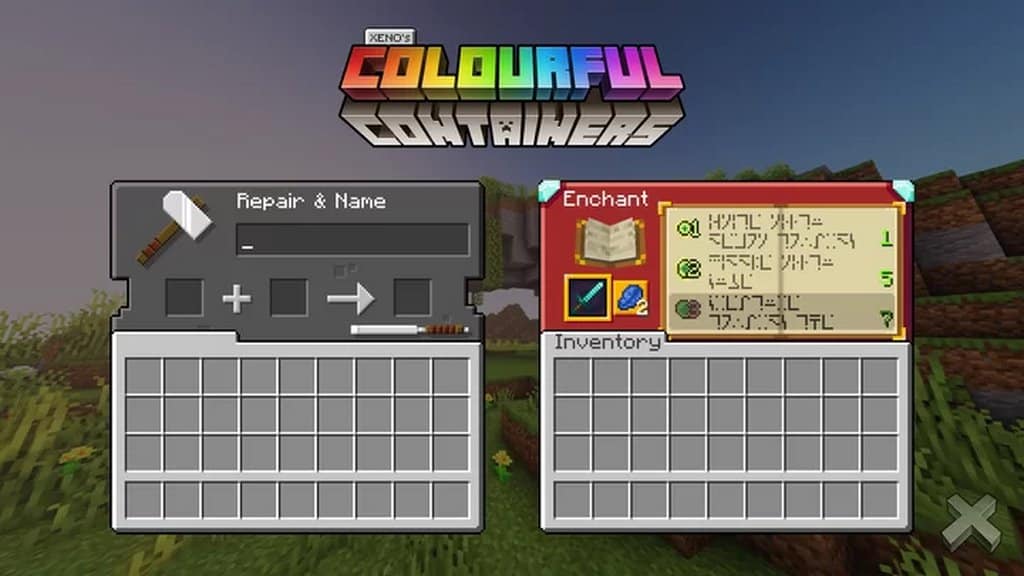

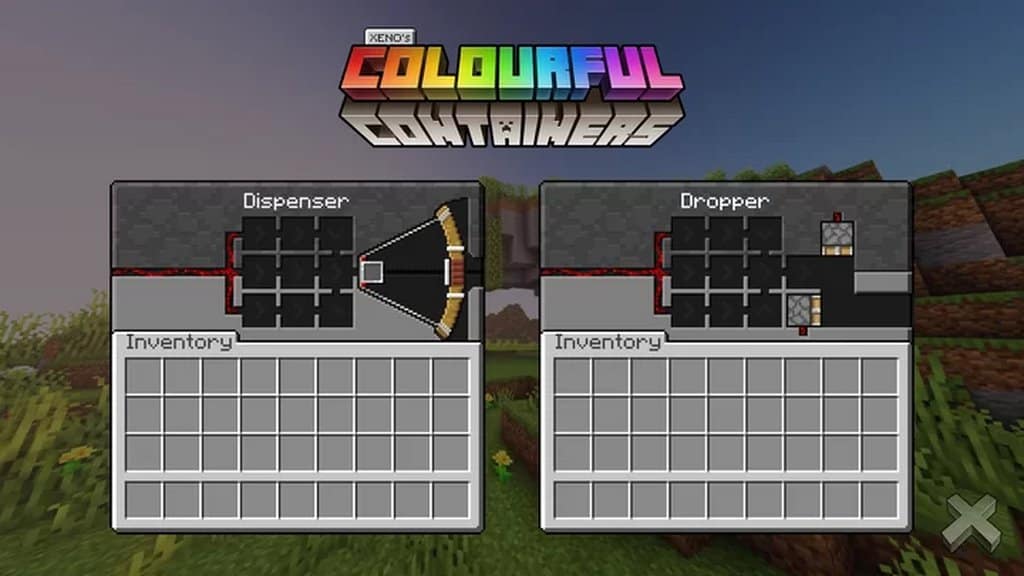
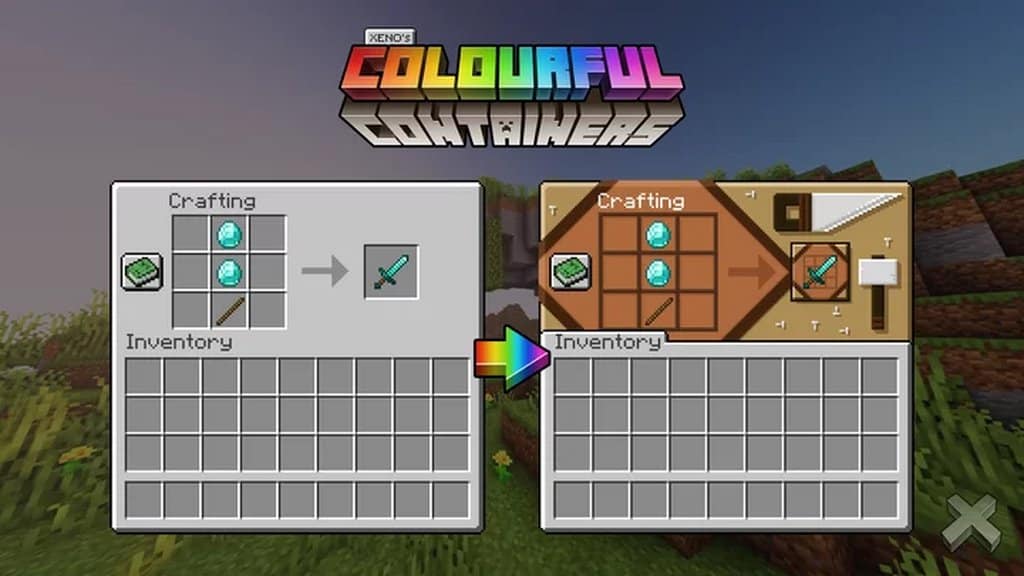
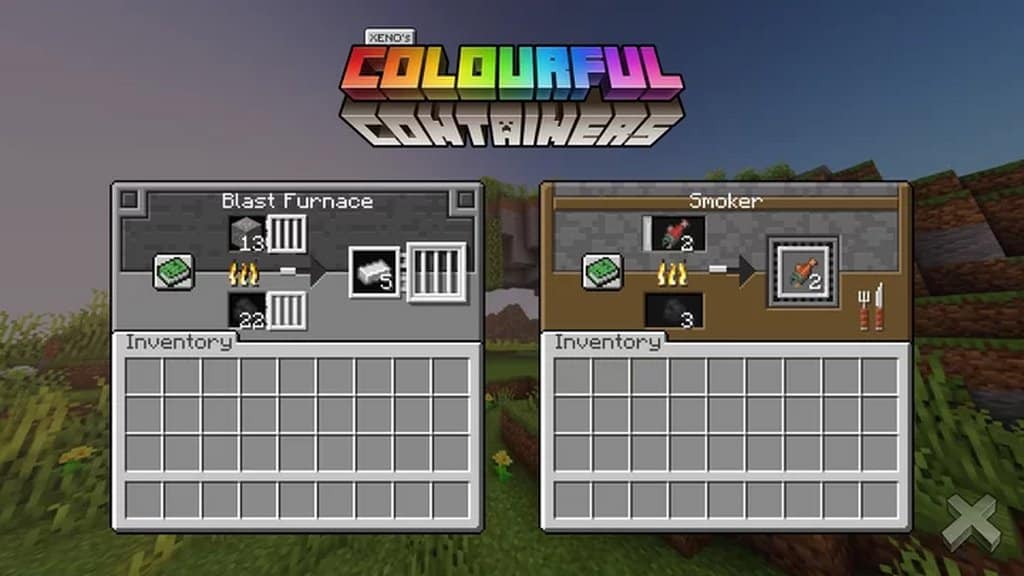
How to install Colourful Containers GUI Resource Pack:
- Most resource packs require Optifine, so be sure to download and install it. – general recommended step for all packs, Optifine is also needed for most shaders
- Download the Colourful Containers GUI texture pack for Minecraft from the download section below. – if there are many different versions, just choose the one you like, is compatible with your version/edition of Minecraft, the one you think your computer can handle in terms of performance.
- Launch the game client through the Minecraft launcher.
- On the main menu, click "Options".
- On the options menu, click "Resource Packs...".
- Click on "Open Resource Pack Folder". – folder titled "resourcepacks" will pop up
- Move the .zip file you downloaded in the first step to the newly opened "resourcepacks" folder.
- Click "Done".
- Click on "Resource Packs..." again.
- Your pack should have appeared in the left window, just hover over it and click on the arrow pointing to the right.
QUICK TIP: Sometimes, when activating a pack, the game may say that the pack is made for a newer or older version of Minecraft. This is just a warning, it does not affect your gameplay in anyway, and you can still activate and enjoy the pack by simply clicking the "Yes" button when prompted.
- Click "Done" again.
- The pack has now been successfully loaded and ready to be used in your world!
Colourful Containers GUI - Comparison Slider #1 Crafting Table
Comparison slider #1 for those who want to compare vanilla Minecraft without any texture packs installed (on the left) with Minecraft using this particular texture pack (on the right).
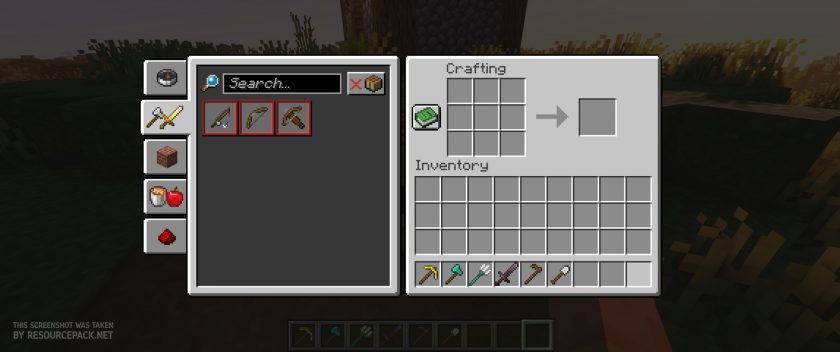 Vanilla
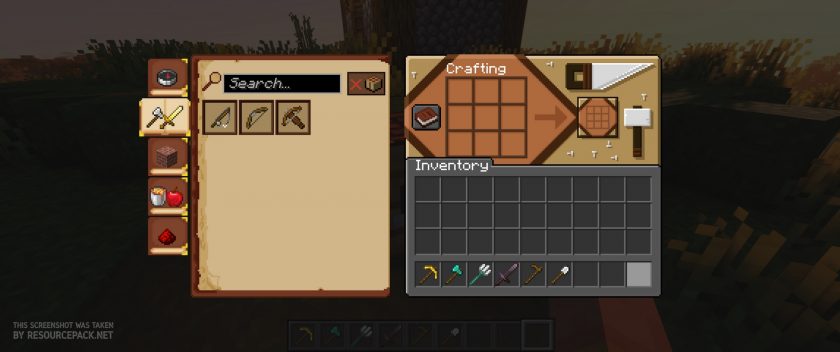 Colourful Containers GUI (Dark)
Colourful Containers GUI - Comparison Slider #2 Anvil
Comparison slider #2 for those who want to compare vanilla Minecraft without any texture packs installed (on the left) with Minecraft using this particular texture pack (on the right).
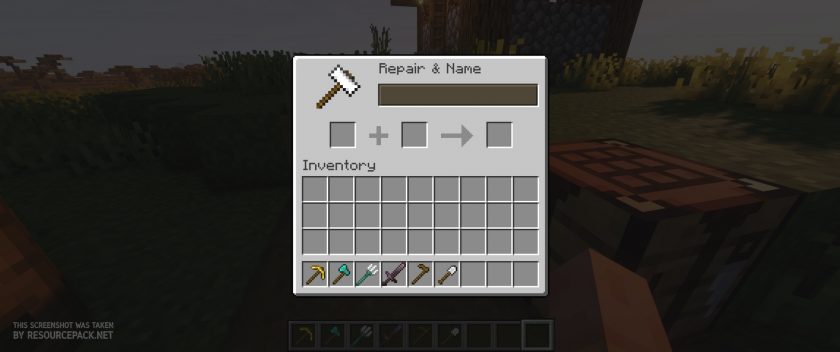 Vanilla
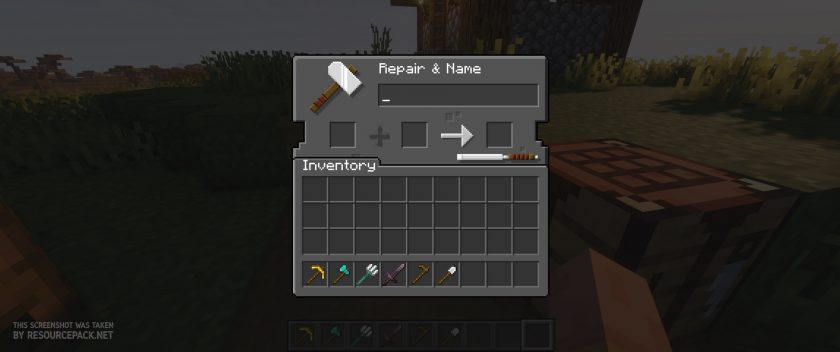 Colourful Containers GUI (Dark)
Colourful Containers GUI Texture Pack Download
- We do not modify or edit any resource packs. All resource packs, shaders and tools found on this website are linked directly to official sources rather than hosted on our own servers. We provide only the official download links from the original creators to ensure that your files are safe and secure.
- These official links are updated manually and may occasionally stop working when a new version is released. We work hard to keep everything current so that you have a smooth experience. Please let us know in the comments if you find a link that no longer works.
- Minecraft is a trademark of Mojang Studios and has no official connection to this website. Our goal is simply to share the best creations from the community with other players.
- Please consider leaving a comment or voting for your favorite packs. This feedback helps authors improve their projects over time. You can also support the creators directly by visiting the official links located below the download section.
Bedrock Edition (Default):
Download Colourful Containers GUI Bedrock Edition Resource Pack
Java Edition (Default):
[16x] [1.21.x – 1.20.x] Download Colourful Containers GUI Resource Pack – by Kingybu
[16x] [1.19.x] Download Colourful Containers GUI Resource Pack – by Kingybu
[16x] [1.16.x] Download Colourful Containers GUI Resource Pack
[16x] [1.15.x] Download Colourful Containers GUI Resource Pack
[16x] [1.14.x] Download Colourful Containers GUI Resource Pack
Java Edition (Dark Mode):
[16x] [1.21.x – 1.20.2] Download Colourful Containers Dark Mode GUI Resource Pack – by Kingybu
[16x] [1.19.x] Download Colourful Containers Dark Mode GUI Resource Pack – by Kingybu
[16x] [1.20.2 – 1.20] Download Colourful Containers Dark Mode GUI Resource Pack
[16x] [1.18.x – 1.17.x] Download Colourful Containers Dark Mode GUI Resource Pack
[16x] [1.16.x – 1.15.x] Download Colourful Containers Dark Mode GUI Resource Pack
Curseforge: download starts automatically after a few seconds;
Mediafire: click the big blue button with the text "DOWNLOAD";
Google Drive: in the top right corner you will see a small download icon (down arrow), click it and the download should start;

876 votes
Look.. 876 users have already liked this pack. Give a diamond if you like it too!


Henri
i cannot downlaud it on education i hope someone can help me:)
Just nobody
Doesn’t work with bundles it doesn’t show you item inside
(Bedrock)
Jamesjrgt
This works fine on 1.8
Tetra
Bedrock Darkmode?
easton
Will it be updated to 1.21?
lykaios
1.20.2 pack works fine on 1.20.4 but the trading UI breaks a little bit (visually its stretched but all the slots are in the same place)
Ingauge
In 1.20.2 or higher, the resident gui does not appear even if you use Optifine.
BroBlue
It works fine in java edition
Yeamin
I have a problem it changes my crosshair to a dot. but I like the default I am using version 1.20.4 and pack version 16x 1.20
Tobey
when is the 1.20 version gonna release?
Lopaz_
So it looked good and i wanted to download it, but unfortunately the 1.19 dark version gives me a 403 forbidden error code and the other older ones have some textures miscentered and weird black text on blue and red backgrounds in the creative inventory, which makes be unable to use it.
Any fixes for this?
Admin
The link should work fine now, please take a look.
rain
hi, i used bedrock on mobile and when i download and use the pack the textures are missing? every gui shows the missing black and purple checkered texture. how do i fix this? is optifine an option on mobile?
Kyle
How do you download it on mobile I don’t know how
Rin
Thank you :3
Jiftyto
Why is dark mode only working on 1.19?
_TlPocTo_Tik_
Has some problems with some letters , when Force Unicode Font is on
madi
hello, I have tried various methods to get this to work and I have used this before and enjoyed it. I am on a new computer and when I select the resource pack the ui for the creative inventory is severely misaligned. it makes using creative inventory difficult and ugly is this a common problem? it happens with both dark mode and the default. I have screenshots if there’s somewhere I could share them.
madi
I will add that all other tables (crafting etc) are working fine
Anonymous1738
It’s a gosh damn texture pack, why tf does it need optifine, like it’s literally just edited texture files, not behavioural files. Most of these optifine texture packs just be reaching for no reason. I downloaded it without optifine and it worked (had outdate version 1.18.2 in 1.19.3, only error was creative inventory button bc it was outdated so clearly the optifine part is just a label.
Admin
Each resource pack is just an edited texture file, but you need optifine for some features to work. For example, some items in this pack are animated and it require optifine. To make the small chest and large chest have different GUI textures – you will most likely need optifine. To be able to make the ender chest look different from the small and large chests you need optifine. Optifine can do a lot.
Niko
It didn’t work, I put it in Android/…/mojan etc. until I putted it in the Resource_Packs folder, but it don’t work, what I did wrong?
Unknow_666
Hi for more easier installment add the name to
.mcaddon to the end of the file and click on it then it would give some options click on minecraft and it would open minecraft and import it
Thank you*
rasmus kivistö
U propobly don’t have optifine thats required for it to work
aaaaa
why is the chat all messed up
Hatty
I wish it didnt include the inventory title and had a bump to signify it, but rather just removed it entirely.