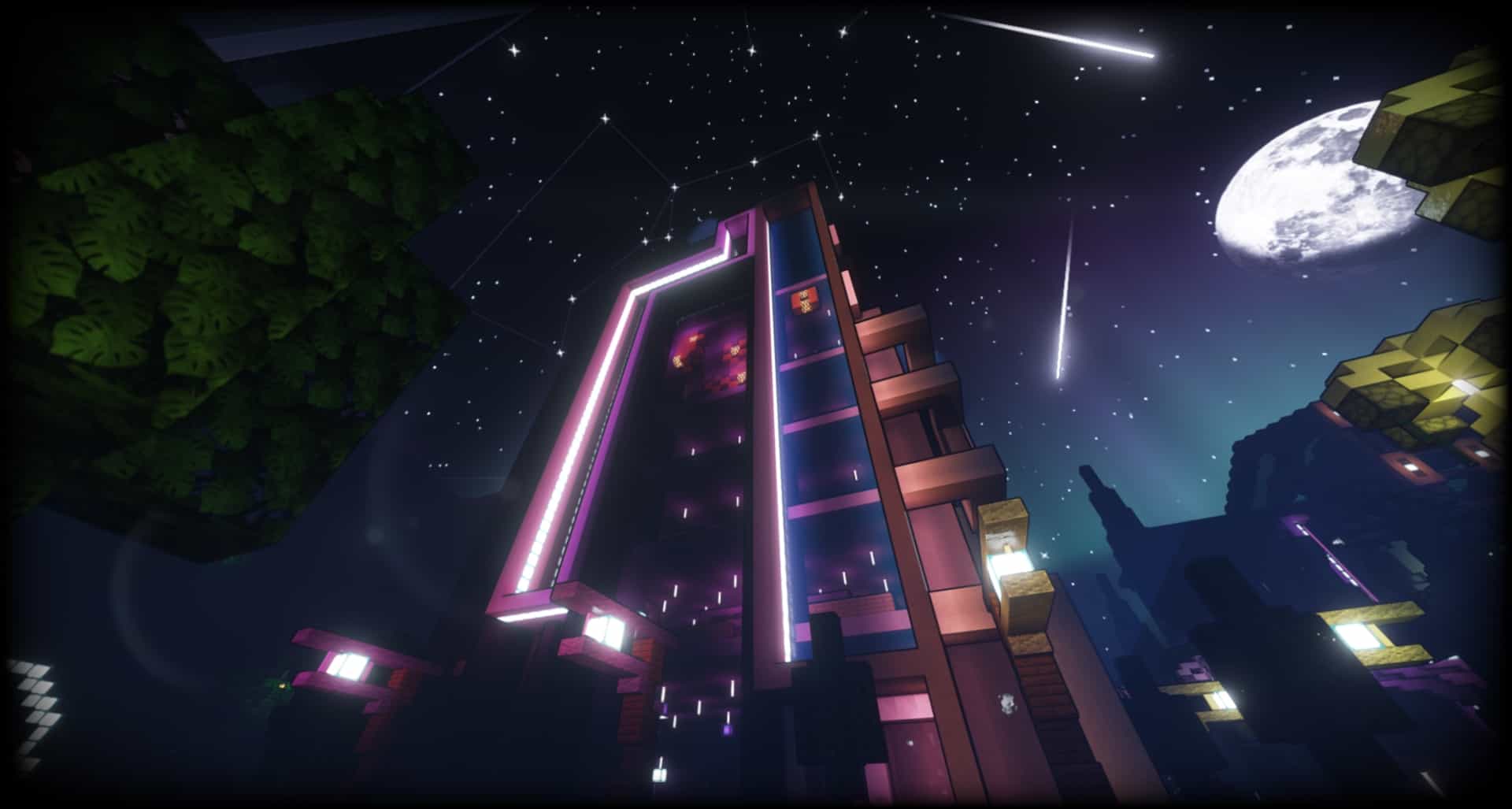
The AstraLex shaders comes with several special features built into it. This shader pack for Minecraft has the unique objective of providing quality content. It aims at creating content by allowing developers to improve the look and feel of the users. The users can have more fun while experiencing an improved graphic interface. Gamers can enjoy this new shader pack to experience a dramatic change in the visuals, instantly transforming the scene. The author has visually upgraded the gaming world with hundreds of significant changes, translating into an engaging and exciting journey. You can notice vast improvements in the illumination. The daytime changes include the appearance of a mesmerizing God Ray appearing according to weather trends or a particular time of the day. Similarly, you get an immersive feel with new Moonglow and sunshine lightings. They are vibrant enough to light up the gaming world for any user. You can tweak Optifine settings to upgrade hordes of visual features. Higher-end computers can enhance the experience of players. Minecraft gamers get access to unlimited visual upgrades for an altogether new experience.
Featured video:
AstraLex shader pack has been developed primarily for content makers. Visual detailing and attractive lights enable high-level video creation for Minecraft. You will never find such features suitable for providing users with an atmosphere of movie-quality videos and new graphic elements. It is a useful upgrade from the BSL shader to catapult you to a much higher level. It is important to note here that this resource pack is fully complementary. It is a Java-based shader pack of Minecraft designed on BSL Shaders of CaptTatsu. It is an excellent tool for Minecraft content creators looking forwards to a cinematic experience. You can enjoy it yourself on your favorite server or with all sorts of audiences. Apart from HDR, you get a cinematic feel due to blur and field depth tweaks. Although some of these graphic upgrades may not be apt for default gaming or survival, it is a perfect toolset for building scenes and creating exciting content. If you want the shaders to work without hiccups, please ensure that you have the Optifine edition of at least 1.18.x because this pack works properly only on this or older versions. Once the required Optifine version is installed, you can use these shaders in Minecraft without any difficulty.
AstraLex Shaders (BSL Edit) should be compatible with all of these Minecraft versions: 1.21.11 - 1.21.10 - 1.21.9 - 1.21.8 - 1.21.7 - 1.21.6 - 1.21.5 - 1.21.4 - 1.21.3 - 1.21.2 - 1.21.1 - 1.21 - 1.20.6 - 1.20.5 - 1.20.4 - 1.20.3 - 1.20.2 - 1.20.1 - 1.20 - 1.19.4 - 1.19.3 - 1.19.2 - 1.19.1 - 1.19 - 1.18.2 - 1.18.1 - 1.18 - 1.17.1 - 1.17 - 1.16.5 - 1.16.4 - 1.16.3 - 1.16.2 - 1.16.1 - 1.16
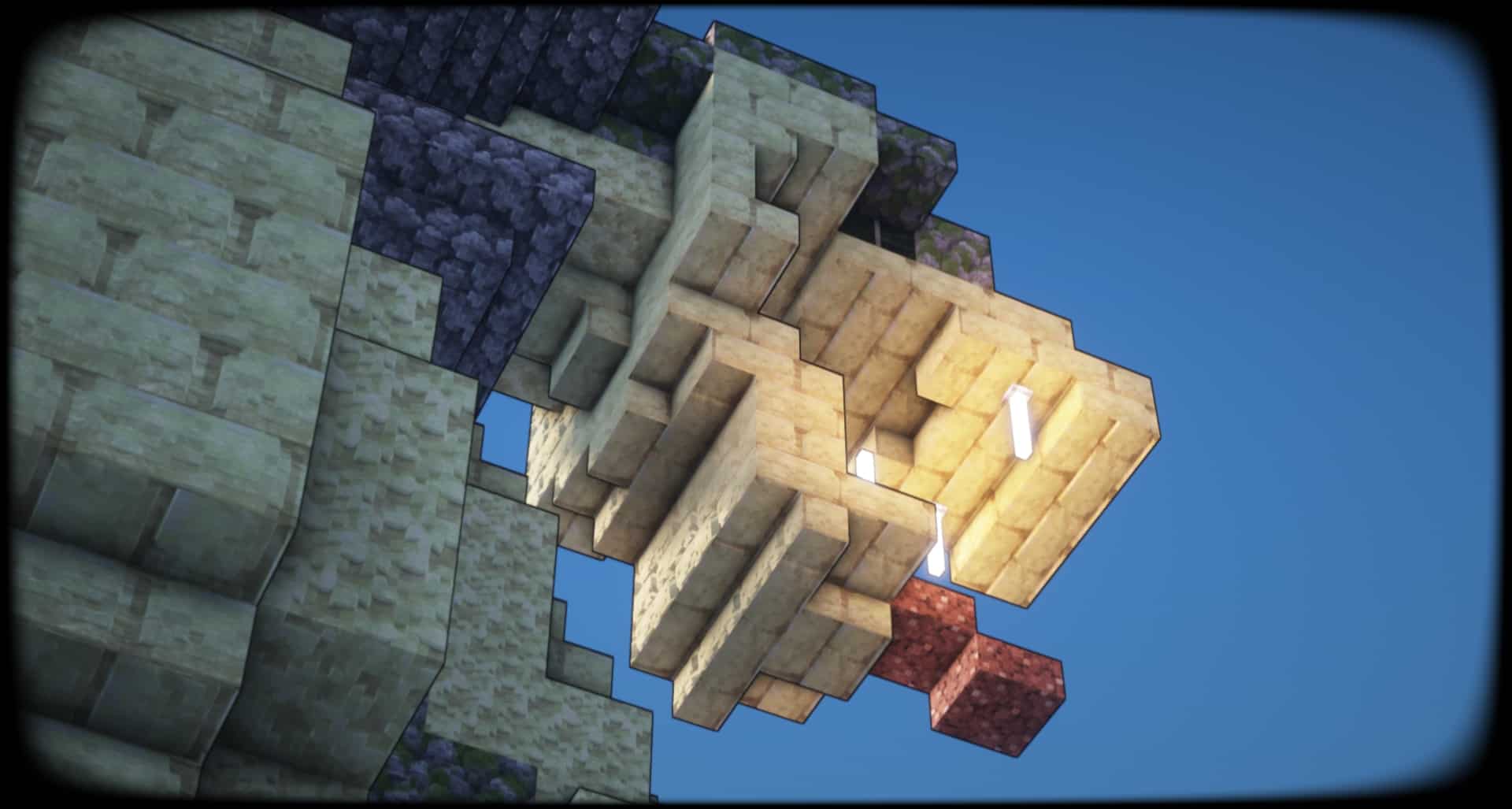
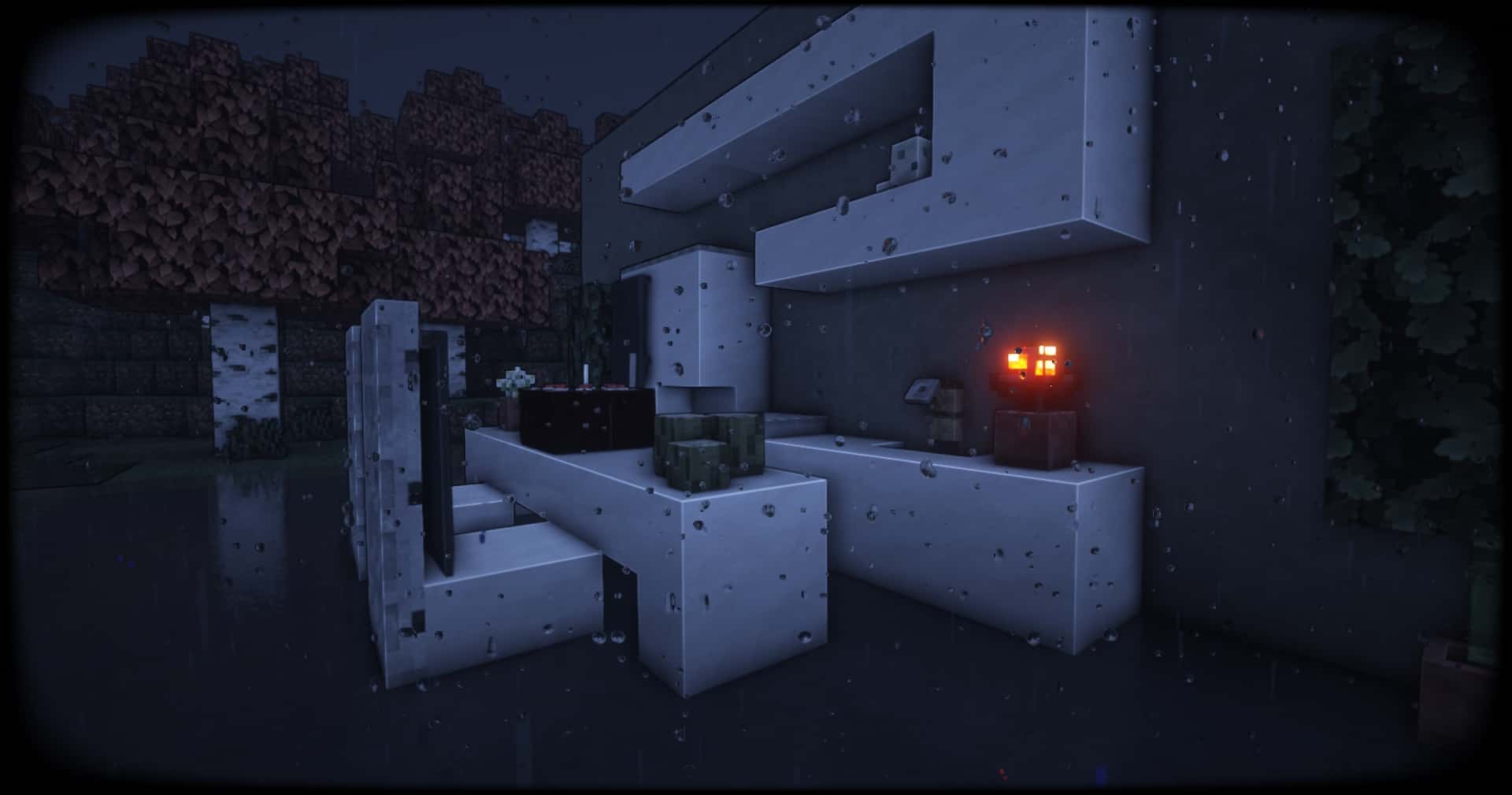
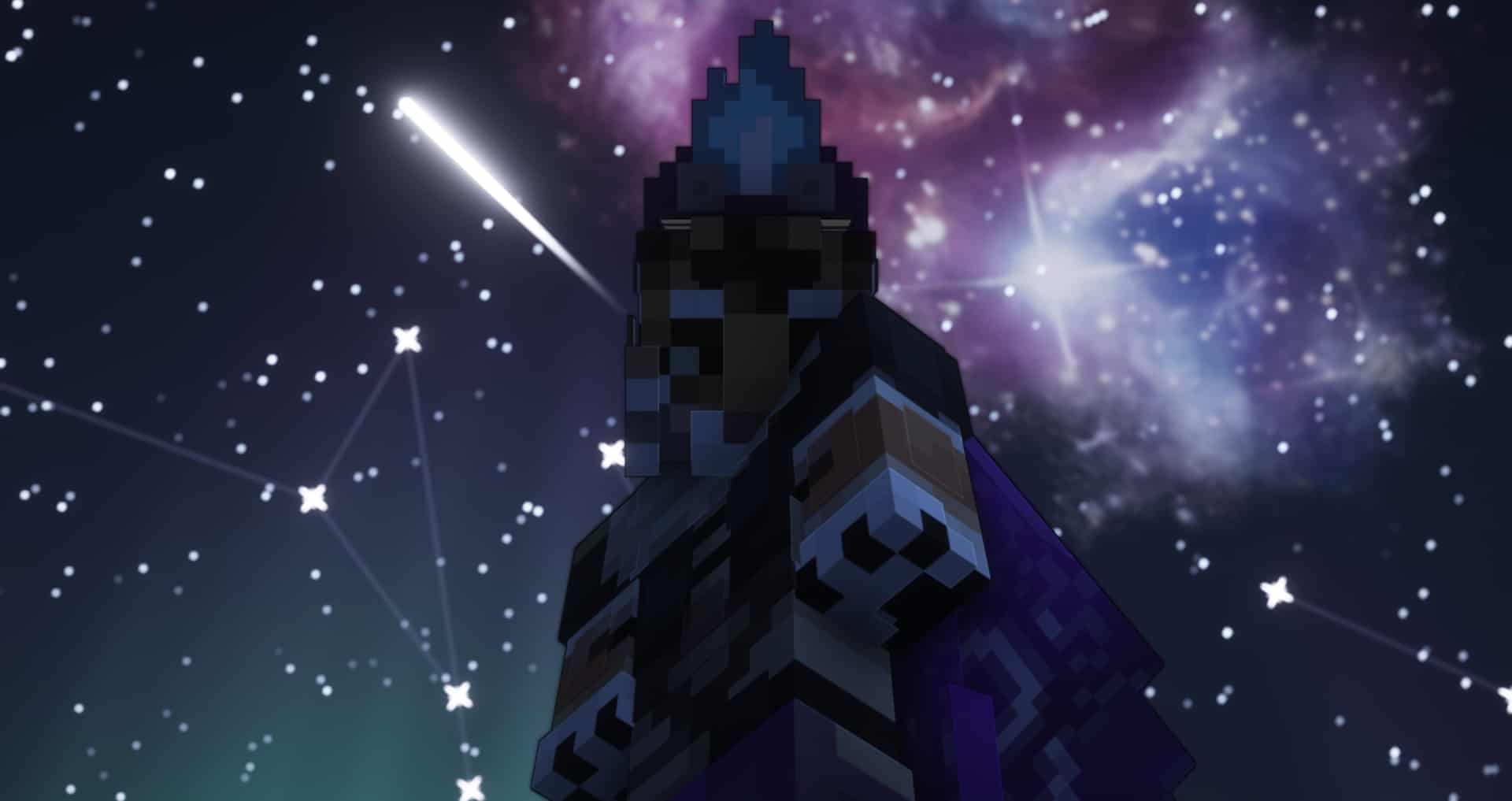
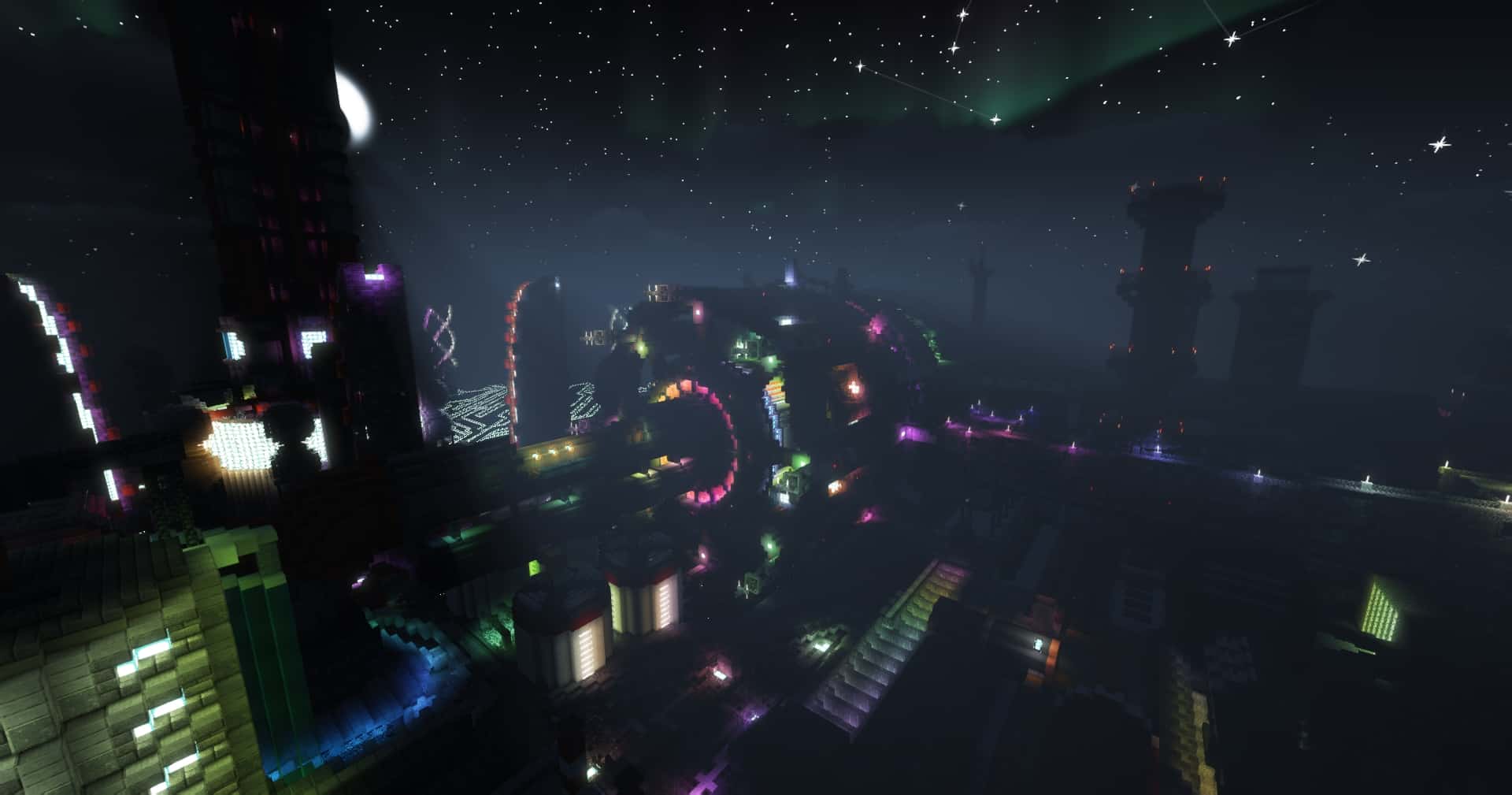
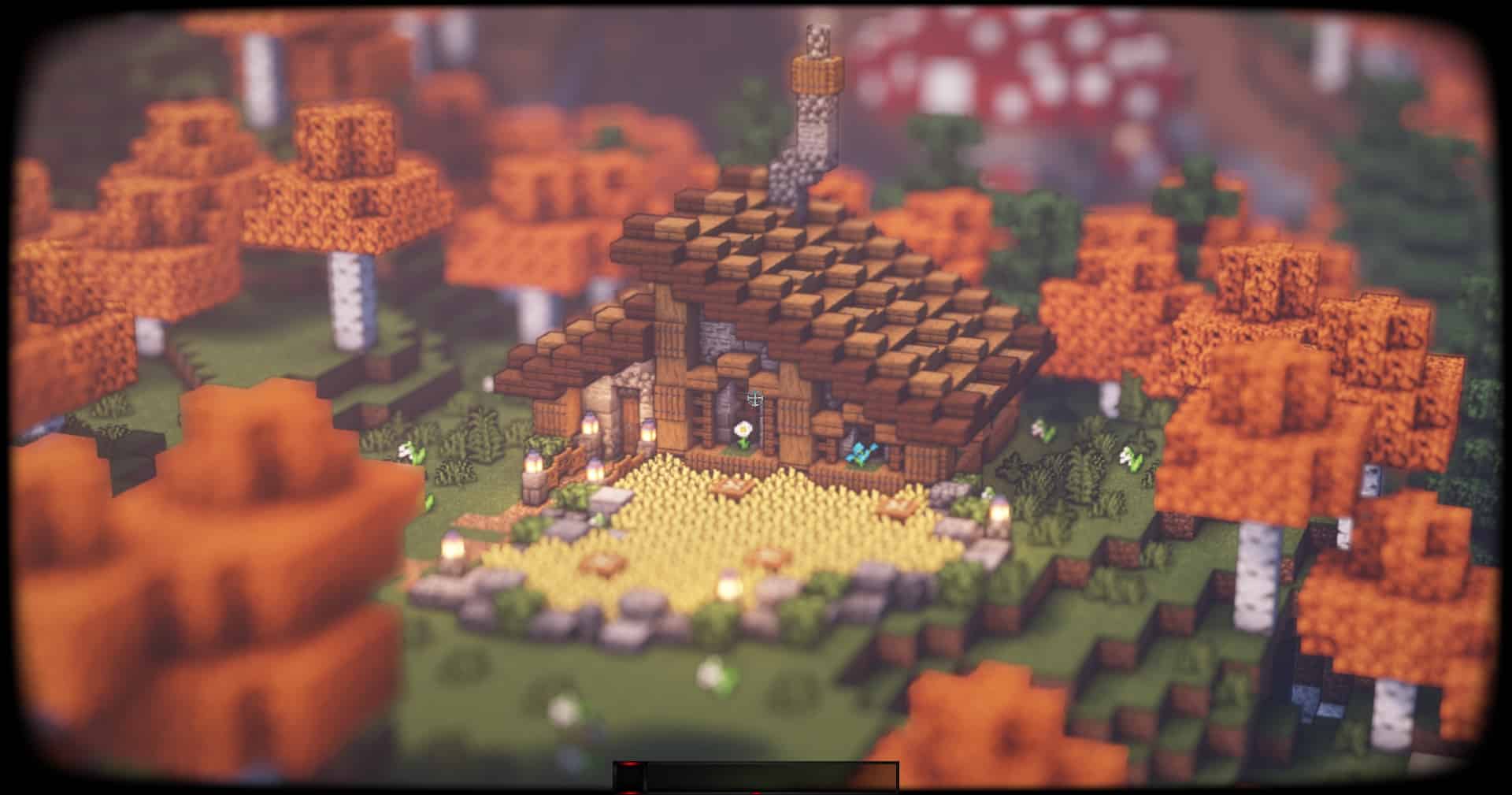
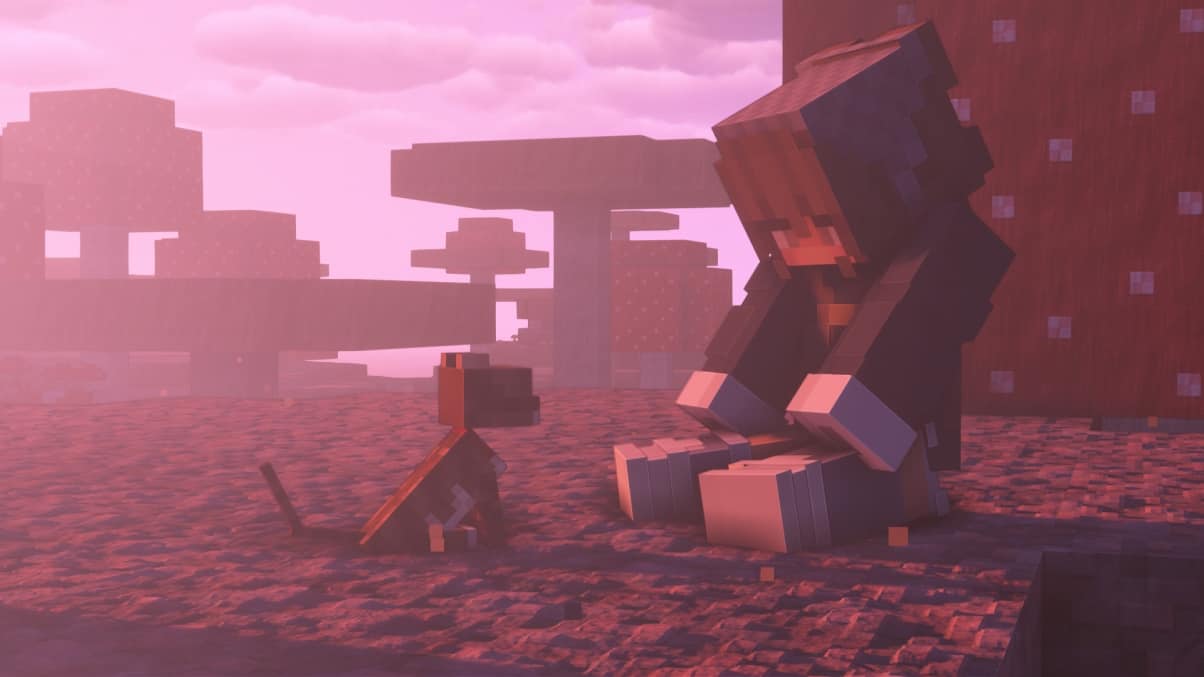
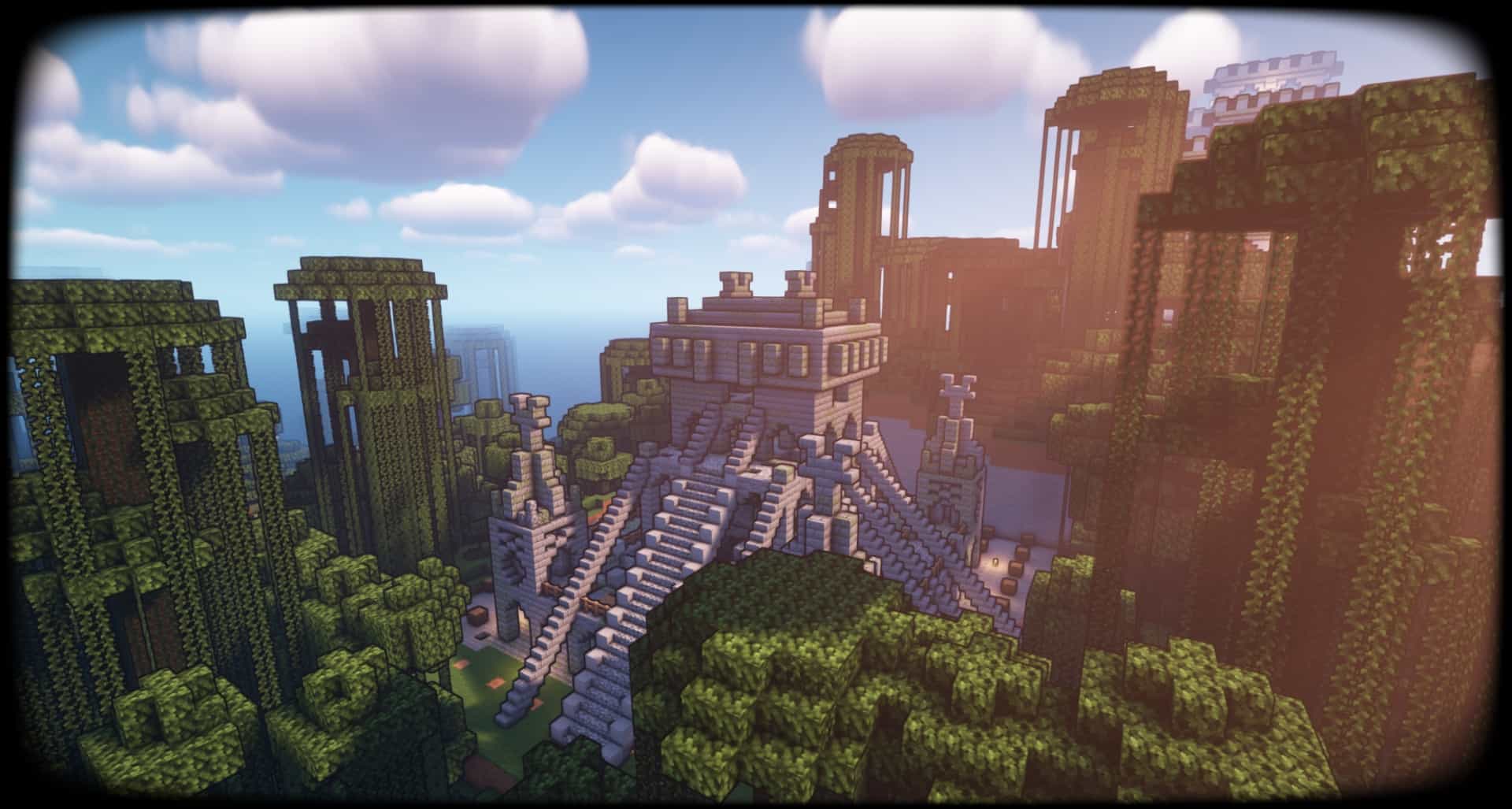
AstraLex Shaders (BSL Edit) — Video & Screenshots


How to install AstraLex Shaders:
- Download and install Minecraft.
- Open Minecraft launcher and setup your game profile for the Minecraft version you want to run. – in the launcher on the top menu, select the “Installations” tab, click “New installation”, under the “Version” dropdown, select your preferred Minecraft version and click “Create”.
- Download and install Optifine or Iris. – we recommend Iris, it’s a bit more optimized;
- Open Minecraft launcher and select the newly created Optifine or Iris profile. – if in step 3 you chose to install optifine it will have an optifine profile, if iris it will have an iris profile;
- Download the AstraLex shader pack from the download section below.
- Launch Minecraft.
- For Optifine: Go to
Options > Video Settings > Shadersand click “Shaders Folder” to open shaderpacks folder.
For Iris: Go toOptions > Video Settings > Shader packsand click “Open Shader Pack Folder” to open shaderpacks folder. - Put the AstraLex shader pack (.zip file) downloaded in step 5 into the .minecraft\shaderpacks folder you opened in step 7.
- In the game, select AstraLex Shaders from the list and click “Done”.
AstraLex Shaders (BSL Edit) - Comparison Slider #1 day
Comparison slider #1 for those who want to compare vanilla Minecraft without any shaders installed (on the left) with Minecraft using this particular shader pack (on the right).
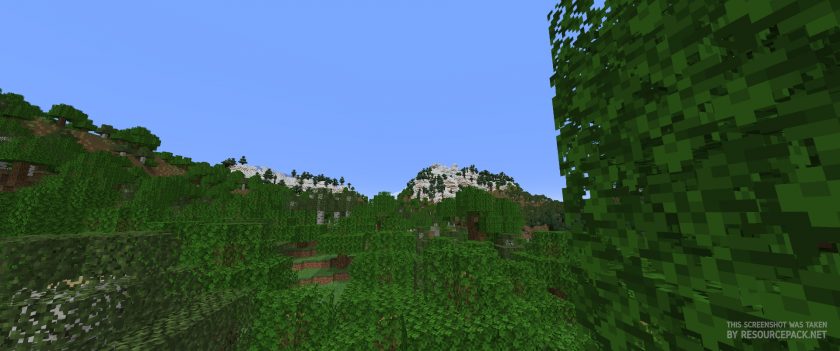 Vanilla
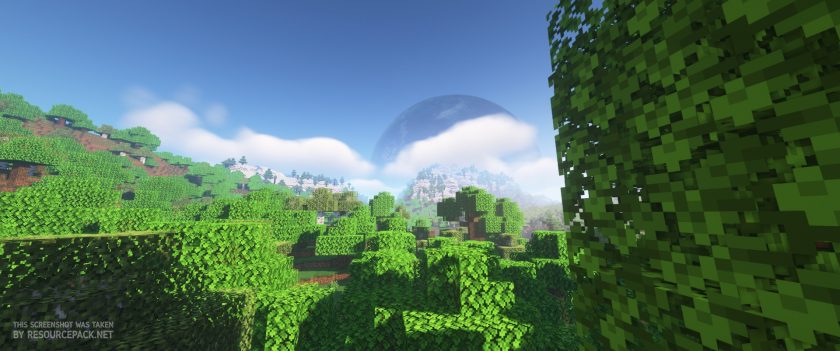 AstraLex Shaders
AstraLex Shaders (BSL Edit) - Comparison Slider #2 night
Comparison slider #2 for those who want to compare vanilla Minecraft without any shaders installed (on the left) with Minecraft using this particular shader pack (on the right).
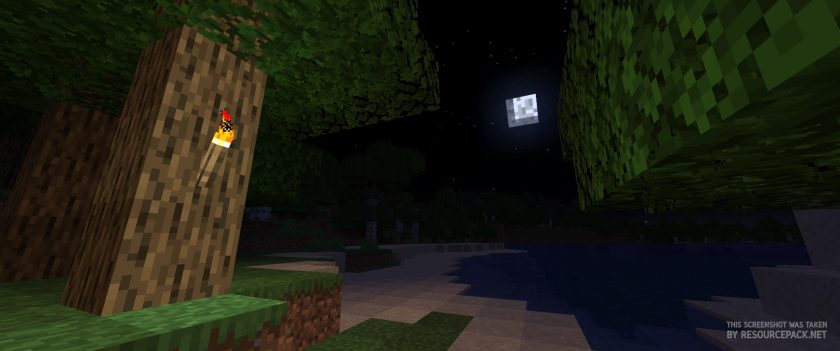 Vanilla
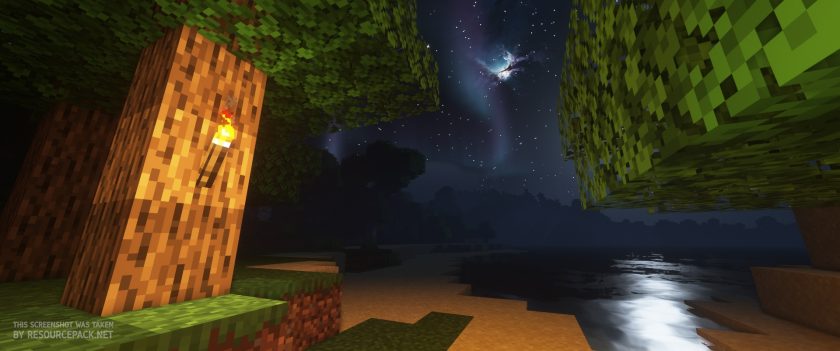 AstraLex Shaders
AstraLex Shaders (BSL Edit) Shader Pack Download
- We do not modify or edit any resource packs. All resource packs, shaders and tools found on this website are linked directly to official sources rather than hosted on our own servers. We provide only the official download links from the original creators to ensure that your files are safe and secure.
- These official links are updated manually and may occasionally stop working when a new version is released. We work hard to keep everything current so that you have a smooth experience. Please let us know in the comments if you find a link that no longer works.
- Minecraft is a trademark of Mojang Studios and has no official connection to this website. Our goal is simply to share the best creations from the community with other players.
- Please consider leaving a comment or voting for your favorite packs. This feedback helps authors improve their projects over time. You can also support the creators directly by visiting the official links located below the download section.
Java Edition:
[1.21.x – 1.16.x] Download AstraLex Shader Pack
Curseforge: download starts automatically after a few seconds;
Mediafire: click the big blue button with the text "DOWNLOAD";
Google Drive: in the top right corner you will see a small download icon (down arrow), click it and the download should start;

5,626 votes
Look.. 5626 users have already liked this shader pack. Give a diamond if you like it too!


science_kit
Hay, in a video of your shaders, the author went to the world setting and moved a “world curve” slider. This is a feature of BSL?
SammahJ
Love the shader!
But the birds in the sky (distant images) are a bit weird and distracting from the otherwise beautiful vista.
Is there anyway to switch off the birds?
Liam
I was on 5 fps the whole time lol
kyle
is there an easier way to do this like a direct download
Admin
We use official download links, we do not have rights to re-upload packs. For this particular pack, the link is technically a direct link. After clicking on the download link, you will be redirected to the official download page, but you don’t have to click anywhere there, the download will start automatically in a few seconds.
Annepizza
For some reason when i download it and put it in the resorce packs file it doesnt show its there what do i do
Admin
Maybe because it’s not a resource pack, but a shader pack?)
matej
but this is not a resource pack
its a shader
Richerd
YO TIS IS SOOOOOOOOOOOOOOOOOOOO COOOOOOOL
adam glokler
YO THAT IS SO COOL
Waddle_D
ive used this before, i loved it and it works great, but ive come across an issue where when i try to use it and load into a world, instead of showing the in game stuff, it leaves up the dirt wall for the loading screen
EvilHorizon
This shader is amazing!! The only thing im not a fan of the the screen narrowing while sneaking. Other than that its the best!
Helvy
Shaders is cool!
Jack
I’m surprised my potato PC did not explode, but I did make some scrambled eggs off of the heat
Zen
For some reason this shader turns all letters on signs into blocks and I can’t read them at all. Any option to change / fix it myself? I looked inside the settings but there are so many options that I can’t find anything :/
SUS
Cool!
Lulerich
Lol!
My Pc sounds like an toaster and I get only 9 FPS!
This Shader is Massiv!
But I´ll go to buy a better PC and then I maybe get 11 :)
X(
Susman
I love this Shader!
It´s the Best in the World!
But I use Lunar Client and when I click “Video Setings” I can´t find “shaders”
But maybe I have to look well and will find it.
:) Sus
Ryan Paul
Currently the best shader available, absolutely top notch!
jUANITO
Having a problem with water having defaul texture there seagrass underit
gamepire
my eyes hurt, how do i lower the saturation?
Susman
I love this Shader!
It´s the Best in the World!
But I use Lunar Client and when I click “Video Setings” I can´t find “shaders”
But maybe I have to look well and will find it.
:)
Admin
Read step 3 of the “How to install” section on this page. Most likely the problem will be in it.
DeathPlasma
I cant get it with the STUPID ZIP file
KAKAbabychick
I mean like how do i even download it if its “zip?”
Melody
How do I make it less saturated? my eyes are starting to hurt lmao
SuspiciousStew
You cant i guess lol
Maxximousey
If your eyes are hurting then dont use shaders pack lol
shadow
i play on a strix gaming laptop well this shader explode my laptop?
secret
Basically…
james
im so high in miecraft
Toby Mcquire
niceee, me too
Someone
does this lower fps?
i’m running a mackbook air 2020 with m1 chip, 8gb ram
Admin
Shader packs are resource intensive. They will definitely lower fps.
Cyrus
I have weird lines in the water, if shader used with OptiFine. If I use Fabric it works flawless
the_good_boy
so as i
Jiven dayal
Just a pc man with an actual graphics card