The reality for most people is that there leaves something to be desired from the standard lighting effects in the famous video game of Minecraft. When smooth lighting and graphics have their settings well set out, everything still looks like its blocky. The presence of Sildurs shaders pack ensures that there is more focus on the improvement in the overall appearance of the Minecraft game. The light that rolls around the corners usually produces shadows that appear realistic and similar to what they appear like in real life. When you install this mod on the Minecraft game, the effects are immediately visible and readable when you are playing the game. Just like any other shader in a game, the installation of this mod requires an expert understanding of the processing power of graphics. However, the beauty is that the Sildur shader can focus on many options, unlike many shader packs that are in the market.
Featured video:
In today’s shaders market, most of the shaders have many limitations. For instance, many of them can only work on operating systems that are run on Microsoft and can only function on computers that have high specs and speed abilities. The Sildur’s Vibrant shaders pack can work on many operating systems in the market today and it doesn’t discriminate on the type of player that the user has. Also, there are various types of Sildur’s Shaders. For instance, there exists a set that is referred to as Vibrant Shaders. These vibrant shaders usually add graphics to the game thus making it more interesting for those who are playing it. They have different versions such as Lite, High, High motion blur, Medium, and extreme which a player can choose from depending on the one which they like. The player can also choose between basic and light shaders which can be attractive to people who have limited access to operating systems that have high processing capabilities.
Sildur's Vibrant Shaders should be compatible with all of these Minecraft versions: 26.1 - 1.21.11 - 1.21.10 - 1.21.9 - 1.21.8 - 1.21.7 - 1.21.6 - 1.21.5 - 1.21.4 - 1.21.3 - 1.21.2 - 1.21.1 - 1.21 - 1.20.6 - 1.20.5 - 1.20.4 - 1.20.3 - 1.20.2 - 1.20.1 - 1.20 - 1.19.4 - 1.19.3 - 1.19.2 - 1.19.1 - 1.19 - 1.18.2 - 1.18.1 - 1.18 - 1.17.1 - 1.17 - 1.16.5 - 1.16.4 - 1.16.3 - 1.16.2 - 1.16.1 - 1.16 - 1.15.2 - 1.15.1 - 1.15 - 1.14.4 - 1.14.3 - 1.14.2 - 1.14 - 1.13.2 - 1.13.1 - 1.13 - 1.12.2 - 1.12 - 1.11.2 - 1.11 - 1.10.2 - 1.10 - 1.9.4 - 1.9 - 1.8.9 - 1.8.8 - 1.8.6 - 1.8.1 - 1.8 - 1.7.10 - 1.7.9 - 1.7.4 - 1.7 - 1.6.4 - 1.6.2
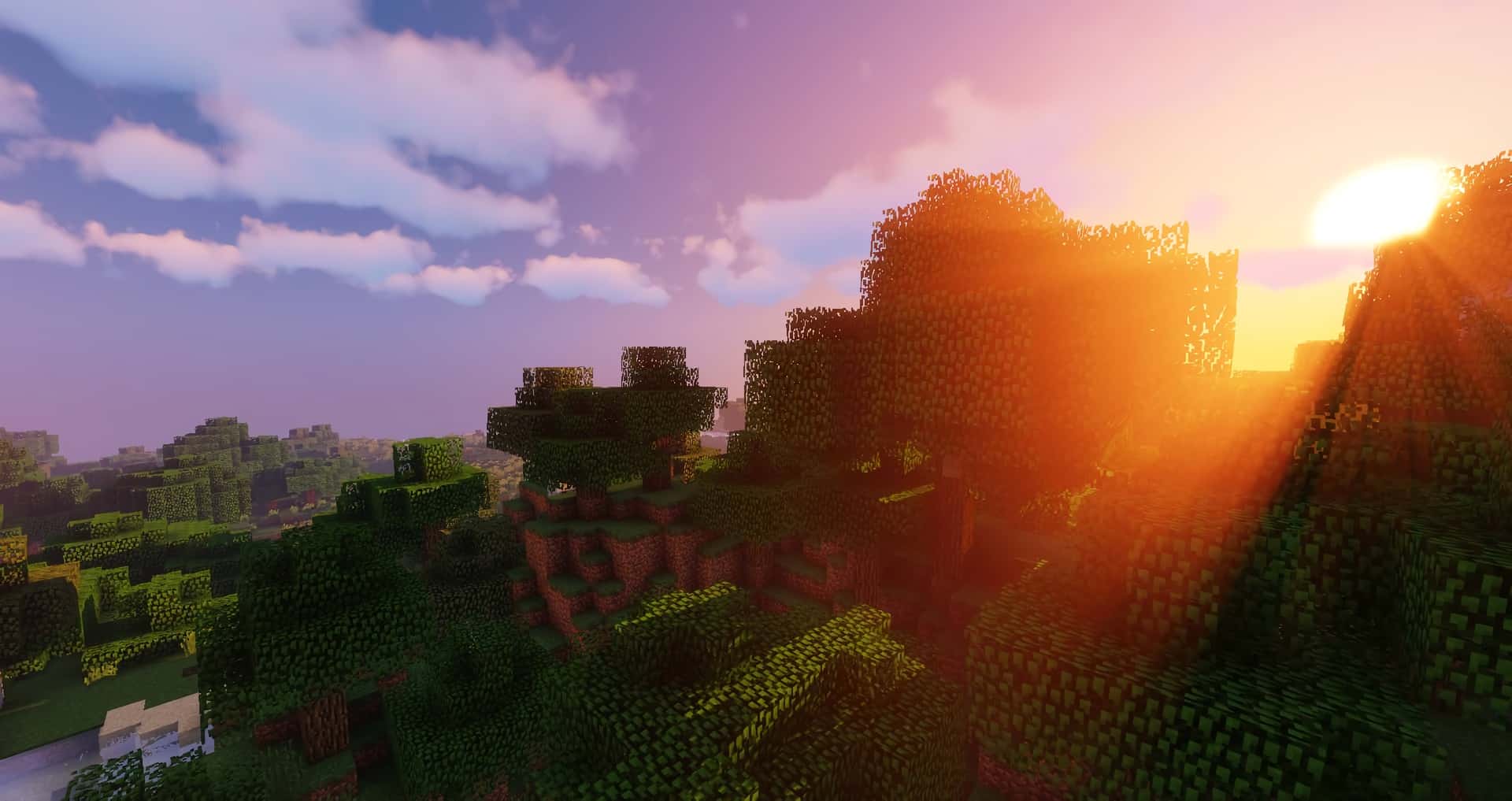
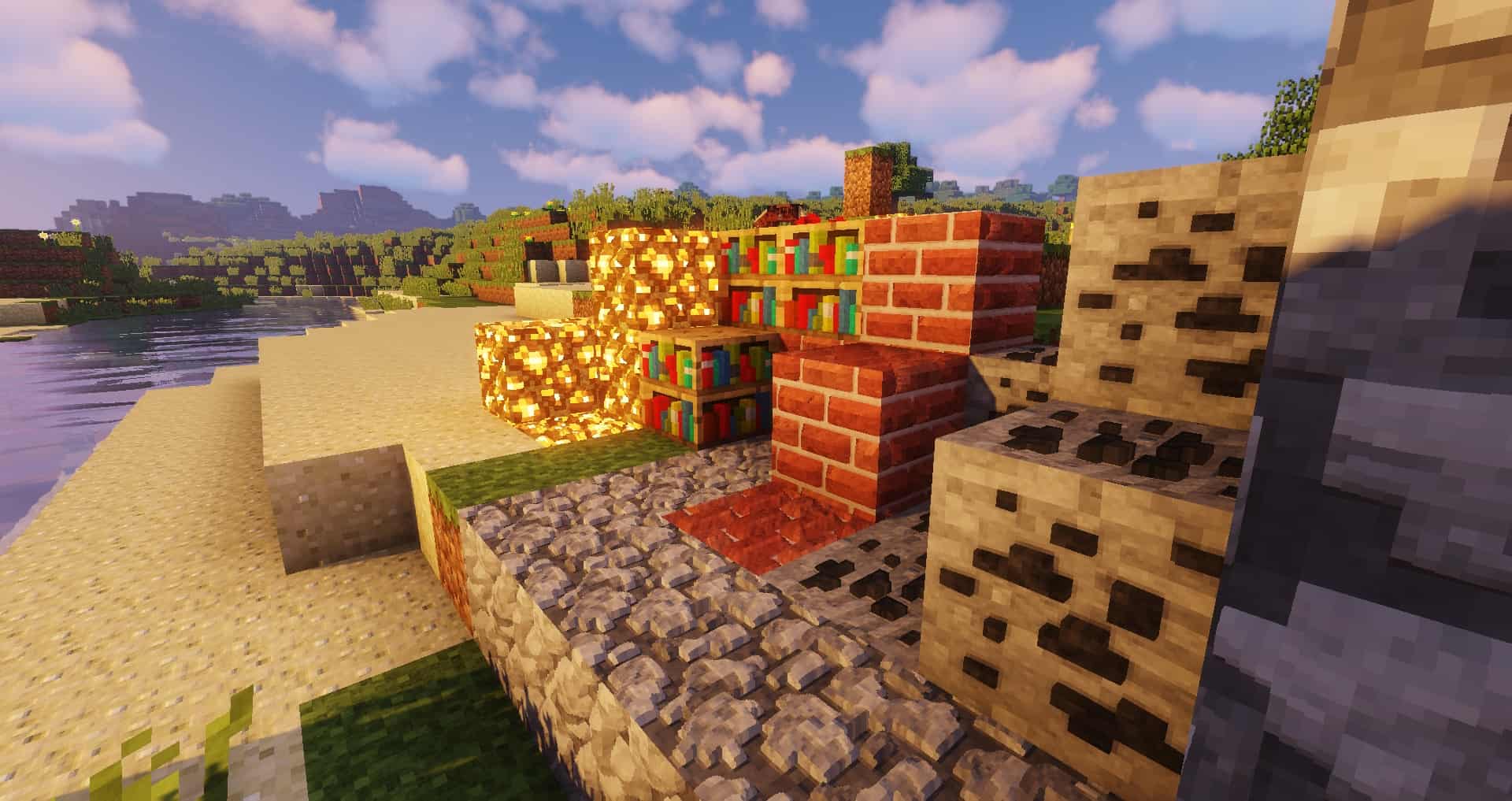
Sildur's Vibrant Shaders — Screenshots
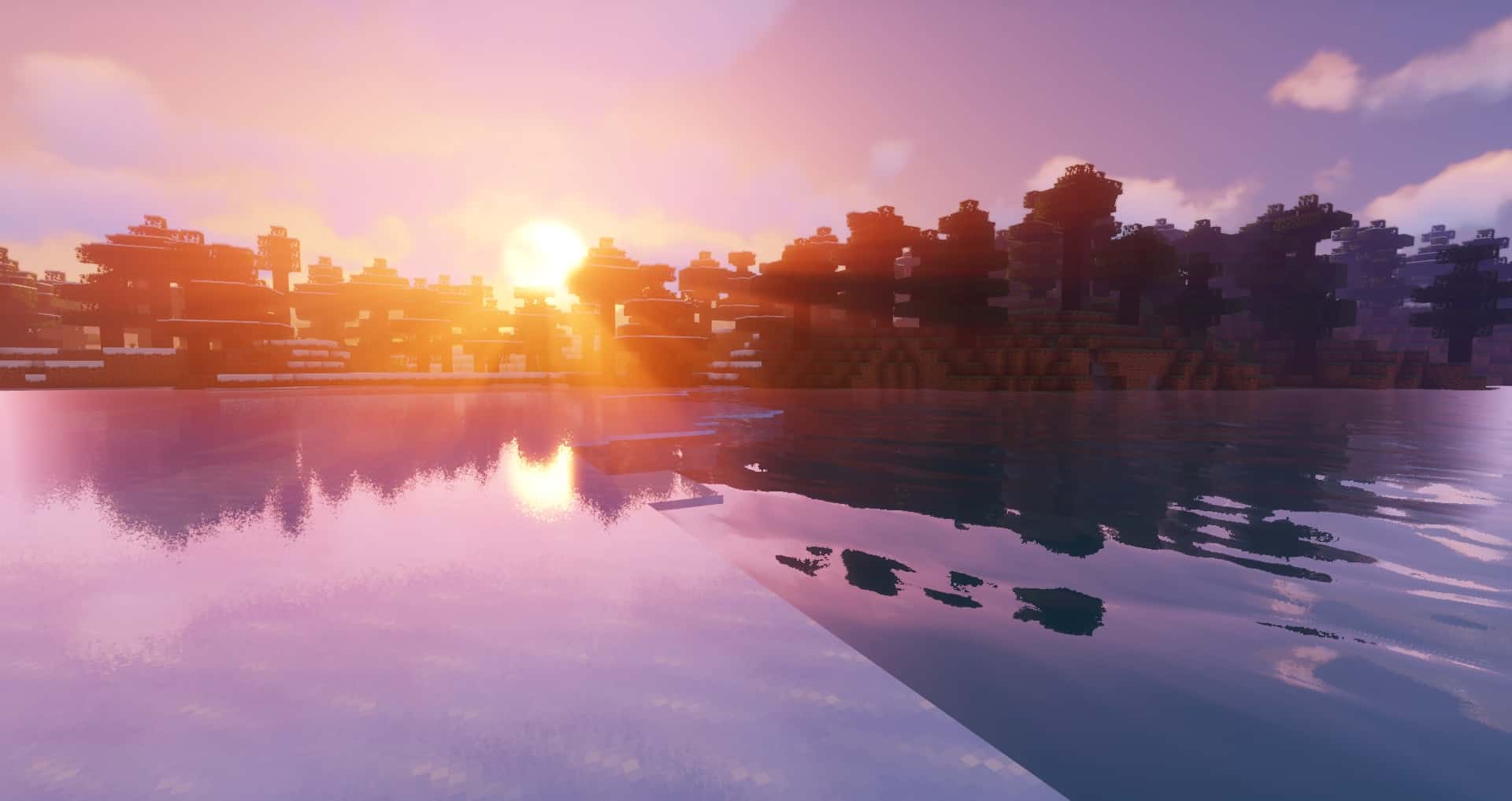
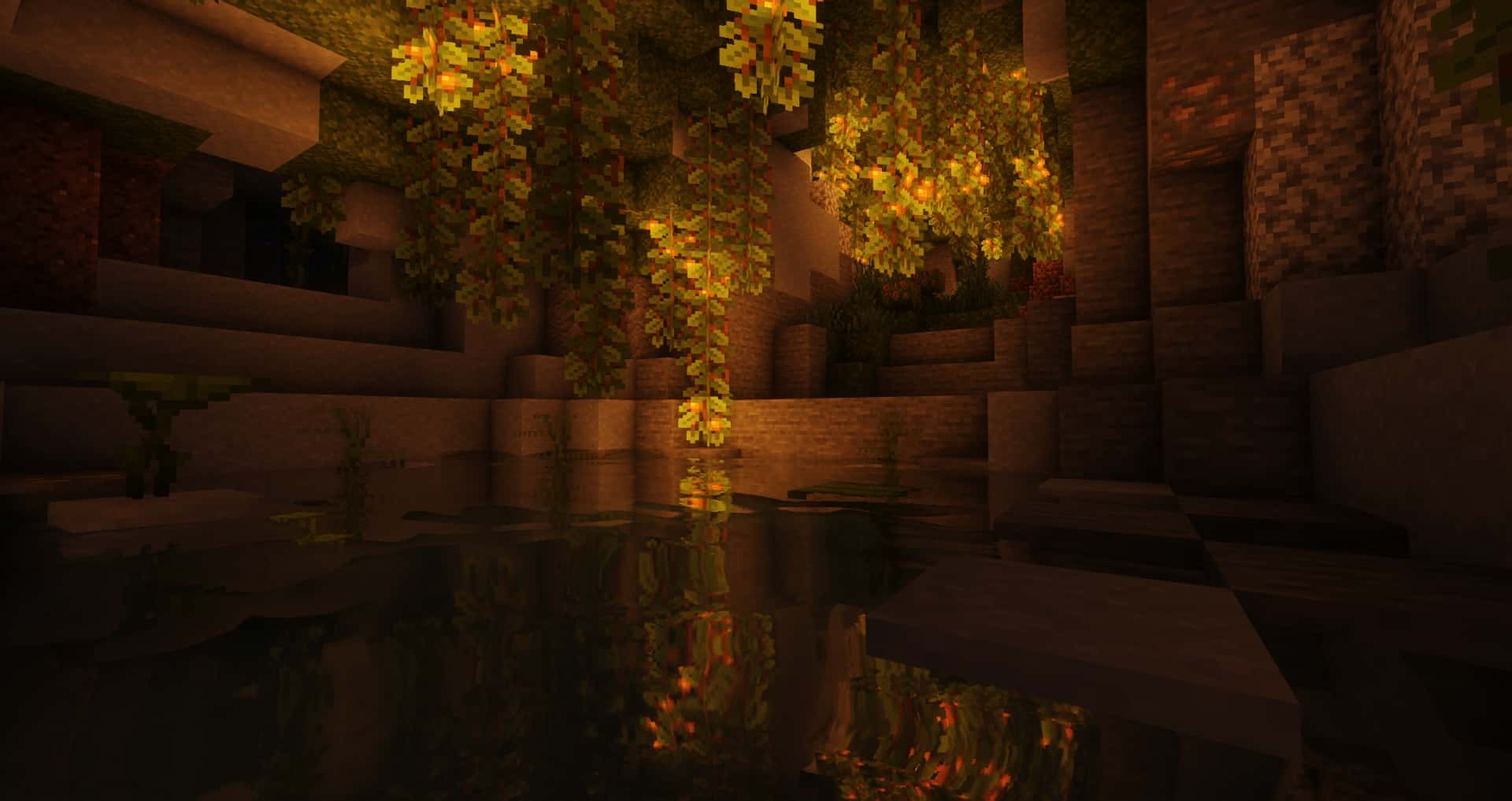
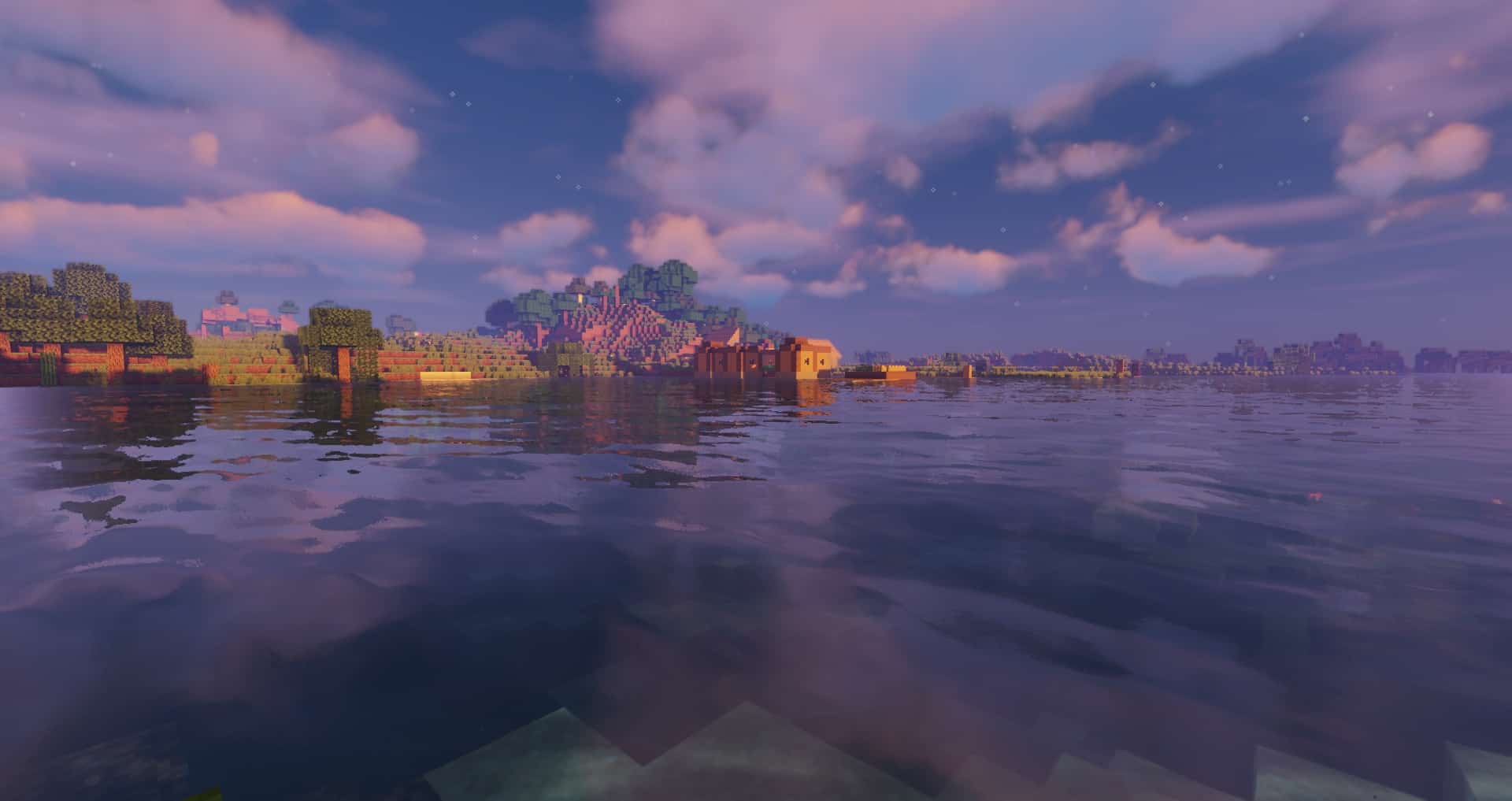
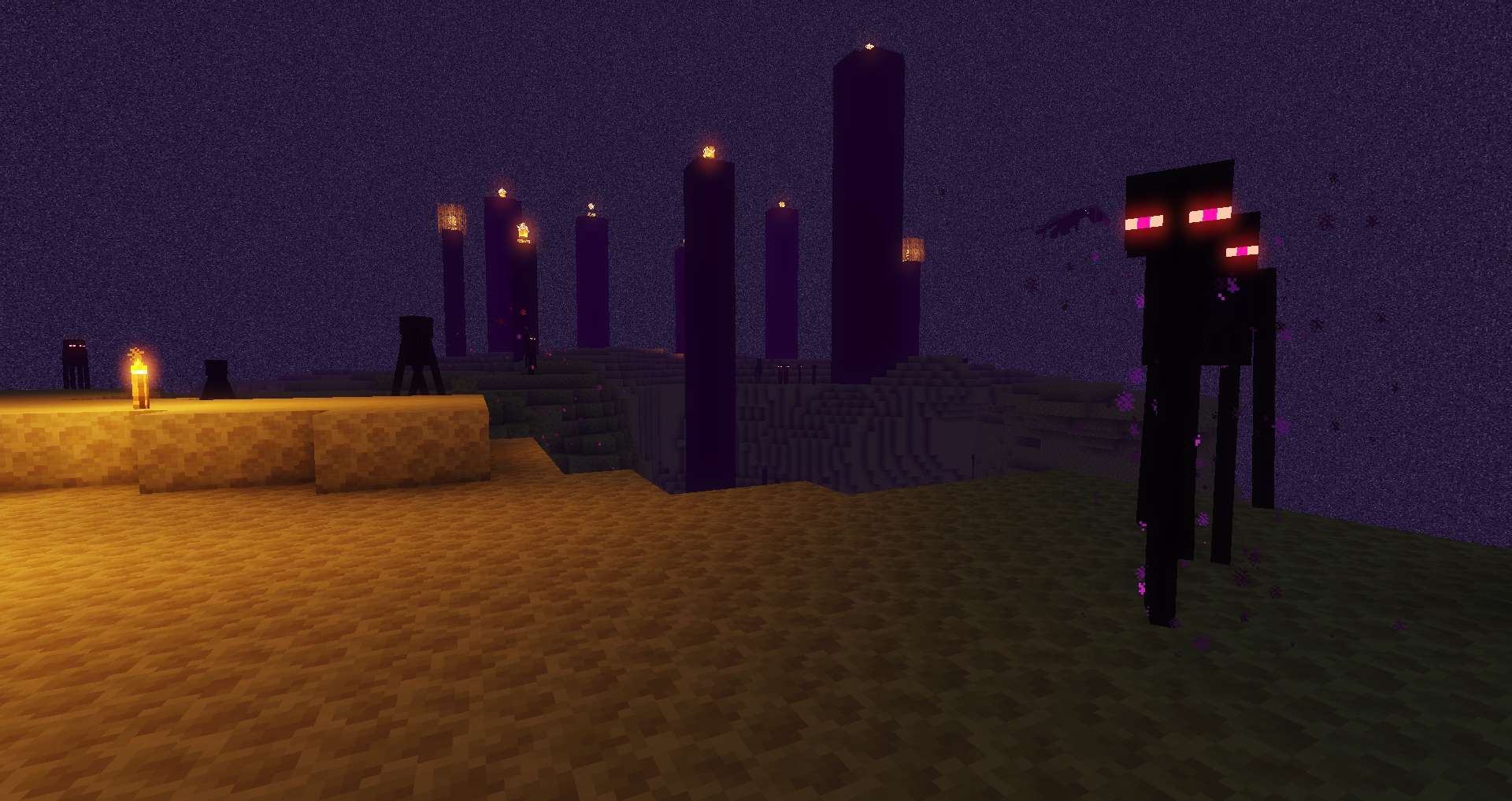
How to install Sildur’s Shaders:
Optifine & Iris shaders, supported MC versions: 1.7.x – 1.19.x
- Download and install Minecraft.
- Open Minecraft launcher and setup your game profile for the Minecraft version you want to run. – in the launcher on the top menu, select the “Installations” tab, click “New installation”, under the “Version” dropdown, select your preferred Minecraft version and click “Create”.
- Download and install Optifine or Iris. – we recommend Iris, it’s a bit more optimized;
- Open Minecraft launcher and select the newly created Optifine or Iris profile. – if in step 3 you chose to install optifine it will have an optifine profile, if iris it will have an iris profile;
- Download the Sildur’s shader pack from the download section below.
- Launch Minecraft.
- For Optifine: Go to
Options > Video Settings > Shadersand click “Shaders Folder” to open shaderpacks folder.
For Iris: Go toOptions > Video Settings > Shader packsand click “Open Shader Pack Folder” to open shaderpacks folder. - Put the Sildur’s shader pack (.zip file) downloaded in step 5 into the .minecraft\shaderpacks folder you opened in step 7.
- In the game, select Sildur’s Shaders from the list and click “Done”.
Fabulous shaders using mojangs inbuild shaders support, supported MC version 1.16+
- Download resource pack from the link below;
- Launch Minecraft;
- On the Main menu > click “Options”;
- On the Options menu > click “resource packs”;
- Move the .zip file you downloaded to the “resourcepacks” folder;
- Go to Video settings > Options and set graphics to fabulous.
Sildur's Vibrant Shaders - Comparison Slider #1 day
Comparison slider #1 for those who want to compare vanilla Minecraft without any shaders installed (on the left) with Minecraft using this particular shader pack (on the right).
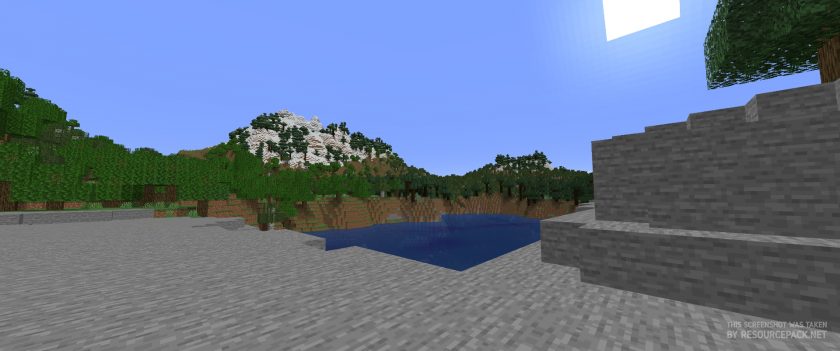 Vanilla
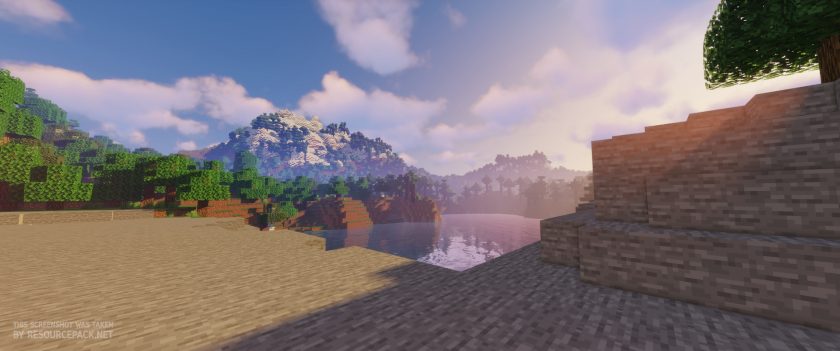 Sildur's Vibrant Shaders (Extreme)
Sildur's Vibrant Shaders - Comparison Slider #2 night
Comparison slider #2 for those who want to compare vanilla Minecraft without any shaders installed (on the left) with Minecraft using this particular shader pack (on the right).
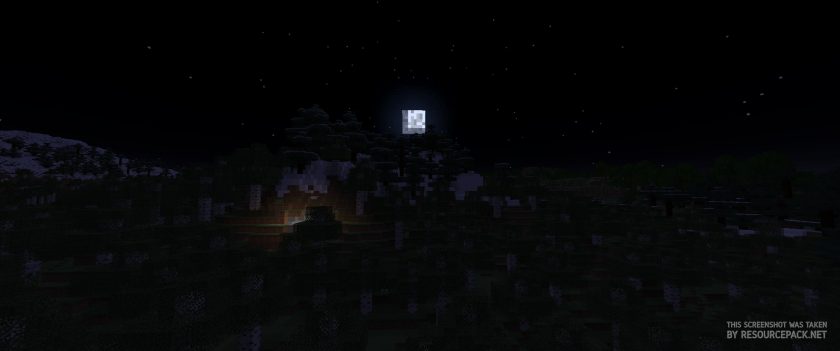 Vanilla
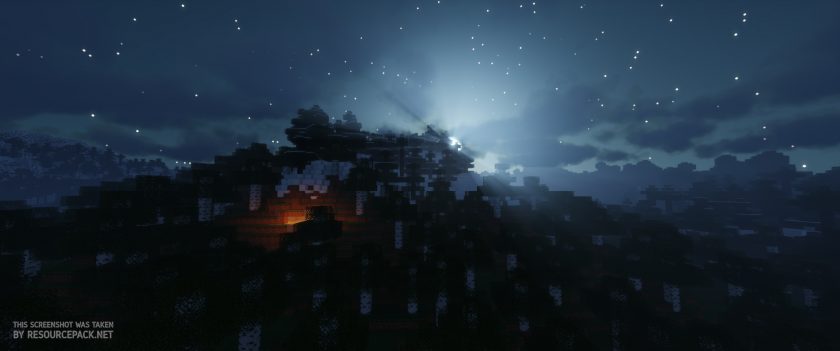 Sildur's Vibrant Shaders (Extreme)
Sildur's Vibrant Shaders Shader Pack Download
- We do not modify or edit any resource packs. All resource packs, shaders and tools found on this website are linked directly to official sources rather than hosted on our own servers. We provide only the official download links from the original creators to ensure that your files are safe and secure.
- These official links are updated manually and may occasionally stop working when a new version is released. We work hard to keep everything current so that you have a smooth experience. Please let us know in the comments if you find a link that no longer works.
- Minecraft is a trademark of Mojang Studios and has no official connection to this website. Our goal is simply to share the best creations from the community with other players.
- Please consider leaving a comment or voting for your favorite packs. This feedback helps authors improve their projects over time. You can also support the creators directly by visiting the official links located below the download section.
Java Edition:
[26.1 – 1.7.x] [Medium] Download Sildur’s Vibrant Shaders Pack
[26.1 – 1.7.x] [High] Download Sildur’s Vibrant Shaders Pack
[26.1 – 1.7.x] [High-Motionblur] Download Sildur’s Vibrant Shaders Pack
[26.1 – 1.7.x] [Extreme] Download Sildur’s Vibrant Shaders Pack
[26.1 – 1.7.x] [Extreme-Volumetric lighting] Download Sildur’s Vibrant Shaders Pack
Enhanced Default (Java Edition):
[26.1 – 1.7.x] [Fast] Download Sildur’s Enhanced Default Shaders Pack
[26.1 – 1.7.x] [Fancy] Download Sildur’s Enhanced Default Shaders Pack
Fabulous Shaders:
[1.16.x] Download Sildur’s Fabulous Shaders Pack
Curseforge: download starts automatically after a few seconds;
Mediafire: click the big blue button with the text "DOWNLOAD";
Google Drive: in the top right corner you will see a small download icon (down arrow), click it and the download should start;

2,523 votes
Look.. 2523 users have already liked this shader pack. Give a diamond if you like it too!


Misael
when i put it in the gamead it asks if i want to put it , i click yes but the shaders don’t appeare
Omar
Its not letting me downloading it 2 my server(feeling me that its invalid )
soup
i installed it all, yet nothing happened to my game, what happened, why?
Admin
You need to enable it too.
Cool_Surfer
It says its available for 1.6.4 but how can it work without OPTIFINE?!?! Can you tell me how I can get optifine for 1.6.4 somehow or another shader pack thing?
Ruby
Hey! TYSM i’m looking one year this Shaders!
J.Slop
I’ve enabled Depth of Field but nothing happens when I focus on an object, is this a bug?
Kejani
Hey, I’m a little upset, this is listed in the tags and on the site as a 1.6.4 compatible shader pack, but there’s no download for pre-1.7 versions of the game. What the heck?
Admin
Shaders are designed differently than resource packs, so new versions of shaders will likely work fine on older versions of Minecraft. Just download and install, nothing to lose.
FreddyMann
Im trying to use it on lunar, but i cant obvs, could you make one for lunar?
will
No matter what I try- Optifine, iris etc. I cant get the shader to work. I follow all the instructions down to the T, and when I open it in my resource packs, select it, nothing happens. It wont load and Im really frustrated. Pls help?
zach
Im having the same problem, I can get other shaders to run but not this one. were u able to fix it?
MOJANG
A shader Pack isn’t a recource Pack. You have to Put IT into a shaders folder in you’re .Minecraft
Arathi
Is this something I can install server side? I have my own personal server running on Linux using James Chamber’s geyser to allow console and pc to play together. The install instructions appear to be for hosted servers using a GUI unless I’m reading wrong.
help
How to get the links to pe 1.19?
Admin
There is no PE version of this shader pack.