The stunning Serene HD resource pack is one of the most gorgeous minecraft resource packs available today. With a touch of realism, it will make your minecraft world appear much more smooth and calming in contrast with the vanilla minecraft experience. While great on it’s own, the vanilla experience can be a tad overbearing with busy and crowded visuals. Serene resource pack aims to mend that. If you enjoy the look of default minecraft, but want to add a touch of realism with a smoother effect on the eyes, this resource pack is perfect. It will leave you feeling satisfied with it’s crisp and refreshing visuals. Without sacrificing the nostalgic feel of Vanilla Minecraft we all know and love. The ultimate aim of the Serene HD texture pack is to leave you feeling peaceful within it’s tranquil environment. Eliminating any redundant details, the Serene HD addresses major issues most resource packs suffer from.
Featured video:
A common issue with most HD resource packs in minecraft is the clutter of the overall visuals. Adding too many details that lend themselves to an very clumsy and noisy atmosphere. The smooth tone, and slightly muted brightness, of the Serene HD textures leaves you with a great HD experience, without all the clutter. Serenity HD resource pack boasts an improved resolution of x32. While this isn’t the highest resolution possible for resource packs. It offers a nice improvement over the Vanilla x16, without being overbearing. The pack only improves the visuals of the game’s environment. Such as block textures, item textures, and mob designs. The user interface and animations will be untouched. Download the Serene hd minecraft resource pack for a smooth, enhanced experience. One that won’t leave you feeling over bloated with redundant detail like most of other HD resource packs.
Serene HD [Serinity] should be compatible with all of these Minecraft versions: 1.17.1 - 1.17 - 1.16.5 - 1.16.4 - 1.16.3 - 1.16.2 - 1.16.1 - 1.16 - 1.15.2 - 1.15.1 - 1.15 - 1.14.4 - 1.14.3 - 1.14.2 - 1.14 - 1.13.2 - 1.13.1 - 1.13 - 1.12.2 - 1.12 - 1.11.2 - 1.11 - 1.10.2 - 1.10 - 1.9.4 - 1.9 - 1.8.9 - 1.8.8 - 1.8.1 - 1.8.6 - 1.8
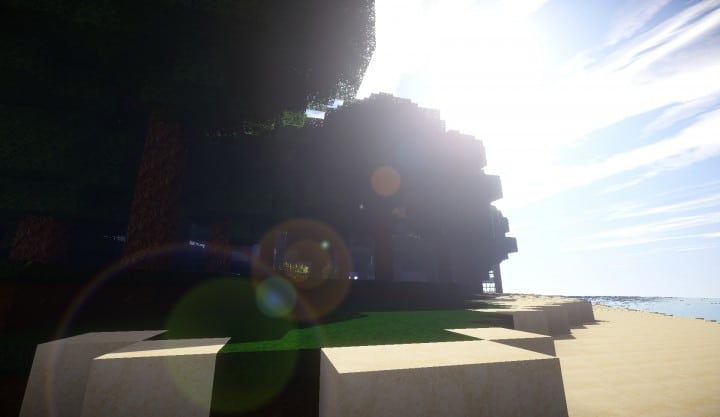
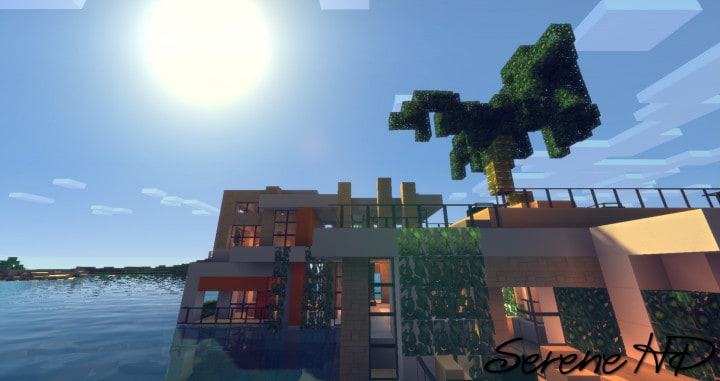
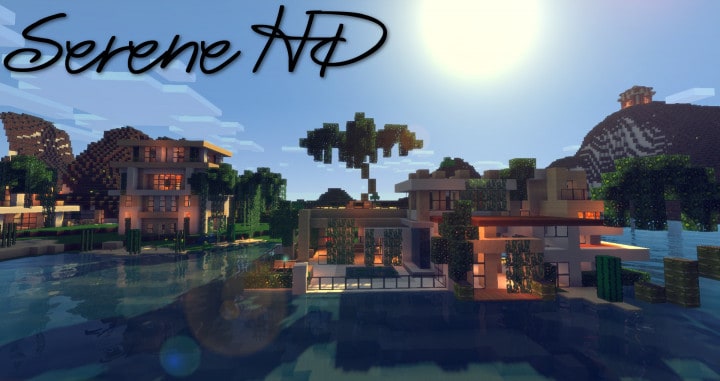
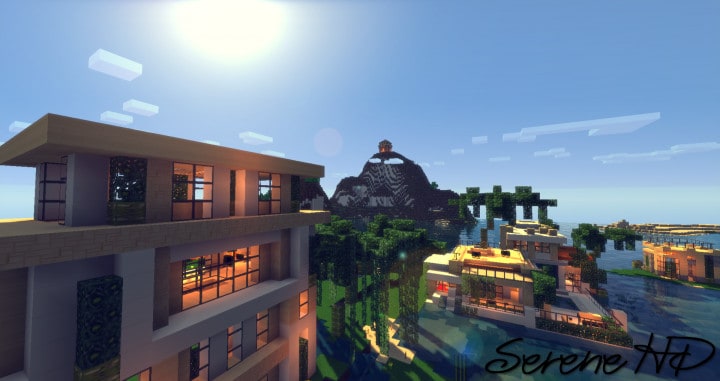
Serene HD [Serinity] — Video & Screenshots
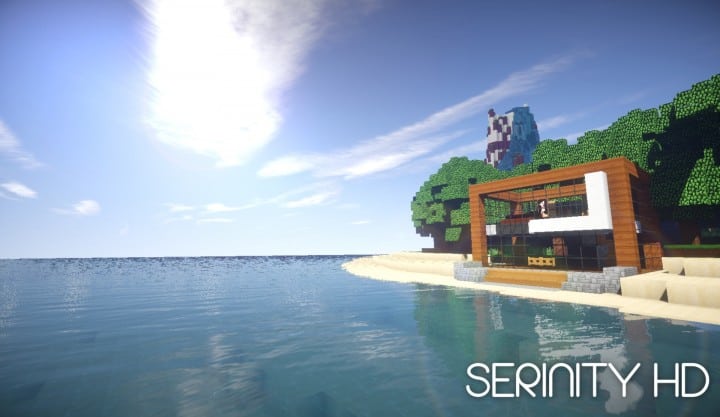

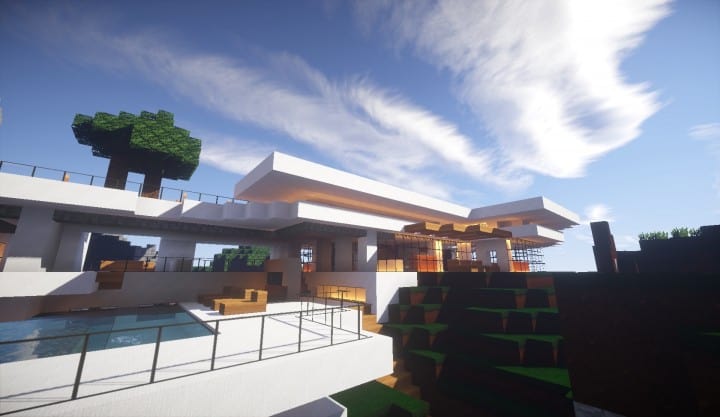
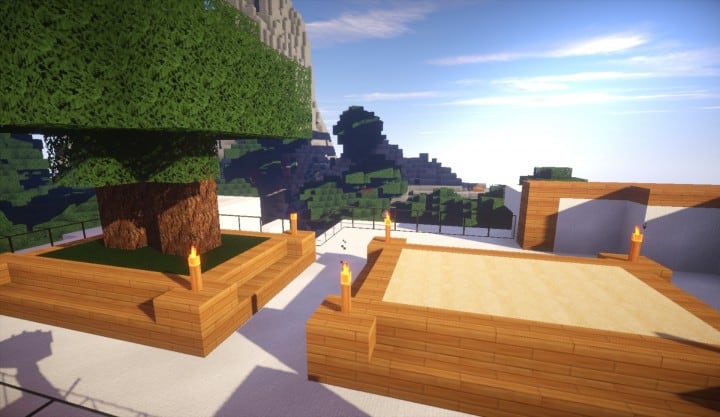
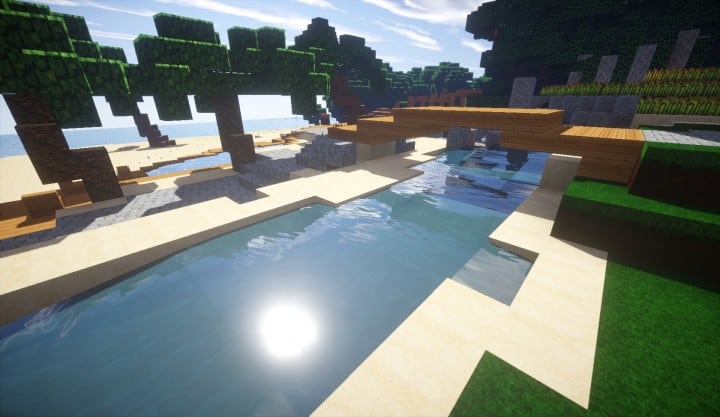


How to install Serene HD [Serinity] Resource Pack:
- Most resource packs require Optifine, so be sure to download and install it. – general recommended step for all packs, Optifine is also needed for most shaders
- Download the Serene HD [Serinity] texture pack for Minecraft from the download section below. – if there are many different versions, just choose the one you like, is compatible with your version/edition of Minecraft, the one you think your computer can handle in terms of performance.
- Launch the game client through the Minecraft launcher.
- On the main menu, click "Options".
- On the options menu, click "Resource Packs...".
- Click on "Open Resource Pack Folder". – folder titled "resourcepacks" will pop up
- Move the .zip file you downloaded in the first step to the newly opened "resourcepacks" folder.
- Click "Done".
- Click on "Resource Packs..." again.
- Your pack should have appeared in the left window, just hover over it and click on the arrow pointing to the right.
QUICK TIP: Sometimes, when activating a pack, the game may say that the pack is made for a newer or older version of Minecraft. This is just a warning, it does not affect your gameplay in anyway, and you can still activate and enjoy the pack by simply clicking the "Yes" button when prompted.
- Click "Done" again.
- The pack has now been successfully loaded and ready to be used in your world!
Serene HD [Serinity] Texture Pack Download
- We do not modify or edit any resource packs. All resource packs, shaders and tools found on this website are linked directly to official sources rather than hosted on our own servers. We provide only the official download links from the original creators to ensure that your files are safe and secure.
- These official links are updated manually and may occasionally stop working when a new version is released. We work hard to keep everything current so that you have a smooth experience. Please let us know in the comments if you find a link that no longer works.
- Minecraft is a trademark of Mojang Studios and has no official connection to this website. Our goal is simply to share the best creations from the community with other players.
- Please consider leaving a comment or voting for your favorite packs. This feedback helps authors improve their projects over time. You can also support the creators directly by visiting the official links located below the download section.
Java Edition:
[64x] [1.17.x – 1.15.x] Download Serinity HD (Serene) Resource Pack
[64x] [1.14.x] Download Serinity HD (Serene) Resource Pack
[64x] [1.11.x – 1.9.x] Download Serinity HD (Serene) Resource Pack
Curseforge: download starts automatically after a few seconds;
Mediafire: click the big blue button with the text "DOWNLOAD";
Google Drive: in the top right corner you will see a small download icon (down arrow), click it and the download should start;

2,313 votes
Look.. 2313 users have already liked this pack. Give a diamond if you like it too!


Reitchell
Is there anything for 1.19 or 1.20?
Isabella
Wow that is a cool texurpak
Darrche
No update since 1.14?
Eystreem
Nice Mod Love it :)
Queen
Pls add for 1.16.1 and 1.16
Jennaveve
It doesnt look like this at all tbh. And the Gold ores have a huge Gold X on it. Like its not even freaking finished. :/ Dont get this dumb resource pack. The stupid screenshots Just is lying….
Devid Kobozev
thanks a lot
yeah
will this be realese dfor 1.4.4 texture pack
Fahad
It shows,unable to find manifest.json error
Yaleihska Dandrade
how do you add this to your minecraft
Kal
Well, good job showing us lens flares and shaders instead of your actual pack
Kc Plays
this is so cool!
Robert
Will this be released for Minecraft 1.12?
Assasin794
Yes it will be! I’m also working on a new resource pack as well.
Ricardo Joel Carrera Juarez
yeeeesssss
SivaQueen
what shader did you used?
Doodoodoodoo
Same for me, the texture pack looks nothing like what it shows up there.
Dat_Soda_Can
They also used a shader pack
Brandon Vega
They shouldn’t do so with screenshots of this. It’s misleading.
Dat_Soda_Can
A normal person would know that a resource pack doesn’t change shadows etc, shaderpacks are free so it’s no big deal anyways.
Brandon Vega
Not everyone knows that. Don’t speak for people other than yourself.
Dat_Soda_Can
well then these people need to learn. it is not even a big deal *AS SHADERPACKS ARE FREE YOU IMBECILE* So please.. If you still insist on defending this idiocy… That proves on how ignorant you’re.
Dat_Soda_Can
Smh
Digitalreeper
what shows up for me is not even close to your video.. looks like a totally different mod.
jane
they had shaders
Mister Gvidas
can i use this modpack for editing?
Blaze Gameplay of nation
Wow
etf erg
boss