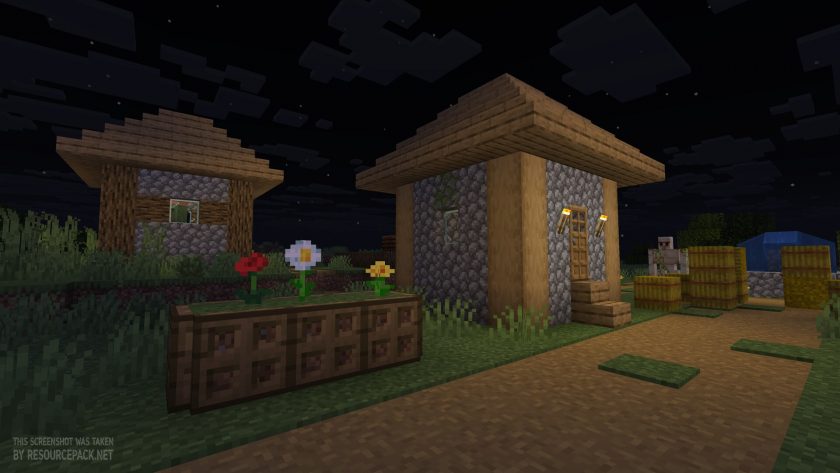
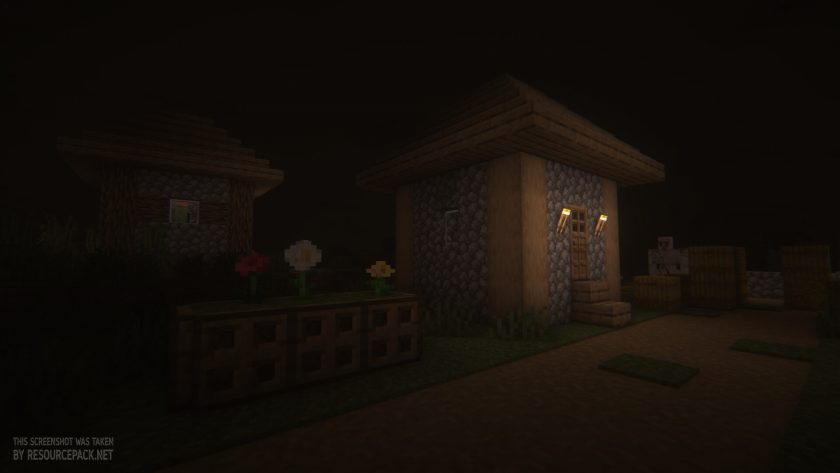
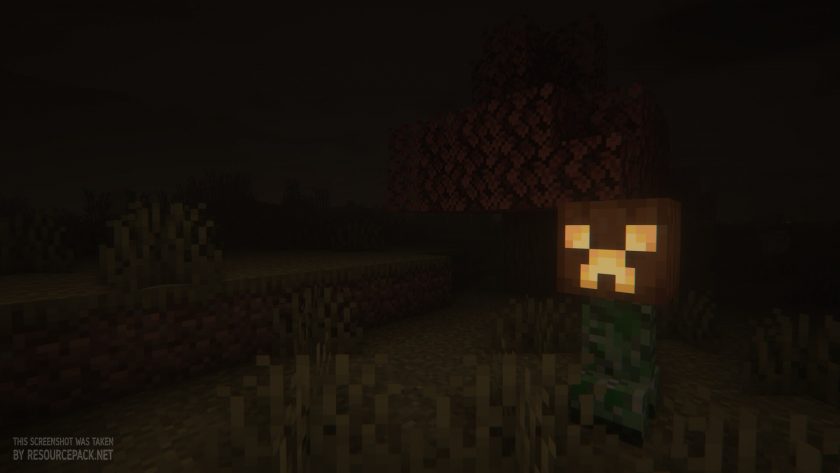
Hey guys, today we found an amazing shader pack for Minecraft called Insanity Shaders, and the best part is that we found it at the perfect time, right before Halloween. That means you still have more than a week, at the time we are publishing this article, to enjoy it in your Minecraft world together with some Halloween themed resource pack and get the most out of the spooky season. So what is so special about this pack, and why do we think it is an amazing choice for Halloween and for any horror themed gameplay in general? Insanity Shaders is a horror themed shader pack, it is basically built that way, and the atmosphere it gives is just unmatched. It is designed to turn the familiar blocky world into a darker and more atmospheric place. Developed by ElocinDev, the pack focuses on eerie lighting, unsettling weather, deep shadows, and a very distinctive visual style that makes exploration feel way more dangerous. Just like any other shader pack, it makes Minecraft look more realistic, but at the same time it aims to create an atmosphere suited for horror maps, survival challenges, and modpacks built around fear and suspense, and of course for the upcoming Halloween fun. The pack is based on BSL Shaders, so a big thank you goes to Capt Tatsu for developing one of the best shaders you can find today. Using BSL as its foundation, ElocinDev added more customization options and made visual changes intended to give Minecraft a more unsettling, or just darker and moodier look. This approach keeps many of the familiar benefits of modern shader packs while pushing the whole presentation toward horror. The result is a great alternative for players who want something more atmospheric than a standard realistic shader. One of the defining features of this pack is its lighting. Darkness plays a huge role in the experience, making nighttime exploration way more intimidating. Areas that are normally easy to navigate can become really hard to see, which pushes you to carry torches and pay much closer attention to your surroundings. The effect is especially noticeable underground and in other places where visibility is already limited. Weather and environmental effects are another big part of the experience. Insanity includes atmospheric conditions ranging from foggy mornings to heavy rain, which helps the Minecraft world feel less predictable and way more immersive. These effects can completely change the mood of an ordinary spot, making forests, villages, mountains feel mysterious. There are also custom clouds and enhanced visual effects that add even more to the overall atmosphere.
Even with its horror focused presentation, this pack is not meant only for horror gameplay. Anyone can use it in their normal survival worlds, and some players might even use it for creative builds like a medieval castle or a medieval themed village. By the way, we just imagined how amazing a huge detailed medieval castle would look with this shader enabled, especially on rainy days. Anyway, it can work for anyone, even for exploration focused adventure maps. Customization is another major feature. The Insanity shader pack offers an extensive configuration menu with even more options than what BSL gives you. Players can tweak many visual settings to match their own taste, including parts of the lighting and the overall presentation. This flexibility is great for players who want the full horror experience, and also for those who prefer a less heavy atmosphere. Everyone can shape the shader effects exactly the way they like. The pack is also built with performance and compatibility in mind. Sure, just like most shader packs, it needs pretty decent hardware to run. There are packs like Miniature Shaders made specifically for lower end hardware users, but Insanity Shaders is optimized well enough to run on most modern computers, including some systems with weaker graphics hardware, although this will be rare. Real performance will always be different for each of us, since we all have different hardware and game settings, but if you know how to play around with the settings, you can honestly get some pretty good results. And again, just like any other shader pack, it needs either Optifine or Iris to work. We personally recommend using it with Iris, since it gets updated more often, it is more optimized, and it just works better than Optifine at the moment. But if you already have Optifine installed, just stick with Optifine. By the way, if we are not mistaken, the author of the pack also recommends Iris, just in case you were wondering.
Insanity Shaders should be compatible with all of these Minecraft versions: 26.3 - 26.2 - 26.1.2 - 26.1.1 - 26.1 - 1.21.11 - 1.21.10 - 1.21.9 - 1.21.8 - 1.21.7 - 1.21.6 - 1.21.5 - 1.21.4 - 1.21.3 - 1.21.2 - 1.21.1 - 1.21 - 1.20.6 - 1.20.5 - 1.20.4 - 1.20.3 - 1.20.2 - 1.20.1 - 1.20 - 1.19.4 - 1.19.3 - 1.19.2 - 1.19.1 - 1.19 - 1.18.2 - 1.18.1 - 1.18 - 1.17.1 - 1.17 - 1.16.5 - 1.16.4 - 1.16.3 - 1.16.2 - 1.16.1 - 1.16 - 1.15.2 - 1.15.1 - 1.15 - 1.14.4 - 1.14.3 - 1.14.2 - 1.14 - 1.13.2 - 1.13.1 - 1.13 - 1.12.2 - 1.12 - 1.11.2 - 1.11 - 1.10.2 - 1.10 - 1.9.4 - 1.9 - 1.8.9 - 1.8.8 - 1.8.6 - 1.8.1 - 1.8 - 1.7.10 - 1.7.9 - 1.7.4 - 1.7
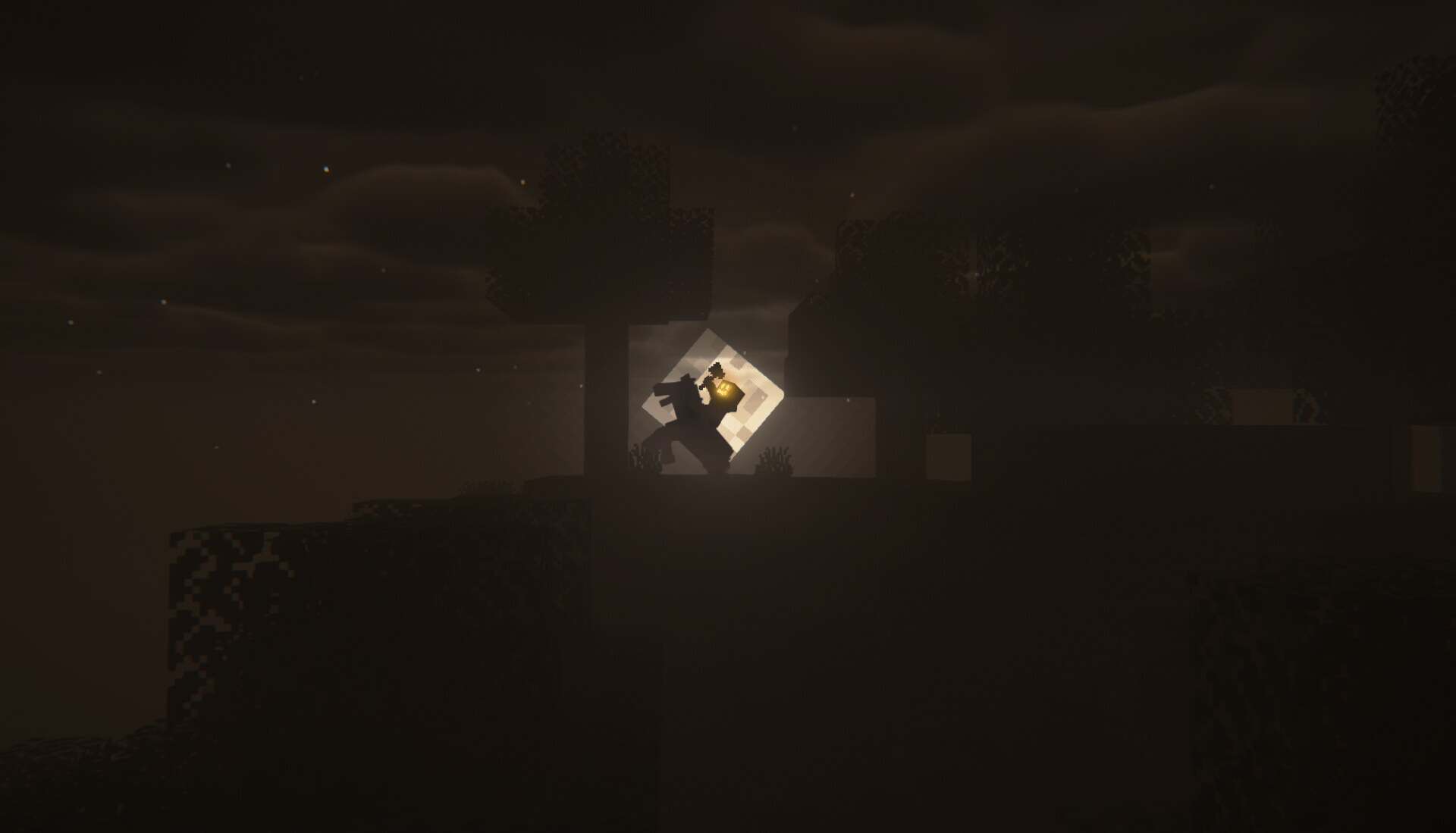
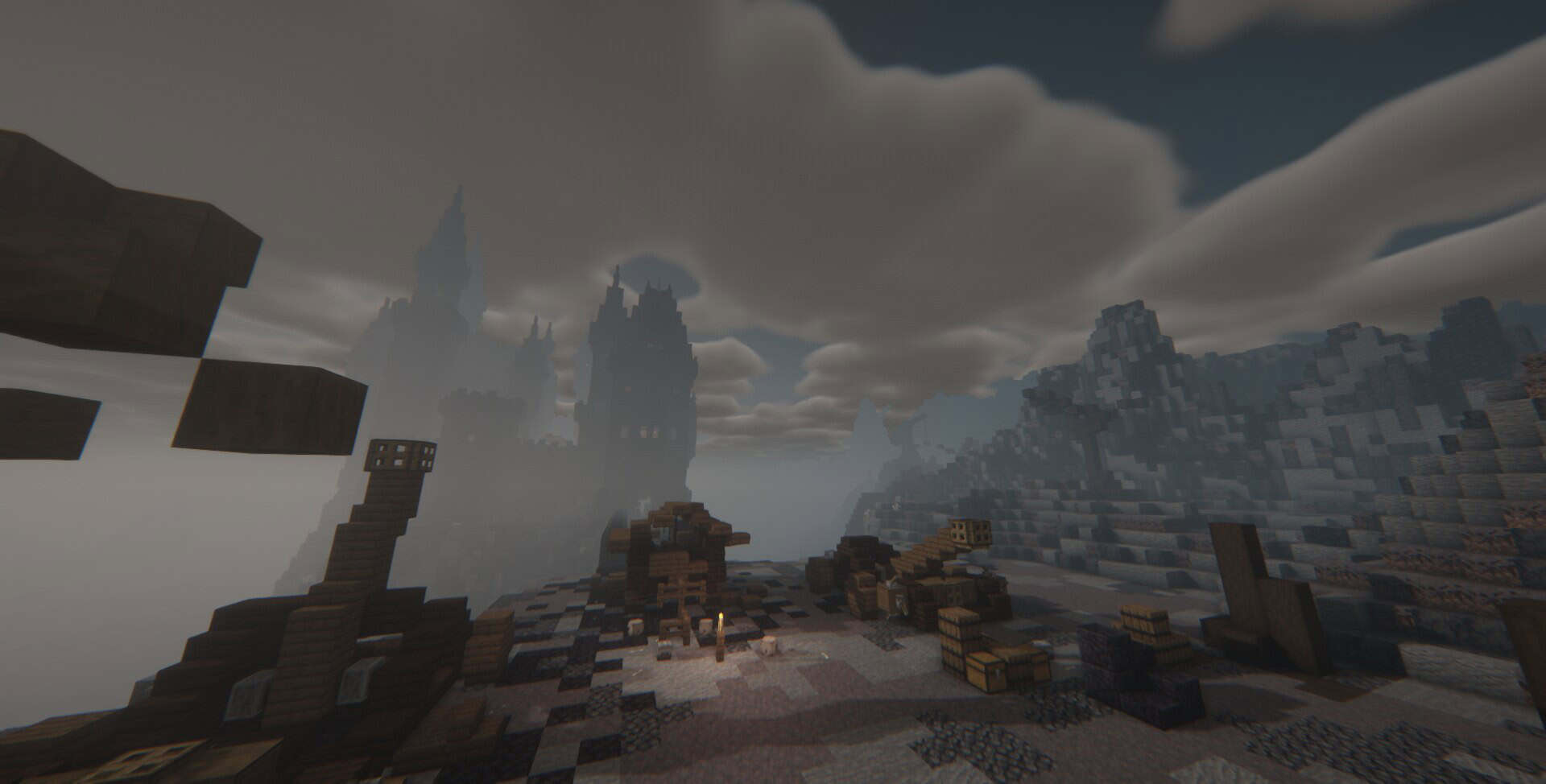
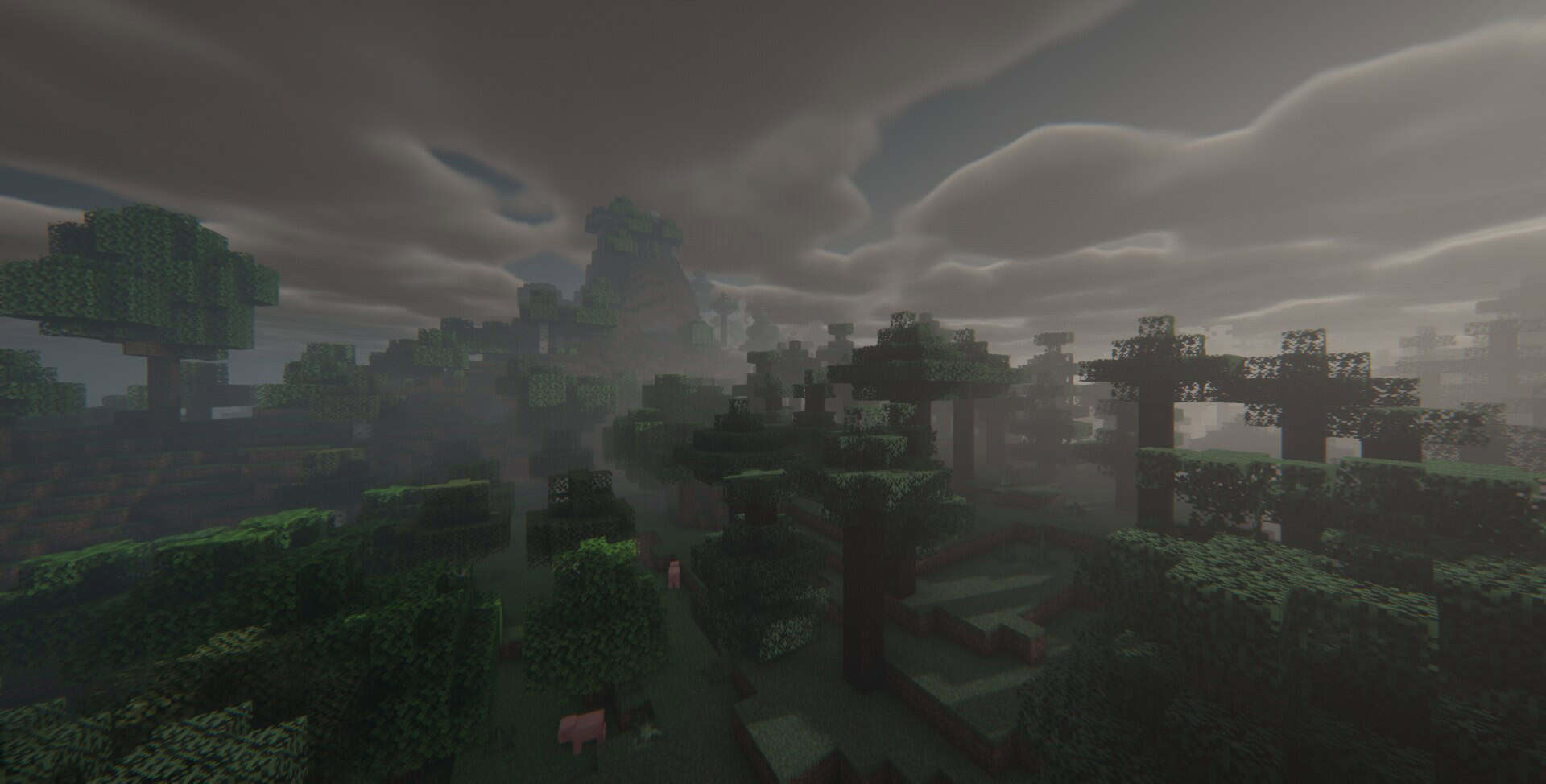
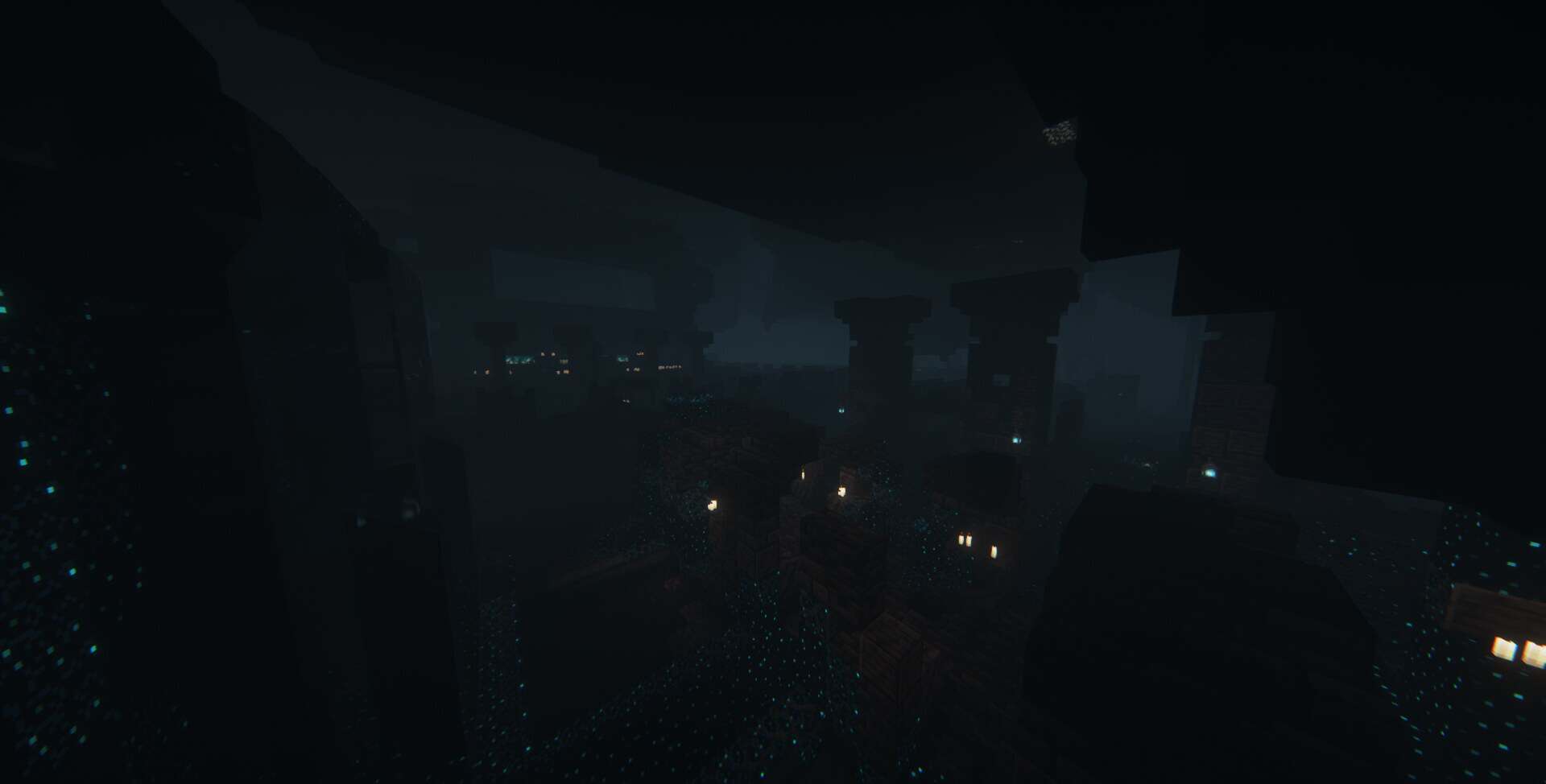
Insanity Shaders — Screenshots
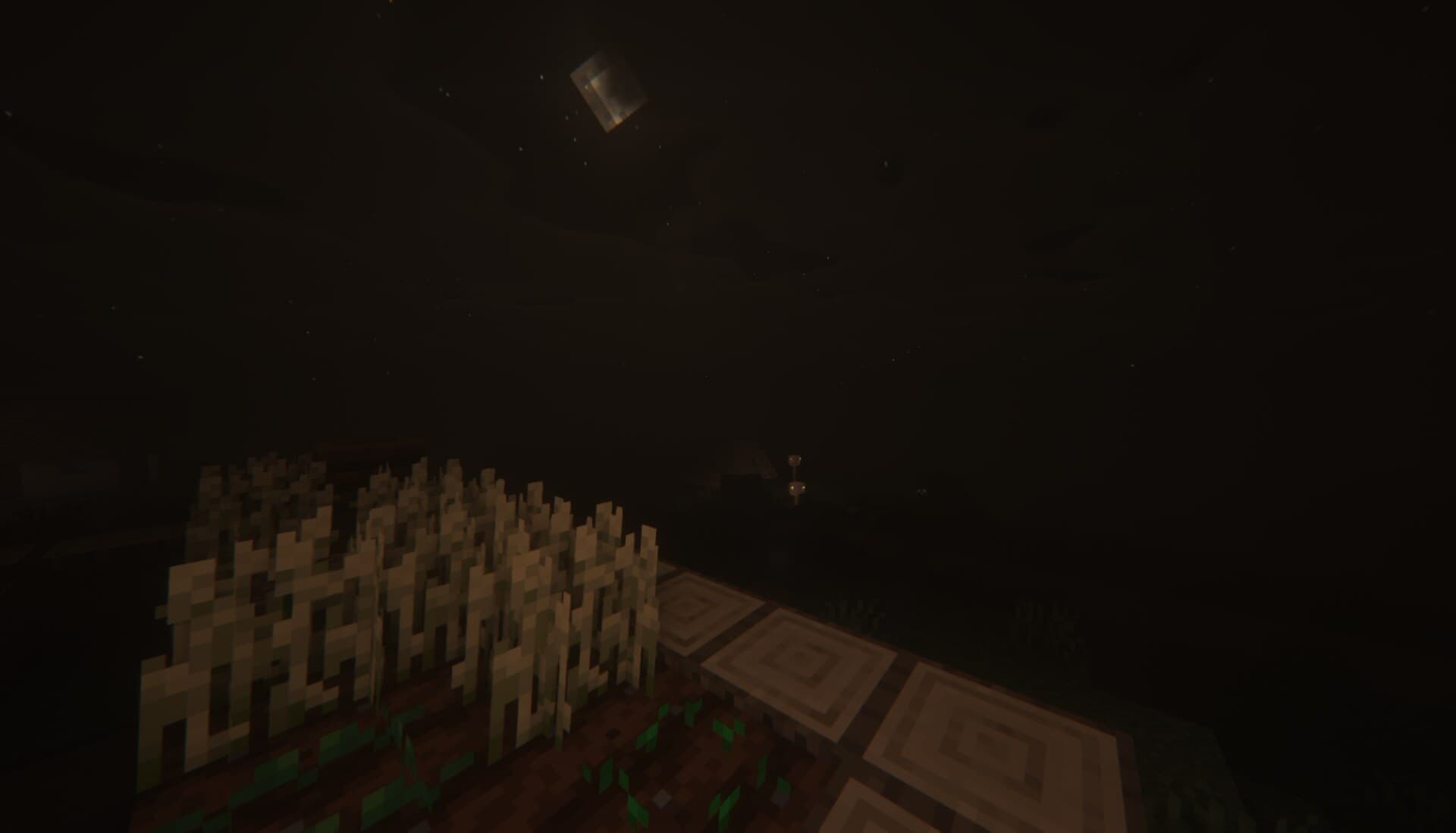
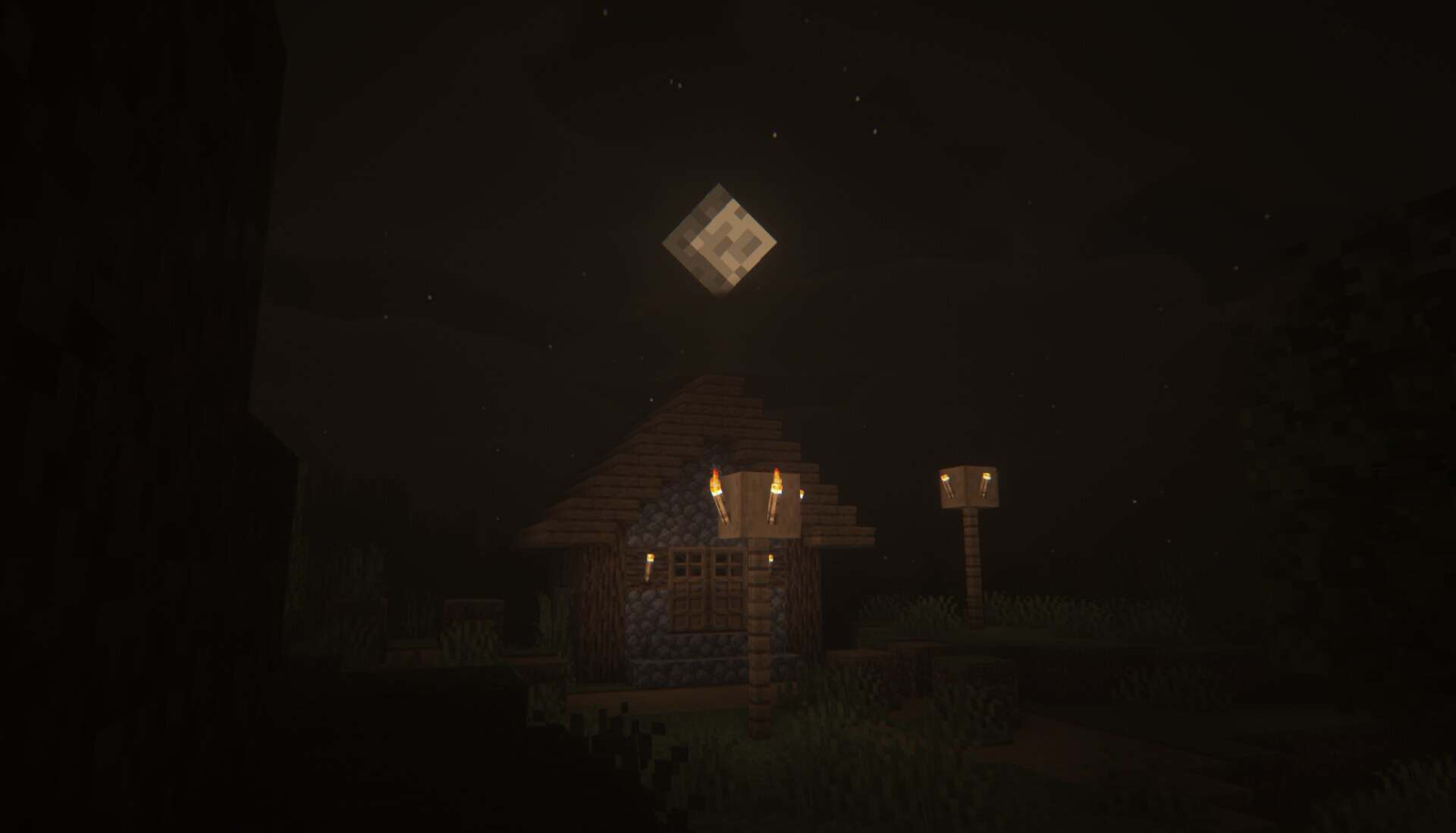
How to install Insanity Shaders:
- Download and install Minecraft.
- Open Minecraft launcher and setup your game profile for the Minecraft version you want to run. – in the launcher on the top menu, select the “Installations” tab, click “New installation”, under the “Version” dropdown, select your preferred Minecraft version and click “Create”.
- Download and install Optifine or Iris. – we recommend Iris, it’s a bit more optimized;
- Open Minecraft launcher and select the newly created Optifine or Iris profile. – if in step 3 you chose to install optifine it will have an optifine profile, if iris it will have an iris profile;
- Download the Insanity shader pack from the download section below.
- Launch Minecraft.
- For Optifine: Go to
Options > Video Settings > Shadersand click “Shaders Folder” to open shaderpacks folder.
For Iris: Go toOptions > Video Settings > Shader packsand click “Open Shader Pack Folder” to open shaderpacks folder. - Put the Insanity shader pack (.zip file) downloaded in step 5 into the .minecraft\shaderpacks folder you opened in step 7.
- In the game, select Insanity Shaders from the list and click “Done”.
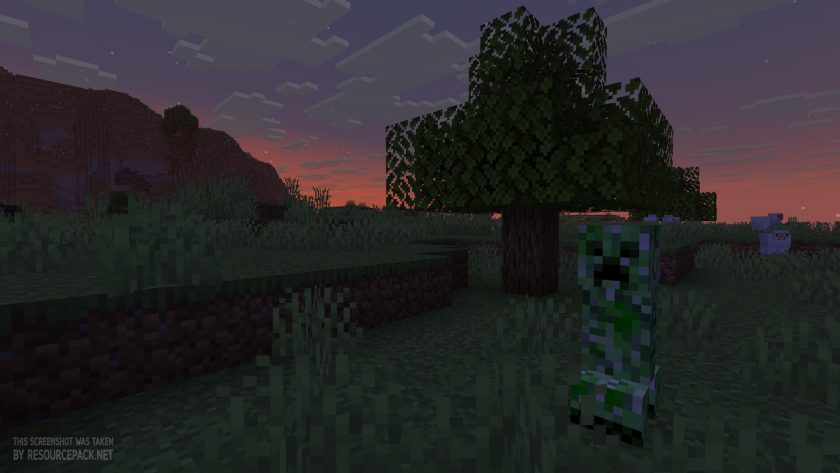
Insanity Shaders - Comparison Slider #1
Move slider back and forth to see vanilla Minecraft on the left and the beautiful shaders on the right. Use the buttons below to see how the pack looks in different situations.
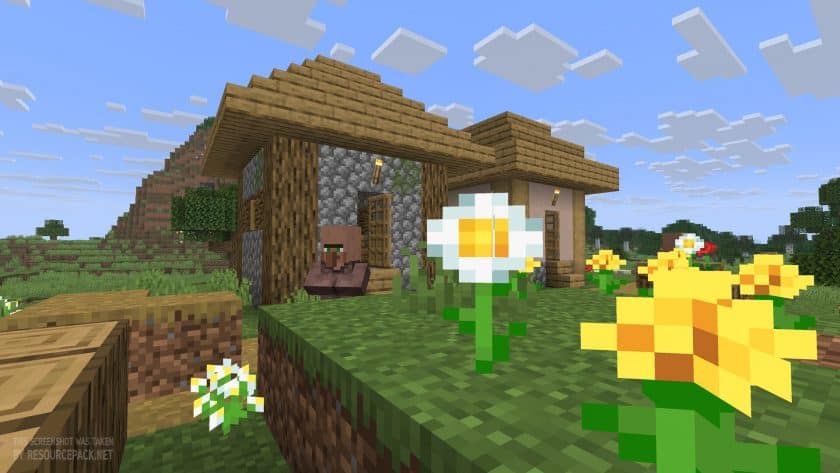 Vanilla
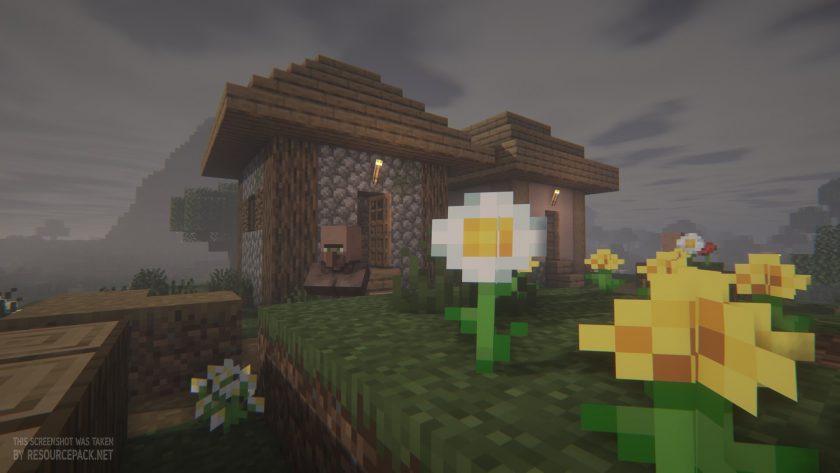 Insanity Shaders
Insanity Shaders Shader Pack Download
- We do not modify or edit any resource packs. All resource packs, shaders and tools found on this website are linked directly to official sources rather than hosted on our own servers. We provide only the official download links from the original creators to ensure that your files are safe and secure.
- These official links are updated manually and may occasionally stop working when a new version is released. We work hard to keep everything current so that you have a smooth experience. Please let us know in the comments if you find a link that no longer works.
- Minecraft is a trademark of Mojang Studios and has no official connection to this website. Our goal is simply to share the best creations from the community with other players.
- Please consider leaving a comment or voting for your favorite packs. This feedback helps authors improve their projects over time. You can also support the creators directly by visiting the official links located below the download section.
Java Edition:
[26.3.x – 1.7.x] Download Insanity Shader Pack
Curseforge: download starts automatically after a few seconds;
Mediafire: click the big blue button with the text "DOWNLOAD";
Google Drive: in the top right corner you will see a small download icon (down arrow), click it and the download should start;

3 votes
Look.. 3 users have already liked this shader pack. Give a diamond if you like it too!


Leave a reply
0 comments
Links in comments are not allowed. Comments containing links will be removed.
If your comments are consistently being deleted, please be sure to review our Comment Policy.