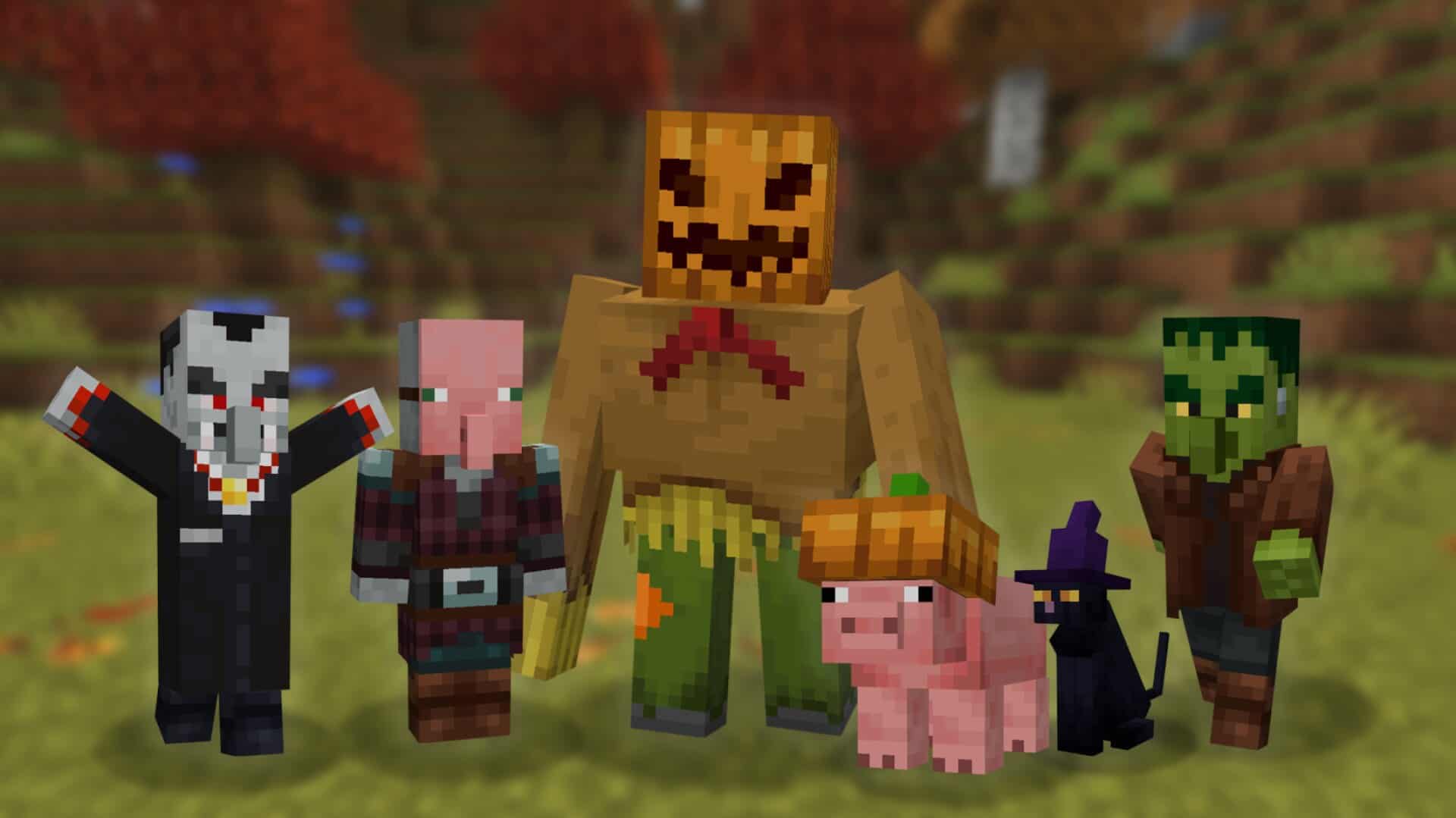
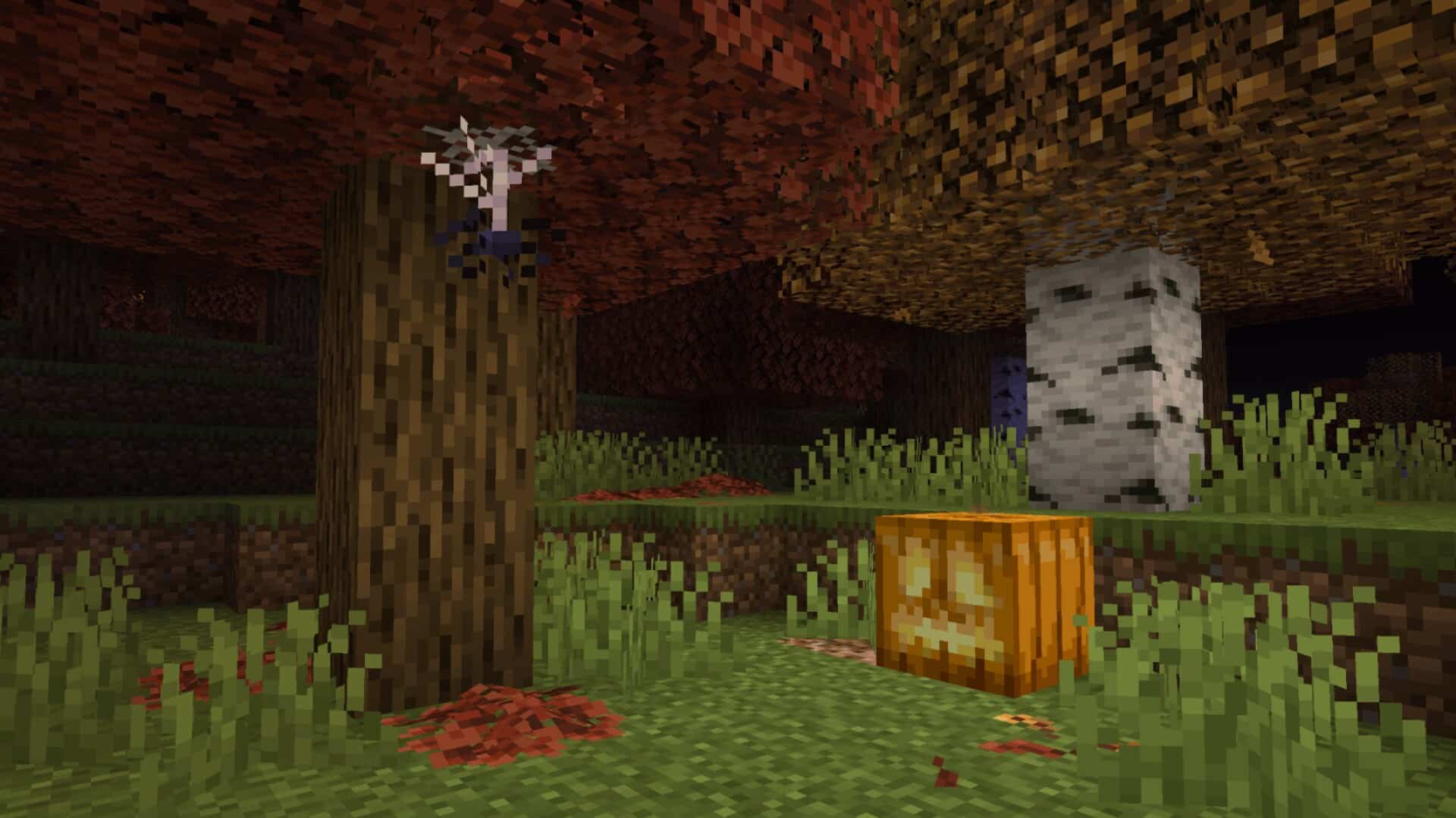
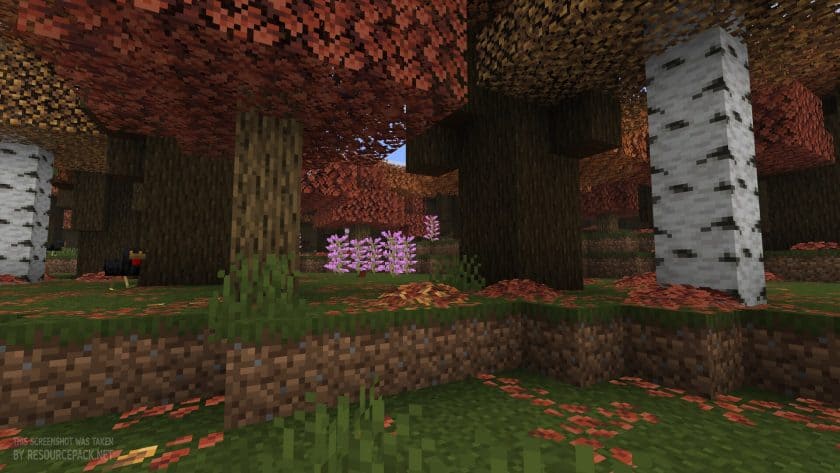
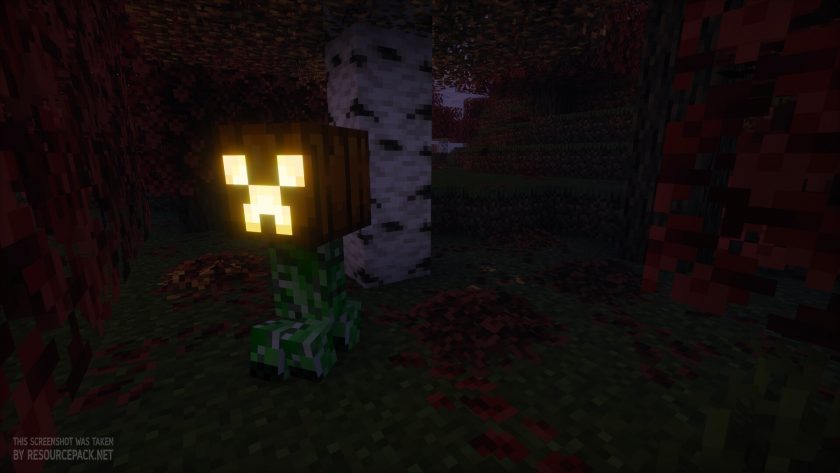
The Default-Style Halloween resource pack made by Futureazoo turns the familiar vanilla look of Minecraft into a fun Halloween experience. The name of this pack is not just for show. Instead of replacing the original art style of the game completely, it adds seasonal decorations, autumn colors, spooky mob textures, and a Halloween themed interface on top of the well known 16x pixelated textures that everyone already knows. The game stays recognizable, so you still get the same vanilla Minecraft feeling, only with a Halloween twist. It is made for players who want a festive mood in their existing worlds without switching to a totally different visual style. We have to say that some of the mob redesigns are pretty cute, especially the pig, because the little pumpkin hat on its head is just too adorable to ignore. By the way, if you like this pack so much that you want to keep using it even after the Halloween season ends, we can recommend the Default-Style Fall resource pack from the same author. It works the same way, just without the Halloween elements and with a few other small changes, and since it is autumn themed it should fit perfectly. As we mentioned, the pack uses a 16x resolution, which matches the traditional texture resolution of Minecraft and keeps the original blocky and pixelated feel intact. It is also fairly lightweight, which makes it a great pick for anyone who wants a themed visual refresh instead of a heavy overhaul. This is a really nice option for players with weaker hardware who cannot run high resolution packs, so in our opinion it is an amazing choice for them. One of the main features of the Default-Style Halloween pack is its autumn inspired foliage. These changes give the environment a seasonal look and make forests and outdoor areas feel much more fitting for October. The details work especially well in survival worlds, decorative builds, and probably adventure maps where atmosphere matters a lot.
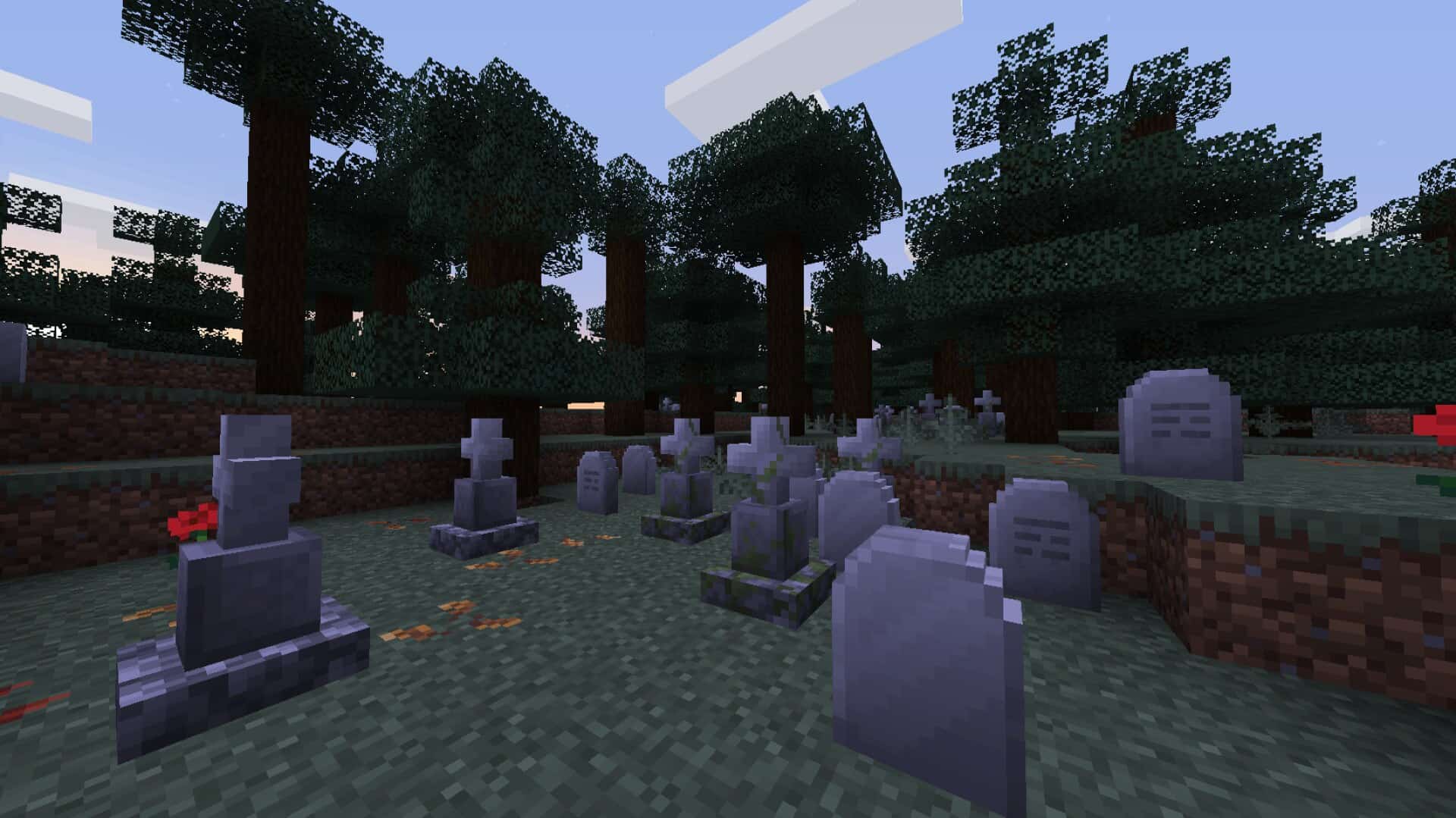
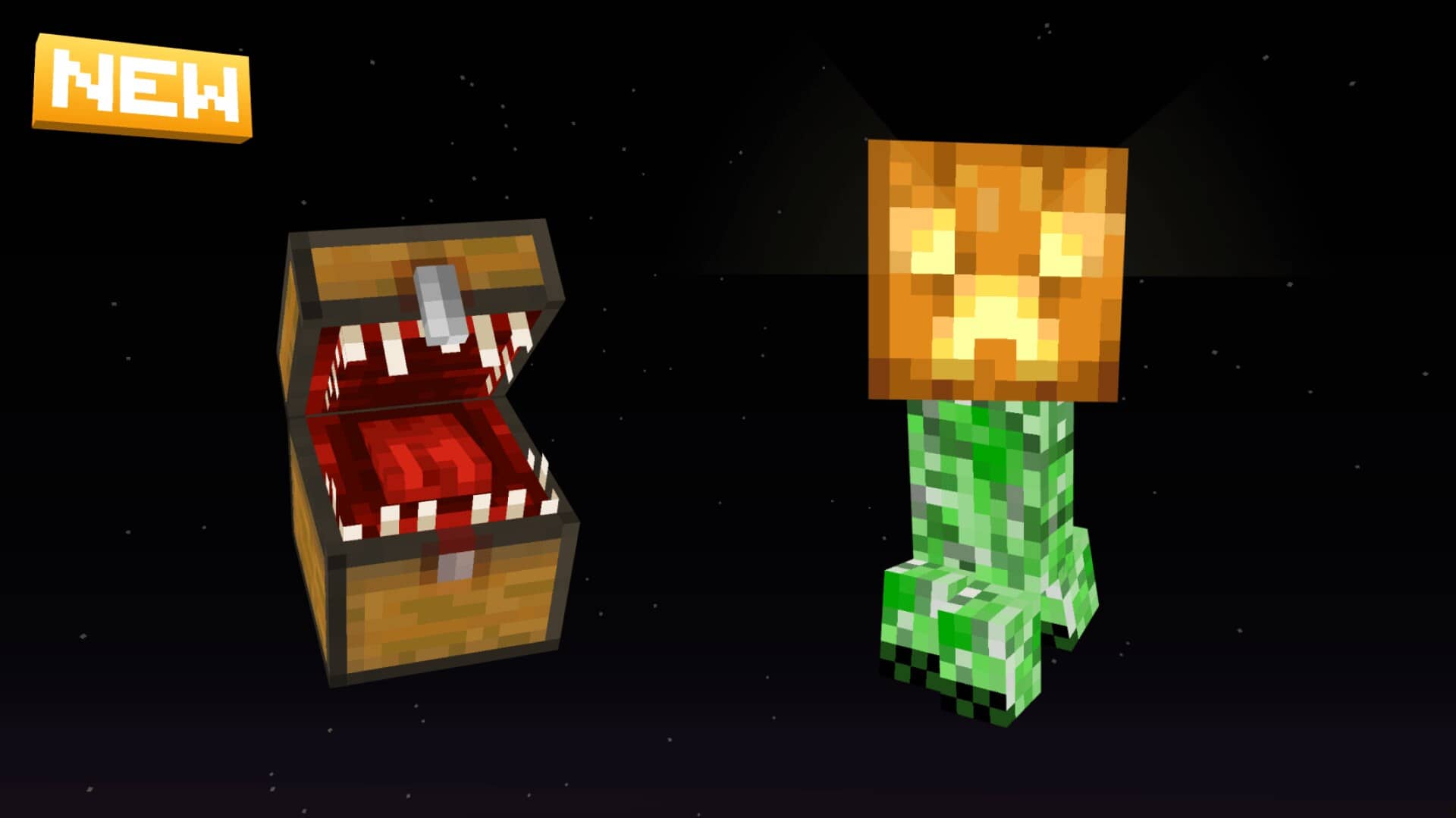
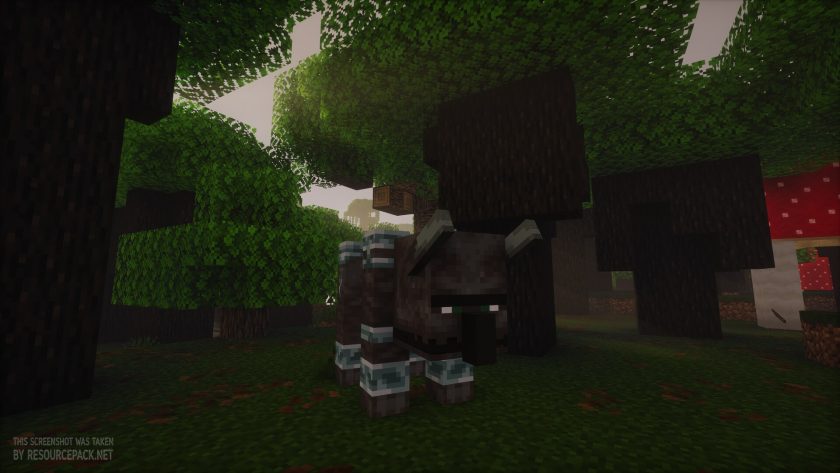
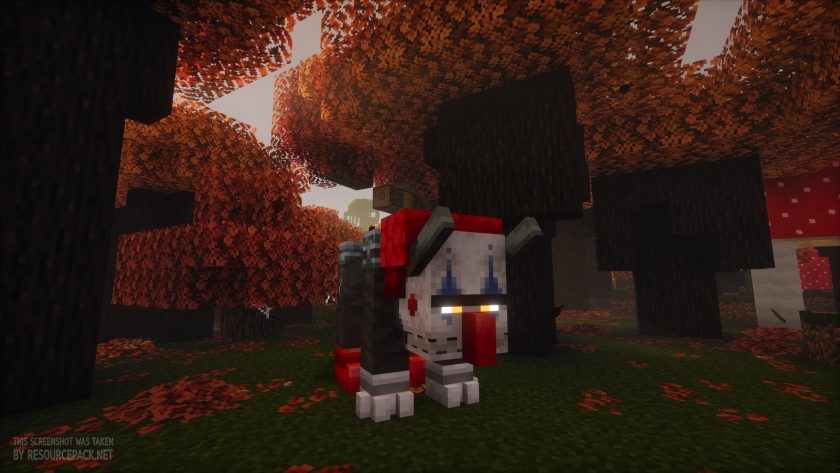
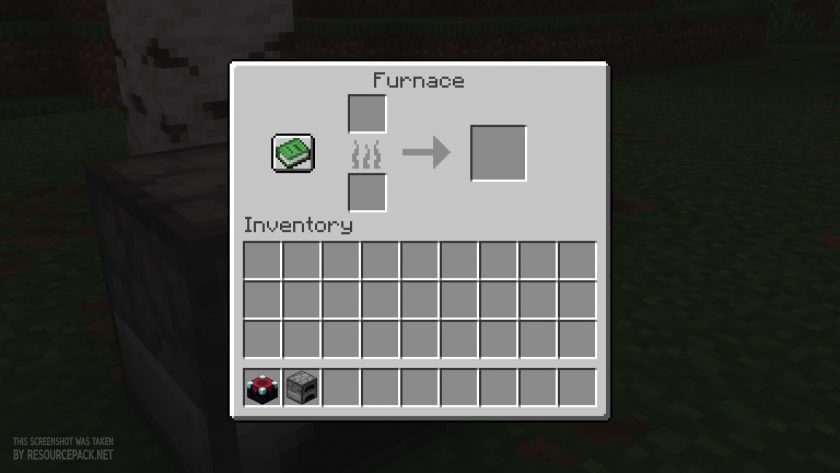
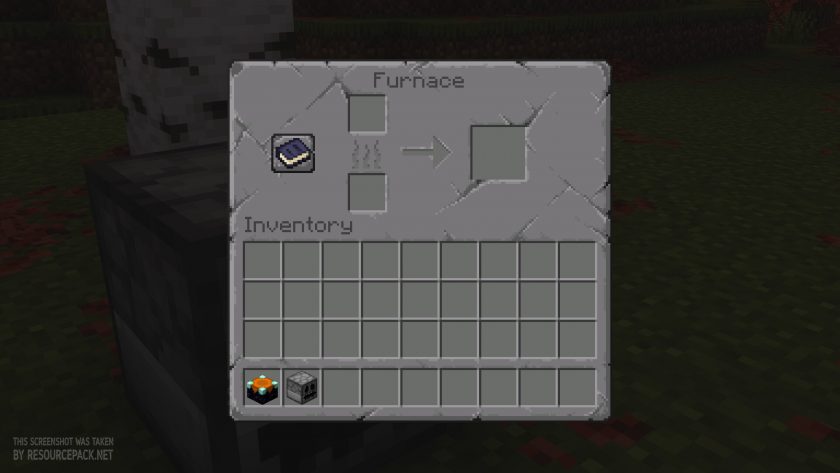
You can use the pack to give familiar places a whole new mood without rebuilding your surroundings or changing the way the game plays, and honestly a few pumpkins and some other decorative touches can really lift the overall mood of your current builds. The pack also gives Halloween costumes to several mobs. Not all of them for now, but illagers, ravagers, iron golems, pigs, frogs, and cats all get those spooky and, for some, cute appearances. We think these mob changes matter a lot, because they make the already lively world of Minecraft feel even more alive and add their own moody atmosphere. Seeing familiar creatures dressed up for Halloween makes normal everyday encounters feel seasonal and special, so yes, this is an amazing resource pack that we highly recommend trying for absolutely anyone during the festive season. Environmental details bring another part of the experience. In taiga biomes the tall ferns are replaced with graveyard style decorations. This creates the impression of small scattered graveyards without forcing you to build them yourself. It is a really handy feature for Halloween themed builds and atmospheric exploring, although how much you notice it depends on the biome generation. Do you think that is all? Nope! This pack also offers Halloween themed food items and dyes, so now you will feel the festive spirit not only during your adventures but also a little bit during your regular inventory management. The GUI elements were changed too, which is pretty neat. Now, while the pack works just fine on its own without Optifine or its modern alternatives like EMF and ETF, the author still highly recommends using either Optifine or EMF and ETF to enjoy every feature the pack offers. We also suggest using Fabric with EMF and ETF over Optifine, since Optifine is a bit slow with updates these days and probably less optimized than Fabric, but if you already have Optifine the pack works with it just fine. The Default Style Halloween pack is a practical choice for players who love the original look of Minecraft but still want a more seasonal world during this Halloween time.
Default-Style Halloween Pack should be compatible with all of these Minecraft versions: 26.3 - 26.2 - 26.1.2 - 26.1.1 - 26.1 - 1.21.11 - 1.21.10 - 1.21.9 - 1.21.8 - 1.21.7 - 1.21.6 - 1.21.5 - 1.21.4 - 1.21.3 - 1.21.2 - 1.21.1 - 1.21 - 1.20.6 - 1.20.5 - 1.20.4 - 1.20.3 - 1.20.2 - 1.20.1 - 1.20 - 1.19.4 - 1.19.3 - 1.19.2 - 1.19.1 - 1.19 - 1.18.2 - 1.18.1 - 1.18 - 1.17.1 - 1.17 - 1.16.5 - 1.16.4 - 1.16.3 - 1.16.2 - 1.16.1 - 1.16 - 1.15.2 - 1.15.1 - 1.15 - 1.14.4 - 1.14.3 - 1.14.2 - 1.14
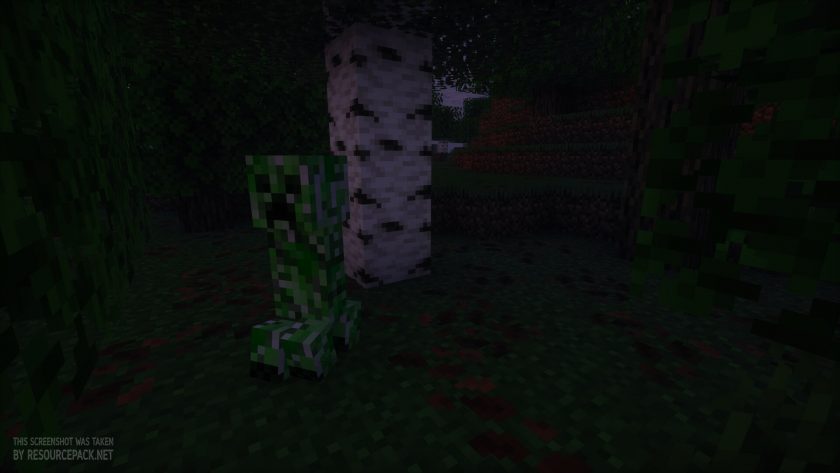
Default-Style Halloween Pack — Screenshots
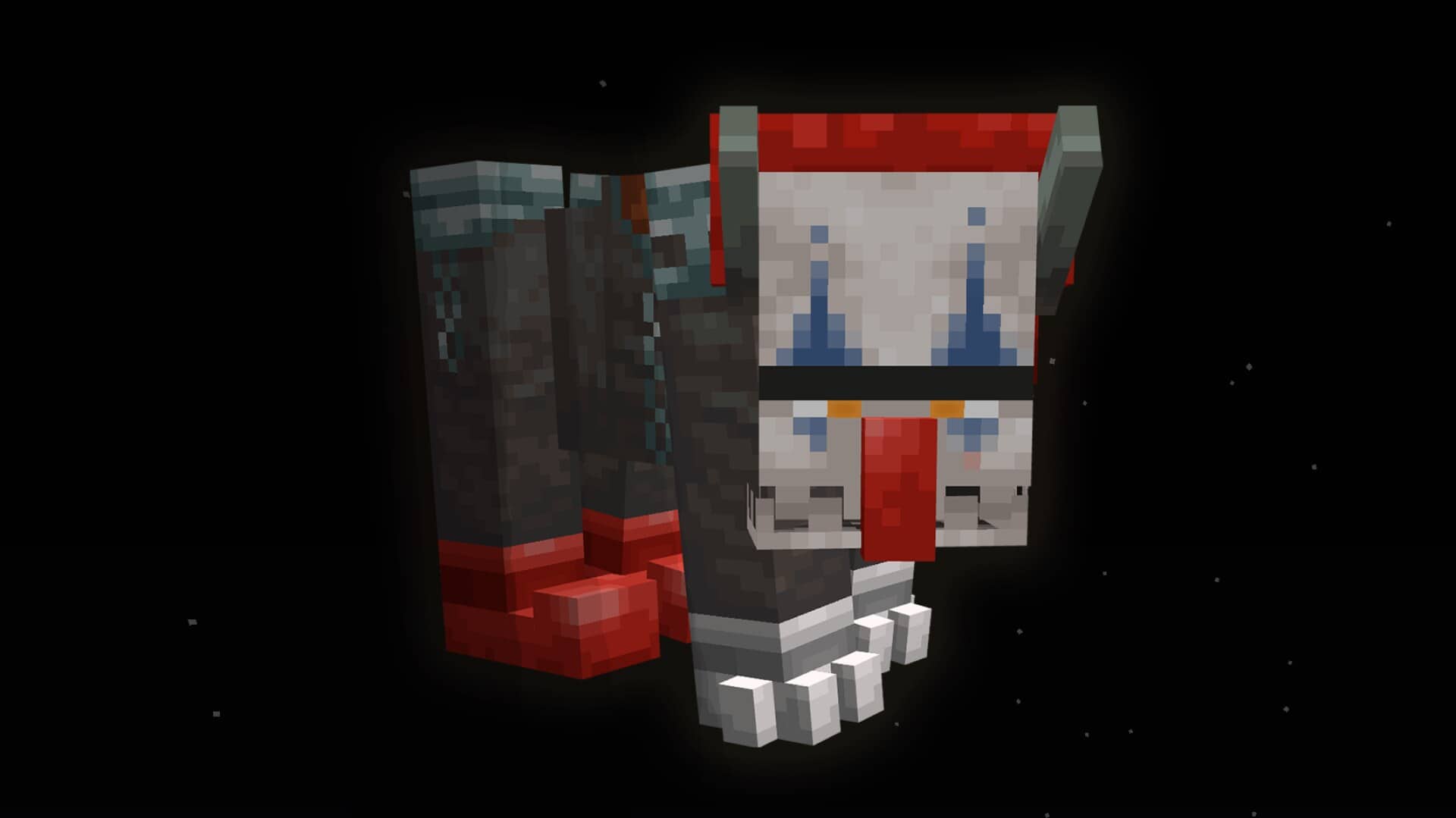
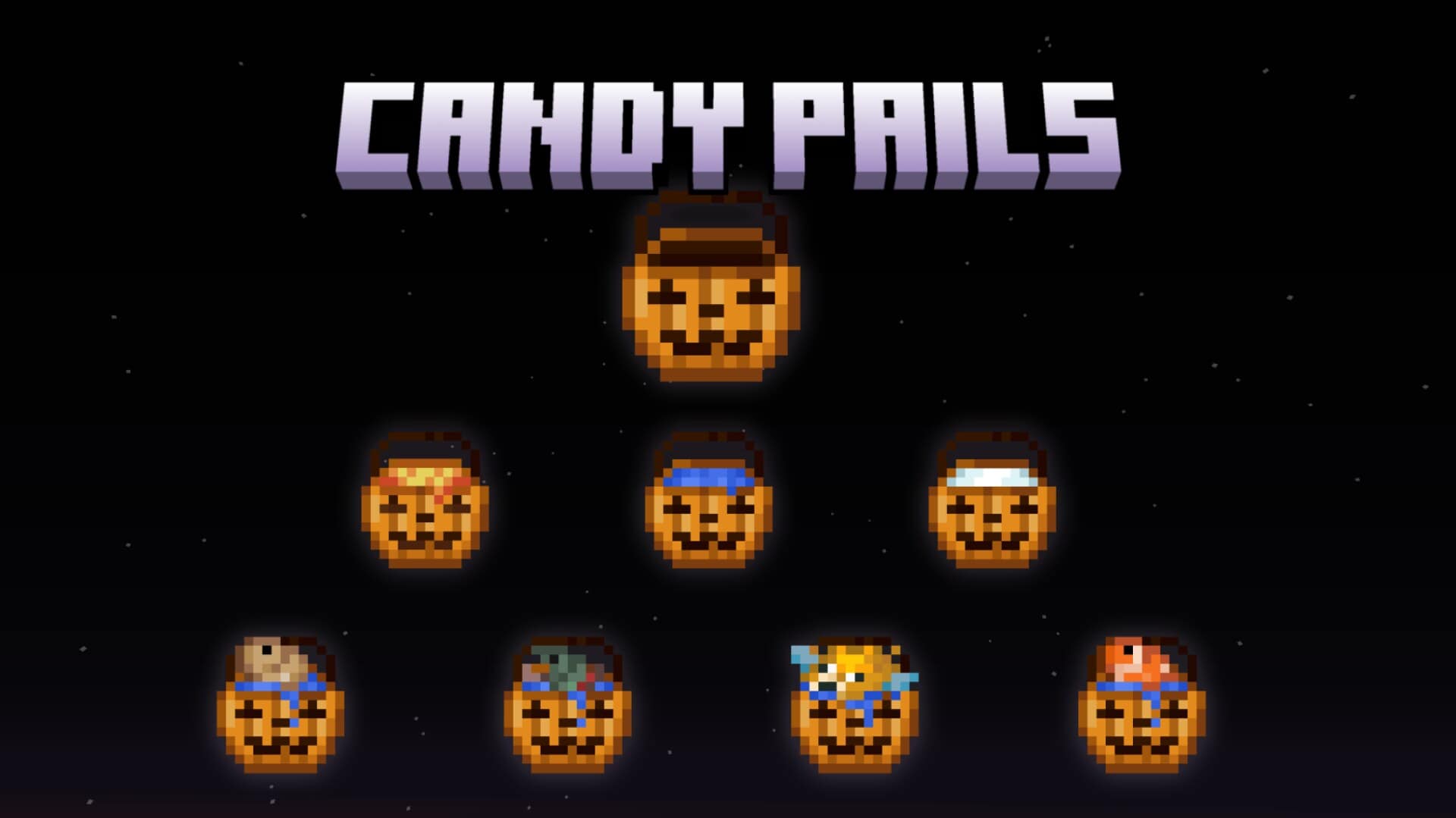
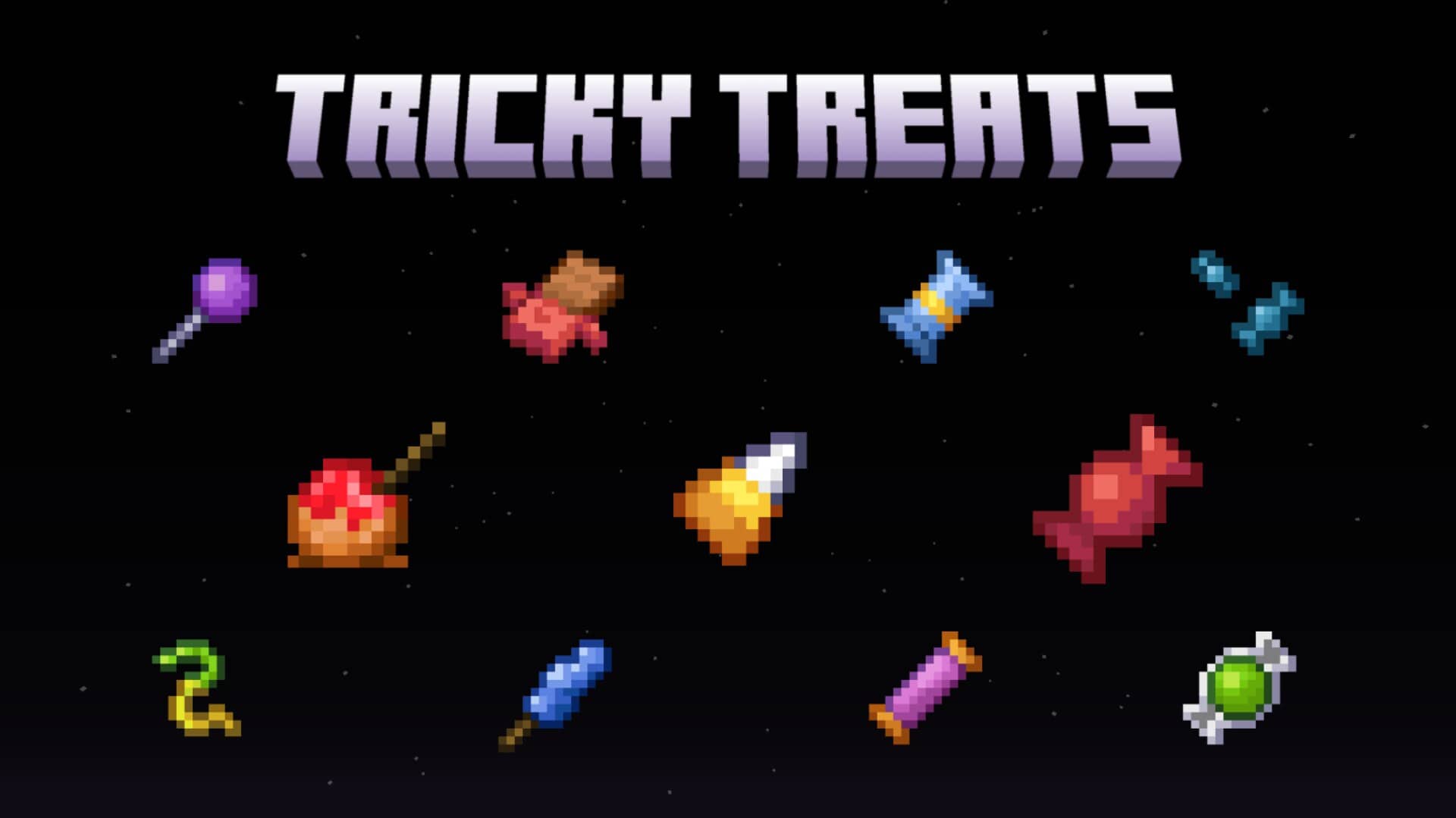
How to install Default-Style Halloween Pack Resource Pack:
- Most resource packs require Optifine, so be sure to download and install it. – general recommended step for all packs, Optifine is also needed for most shaders
- Download the Default-Style Halloween Pack texture pack for Minecraft from the download section below. – if there are many different versions, just choose the one you like, is compatible with your version/edition of Minecraft, the one you think your computer can handle in terms of performance.
- Launch the game client through the Minecraft launcher.
- On the main menu, click "Options".
- On the options menu, click "Resource Packs...".
- Click on "Open Resource Pack Folder". – folder titled "resourcepacks" will pop up
- Move the .zip file you downloaded in the first step to the newly opened "resourcepacks" folder.
- Click "Done".
- Click on "Resource Packs..." again.
- Your pack should have appeared in the left window, just hover over it and click on the arrow pointing to the right.
QUICK TIP: Sometimes, when activating a pack, the game may say that the pack is made for a newer or older version of Minecraft. This is just a warning, it does not affect your gameplay in anyway, and you can still activate and enjoy the pack by simply clicking the "Yes" button when prompted.
- Click "Done" again.
- The pack has now been successfully loaded and ready to be used in your world!
Default-Style Halloween Pack - Comparison Slider #1
Move slider back and forth to see vanilla Minecraft on the left and the beautiful resource pack on the right. Use the buttons below to see how the pack looks in different situations.
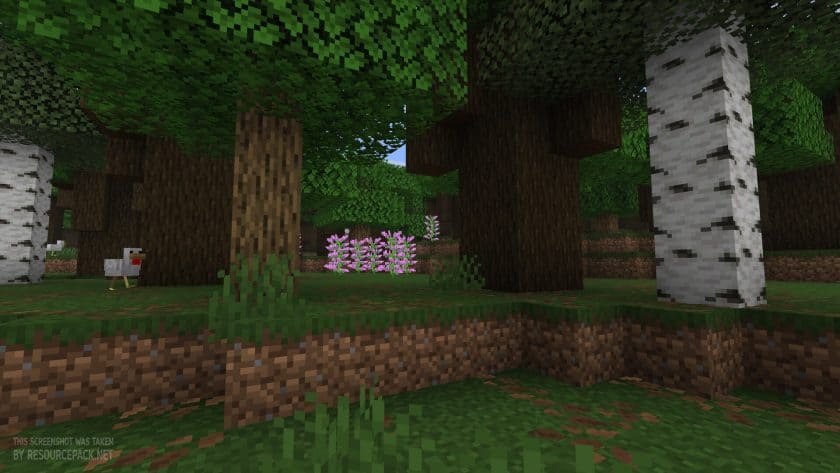 Vanilla
 Default-Style Halloween Pack
Default-Style Halloween Pack Texture Pack Download
- We do not modify or edit any resource packs. All resource packs, shaders and tools found on this website are linked directly to official sources rather than hosted on our own servers. We provide only the official download links from the original creators to ensure that your files are safe and secure.
- These official links are updated manually and may occasionally stop working when a new version is released. We work hard to keep everything current so that you have a smooth experience. Please let us know in the comments if you find a link that no longer works.
- Minecraft is a trademark of Mojang Studios and has no official connection to this website. Our goal is simply to share the best creations from the community with other players.
- Please consider leaving a comment or voting for your favorite packs. This feedback helps authors improve their projects over time. You can also support the creators directly by visiting the official links located below the download section.
Java Edition:
[16x] [26.3.x – 26.1.x] Download Default-Style Halloween Resource Pack
[16x] [1.21.x] Download Default-Style Halloween Resource Pack
[16x] [1.20.x] Download Default-Style Halloween Resource Pack
[16x] [1.19.x] Download Default-Style Halloween Resource Pack
[16x] [1.18.x] Download Default-Style Halloween Resource Pack
[16x] [1.17.x] Download Default-Style Halloween Resource Pack
[16x] [1.16.x – 1.15.x] Download Default-Style Halloween Resource Pack
[16x] [1.14.x] Download Default-Style Halloween Resource Pack
Curseforge: download starts automatically after a few seconds;
Mediafire: click the big blue button with the text "DOWNLOAD";
Google Drive: in the top right corner you will see a small download icon (down arrow), click it and the download should start;

5 votes
Look.. 5 users have already liked this pack. Give a diamond if you like it too!



Leave a reply
0 comments
Links in comments are not allowed. Comments containing links will be removed.
If your comments are consistently being deleted, please be sure to review our Comment Policy.