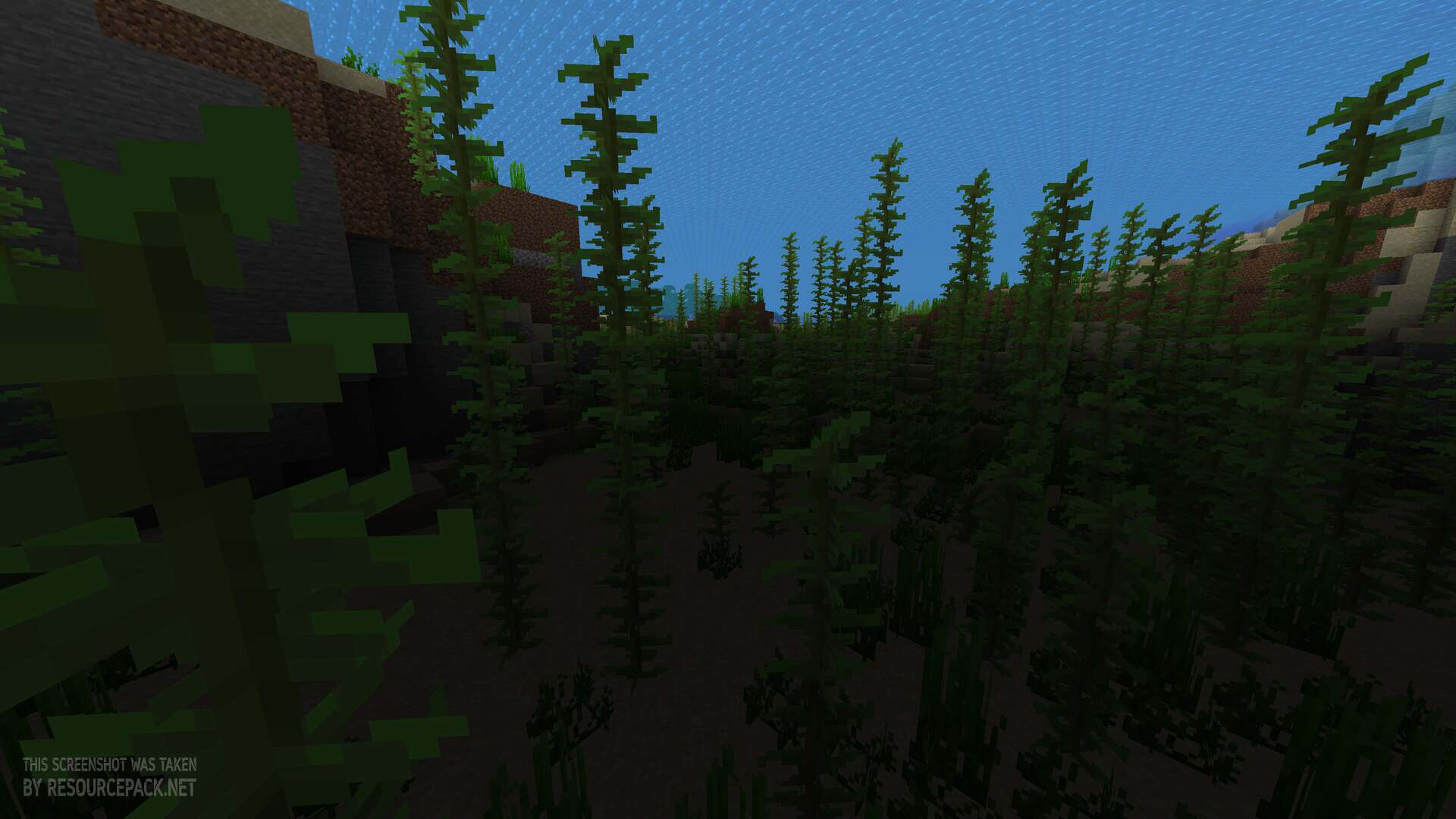
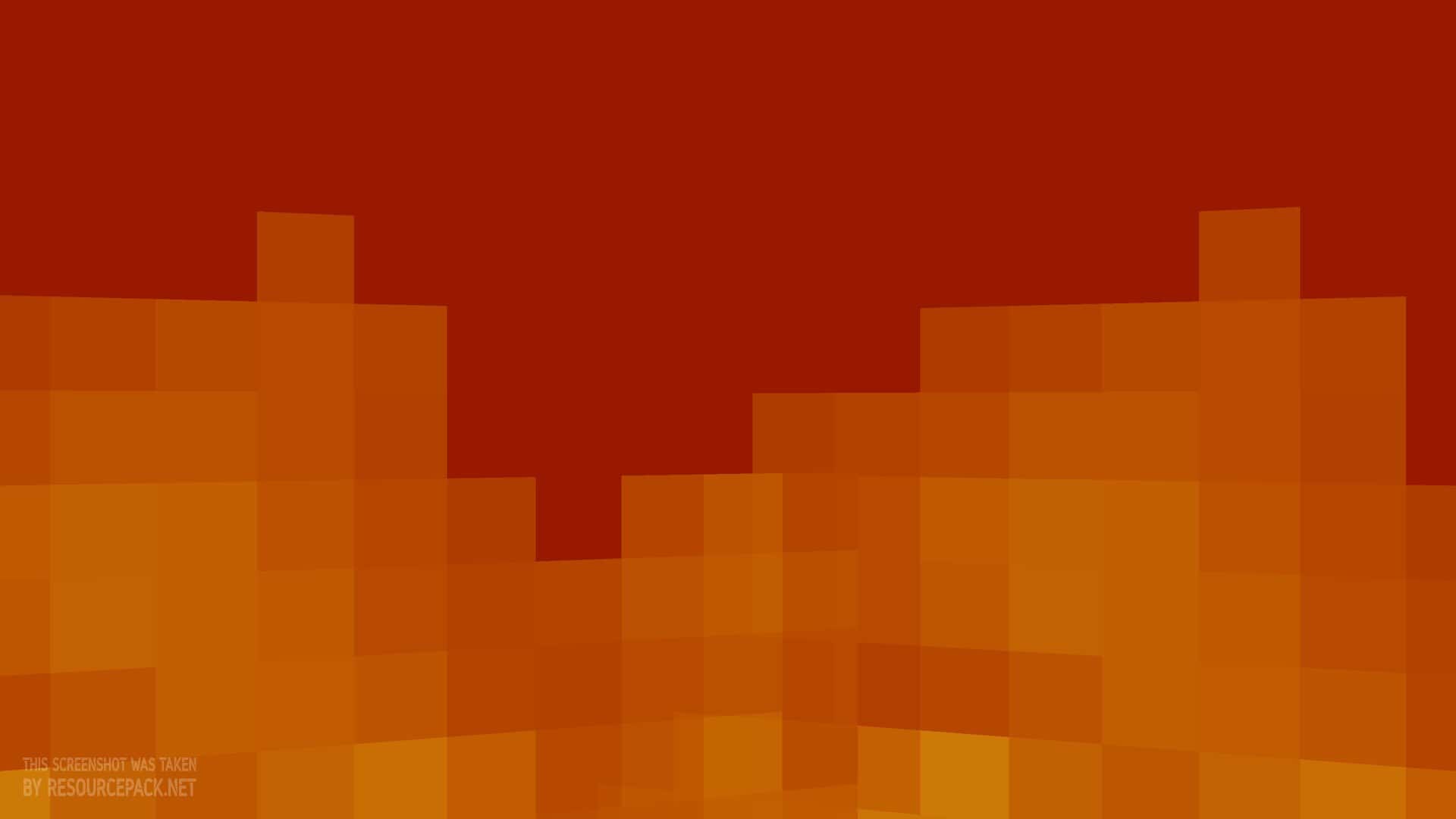
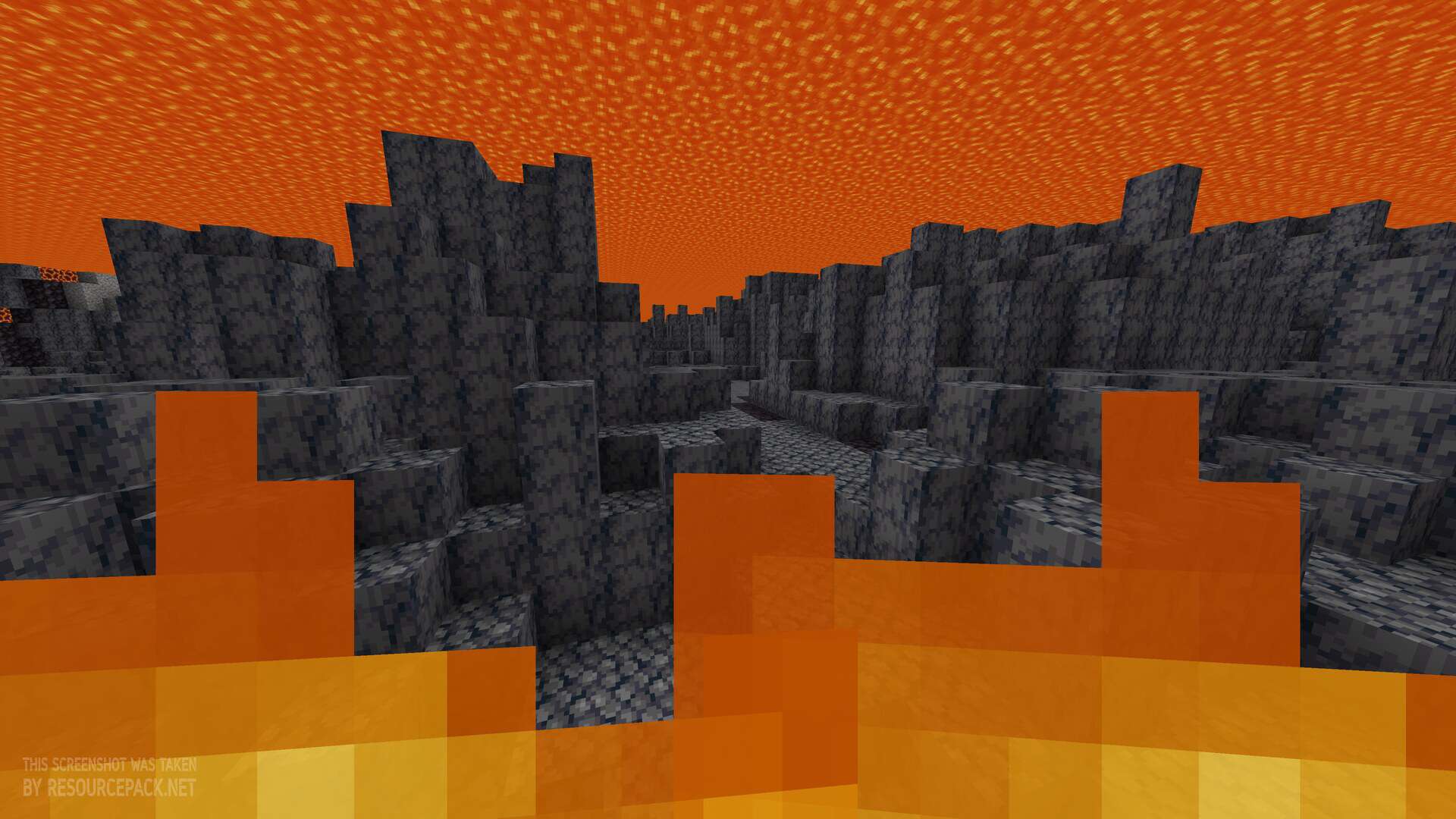
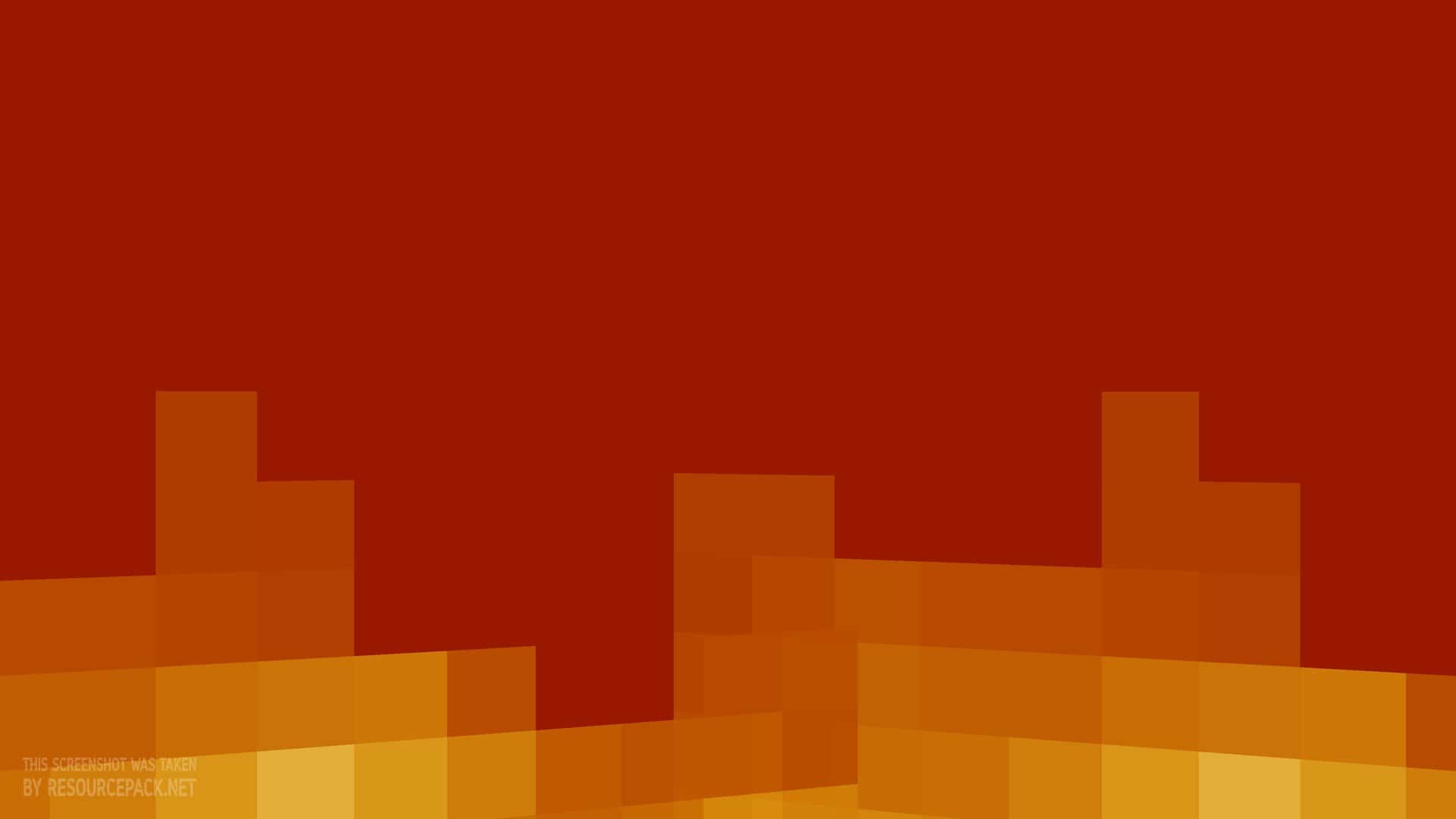
Hey everyone, we are back with another review, and yes, this is already our second resource pack of the day! Today we are presenting the Clear Lava and Water resource pack, and as you have probably guessed from the name alone, it is another utility pack. The great thing about these packs is that you can combine most of them, but more on that a bit later. The Clear Lava and Water resource pack is a visual modification made mainly for Minecraft Java Edition, although there are some Bedrock alternatives out there too. We will add those links to the download section below, just in case you are a Bedrock player. The project is developed by whiterm5, who is also known as WhiterM. What does the pack actually do? It removes the fog and overlay effects that normally appear when you are underwater or submerged in lava. Its main purpose is to improve visibility in these environments, so you can see the surrounding terrain, blocks, structures, and resources much more clearly. Unlike traditional texture packs that redesign blocks, items, or the overall look of Minecraft, this pack focuses on one specific visual adjustment. It keeps the original appearance of the game and only changes how visibility is handled underwater and inside lava. That makes it especially useful for exploring, mining, and finding resources in places where vanilla fog makes everything hard to see. The main feature is the removal of the visual overlay that limits your view when you enter water or lava. In standard Minecraft, both environments apply effects that make distant blocks and terrain harder to spot. With the pack enabled, these effects are removed or greatly reduced, depending on the environment and your game version, so you can look through water and lava with far less obstruction. The pack focuses on two main changes. The first is Clear Water, which removes the underwater overlay and makes it easier to observe the ocean floor, underwater caves, structures, and nearby blocks. The second is Clear Lava, which removes the lava overlay and improves visibility when you are submerged in lava or looking through lava covered areas.
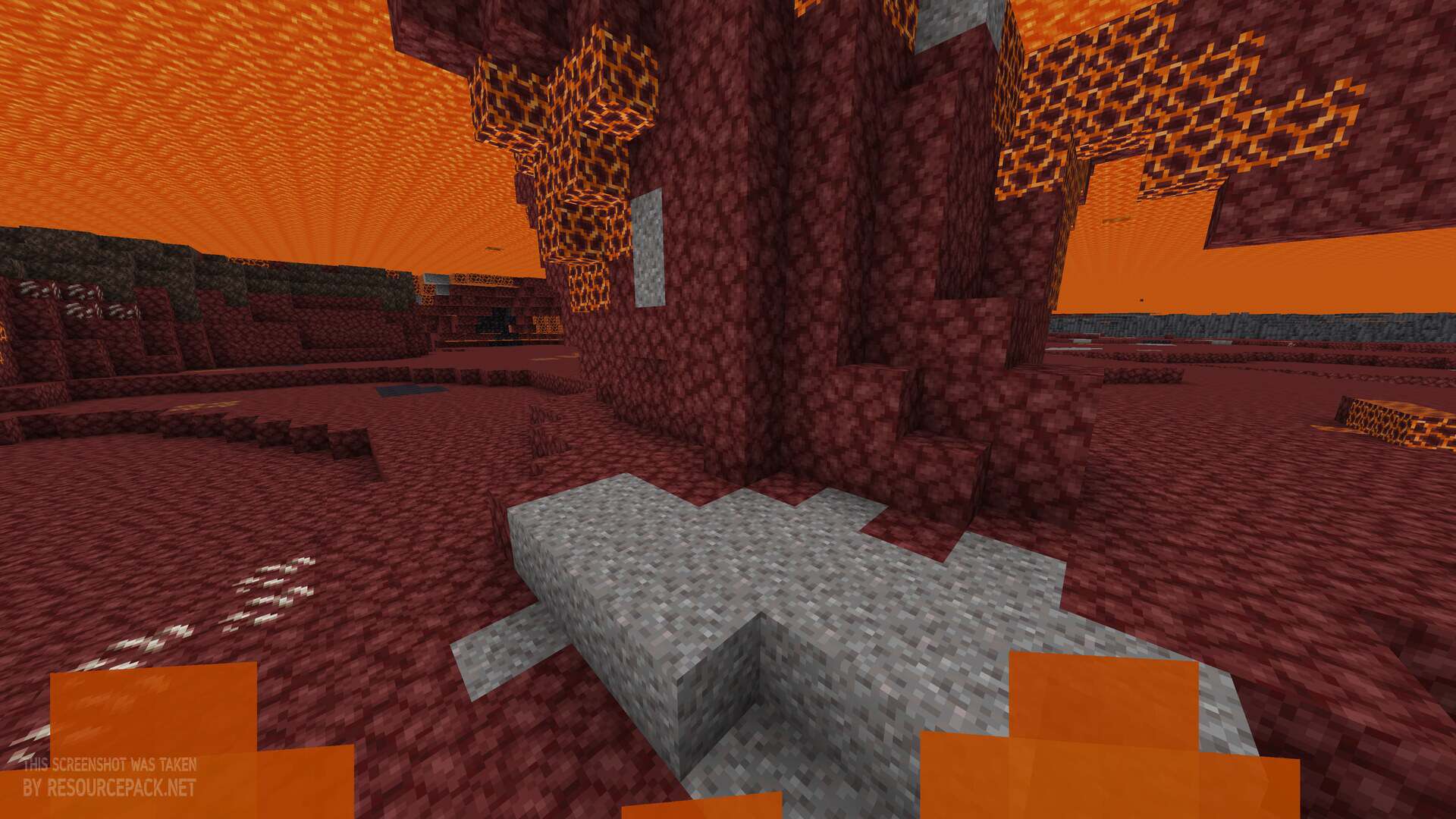
These changes apply to water and lava visibility rather than introducing a brand new visual design. The original Minecraft item and block textures stay the same, which makes the pack a great fit for players who want better visibility without changing the familiar look of the game. Of course, we have to admit that the fog and overlay can make the game feel prettier, and they can make a first Minecraft experience feel more enjoyable in terms of visuals. But for many of us veterans, QoL and utility packs have become more interesting than visuals lately. And honestly, for some players, clear water can even look better than the vanilla version. One of the biggest reasons people use this pack is exploring underwater locations. In vanilla Minecraft, underwater fog makes it difficult to identify distant objects, especially in deeper parts of the ocean. Removing that obstruction makes it much easier to inspect the seabed and find points of interest. By the way, the lava change is probably the most noticeable one. By default, when you are inside lava, you cannot really see anything except that orange overlay. With this pack enabled, it is clear, so you can see everything under the lava. The Nether is one of the most relevant places for this pack. Without the usual overlay, you can inspect much more of the environment, and finding Ancient Debris can become a little easier if that has been a struggle for you. However, better visibility does not change Minecraft’s world generation, block locations, or mining mechanics. It only changes the visual presentation. Lava is still dangerous, so you still need to think about its damage, movement restrictions, and other normal gameplay effects. And there is one more nice detail. The pack does not even change textures. It makes changes to a specific file called “fog.glsl”, which is responsible for those overlays. Because of that, you can technically combine this pack with any other pack you like. Just make sure to place this above all the others in your resource pack list, so that it works properly.
Clear Lava and Water should be compatible with all of these Minecraft versions: 26.3 - 26.2 - 26.1.2 - 26.1.1 - 26.1 - 1.21.11 - 1.21.10 - 1.21.9 - 1.21.8 - 1.21.7 - 1.21.6 - 1.21.5 - 1.21.4 - 1.21.3 - 1.21.2 - 1.21.1 - 1.21 - 1.20.6 - 1.20.5 - 1.20.4 - 1.20.3 - 1.20.2 - 1.20.1 - 1.20 - 1.19.4 - 1.19.3 - 1.19.2 - 1.19.1 - 1.19 - 1.18.2 - 1.18.1 - 1.18 - 1.17.1 - 1.17 - Bedrock Edition - PE
Clear Lava and Water — Screenshots
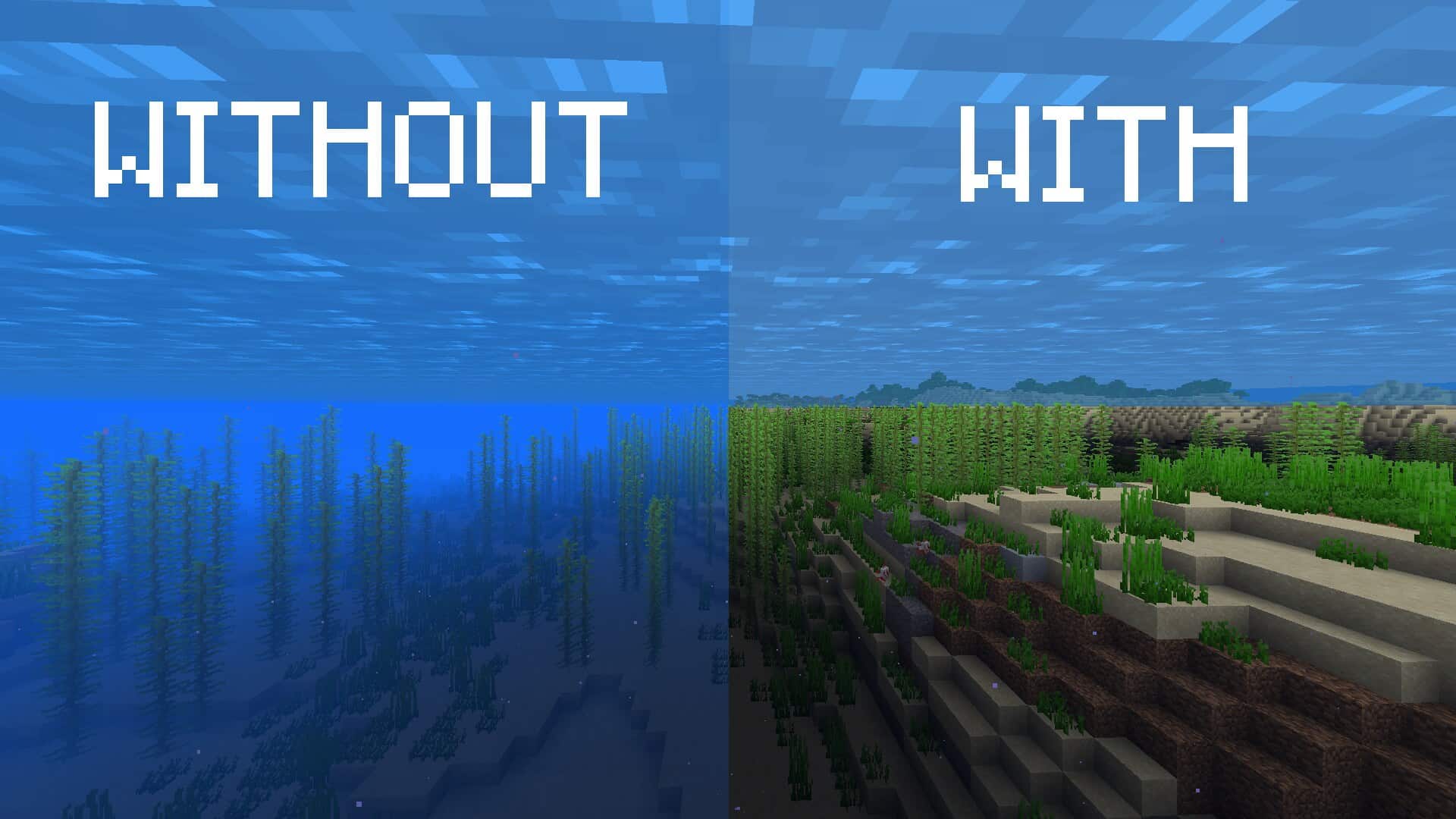
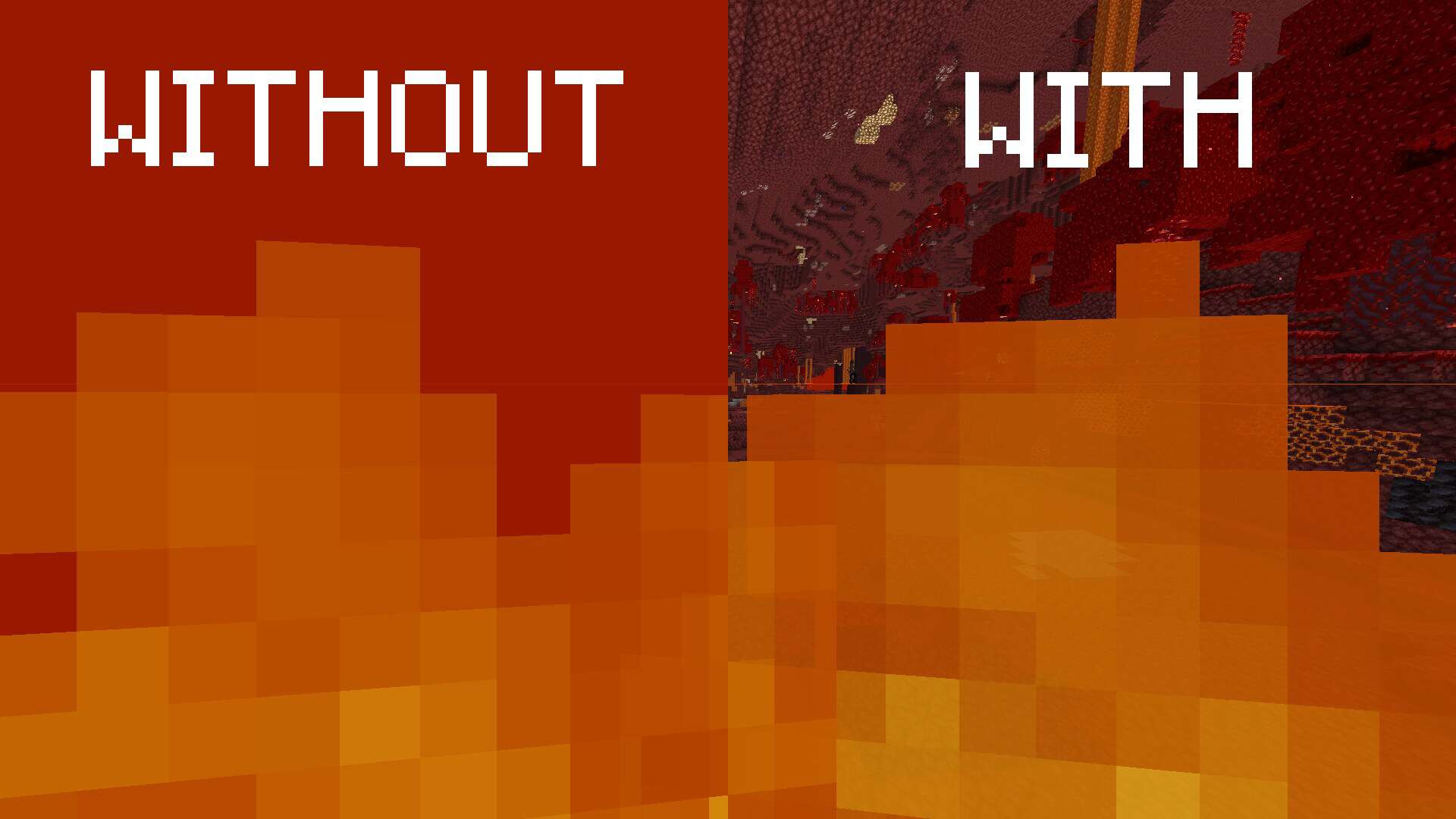
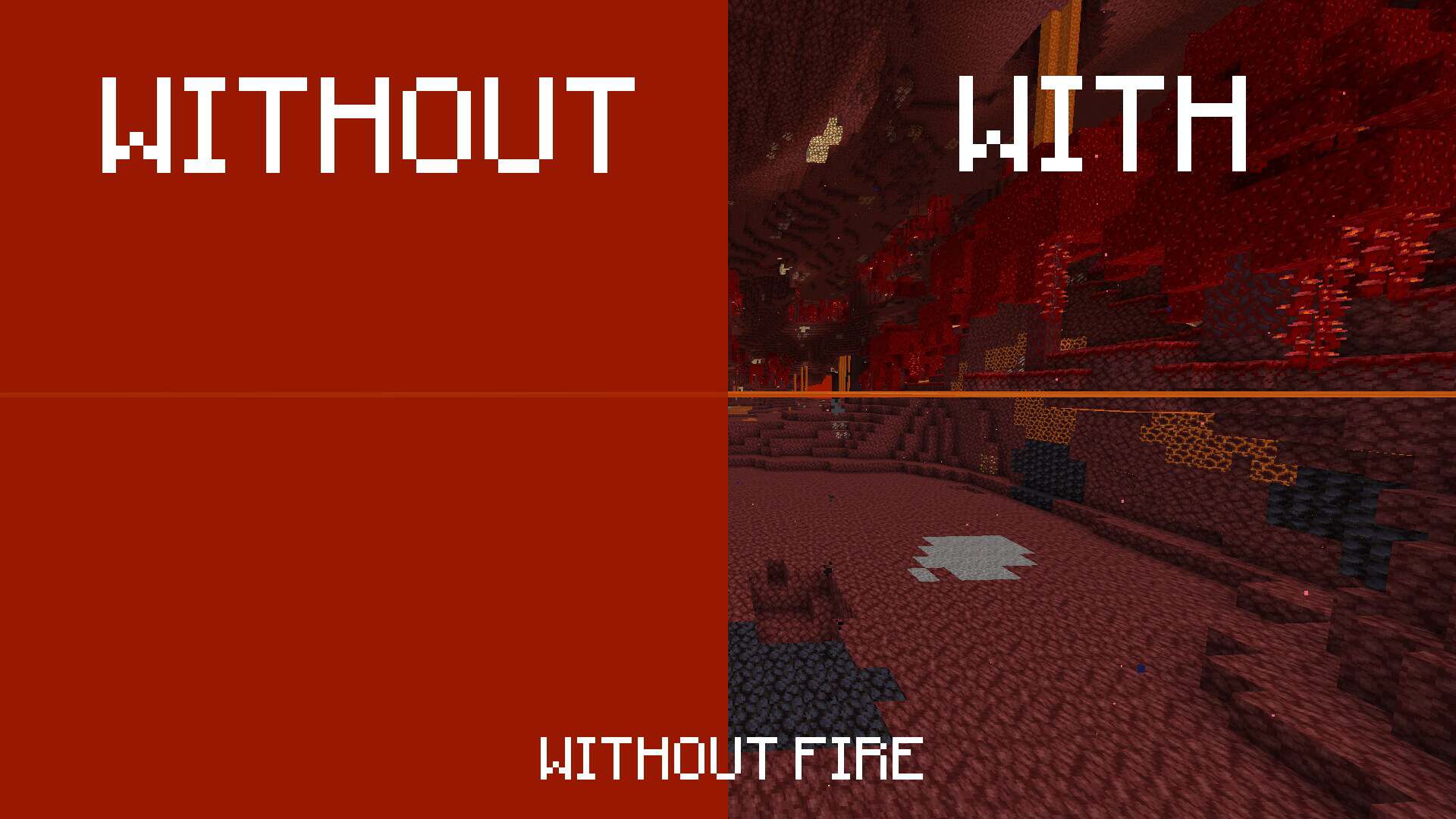
How to install Clear Lava and Water Resource Pack:
- Download the Clear Lava and Water texture pack for Minecraft from the download section below. – if there are many different versions, just choose the one you like, is compatible with your version/edition of Minecraft, the one you think your computer can handle in terms of performance.
- Launch the game client through the Minecraft launcher.
- On the main menu, click “Options”.
- On the options menu, click “Resource Packs…”.
- Click on “Open Resource Pack Folder”. – folder titled “resourcepacks” will pop up
- Move the .zip file you downloaded in the first step to the newly opened “resourcepacks” folder.
- Click “Done”.
- Click on “Resource Packs…” again.
- Your pack should have appeared in the left window, just hover over it and click on the arrow pointing to the right.
QUICK TIP: Sometimes, when activating a pack, the game may say that the pack is made for a newer or older version of Minecraft. This is just a warning, it does not affect your gameplay in anyway, and you can still activate and enjoy the pack by simply clicking the “Yes” button when prompted.
- Click “Done” again.
- The pack has now been successfully loaded and ready to be used in your world!
Clear Lava and Water - Comparison Slider #1
Move slider back and forth to see vanilla Minecraft on the left and the beautiful resource pack on the right. Use the buttons below to see how the pack looks in different situations.
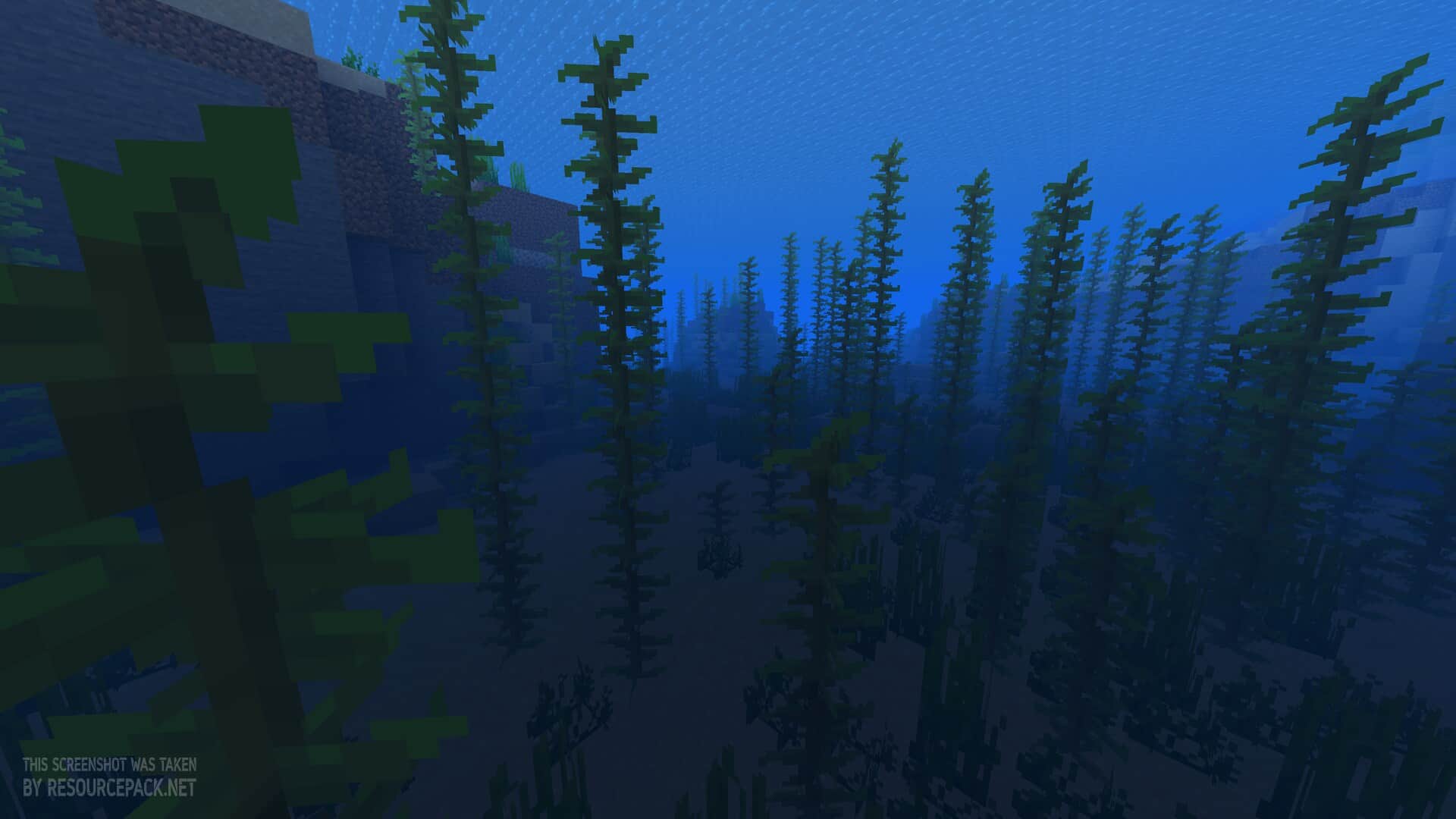 Vanilla
 Clear Lava and Water
Clear Lava and Water Texture Pack Download
- We do not modify or edit any resource packs. All resource packs, shaders and tools found on this website are linked directly to official sources rather than hosted on our own servers. We provide only the official download links from the original creators to ensure that your files are safe and secure.
- These official links are updated manually and may occasionally stop working when a new version is released. We work hard to keep everything current so that you have a smooth experience. Please let us know in the comments if you find a link that no longer works.
- Minecraft is a trademark of Mojang Studios and has no official connection to this website. Our goal is simply to share the best creations from the community with other players.
- Please consider leaving a comment or voting for your favorite packs. This feedback helps authors improve their projects over time. You can also support the creators directly by visiting the official links located below the download section.
➤ Does NOT work with shaders; disable them in settings.
➤ On 26.2+ Sodium users don’t need anything, but on any earlier MC version they need the Sodium Core Shader Support mod installed, otherwise this pack may not work properly.
➤ To make it work (Sodium users only), disable the “Use Fog Occlusion” option under Options → Video Settings → Performance.
Bedrock Edition:
[16x] Download Clear Water Bedrock Edition Resource Pack
[16x] Download Clear Lava Bedrock Edition Resource Pack
Java Edition:
[16x] [26.3.x] Download Clear Lava and Water Resource Pack
[16x] [26.2.x – 1.21.11] Download Clear Lava and Water Resource Pack
[16x] [1.21.10 – 1.21.6] Download Clear Lava and Water Resource Pack
[16x] [1.21.5 – 1.20.5] Download Clear Lava and Water Resource Pack
[16x] [1.20.4 – 1.17.x] Download Clear Lava and Water Resource Pack
Curseforge: download starts automatically after a few seconds;
Mediafire: click the big blue button with the text "DOWNLOAD";
Google Drive: in the top right corner you will see a small download icon (down arrow), click it and the download should start;

3 votes
Look.. 3 users have already liked this pack. Give a diamond if you like it too!



Leave a reply
0 comments
Links in comments are not allowed. Comments containing links will be removed.
If your comments are consistently being deleted, please be sure to review our Comment Policy.