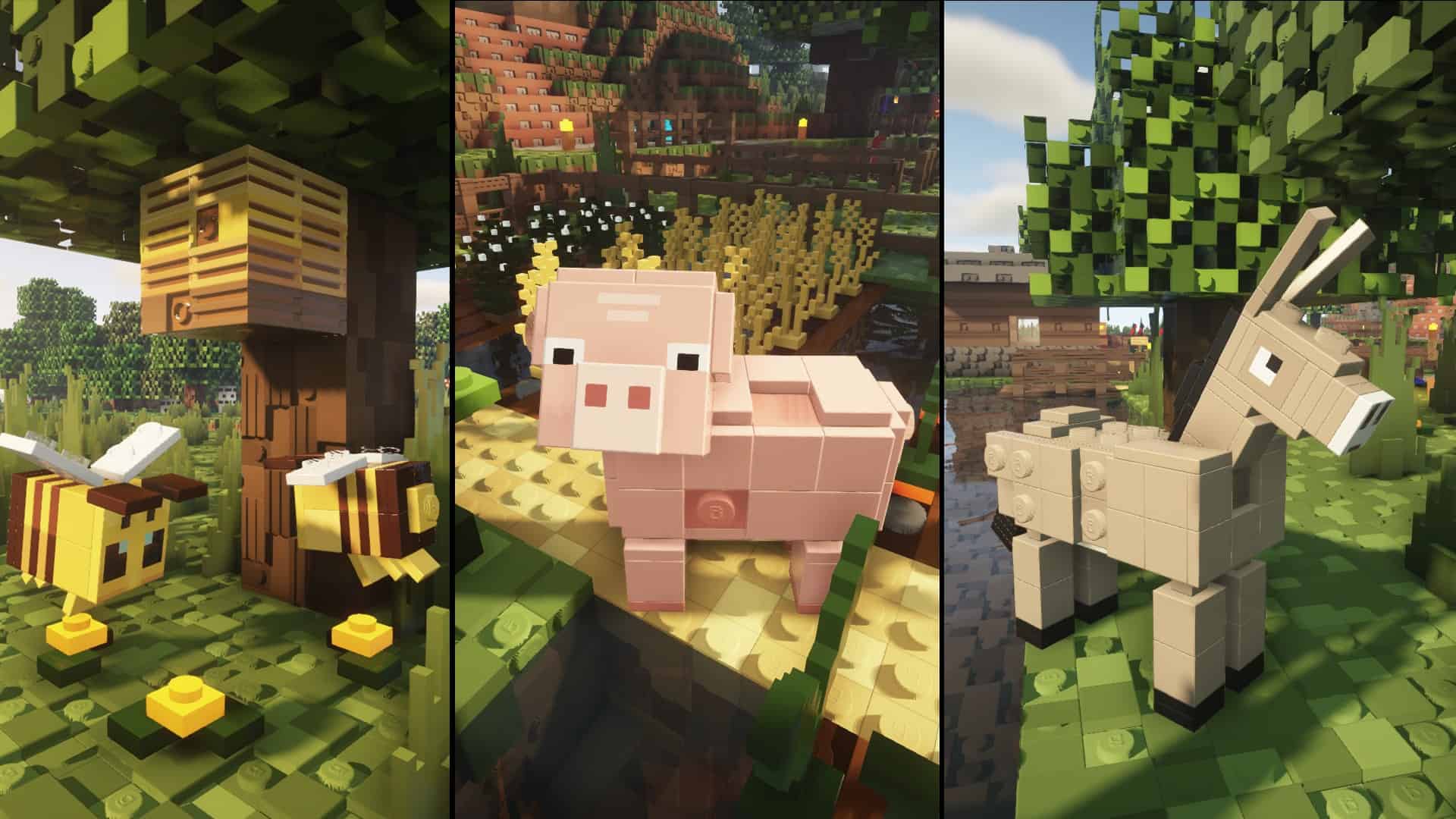
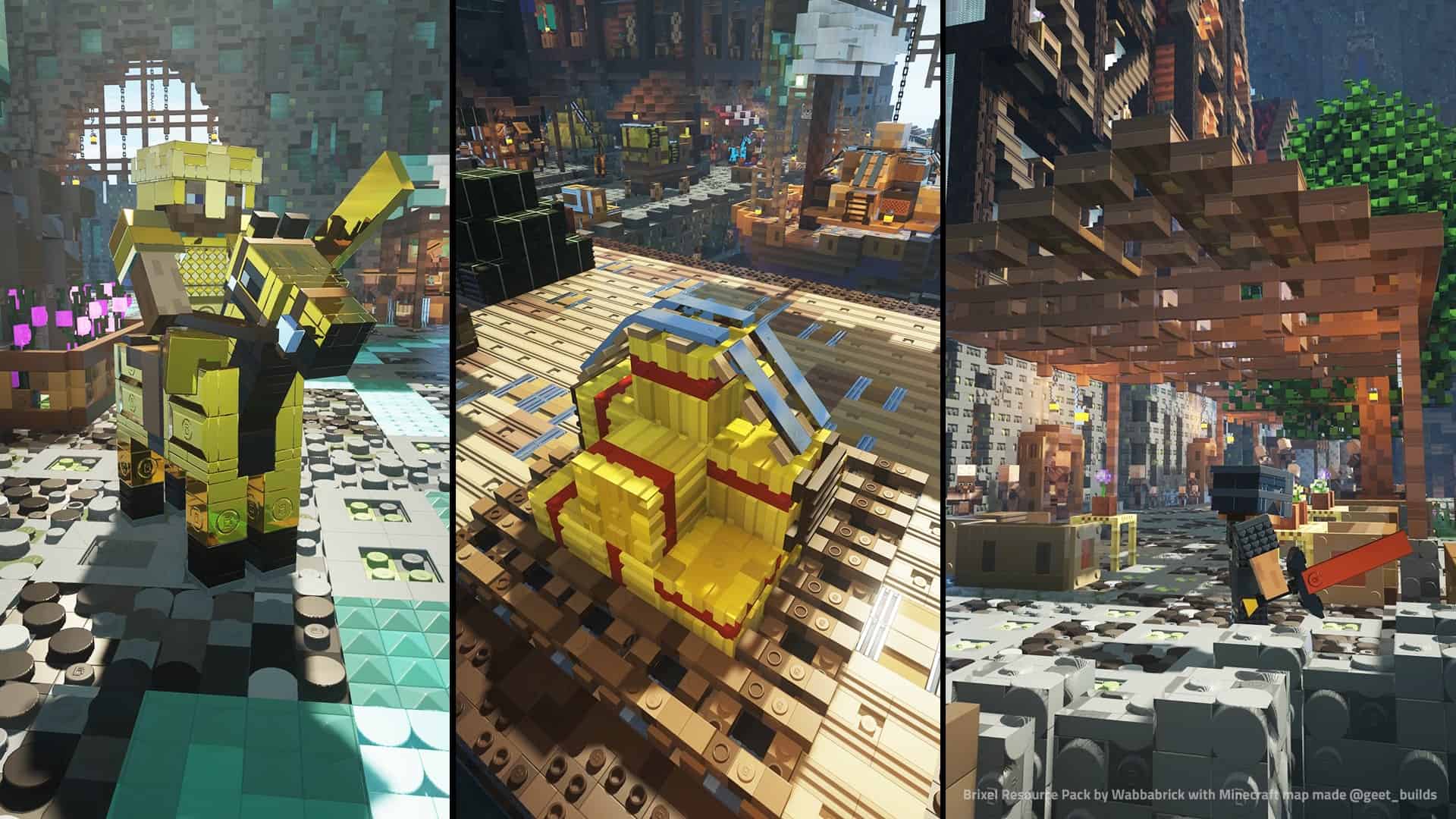
There are thousands of different resource packs that you can experiment and play around with. Most of them are free but the best ones hide behind a paywall. Developers should be rewarded for their time and effort as they invest their talent in resource packs that make Minecraft better. The Brixel is one such example of a resource pack that was developed not just to change the theme of vanilla Minecraft but to also make it look visually stunning. What makes Brixel so special is the fact that it does not enforce a paywall for players. It is available for free for everyone to enjoy. The Brixel resource pack was released in late 2021 by wabbabrick. Since then, the resource pack received several updates that add new elements, visual improvements, and bug fixes. The developer created the resource pack out of a passion for the game. For this reason, the resource pack was released for free for all players to enjoy in the 64x resolution. There is a 128x, 256x, and 512x version but it is resource-intensive and not all players may be able to enjoy it. The Brixel texture pack is also nearly complete, having almost all ingame textures redone or improved. It also introduces a new interface and several other visual improvements. The visual overhaul offered by the Brixel resource pack may seem familiar. While it is unique, the developer took inspiration from LEGOs. Many visual elements were deliberately altered to resemble LEGO blocks. This can be seen on all types of terrain such as grass, dirt, sand, animals, critters, mobs, and even player models. Some elements in the game could not be adapted to resemble LEGO blocks. This includes small items such as leaves, certain flowers, and trees. However, the source of inspiration is immediately noticeable. Having just the surfaces remodeled to resemble LEGO blocks is not the only visual change introduced in the Brixel pack. It offers several other visual improvements. Some of these changes can be seen in texture colors.
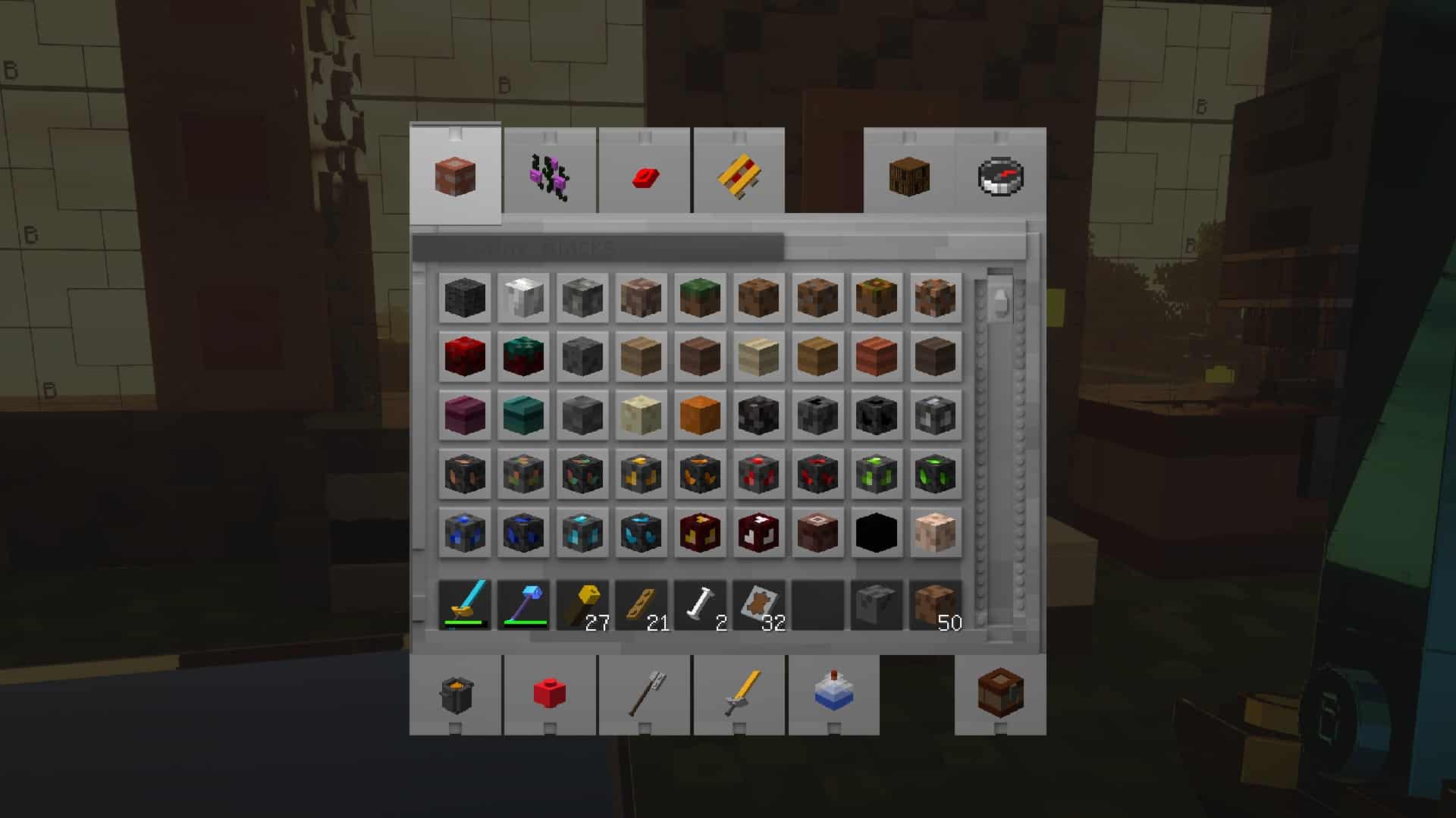
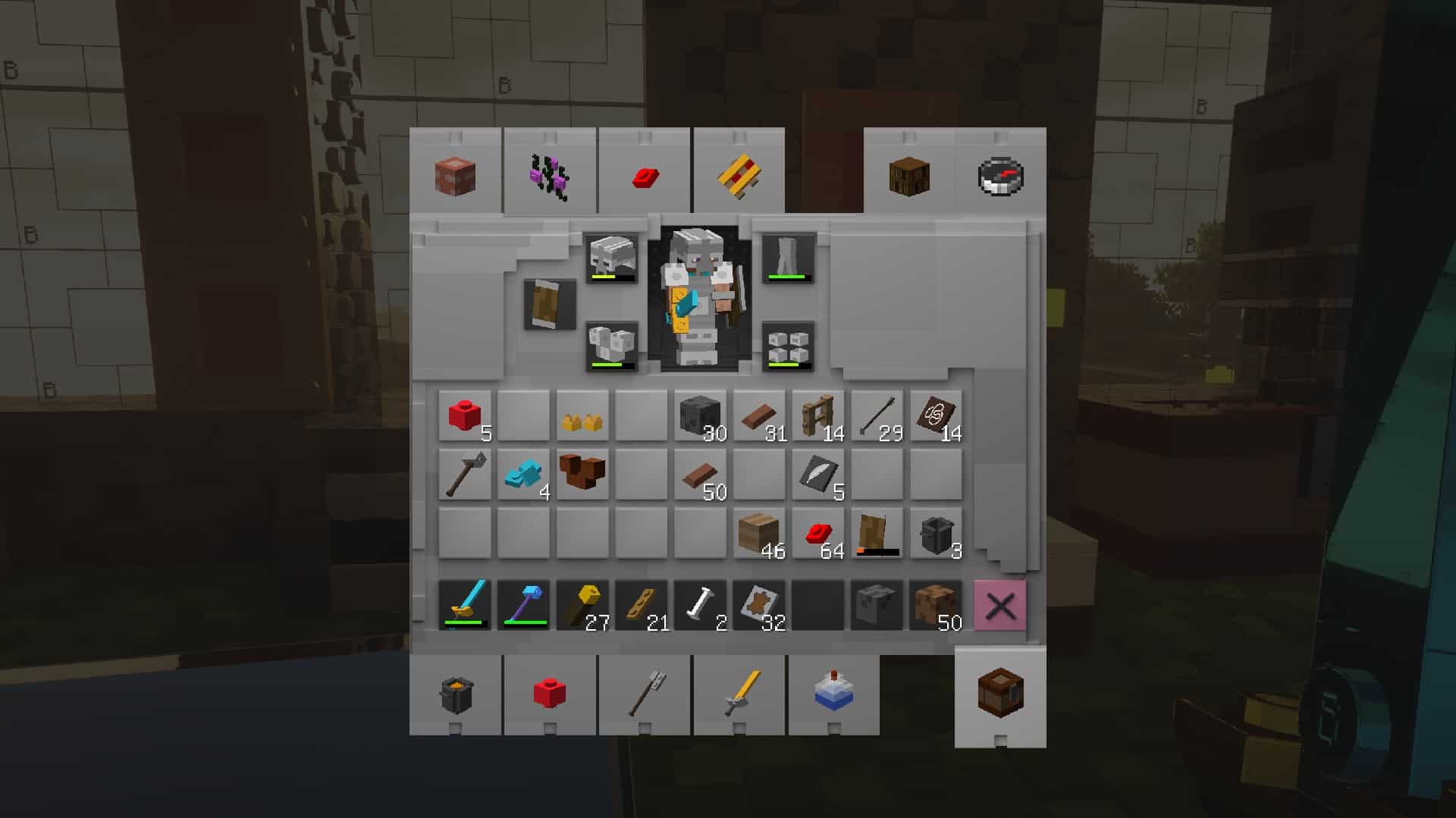
The color palate of the textures has changed to be brighter, more vibrant, and more joyful. There are also a bunch of new blocks such as grindstone, lectern, stonecutter, beacon, fletching table, and a new smithing table. Sky and water textures were also improved. Clouds are less blocky but the new Sun and Moon are LEGO cubes. They are no longer round. There are few if any round shapes left with the Brixel resource pack installed. To enjoy these new textures for the sky and water, it is recommended by the developer to have a BSL shader pack installed. Lastly, the Brixel resource pack also touches upon the interface. It replaces the vanilla Minecraft game interface with new graphical elements that are more in line with the visuals of the resource pack. The developer created new widgets, bars, new checkboxes, backgrounds, a new GUI for world selection, and a bunch of new icons for the ingame player interface. As previously mentioned, the Brixel resource pack is available in 64x, 128x, 256x, and 512x resolutions. Except for the first, the higher resolution ones are available for contributing members via the developer’s Patreon page. However, the 64x version offers a good enough visual improvement over the vanilla version. Vanilla Minecraft uses 16x resolution textures. Using a resource pack with texture resolutions that are four times the original may also imply some performance degradation depending on how powerful your computer is. The 512x version can cripple your system if you do not have a powerful, modern CPU and video card. Along with the resource pack, the Brixel developer recommends using BSL Shaders to complement the visuals in the game. The resource pack may not work properly with other shader packs or it may introduce bugs to the game. To install the resource pack, a video guide has been created by the Brixel resource pack developer. The guide uses Optifine to install the resource pack. If you are familiar with using Optifine, installation is the same as with any other resource pack for Minecraft. BSL Shaders also need to be installed. The developer included a guide on how to install BSL shaders along with the Brixel resource pack.
Brixel should be compatible with all of these Minecraft versions: 1.21.5 - 1.21.4 - 1.21.3 - 1.21.2 - 1.21.1 - 1.21 - 1.20.6 - 1.20.5 - 1.20.4 - 1.20.3 - 1.20.2 - 1.20.1 - 1.20 - 1.19.4 - 1.19.3 - 1.19.2 - 1.19.1 - 1.19 - 1.18.2 - 1.18.1 - 1.18 - 1.17.1 - 1.17
Brixel — Video & Screenshots
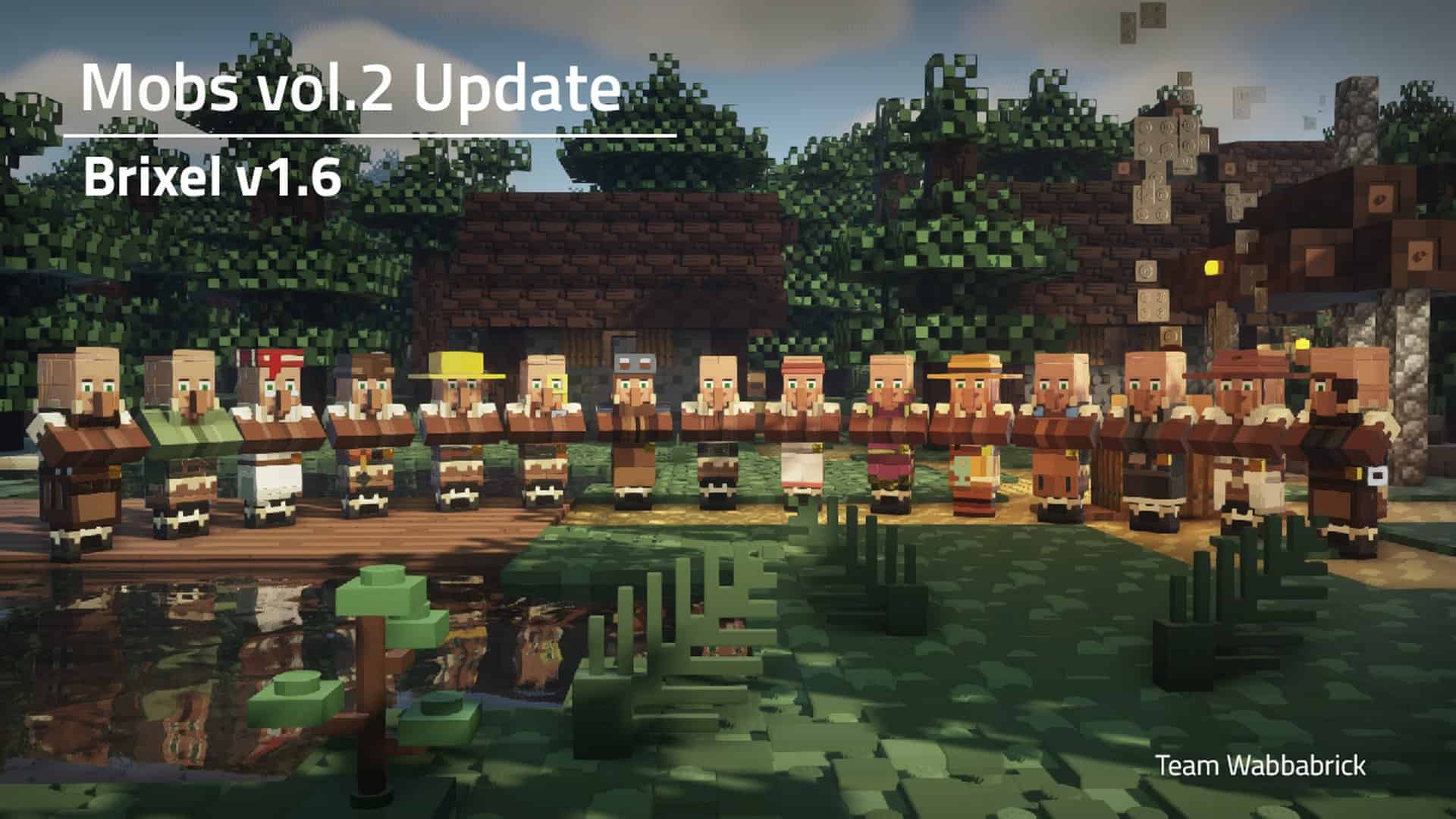
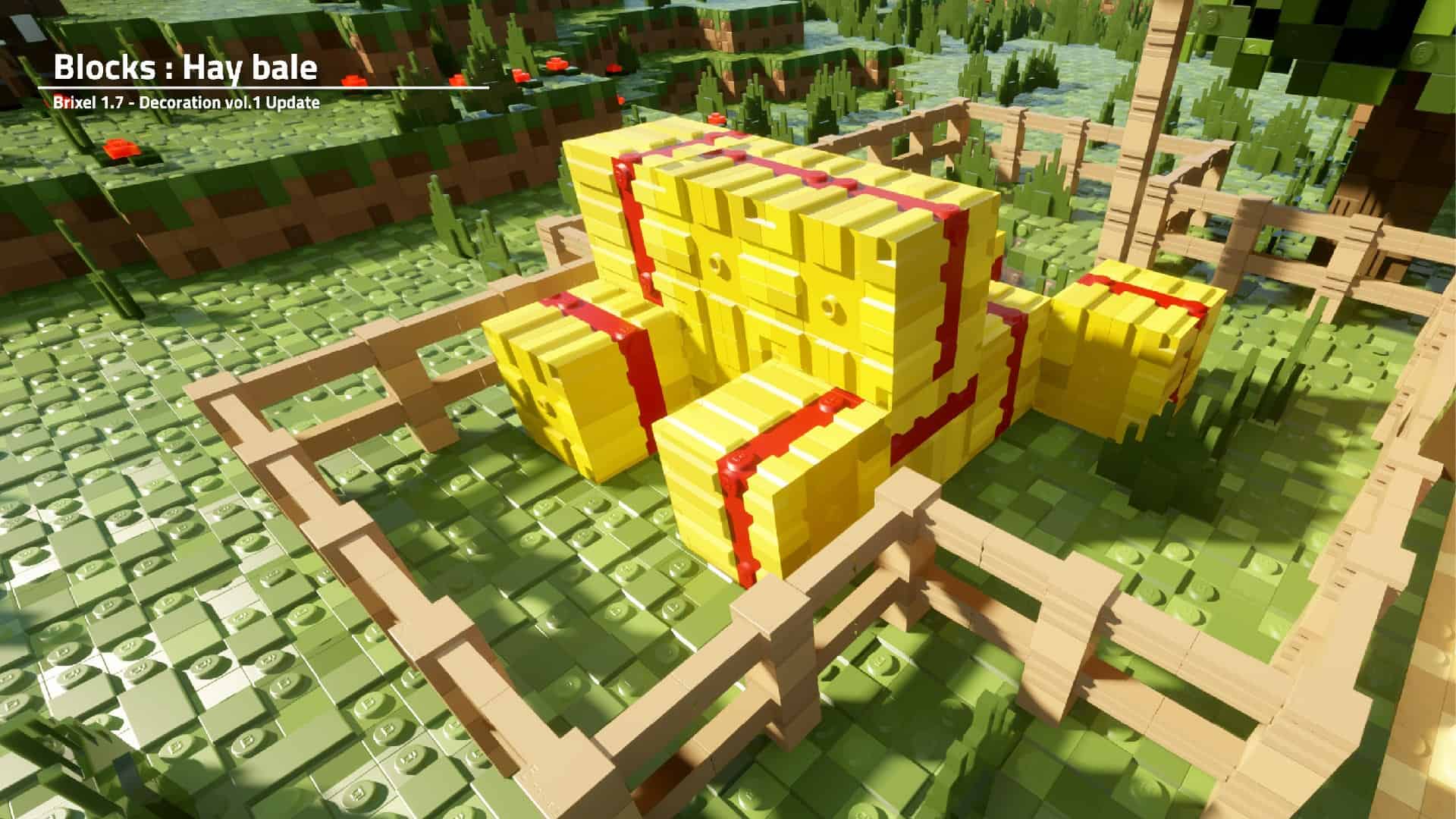
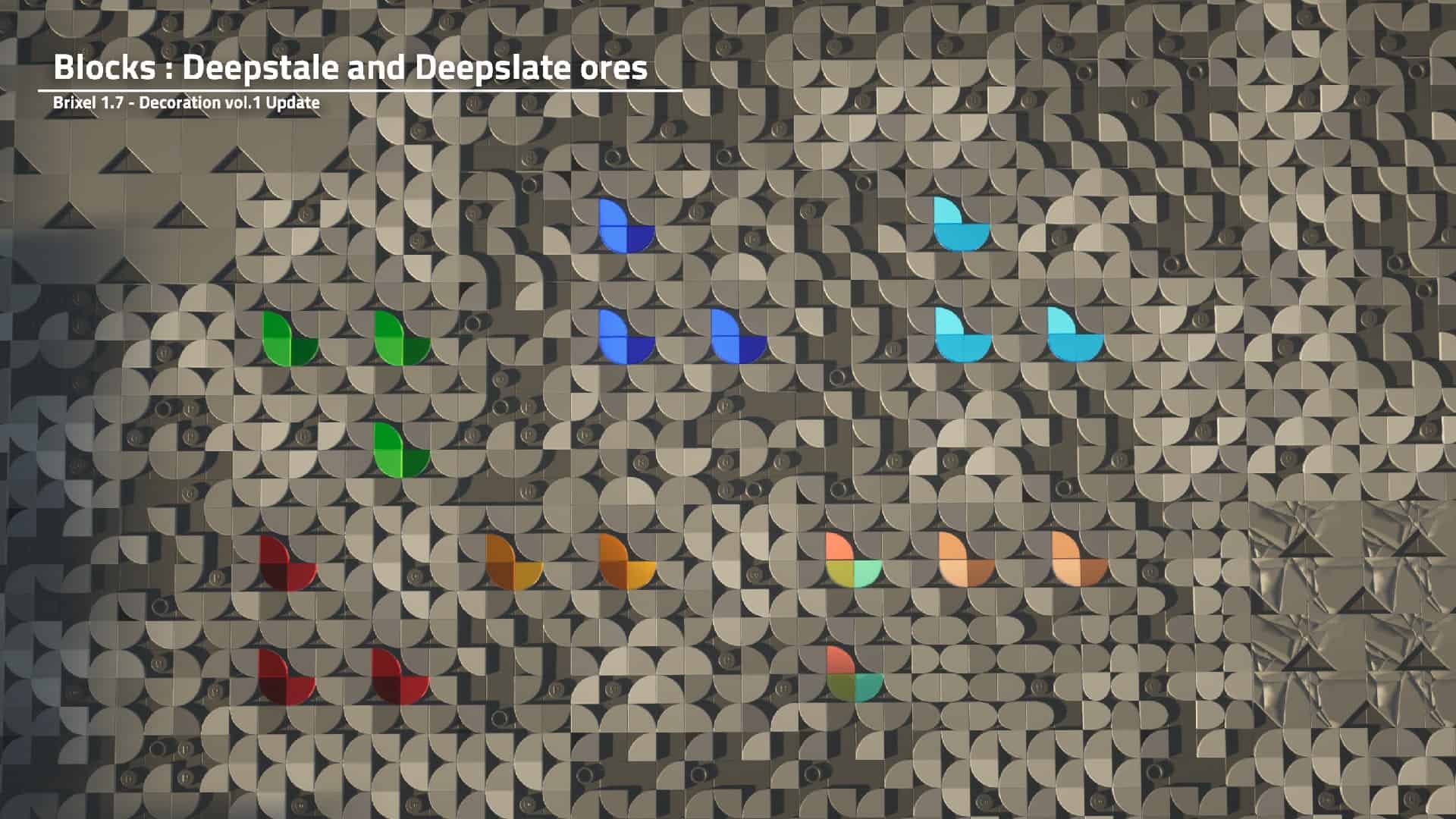
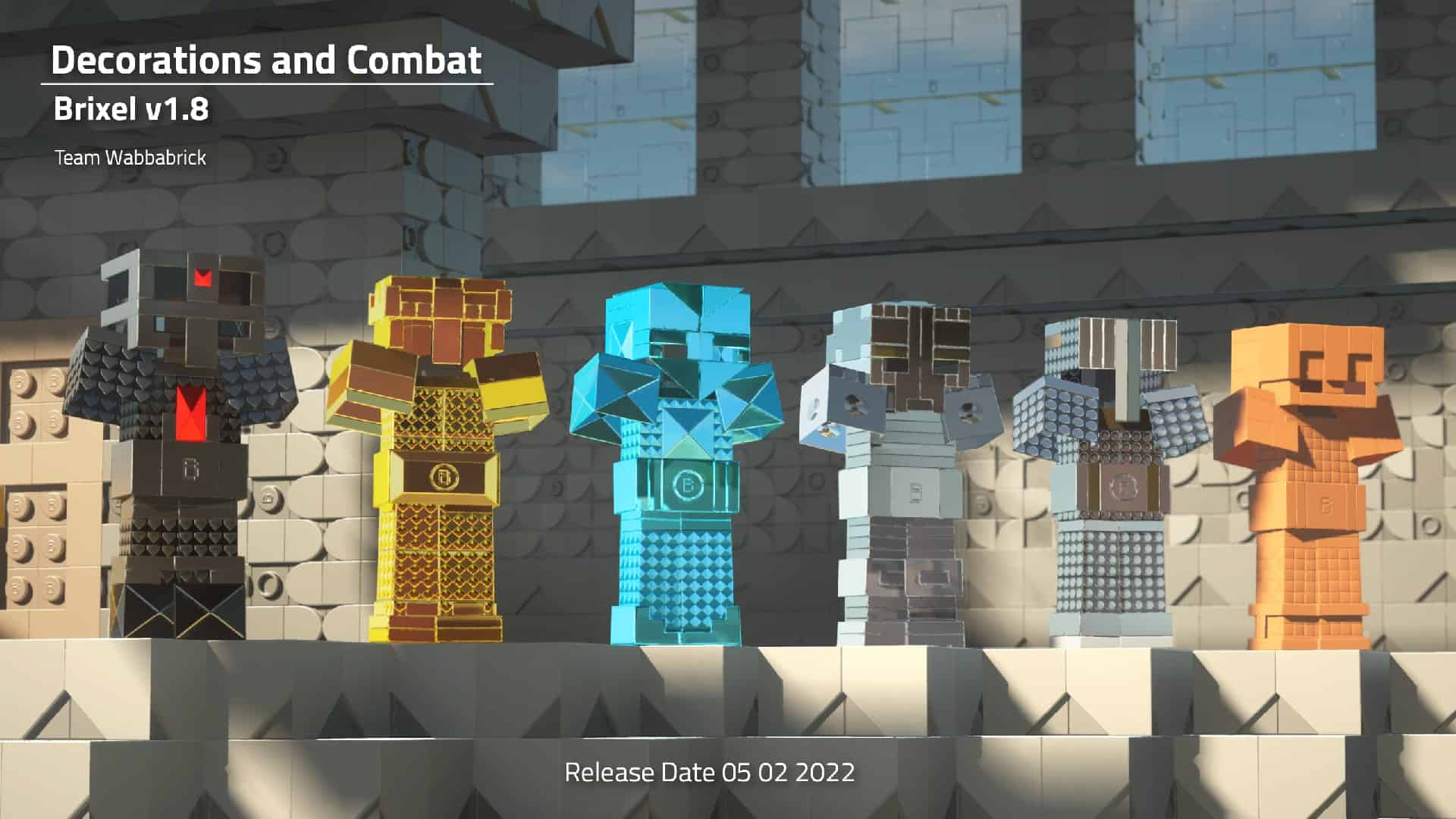

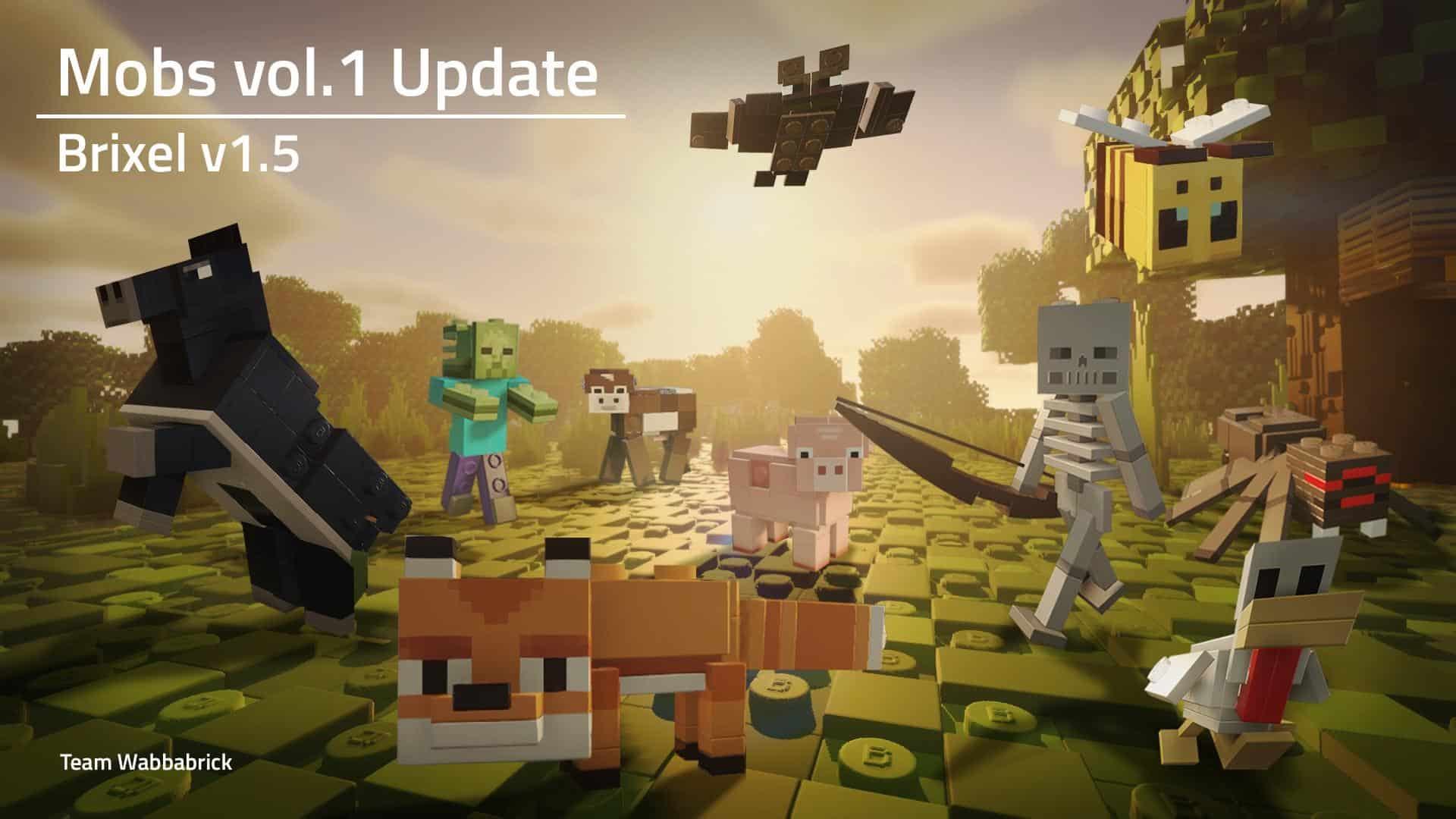
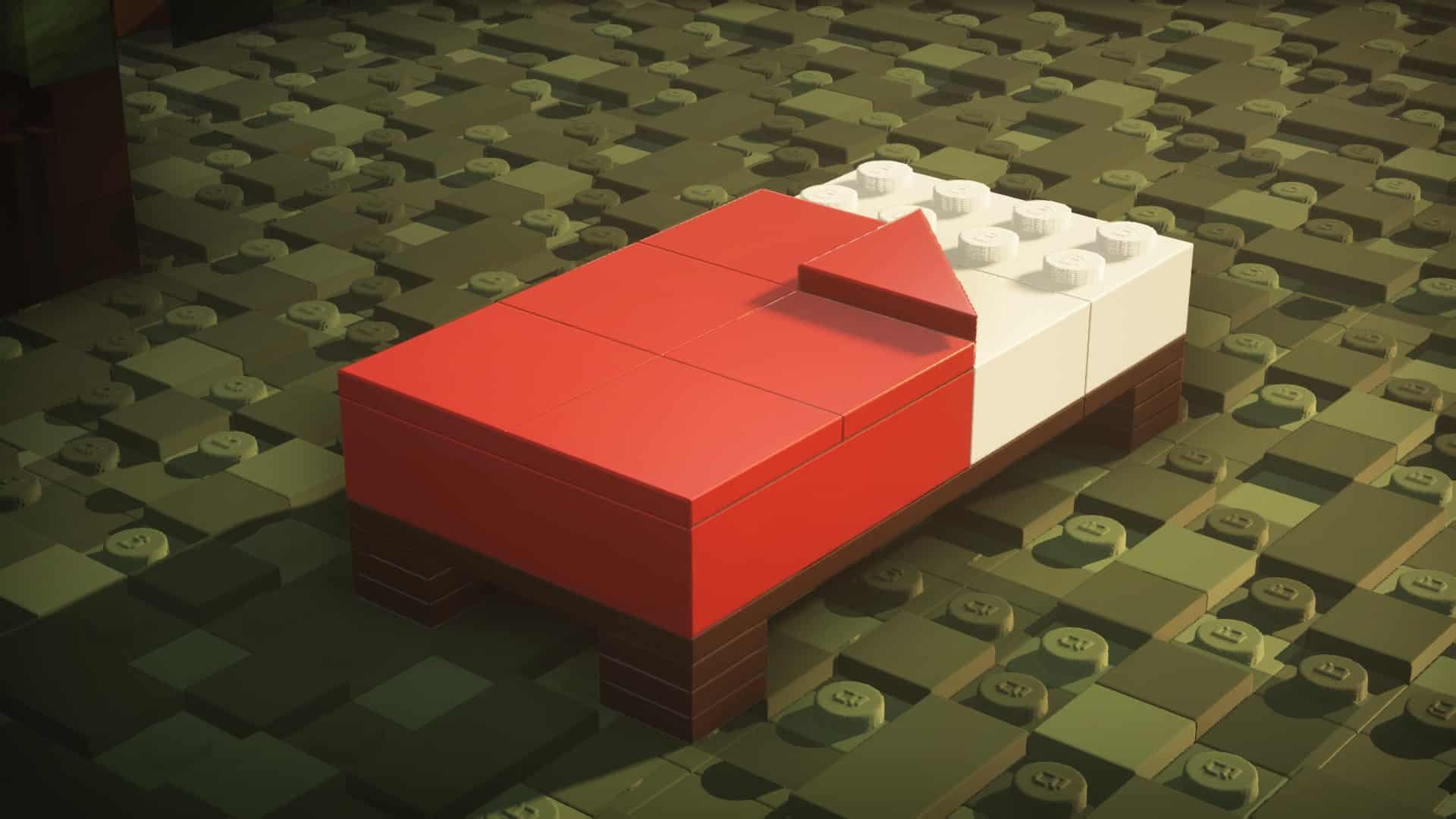
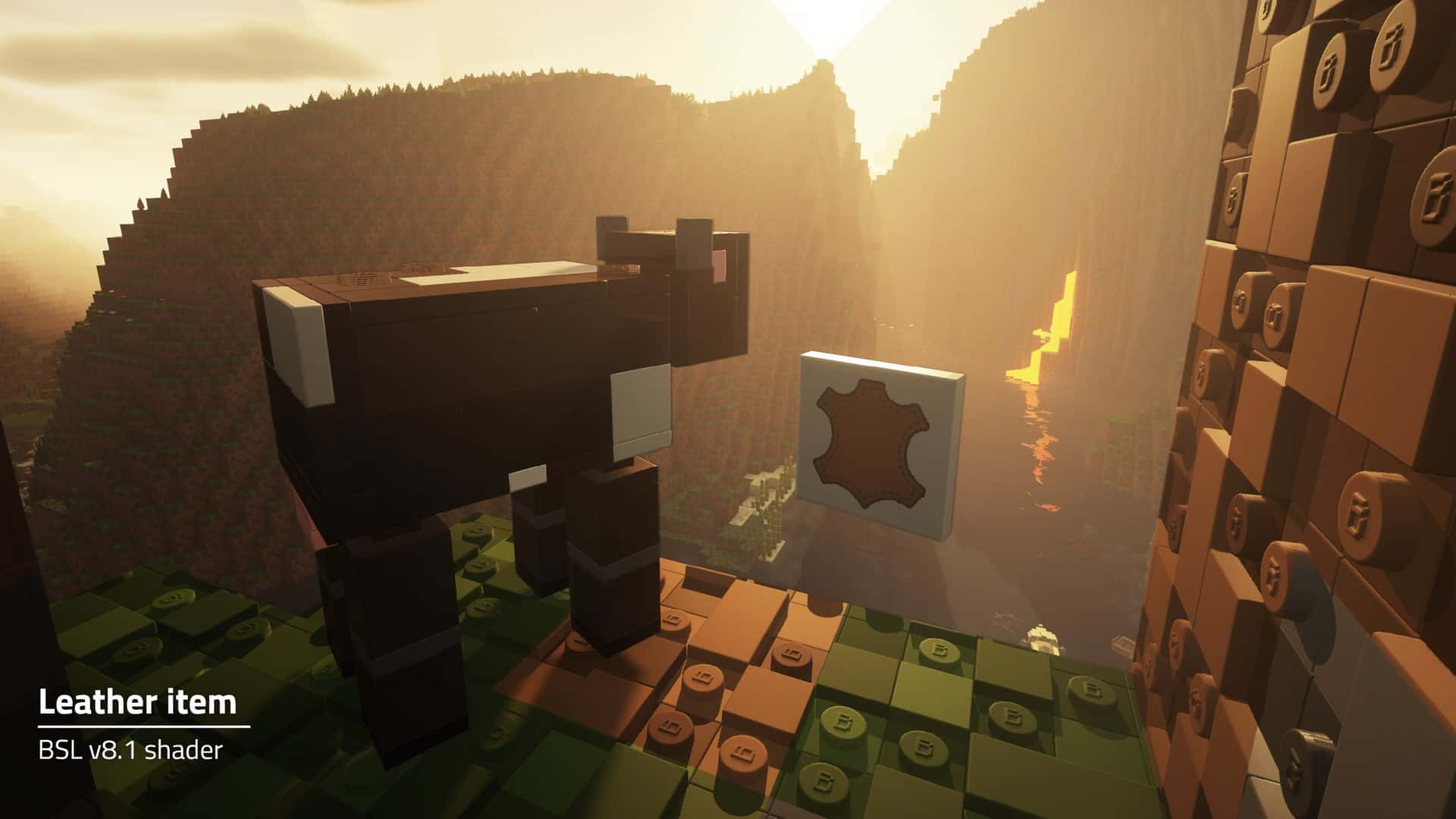
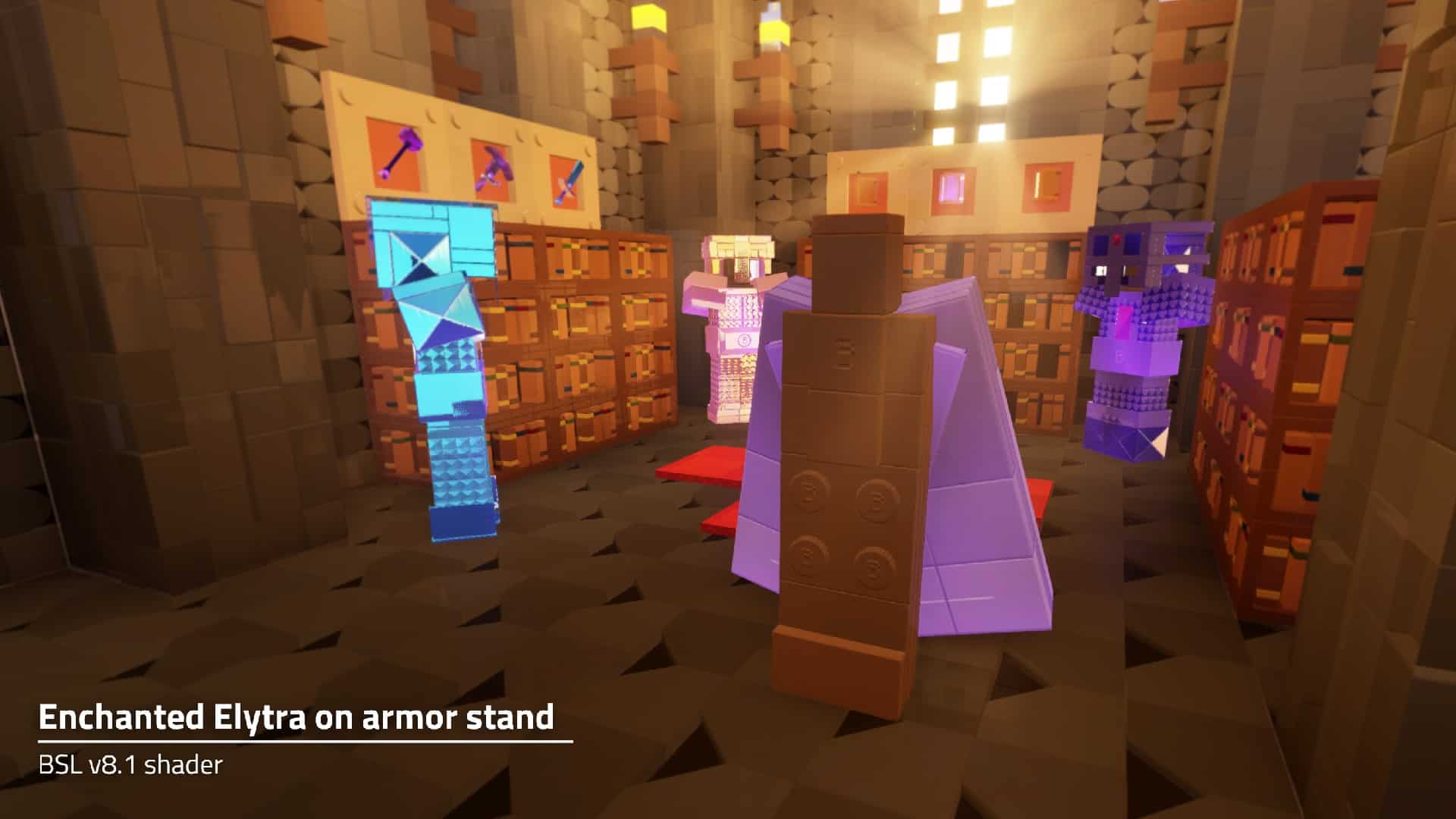
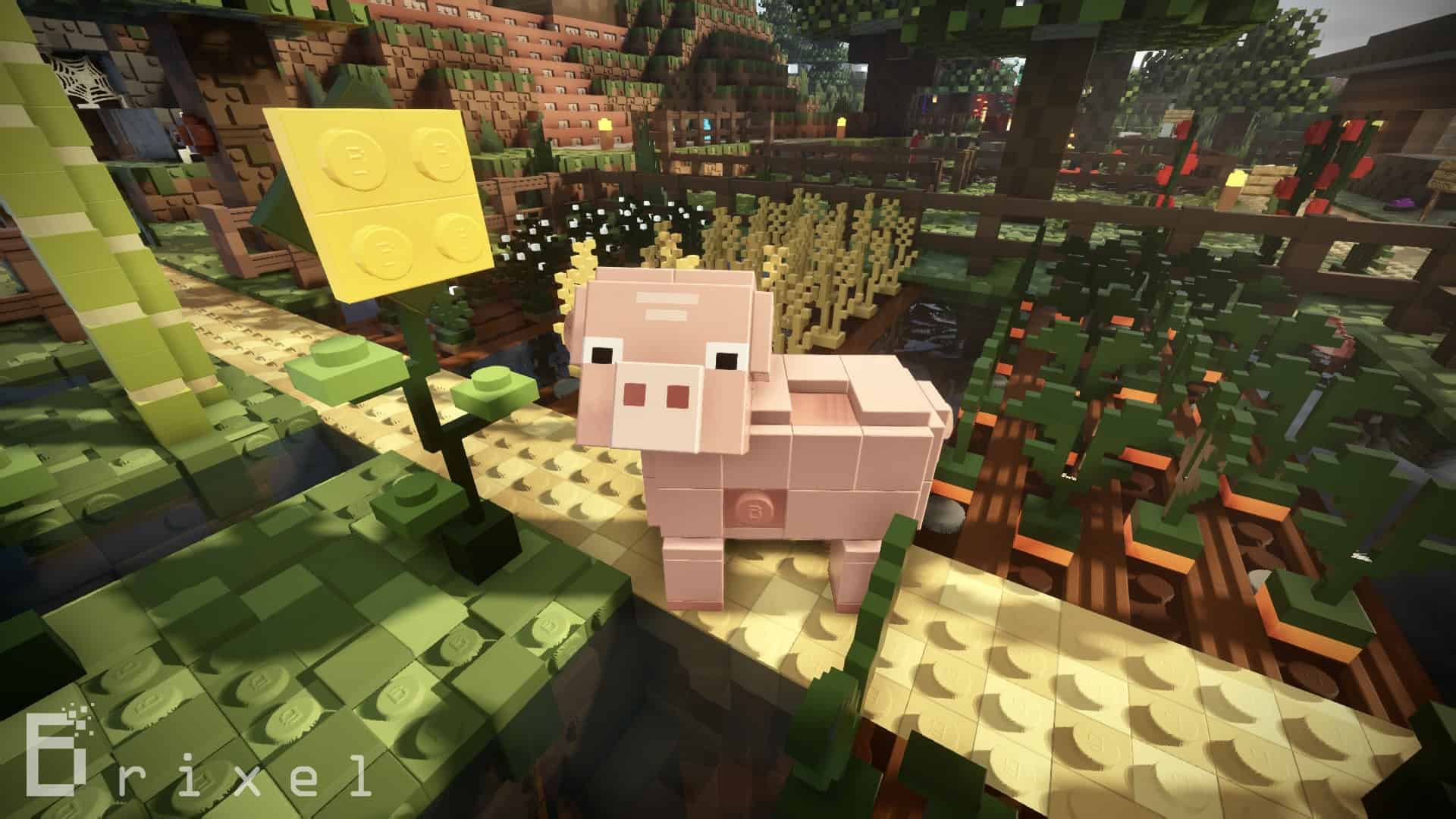
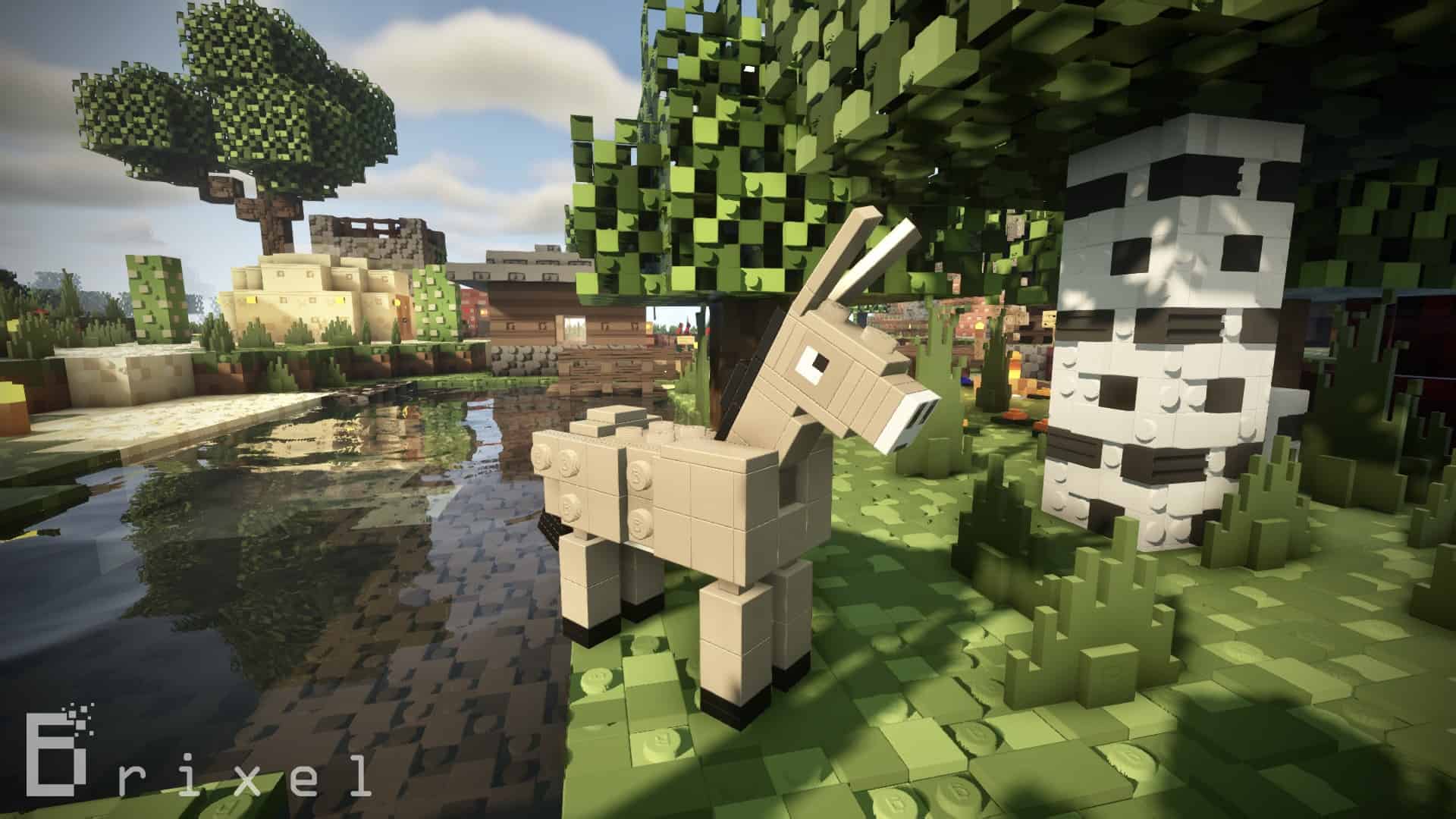
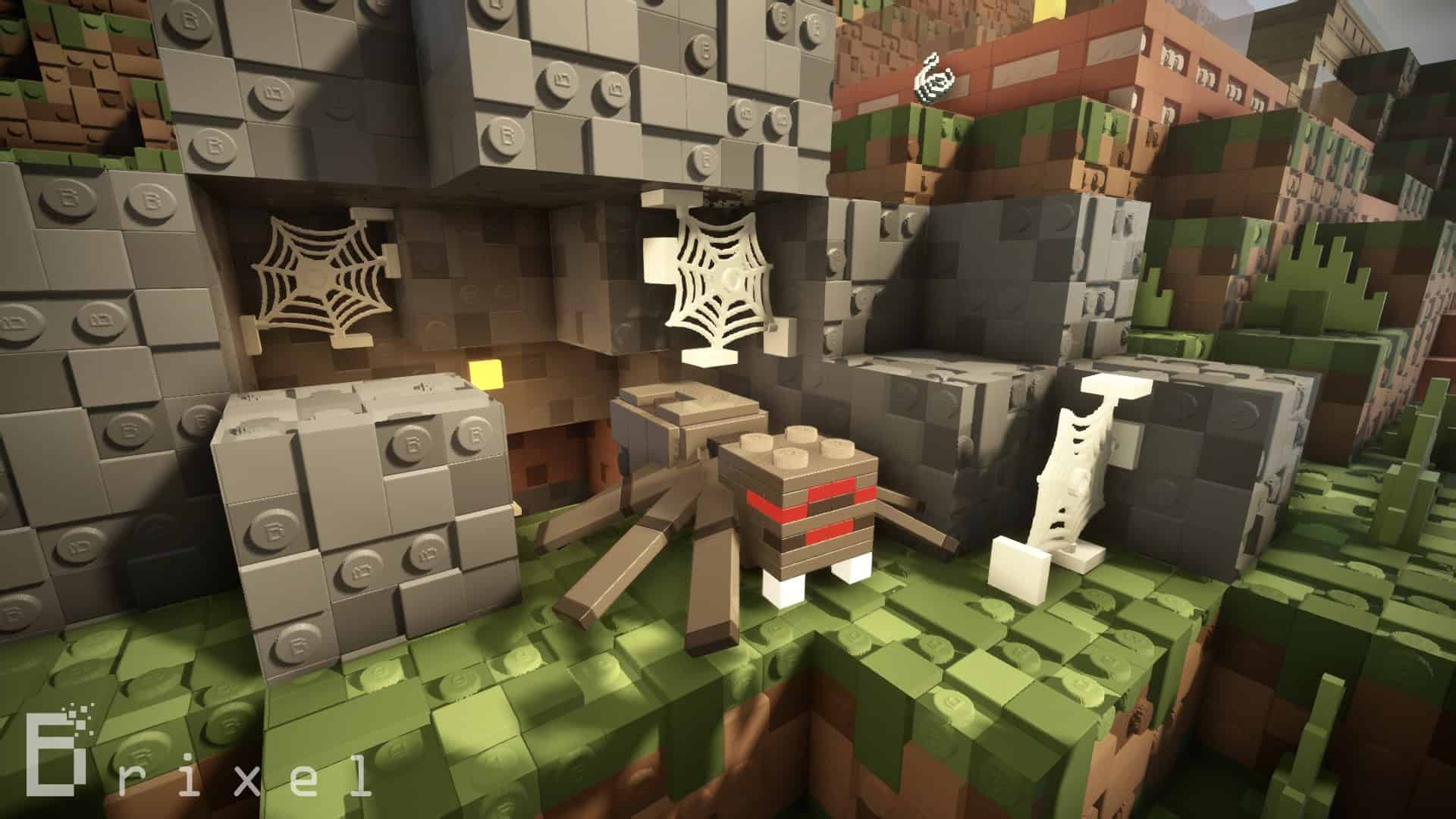
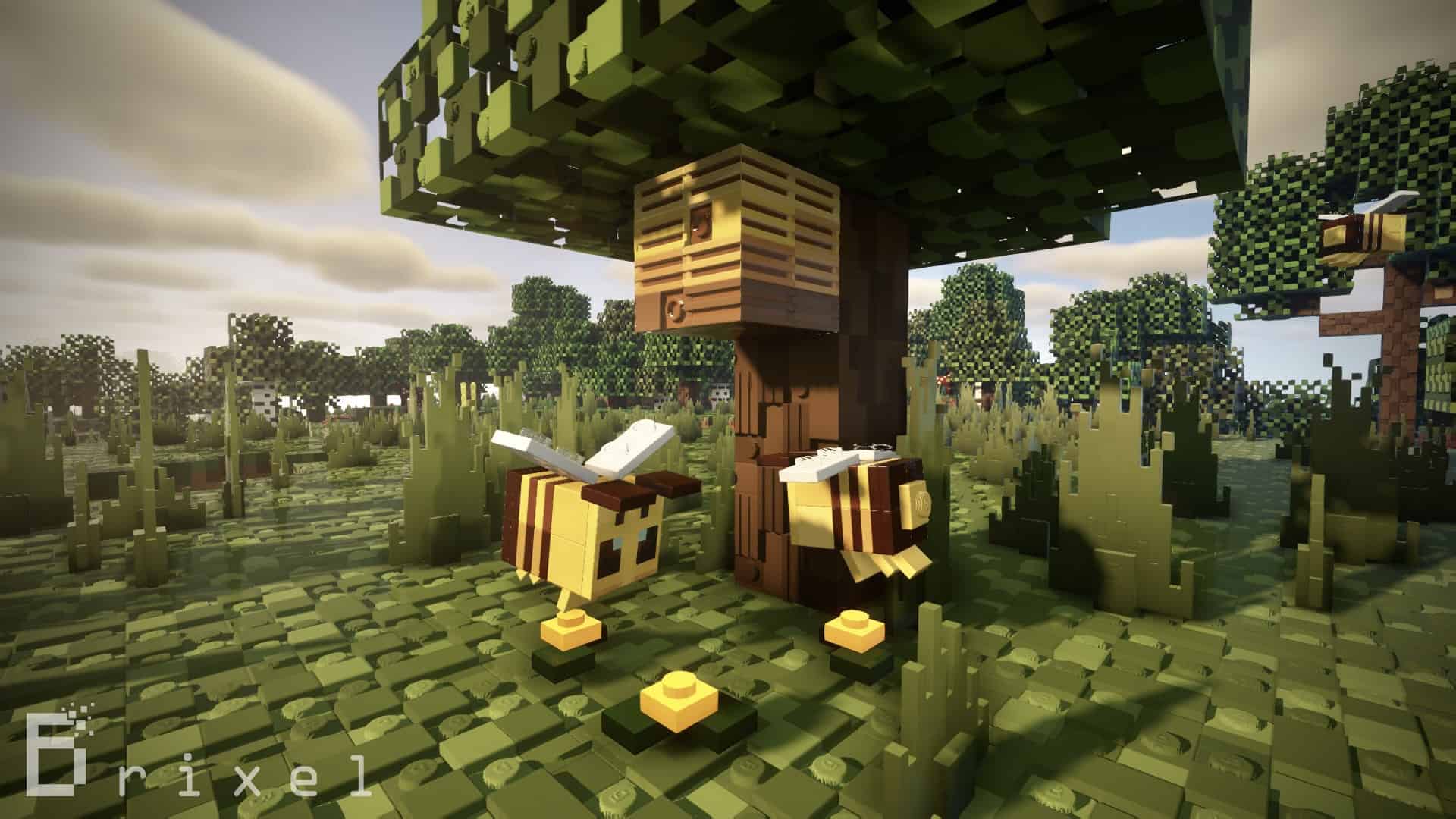
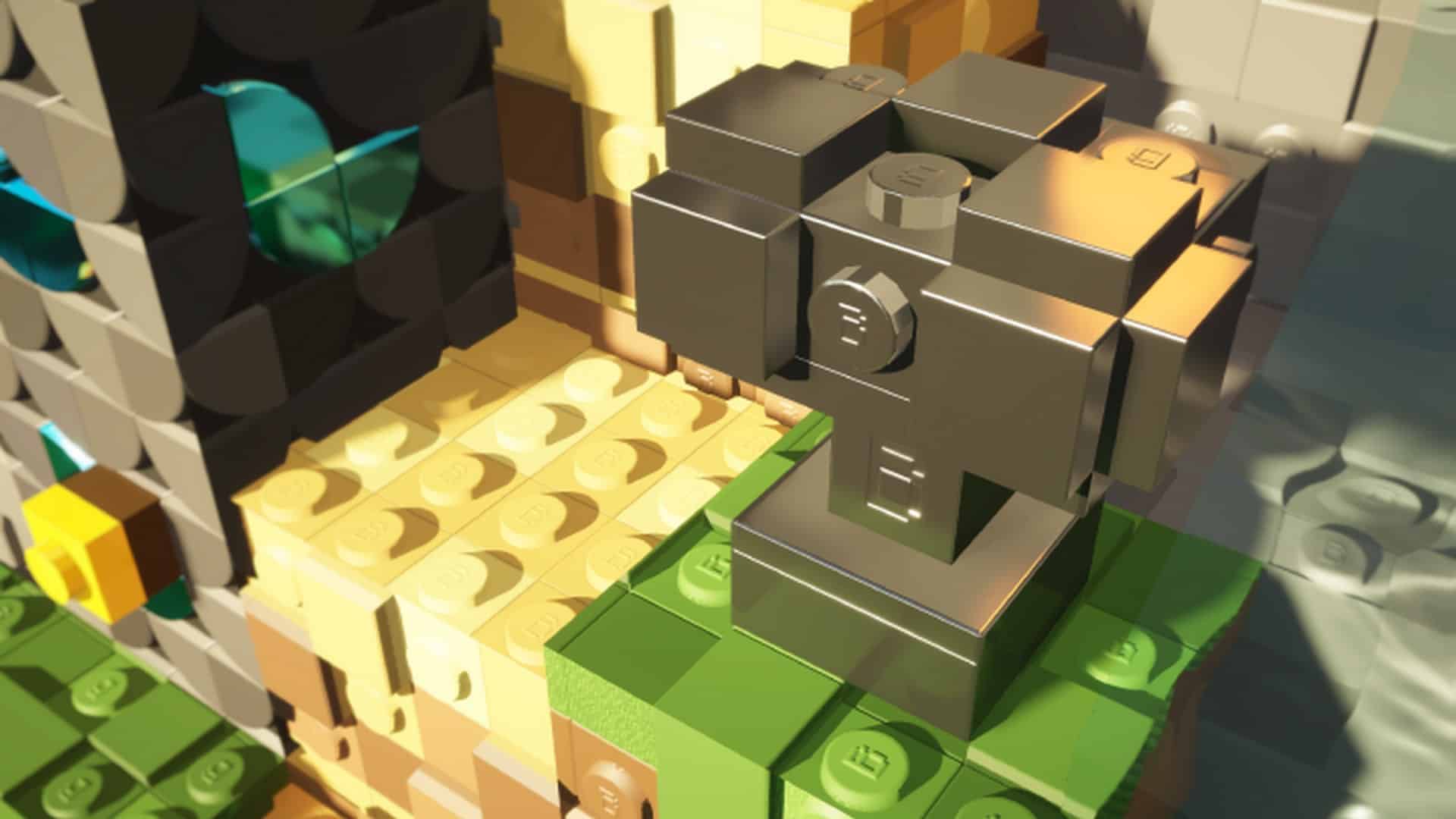
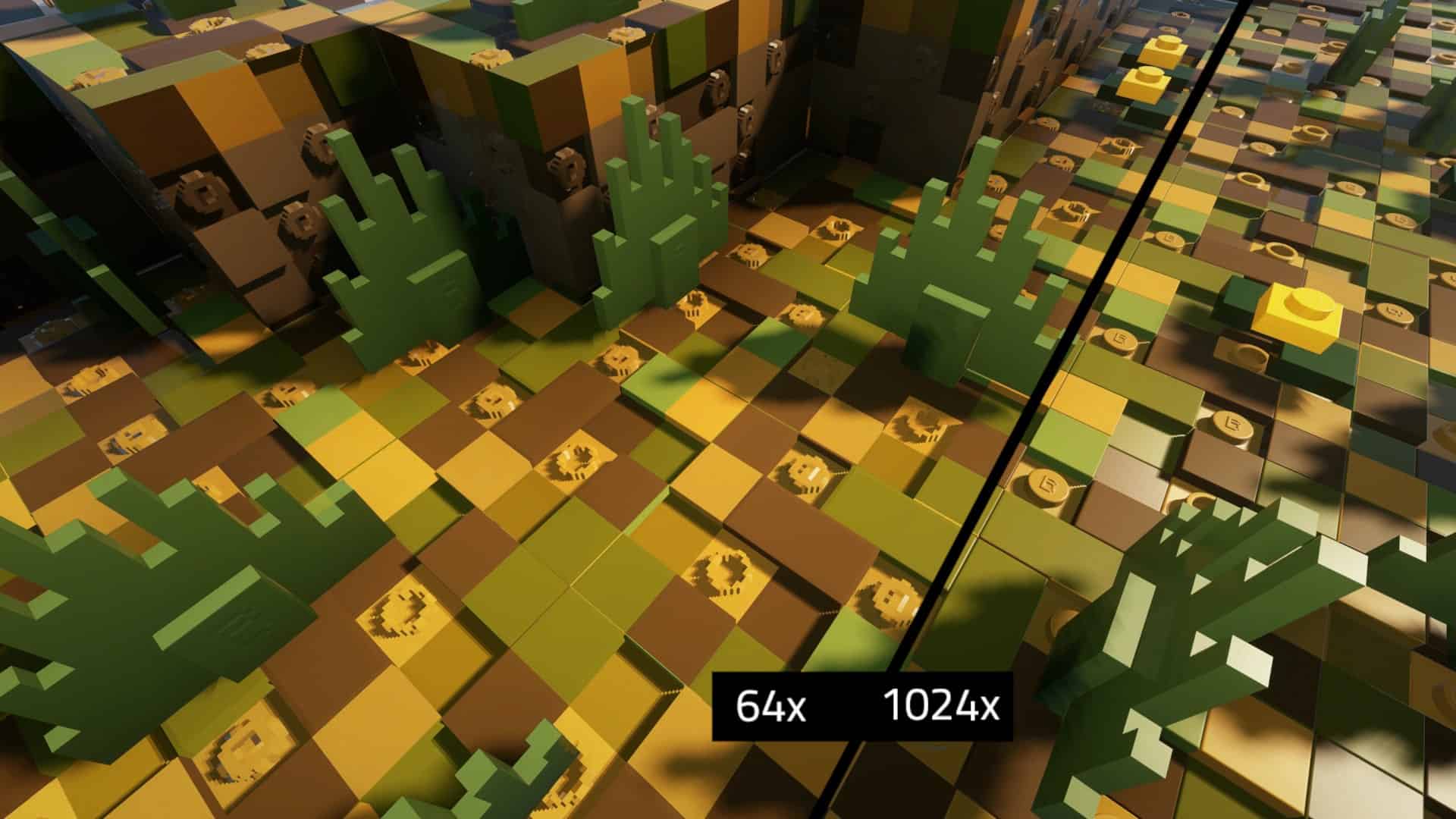
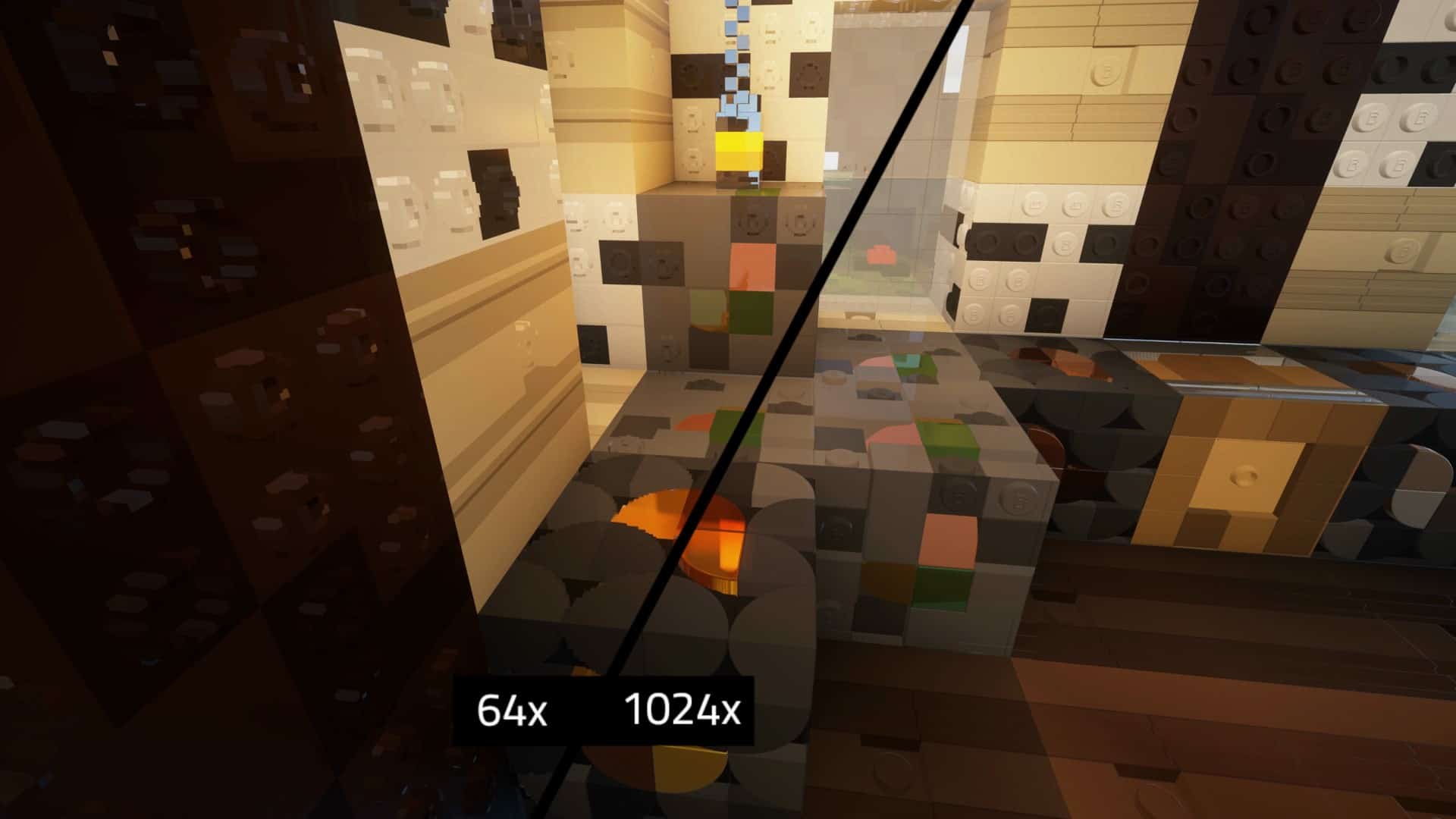
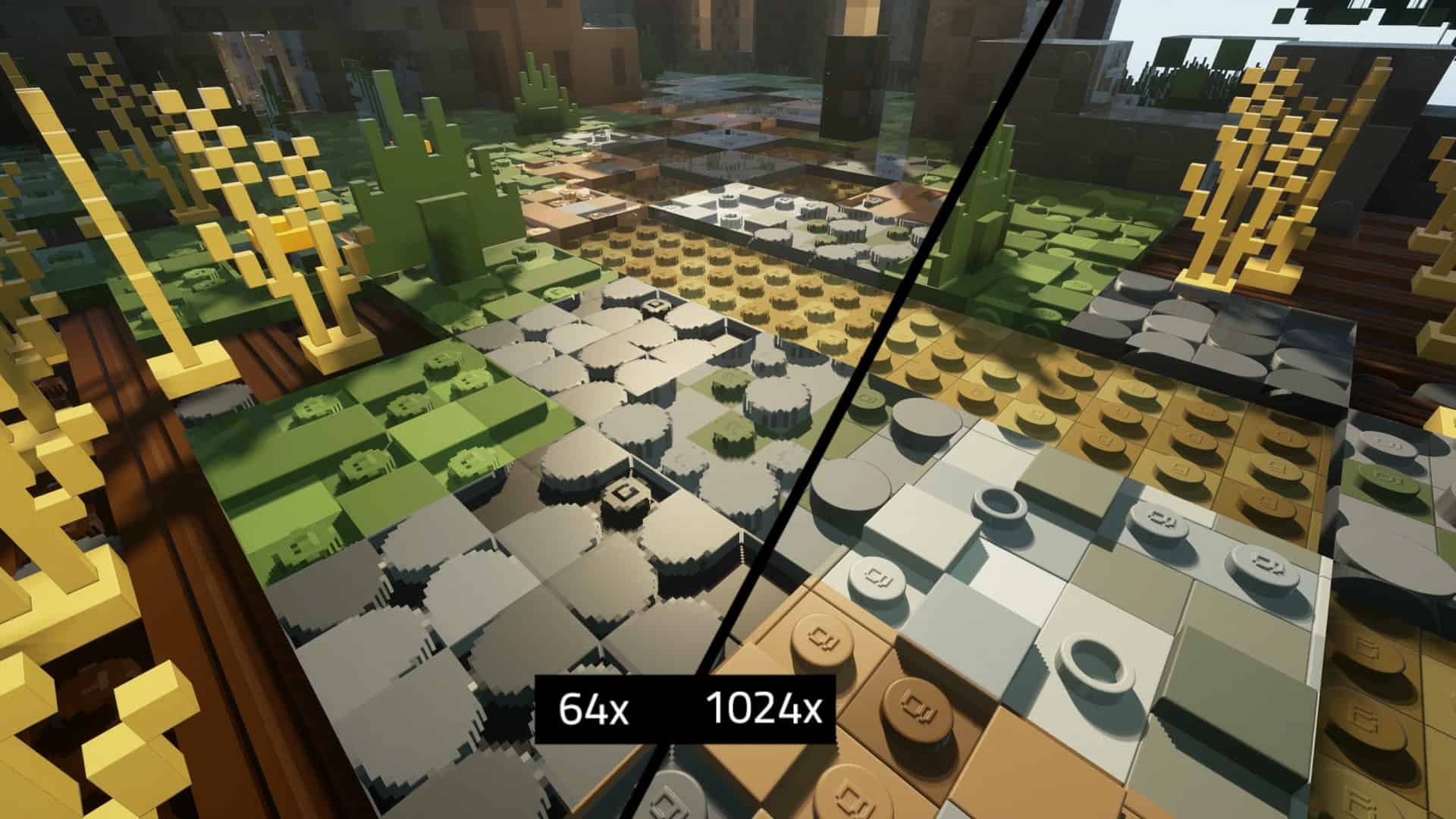
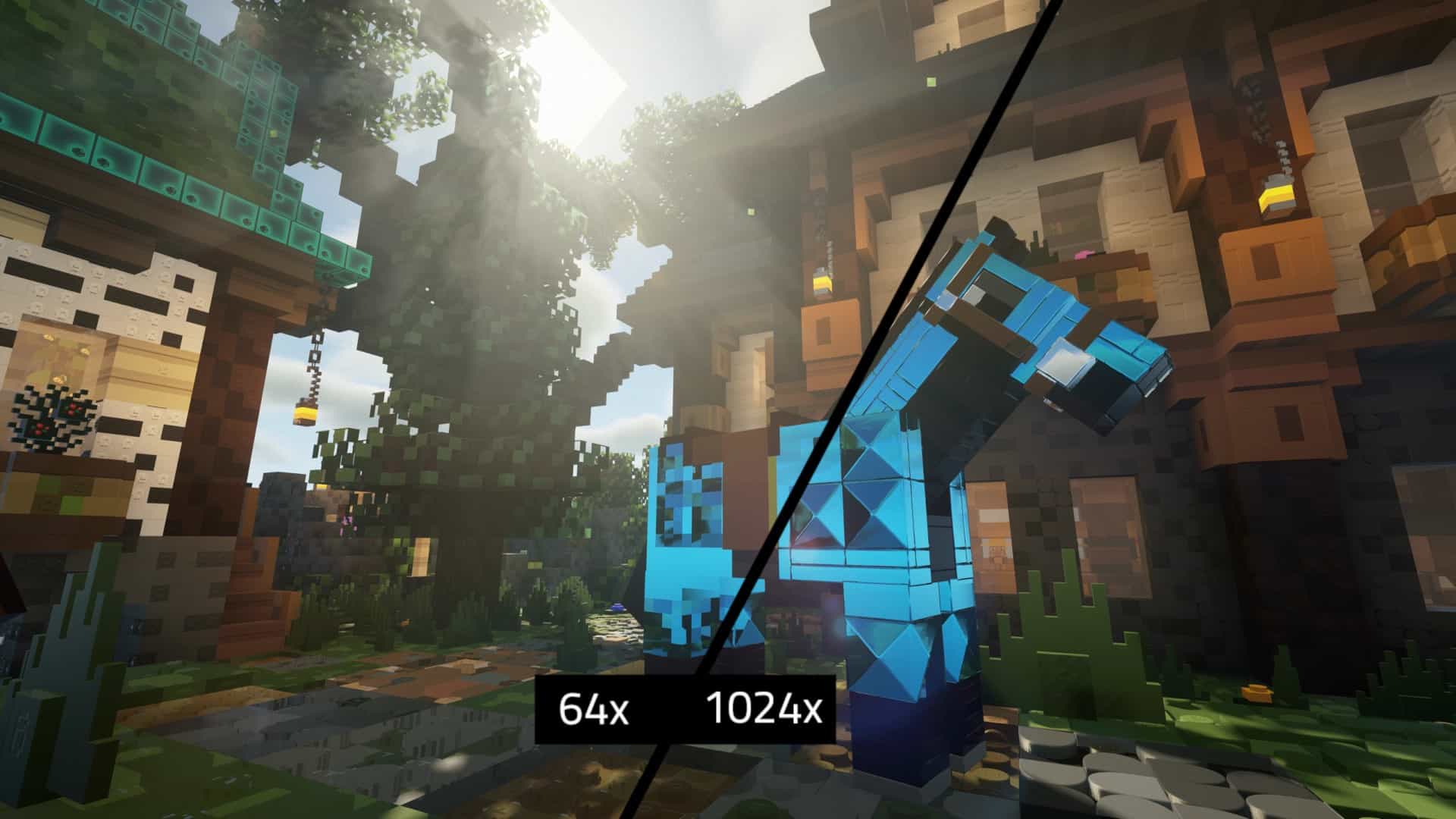
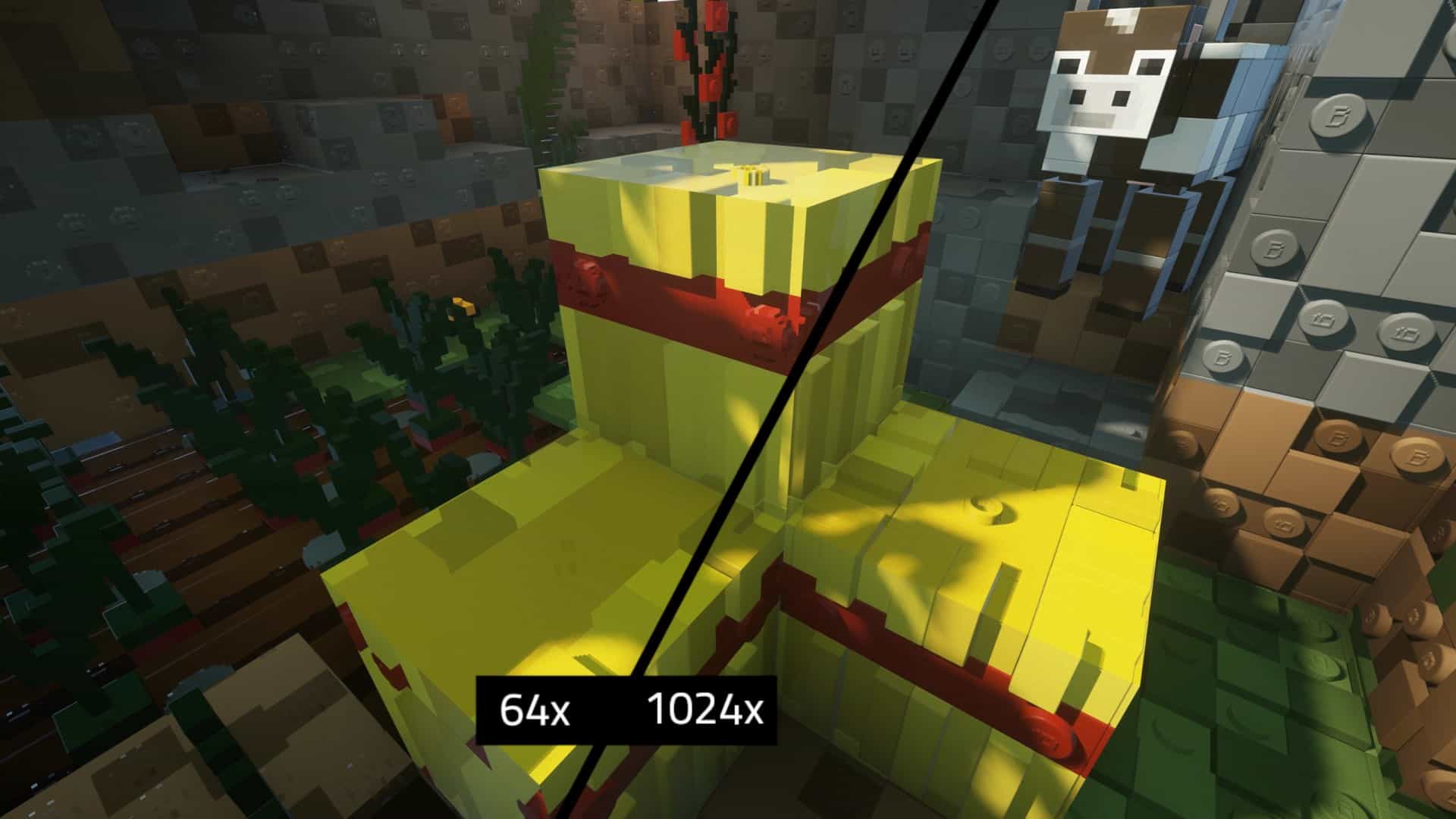
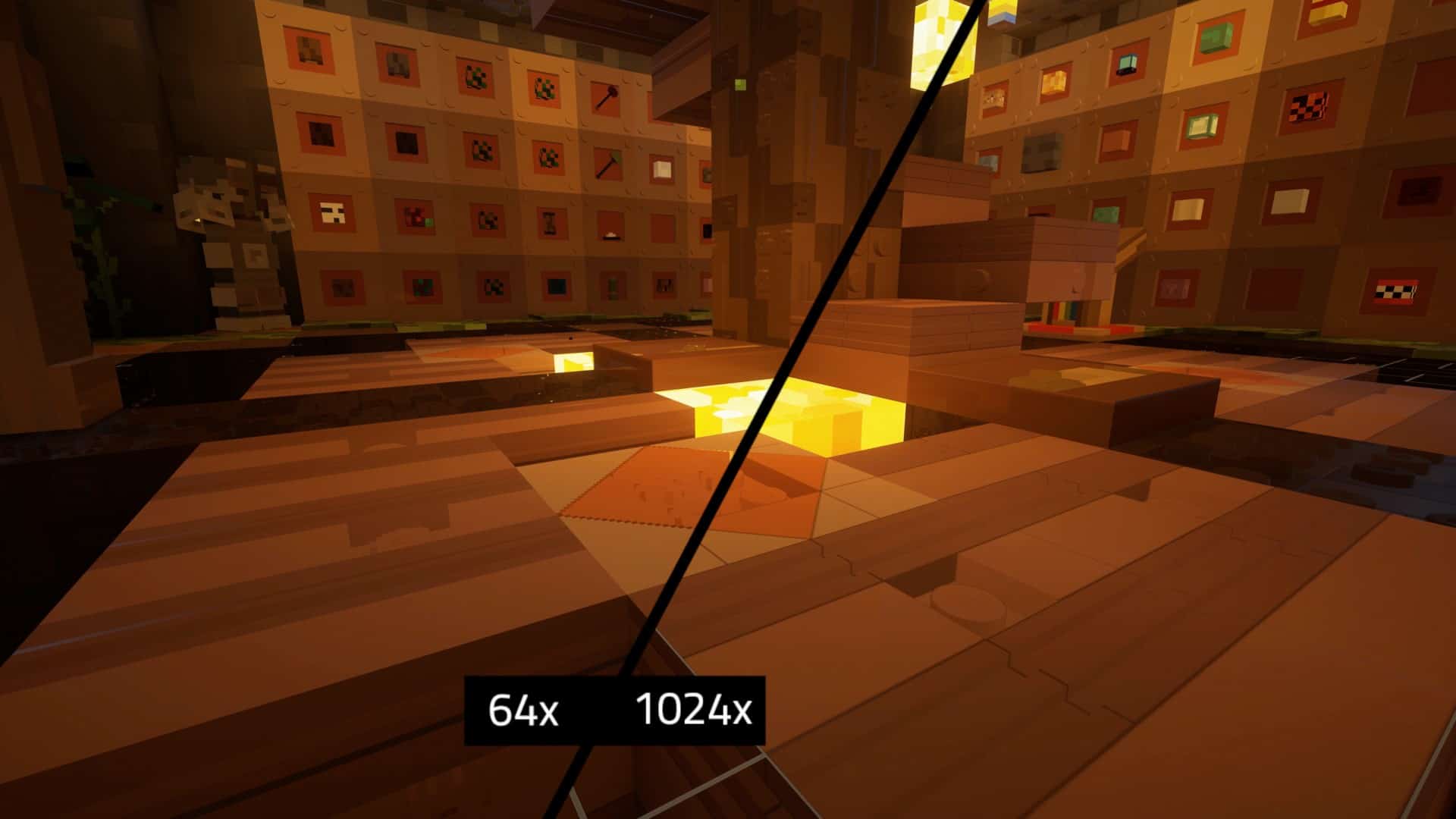
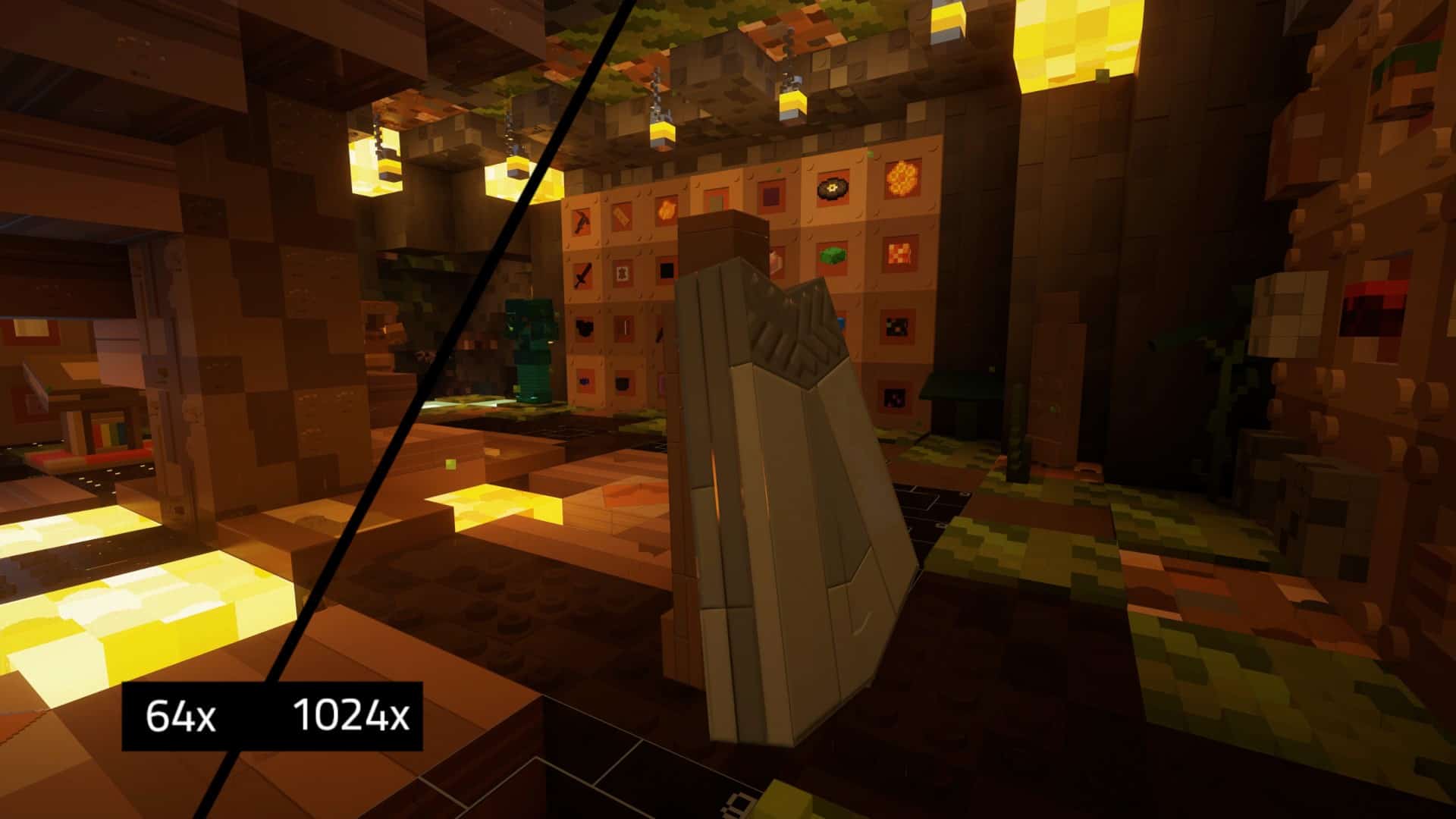
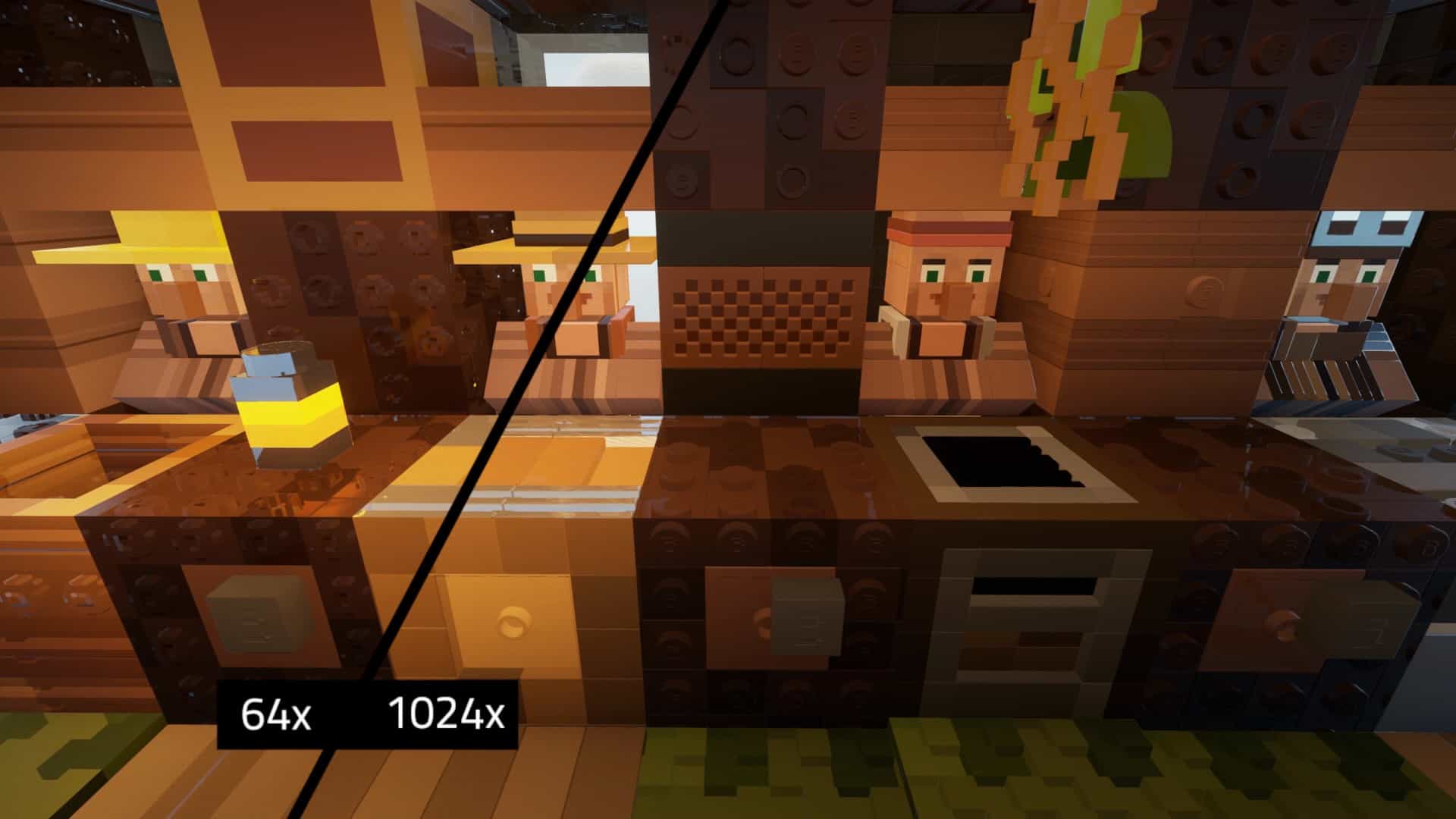
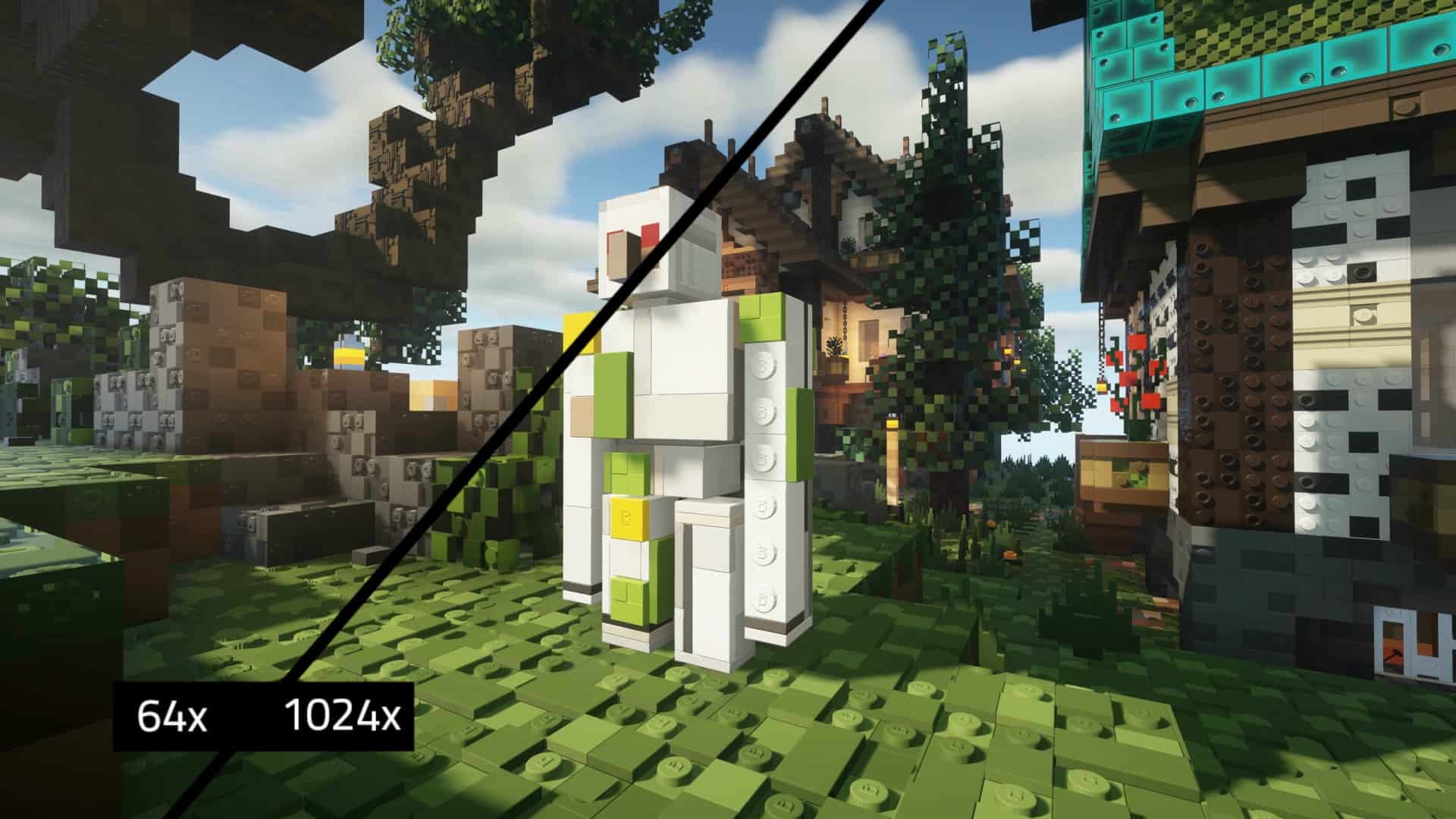
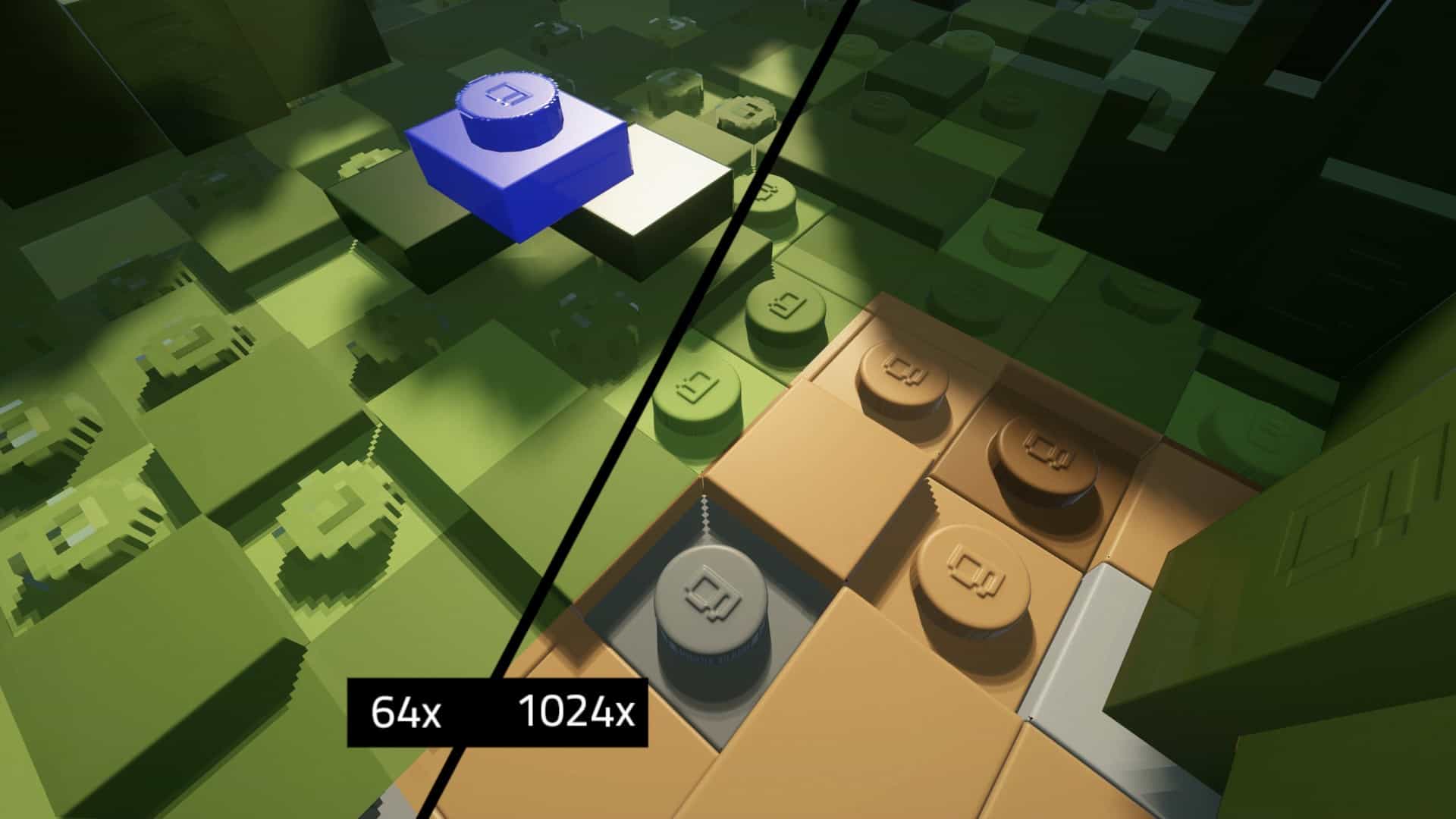
How to install Brixel Resource Pack:
- Most resource packs require Optifine, so be sure to download and install it. – general recommended step for all packs, Optifine is also needed for most shaders
- Download the Brixel texture pack for Minecraft from the download section below. – if there are many different versions, just choose the one you like, is compatible with your version/edition of Minecraft, the one you think your computer can handle in terms of performance.
- Launch the game client through the Minecraft launcher.
- On the main menu, click "Options".
- On the options menu, click "Resource Packs...".
- Click on "Open Resource Pack Folder". – folder titled "resourcepacks" will pop up
- Move the .zip file you downloaded in the first step to the newly opened "resourcepacks" folder.
- Click "Done".
- Click on "Resource Packs..." again.
- Your pack should have appeared in the left window, just hover over it and click on the arrow pointing to the right.
QUICK TIP: Sometimes, when activating a pack, the game may say that the pack is made for a newer or older version of Minecraft. This is just a warning, it does not affect your gameplay in anyway, and you can still activate and enjoy the pack by simply clicking the "Yes" button when prompted.
- Click "Done" again.
- The pack has now been successfully loaded and ready to be used in your world!
Important for Java Edition:
- Optifine required.
- BSL Shaders required.
Brixel - Comparison Slider #1
Move slider back and forth to see vanilla Minecraft on the left and the beautiful resource pack on the right.
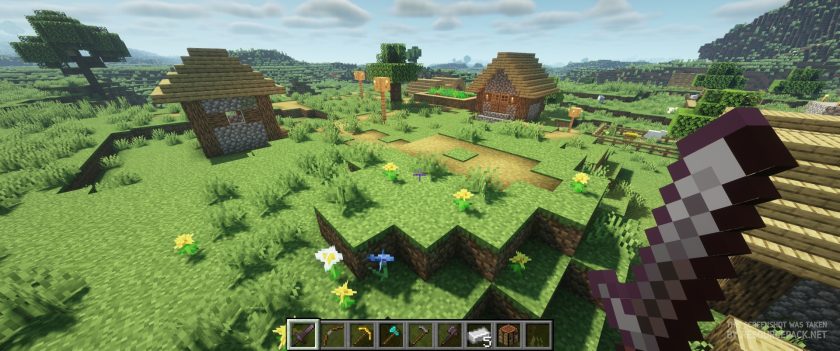 Vanilla (BSL Shaders)
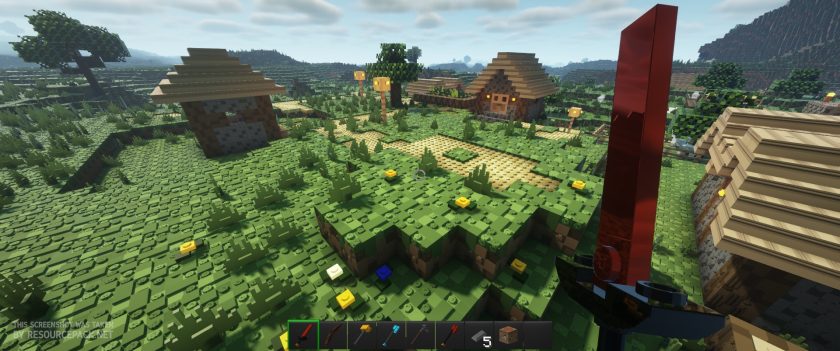 Brixel 64x (BSL Shades)
Brixel Texture Pack Download
- We do not modify or edit any resource packs. All resource packs, shaders and tools found on this website are linked directly to official sources rather than hosted on our own servers. We provide only the official download links from the original creators to ensure that your files are safe and secure.
- These official links are updated manually and may occasionally stop working when a new version is released. We work hard to keep everything current so that you have a smooth experience. Please let us know in the comments if you find a link that no longer works.
- Minecraft is a trademark of Mojang Studios and has no official connection to this website. Our goal is simply to share the best creations from the community with other players.
- Please consider leaving a comment or voting for your favorite packs. This feedback helps authors improve their projects over time. You can also support the creators directly by visiting the official links located below the download section.
Java Edition:
[64x] [1.21.x – 1.20.2] Download Brixel Resource Pack – absolutely free;
[128x] [1.21.x – 1.17.x] Download Brixel Resource Pack – for Patrons only;
[256x] [1.21.x – 1.17.x] Download Brixel Resource Pack – for Patrons only;
[512x] [1.21.x – 1.17.x] Download Brixel Resource Pack – for Patrons only;
[1024x] [1.21.x – 1.17.x] Download Brixel Resource Pack – for Patrons only;
Curseforge: download starts automatically after a few seconds;
Mediafire: click the big blue button with the text "DOWNLOAD";
Google Drive: in the top right corner you will see a small download icon (down arrow), click it and the download should start;

1,392 votes
Look.. 1392 users have already liked this pack. Give a diamond if you like it too!



Isabell
looks good
Yt
how to make a world of that in mincruft? it’s not working
RustyPirate
Anyone have issues with the chests? Small chests are partly see through and have glowing purple/ blue bands and large chests go to vanilla?
Wabbabrick
This has been fixed in Brixel 3.3