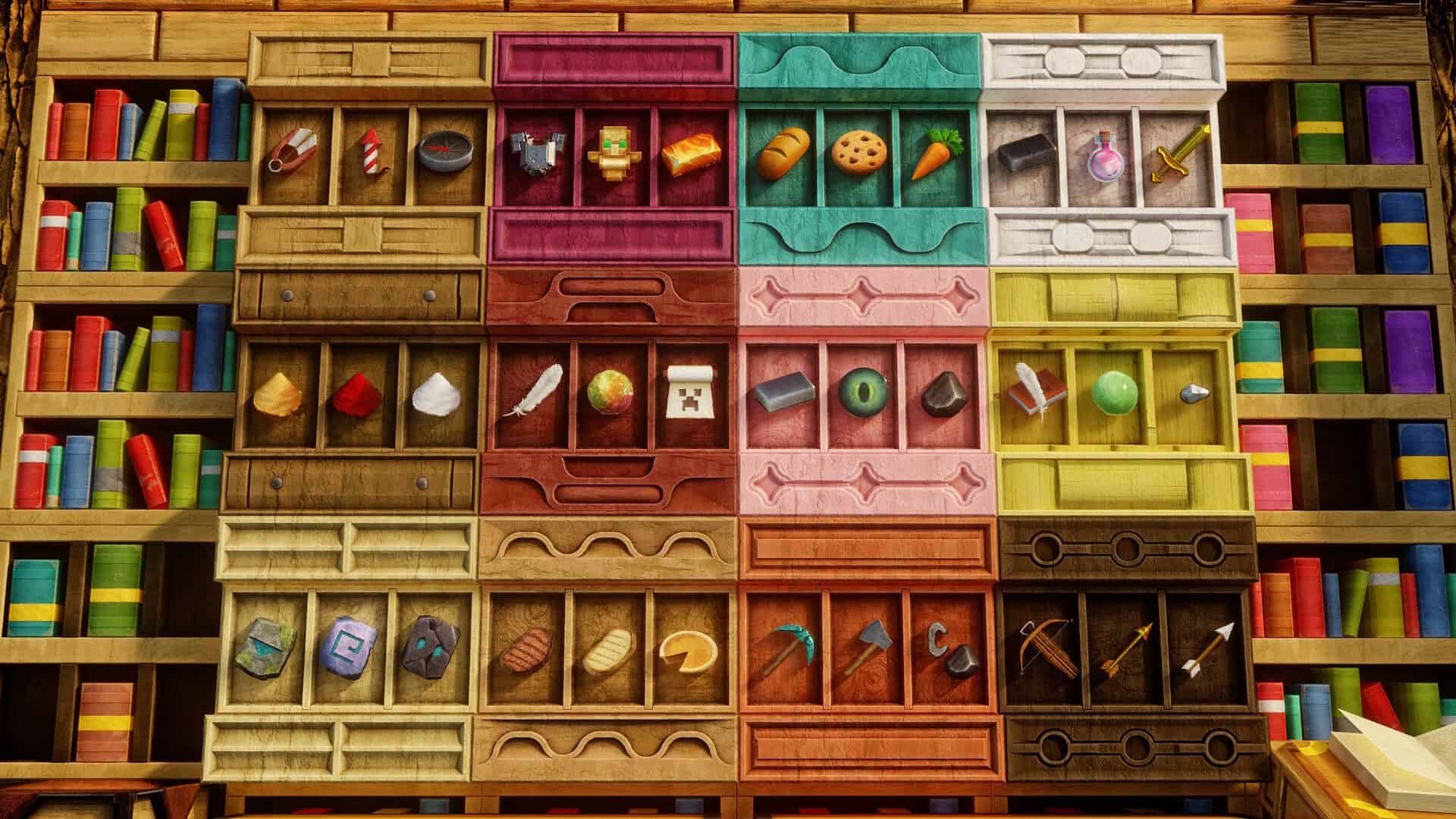
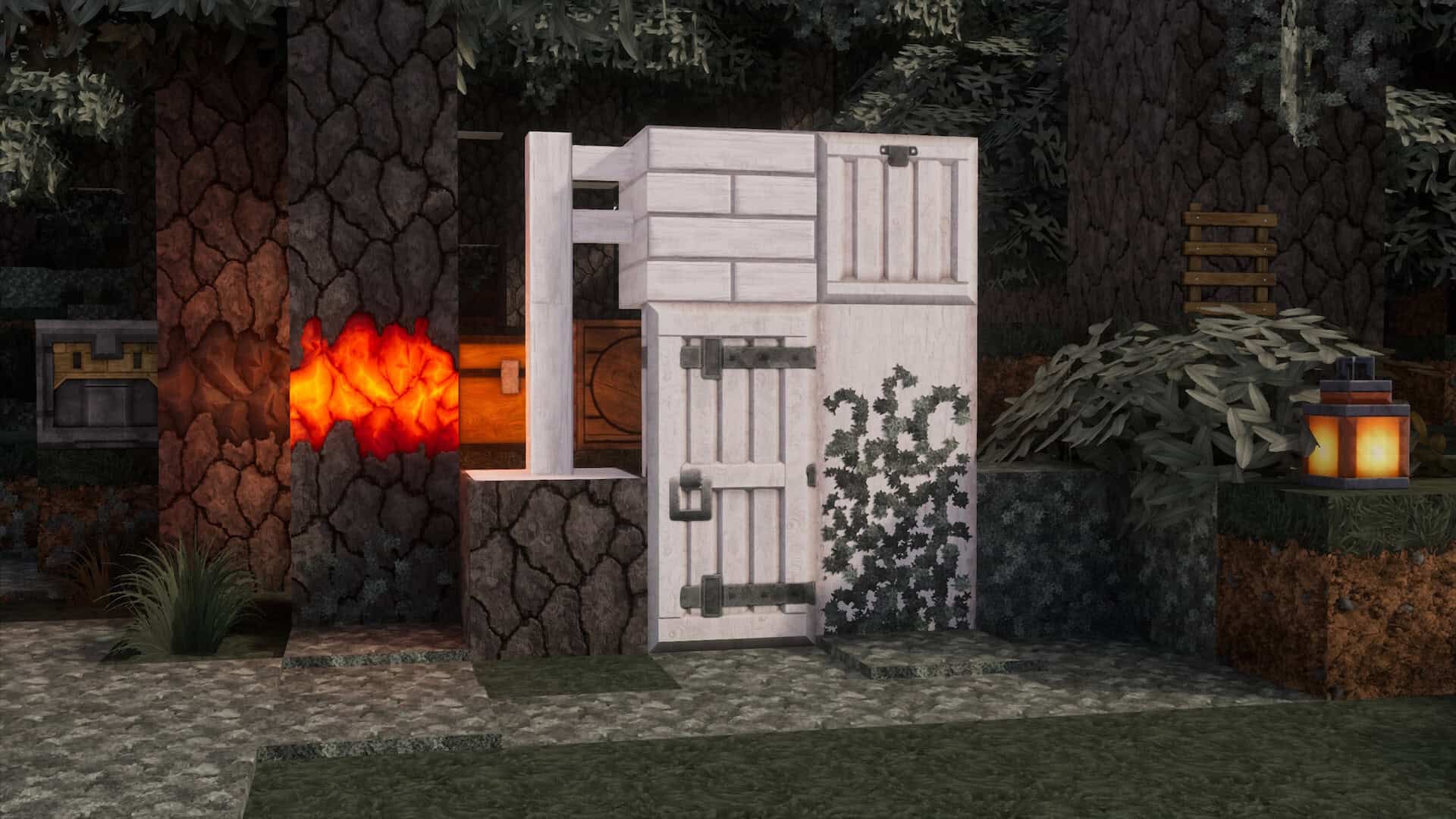
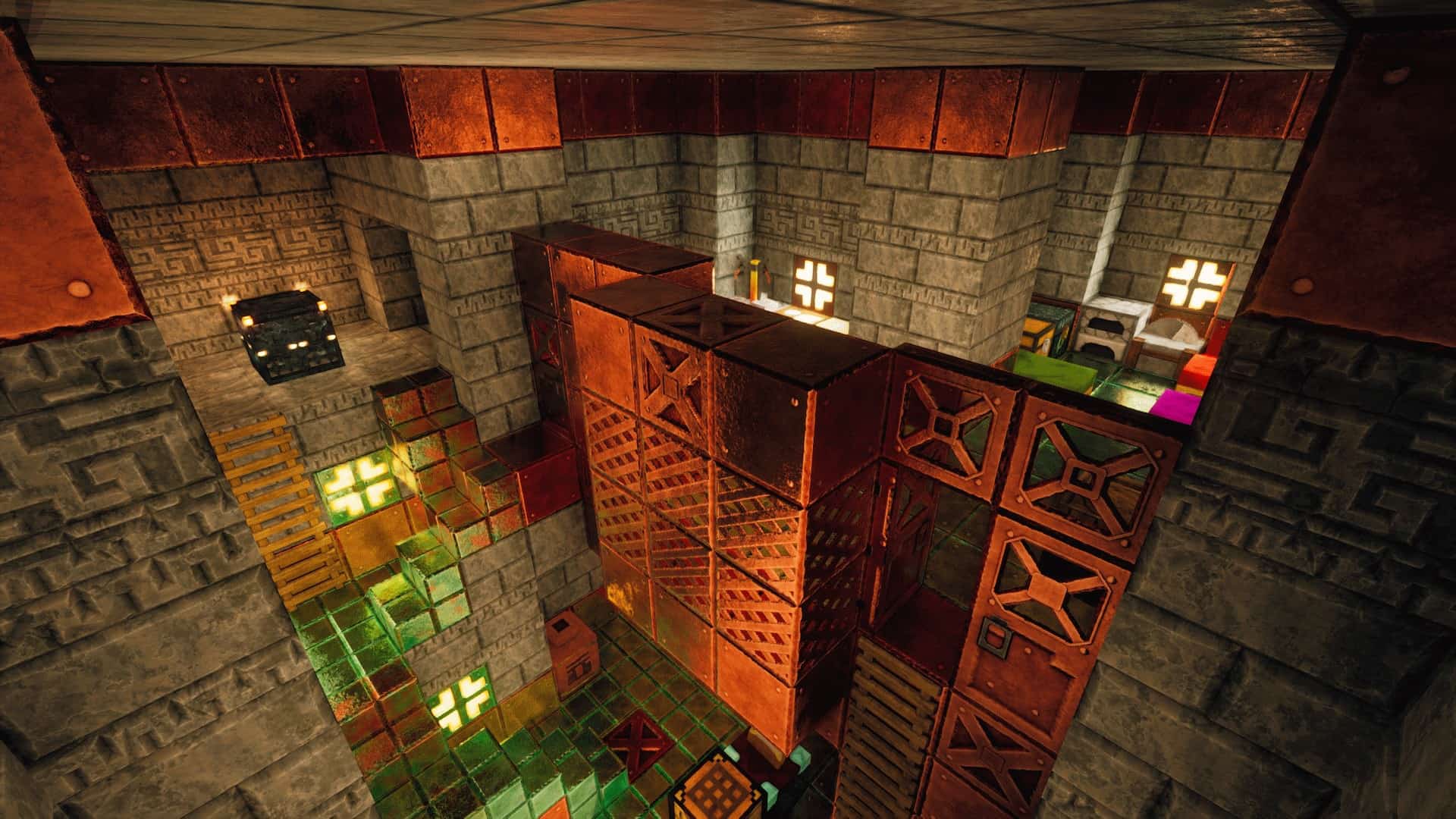
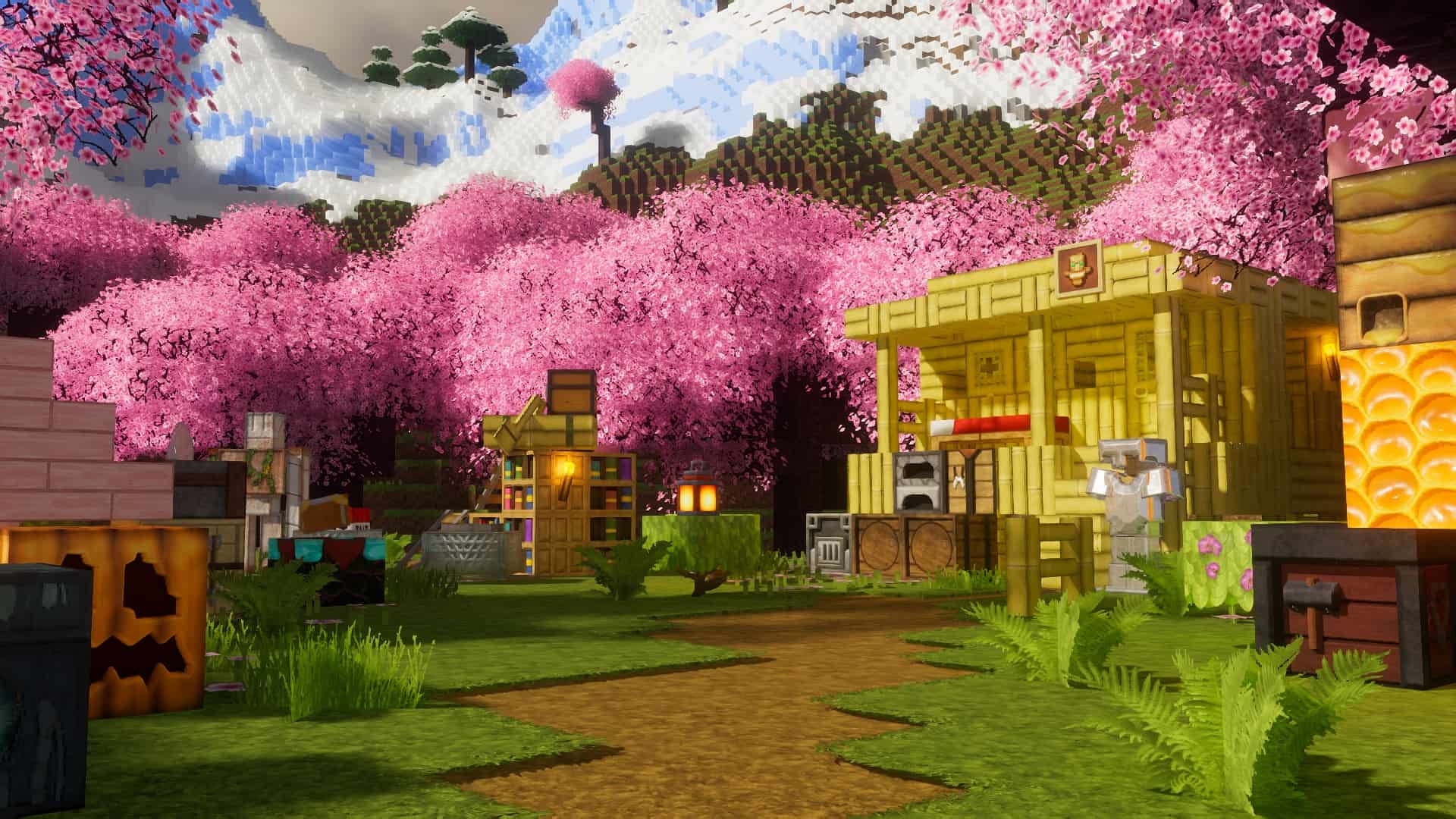
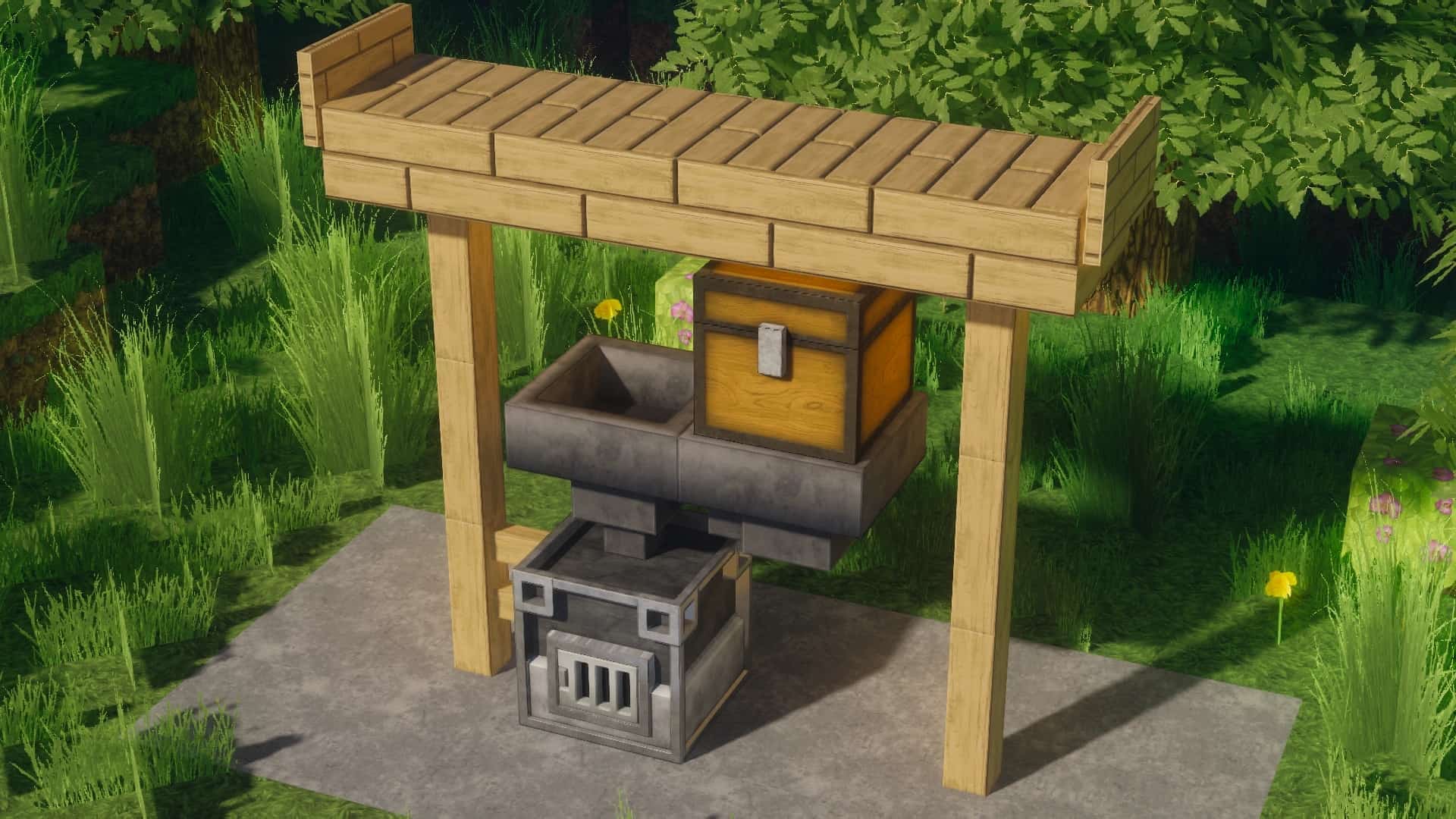
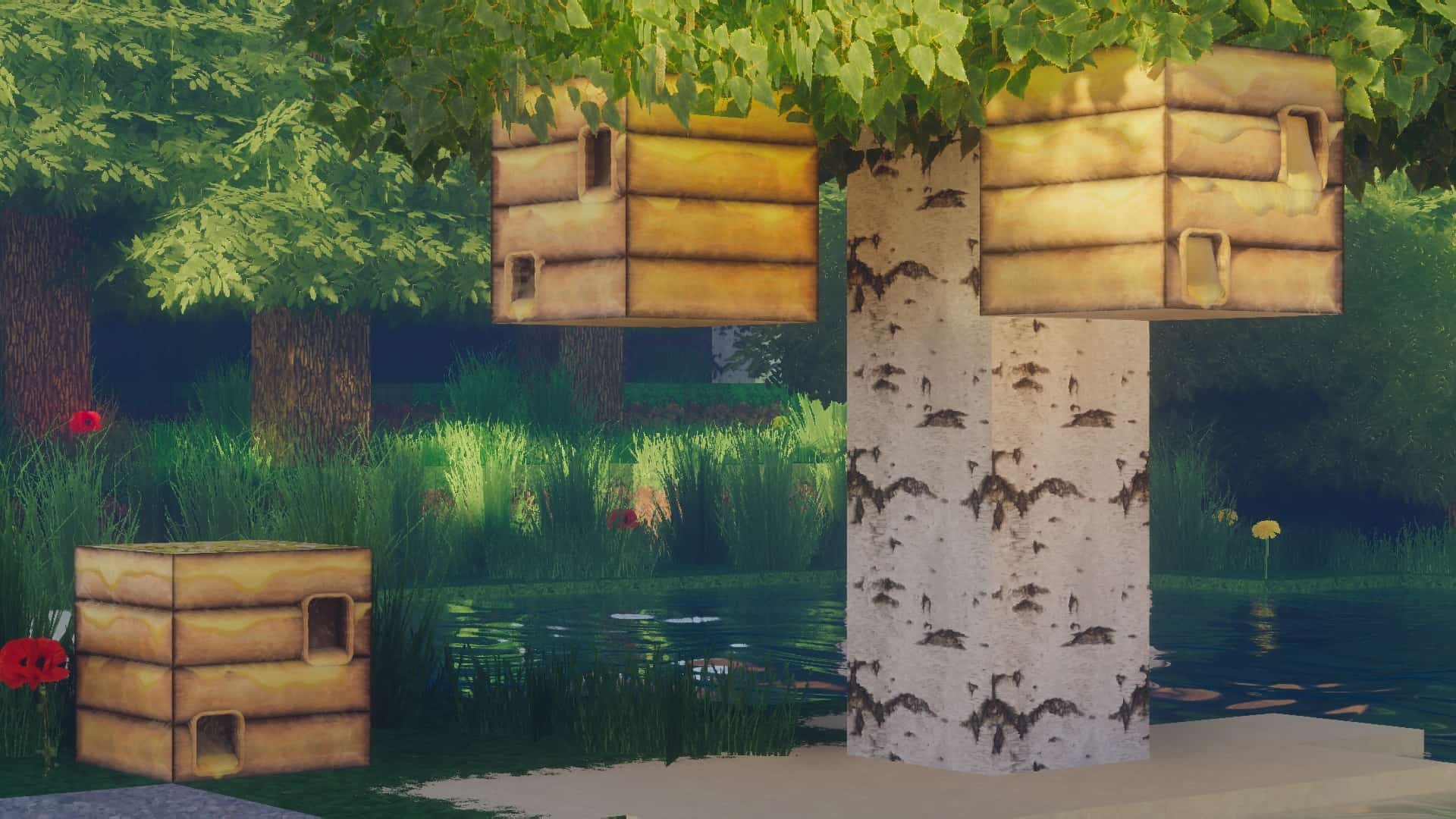
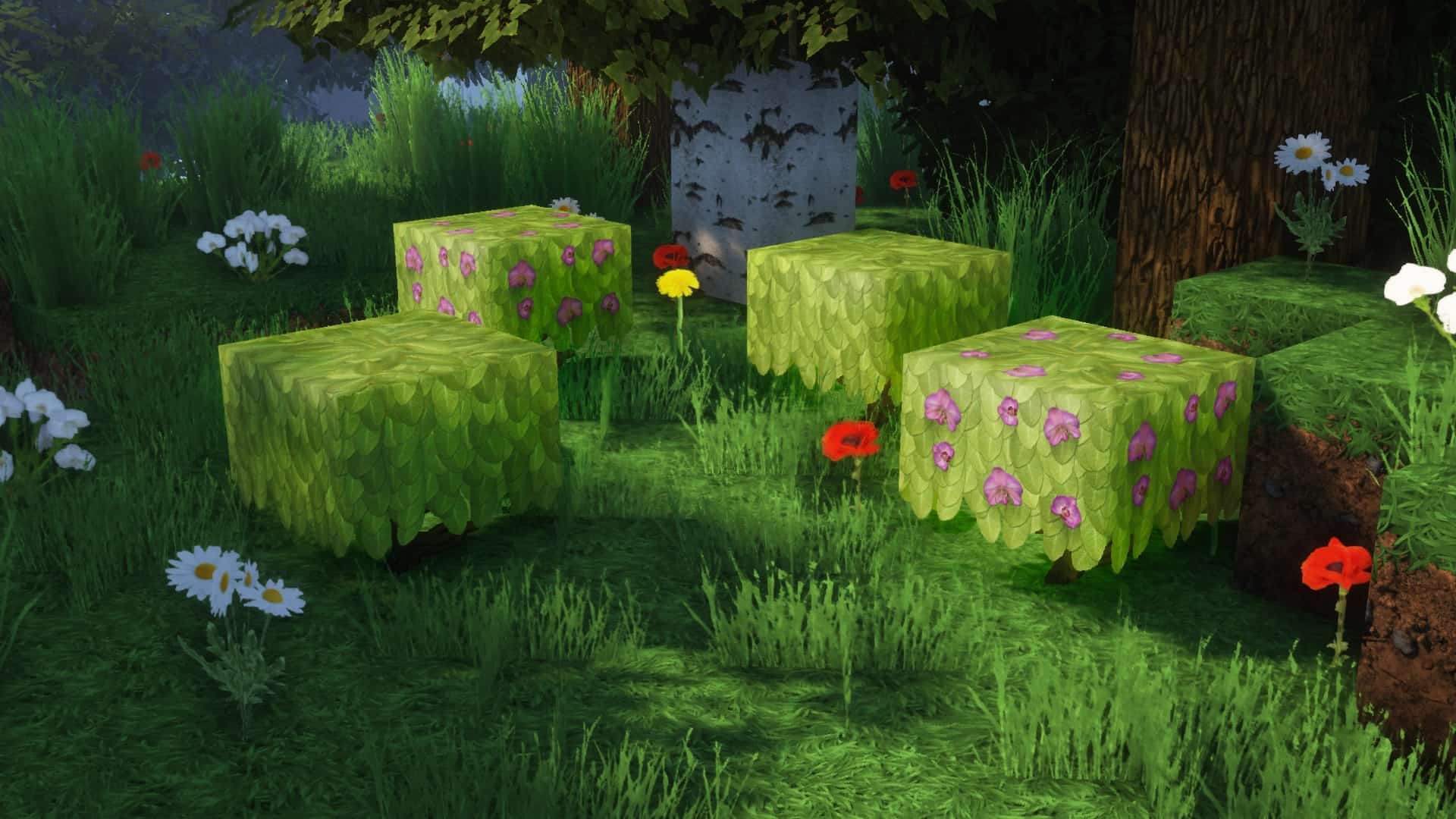
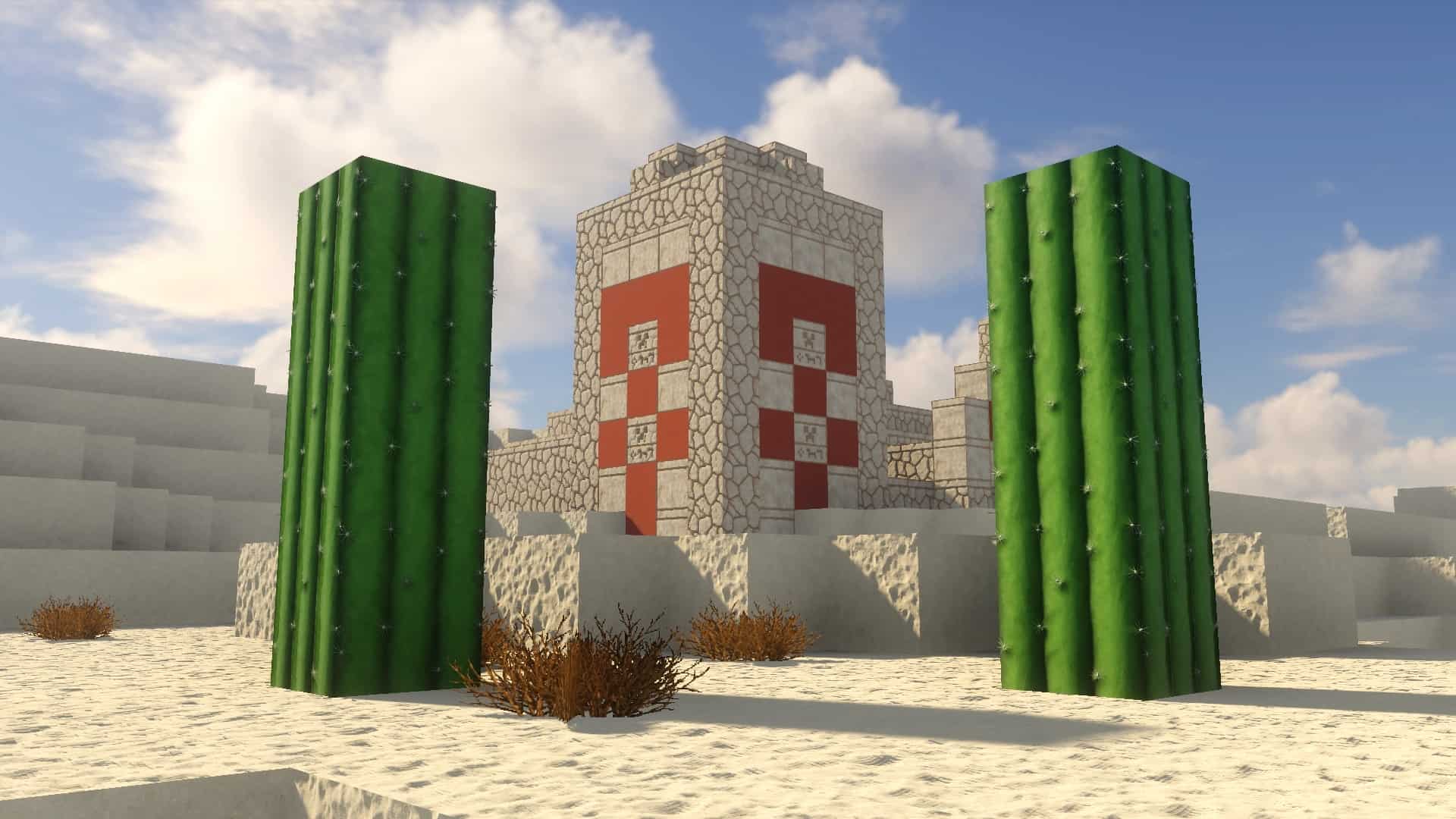
rotrBLOCKS resource pack is one of many that attempts to change the plain vanilla Minecraft look for the better by upscaling textures. What is impressive about the resource pack that it manages to achieve this goal much better than most resource packs that focus on realism, vanilla theme and increased levels of details. It is a promising resource pack that is still under development. Despite being relatively new, it adds a plethora of visual upgrades. rotrBLOCKS was released in early 2021, receiving many praises from the community for the level of details it adds and for how the textures and 3D models look. The texture pack was created by user jekruy. rotrBLOCKS stands for Replace of the Reality BLOCKS. It is a fitting name as the resource pack brings photorealism to many visuals in the game. Inspired by the Faithful resource pack, rotrBLOCKS does not aim to make significant changes to the textures themselves. Even if more pixels are added, color palets and the overall design of the textures are the same. What it does is to add more details and instead of everything looking blocky, there is, even more, to see as you stand closer and closer to objects in the game. There is a certain degree of familiarity that was preserved by rotrBlocks while still making everything look better than ever. It is still Minecraft but better. Amongst the many improvements it brings, rotrBLOCKS makes trees, flowers, grass and other types of plants in the game look much more natural. There are more textures, details and much closer to how they would look in real life. While blocks are still blocky and have a limited amount of polygons, the upscaled textures make it appear as if 3D models were reworked. Stone now has cracks, wood textures are much more distinguishable, sand grains can be observed when looking up close and shadows have been improved to be much smoother. Of course, for all of these features to work, you need a PBR / POM-enabled shader pack. The author recommends using BSL Shaders.
All the added details would have not made such a noticeable impact if the lighting would have not been tuned. There is less field of view fog, reduced noise and improved light glared during the day. Clouds are also changed and are no longer blocky. As the resource pack is very new, being launched in early 2021, development is at an accelerated pace to introduce as many new blocks and textures. The latest update adds new red sandstone, sandstone, Redstone lamps, a new crafting table, new leaves for birch, oak, jungle, and spruce trees as well as a furnace and different types of wood planks. It is important to note that rotrBLOCKS is a subproject of the PRB/POM resource pack. User jekruy, the creator of Replace of the Reality Blocks resource pack is offering the 256x resolution version of the pack for free. There is also a 512x and a 1024x version of the texture pack which increases the details even further. Compared to the vanilla Minecraft resolution of 16x, that is a considerable improvement. The only downside is that the increased texture resolution also demands more resources. Even the 256x version will result in a framerate drop for users with older computers. Modern systems should be able to handle the 512x and 256x versions. The 1024x is very demanding and even the most powerful systems can struggle running rotrBLOCKS at such high resolutions. The 512x and 1024x versions of the resource pack are only available via Patreon. Supporters will gain access to them based on their membership level. The funds are means to support the creator and offer voting power to the members. Members can vote on which features and changes should be added and get access to updates earlier than everyone else. The rotrBLOCKS resource pack makes use of Optifine features such as CTM for different types of blocks. Along with Optifine HD, a BSL shader pack is also recommended to improve lighting throughout Minecraft and reduce noise levels. As per the latest update, the resource pack is currently available for Minecraft versions 1.12.x and above.
rotrBLOCKS should be compatible with all of these Minecraft versions: 26.2 - 26.1.2 - 26.1.1 - 26.1 - 1.21.11 - 1.21.10 - 1.21.9 - 1.21.8 - 1.21.7 - 1.21.6 - 1.21.5 - 1.21.4 - 1.21.3 - 1.21.2 - 1.21.1 - 1.21 - 1.20.6 - 1.20.5 - 1.20.4 - 1.20.3 - 1.20.2 - 1.20.1 - 1.20 - 1.19.4 - 1.19.3 - 1.19.2 - 1.19.1 - 1.19 - 1.18.2 - 1.18.1 - 1.18 - 1.17.1 - 1.17 - 1.16.5 - 1.16.4 - 1.16.3 - 1.16.2 - 1.16.1 - 1.16 - 1.15.2 - 1.15.1 - 1.15 - 1.14.4 - 1.14.3 - 1.14.2 - 1.14 - 1.13.2 - 1.13.1 - 1.13
rotrBLOCKS — Video & Screenshots
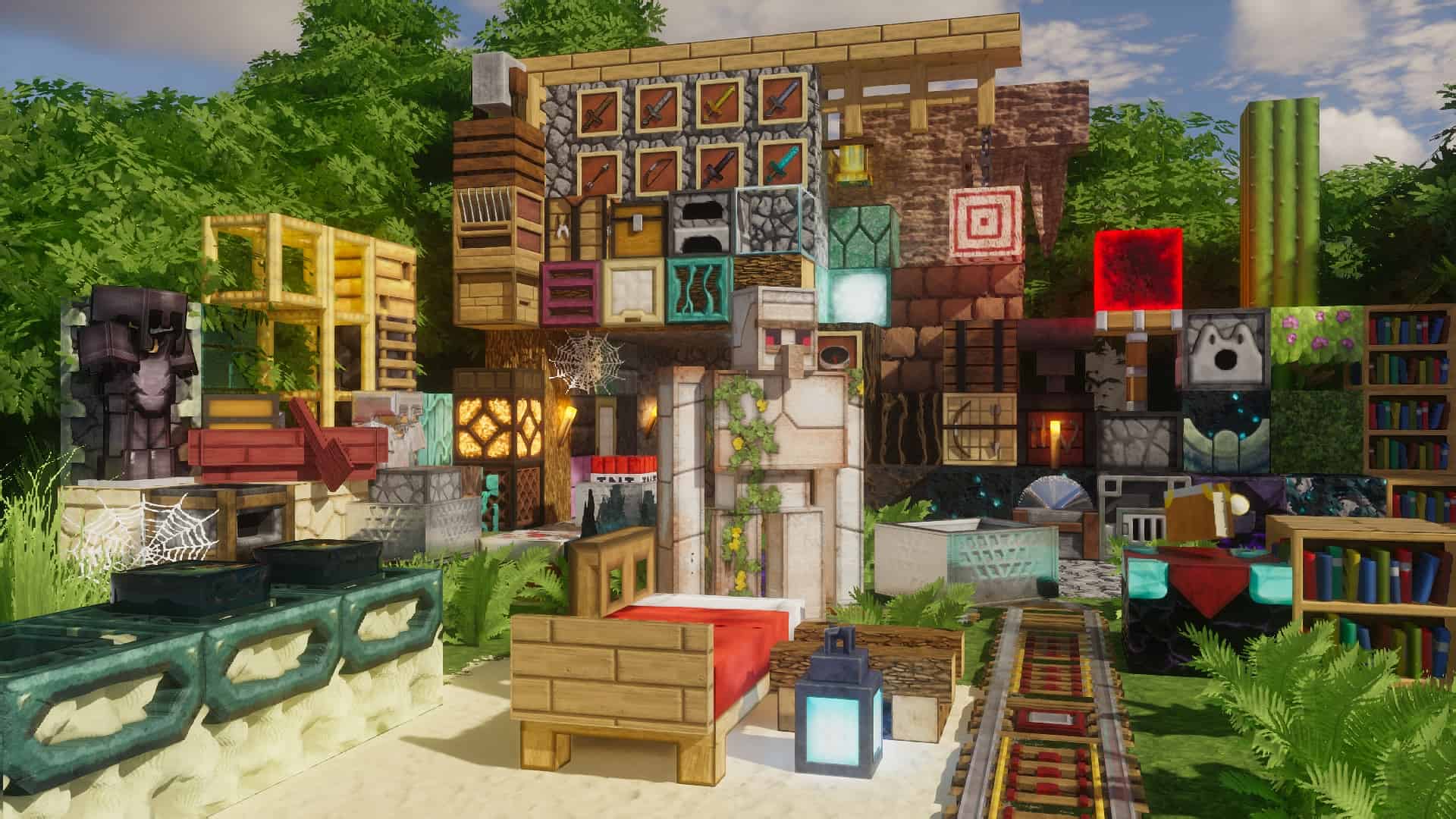
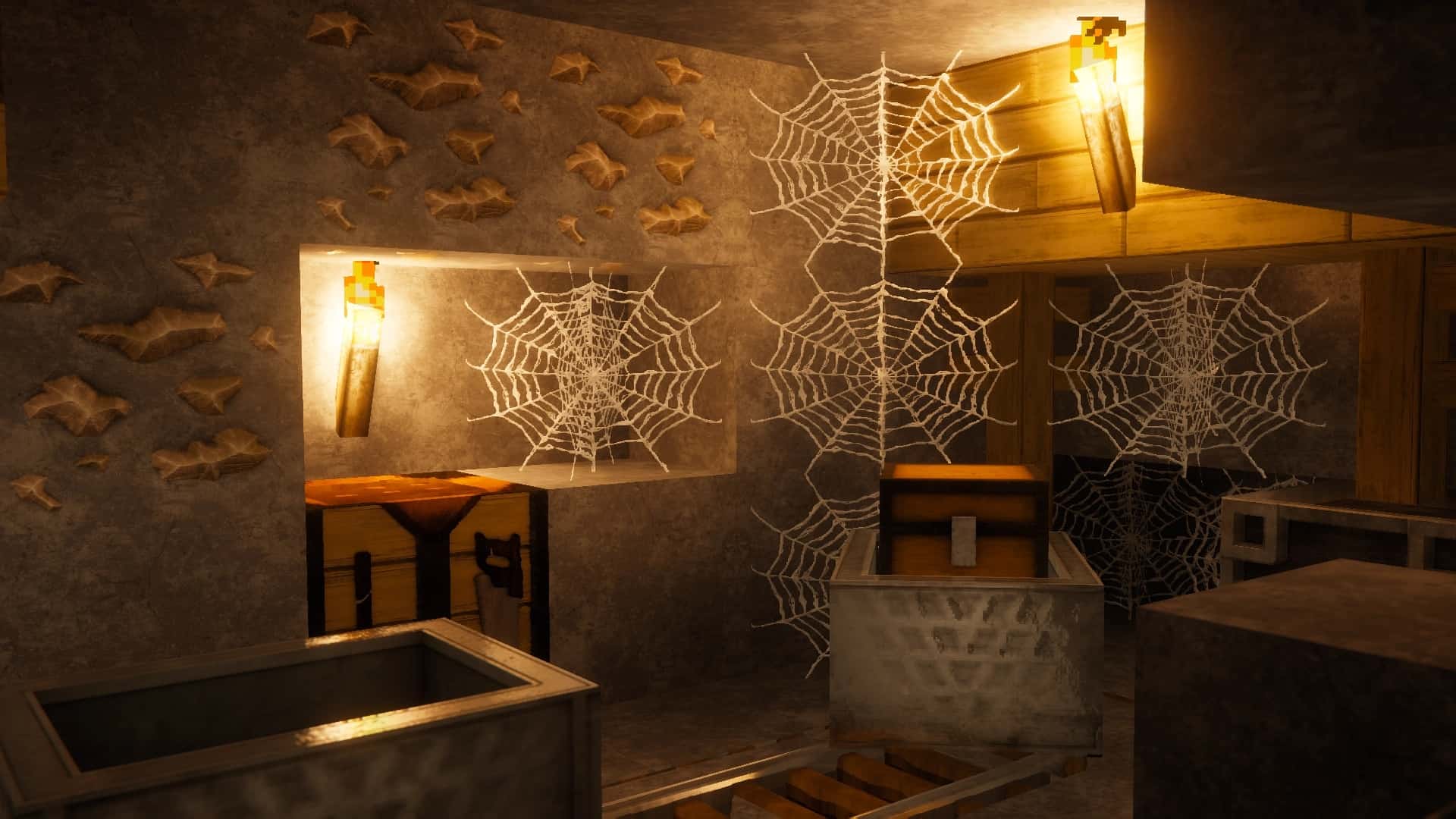
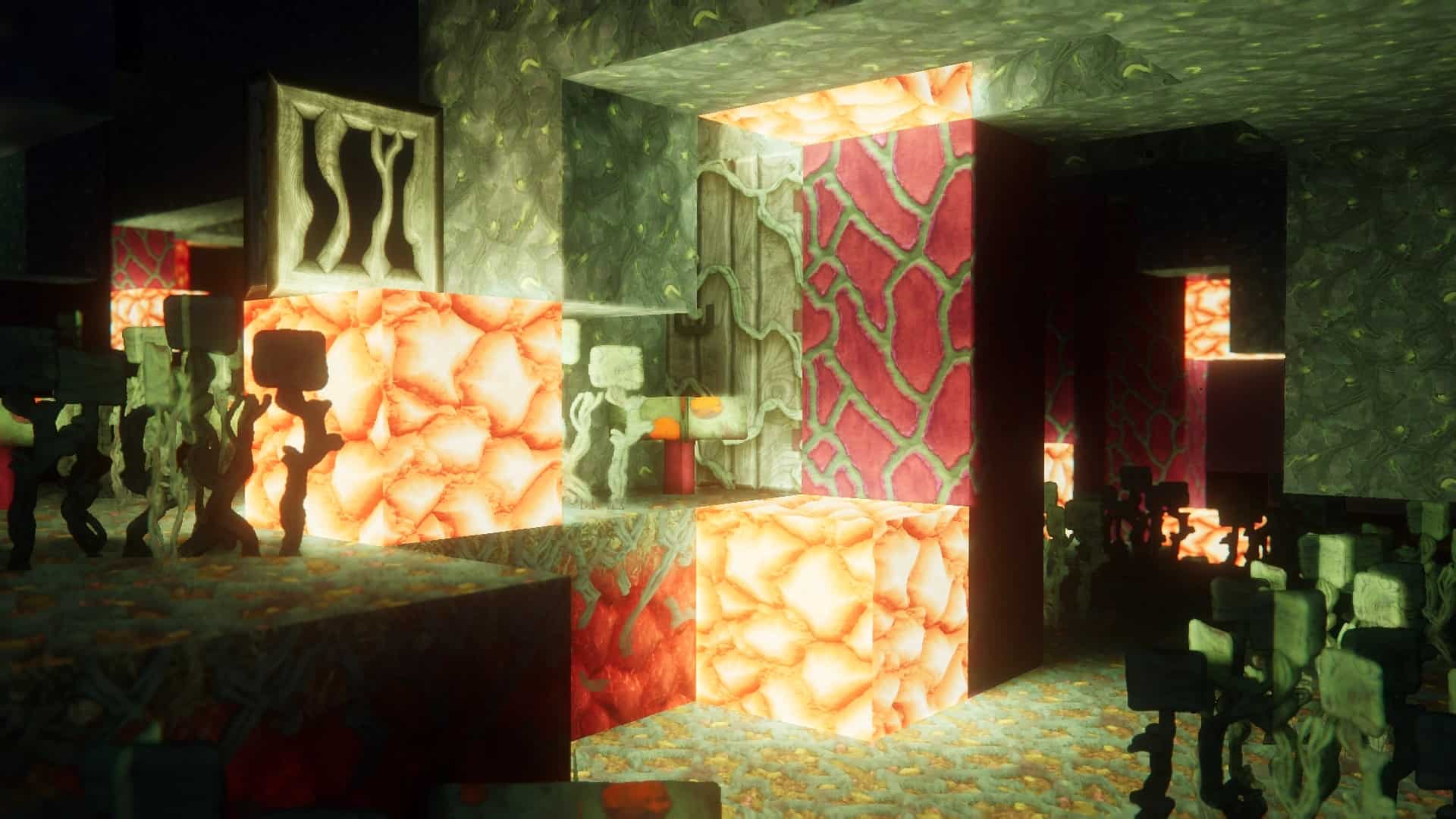

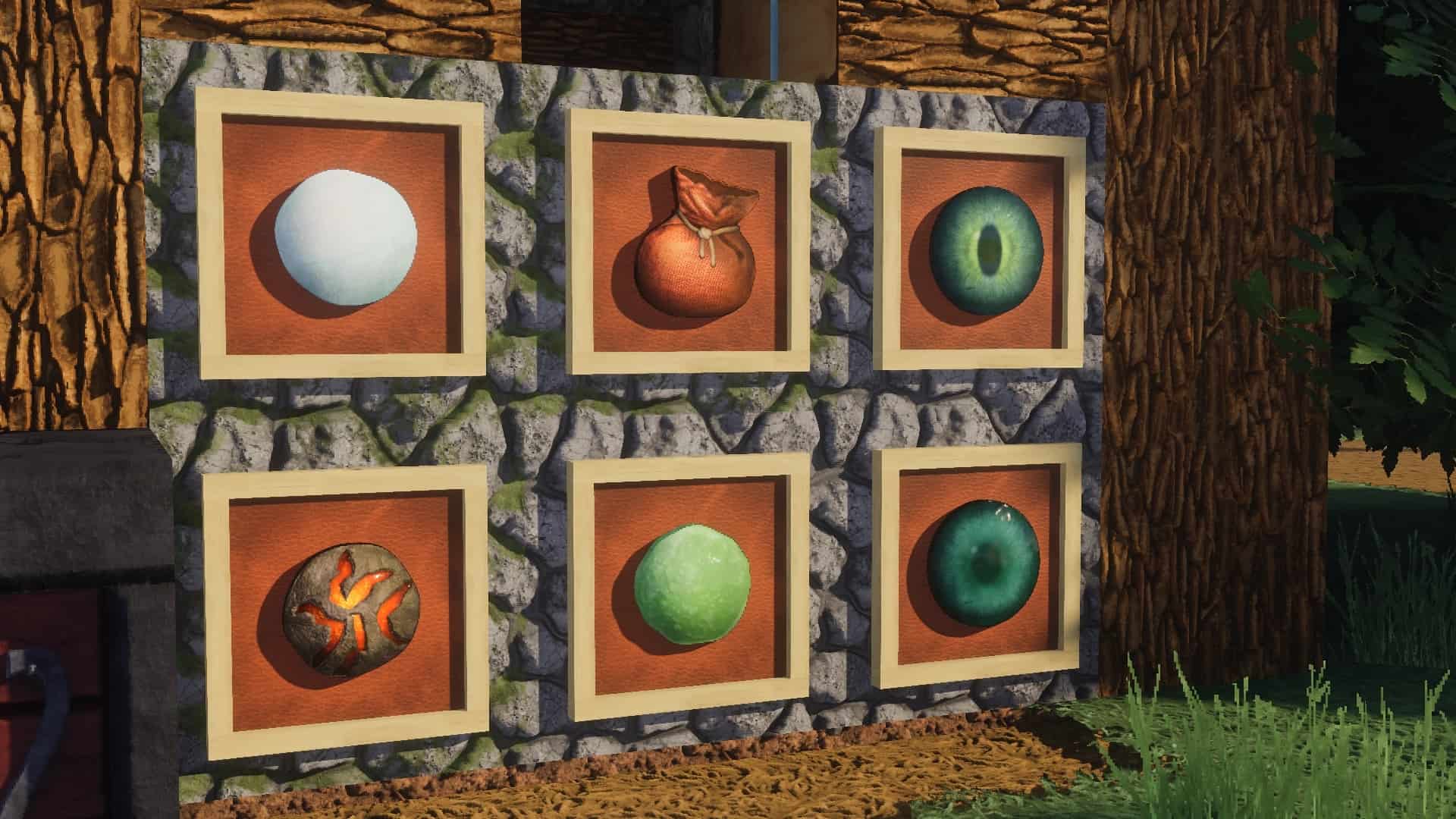
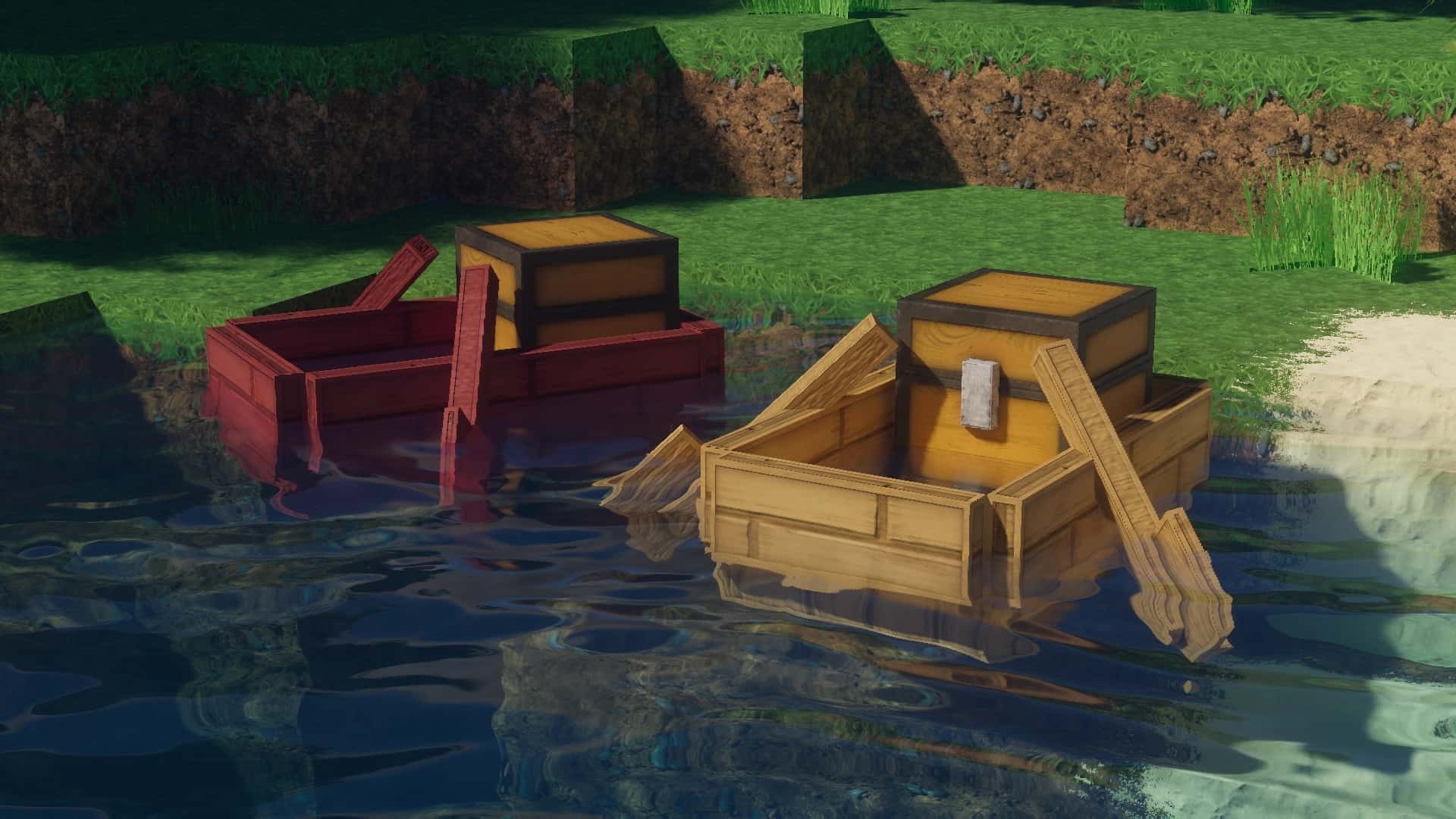
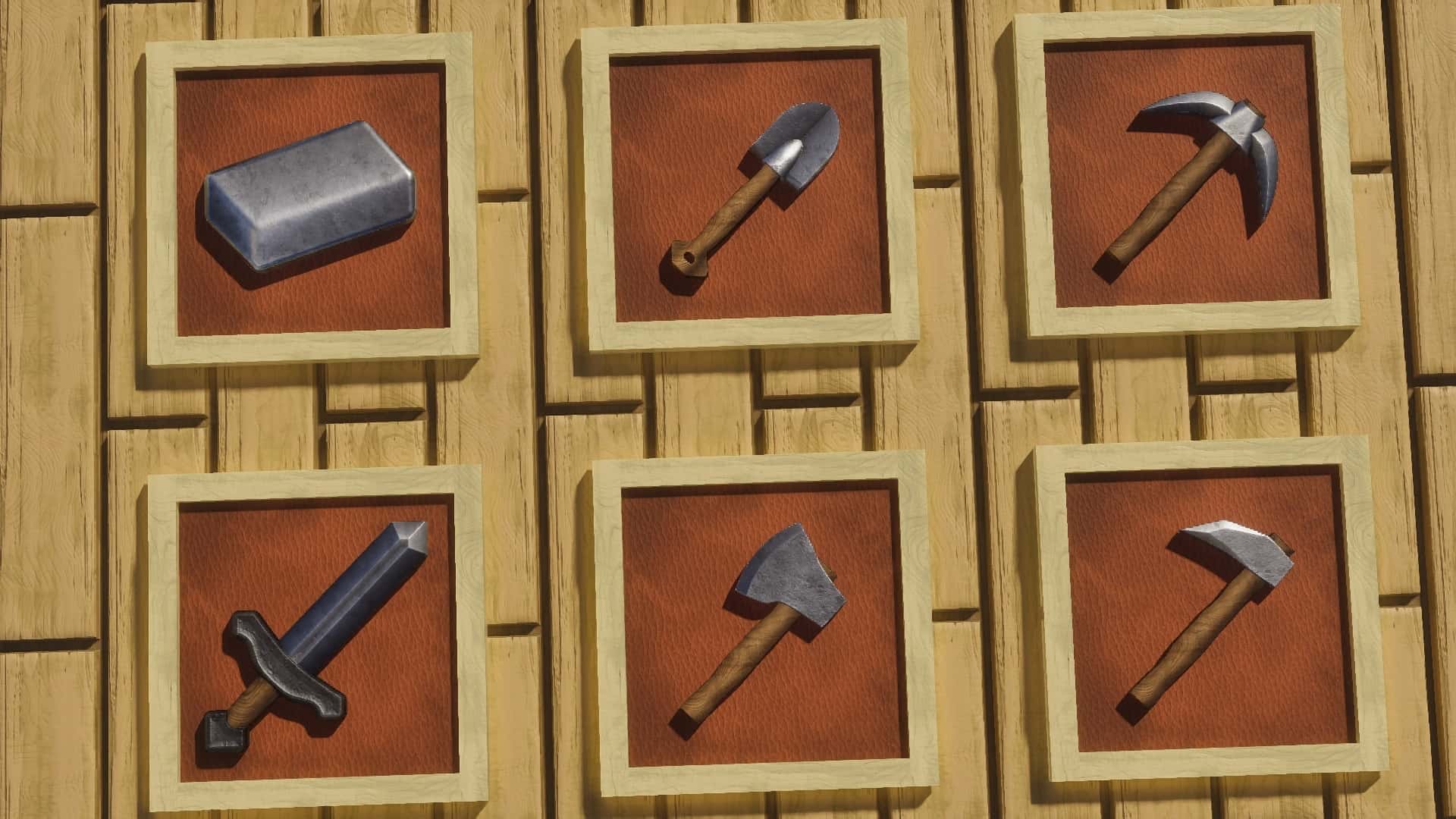
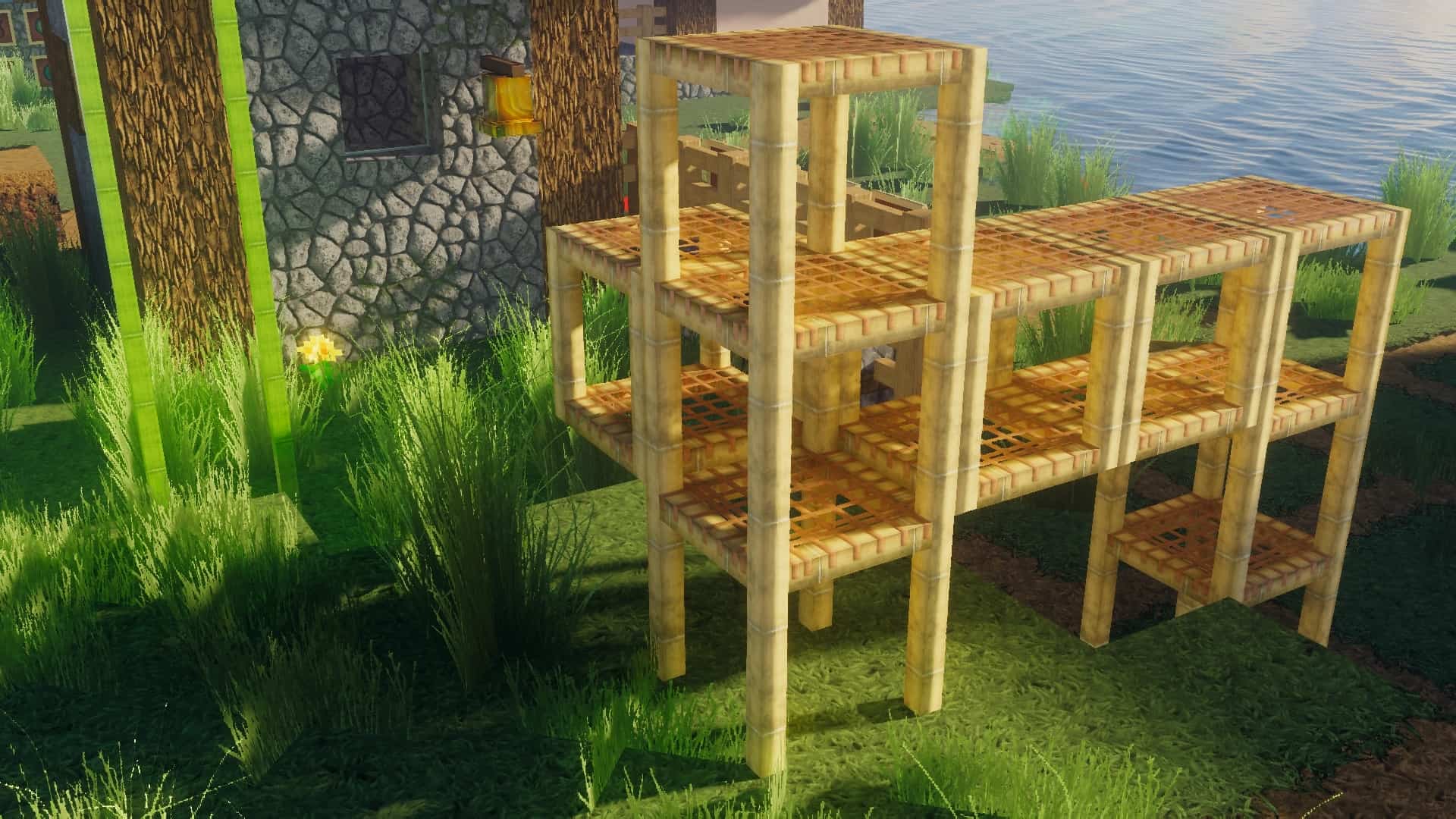
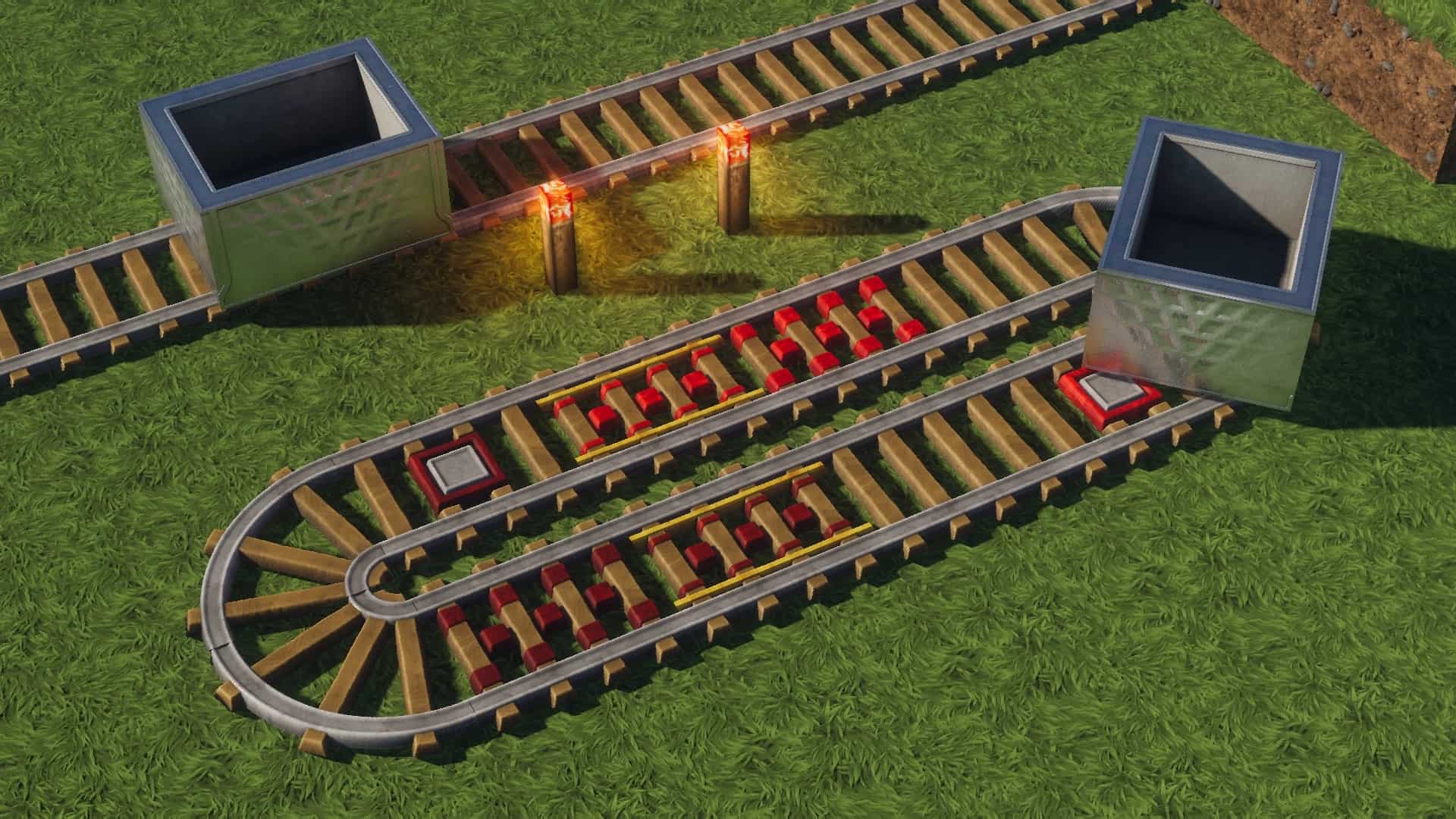


How to install rotrBLOCKS Resource Pack:
IMPORTANT: Please read everything in this section to make sure you have installed everything correctly, it’s not difficult at all, you just need to follow a few specific steps. The pack is divided into many different parts because the pack is huge in size and not everyone needs all the features, more details below:
- BASE – contains most block textures. However, according to the authors, some block textures have been moved to other parts, so you will additionally need FLORA, UNDERGROUND and DESIGN parts.
- ITEM – this part contains only item textures.
- CTM – if you want connected block textures, you need this part. Requires Optifine to work.
- HQ – this part includes new models, such as new 3D foliage. Requires Optifine to work.
- FONT – this is the official font of the rotrBLOCKS resource pack. Requires Optifine to work.
There are more parts (and new parts may be released regularly), so visit the official author’s page here for more information on how the parts works.
And finally… how to install the pack!
- Download the rotrBLOCKS | Replace of the Reality texture pack for Minecraft from the download section below.
- Unpack the downloaded archive, which will contain all parts of the pack. If you haven’t already, read more about them in the “IMPORTANT” above.
- Launch the game client through the Minecraft launcher.
- On the main menu, click “Options”.
- On the options menu, click “Resource Packs…”.
- Click on “Open Resource Pack Folder”. – folder titled “resourcepacks” will pop up
- Move the .zip file(s) you got in the second step to the newly opened “resourcepacks” folder.
- Click “Done”.
- Click on “Resource Packs…” again.
- Your pack & add-ons should have appeared in the left window, just hover over it and click on the arrow pointing to the right. Make sure add-ons are always on top.
- Click “Done” again.
- The pack has now been successfully loaded and ready to be used in your world!
Recommended shader settings:
Kappa Shader:
- Terrain > Vertex Attribute Fix: ON
- Terrain > Parallax Occlusion Mapping > Enabled: ON
- Terrain > Parallax Occlusion Mapping > Samples: 128
- Terrain > Reflections > Resourcepack Reflections: ON
BSL Shaders:
- Shader Options > Material > Advanced Materials: ON
- Shader Options > Material > Material Format: labPBR 1.3
Sildurs Vibrant:
- Shader Options > Normal map > RP Support: Parallax
- Shader Options > Normal map > RP Resolution: 128-1024
SEUS PTGI HRR:
- Shader Options > Texture Resolution: 128-1024
SEUS Renewed:
- Shader Options > Surface Options > Texture Resolution: 128-1024
- Shader Options > Surface Options > Parallax Occlusion Mapping: ON
AstraLex Shaders (BSL Edit):
- Shader Options > Material > Advanced Materials: ON
- Shader Options > Material > Material Format: labPBR 1.3
Complementary Shaders:
- Shader Options > RP Support: labPBR (RP Required)
projectLUMA:
- Shader Options > Surface > Parallax Occlusion Mapping: ON
- Shader Options > Surface > Physically Based Rendering: ON
- Shader Options > Surface > Depth: 3.0
Chocapic13 V9 Extreme:
- Shader Options > Shading > POM > POM: ON
Continuum:
- Shader Options > Material Settings > Parallax: ON
- Shader Options > Material Settings > Parallax Depth: 2.5
For other shaders and more detailed instructions, please visit the official website FAQ page here.
rotrBLOCKS - Comparison Slider #1
Move slider back and forth to see vanilla Minecraft on the left and the beautiful resource pack on the right.
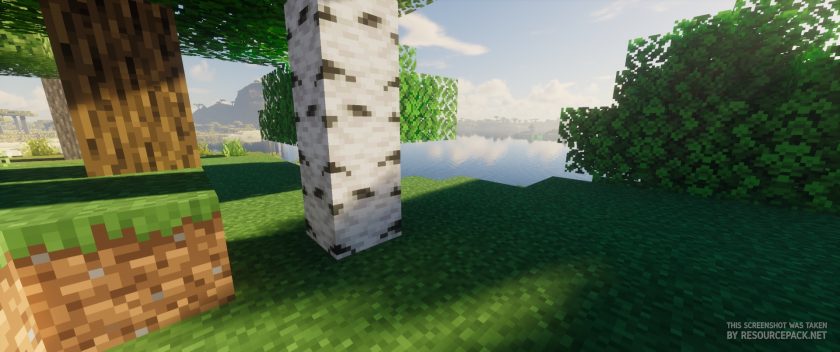 Vanilla (Kappa Shaders)
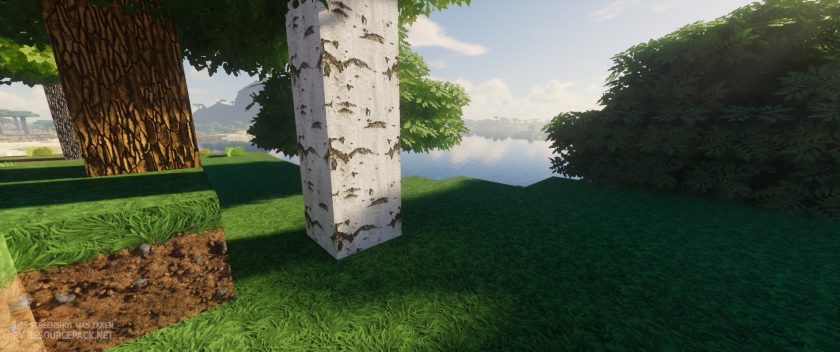 rotrBLOCKS 256x (Kappa Shaders)
rotrBLOCKS Texture Pack Download
- We do not modify or edit any resource packs. All resource packs, shaders and tools found on this website are linked directly to official sources rather than hosted on our own servers. We provide only the official download links from the original creators to ensure that your files are safe and secure.
- These official links are updated manually and may occasionally stop working when a new version is released. We work hard to keep everything current so that you have a smooth experience. Please let us know in the comments if you find a link that no longer works.
- Minecraft is a trademark of Mojang Studios and has no official connection to this website. Our goal is simply to share the best creations from the community with other players.
- Please consider leaving a comment or voting for your favorite packs. This feedback helps authors improve their projects over time. You can also support the creators directly by visiting the official links located below the download section.
Java Edition:
[128x] [26.2.x – 1.13.x] Download rotrBLOCKS Resource Pack – 3D Foliage, absolutely free;
[128x] [26.2.x – 1.13.x] Download rotrBLOCKS Resource Pack – 2D Foliage, absolutely free;
[256x – 512x] [26.2.x – 1.11.x] Download rotrBLOCKS Resource Pack – for Patreon subscribers only;
[256x – 512x] [26.2.x – 1.11.x] Download rotrBLOCKS Resource Pack – for Boosty subscribers only;
Curseforge: download starts automatically after a few seconds;
Mediafire: click the big blue button with the text "DOWNLOAD";
Google Drive: in the top right corner you will see a small download icon (down arrow), click it and the download should start;

1,857 votes
Look.. 1857 users have already liked this pack. Give a diamond if you like it too!



kaony
The positions of rotrblocks-resource-pack and pillix-resource-pack are put in the wrong order.
Could you switch the order of the two of them back? thanks
KiwiTea
Says it’s for 1.12.2, then no download for 1.12.2. Disappointed cause this one looks nice.
Admin
The 1.20.x version should work on 1.12.2 just fine.