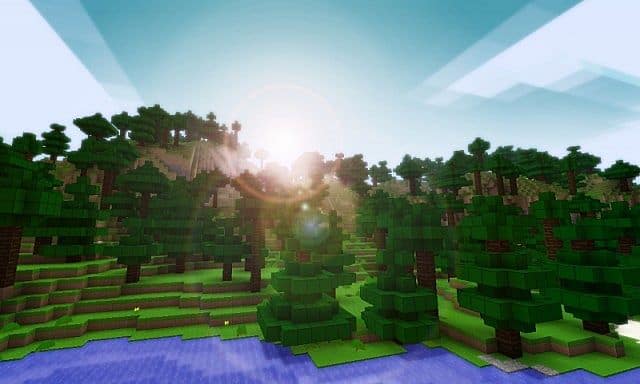
The Lemony Blocks resource pack is a fun and refreshing way to experience Minecraft with textures that are simple yet super charming. It keeps the game’s classic blocky feel while adding a touch of warmth and personality. Sure, the simplicity might make some parts of the game look a little basic at first glance, but that’s part of its appeal. The textures have a cute, almost cartoon-like quality that makes everything feel bright, cheerful, and full of life. If you’re wondering what I think about it, I have to say I really enjoyed using this pack. It’s not overly complicated, but that’s exactly what makes it so special. It lets the game’s creativity shine without distracting you with too many details. Of course, everyone has their own taste, so what works for me might not be your thing.
That’s why I always suggest giving it a try yourself before deciding. Looking at screenshots can give you a general idea, but they don’t always do the pack justice. The way the textures blend with the game’s lighting and the overall vibe they create is something you can only fully appreciate once you’ve installed it and seen it in action. So, if you’re curious, go ahead and download it, install it, and take it for a spin. You might be surprised by how much it changes the way you see your Minecraft world. At the end of the day, Minecraft is all about making the game your own, and packs like Lemony Blocks are a great way to add a little extra fun and flair. Whether you love building, exploring, or just hanging out in your virtual world, this pack brings a light and playful touch that’s hard not to love. Give it a shot, and you might just find that its simplicity is exactly what your game has been missing.
Lemony Blocks should be compatible with all of these Minecraft versions: 1.7.10 - 1.7.9 - 1.7.4 - 1.7 - 1.6.4 - 1.6.2
Lemony Blocks — Screenshots
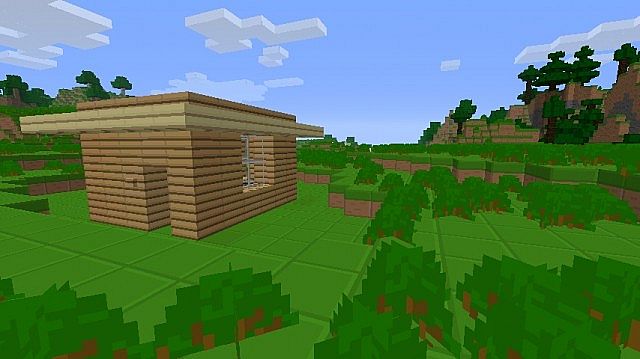

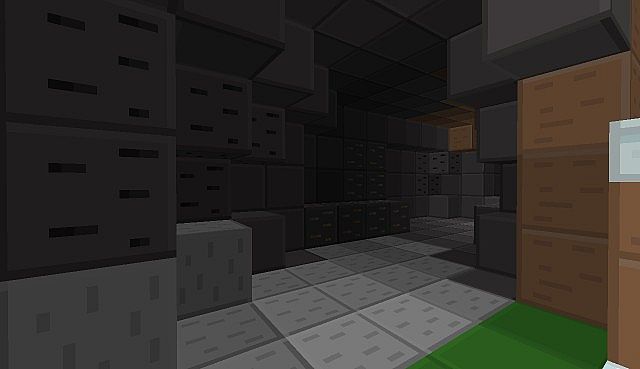

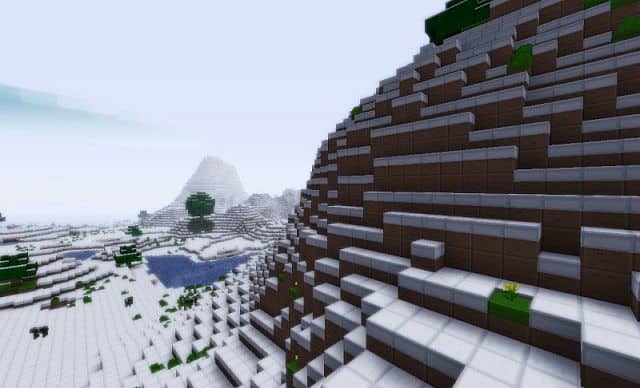
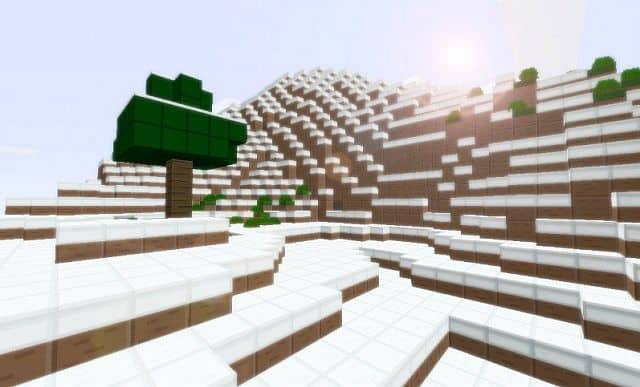
How to install Lemony Blocks Resource Pack:
- Most resource packs require Optifine, so be sure to download and install it. – general recommended step for all packs, Optifine is also needed for most shaders
- Download the Lemony Blocks texture pack for Minecraft from the download section below. – if there are many different versions, just choose the one you like, is compatible with your version/edition of Minecraft, the one you think your computer can handle in terms of performance.
- Launch the game client through the Minecraft launcher.
- On the main menu, click "Options".
- On the options menu, click "Resource Packs...".
- Click on "Open Resource Pack Folder". – folder titled "resourcepacks" will pop up
- Move the .zip file you downloaded in the first step to the newly opened "resourcepacks" folder.
- Click "Done".
- Click on "Resource Packs..." again.
- Your pack should have appeared in the left window, just hover over it and click on the arrow pointing to the right.
QUICK TIP: Sometimes, when activating a pack, the game may say that the pack is made for a newer or older version of Minecraft. This is just a warning, it does not affect your gameplay in anyway, and you can still activate and enjoy the pack by simply clicking the "Yes" button when prompted.
- Click "Done" again.
- The pack has now been successfully loaded and ready to be used in your world!
Lemony Blocks Texture Pack Download
- We do not modify or edit any resource packs. All resource packs, shaders and tools found on this website are linked directly to official sources rather than hosted on our own servers. We provide only the official download links from the original creators to ensure that your files are safe and secure.
- These official links are updated manually and may occasionally stop working when a new version is released. We work hard to keep everything current so that you have a smooth experience. Please let us know in the comments if you find a link that no longer works.
- Minecraft is a trademark of Mojang Studios and has no official connection to this website. Our goal is simply to share the best creations from the community with other players.
- Please consider leaving a comment or voting for your favorite packs. This feedback helps authors improve their projects over time. You can also support the creators directly by visiting the official links located below the download section.
Java Edition:
[16x] [1.7.x – 1.6.x] Download Lemony Blocks Resource Pack
Curseforge: download starts automatically after a few seconds;
Mediafire: click the big blue button with the text "DOWNLOAD";
Google Drive: in the top right corner you will see a small download icon (down arrow), click it and the download should start;

10 votes
Look.. 10 users have already liked this pack. Give a diamond if you like it too!


Leave a reply
1 comments
Links in comments are not allowed. Comments containing links will be removed.
If your comments are consistently being deleted, please be sure to review our Comment Policy.