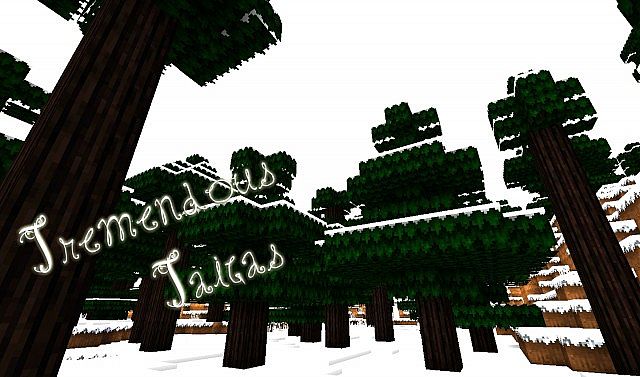
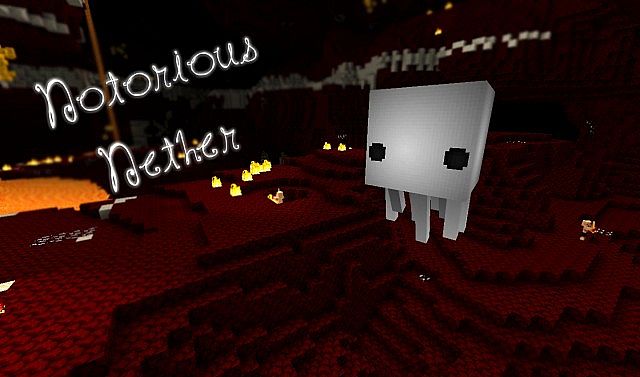
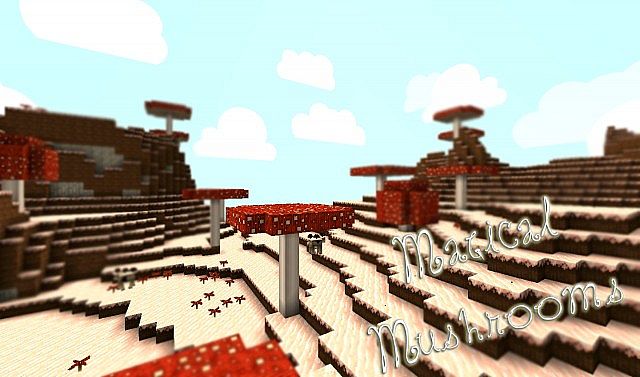
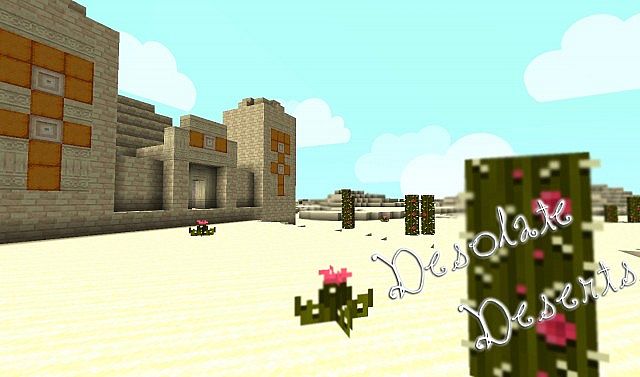
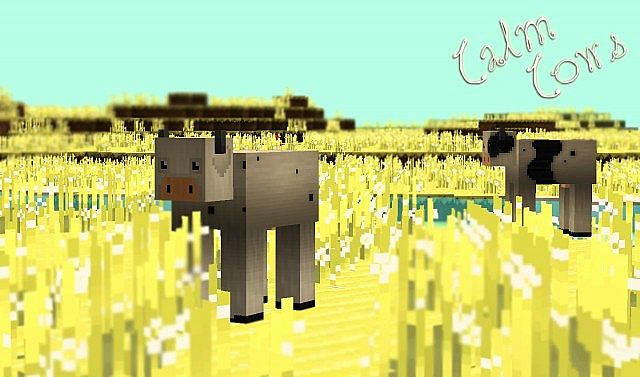
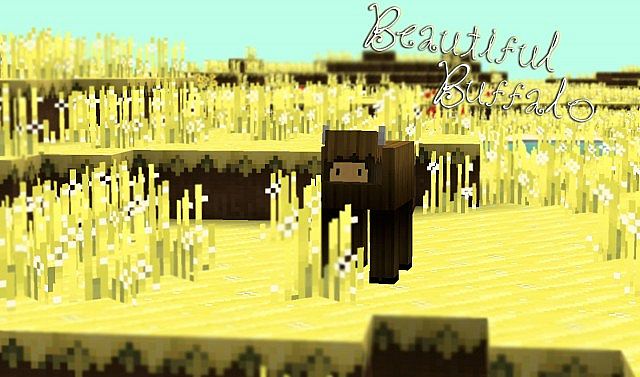
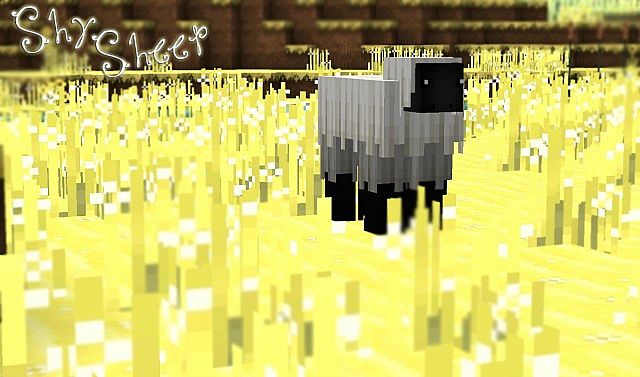
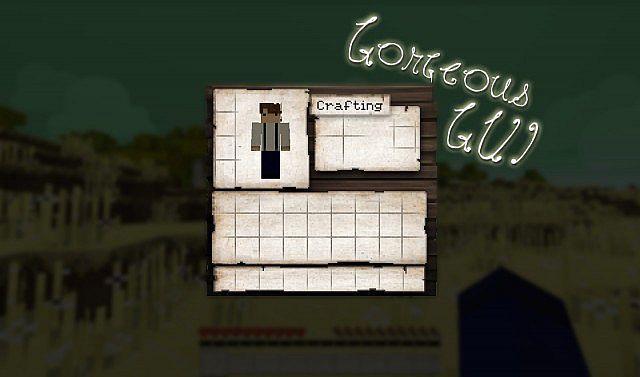
Minecraft’s resource pack scene is absolutely massive, with new packs popping up and old favorites getting updated pretty much every single day. It’s honestly one of the biggest ways players reshape their whole experience in the game. Since Minecraft’s whole visual charm comes from those iconic blocky textures, tons of players are always on the hunt for something that feels fresh without losing that classic look everyone loves. That’s where the Heartlands resource pack really shines. It strikes this awesome balance between cartoony charm and realistic grounding, giving you a look that feels totally unique compared to your typical voxel world. It takes ordinary landscapes and turns them into scenes you actually want to stop and admire while exploring. A lot of stylized packs make the mistake of going way too heavy on bright, saturated colors, which can get tiring to stare at after a while. Heartlands texture pack smartly sidesteps that problem with some really thoughtful color choices. Sure, it’s colorful and lively, but the creator clearly put in the effort to keep things from feeling overly intense.
The grass block and flowers look vibrant and full of life, but they steer clear of that harsh neon green look that shows up in a lot of similar packs. This kind of careful balance creates a calm, easygoing atmosphere, so you can explore, build, or mine for hours without your eyes getting worn out. Ore blocks, tree blocks, and other environmental blocks all get this same careful treatment, giving the whole world a rich, varied feel that stands apart from vanilla Minecraft. One of the best things about Heartlands is just how accessible and performance friendly it is. Since it sticks to the classic 16×16 resolution, it stays lightweight and runs great almost anywhere. While plenty of packs chase ultra high definition visuals that practically demand a top-notch gaming rig, Heartlands proves you don’t need fancy hardware to get a serious visual upgrade. If your computer can run vanilla Minecraft, it can run this pack smoothly too, making it a fantastic pick for basically anyone. You get a noticeably better looking game without giving up a single frame of smooth gameplay.
Heartlands should be compatible with all of these Minecraft versions: 1.7.10 - 1.7.9 - 1.7.4 - 1.7 - 1.6.4 - 1.6.2
Heartlands — Screenshots
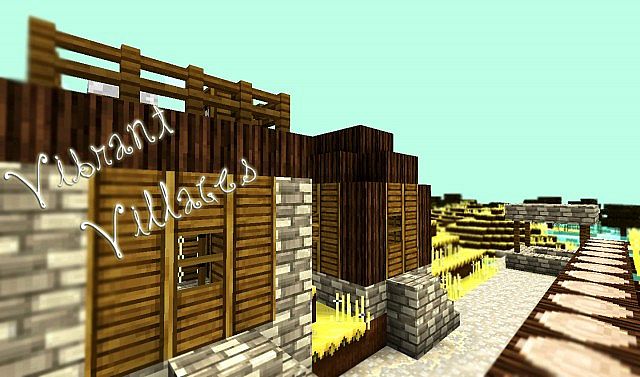
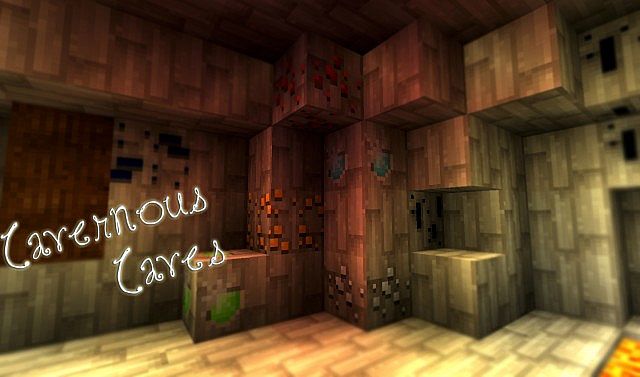
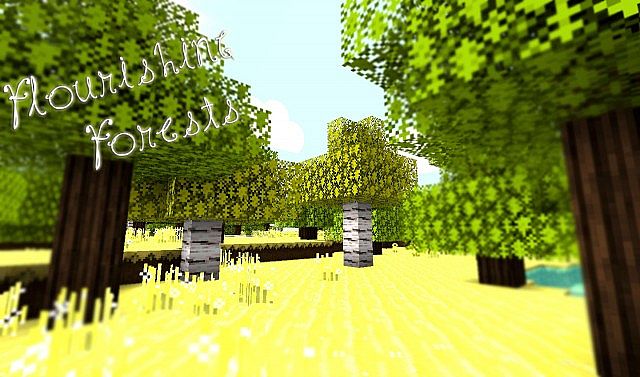
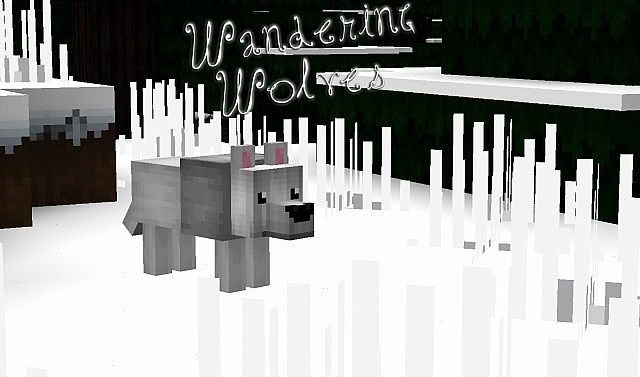
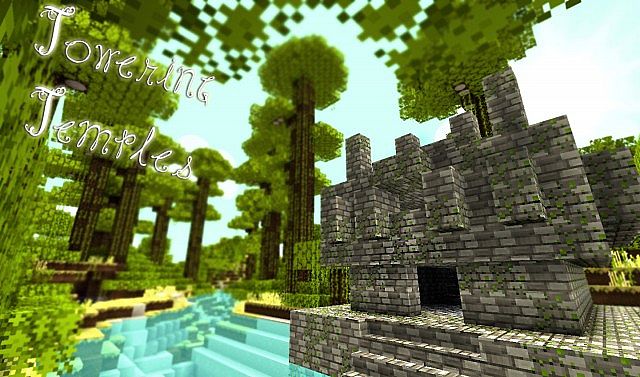
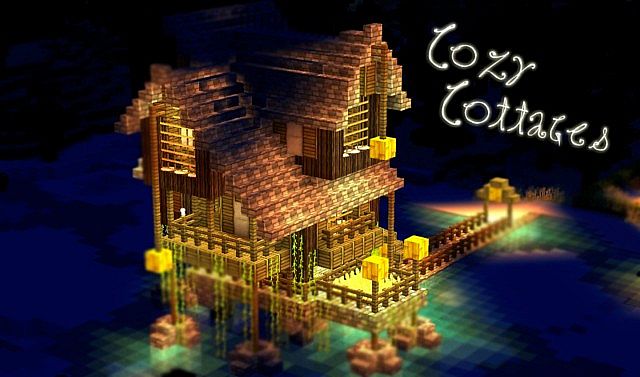
How to install Heartlands Resource Pack:
- Most resource packs require Optifine, so be sure to download and install it. – general recommended step for all packs, Optifine is also needed for most shaders
- Download the Heartlands texture pack for Minecraft from the download section below. – if there are many different versions, just choose the one you like, is compatible with your version/edition of Minecraft, the one you think your computer can handle in terms of performance.
- Launch the game client through the Minecraft launcher.
- On the main menu, click "Options".
- On the options menu, click "Resource Packs...".
- Click on "Open Resource Pack Folder". – folder titled "resourcepacks" will pop up
- Move the .zip file you downloaded in the first step to the newly opened "resourcepacks" folder.
- Click "Done".
- Click on "Resource Packs..." again.
- Your pack should have appeared in the left window, just hover over it and click on the arrow pointing to the right.
QUICK TIP: Sometimes, when activating a pack, the game may say that the pack is made for a newer or older version of Minecraft. This is just a warning, it does not affect your gameplay in anyway, and you can still activate and enjoy the pack by simply clicking the "Yes" button when prompted.
- Click "Done" again.
- The pack has now been successfully loaded and ready to be used in your world!
Heartlands Texture Pack Download
- We do not modify or edit any resource packs. All resource packs, shaders and tools found on this website are linked directly to official sources rather than hosted on our own servers. We provide only the official download links from the original creators to ensure that your files are safe and secure.
- These official links are updated manually and may occasionally stop working when a new version is released. We work hard to keep everything current so that you have a smooth experience. Please let us know in the comments if you find a link that no longer works.
- Minecraft is a trademark of Mojang Studios and has no official connection to this website. Our goal is simply to share the best creations from the community with other players.
- Please consider leaving a comment or voting for your favorite packs. This feedback helps authors improve their projects over time. You can also support the creators directly by visiting the official links located below the download section.
Java Edition:
[16x] [1.7.x – 1.6.x] Download Heartlands Resource Pack
Curseforge: download starts automatically after a few seconds;
Mediafire: click the big blue button with the text "DOWNLOAD";
Google Drive: in the top right corner you will see a small download icon (down arrow), click it and the download should start;

6 votes
Look.. 6 users have already liked this pack. Give a diamond if you like it too!


kujak
najs