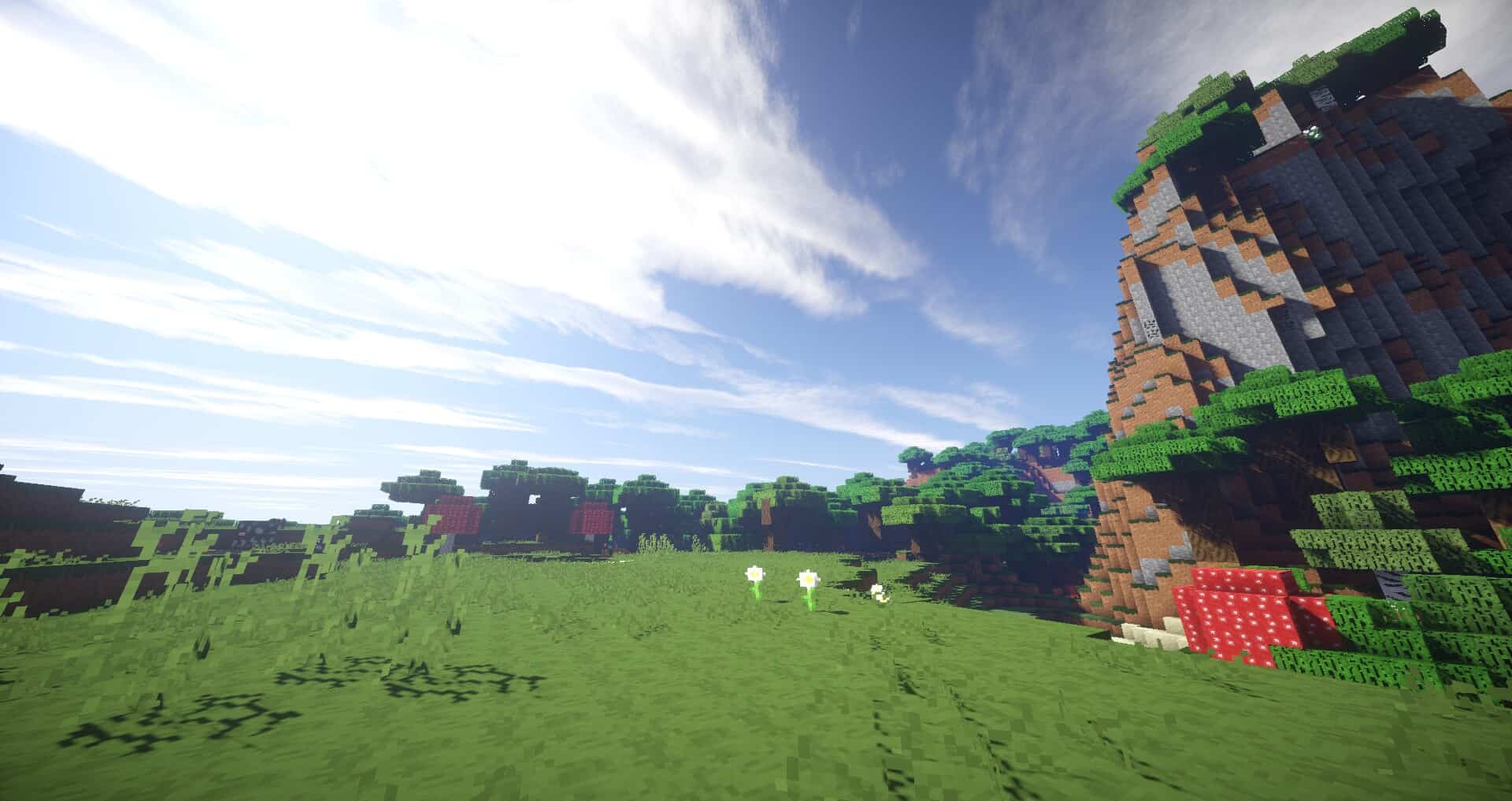
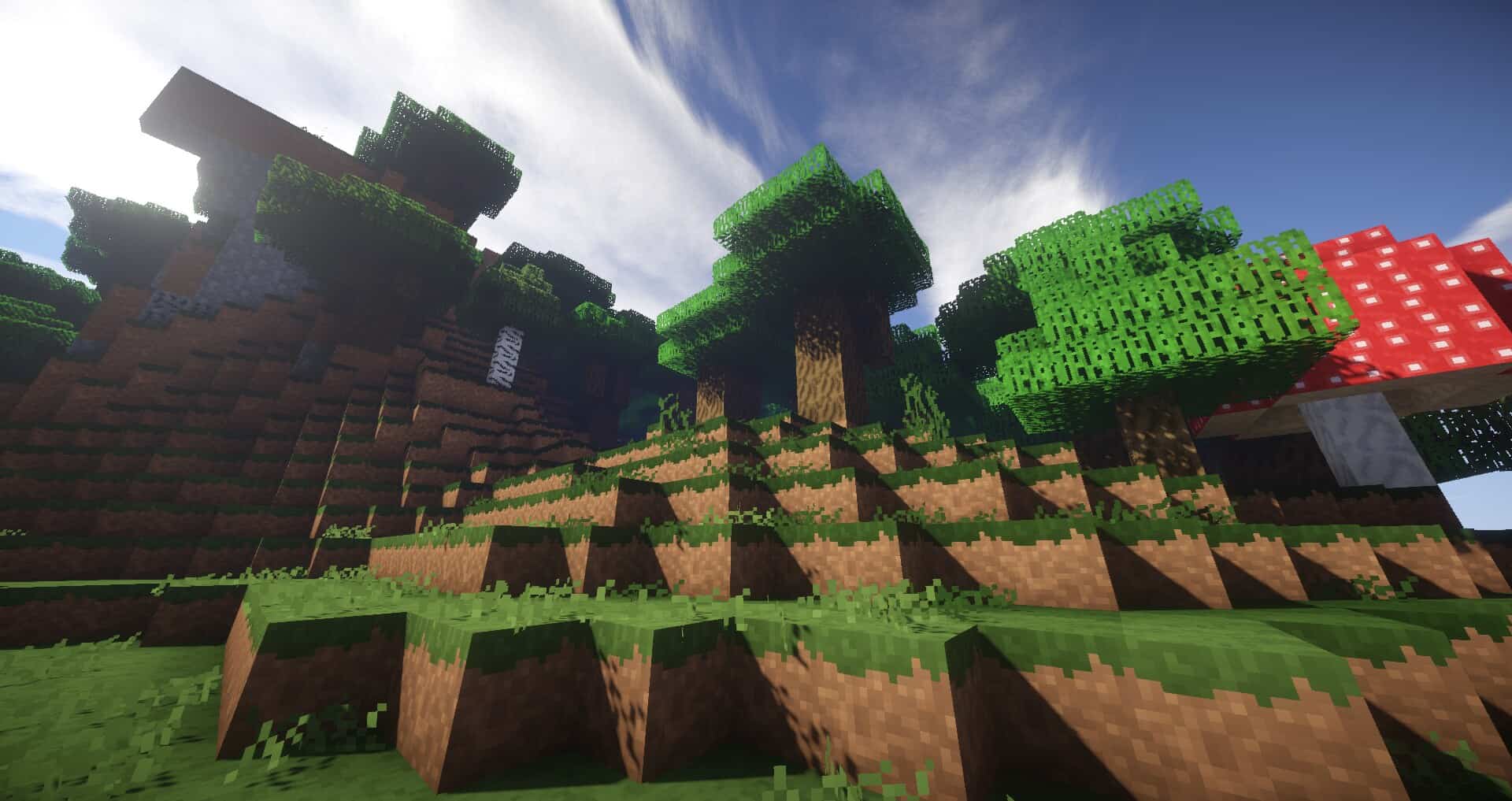
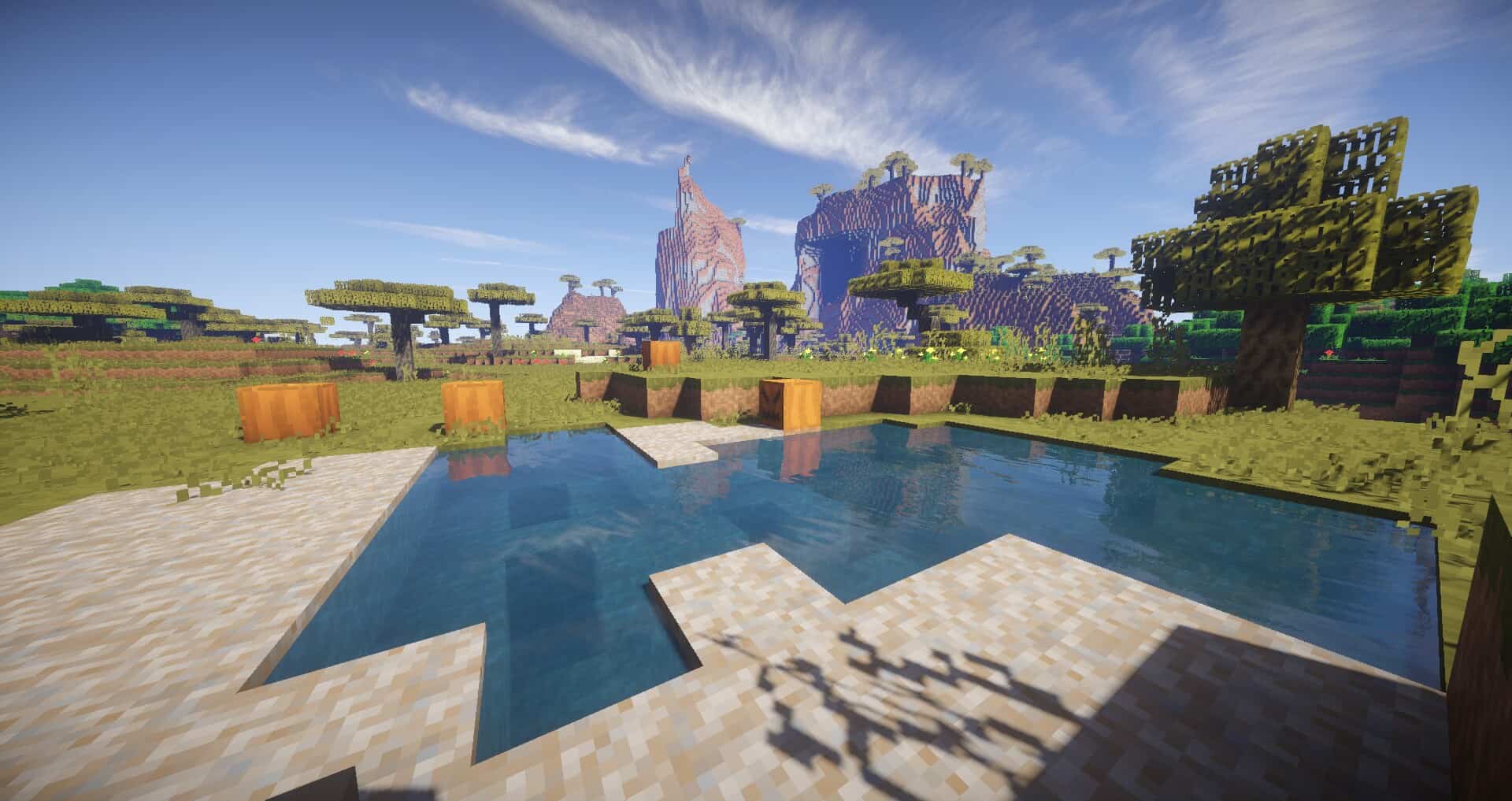
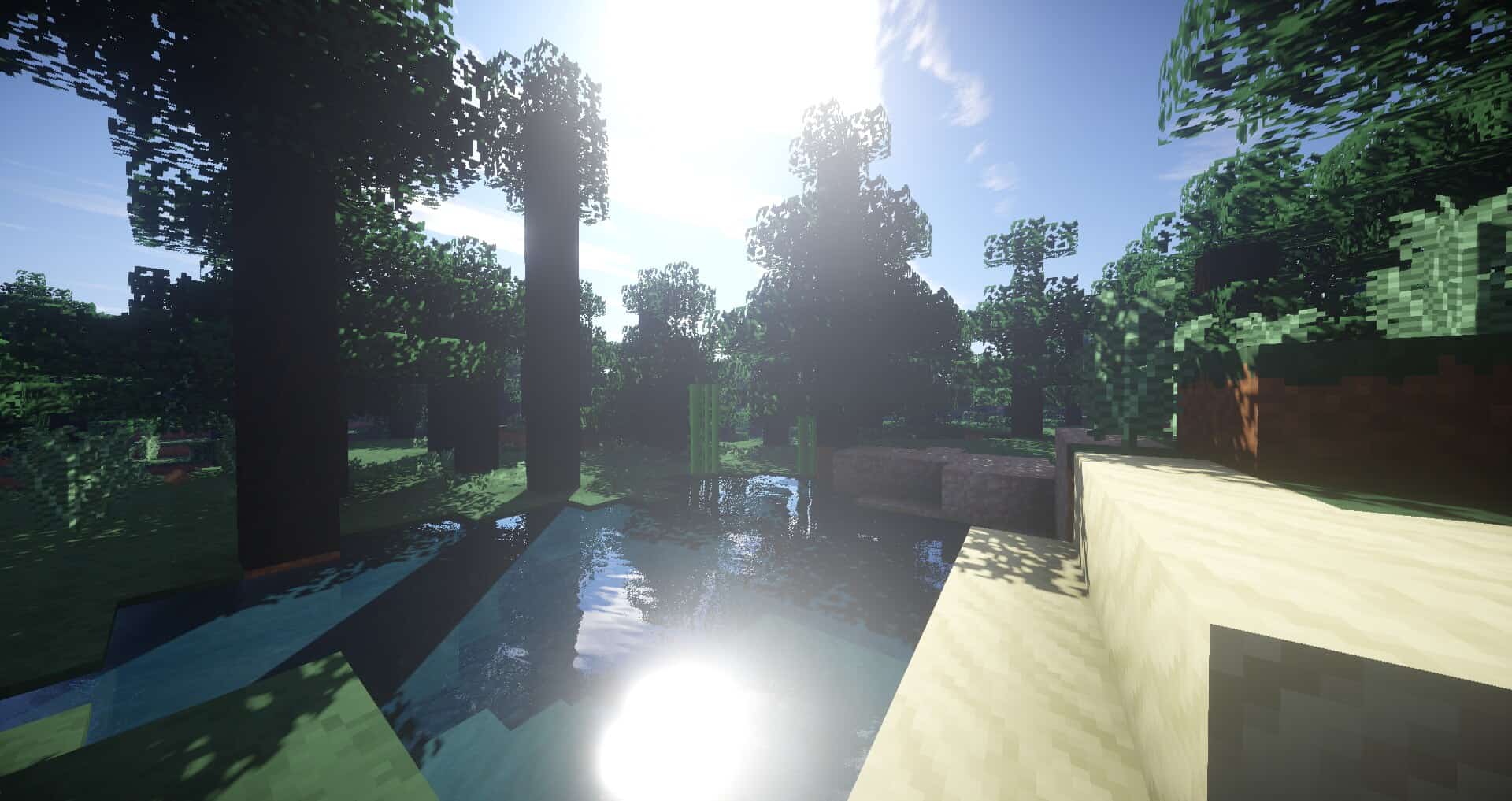
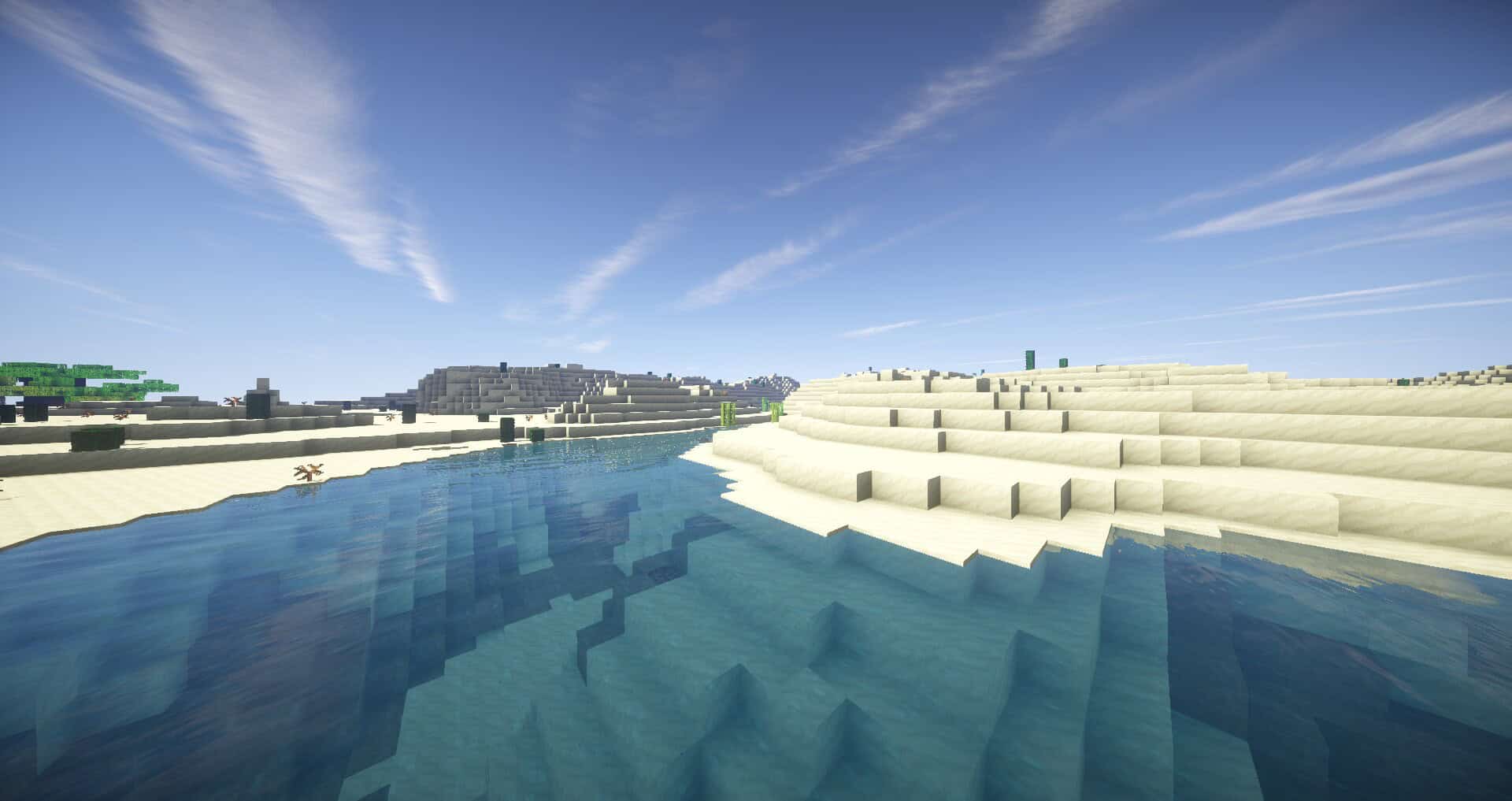
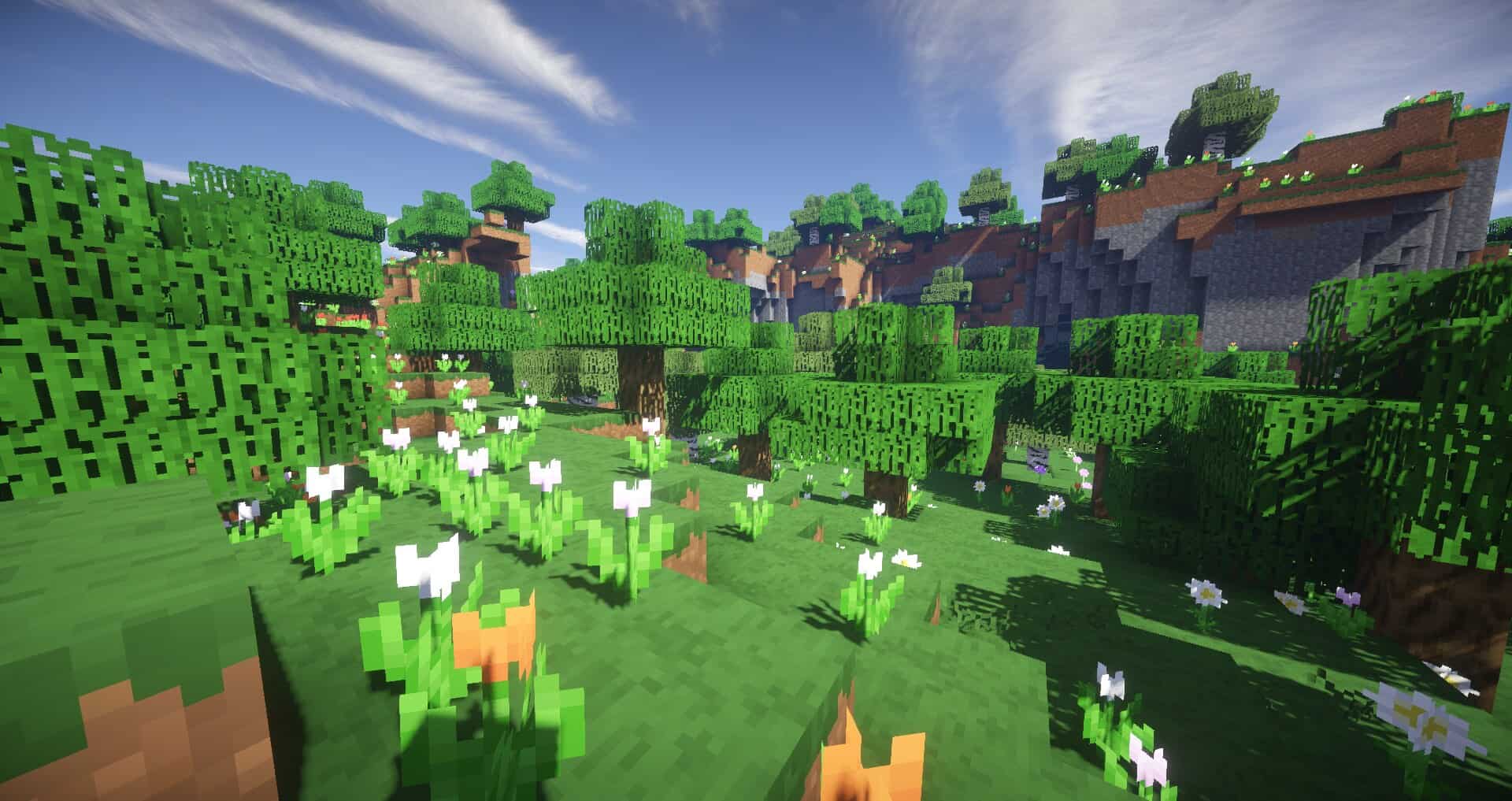
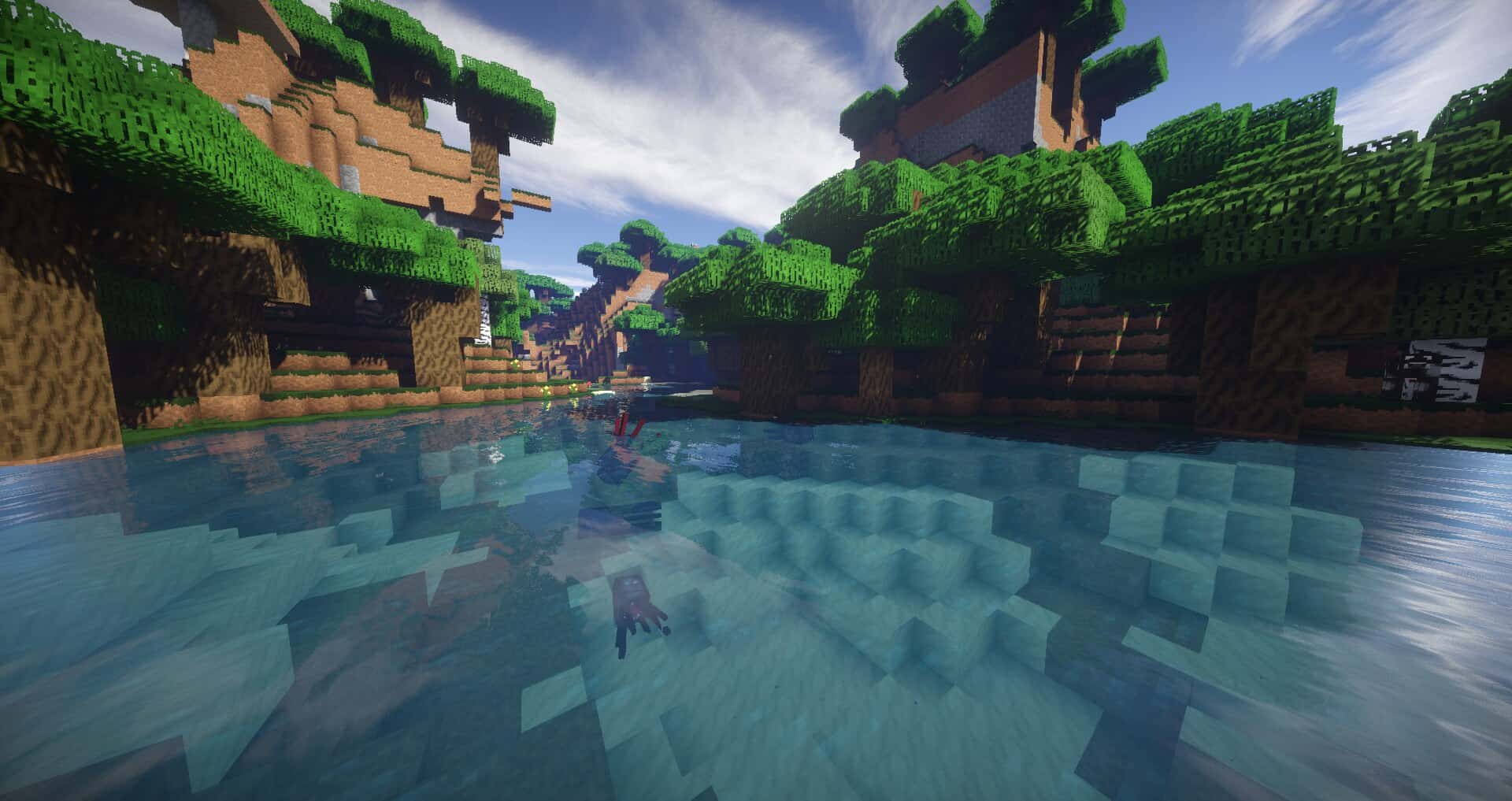
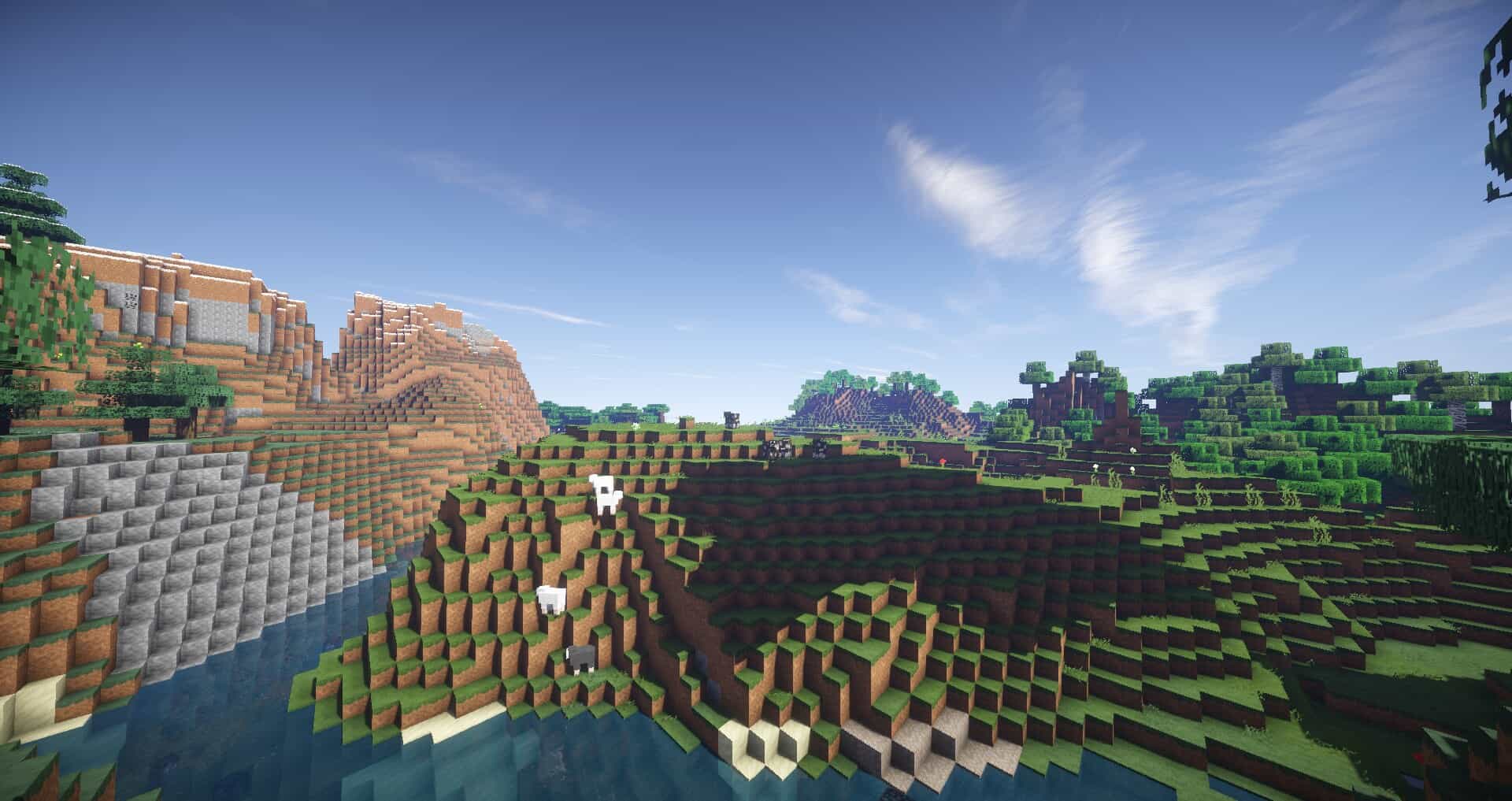
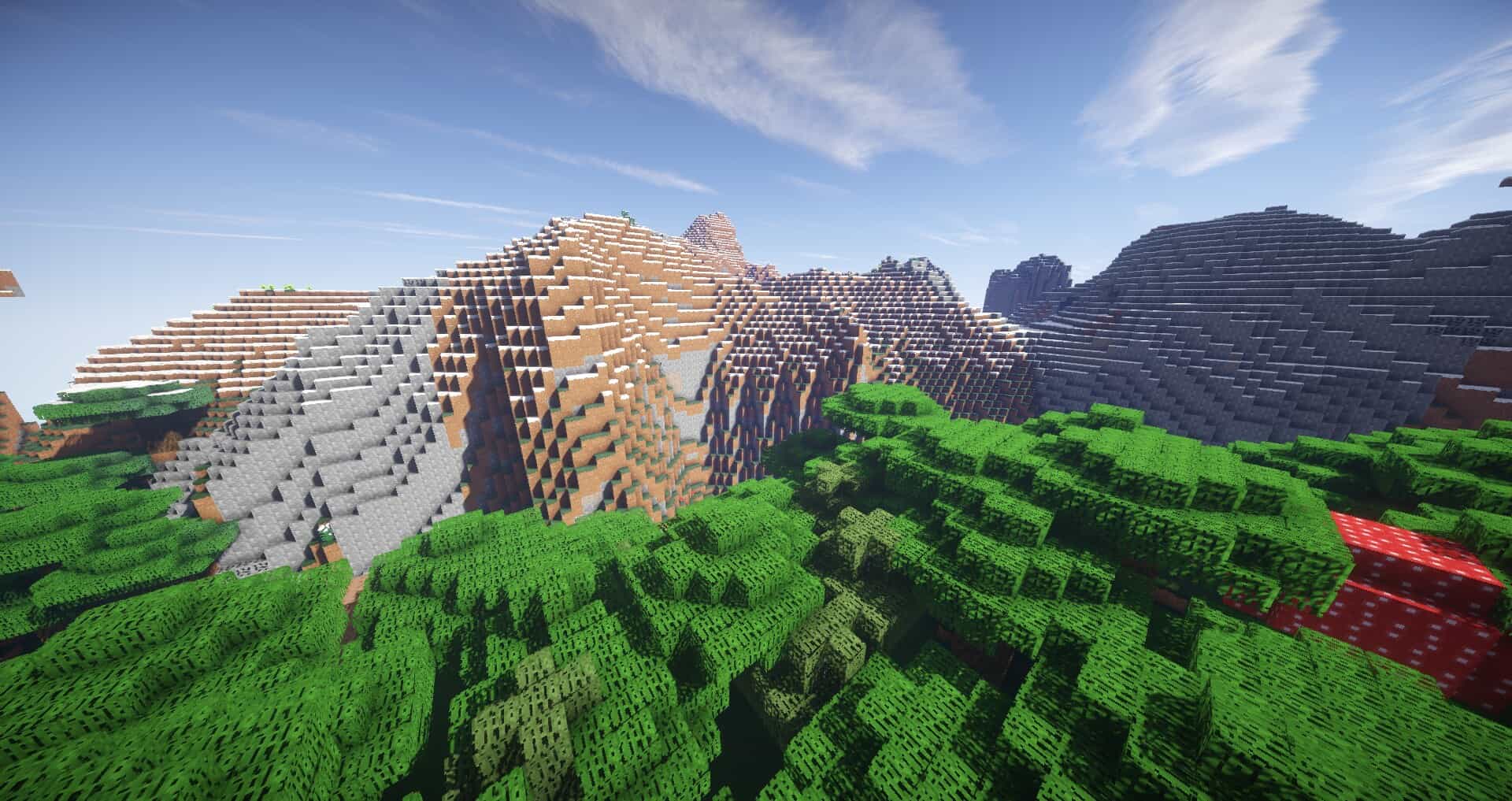
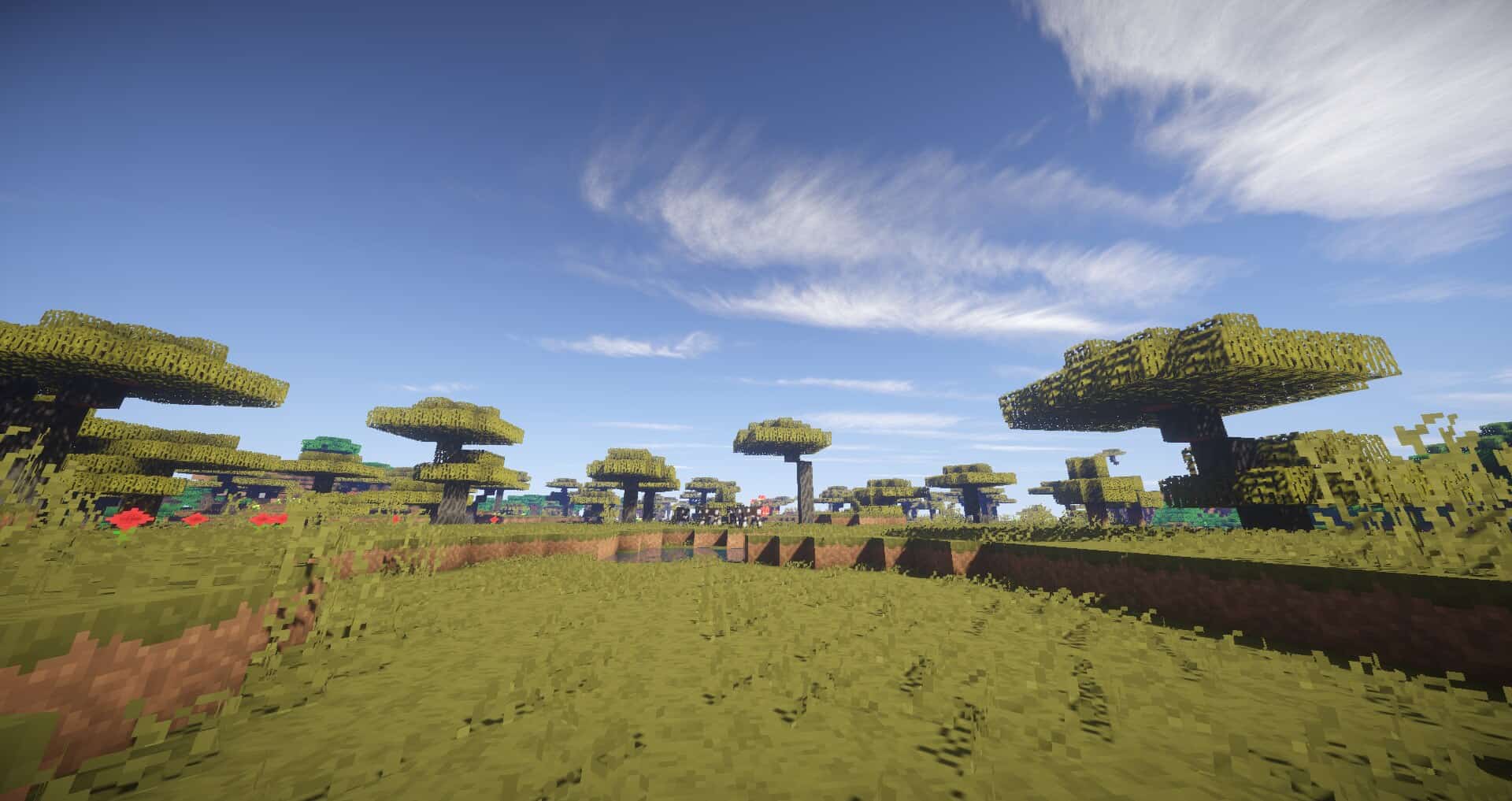
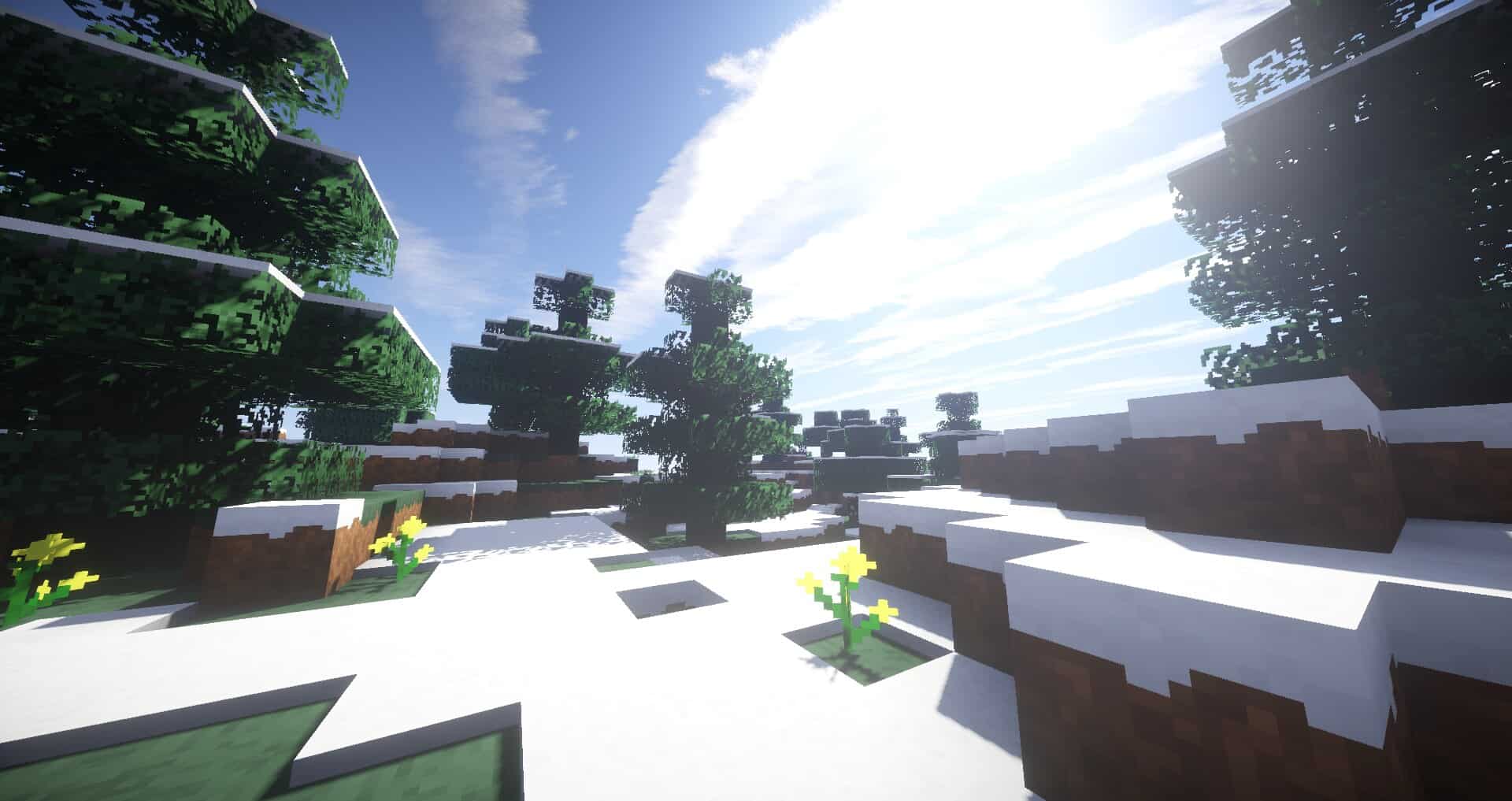
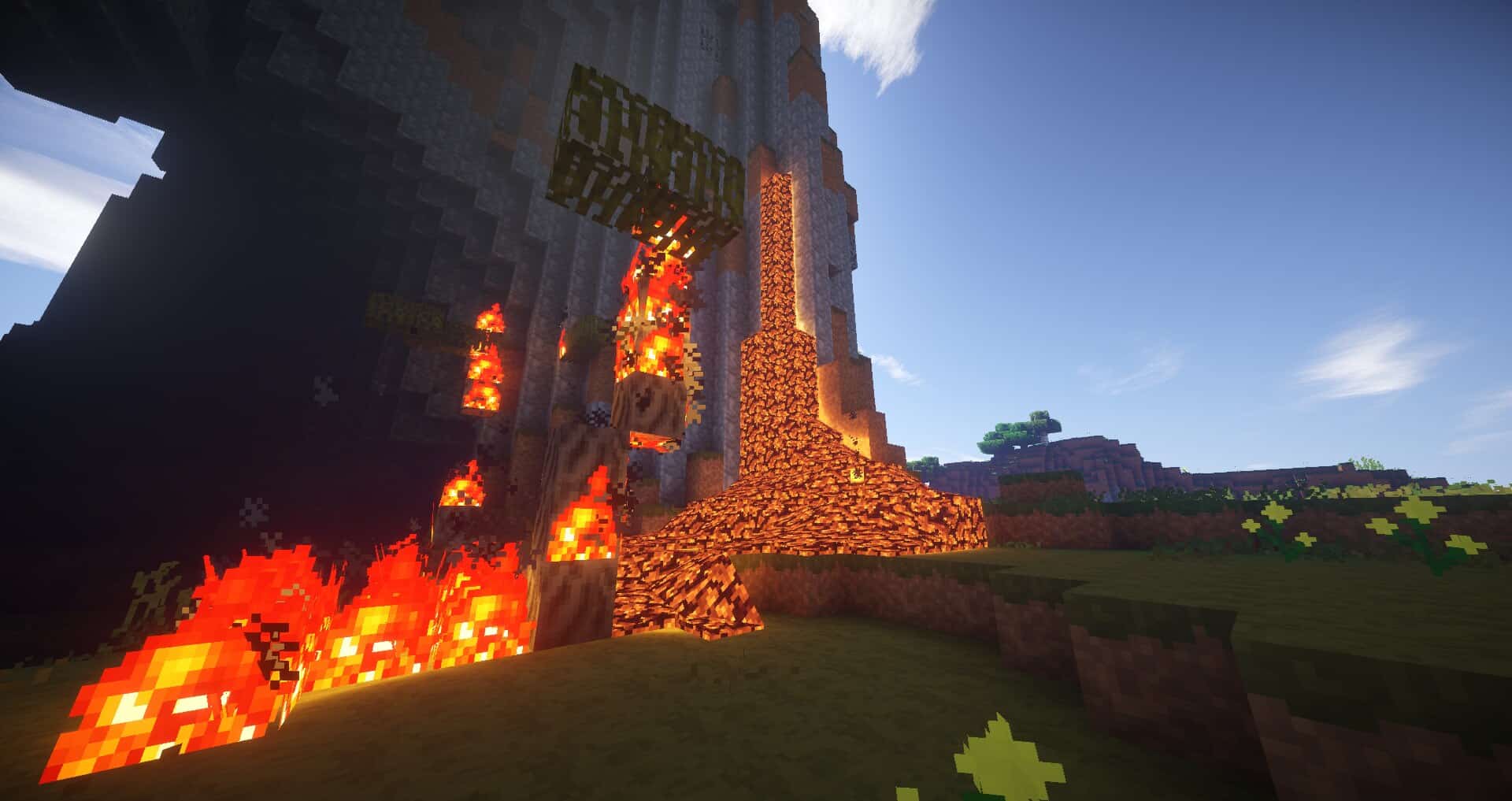
Minecraft has this huge, passionate community that loves tweaking how the game looks, and resource packs are basically the go to tool for giving your world a whole new vibe. If you’re someone who wants to polish up the classic Minecraft look without totally losing that nostalgic charm, the SmoothTex resource pack by creator nebulr is definitely worth checking out. Instead of reinventing everything, it takes the textures you already know and smooths them out, giving you a cleaner and more relaxing world that still feels unmistakably like Minecraft. The whole idea behind SmoothTex is gentle improvement rather than a dramatic overhaul. By clearing away unnecessary noise from the original textures, it creates this soft, softly colored look that’s genuinely easy on the eyes.
That means way less visual fatigue during those marathon building sessions or long mining trips. At 16x resolution, familiar blocks like dirt, stone, and wood keep their classic patterns but come out looking noticeably cleaner and more refined. It’s a simple approach, but it makes the world feel a little more alive while still fitting perfectly with both survival and creative gameplay. What really makes SmoothTex shine is how well it performs. Since it sticks to the standard 16x resolution, it runs just as smoothly as vanilla Minecraft, making it perfect for older laptops or lower end PCs. There’s even a 32x version for players wanting a touch more detail. Years of steady updates have made SmoothTex a trusted favorite among players who love that clean, timeless Minecraft feel.
SmoothTex should be compatible with all of these Minecraft versions: 1.7.10 - 1.7.9 - 1.7.4 - 1.7 - 1.6.4 - 1.6.2
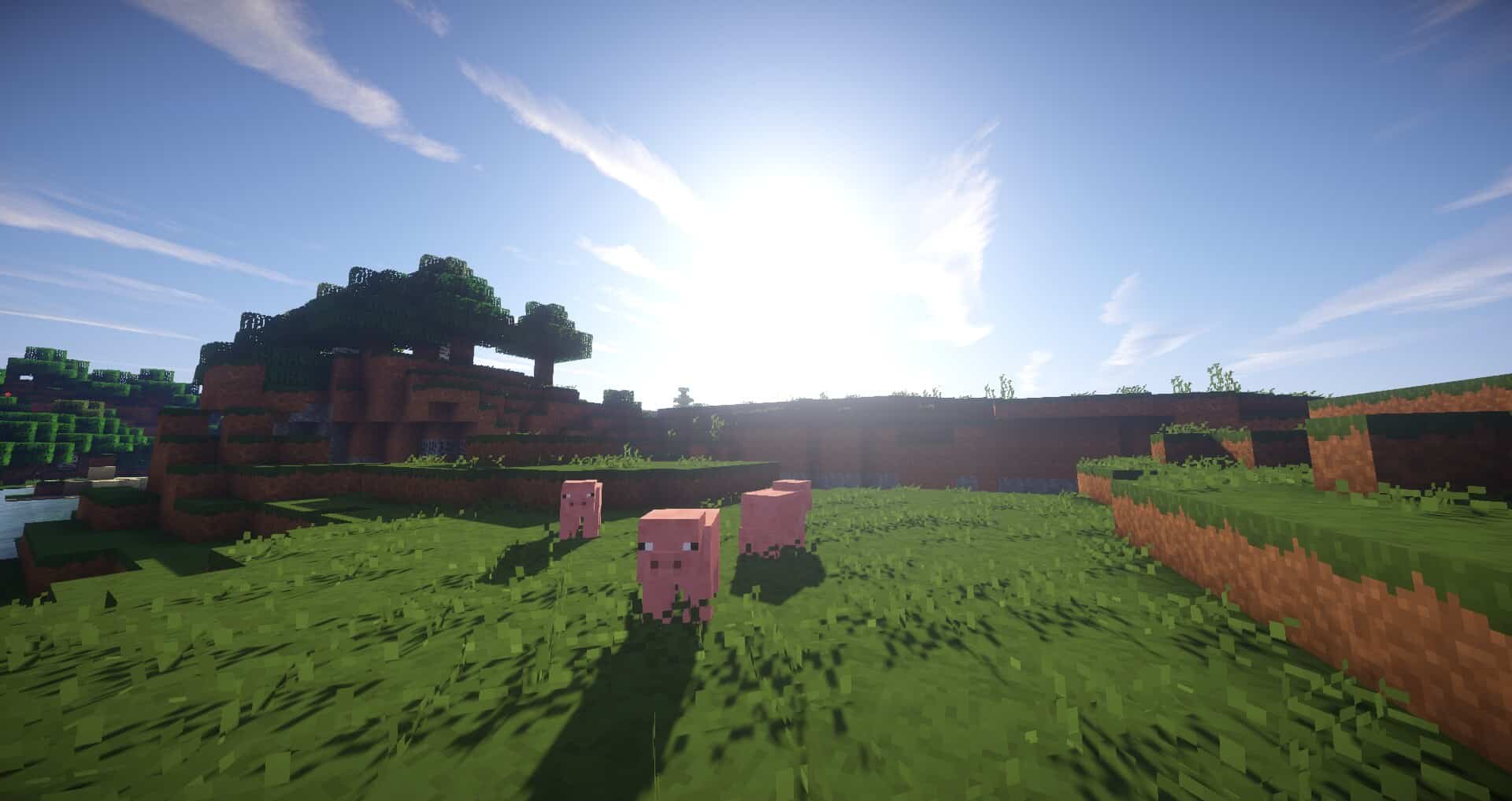
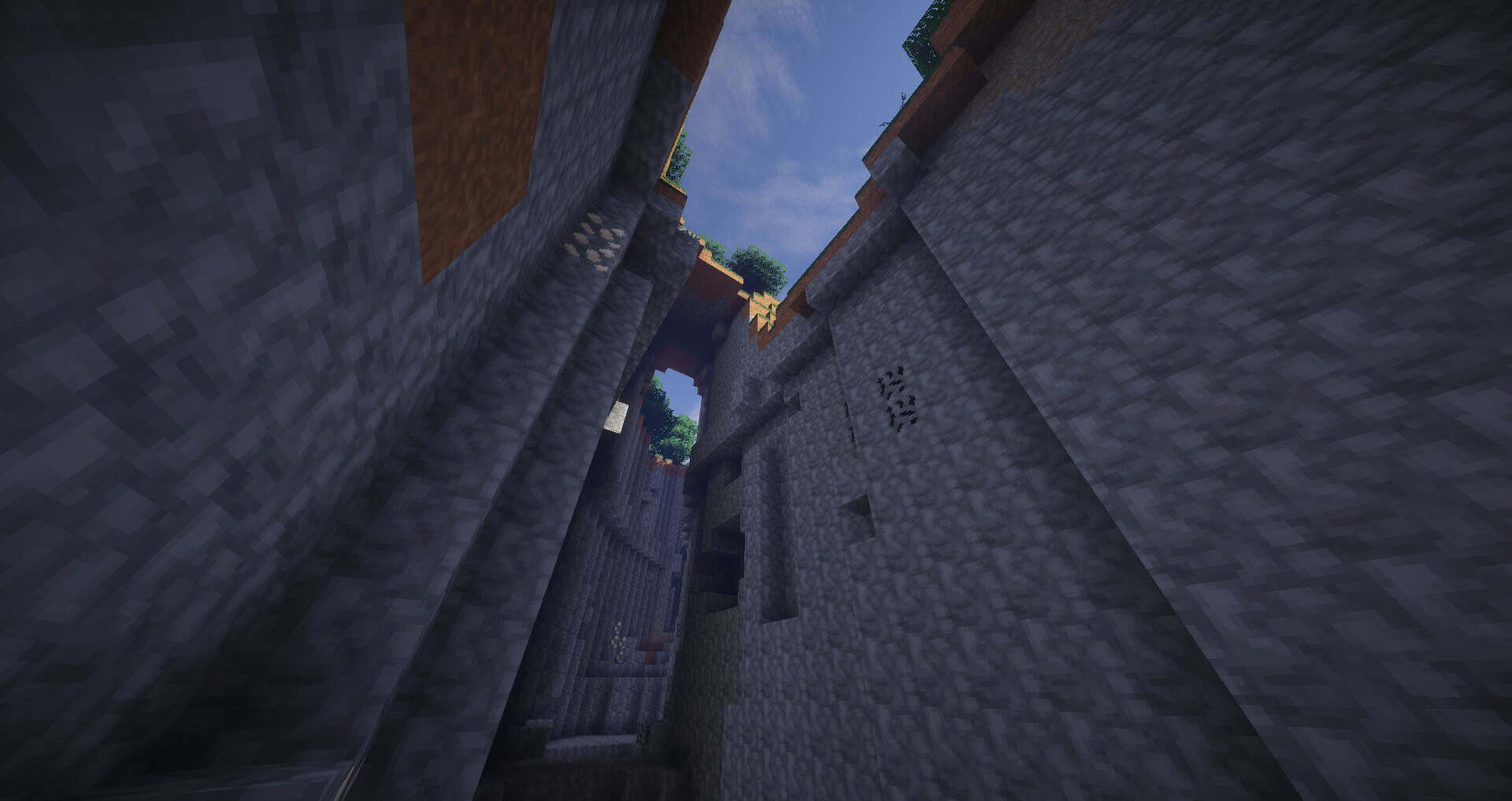
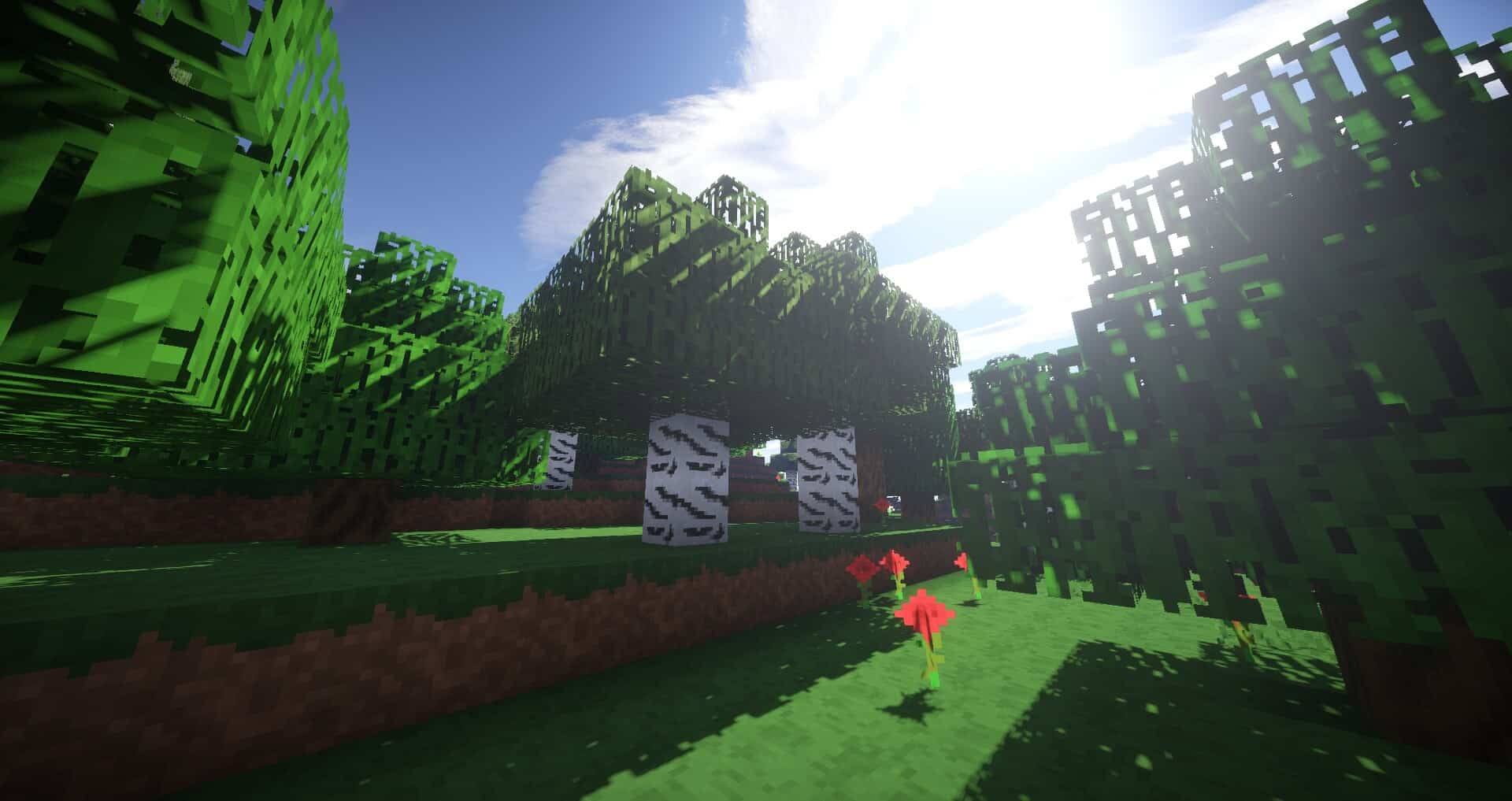
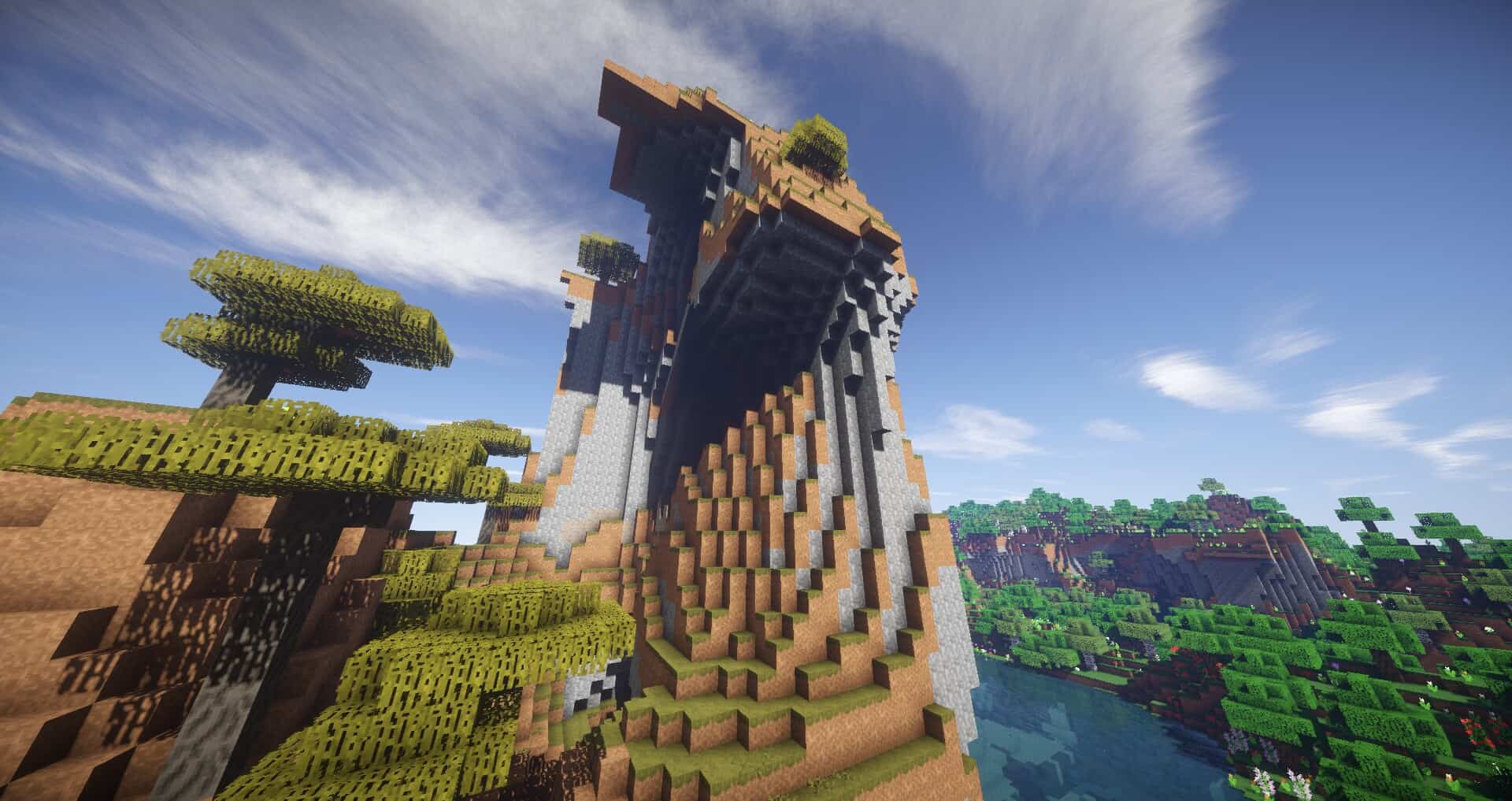
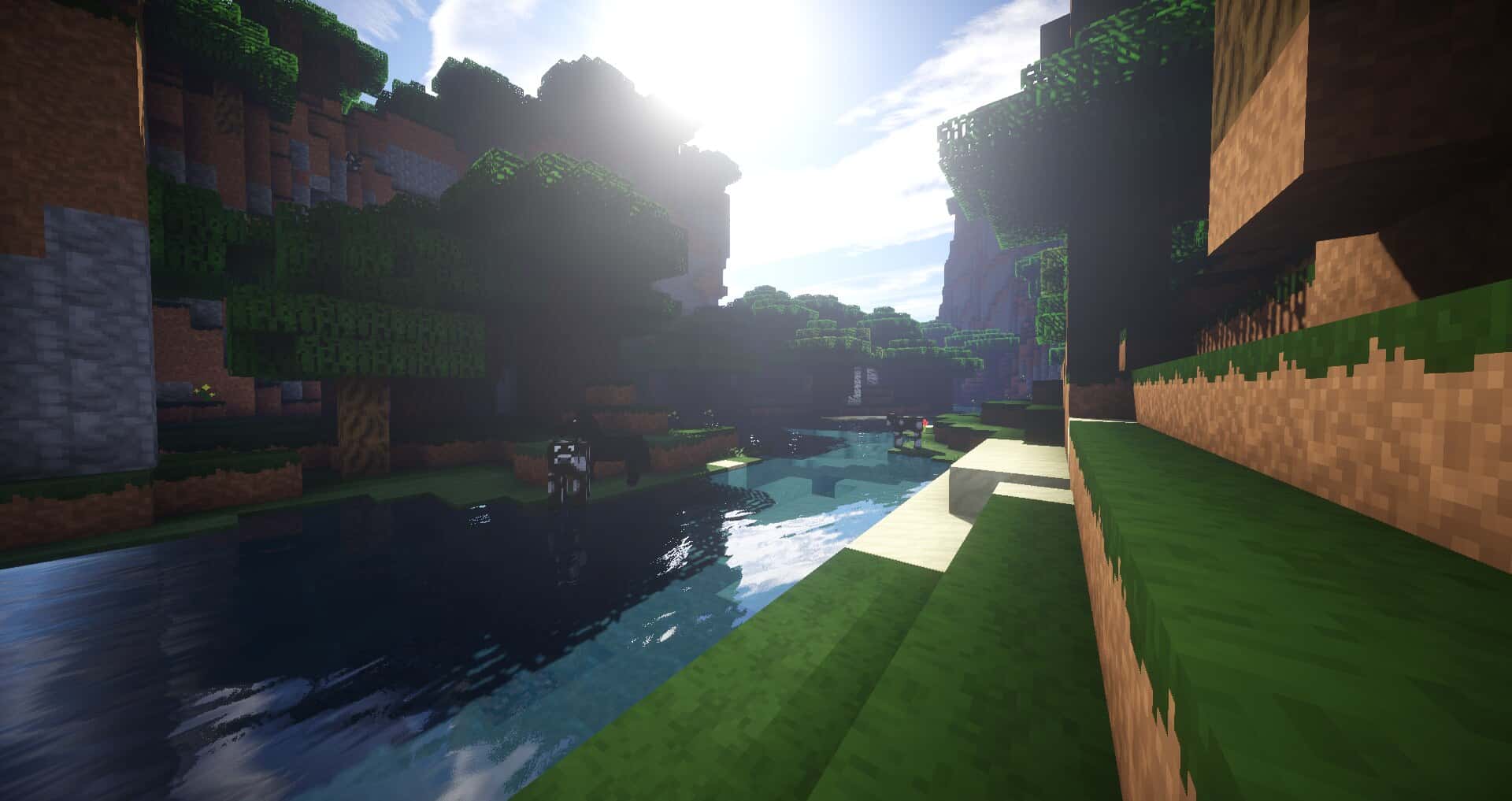
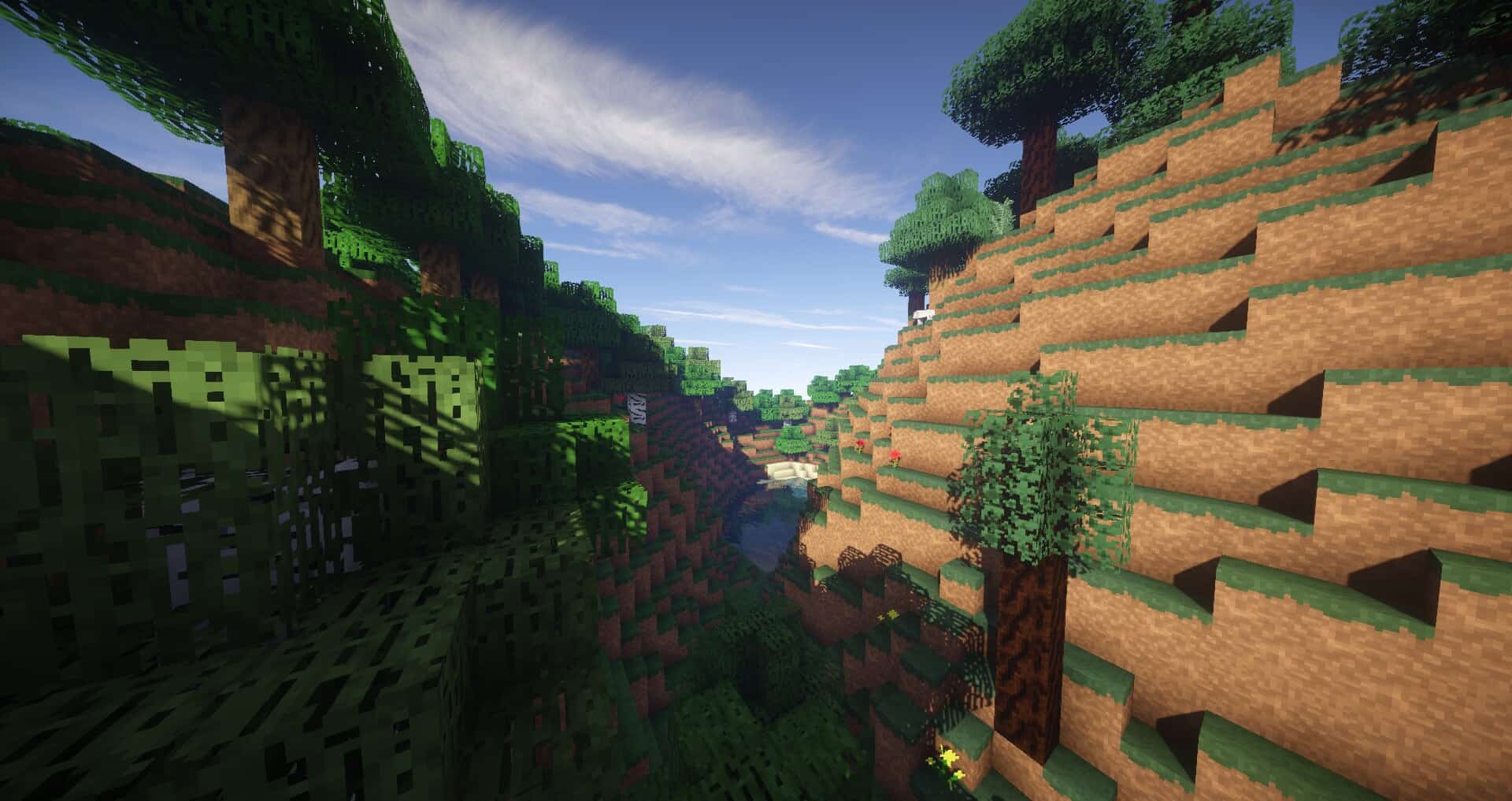
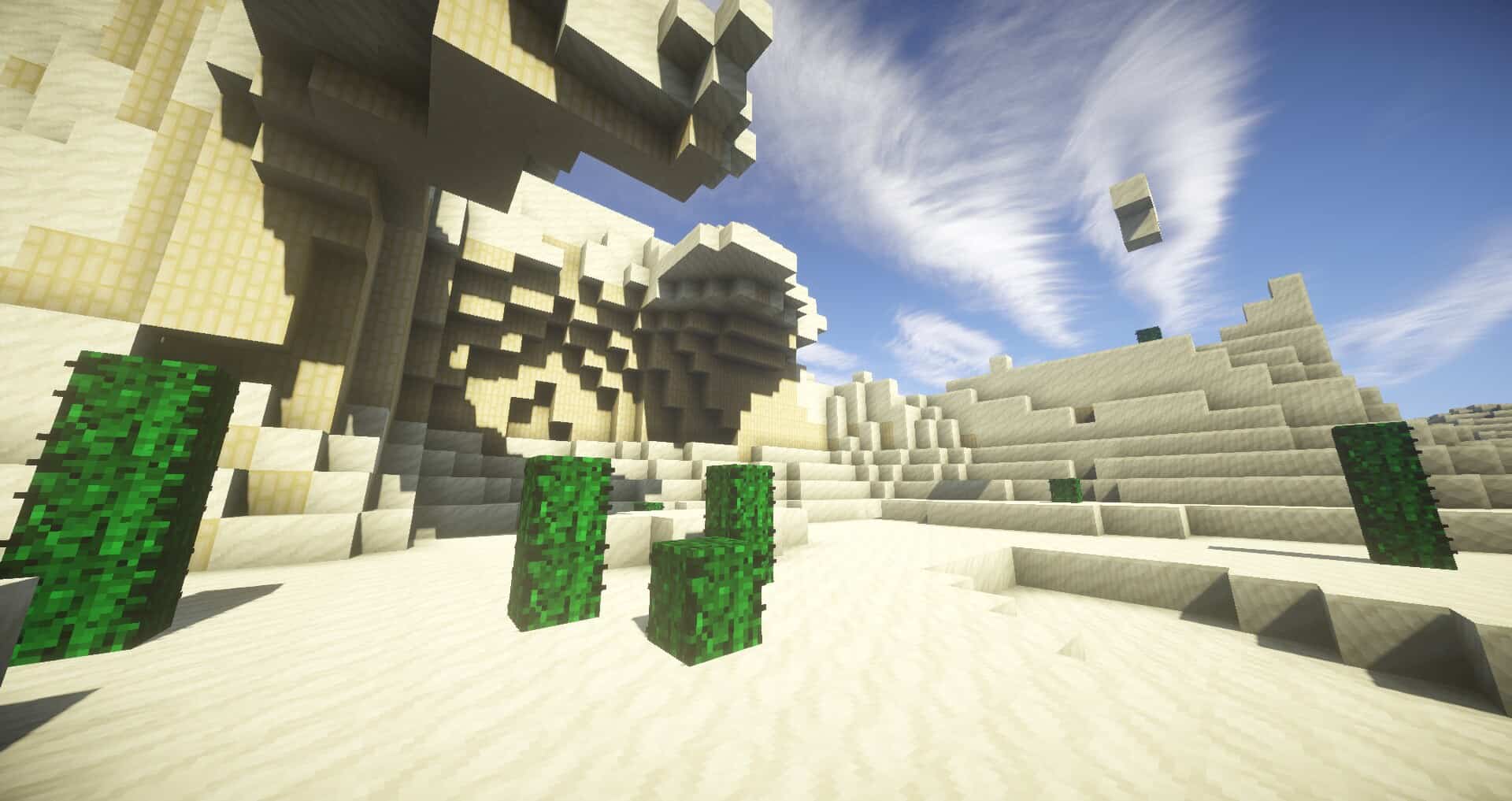
SmoothTex — Video & Screenshots
How to install SmoothTex Resource Pack:
- Most resource packs require Optifine, so be sure to download and install it. – general recommended step for all packs, Optifine is also needed for most shaders
- Download the SmoothTex texture pack for Minecraft from the download section below. – if there are many different versions, just choose the one you like, is compatible with your version/edition of Minecraft, the one you think your computer can handle in terms of performance.
- Launch the game client through the Minecraft launcher.
- On the main menu, click "Options".
- On the options menu, click "Resource Packs...".
- Click on "Open Resource Pack Folder". – folder titled "resourcepacks" will pop up
- Move the .zip file you downloaded in the first step to the newly opened "resourcepacks" folder.
- Click "Done".
- Click on "Resource Packs..." again.
- Your pack should have appeared in the left window, just hover over it and click on the arrow pointing to the right.
QUICK TIP: Sometimes, when activating a pack, the game may say that the pack is made for a newer or older version of Minecraft. This is just a warning, it does not affect your gameplay in anyway, and you can still activate and enjoy the pack by simply clicking the "Yes" button when prompted.
- Click "Done" again.
- The pack has now been successfully loaded and ready to be used in your world!
SmoothTex Texture Pack Download
- We do not modify or edit any resource packs. All resource packs, shaders and tools found on this website are linked directly to official sources rather than hosted on our own servers. We provide only the official download links from the original creators to ensure that your files are safe and secure.
- These official links are updated manually and may occasionally stop working when a new version is released. We work hard to keep everything current so that you have a smooth experience. Please let us know in the comments if you find a link that no longer works.
- Minecraft is a trademark of Mojang Studios and has no official connection to this website. Our goal is simply to share the best creations from the community with other players.
- Please consider leaving a comment or voting for your favorite packs. This feedback helps authors improve their projects over time. You can also support the creators directly by visiting the official links located below the download section.
Java Edition (16x):
[16x] [1.7.x] Download Smoothtex Resource Pack
[16x] [1.6.x] Download Smoothtex Resource Pack
Java Edition (32x):
[32x] [1.7.x – 1.6.x] Download Smoothtex Resource Pack
Curseforge: download starts automatically after a few seconds;
Mediafire: click the big blue button with the text "DOWNLOAD";
Google Drive: in the top right corner you will see a small download icon (down arrow), click it and the download should start;

7 votes
Look.. 7 users have already liked this pack. Give a diamond if you like it too!



Leave a reply
0 comments
Links in comments are not allowed. Comments containing links will be removed.
If your comments are consistently being deleted, please be sure to review our Comment Policy.