Ever wish Minecraft felt a little less blocky and a lot more clean and simple? Say hello to allMACOSX24’s Flat Craft resource pack, because honestly, this pack is a total game changer. It cuts down all that visual clutter on items and blocks and gives your world a fresh, vibrant new personality. Fair warning though, once you try this one out, going back to default Minecraft or other packs might feel really tough. At its core, Flat-Craft is all about that clean, minimalist flat design style. Every texture ditches shading and busy pixel details in favor of bold, solid colors. Things like cobblestone, dirt, and wood planks lose their rough, gritty look and instead get this smooth, super clean finish.
It’s honestly amazing how much this one change transforms the whole mood of the game. Dark, spooky caves suddenly feel way more inviting and easy to explore, while forests and open plains start looking like something straight out of a gorgeous digital art piece. Plus, all those bright, cheerful colors make it super easy on the eyes. Sticking to the classic 16×16 resolution, Flat Craft is super accessible and works great for basically anyone. Since it doesn’t demand any extra processing power, it’s a fantastic pick if you’re running an older PC or a budget laptop. Honestly, you might even notice a nice little fps boost too, since the textures keep things simple with mostly solid colors and just a touch of accent shading here and there.
Flat-Craft should be compatible with all of these Minecraft versions: 1.7.10 - 1.7.9 - 1.7.4 - 1.7 - 1.6.4 - 1.6.2
Flat-Craft — Screenshots
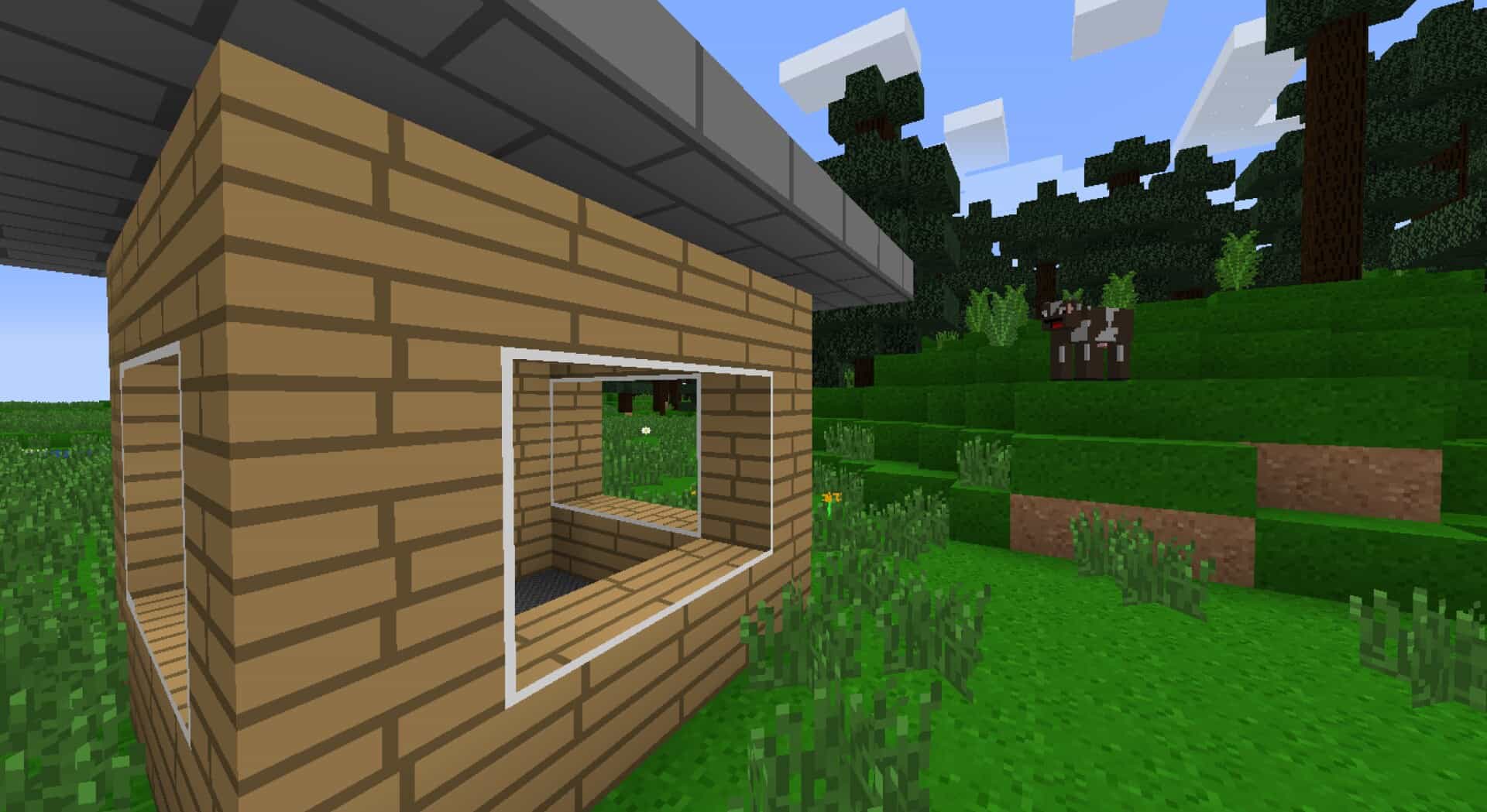
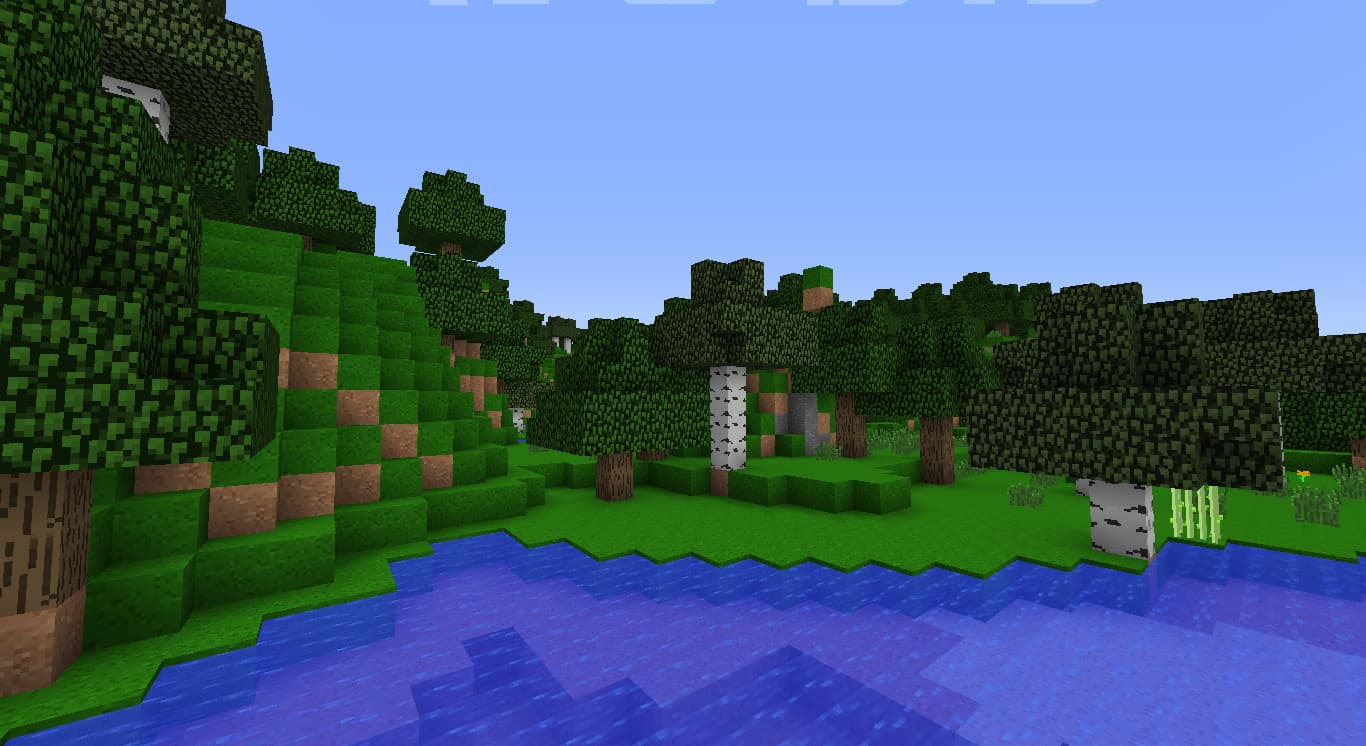
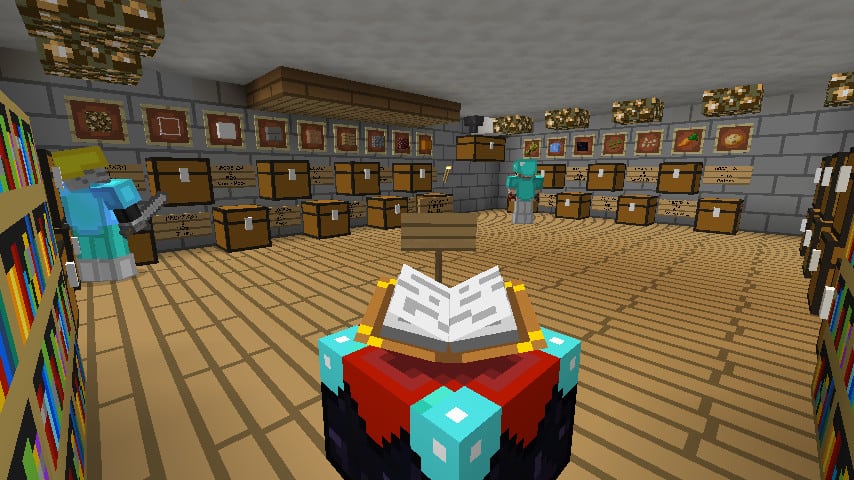
How to install Flat-Craft Resource Pack:
- Most resource packs require Optifine, so be sure to download and install it. – general recommended step for all packs, Optifine is also needed for most shaders
- Download the Flat-Craft texture pack for Minecraft from the download section below. – if there are many different versions, just choose the one you like, is compatible with your version/edition of Minecraft, the one you think your computer can handle in terms of performance.
- Launch the game client through the Minecraft launcher.
- On the main menu, click "Options".
- On the options menu, click "Resource Packs...".
- Click on "Open Resource Pack Folder". – folder titled "resourcepacks" will pop up
- Move the .zip file you downloaded in the first step to the newly opened "resourcepacks" folder.
- Click "Done".
- Click on "Resource Packs..." again.
- Your pack should have appeared in the left window, just hover over it and click on the arrow pointing to the right.
QUICK TIP: Sometimes, when activating a pack, the game may say that the pack is made for a newer or older version of Minecraft. This is just a warning, it does not affect your gameplay in anyway, and you can still activate and enjoy the pack by simply clicking the "Yes" button when prompted.
- Click "Done" again.
- The pack has now been successfully loaded and ready to be used in your world!
Flat-Craft Texture Pack Download
- We do not modify or edit any resource packs. All resource packs, shaders and tools found on this website are linked directly to official sources rather than hosted on our own servers. We provide only the official download links from the original creators to ensure that your files are safe and secure.
- These official links are updated manually and may occasionally stop working when a new version is released. We work hard to keep everything current so that you have a smooth experience. Please let us know in the comments if you find a link that no longer works.
- Minecraft is a trademark of Mojang Studios and has no official connection to this website. Our goal is simply to share the best creations from the community with other players.
- Please consider leaving a comment or voting for your favorite packs. This feedback helps authors improve their projects over time. You can also support the creators directly by visiting the official links located below the download section.
Java Edition:
[16x] [1.7.x – 1.6.x] Download Flat-Craft Resource Pack
[16x] [1.7.x – 1.6.x] Download Flat-Craft Resource Pack – alternative link
Curseforge: download starts automatically after a few seconds;
Mediafire: click the big blue button with the text "DOWNLOAD";
Google Drive: in the top right corner you will see a small download icon (down arrow), click it and the download should start;

10 votes
Look.. 10 users have already liked this pack. Give a diamond if you like it too!


nicejuancar
its ok