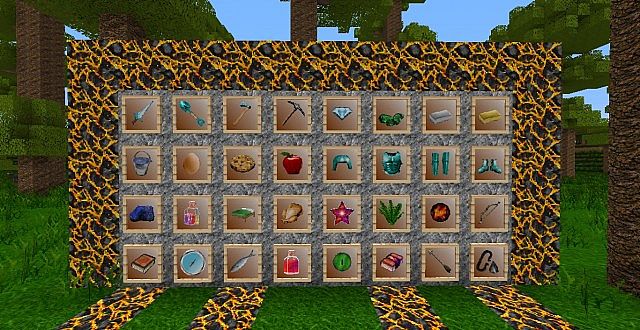
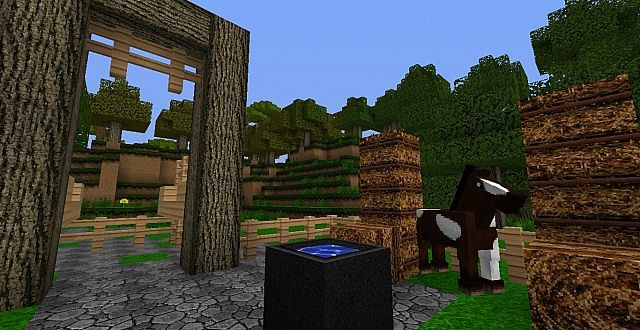
Some Minecraft players love the game just the way it is, and others want every block to look as real as possible. If you belong to the second group, the Evolutrium Craft resource pack by Sibogy was made for you. This pack aims for a detailed and realistic look, and it does so with 64×64 textures, which is four times the pixel count of the default 16x textures in every direction. All those extra pixels give blocks and items room to show way more detail than you are used to seeing. Evolutrium Craft is not one of those packs that only touches a few blocks and calls it a day. It was built as a full visual overhaul of the whole game. Terrain, armor, items, mobs, the environment, particles, paintings, fonts, and even the menus all got a fresh new realistic look. It is the kind of pack where you load it up and every corner of your world suddenly feels different.
One of the coolest parts is the animation work. The creator added animted textures to all sorts of blocks and items. Furnaces, nether stars, end portal frames, redstone blocks, bottles of enchanting, ender eyes, and fire charges all come alive with motion, which adds a nice bit of magic to the game. The story does have a sad ending though. Evolutrium Craft showed up in 2014 and got some solid updates along the way, eventually reaching a fully finished state. But after the 1.7.x version of Minecraft, everything went quiet, and no new updates have come out since. After so many years of silence, it is fair to call this pack discontinued. It still hurts a little, because the project is genuinely amazing. Here is hoping that one day a fan picks it up and gives it the fresh start it deserves.
Evolutrium Craft should be compatible with all of these Minecraft versions: 1.7.10 - 1.7.9 - 1.7.4 - 1.7 - 1.6.4 - 1.6.2
Evolutrium Craft — Video & Screenshots
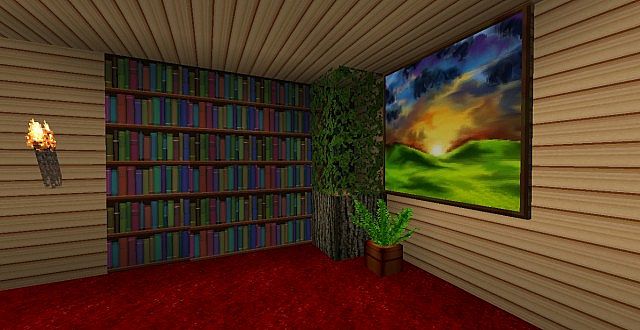
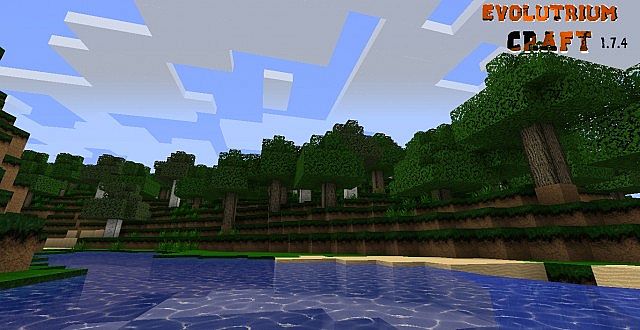
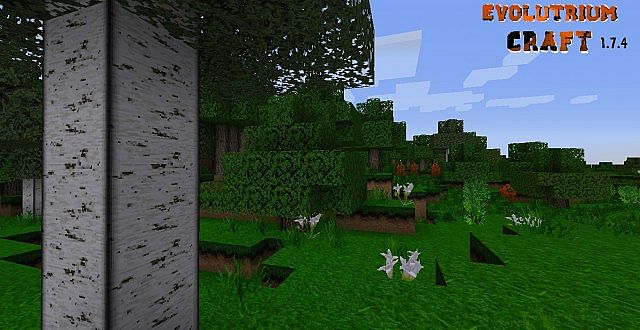
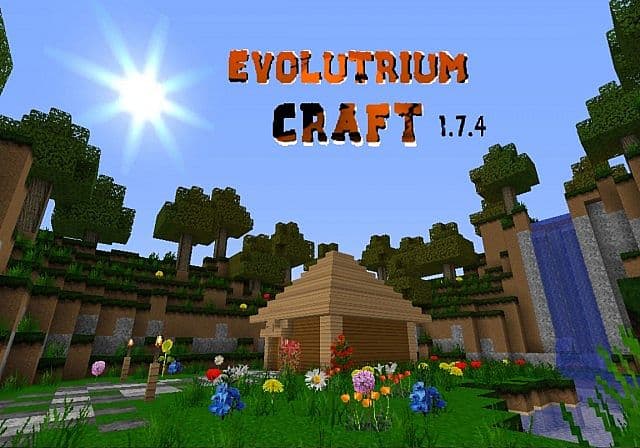
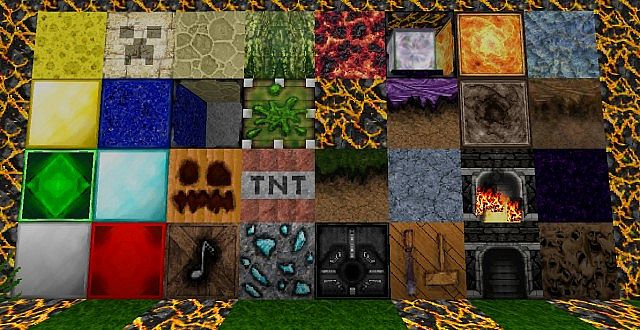
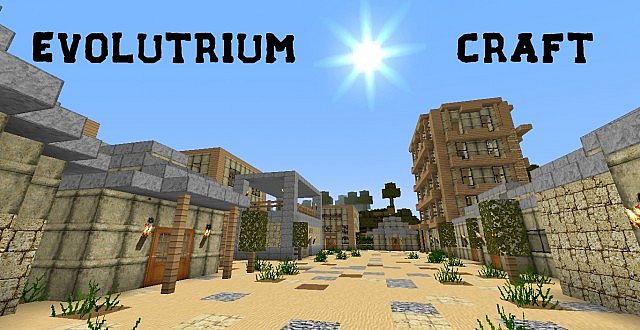
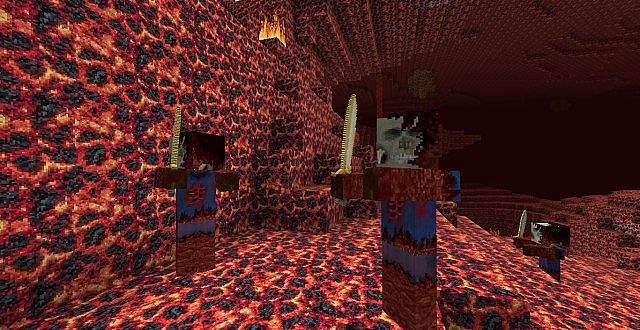
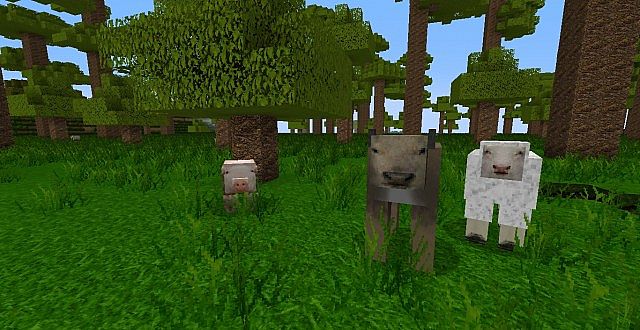
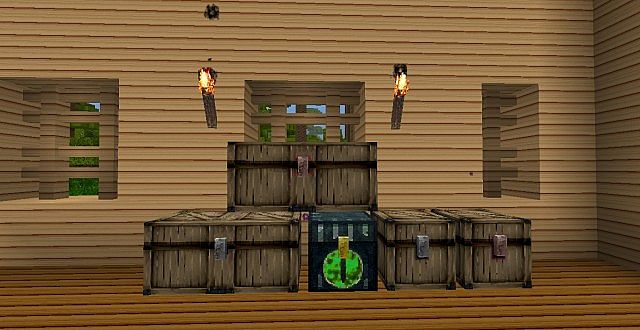
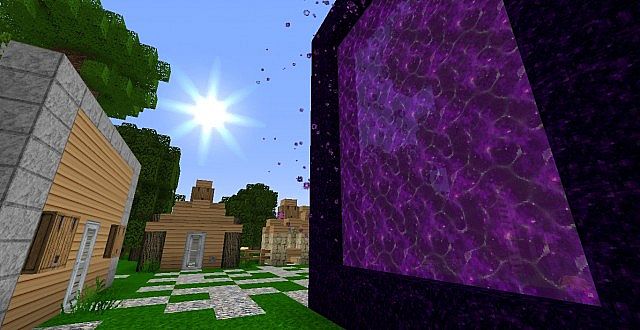
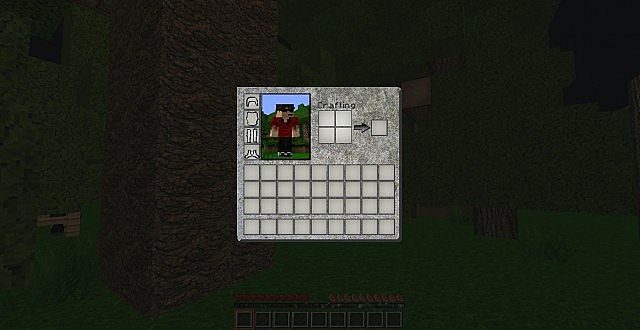
How to install Evolutrium Craft Resource Pack:
- Most resource packs require Optifine, so be sure to download and install it. – general recommended step for all packs, Optifine is also needed for most shaders
- Download the Evolutrium Craft texture pack for Minecraft from the download section below. – if there are many different versions, just choose the one you like, is compatible with your version/edition of Minecraft, the one you think your computer can handle in terms of performance.
- Launch the game client through the Minecraft launcher.
- On the main menu, click "Options".
- On the options menu, click "Resource Packs...".
- Click on "Open Resource Pack Folder". – folder titled "resourcepacks" will pop up
- Move the .zip file you downloaded in the first step to the newly opened "resourcepacks" folder.
- Click "Done".
- Click on "Resource Packs..." again.
- Your pack should have appeared in the left window, just hover over it and click on the arrow pointing to the right.
QUICK TIP: Sometimes, when activating a pack, the game may say that the pack is made for a newer or older version of Minecraft. This is just a warning, it does not affect your gameplay in anyway, and you can still activate and enjoy the pack by simply clicking the "Yes" button when prompted.
- Click "Done" again.
- The pack has now been successfully loaded and ready to be used in your world!
Evolutrium Craft Texture Pack Download
- We do not modify or edit any resource packs. All resource packs, shaders and tools found on this website are linked directly to official sources rather than hosted on our own servers. We provide only the official download links from the original creators to ensure that your files are safe and secure.
- These official links are updated manually and may occasionally stop working when a new version is released. We work hard to keep everything current so that you have a smooth experience. Please let us know in the comments if you find a link that no longer works.
- Minecraft is a trademark of Mojang Studios and has no official connection to this website. Our goal is simply to share the best creations from the community with other players.
- Please consider leaving a comment or voting for your favorite packs. This feedback helps authors improve their projects over time. You can also support the creators directly by visiting the official links located below the download section.
Java Edition:
[64x] [1.7.x – 1.6.x] Download Evolutrium Craft Resource Pack
Curseforge: download starts automatically after a few seconds;
Mediafire: click the big blue button with the text "DOWNLOAD";
Google Drive: in the top right corner you will see a small download icon (down arrow), click it and the download should start;

5 votes
Look.. 5 users have already liked this pack. Give a diamond if you like it too!


Leave a reply
0 comments
Links in comments are not allowed. Comments containing links will be removed.
If your comments are consistently being deleted, please be sure to review our Comment Policy.