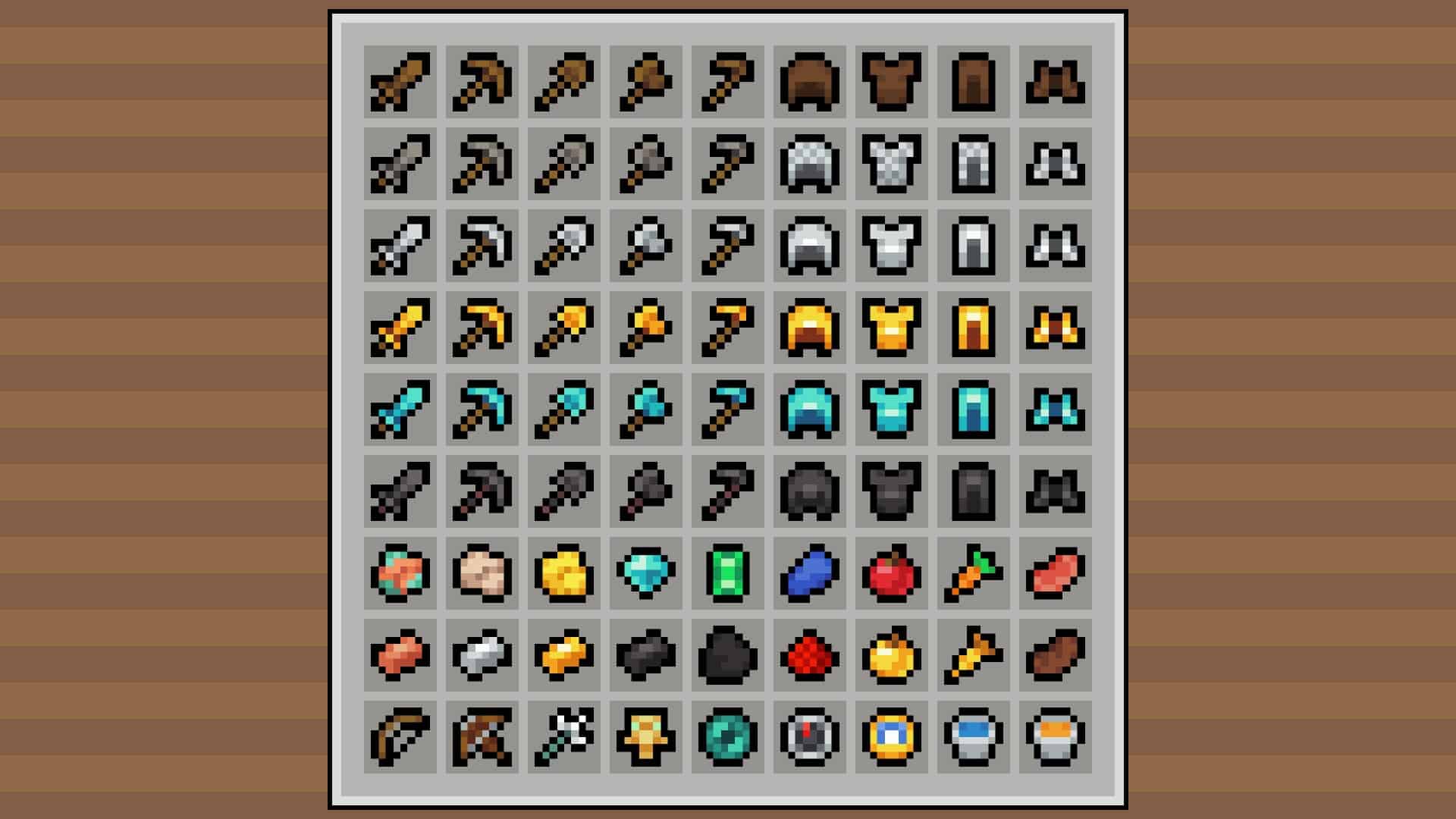
If you want a resource pack that doesn’t change much but simplifies and smoothens how Minecraft looks – then I have great news for you, it’s right here. Digs’ Simple Pack is the best resource pack there is that can turn your Minecraft experience into a clean and easy-to-digest visual experience. Yes, there are millions of packs who do the same, but they all tend to fall flat and end up oversimplifying the game, taking away most of Minecraft’s appeal instead of fulfilling the desired objective. Digs’ Simple Pack, on the other hand, as the name suggests, keeps things simple – without killing the game’s allure. This texture pack is designed specifically for players who want Minecraft to look simple without having to face any extra bangs, bells, or any other unnecessary business attached to its graphics.
And even if its goal is to simplify things, it is by no means a small resource pack: it has been downloaded over 15 thousand times already. The community response has been great – and they haven’t seen it all yet. There are promises of more things coming – more features for this incredible resource pack. The developer, Digs, will continue to work on this pack to make Minecraft a simpler yet beautiful place to have adventures. This is the go-to resource pack if you want to prioritize a smooth, simple color palette and style for your game. It’s also a great option for people who own a low-end PC and need Minecraft to run on a low resolution but want to play a great-looking game. Fortunately for lovers of all things simple, this resource pack has no significant bugs reported. There will be no surprises here, making your gaming experience a smooth, simple one – a great one without any glitches.
Digs' Simple should be compatible with all of these Minecraft versions: 1.21.11 - 1.21.10 - 1.21.9 - 1.21.8 - 1.21.7 - 1.21.6 - 1.21.5 - 1.21.4 - 1.21.3 - 1.21.2 - 1.21.1 - 1.21 - 1.20.6 - 1.20.5 - 1.20.4 - 1.20.3 - 1.20.2 - 1.20.1 - 1.20 - 1.19.4 - 1.19.3 - 1.19.2 - 1.19.1 - 1.19 - 1.18.2 - 1.18.1 - 1.18 - 1.17.1 - 1.17 - 1.16.5 - 1.16.4 - 1.16.3 - 1.16.2 - 1.16.1 - 1.16 - 1.15.2 - 1.15.1 - 1.15 - Bedrock Edition - PE
Digs' Simple — Video & Screenshots

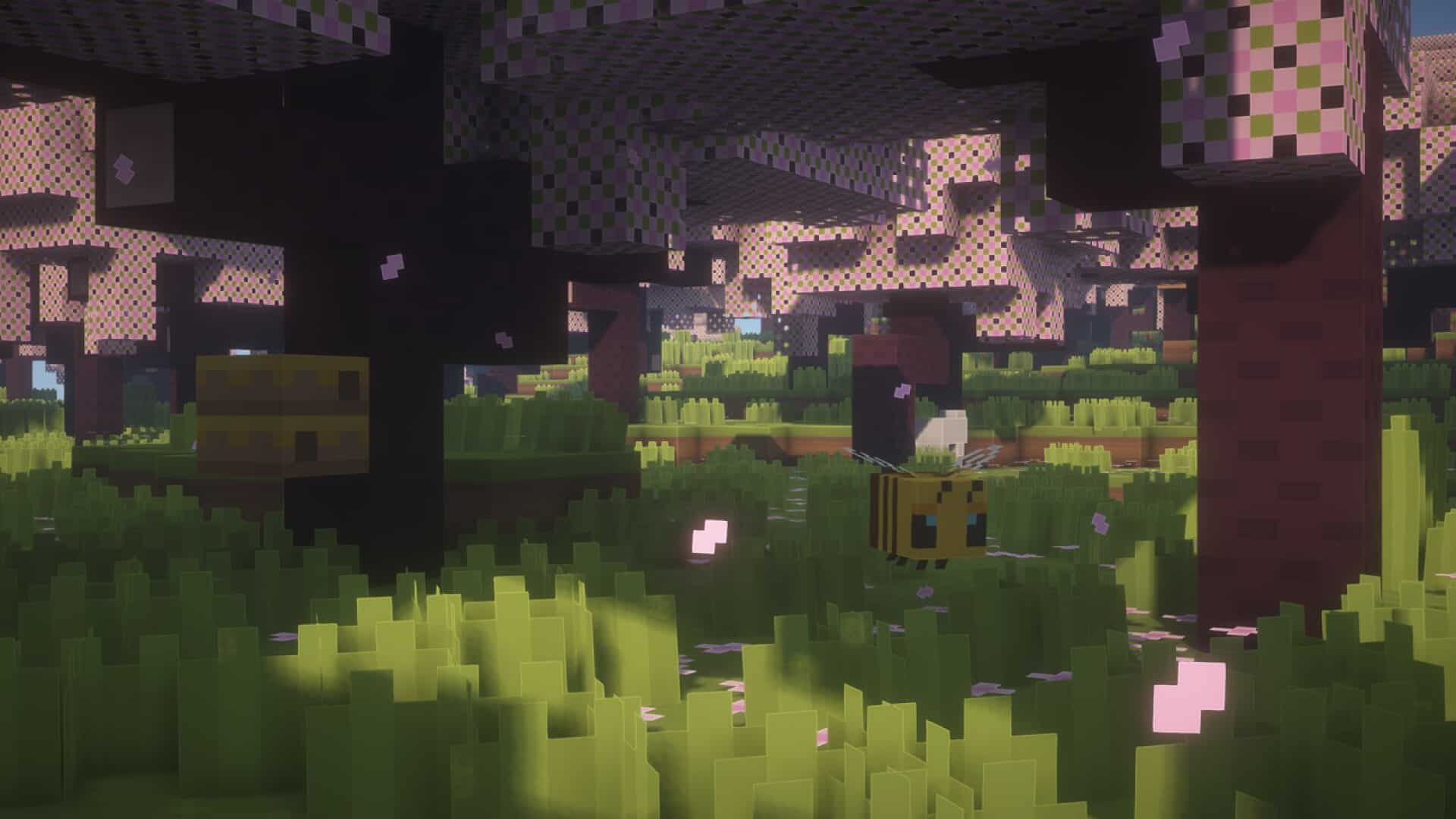
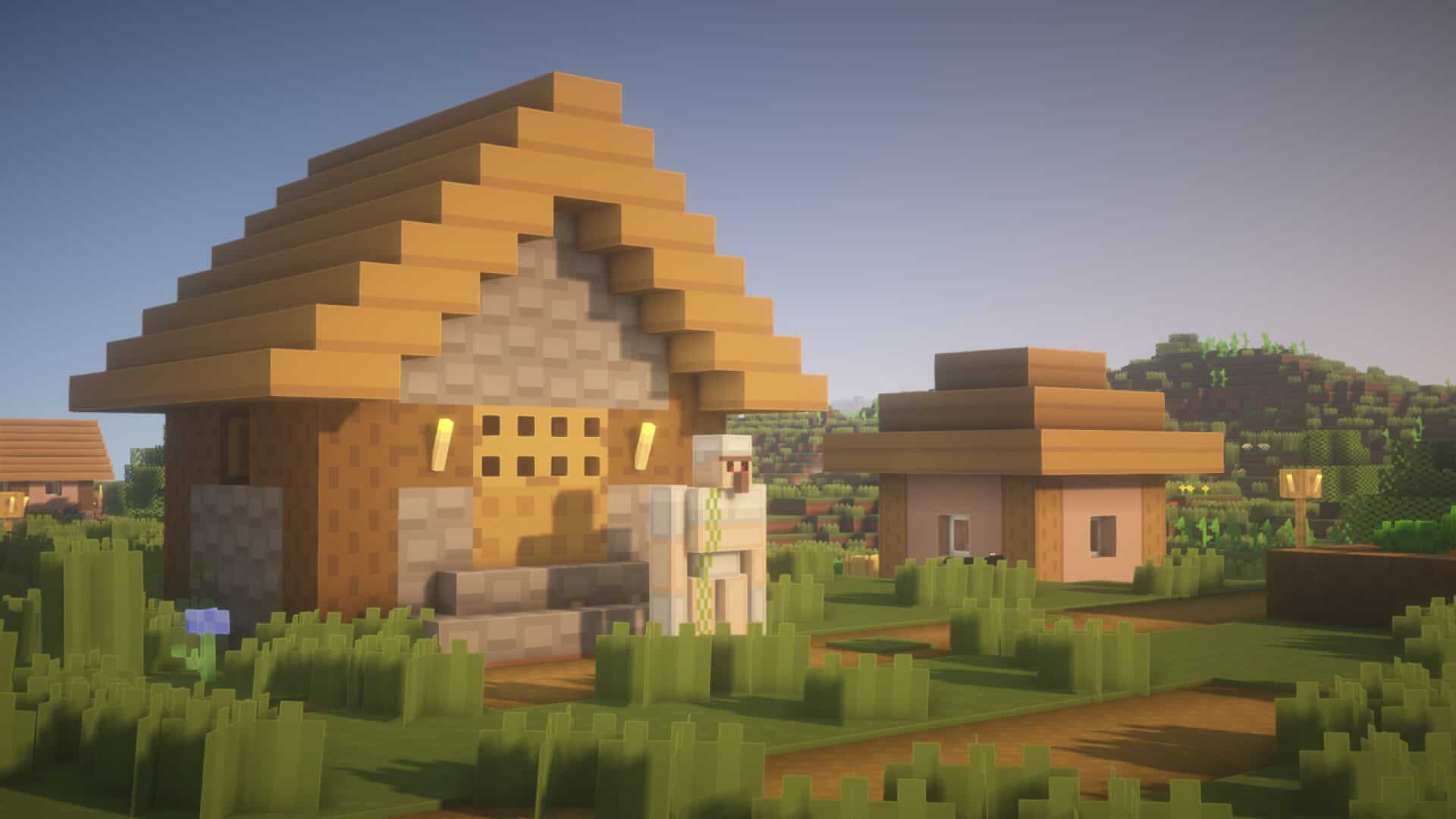
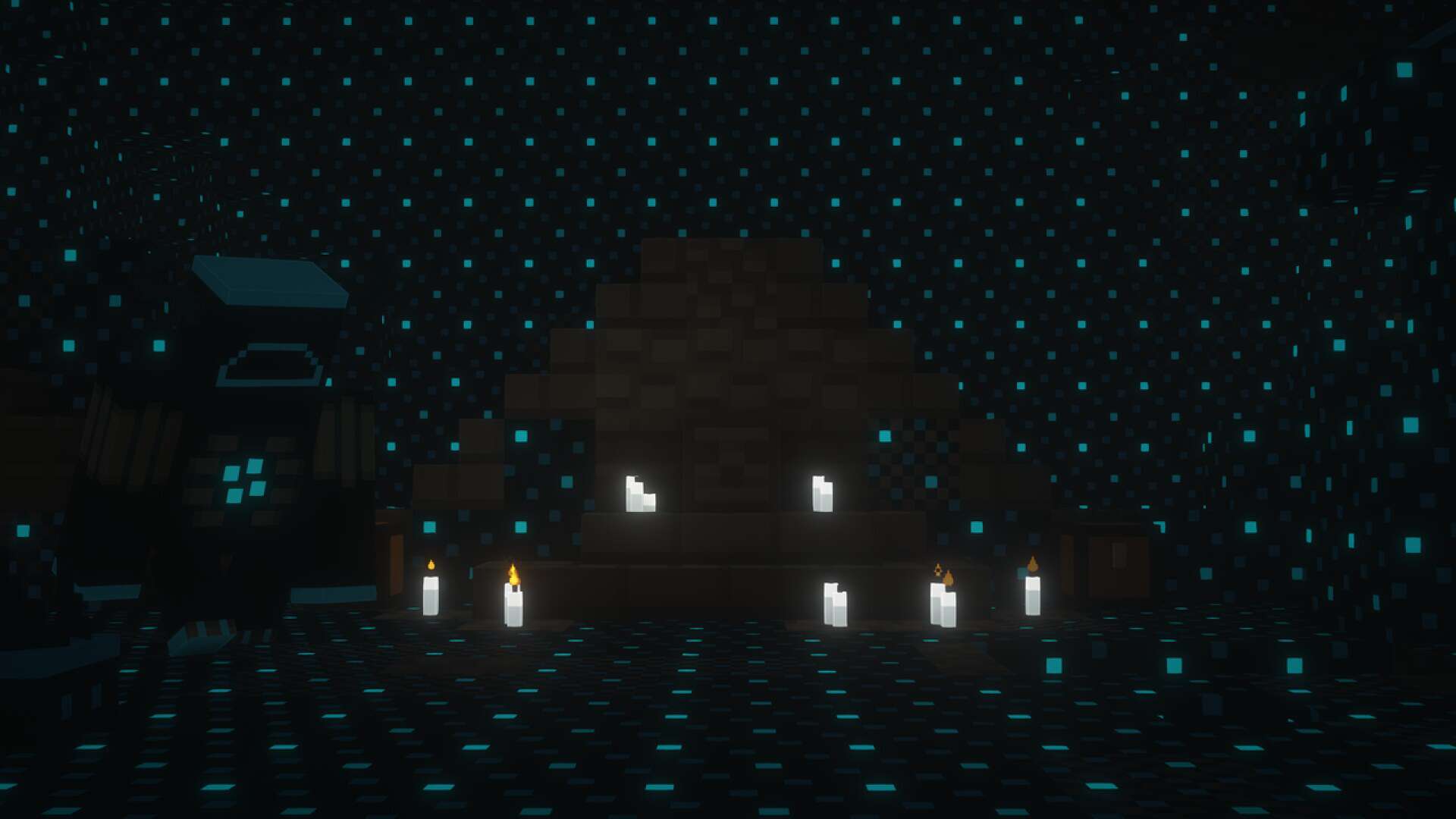
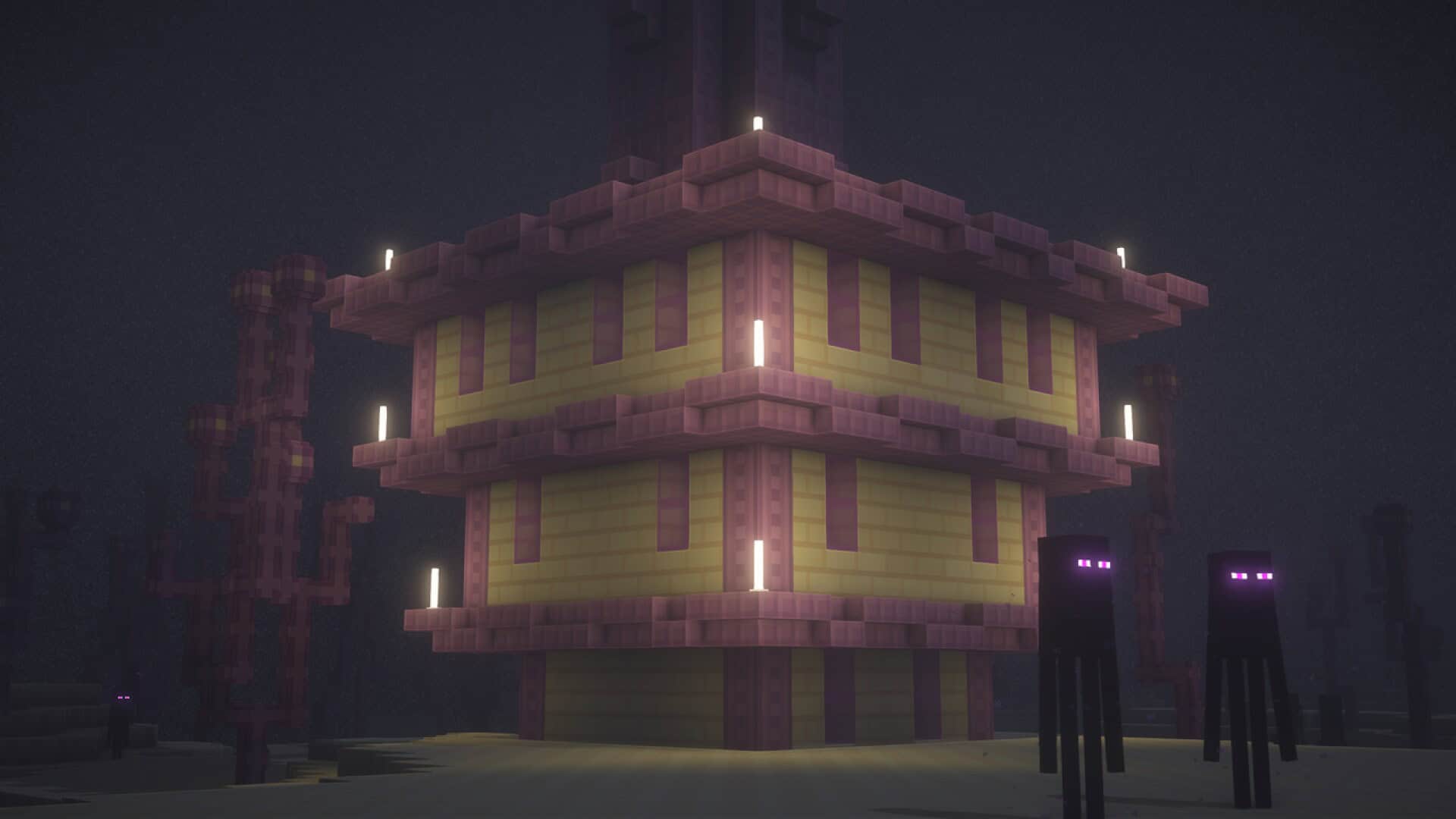
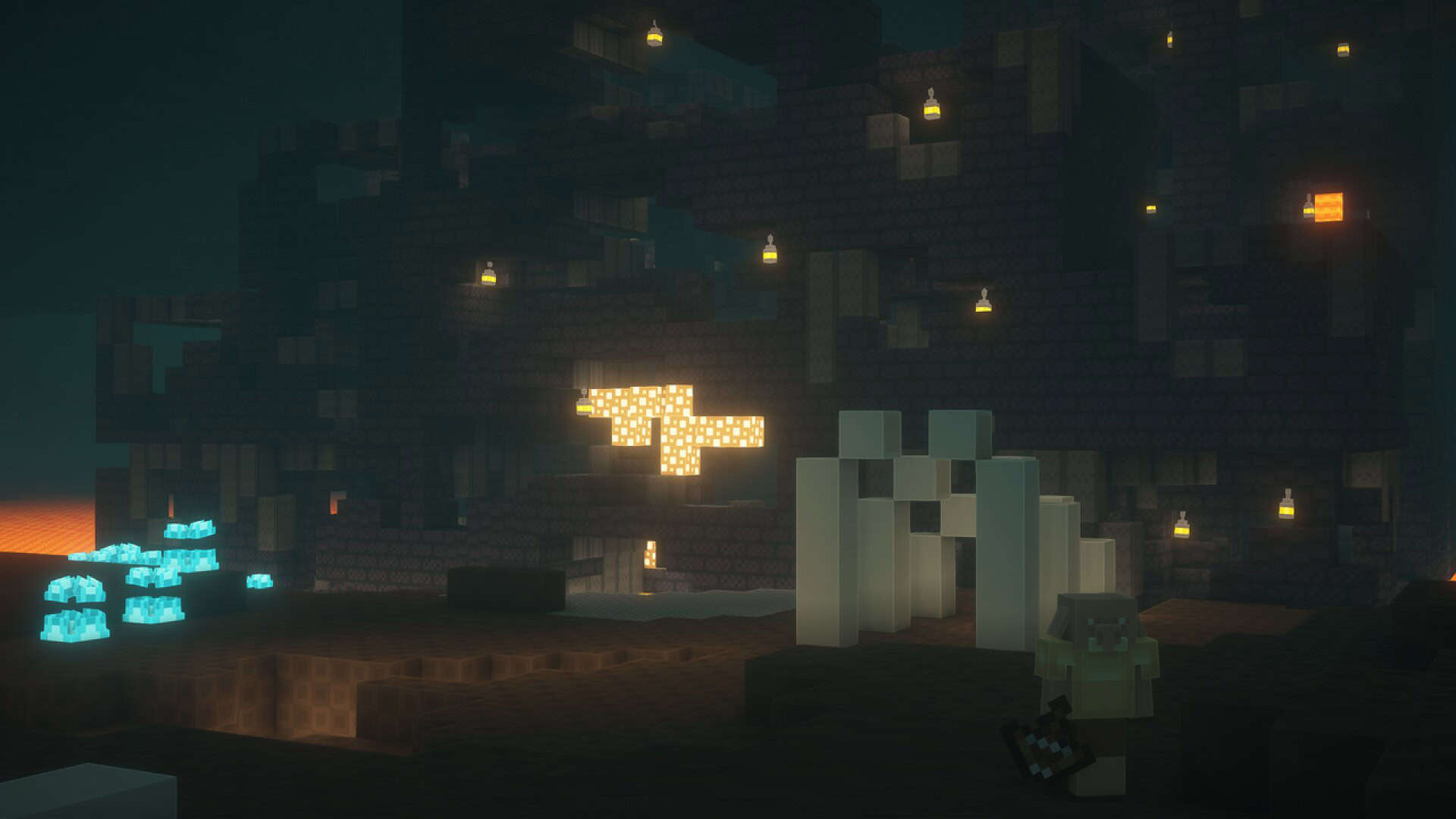
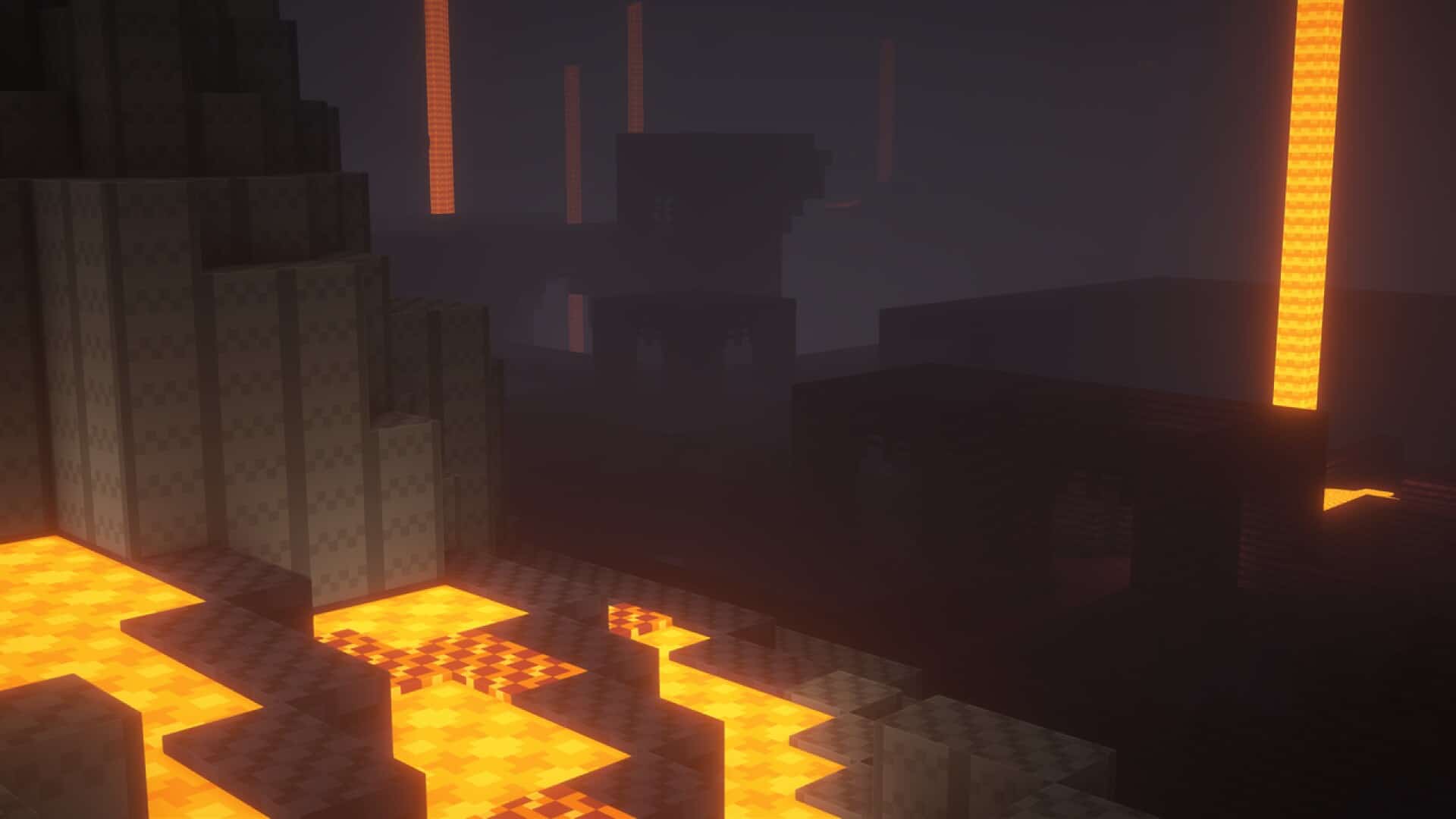
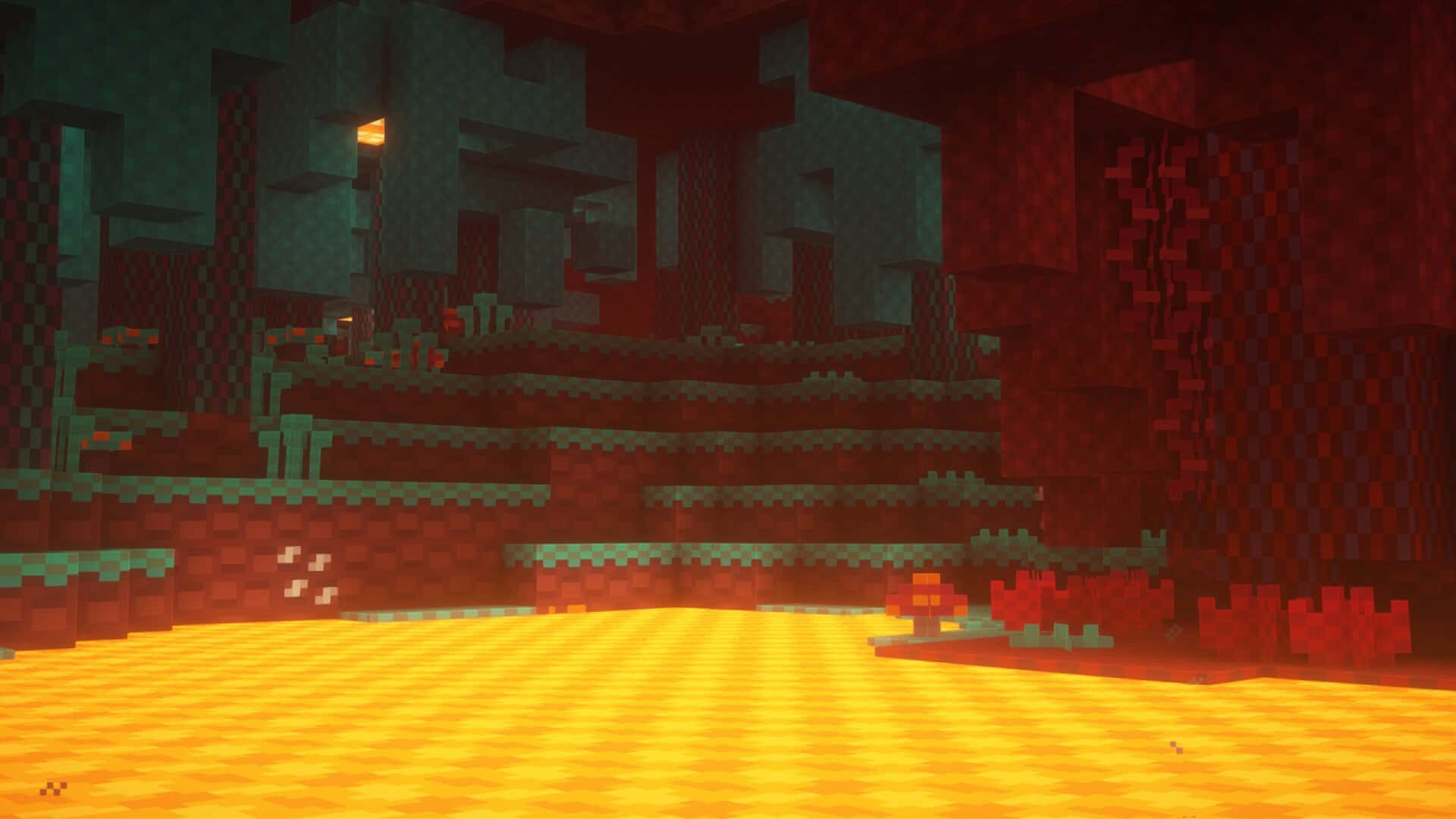
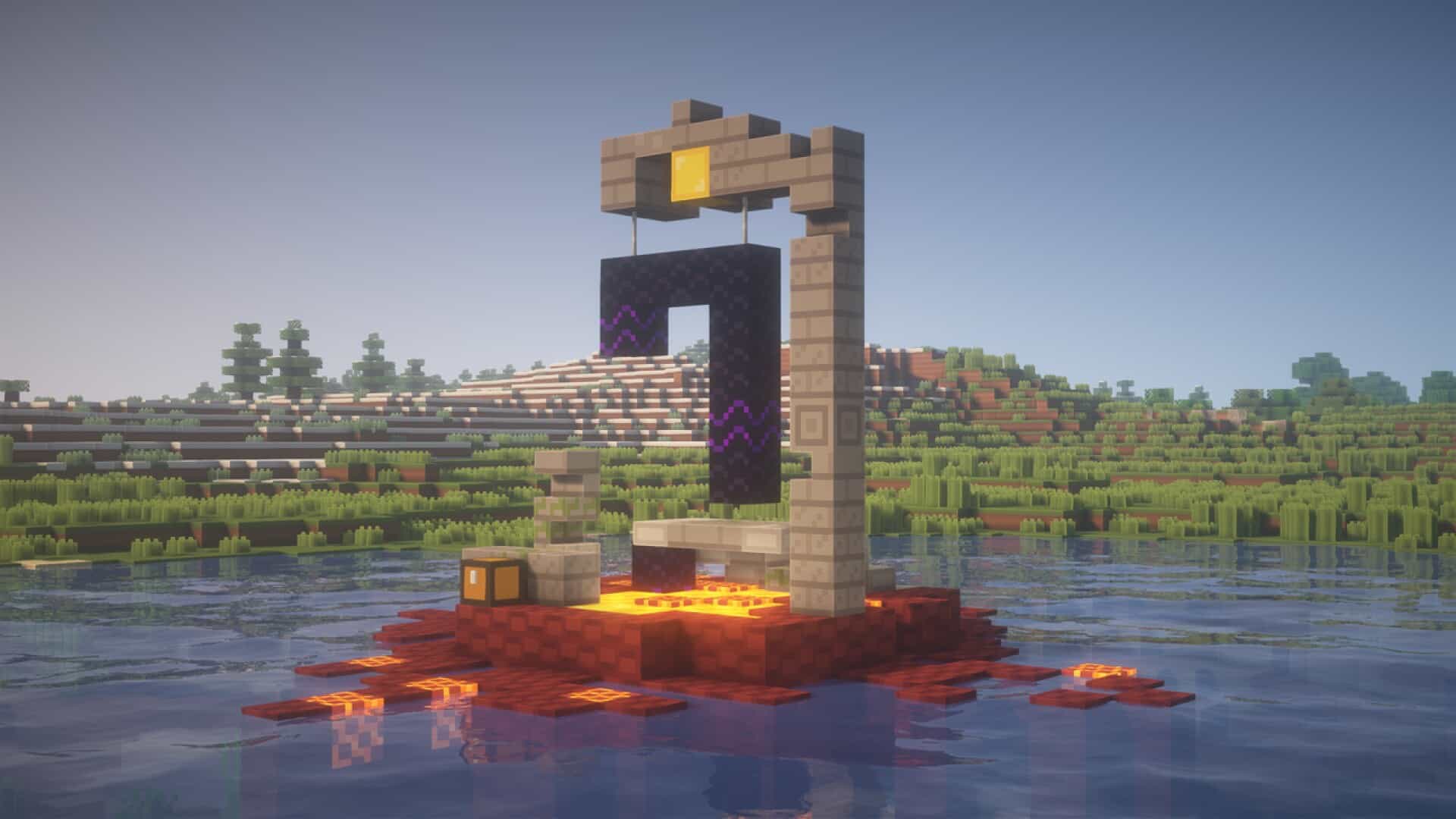
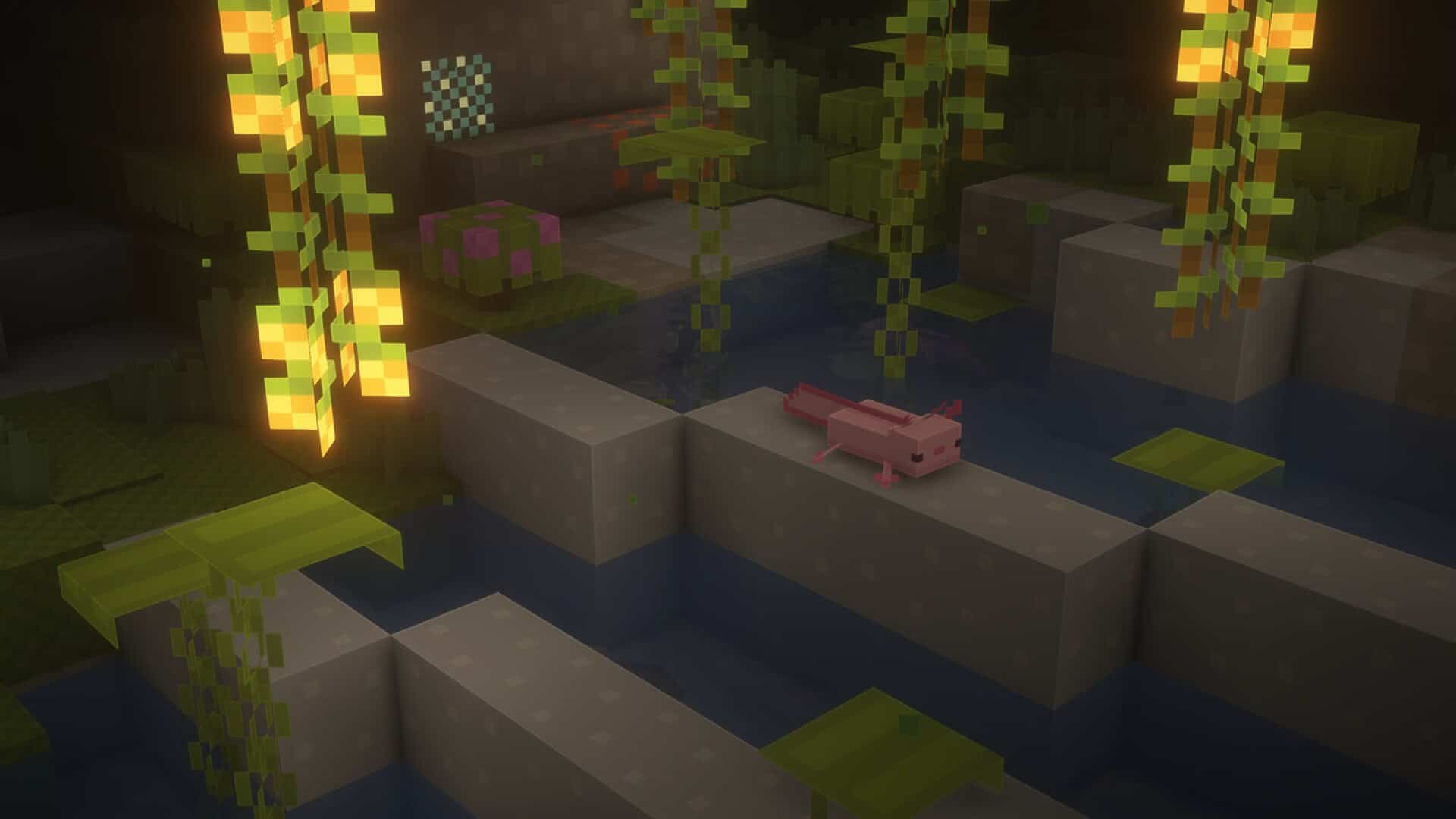
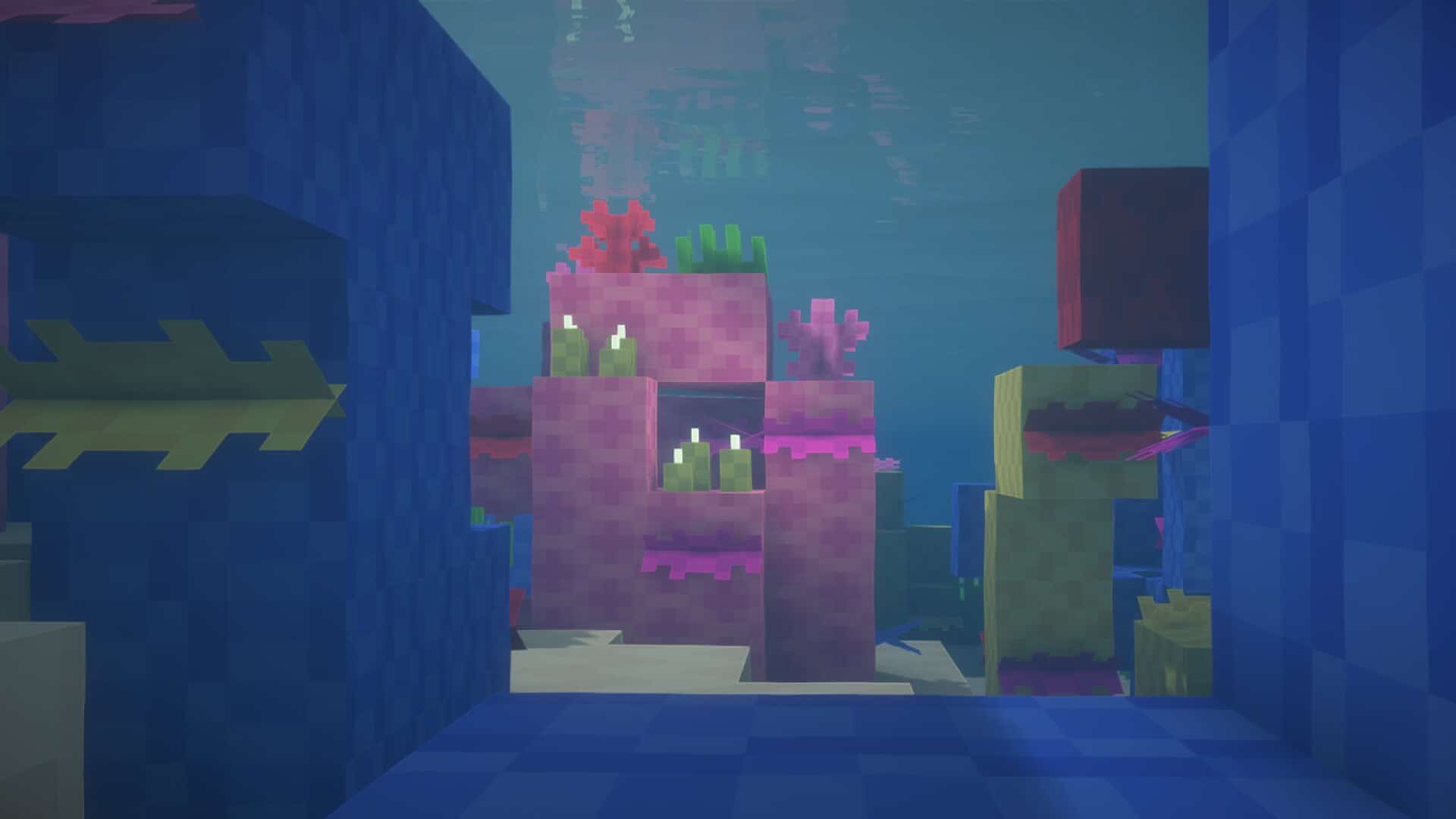
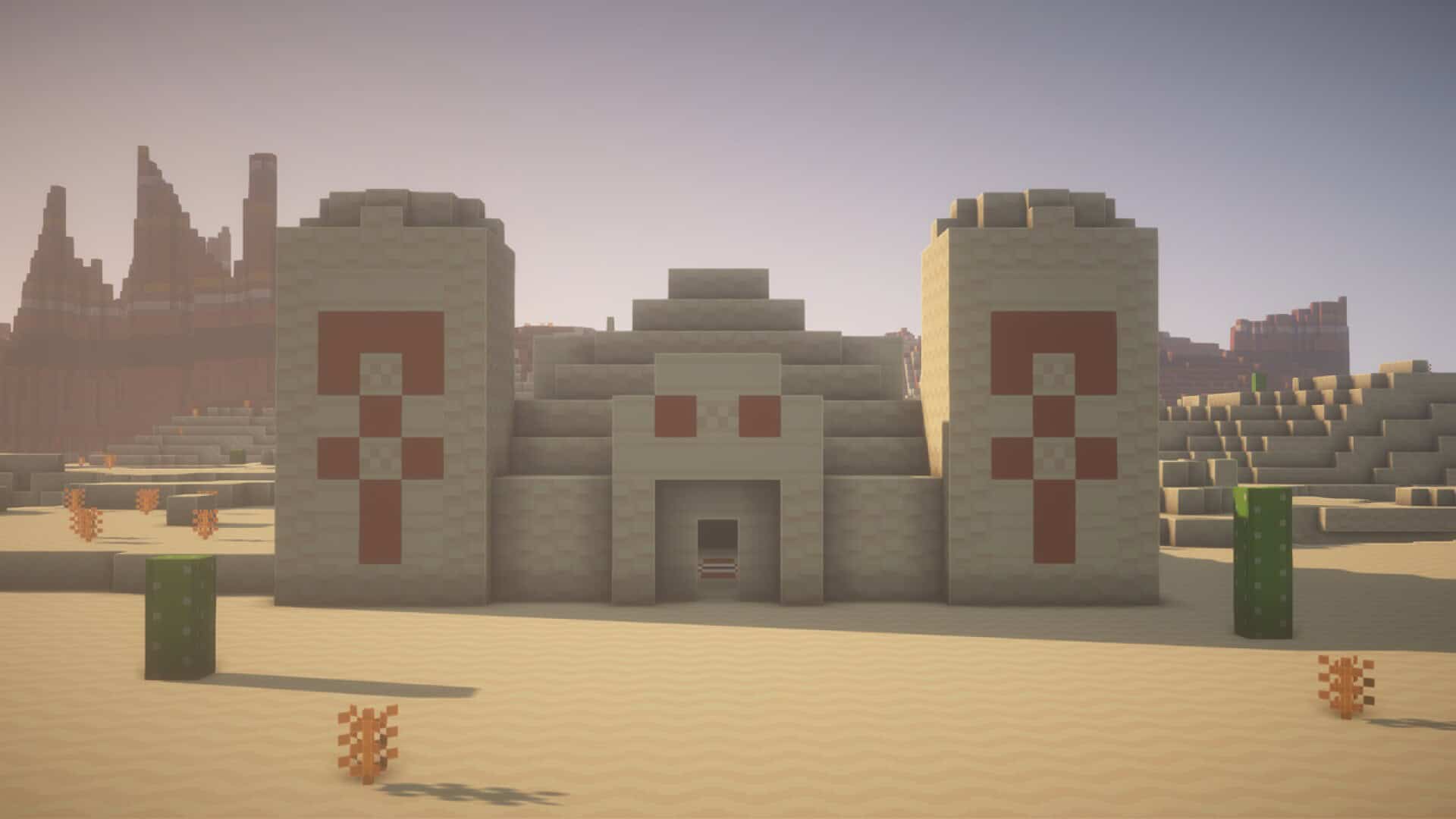
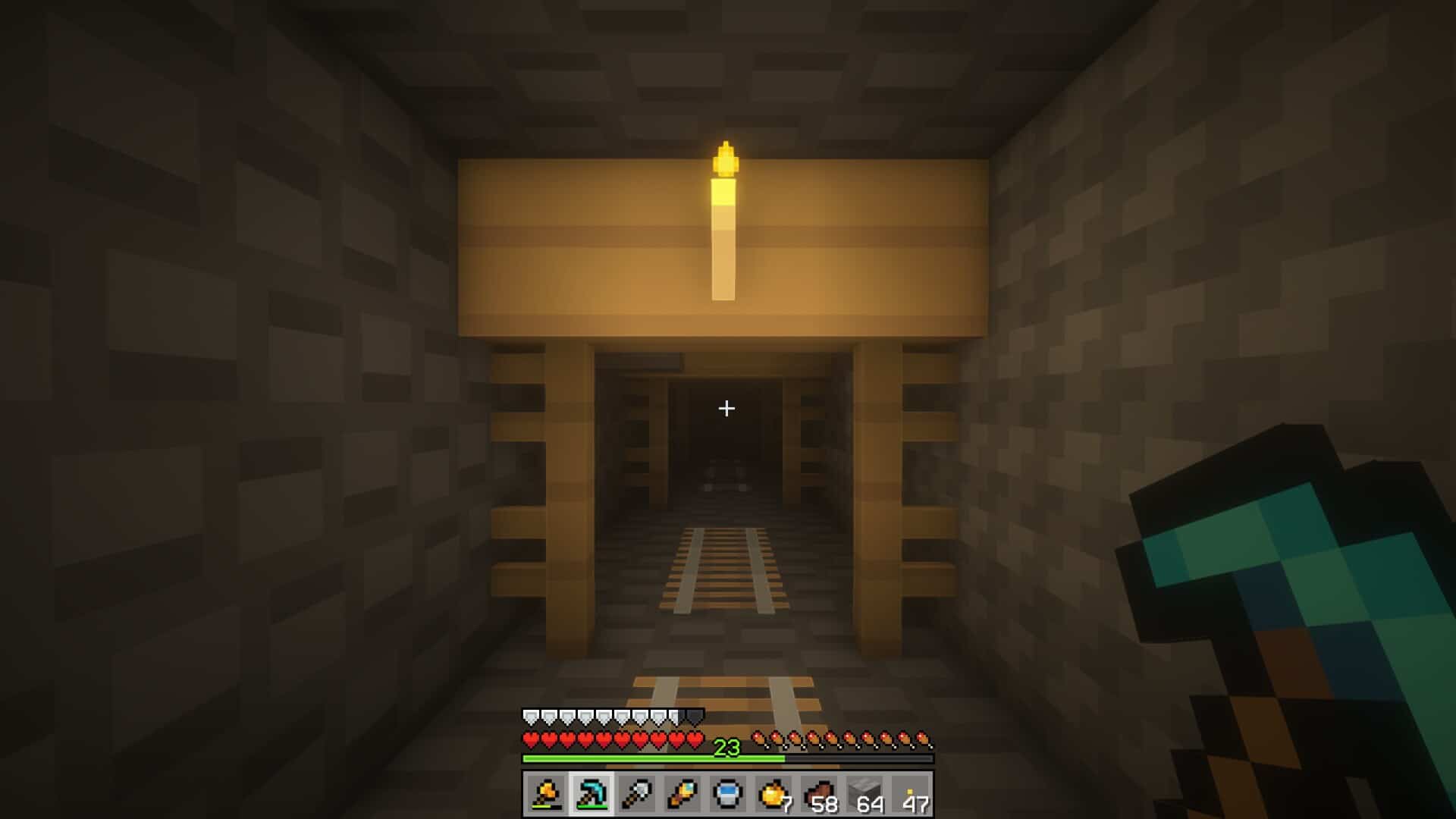
How to install Digs' Simple Resource Pack:
- Most resource packs require Optifine, so be sure to download and install it. – general recommended step for all packs, Optifine is also needed for most shaders
- Download the Digs' Simple texture pack for Minecraft from the download section below. – if there are many different versions, just choose the one you like, is compatible with your version/edition of Minecraft, the one you think your computer can handle in terms of performance.
- Launch the game client through the Minecraft launcher.
- On the main menu, click "Options".
- On the options menu, click "Resource Packs...".
- Click on "Open Resource Pack Folder". – folder titled "resourcepacks" will pop up
- Move the .zip file you downloaded in the first step to the newly opened "resourcepacks" folder.
- Click "Done".
- Click on "Resource Packs..." again.
- Your pack should have appeared in the left window, just hover over it and click on the arrow pointing to the right.
QUICK TIP: Sometimes, when activating a pack, the game may say that the pack is made for a newer or older version of Minecraft. This is just a warning, it does not affect your gameplay in anyway, and you can still activate and enjoy the pack by simply clicking the "Yes" button when prompted.
- Click "Done" again.
- The pack has now been successfully loaded and ready to be used in your world!
Digs' Simple Texture Pack Download
- We do not modify or edit any resource packs. All resource packs, shaders and tools found on this website are linked directly to official sources rather than hosted on our own servers. We provide only the official download links from the original creators to ensure that your files are safe and secure.
- These official links are updated manually and may occasionally stop working when a new version is released. We work hard to keep everything current so that you have a smooth experience. Please let us know in the comments if you find a link that no longer works.
- Minecraft is a trademark of Mojang Studios and has no official connection to this website. Our goal is simply to share the best creations from the community with other players.
- Please consider leaving a comment or voting for your favorite packs. This feedback helps authors improve their projects over time. You can also support the creators directly by visiting the official links located below the download section.
Bedrock Edition:
[32x] [1.21.x] Download Digs’ Simple Bedrock Edition Resource Pack
Java Edition:
[8x] [1.21.x] Download Digs’ Simple Resource Pack
[8x] [1.20.6 – 1.20.3] Download Digs’ Simple Resource Pack
[8x] [1.20.2 – 1.15.x] Download Digs’ Simple Resource Pack
Curseforge: download starts automatically after a few seconds;
Mediafire: click the big blue button with the text "DOWNLOAD";
Google Drive: in the top right corner you will see a small download icon (down arrow), click it and the download should start;

428 votes
Look.. 428 users have already liked this pack. Give a diamond if you like it too!



Kate Awesome
Can you please update it to 1.21.10?🥺
Digs
Digs’ Simple Pack has now been updated to 1.21.11 :)
Axel Vetter
I have No problem with the pack but could you please update it to 1.21.3?, Thank you.
Olivyah Smith
i cant download it takes me to mediafire and it says the file is no longer here
Admin
This is a problem with the bedrock edition only, as the author no longer updates it and has decided to remove it completely. We can not do anything with it. If at any time the author decides to resume development of the bedrock edition, we will update our page accordingly.
Kate Awesome
Why there’s no paintings in the game?
But I added my own paintings in the game.
Kate Awesome
I mean “Why are the paintings aren’t textured from the texture pack?”
But I can add my own paintings in the “paintings” folder.
Kate Awesome
Oh ok.
Thanks for correcting that.
spoon
amazing pack but can u make a 1.8 version?
No_One(Important)
im playing 1.20.1 and i used a templete to netherite armor and put netherite on leggins that and texture had error and turned into error texture
Digs
Thanks for letting me know, it should be fixed now.
SuperPaçoca
Great resource pack, my only problem is that I can’t see the burning process of furnaces when using it.
Is there a way to fix this?
Digs
What version are you playing on?
Thersanon
Quick question: In these images, are you using shaders, and if so, what kind?
Basziliszkusz
Please fix the items, the edges are translucent and It’s ruins the pack, which is amazing except that…
Bread
Where is the Minecraft launcher?
Admin
The only one who knows is you lol.
This is the “thing” with which you launch your minecraft client.
Cooper
im laughing so hard at this
Colorz
Good
jfdklas;fjkdlsa;jkfld;sa
same bro
twilightmeadow993
only thing i dont like about it is how the items are displayed in your inventory
Isaac Stone
looks nice