If the vanilla Minecraft no longer cuts it for some players, the Gerudoku resource pack may be the solution. It takes Minecraft to a new level by making some visual changes, refreshing the overall looks of the game. The Gerudoku texture pack is considered to be one of the Dokucraft variations. It takes elements from Dokucraft and then adds really unique textures, making it a massive resource pack that changes most visuals in the game. The resource pack was developed by user Dangeresque486 and was continuously updated using input from the Minecraft community. The most notable and easy to recognize upgrades the resource pack brings are the terrain textures and block textures. Most of them have been changed to feature clearer textures and a better balance between dark and bright tones. The changes do not end with improved 32x. There are several interesting items introduced in the game such as armors, swords, bows, books, blocks and more.
They have a medieval tone which makes it possible to create amazing medieval castles and dungeons. Additionally, the resource pack also adds decorative items such as paintings that portray various scenes, bookshelves, and stained glass windows. All these elements are typical for the medieval age. Besides the texture upgrades, the Gerudoku resource pack also introduces a few additional changes. It has new 3D models for several items and a few changes to the GUI, making it nice to manage and swap between weapons and items. Some RPG elements have been added, making it a great resource pack for both RPG fans. Unlike other resource packs, Gerodoku doesn’t rely heavily on shaders and looks amazing without them. The lighting in the game is good enough for this resource pack. The 32x resolution makes it a light resource pack that is not very resource-intensive. It will be able to run on most computers with minimal impact over framerate. It is also small in size, taking very little disk space.
GeruDoku should be compatible with all of these Minecraft versions: 1.19.4 - 1.19.3 - 1.19.2 - 1.19.1 - 1.19 - 1.18.2 - 1.18.1 - 1.18 - 1.17.1 - 1.17 - 1.16.5 - 1.16.4 - 1.16.3 - 1.16.2 - 1.16.1 - 1.16 - 1.15.2 - 1.15.1 - 1.15 - 1.14.4 - 1.14.3 - 1.14.2 - 1.14 - 1.13.2 - 1.13.1 - 1.13 - 1.12.2 - 1.12 - 1.11.2 - 1.11 - 1.10.2 - 1.10 - 1.9.4 - 1.9 - 1.8.9 - 1.8.8 - 1.8.1 - 1.8.6 - 1.8 - Bedrock Edition - PE
GeruDoku — Video & Screenshots
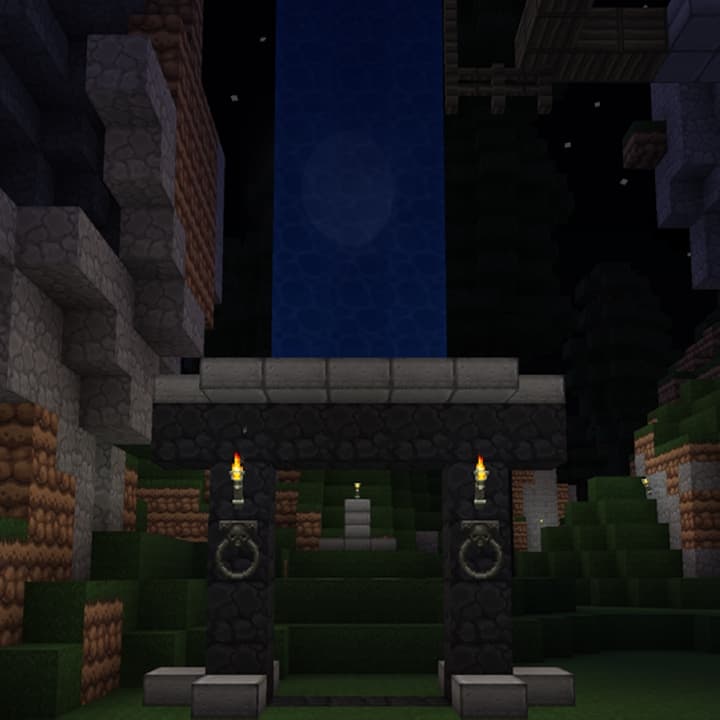
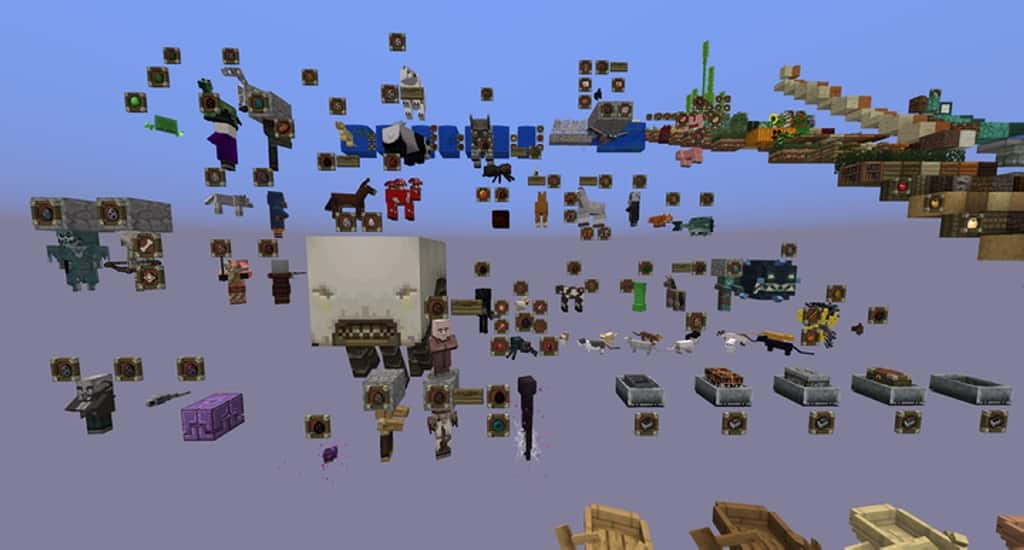
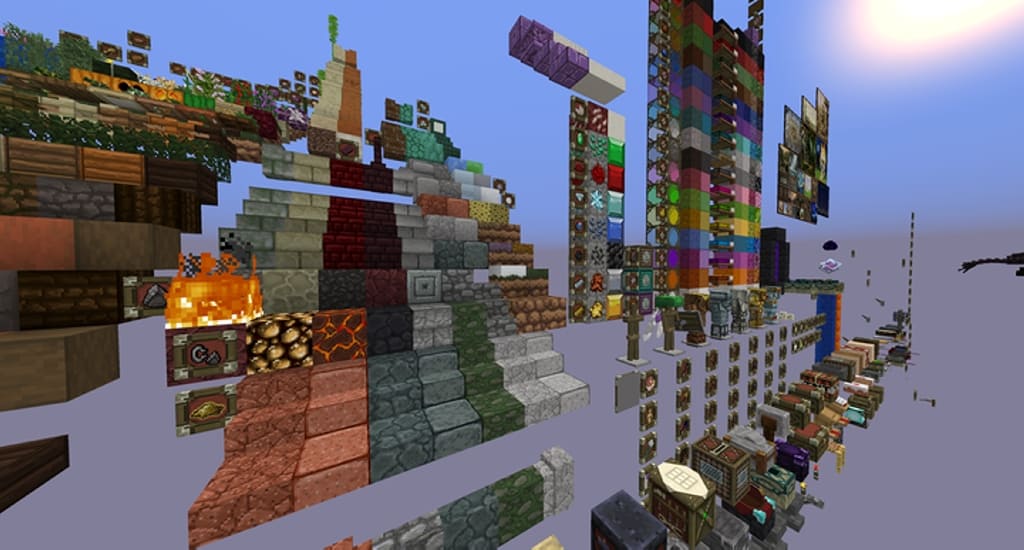
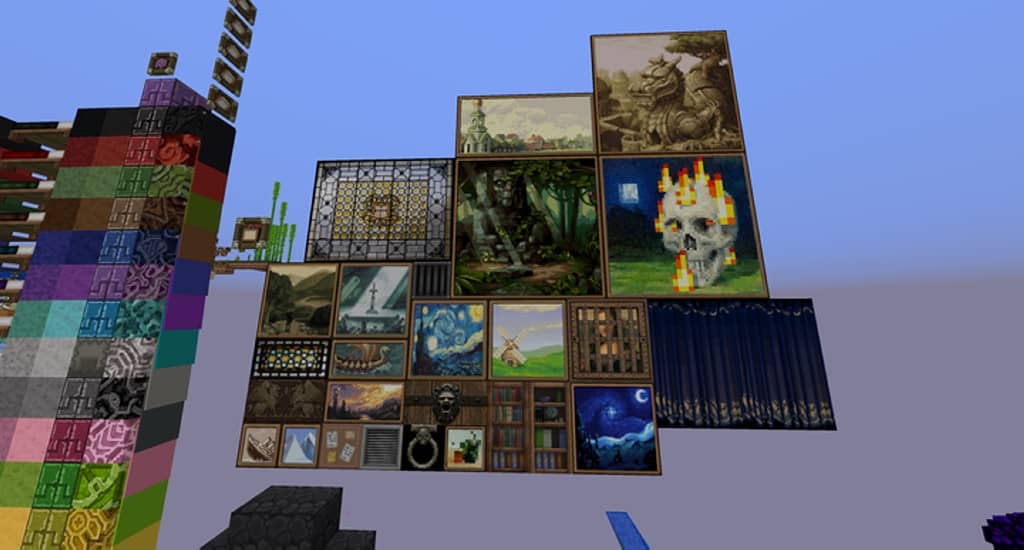
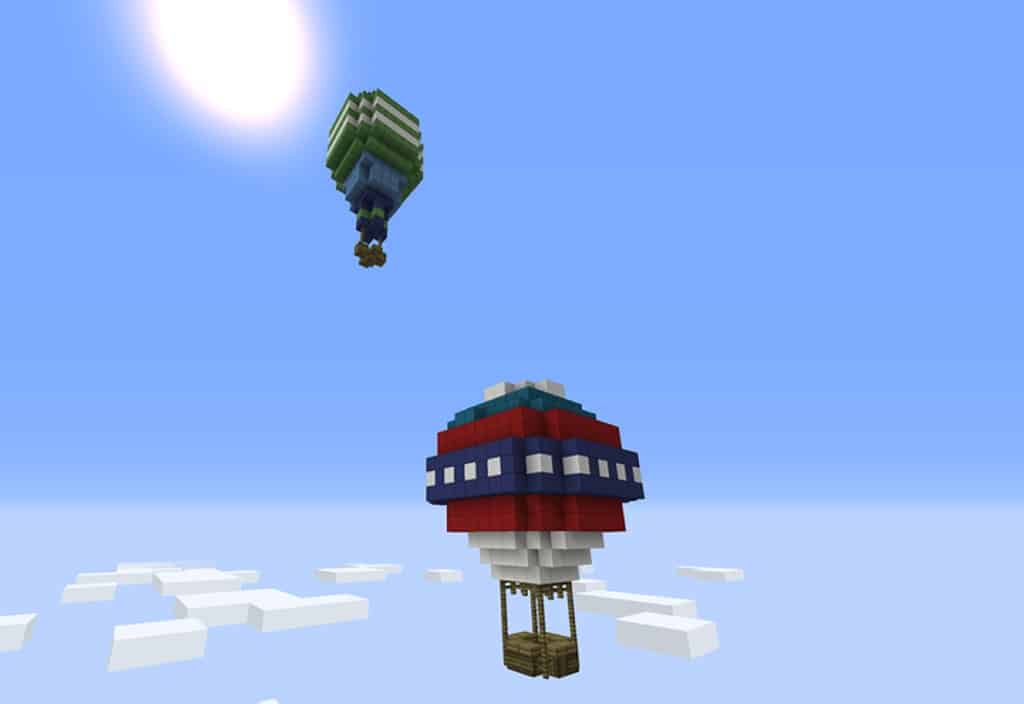
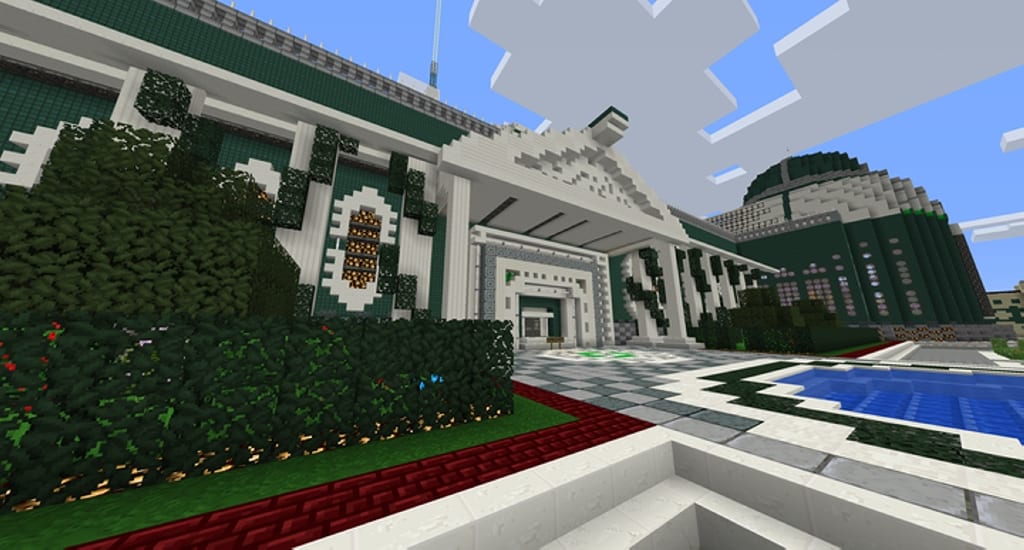

How to install GeruDoku Resource Pack:
- Most resource packs require Optifine, so be sure to download and install it. – general recommended step for all packs, Optifine is also needed for most shaders
- Download the GeruDoku texture pack for Minecraft from the download section below. – if there are many different versions, just choose the one you like, is compatible with your version/edition of Minecraft, the one you think your computer can handle in terms of performance.
- Launch the game client through the Minecraft launcher.
- On the main menu, click "Options".
- On the options menu, click "Resource Packs...".
- Click on "Open Resource Pack Folder". – folder titled "resourcepacks" will pop up
- Move the .zip file you downloaded in the first step to the newly opened "resourcepacks" folder.
- Click "Done".
- Click on "Resource Packs..." again.
- Your pack should have appeared in the left window, just hover over it and click on the arrow pointing to the right.
QUICK TIP: Sometimes, when activating a pack, the game may say that the pack is made for a newer or older version of Minecraft. This is just a warning, it does not affect your gameplay in anyway, and you can still activate and enjoy the pack by simply clicking the "Yes" button when prompted.
- Click "Done" again.
- The pack has now been successfully loaded and ready to be used in your world!
Credit:
- Dangeresque486, Barytyrannus, Jebzalis, TimelapsedEon, Alethila, Goose192, windowslogic, pokeblokdude, Voidatron, Dybdal.
GeruDoku Texture Pack Download
- We do not modify or edit any resource packs. All resource packs, shaders and tools found on this website are linked directly to official sources rather than hosted on our own servers. We provide only the official download links from the original creators to ensure that your files are safe and secure.
- These official links are updated manually and may occasionally stop working when a new version is released. We work hard to keep everything current so that you have a smooth experience. Please let us know in the comments if you find a link that no longer works.
- Minecraft is a trademark of Mojang Studios and has no official connection to this website. Our goal is simply to share the best creations from the community with other players.
- Please consider leaving a comment or voting for your favorite packs. This feedback helps authors improve their projects over time. You can also support the creators directly by visiting the official links located below the download section.
Bedrock Edition:
Download GeruDoku Bedrock Edition Resource Pack
Java Edition:
[32x] [1.19.x] Download Gerudoku Resource Pack
[32x] [1.18.x] Download Gerudoku Resource Pack
[32x] [1.17.x] Download Gerudoku Resource Pack
[32x] [1.16.x – 1.15.x] Download Gerudoku Resource Pack
[32x] [1.14.x] Download Gerudoku Resource Pack
[32x] [1.13.x] Download Gerudoku Resource Pack
[32x] [1.12.x – 1.9] Download Gerudoku Resource Pack
[32x] [1.8.x] Download Gerudoku Resource Pack
Curseforge: download starts automatically after a few seconds;
Mediafire: click the big blue button with the text "DOWNLOAD";
Google Drive: in the top right corner you will see a small download icon (down arrow), click it and the download should start;

114 votes
Look.. 114 users have already liked this pack. Give a diamond if you like it too!



Conteck
This simply doesn’t load for me under 1.19.3 on MacOS
Dare
Won’t load as an mcpack, maybe needs to be updated? Please do so!
Sebastian
As of 12.14.2021, the copper ore textures reflection mapping is glitched when using optifine, making copper ore blocks completely light up like an activated redstone ore block. Please fix
Guy
This is awesome!
Can’t wait until it’s finished in all it’s glory.
Saemond
Shadow of Israphel Ladies n Gentlemen
Saruhino
but it stills working
mrjohnson5
classic yogscast texture pack right here