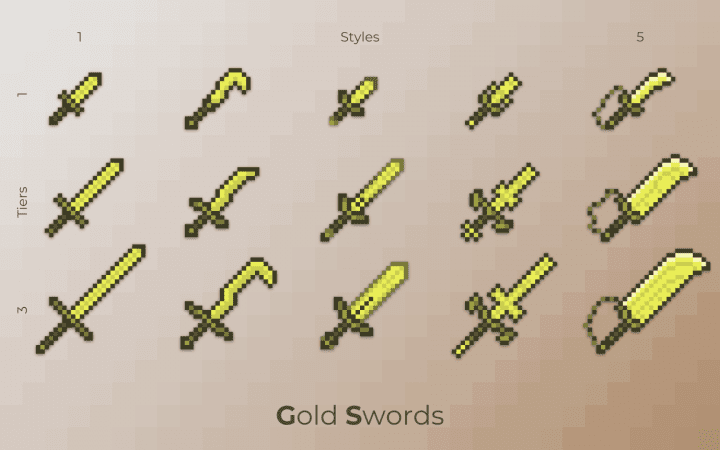
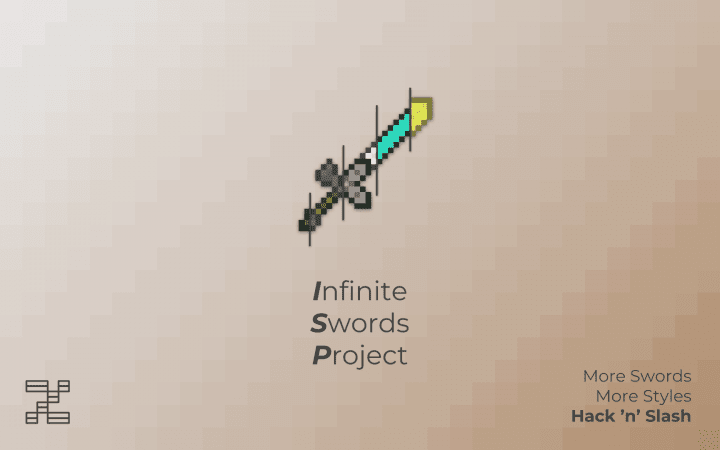
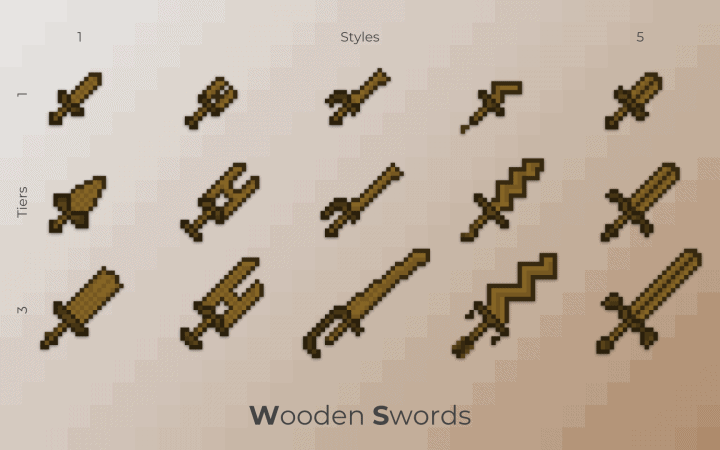
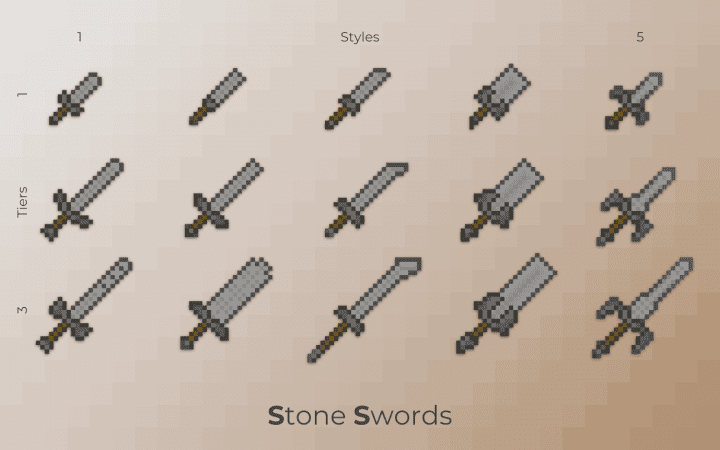
Getting bored of Minecraft’s gameplay? Of those same layers of graphics again and again? Wouldn’t it be rather great to have the game-play style of SAO, ALO and GGO into Minecraft? Infinite Swords Project resource pack or ISP, a ‘Sword Art Online’ inspired project, does exactly that. It aims to change Minecraft’s game-play into something much more exciting and inciting. Now, I can read the question in your eyes. How on Earth can a resource pack alter the game-play? Okay, wait for it. We are not done yet. The Resource Pack is only the first part of the project. The second part is yet to be decided. However, it will go down either one of the following two paths. The first option is building an adventure map with a liberal dose of redstones. The result: you can imagine.
A fantastic SAO styled RPG experience which will leave anyone wanting more. The second option actually depends on Minecraft’s 1.13 release. If the release permits, the creator might make an awesome Data pack with cool new items and recipes. On using this Data Pack, one may get the feel of a mod. It will a great experiment, but it really depends on Minecraft’s release. In short, the Infinite Swords Project is aiming to transform our Minecraft’s gaming experience. They may end up with an adventure map or with a Data Pack. But, rest assured, it will be a game changing product which will alter online combat experience forever. After Infinite Swords Project gains popularity, Player vs Player (PvP) or Player vs Environment (PvE) experience is never going to be the same again.
Infinite Swords Project should be compatible with all of these Minecraft versions: 1.14.4 - 1.14.3 - 1.14.2 - 1.14 - 1.13.2 - 1.13.1 - 1.13
Infinite Swords Project — Screenshots
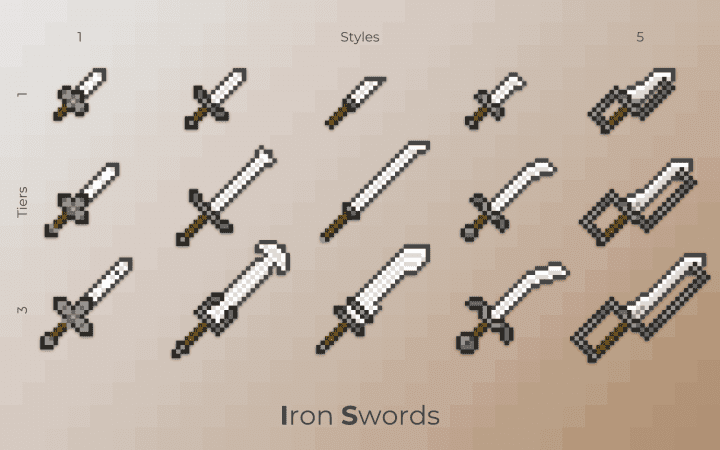
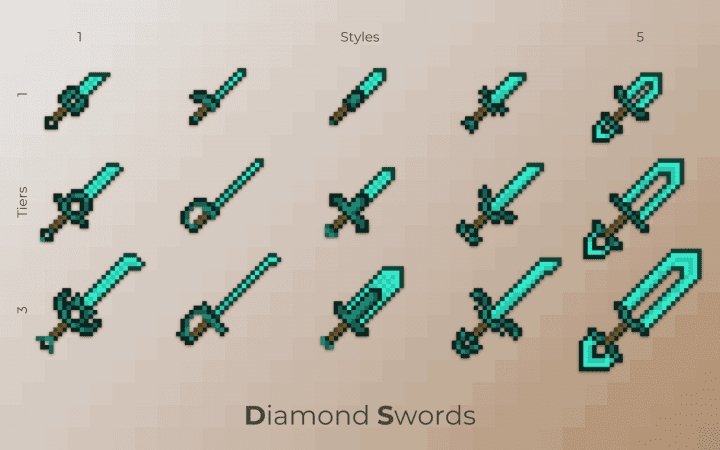
How to install Infinite Swords Project Resource Pack:
- Most resource packs require Optifine, so be sure to download and install it. – general recommended step for all packs, Optifine is also needed for most shaders
- Download the Infinite Swords Project texture pack for Minecraft from the download section below. – if there are many different versions, just choose the one you like, is compatible with your version/edition of Minecraft, the one you think your computer can handle in terms of performance.
- Launch the game client through the Minecraft launcher.
- On the main menu, click "Options".
- On the options menu, click "Resource Packs...".
- Click on "Open Resource Pack Folder". – folder titled "resourcepacks" will pop up
- Move the .zip file you downloaded in the first step to the newly opened "resourcepacks" folder.
- Click "Done".
- Click on "Resource Packs..." again.
- Your pack should have appeared in the left window, just hover over it and click on the arrow pointing to the right.
QUICK TIP: Sometimes, when activating a pack, the game may say that the pack is made for a newer or older version of Minecraft. This is just a warning, it does not affect your gameplay in anyway, and you can still activate and enjoy the pack by simply clicking the "Yes" button when prompted.
- Click "Done" again.
- The pack has now been successfully loaded and ready to be used in your world!
Infinite Swords Project Texture Pack Download
- We do not modify or edit any resource packs. All resource packs, shaders and tools found on this website are linked directly to official sources rather than hosted on our own servers. We provide only the official download links from the original creators to ensure that your files are safe and secure.
- These official links are updated manually and may occasionally stop working when a new version is released. We work hard to keep everything current so that you have a smooth experience. Please let us know in the comments if you find a link that no longer works.
- Minecraft is a trademark of Mojang Studios and has no official connection to this website. Our goal is simply to share the best creations from the community with other players.
- Please consider leaving a comment or voting for your favorite packs. This feedback helps authors improve their projects over time. You can also support the creators directly by visiting the official links located below the download section.
[16x] [1.14.x – 1.13.x] Download Infinite Swords Project Resource Pack
Official links:
Check out the Infinite Swords Project Resource Pack on the Official Source
Curseforge: download starts automatically after a few seconds;
Mediafire: click the big blue button with the text "DOWNLOAD";
Google Drive: in the top right corner you will see a small download icon (down arrow), click it and the download should start;

117 votes
Look.. 117 users have already liked this pack. Give a diamond if you like it too!

kailaa_xd
I will say so much, of course, this is my opinion and I just think that the creator of the jagba did his best, it would be better :)
Exquisites
yo uhh so i didnt understand this pack how do u get the diffrent kinds of swords
Smartokwlis
for some reason the resource pack doesn’t appear on the left or right window
GhostGamer25
cool
lolek trolek
yea boyyy!!!