The AdventureCraft resource pack came out not more than about a month ago, but it is amazing a considerably very large number of people due to the elite level of design put in it. The pack’s design gives a more realistic twist to the Minecraft’s visuals that definitely catches an eye. If you want a more realistic Minecraft world with a lot of life in it, you probably should try out this pack. There are considerably many of resource packs that give life and a realistic appeal to the Minecraft visuals. However, the Adventure Craft Resource Pack has a cleaner look than any other pack. By the time this article is being written, the adventure Craft resource pack is only 25 days old from the it was released. During this short period, over 12k downloads have been made, which is a quite impressive. One major problem with resource packs is that the attempts to bring out realism take away harmony in their texture and the result is a distorted appeal.
Fortunately, the case is different with the Adventure Craft Pack. Another distinctive feature with this pack is the glittering and vibrant color pallet used at its top. The color elevates the texture of the Adventure Craft packs a level higher than any other pack. Concerning quality realistic resolution, the Adventure Craft Resource Pack has an obscured resolution of x32. This kind of resolution is not the best resolution to have for a craft pack because it is very low. One shortcoming with this kind of resolution is that it does not give sufficient room for implementation of the necessary variety of details you may need to implement on your pack. However, this does not bar the pack from looking nice. An advantage you can have due to this kind of resolution is the ability to use this pack on less superior PCs without any problems.
AdventureCraft should be compatible with all of these Minecraft versions: 1.18.1 - 1.18 - 1.17.1 - 1.17 - 1.16.5 - 1.16.4 - 1.16.3 - 1.16.2 - 1.16.1 - 1.16 - 1.12.2 - 1.12 - 1.11.2 - 1.11 - 1.10.2 - 1.10
AdventureCraft — Screenshots
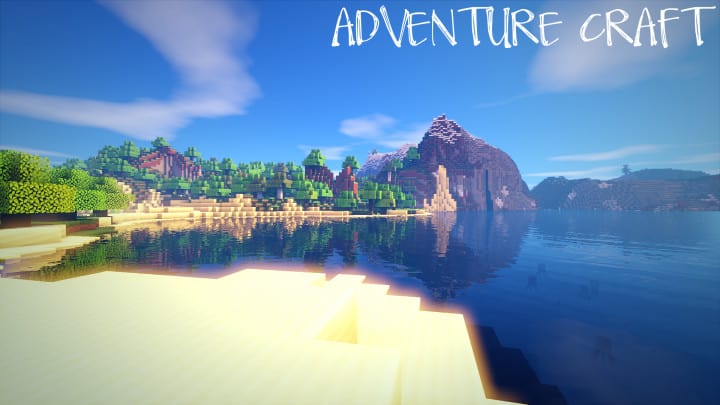
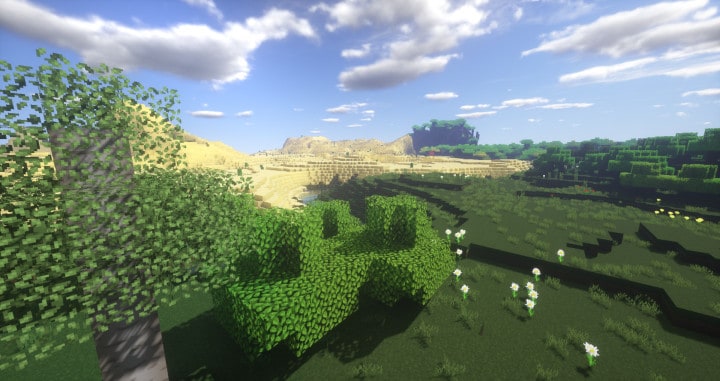
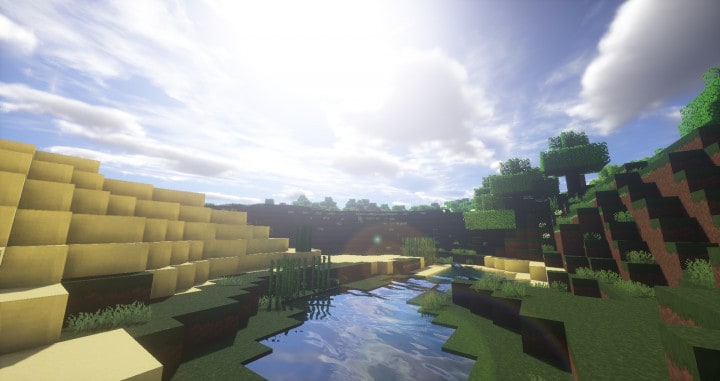
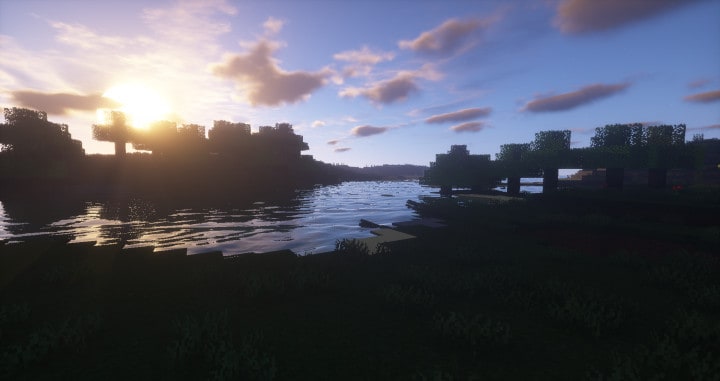
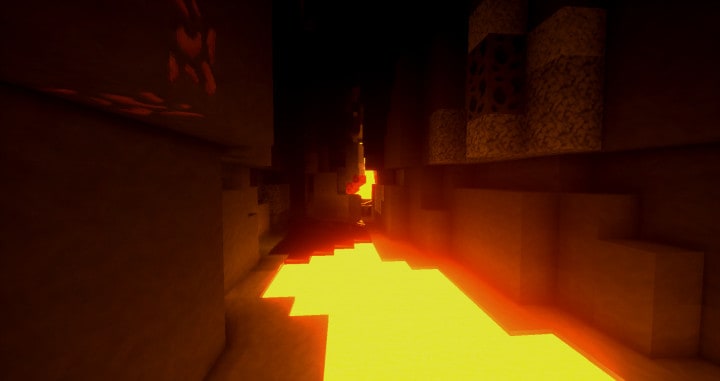
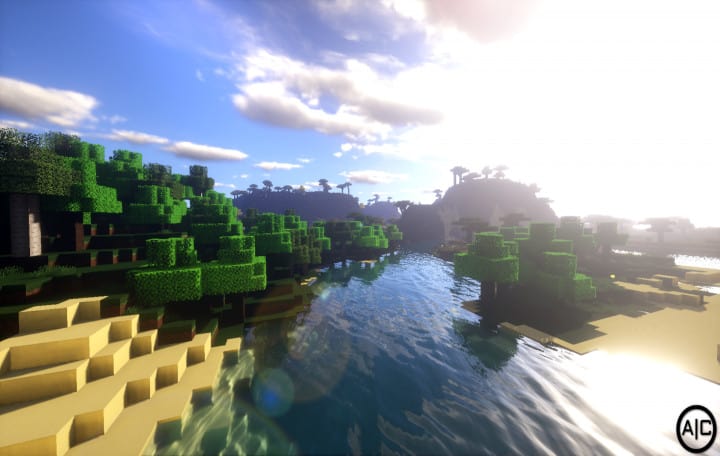
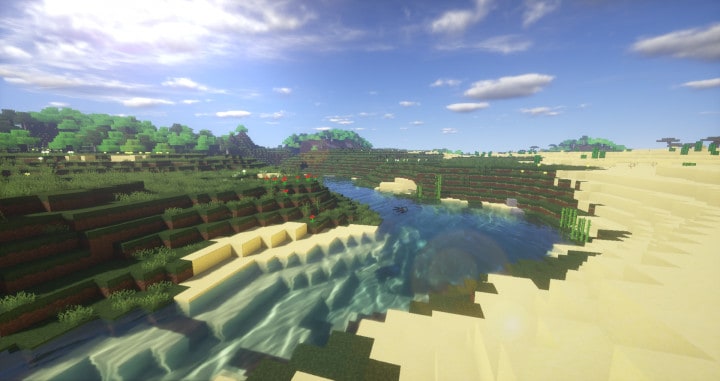
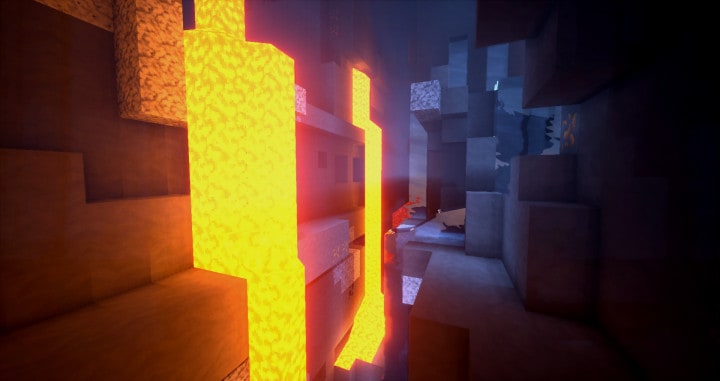
How to install AdventureCraft Resource Pack:
- Most resource packs require Optifine, so be sure to download and install it. – general recommended step for all packs, Optifine is also needed for most shaders
- Download the AdventureCraft texture pack for Minecraft from the download section below. – if there are many different versions, just choose the one you like, is compatible with your version/edition of Minecraft, the one you think your computer can handle in terms of performance.
- Launch the game client through the Minecraft launcher.
- On the main menu, click "Options".
- On the options menu, click "Resource Packs...".
- Click on "Open Resource Pack Folder". – folder titled "resourcepacks" will pop up
- Move the .zip file you downloaded in the first step to the newly opened "resourcepacks" folder.
- Click "Done".
- Click on "Resource Packs..." again.
- Your pack should have appeared in the left window, just hover over it and click on the arrow pointing to the right.
QUICK TIP: Sometimes, when activating a pack, the game may say that the pack is made for a newer or older version of Minecraft. This is just a warning, it does not affect your gameplay in anyway, and you can still activate and enjoy the pack by simply clicking the "Yes" button when prompted.
- Click "Done" again.
- The pack has now been successfully loaded and ready to be used in your world!
AdventureCraft Texture Pack Download
- We do not modify or edit any resource packs. All resource packs, shaders and tools found on this website are linked directly to official sources rather than hosted on our own servers. We provide only the official download links from the original creators to ensure that your files are safe and secure.
- These official links are updated manually and may occasionally stop working when a new version is released. We work hard to keep everything current so that you have a smooth experience. Please let us know in the comments if you find a link that no longer works.
- Minecraft is a trademark of Mojang Studios and has no official connection to this website. Our goal is simply to share the best creations from the community with other players.
- Please consider leaving a comment or voting for your favorite packs. This feedback helps authors improve their projects over time. You can also support the creators directly by visiting the official links located below the download section.
[32x] [1.18.x – 1.16.x] Download AdventureCraft Resource Pack
[32x] [1.12.x – 1.10.x] Download AdventureCraft Resource Pack
Official links:
Check out the AdventureCraft Resource Pack on the Official Source
Curseforge: download starts automatically after a few seconds;
Mediafire: click the big blue button with the text "DOWNLOAD";
Google Drive: in the top right corner you will see a small download icon (down arrow), click it and the download should start;

1,689 votes
Look.. 1689 users have already liked this pack. Give a diamond if you like it too!

jamie
nice
Kenzie
Im not able to download the 1.18 version and the 1.11 wont even load at all in my folder
Hayden
I downloaded it but the mod won’t go onto Minecraft.
Admin
It’s not a mod, it’s a resource pack. Completely different things and completely different ways to install them. Read the “How to install guide” on this page.
Dosencool
Does it work on mac?
superior_aarav
good texture pack
ninjaelias5366
real life
David
Downloaded this for the 1.18 patch and says it only works for older versions.
The info on this page needs updating.
Admin
It works fine on 1.18. Just ignore the message and click yes. That’s it.
im bad at minecraft
Does this pack change the water texture?
jackBNU
This is really good!
Vanq
Good
Kocician
Wow is very good
Dah’veed D. Laing
The shader pack just eats up the texture that I can’t really differentiate the difference between a default texture pack and the actual texture pack. Need better advertising skill.
Demodotcom
so very cool
Tom Evans
WTB screenshots without shaders. It’s best to include both with and without.
Akamu
`They need a “with and without shaders” comparison. Some of us (me) are pretty dumb when it comes to computers and these pictures always trick me at first. xD
Veronica
Just wanted to let you know, when you go into the inventory to craft, the actual spaces to craft are really off center to the ones on the screen.. i hope it gets fixed.. but other than that I think it is a great resource pack!
Muzakki Yamano
so cool
Sherlock_Ikers
What is that shaderpack?
Zach
Not great tbh. The wood planks are awful textured, the animas are default and it takes away from the pack
Hosahu
So much shaders in the screenshots that I can’t even see the textures!
Mark Davis
He used a shader mod with the texture pack. It is very apparent and you should of known.
Tom Evans
He did know. That’s why he said the shaders are making it so that you can’t really tell what the texture pack looks like.
3oows6
yeah! not a good representation.