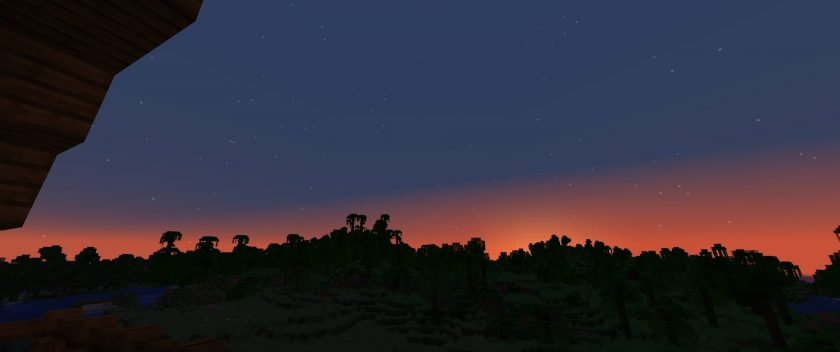
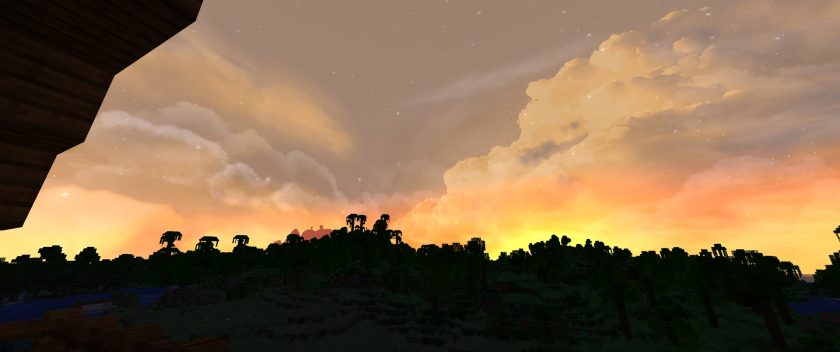
The Fancy Skies resource pack does precisely what its title implies: It turns Minecraft’s sky into an attractive sight. Vanilla Minecraft’s sky is ordinary, and although it looks beautiful at first, it can become lackluster over time. Fancy Skies changes the view into a stunning beauty that you’ll love to look at. We’ve had the luxury to play with other packs that change Minecraft’s skies, but the Fancy Skies texture pack blew all of them out of the water. It’s high quality, gorgeous, and sets a new standard for other sky-changing texture packs. We strongly recommend using this back because it surpasses other texture packs in this category, is awe-inspiring and is well-optimized. We rank the Fancy Skies resource pack as being designed in one of the most creative and unique ways compared to other sky-changing Minecraft packs. It changes the environment into something more enjoyable for players, which adds more depth to the game. We’ve seen plenty of packs that have come out recently that modify Minecraft’s skies to look more attractive and to be more than just a static image, but Fancy Skies goes beyond making the sky look prettier. Its creative concept adds dynamic and changing skies to Minecraft, which it executes perfectly. No longer will players have to see the same slightly moving clouds and repetitive sky when they look up. Their world will feature an incredible and realistic sky as their backdrop to every landscape. One of our favorite parts about this resource pack is its originality. You’ll usually come across resource packs that repeat the same concepts as other packs of their category, overusing ideas until they no longer become unique and lose interest, but Fancy Skies expertly implements a brand new feature we have never experienced when trying out other packs. Your in-game sky will vastly improve once the pack has been installed, going from plain vanilla Minecraft version to a remarkably realistic and jaw-dropping spectacle. It’s unexpected just how awesome the Fancy Skies resource pack is, especially given that its focus is the sky.
It’s the perfect resource pack to use in tandem with another that modifies the blocks to be more realistic or beautiful, but the high quality and attention to detail make it strong enough to use on its own. Whether you pair it with another texture pack or solely use Fancy Skies to improve the aesthetics of your game, you’ll be blown away by all it has to offer. Fancy Skies brings unique and astonishing visuals that surpass expectations, but that’s not the only thing we like about this pack. It’s incredible on a technical level too. The pack is highly well-optimized, so it can implement these features without adding FPS issues. It’s not unexpected for a pack like this to require a high-end device to run, but, surprisingly, low-end PCs can run perfectly with it too! You’ll be able to experience flawless visuals and rarely, if ever, have lag or bugs that would hinder or ruin your fun. Almost every player can enjoy this pack without issues. Fancy Skies has had high popularity and a high download rate since its release, which is attributed to how everyone can use it without needing to upgrade their devices. This pack is perfect for someone who enjoys textures in vanilla Minecraft but still wants high-quality improvements. It makes playing more enjoyable because of how realistic it is. You can genuinely appreciate the sky and be more immersed in the world. The aesthetics have been enhanced overall without lag or requiring a super expensive PC. It’s necessary to install Optifine to enable all of Fancy Skies’ features, or else you won’t have access to the new custom sky. Trying to play Minecraft without Optifine will result in the skies remaining the same as they were in the vanilla version of the game, but installing it with Optifine and turning on its “Custom Sky” option through the settings while in-game will enable every feature. You’ll experience everything the pack offers, including fluffy clouds floating through a beautifully rendered sky. We recommend that everyone install the pack and experience it for themselves since that’s the best way to feel how incredible this resource pack is.
Fancy Skies should be compatible with all of these Minecraft versions: 1.21.4 - 1.21.3 - 1.21.2 - 1.21.1 - 1.21 - 1.20.6 - 1.20.5 - 1.20.4 - 1.20.3 - 1.20.2 - 1.20.1 - 1.20 - 1.19.4 - 1.19.3 - 1.19.2 - 1.19.1 - 1.19 - 1.18.2 - 1.18.1 - 1.18 - 1.17.1 - 1.17 - 1.16.5 - 1.16.4 - 1.16.3 - 1.16.2 - 1.16.1 - 1.16 - 1.15.2 - 1.15.1 - 1.15 - 1.14.4 - 1.14.3 - 1.14.2 - 1.14
Fancy Skies — Screenshots
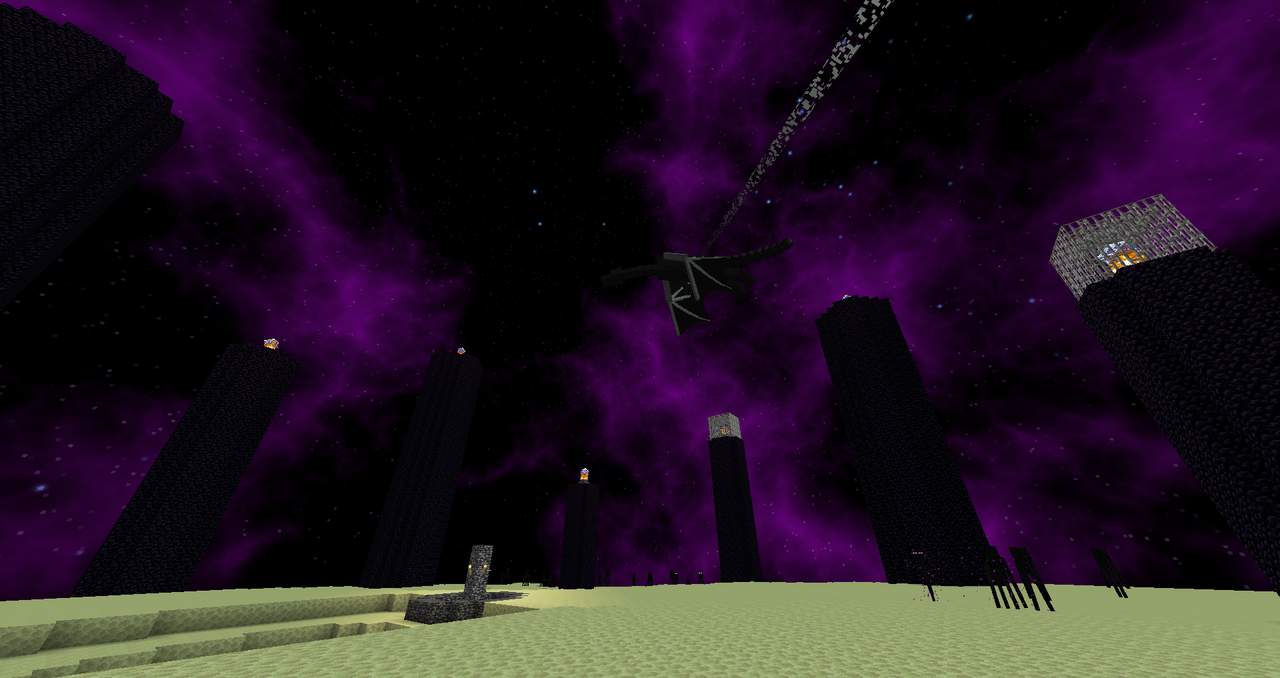
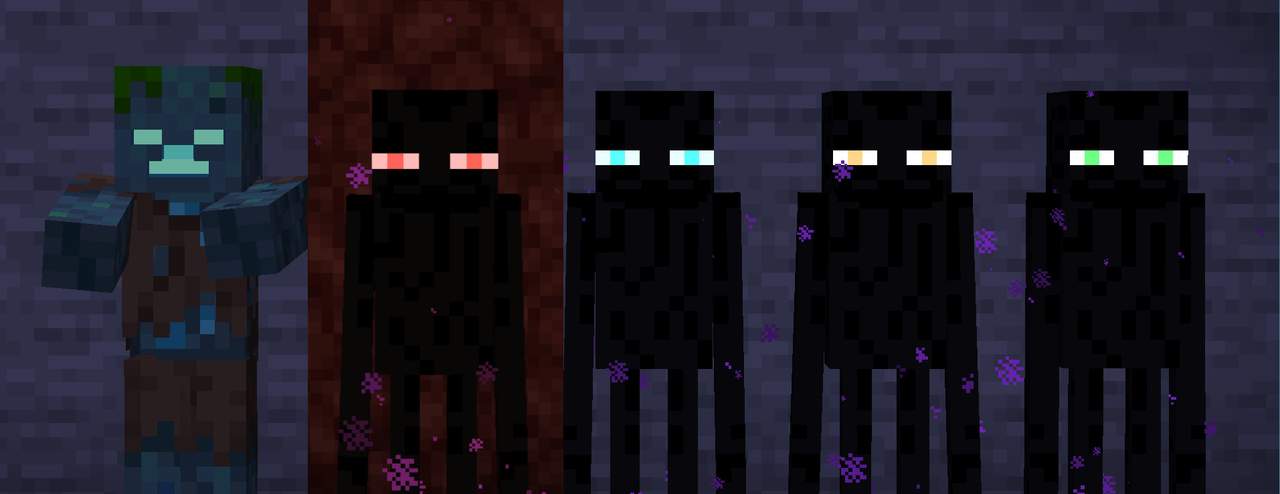
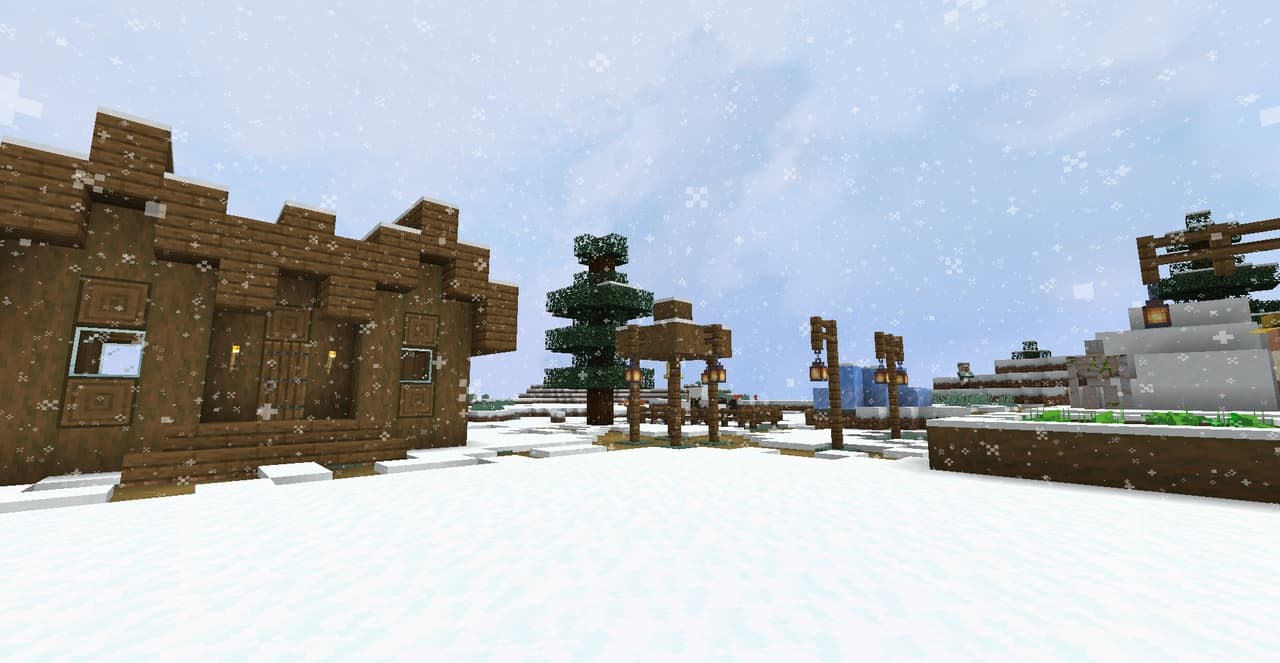
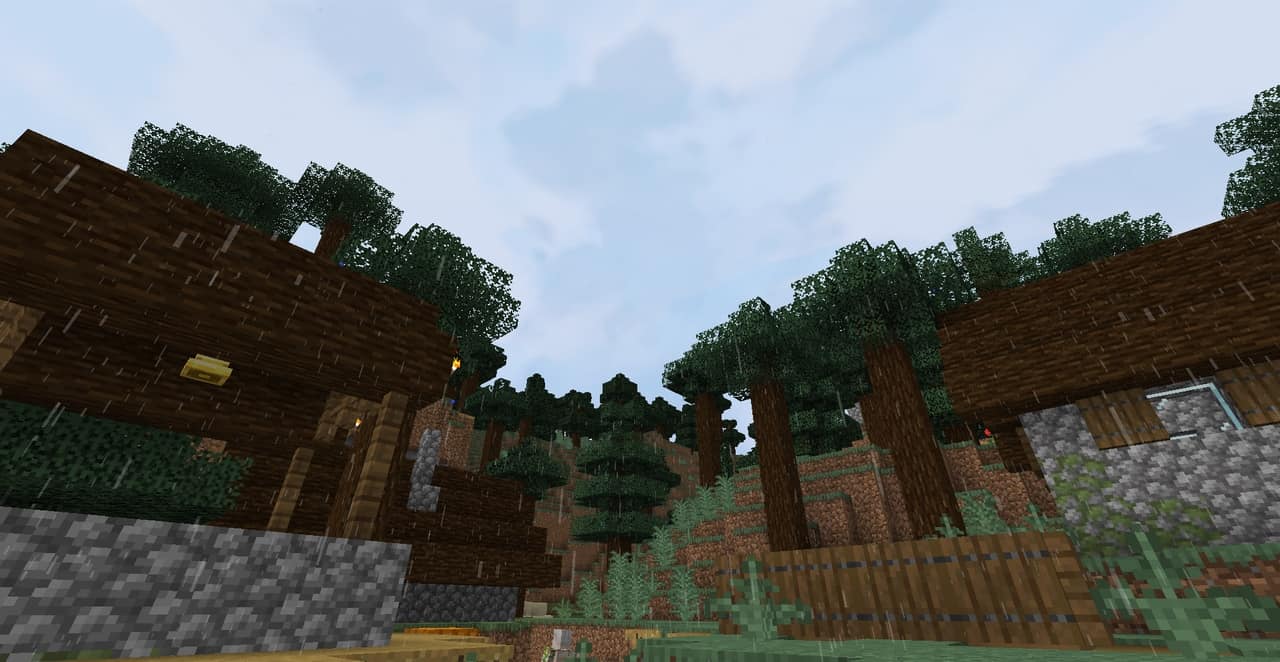

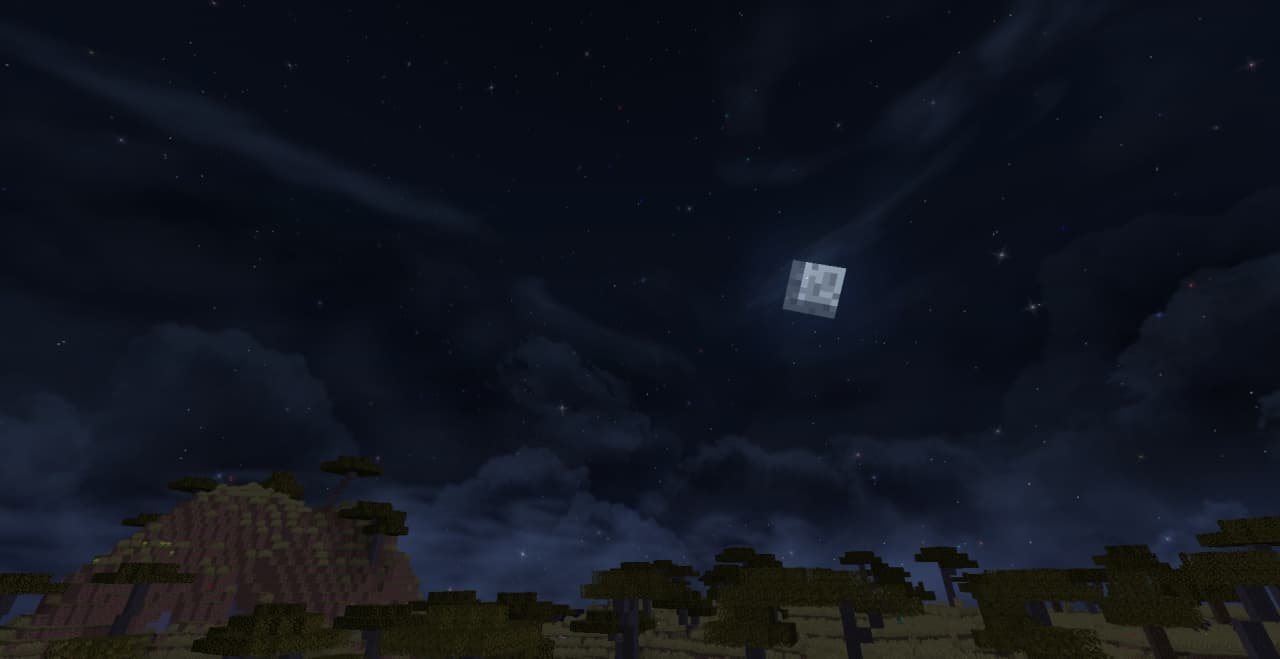

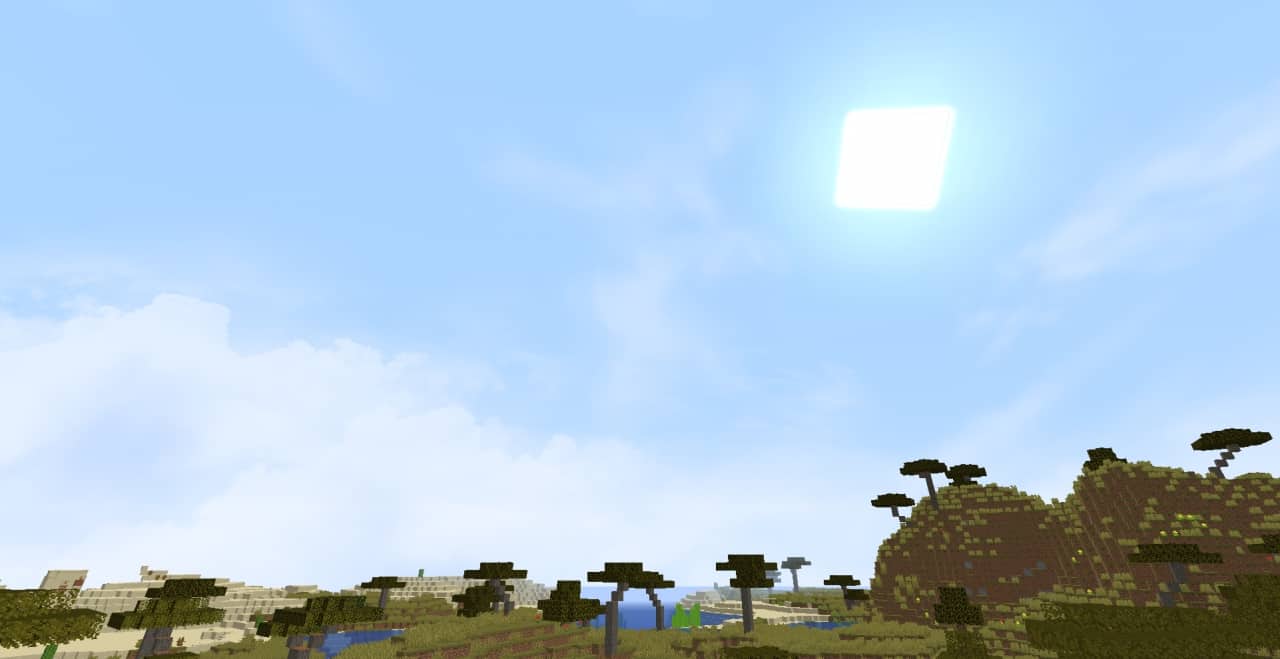
How to install Fancy Skies Resource Pack:
- Most resource packs require Optifine, so be sure to download and install it. – general recommended step for all packs, Optifine is also needed for most shaders
- Download the Fancy Skies texture pack for Minecraft from the download section below. – if there are many different versions, just choose the one you like, is compatible with your version/edition of Minecraft, the one you think your computer can handle in terms of performance.
- Launch the game client through the Minecraft launcher.
- On the main menu, click "Options".
- On the options menu, click "Resource Packs...".
- Click on "Open Resource Pack Folder". – folder titled "resourcepacks" will pop up
- Move the .zip file you downloaded in the first step to the newly opened "resourcepacks" folder.
- Click "Done".
- Click on "Resource Packs..." again.
- Your pack should have appeared in the left window, just hover over it and click on the arrow pointing to the right.
QUICK TIP: Sometimes, when activating a pack, the game may say that the pack is made for a newer or older version of Minecraft. This is just a warning, it does not affect your gameplay in anyway, and you can still activate and enjoy the pack by simply clicking the "Yes" button when prompted.
- Click "Done" again.
- The pack has now been successfully loaded and ready to be used in your world!
Fancy Skies - Comparison Slider #1
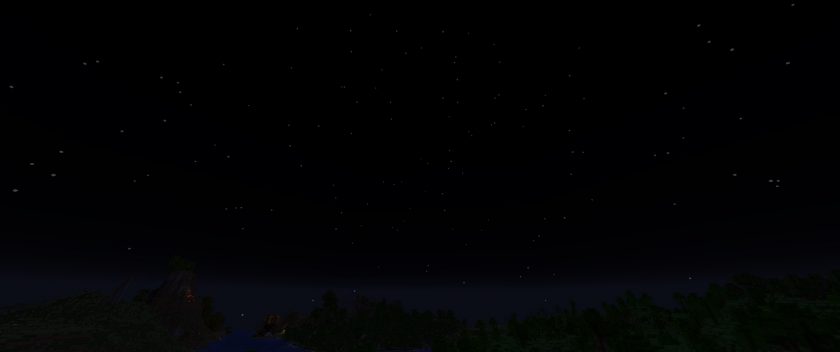
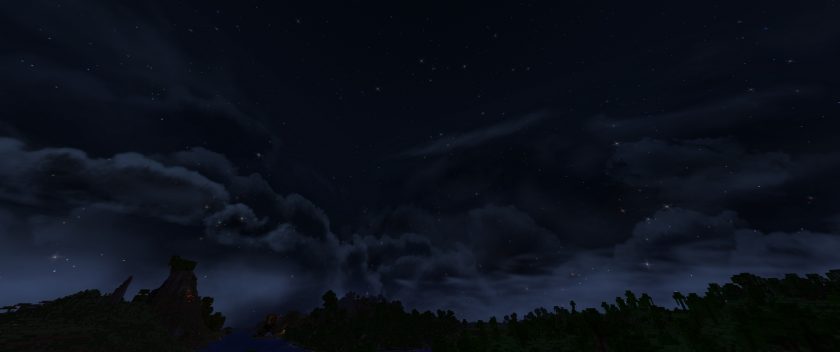
Move slider back and forth to see vanilla Minecraft on the left and the beautiful resource pack on the right. Use the buttons below to see how the pack looks in different situations.
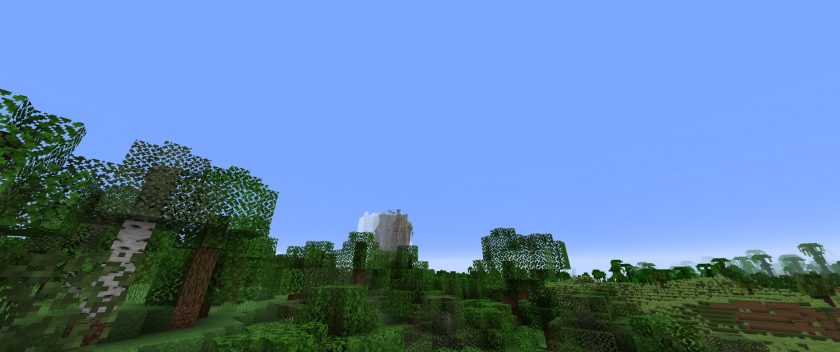 Vanilla
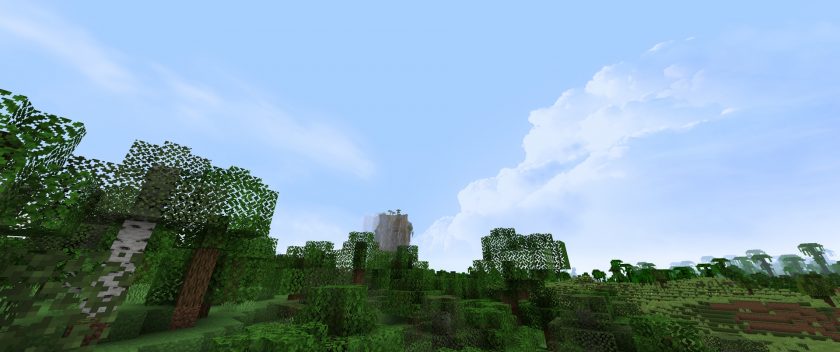 Fancy Skies
Fancy Skies Texture Pack Download
- We do not modify or edit any resource packs. All resource packs, shaders and tools found on this website are linked directly to official sources rather than hosted on our own servers. We provide only the official download links from the original creators to ensure that your files are safe and secure.
- These official links are updated manually and may occasionally stop working when a new version is released. We work hard to keep everything current so that you have a smooth experience. Please let us know in the comments if you find a link that no longer works.
- Minecraft is a trademark of Mojang Studios and has no official connection to this website. Our goal is simply to share the best creations from the community with other players.
- Please consider leaving a comment or voting for your favorite packs. This feedback helps authors improve their projects over time. You can also support the creators directly by visiting the official links located below the download section.
Java Edition:
[16x] [1.21.x – 1.19.x] Download Fancy Skies Resource Pack
[16x] [1.18.x] Download Fancy Skies Resource Pack
[16x] [1.17.x] Download Fancy Skies Resource Pack
[16x] [1.16.x] Download Fancy Skies Resource Pack
[16x] [1.15.x] Download Fancy Skies Resource Pack
[16x] [1.14.x] Download Fancy Skies Resource Pack
Curseforge: download starts automatically after a few seconds;
Mediafire: click the big blue button with the text "DOWNLOAD";
Google Drive: in the top right corner you will see a small download icon (down arrow), click it and the download should start;

105 votes
Look.. 105 users have already liked this pack. Give a diamond if you like it too!



satoruuu
this might just be my pc but the nighttime sky shakes when I move around
Andre Luco
I love it, but everything just disappear when it rains. How can i fix it?
GrettiGno
The resource pack for the 1.21.x give me which for 1.5.x
yarden
good
SpaceRollPlayz
Its so beautiful! I love it!
noname
Looks great, especially at night