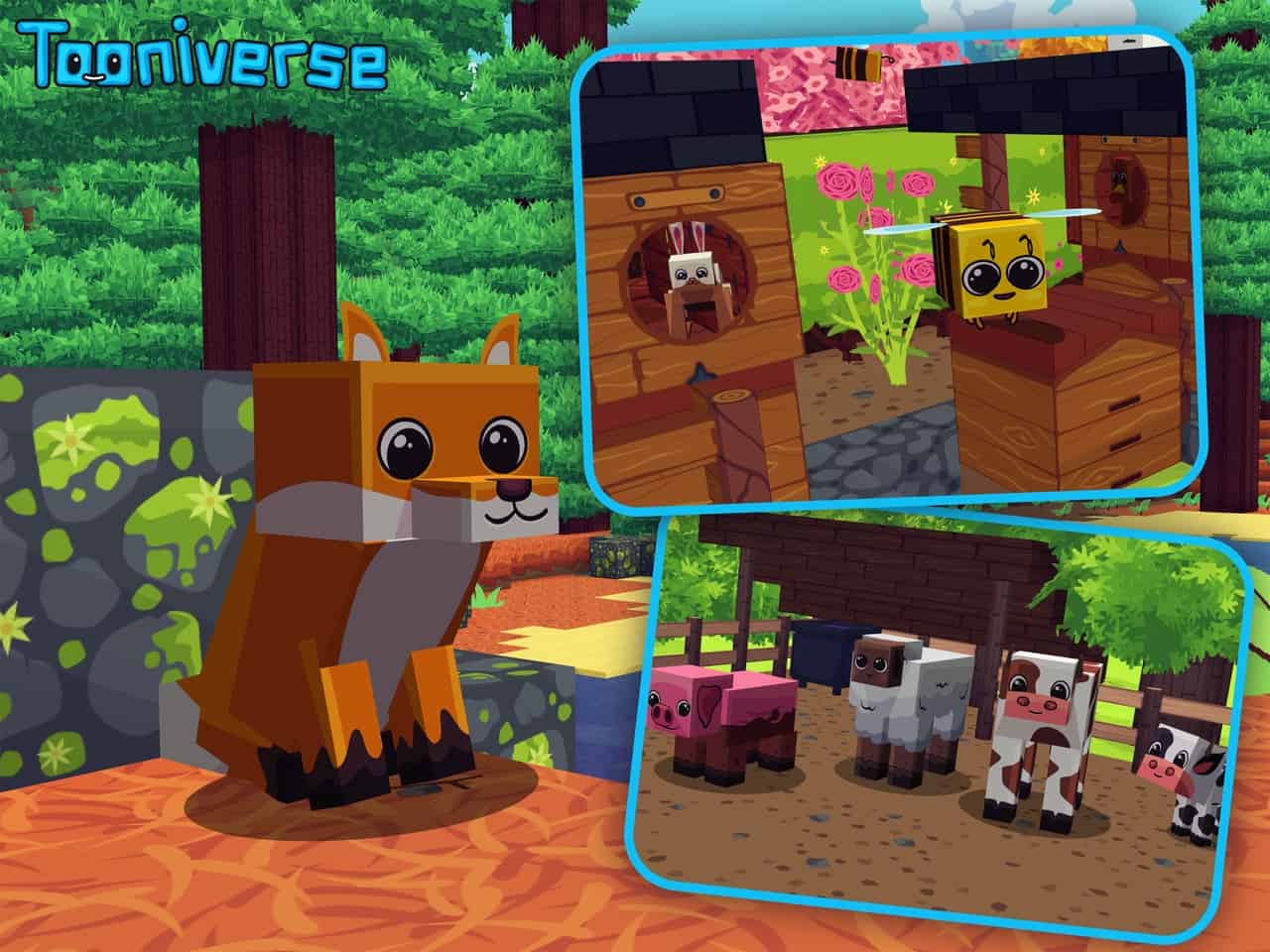
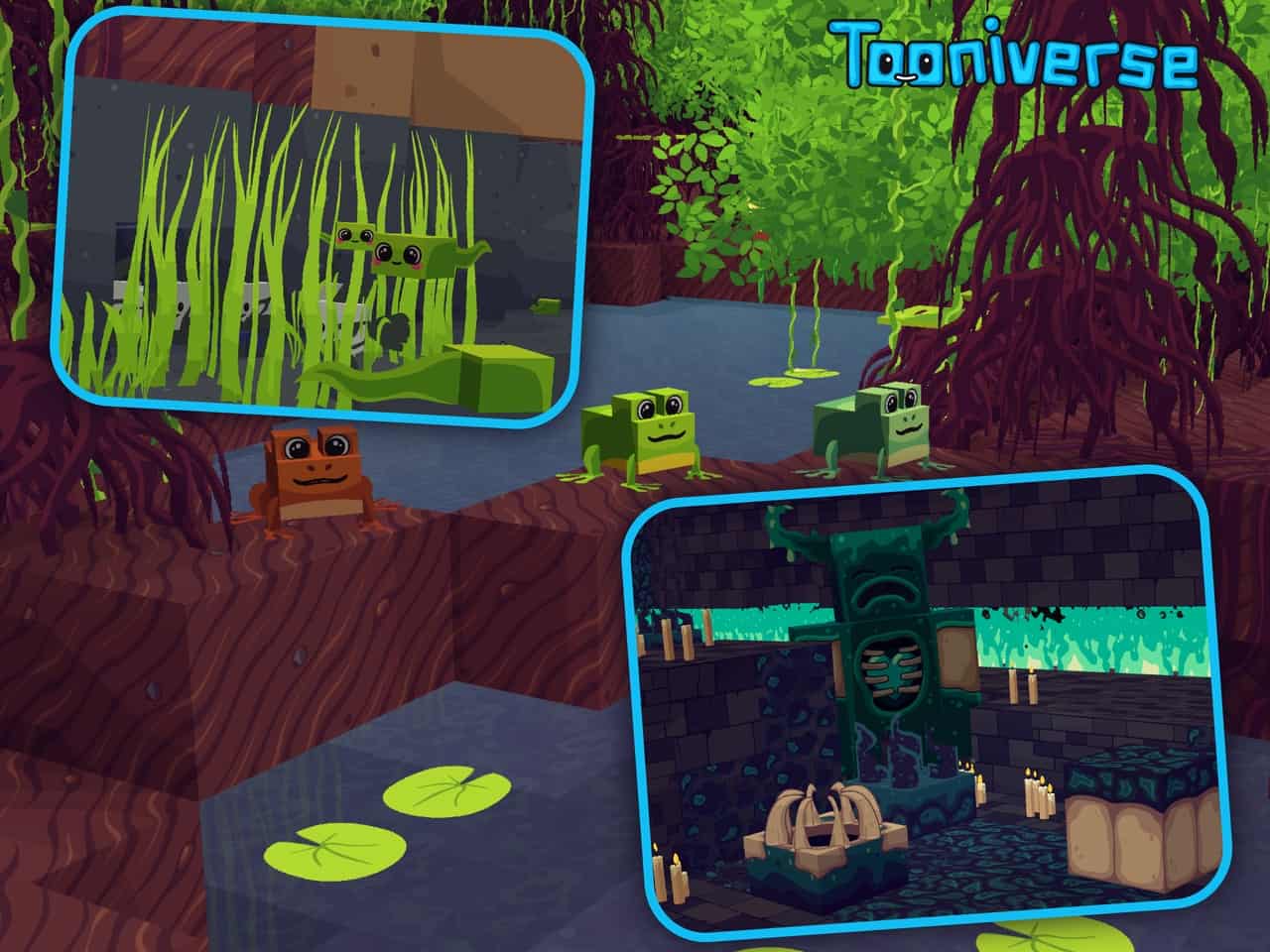
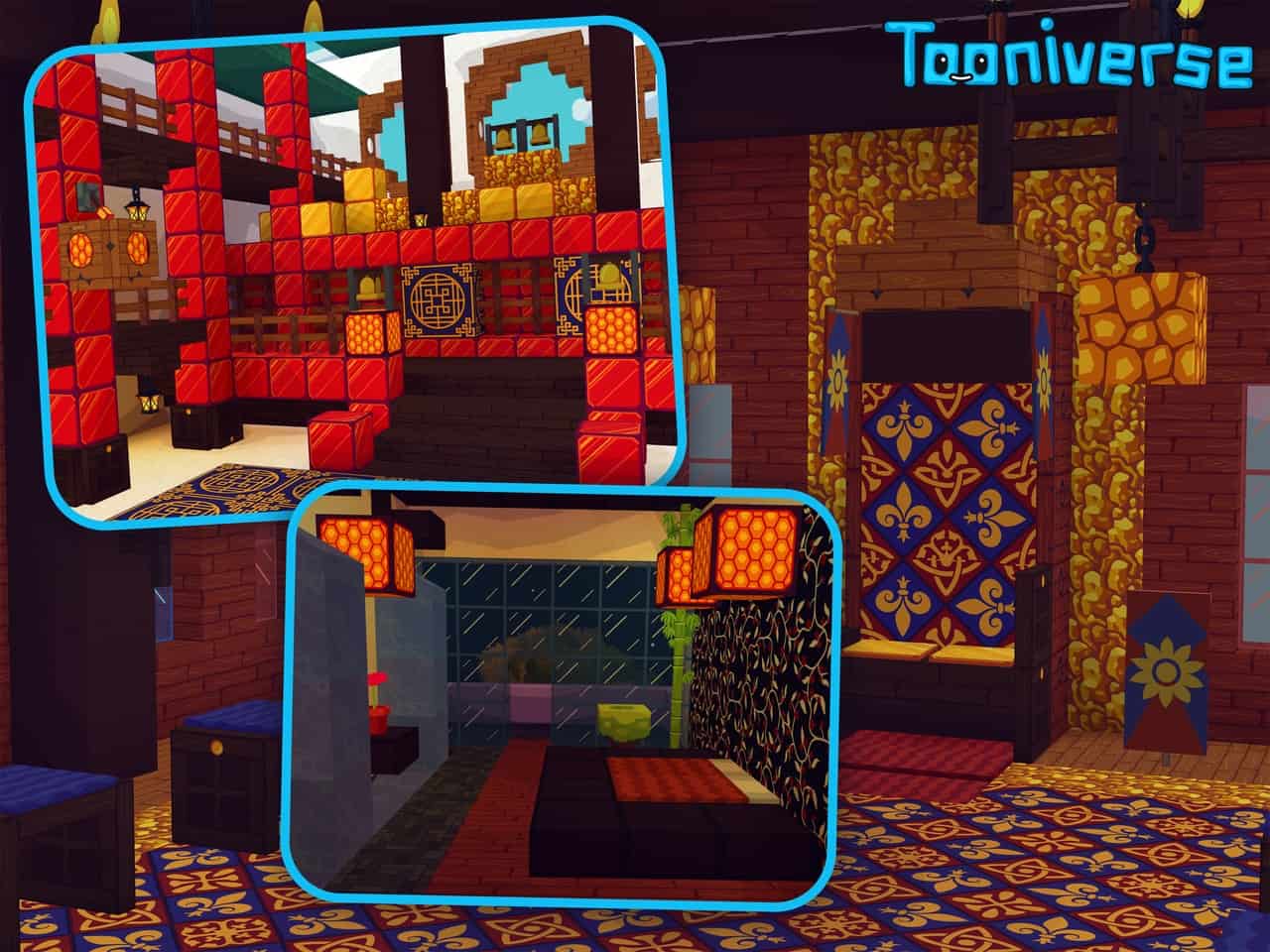
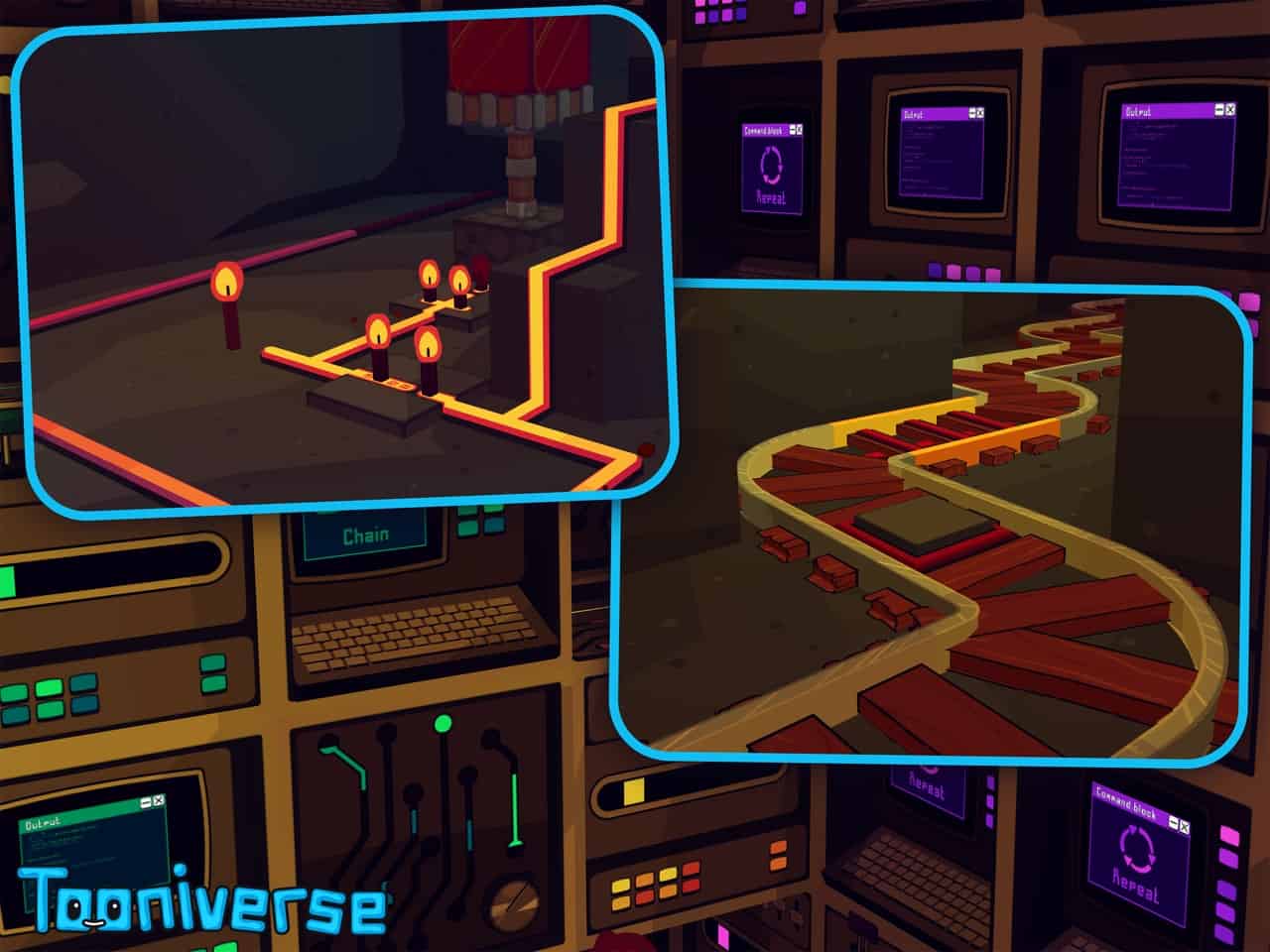
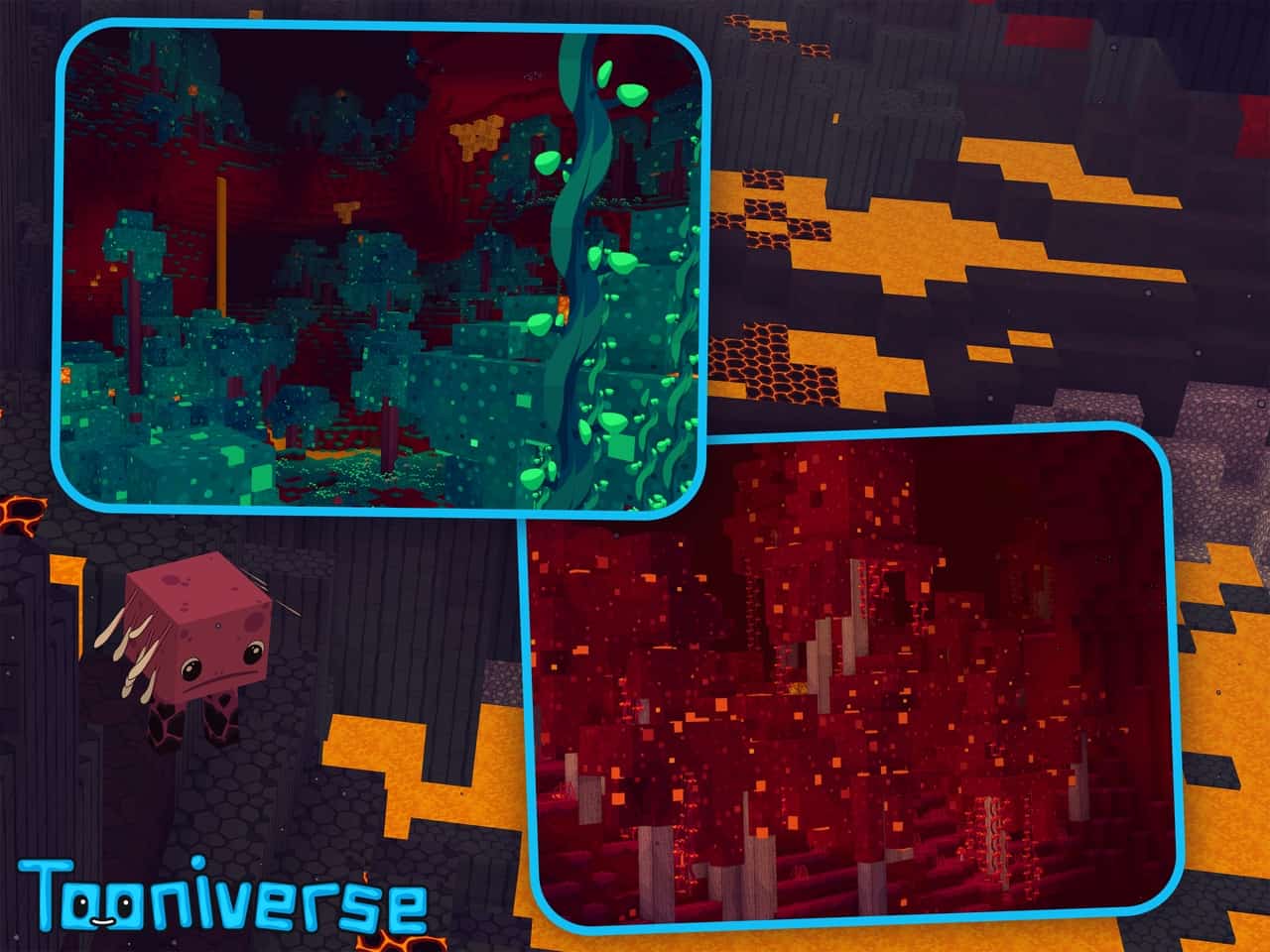
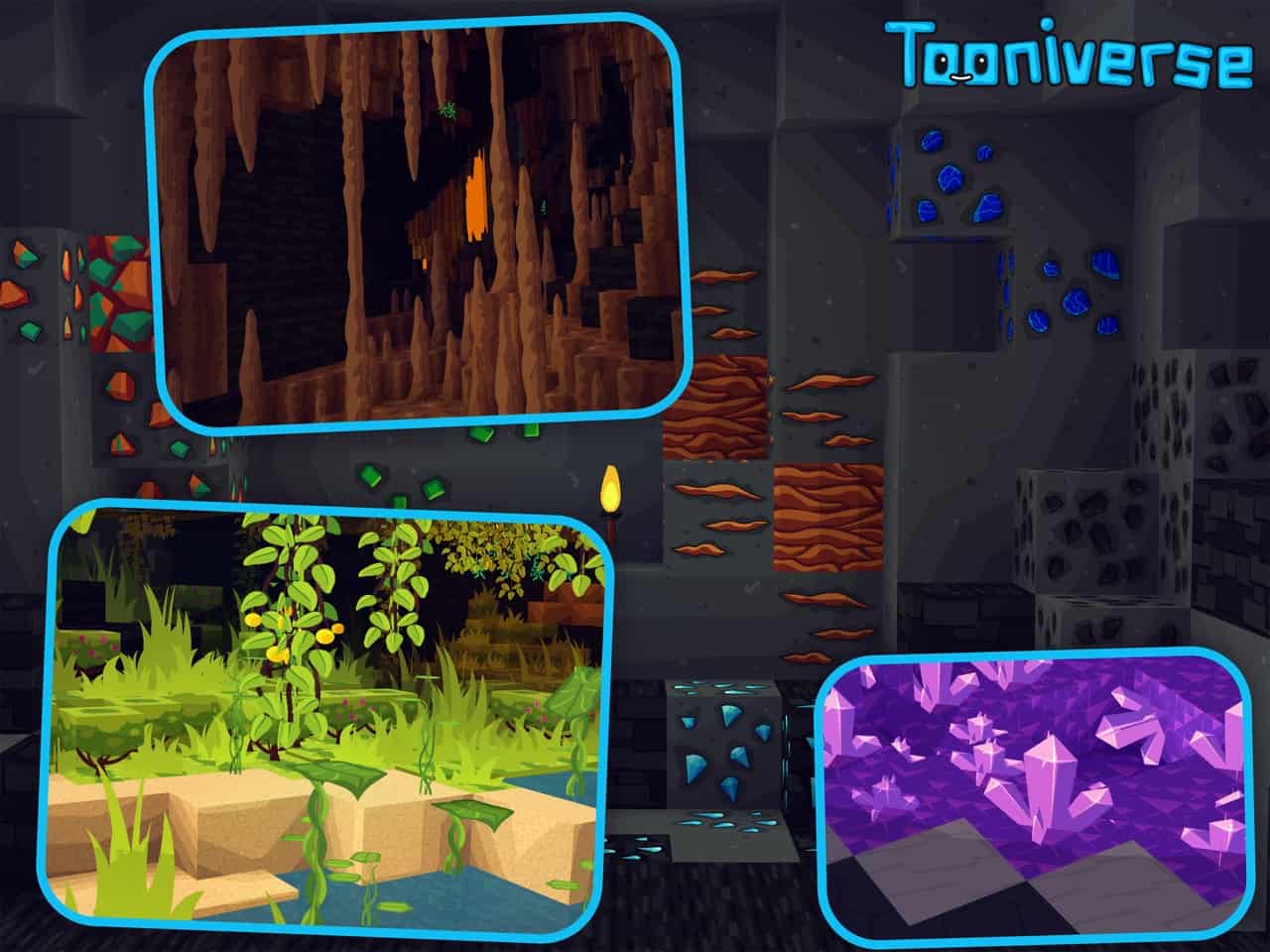
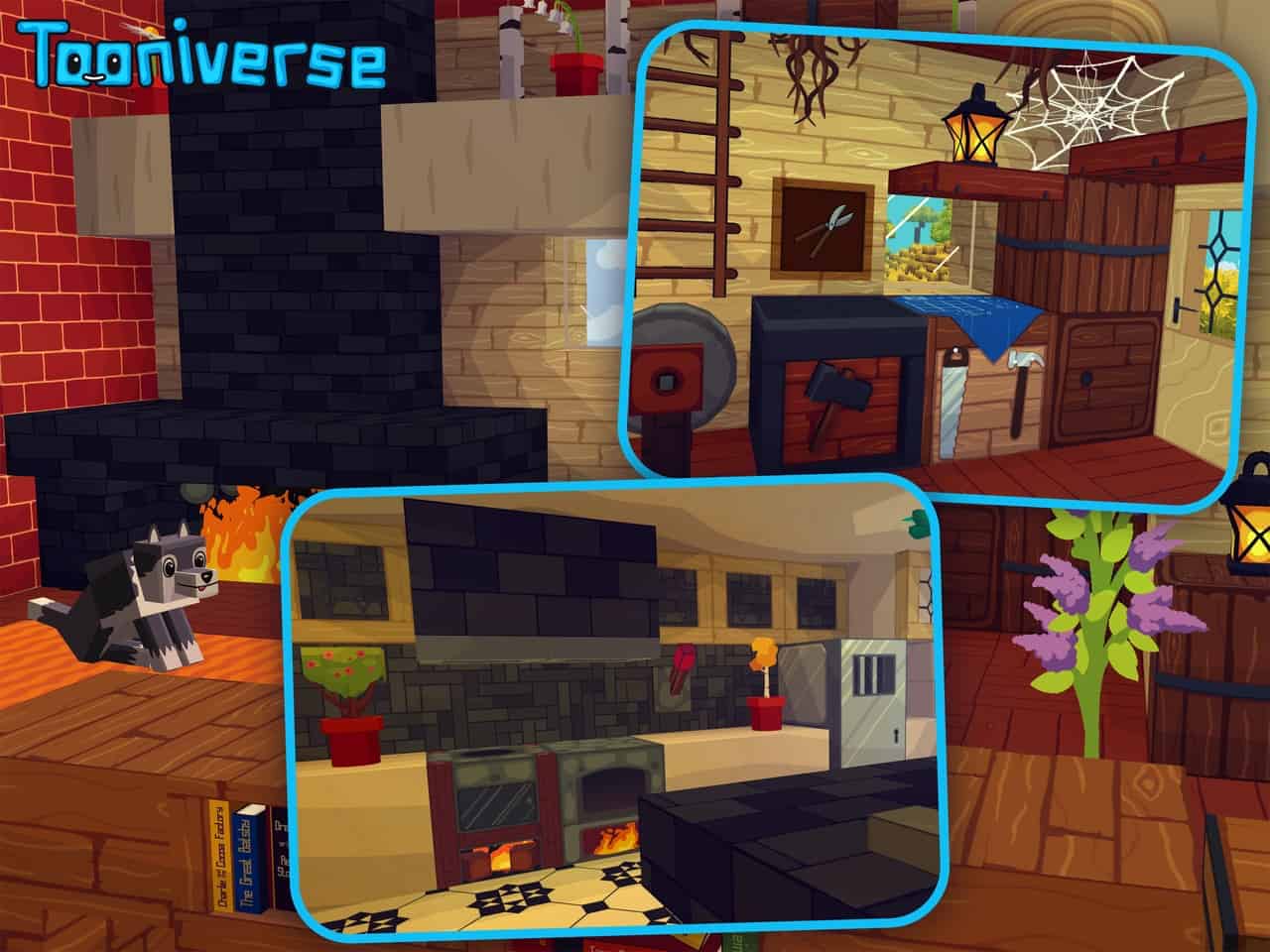
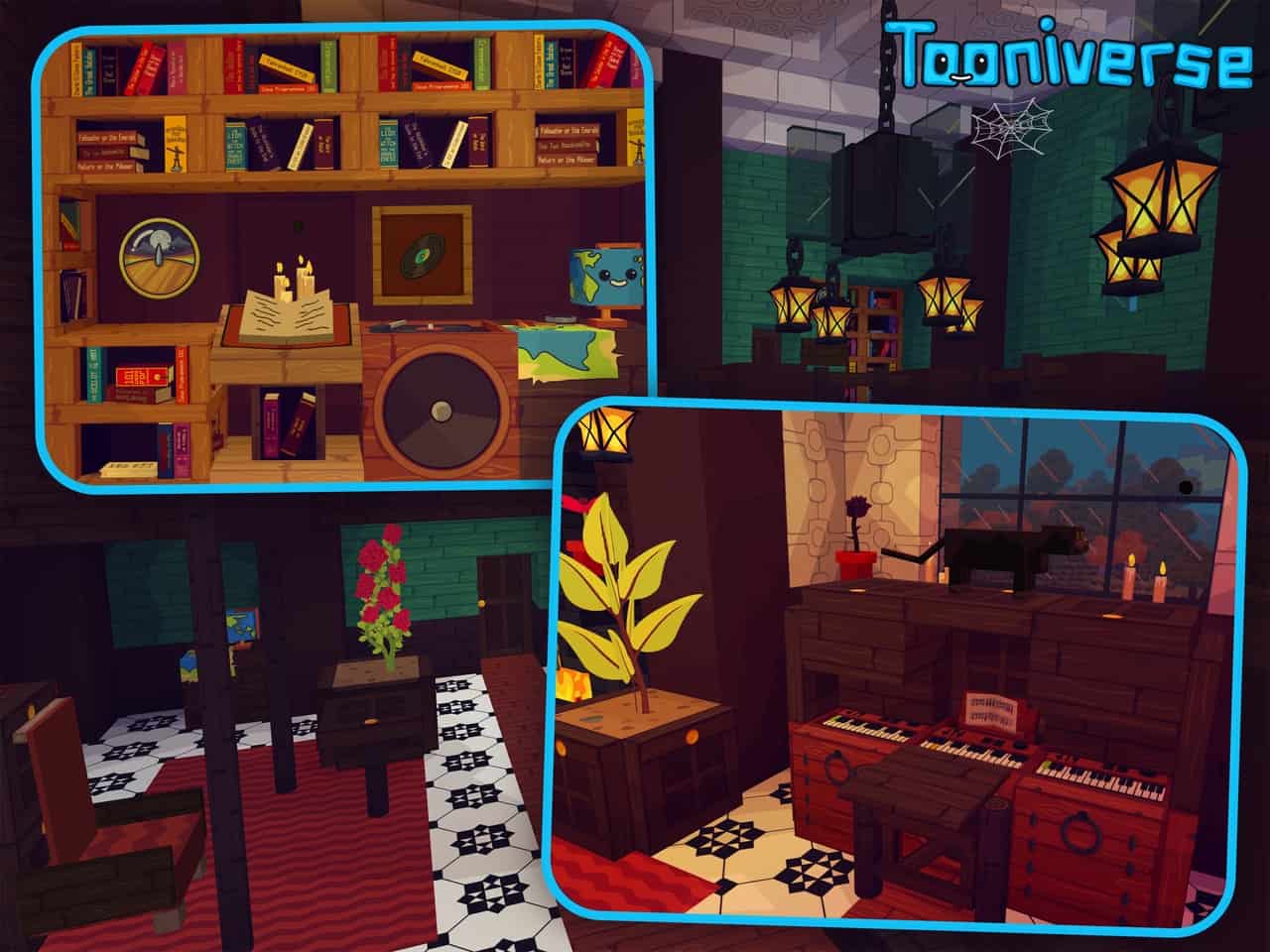
As years passed by, Minecraft went through many quality of life improvements. While most have been focusing on features, visual improvements have been neglected. For everyone, Minecraft is that blocky game that offers constant enjoyment when played. Resource packs have been trying to make Minecraft look better. Each resource pack has its artistic direction and some are more impressive than others. Tooniverse resource pack is one of the many packs that aims to make Minecraft look more cartoonish and add a level of smoothness to the ingame textures. Fortunately, it manages to achieve this goal and with great success. The visuals in the Tooniverse texture pack seem very familiar. They were inspired by the visuals of modern-day cartoons. It introduces solid colors on textures and removes some details. Despite having details removed from certain textures, blocks, mobs, objects, and items in the game have an added level of smoothness. It is now more difficult to distinguish pixels on textures due to the increased texture resolution. The new textures can be truly considered new. It is not just a simple recoloring of textures. New textures have been added for all types of terrain, blocks, ores, trees, leaves, animals, crops, flowers, and more. All these new textures look as if someone hand drew them and colored them manually. To put it simply, Tooniverse makes Minecraft look smooth, with clean textures and with vibrant colors. Even the clouds and the sun and moon have been retexturized to have a cartoonish look.
One aspect that many players will appreciate is the added detail to icons, menu items, and inventory. It looks much smoother and more cartoonish. Icons are less blocky and are considerably more detailed. The cartoonish design of the menu and inventory system complements the visuals in the game. Tooniverse can be considered a premium resource pack due to the amount of work that was invested into it. The resource pack is available for free for players that want to try it but just in 64x resolution. Hidden behind a paywall, Tooniverse also has a 128x and 256x version. Both of them can be accessed on official website. By supporting the developer, players gain access to higher resolutions of the resource pack. This transactions aims to support the developer and incentivizes him to keep updating the resource pack. Official website is where players gain access to the latest version first, see previews of upcoming updates, and can interact with the developer to suggest future improvements. The Tooniverse resource pack in its 64x version runs well even on older systems. Due to its simple textures and optimized visuals, the resource pack is not a resource hog. Adding a shader will lead to a framerate drop. The 128x and 256x versions are more demanding in terms of resources. In the latest update, the developer added several fixes to the resource pack to make it compatible with more mods such as shaders. Before jumping on official page to support the developer and gain access to the higher resolution version, it is recommended to first try the free 64x version to check the game performance.
Tooniverse should be compatible with all of these Minecraft versions: 1.21.11 - 1.21.10 - 1.21.9 - 1.21.8 - 1.21.7 - 1.21.6 - 1.21.5 - 1.21.4 - 1.21.3 - 1.21.2 - 1.21.1 - 1.21 - 1.20.6 - 1.20.5 - 1.20.4 - 1.20.3 - 1.20.2 - 1.20.1 - 1.20 - 1.19.4 - 1.19.3 - 1.19.2 - 1.19.1 - 1.19 - 1.18.2 - 1.18.1 - 1.18 - 1.17.1 - 1.17
Tooniverse — Video & Screenshots


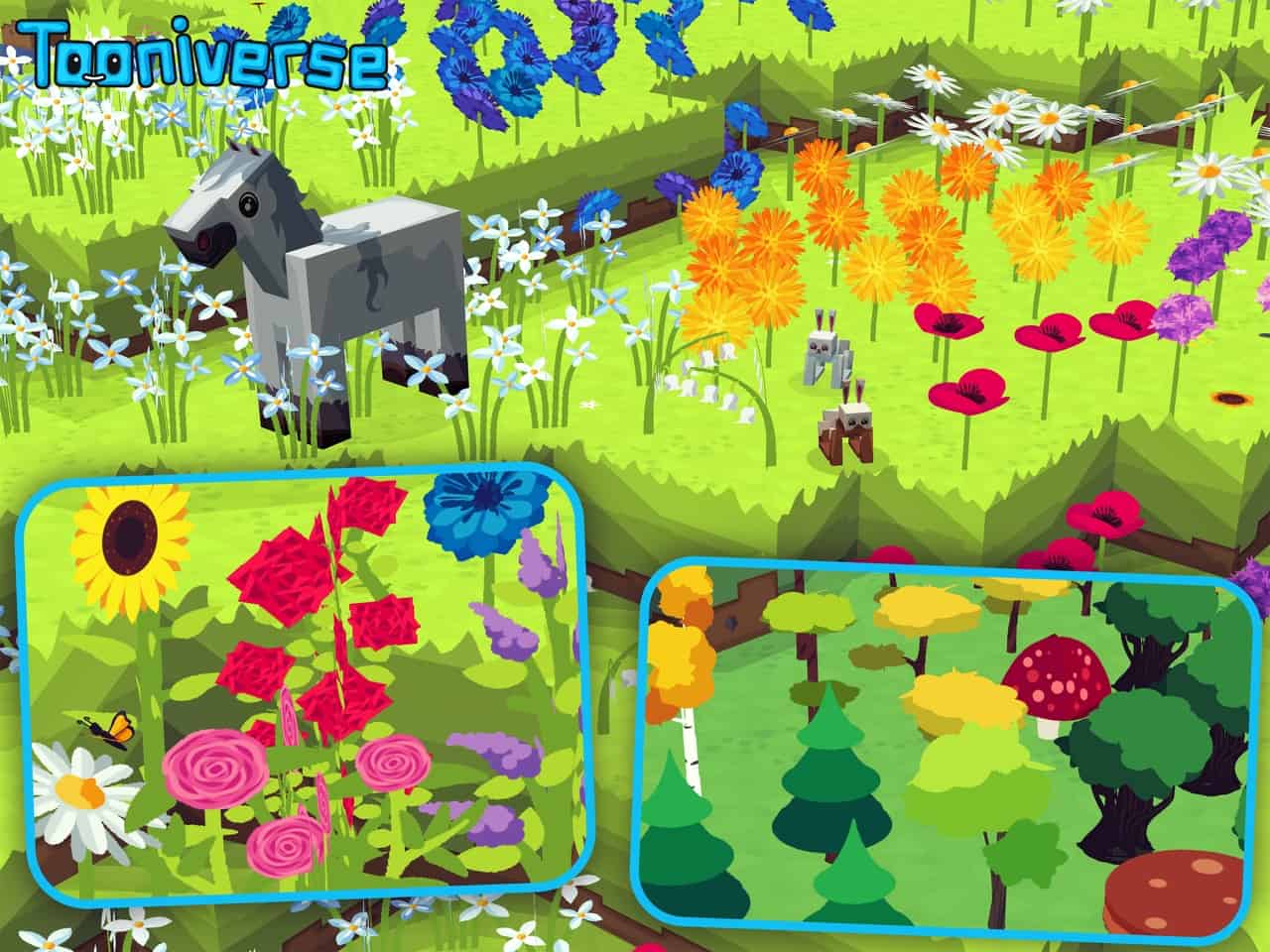
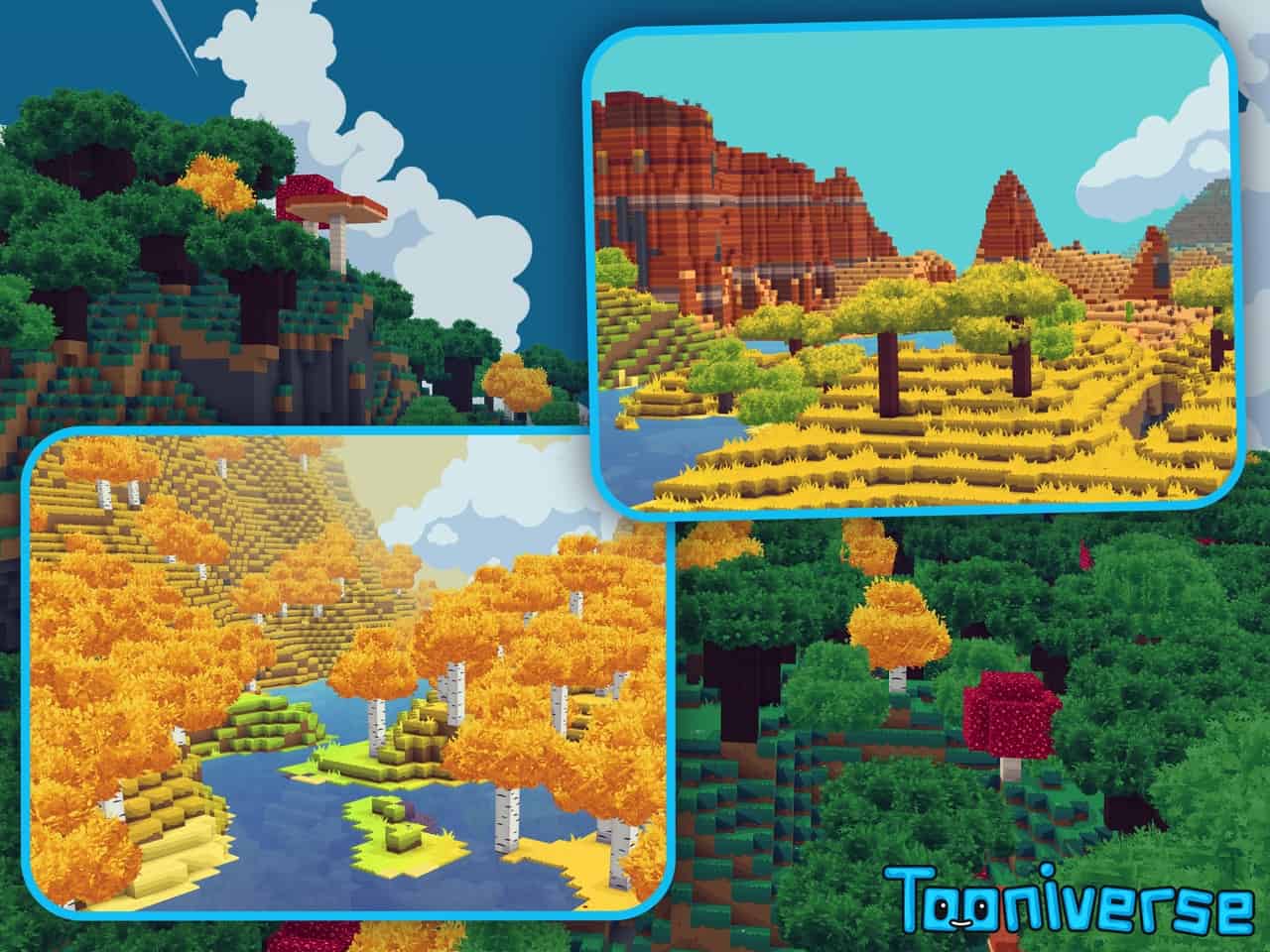
How to install Tooniverse Resource Pack:
- Most resource packs require Optifine, so be sure to download and install it. – general recommended step for all packs, Optifine is also needed for most shaders
- Download the Tooniverse texture pack for Minecraft from the download section below. – if there are many different versions, just choose the one you like, is compatible with your version/edition of Minecraft, the one you think your computer can handle in terms of performance.
- Launch the game client through the Minecraft launcher.
- On the main menu, click "Options".
- On the options menu, click "Resource Packs...".
- Click on "Open Resource Pack Folder". – folder titled "resourcepacks" will pop up
- Move the .zip file you downloaded in the first step to the newly opened "resourcepacks" folder.
- Click "Done".
- Click on "Resource Packs..." again.
- Your pack should have appeared in the left window, just hover over it and click on the arrow pointing to the right.
QUICK TIP: Sometimes, when activating a pack, the game may say that the pack is made for a newer or older version of Minecraft. This is just a warning, it does not affect your gameplay in anyway, and you can still activate and enjoy the pack by simply clicking the "Yes" button when prompted.
- Click "Done" again.
- The pack has now been successfully loaded and ready to be used in your world!
Tooniverse Texture Pack Download
- We do not modify or edit any resource packs. All resource packs, shaders and tools found on this website are linked directly to official sources rather than hosted on our own servers. We provide only the official download links from the original creators to ensure that your files are safe and secure.
- These official links are updated manually and may occasionally stop working when a new version is released. We work hard to keep everything current so that you have a smooth experience. Please let us know in the comments if you find a link that no longer works.
- Minecraft is a trademark of Mojang Studios and has no official connection to this website. Our goal is simply to share the best creations from the community with other players.
- Please consider leaving a comment or voting for your favorite packs. This feedback helps authors improve their projects over time. You can also support the creators directly by visiting the official links located below the download section.
Java Edition (32x):
[32x] [1.21.x] Download Tooniverse Resource Pack
[32x] [1.20.6 – 1.20] Download Tooniverse Resource Pack
Java Edition (64x):
[64x] [1.21.x] Download Tooniverse Resource Pack
Java Edition (128x):
[128x] [1.21.x] Download Tooniverse Resource Pack
Java Edition (256x):
[256x] [1.21.x] Download Tooniverse Resource Pack;
[256x] [1.20.6 – 1.20.2] Download Tooniverse Resource Pack
[256x] [1.20.1 – 1.20] Download Tooniverse Resource Pack
Add-ons (Java Edition):
Curseforge: download starts automatically after a few seconds;
Mediafire: click the big blue button with the text "DOWNLOAD";
Google Drive: in the top right corner you will see a small download icon (down arrow), click it and the download should start;

318 votes
Look.. 318 users have already liked this pack. Give a diamond if you like it too!



Mihail
‘Only x64 is free’ — * sees all links * — * they all download *
._.
Well this pack is very cute. I really like it! ^^ I know there are a real lot of textures included, for just how MANY modern Minecraft has. I kinda wanna port it to Minecraft 1.2.5 tbh, for personal use ofc. Even though it’s not ‘faithful’ or something I actually looked for, still good! Perhaps I don’t see actual authors here…
Admin
It became completely free a while ago, but this article was written before that transition. We will update the article to reflect these changes as soon as we can.
Harry
I didn’t know where else to put this so I’m just saying it here: on the Super Strider (128x) version of the pack, the armour trims are not “toony”, also, a few random things here and there are not toony either. I’m not sure whether the rest of the resolutions have this problem as well, but I expect so. Also, one more thing, there are three different updates of the texture pack, but the newest and oldest ones have a lot of things different from them, just wondering what the “correct” one is. That’s all I found, I hope you can fix these things soon
Tooniverse User
Hello, the armour trims need to be made toony. Also, some of the villagers heads are missing.
Damien
Everything’s good but the animals didn’t change at all
cyber
same for me sadly….
Moera
same here :(. the rest is really coot tho
derek`
The animals are not toony ;(
Turcu
Getting an error when trying to select the free version
konspirancyjnywąchaczpałidup
I’ll download it because it’s cool, but I’ll never use it
Chico
Is there any way that you can make a version where the leaves aren’t as bushy, it makes building with leaves a little ugly, but overall I love all the other textures
Morzilah
Got the same question !
Marissa
MAKE IT 1.12.2 NOW
SUPER CUTE!
tikali
pack is cool, the only i dont like are the trees
naitik athri
This pack is very good